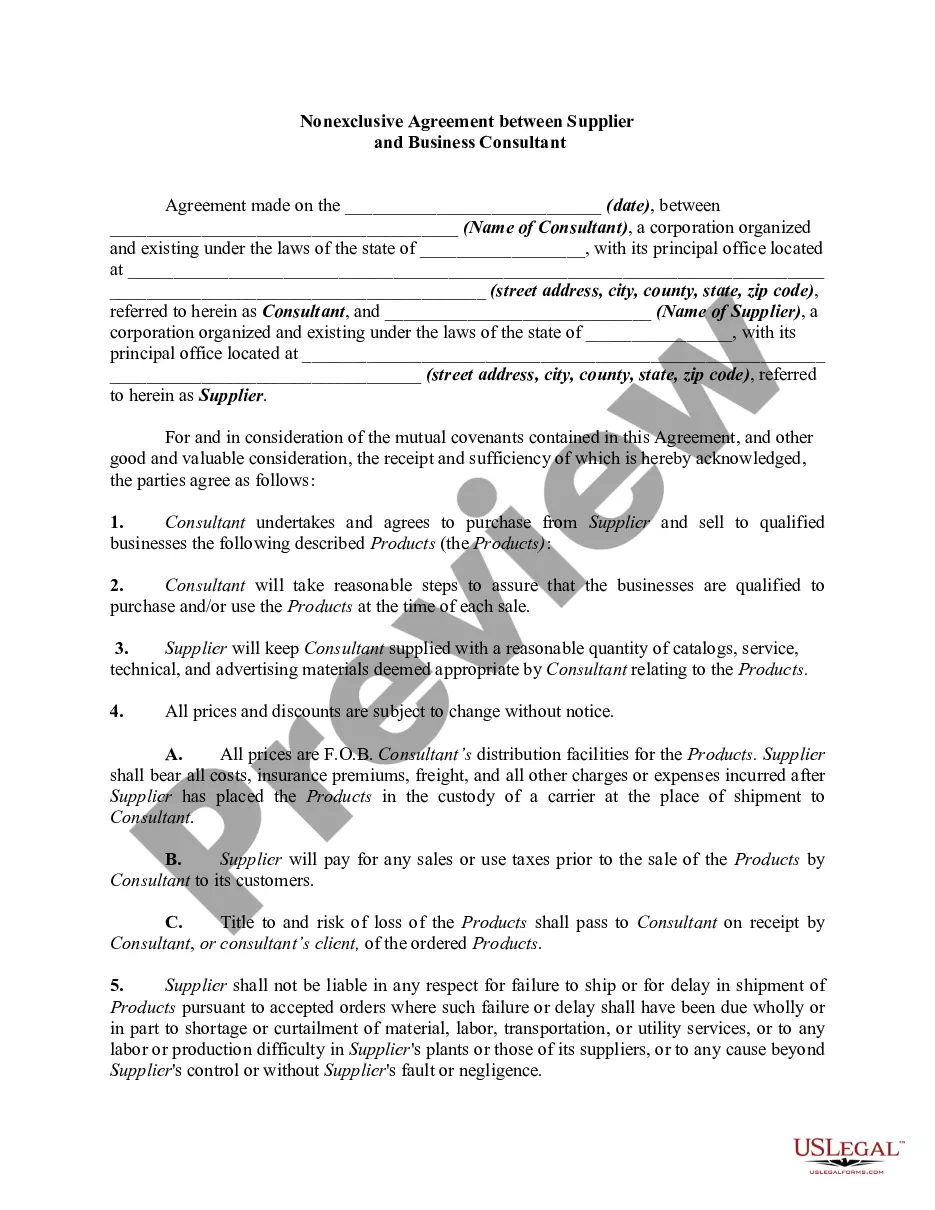
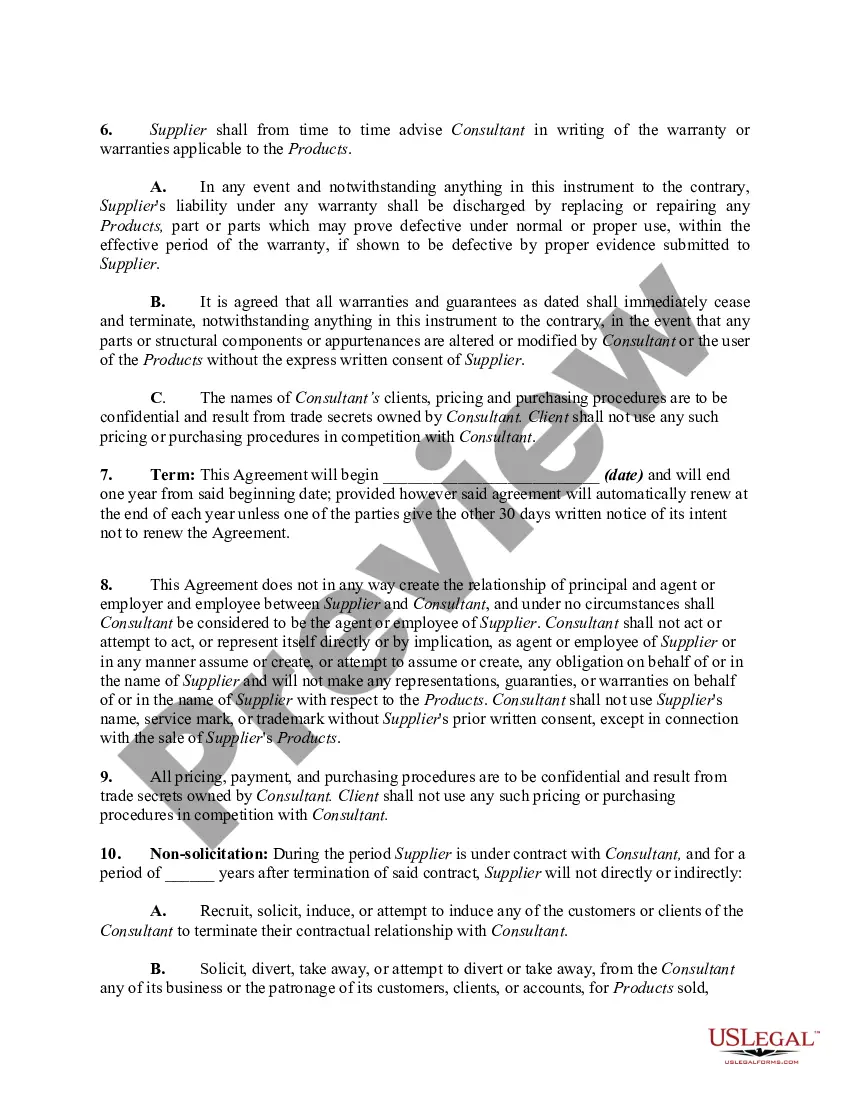
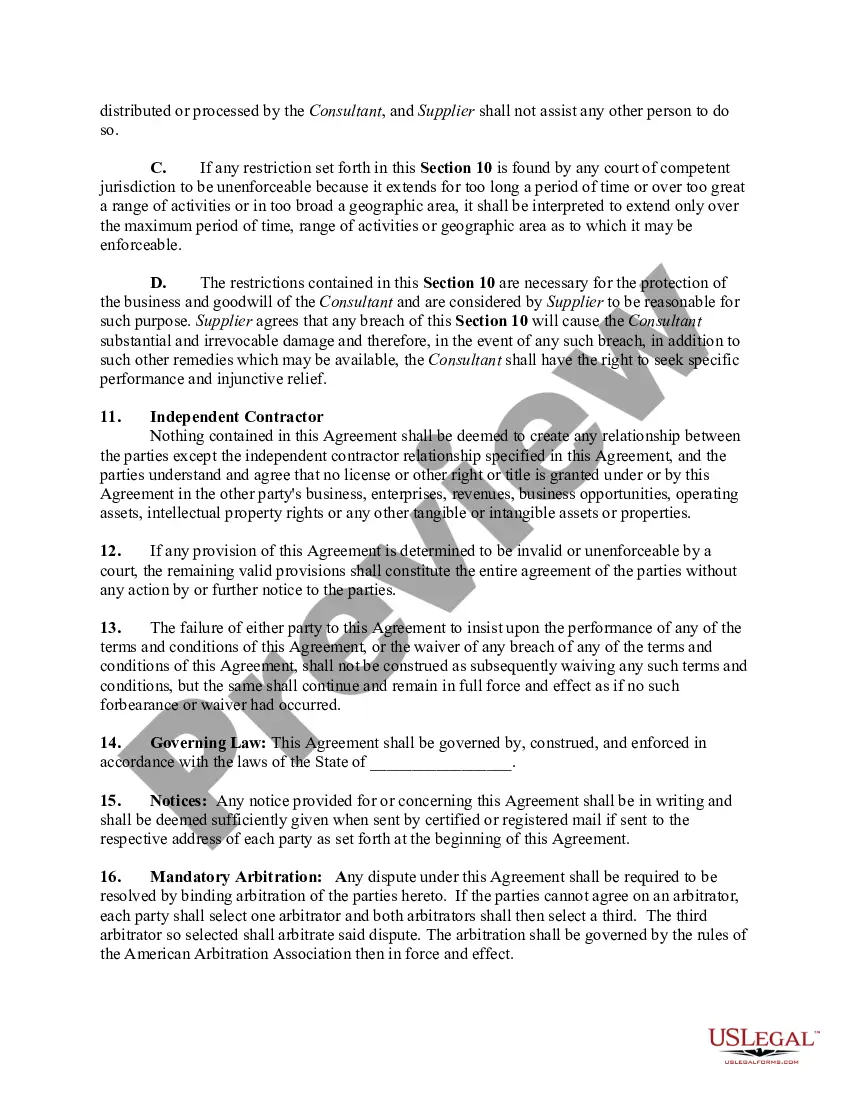
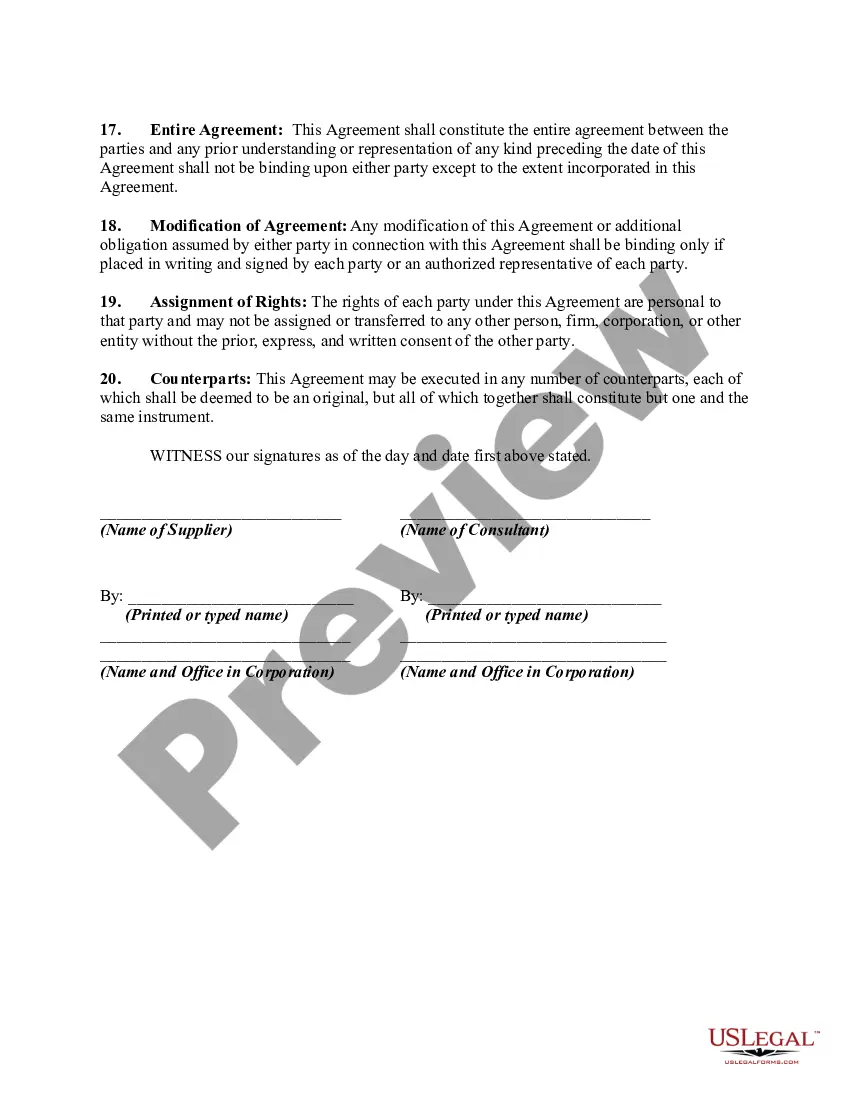
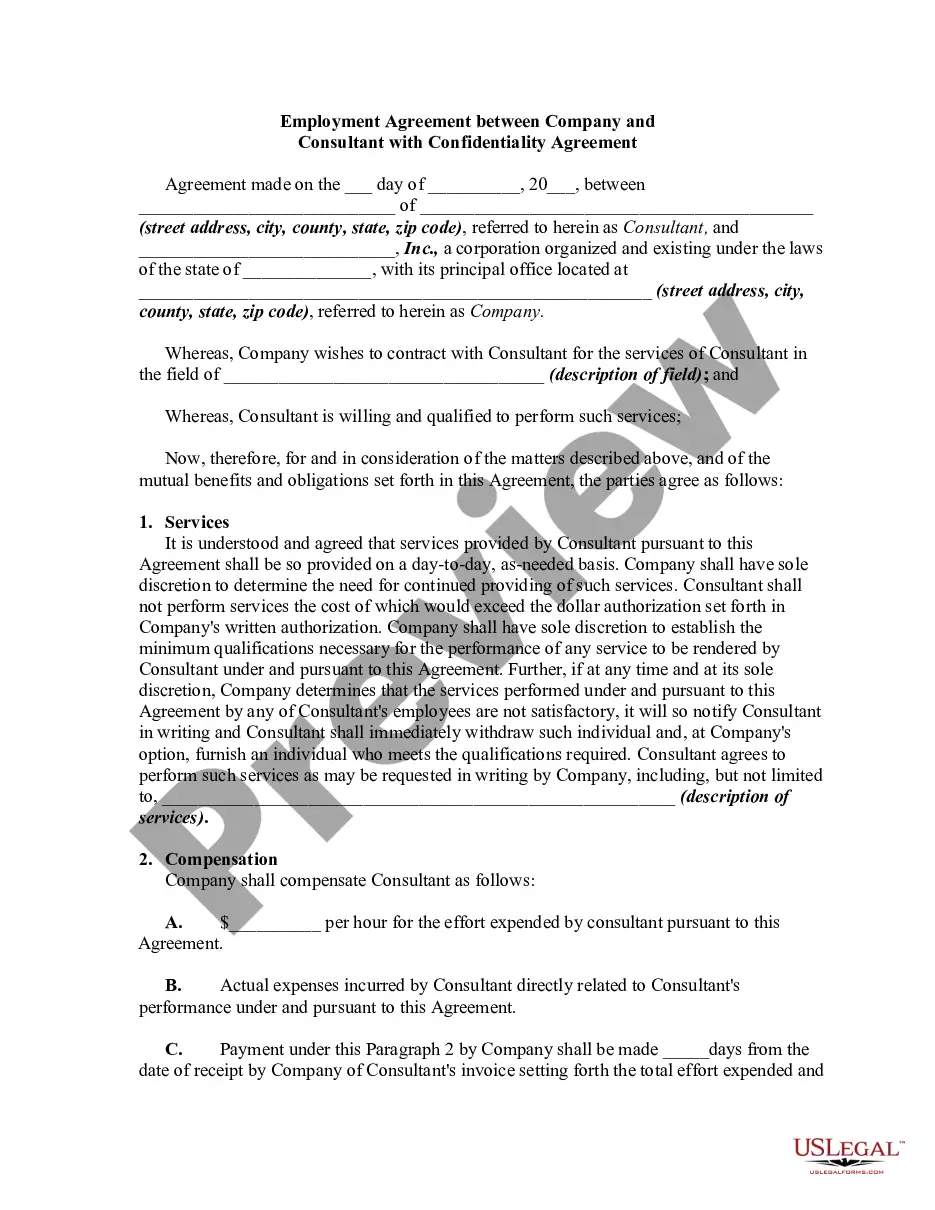
In this form the consultant is acting as a purchasing consultant/agent regarding supplies for consultant's clients. This form is a generic example that may be referred to when preparing such a form for your particular state. It is for illustrative purposes only. Local laws should be consulted to determine any specific requirements for such a form in a particular jurisdiction.
Michigan Nonexclusive Agreement between Supplier and Business Consultant
Instant download
Description
Free preview
Get your form ready online
Our built-in tools help you complete, sign, share, and store your documents in one place.
Built-in online Word editor
Make edits, fill in missing information, and update formatting in US Legal Forms—just like you would in MS Word.
Export easily
Download a copy, print it, send it by email, or mail it via USPS—whatever works best for your next step.
E-sign your document
Sign and collect signatures with our SignNow integration. Send to multiple recipients, set reminders, and more. Go Premium to unlock E-Sign.
Notarize online 24/7
If this form requires notarization, complete it online through a secure video call—no need to meet a notary in person or wait for an appointment.
Store your document securely
We protect your documents and personal data by following strict security and privacy standards.

Make edits, fill in missing information, and update formatting in US Legal Forms—just like you would in MS Word.

Download a copy, print it, send it by email, or mail it via USPS—whatever works best for your next step.

Sign and collect signatures with our SignNow integration. Send to multiple recipients, set reminders, and more. Go Premium to unlock E-Sign.

If this form requires notarization, complete it online through a secure video call—no need to meet a notary in person or wait for an appointment.

We protect your documents and personal data by following strict security and privacy standards.
Looking for another form?






How to fill out Nonexclusive Agreement Between Supplier And Business Consultant?
US Legal Forms - one of the largest collections of legal documents in the United States - offers a variety of legal form templates that you can download or create.
By using the website, you can access thousands of forms for both business and personal use, organized by categories, states, or keywords. You can find the latest versions of forms such as the Michigan Nonexclusive Agreement between Supplier and Business Consultant in just moments.
If you already have a monthly subscription, Log In and retrieve the Michigan Nonexclusive Agreement between Supplier and Business Consultant from the US Legal Forms library. The Download button will appear on every form you view. You can access all previously acquired forms within the My documents tab of your account.
Make edits. Fill out, modify, and print or sign the acquired Michigan Nonexclusive Agreement between Supplier and Business Consultant.
Each template added to your account has no expiration date and is yours indefinitely. So, if you wish to download or print another copy, simply go to the My documents section and click on the form you need.
- If it's your first time using US Legal Forms, here are simple steps to get started.
- Ensure you have selected the correct form for your city/state. Click the Review button to examine the form's content. Look at the form description to confirm that you've chosen the appropriate form.
- If the form doesn't meet your needs, use the Search area at the top of the screen to find one that does.
- If you are pleased with the form, confirm your choice by clicking the Buy now button. Then, choose the pricing plan you want and provide your details to register for the account.
- Complete the transaction. Use your credit card or PayPal account to finalize the purchase.
- Select the format and download the form to your device.
Form popularity
FAQ
Non-compete agreements can be enforceable in Michigan, but their effectiveness depends on specific circumstances and terms. Courts will generally uphold a non-compete if it protects legitimate business interests and does not overly restrict an individual’s ability to earn a living. Therefore, when considering a Michigan Nonexclusive Agreement between Supplier and Business Consultant, make sure to craft your agreements carefully to increase their chance of enforcement.
In Michigan, a contract becomes legally binding if it includes an offer, acceptance, and consideration, along with the legal capacity of the parties involved. The terms must also be clear enough to allow for enforcement. When you draft a Michigan Nonexclusive Agreement between Supplier and Business Consultant, adhere to these principles to ensure your contract stands strong in a legal setting.
The enforceability of non-solicitation agreements in Michigan largely depends on their reasonableness and context. Courts will evaluate whether the agreement protects legitimate business interests without imposing undue restrictions on individuals. For a Michigan Nonexclusive Agreement between Supplier and Business Consultant, precise language and clear terms can significantly enhance enforceability.
Several factors can void a non-solicitation agreement in Michigan. If the agreement is overly broad, restrictive, or lacks consideration, a court may find it unenforceable. Additionally, if the agreement interferes with public policy, such as restraining a person’s right to work, it could be declared void. Hence, when drafting a Michigan Nonexclusive Agreement between Supplier and Business Consultant, ensure clarity and fairness.
Yes, a non-solicitation agreement is generally enforceable in Michigan, provided it meets specific requirements. The Michigan Nonexclusive Agreement between Supplier and Business Consultant can include clauses that prevent a business consultant from soliciting the supplier's clients or employees. It's important to ensure that the terms are reasonable in scope and duration to increase their enforceability.
Yes, a non-compete agreement can be enforceable in Michigan, but certain conditions must be met. The agreement must be reasonable in terms of duration, geographic scope, and the activities it restricts. Within a Michigan Nonexclusive Agreement between Supplier and Business Consultant, this enforceability is essential for protecting business interests while enabling consultants to maintain their careers.
The agreement between the provider and the client is typically called a service agreement or consulting contract. This document outlines the terms of the relationship, including responsibilities, compensation, and timelines. Specifically, a Michigan Nonexclusive Agreement between Supplier and Business Consultant can serve as a foundational contract for such arrangements, ensuring clarity for both parties.
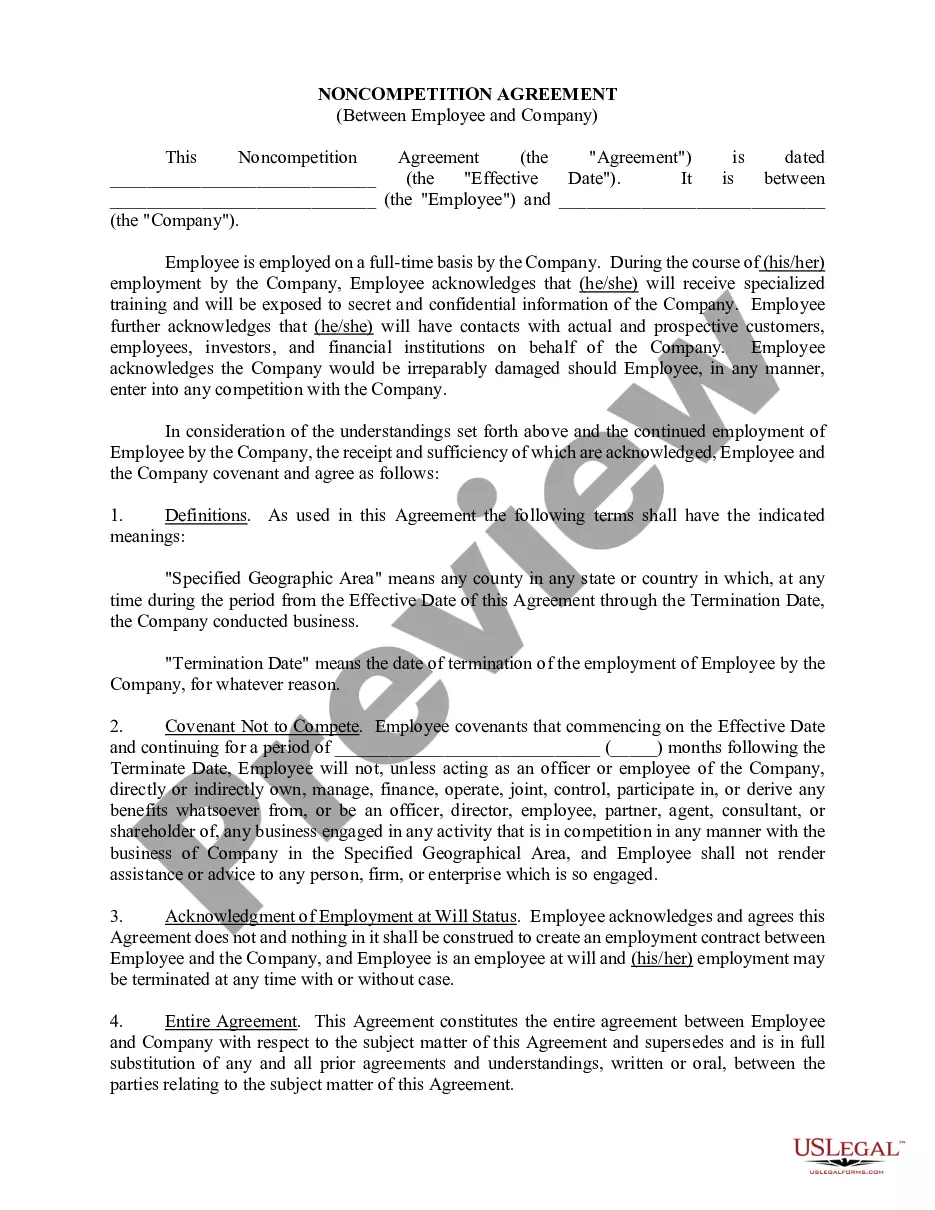
compete clause in a consulting agreement restricts a consultant from working with competitors for a specified time after the contract ends. This clause aims to protect sensitive business information and prevent conflicts of interest. In the context of a Michigan Nonexclusive Agreement between Supplier and Business Consultant, this clause ensures that business consultants remain dedicated to their respective suppliers without directly competing.
A contract is a specific agreement between parties that outlines particular terms and conditions. In contrast, a Master Service Agreement (MSA) provides a broader framework that governs future contracts between those same parties. The Michigan Nonexclusive Agreement between Supplier and Business Consultant typically falls under the purview of either a contract or an MSA, depending on how you wish to structure your collaboration. Understanding these distinctions helps ensure clarity and alignment in your business relationships.
A nonexclusive consultancy allows a business consultant to work with multiple clients simultaneously. This arrangement is beneficial for both the consultant and the businesses involved, as it promotes flexibility and diverse opportunities. Specifically, in a Michigan Nonexclusive Agreement between Supplier and Business Consultant, the terms outline the roles and responsibilities without restricting the consultant from engaging with other suppliers. This can enhance innovation and lead to better solutions for your business needs.