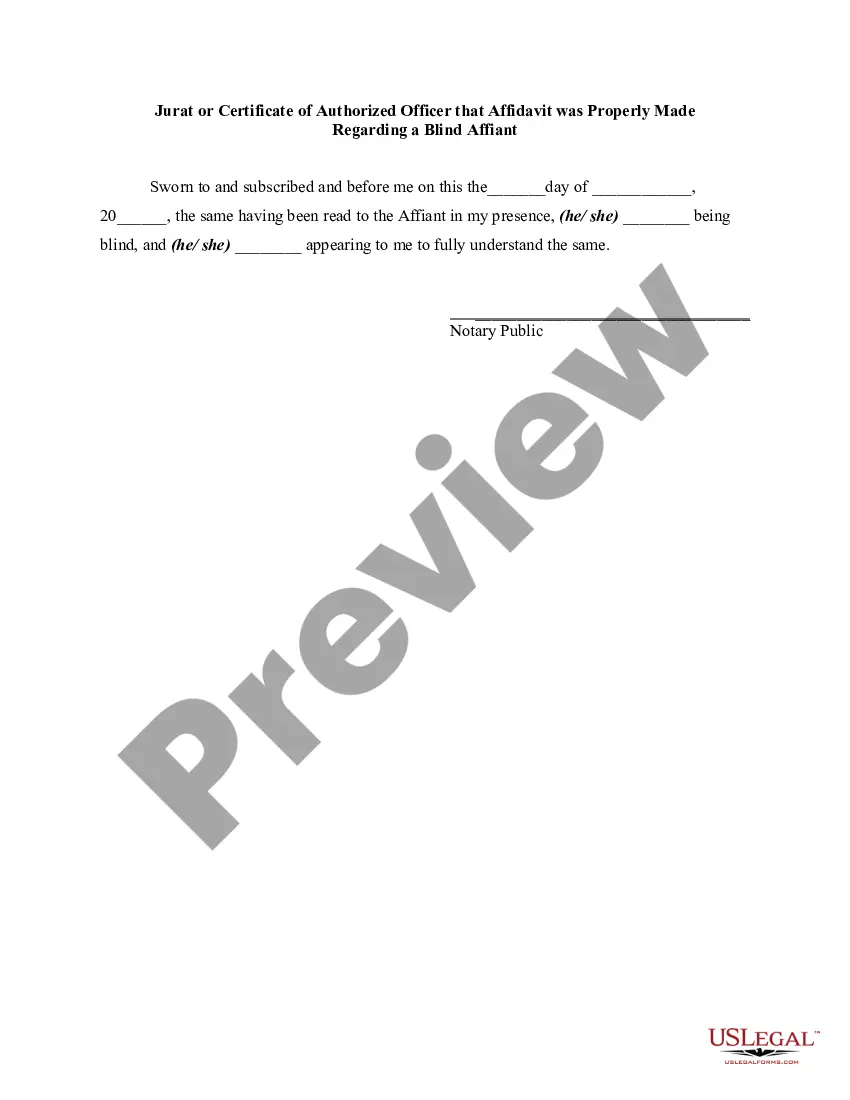
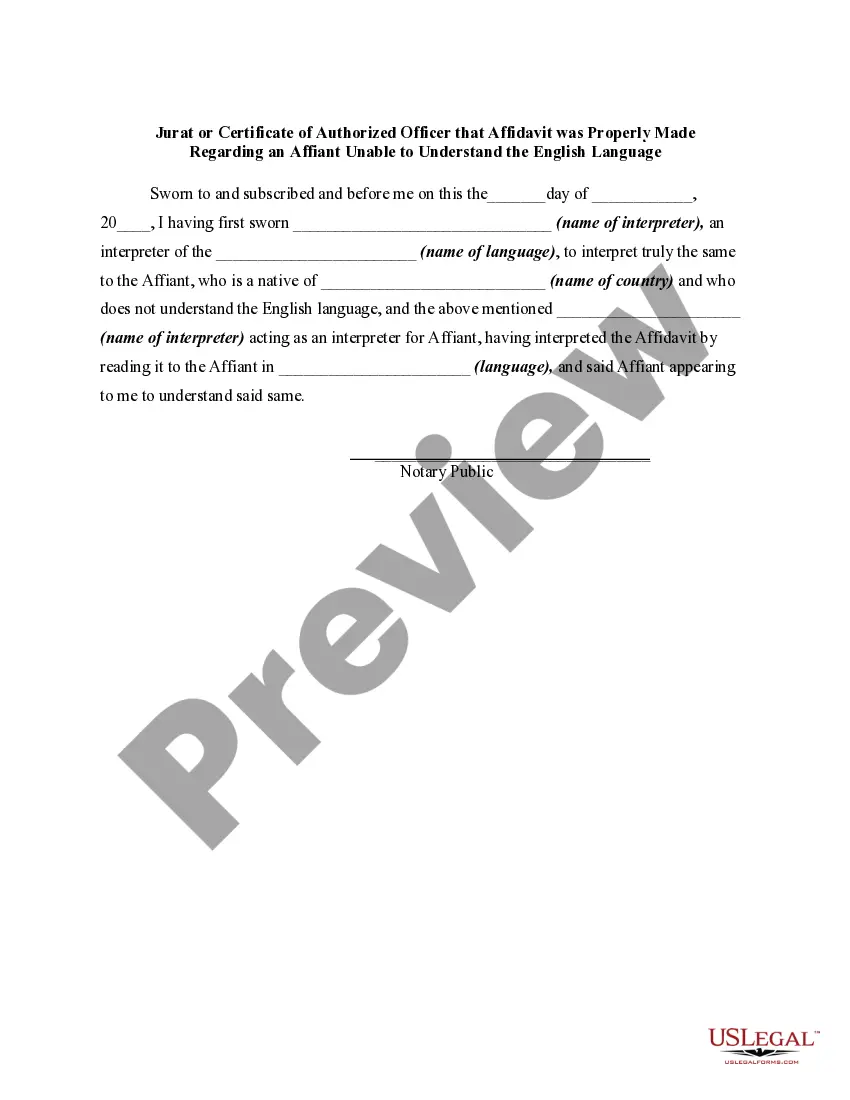
Michigan Jurat or Certificate of Authorized Officer that Affidavit was Properly Made Regarding a Blind Affiant
Description

How to fill out Jurat Or Certificate Of Authorized Officer That Affidavit Was Properly Made Regarding A Blind Affiant?
If you wish to obtain, procure, or produce legitimate document templates, utilize US Legal Forms, the most extensive collection of legal forms available online.
Take advantage of the site's straightforward and convenient search to find the documents you require. Various templates for business and personal purposes are categorized by types and jurisdictions, or keywords.
Employ US Legal Forms to locate the Michigan Jurat or Certificate of Authorized Officer that Affidavit was Properly Made Regarding a Blind Affiant with just a few clicks.
Step 5. Process the transaction. You can use your credit card or PayPal account to complete the transaction.
Step 6. Select the format of the legal form and download it to your system. Step 7. Complete, modify, and print or sign the Michigan Jurat or Certificate of Authorized Officer that Affidavit was Properly Made Regarding a Blind Affiant.
- If you are already a US Legal Forms user, Log In to your account and click the Download button to find the Michigan Jurat or Certificate of Authorized Officer that Affidavit was Properly Made Regarding a Blind Affiant.
- You can also access forms you previously acquired within the My documents tab of your account.
- If you are using US Legal Forms for the first time, follow the steps below.
- Step 1. Ensure you have selected the form for your specific city/state.
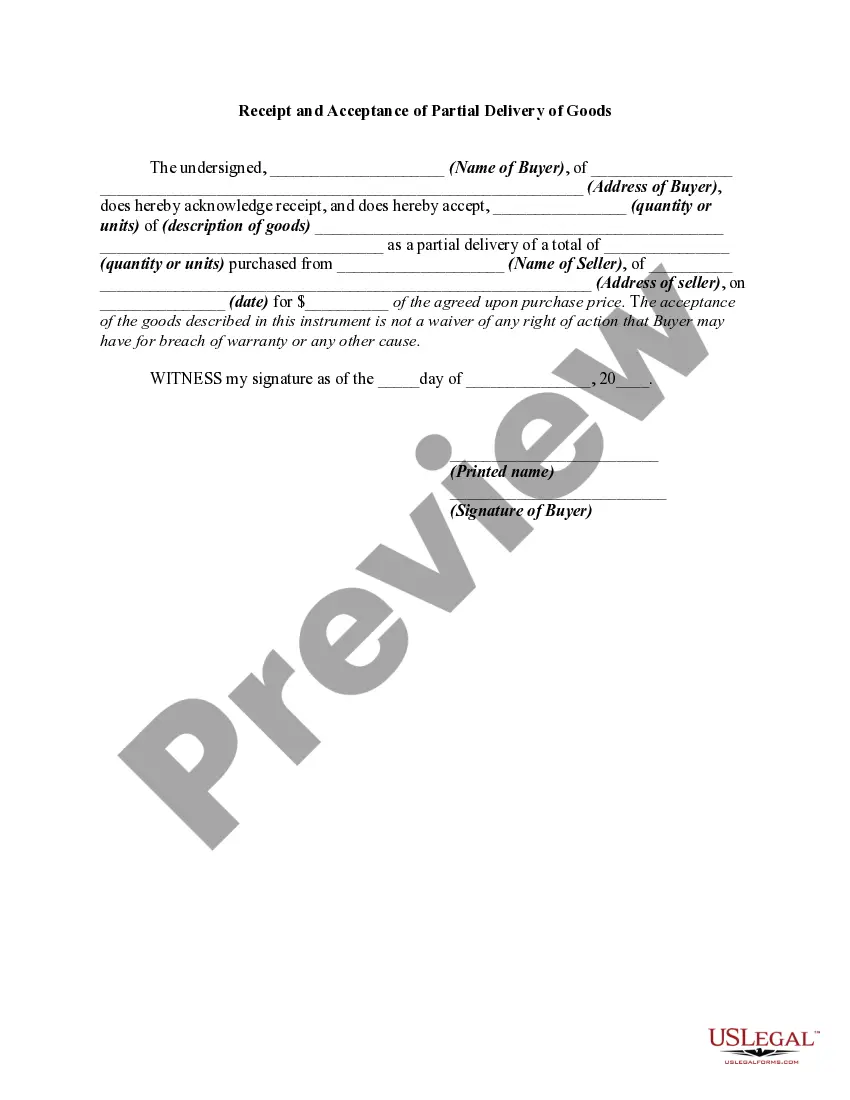
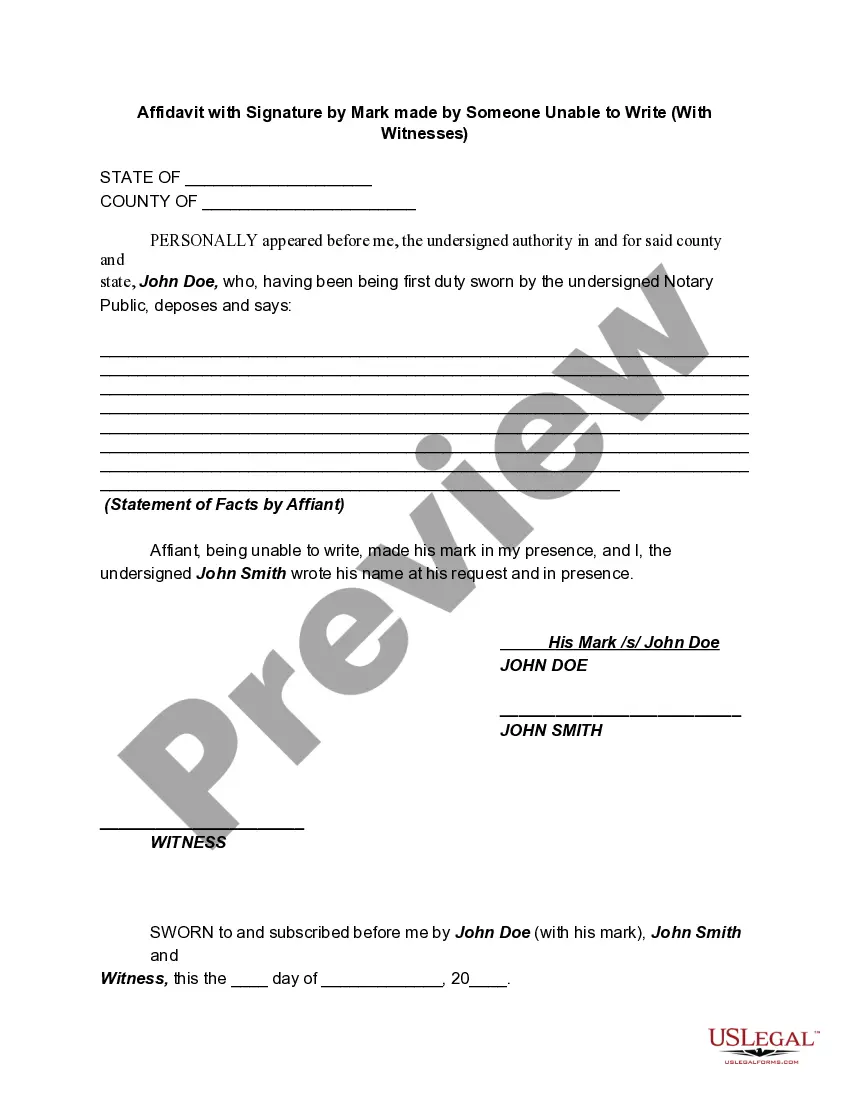
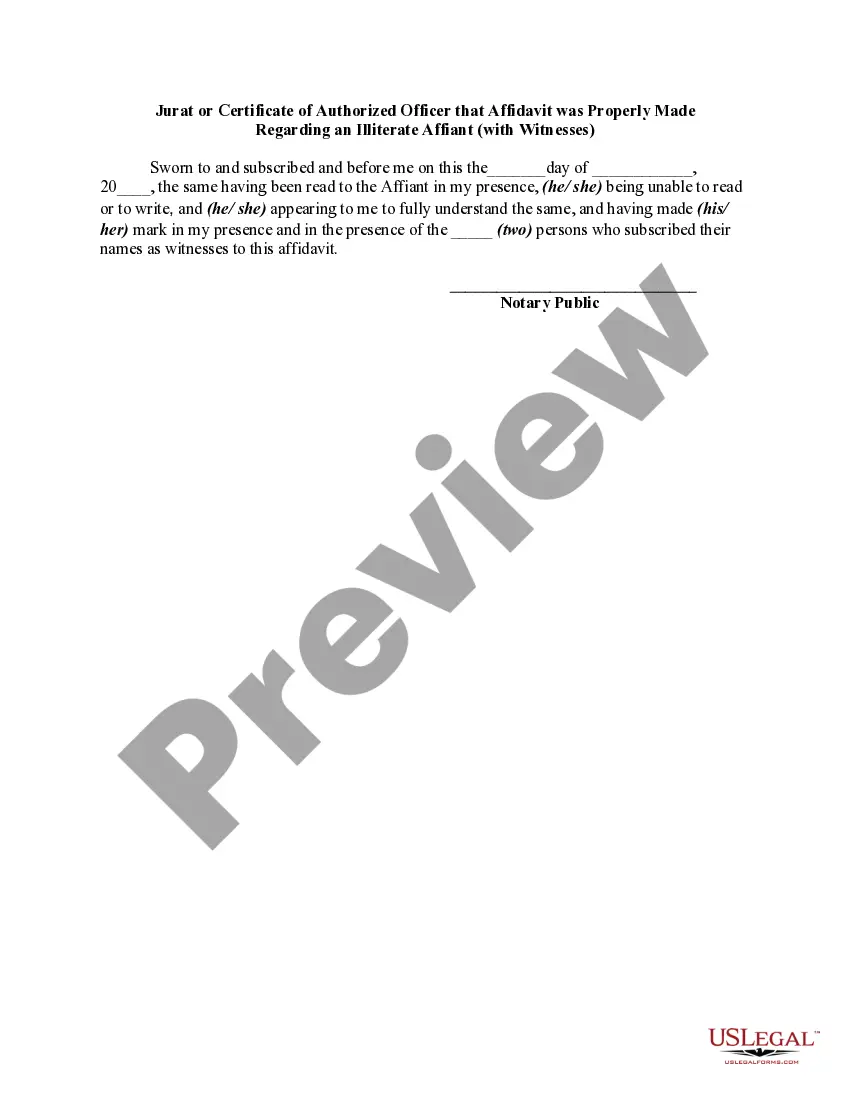
- Step 2. Use the Preview method to review the form’s content. Remember to read the description.
- Step 3. If you are not satisfied with the form, use the Search field at the top of the screen to find other versions in the legal form template.
- Step 4. Once you have identified the form you need, click the Get now button. Choose the pricing plan you prefer and enter your credentials to register for an account.
Form popularity
FAQ
A Michigan notary acknowledgment is completed by a notary public to verify that someone's signature on a document is valid. The person who signed the document must meet the notary in person, show their identification, and declare that the signature is theirs and was given willingly.
Failing to require signers to be present at the notarization is the number one claim of misconduct against Notaries.
To insert your signature block, click the Insert tab, click Quick Parts, click AutoText, and then click your signature block.
Jurat means the statement at the bottom of an affidavit, requiring the name(s) of the person(s) swearing to the affidavit, and where, when and before whom it was sworn. Taking Oaths and Affirmations. Oath or Affirmation.
Create a signature line in Word or Excel On the Insert tab, in the Text group, click the Signature Line list, and then click Microsoft Office Signature Line. In the Signature Setup dialog box, type information that will appear beneath the signature line: Suggested signer The signer's full name.
Use the Signature Line command to insert a signature line with an X by it to show where to sign a document. Click where you want the line. Select Insert > Signature Line. Select Microsoft Office Signature Line. In the Signature Setup box, you can type a name in the Suggested signer box. ... Select OK.
Can you add a handwritten signature in Word? Click ?Insert? in the top bar. Select ?Drawing? Make sure you click ?Draw? as the 2nd option ? then select a pen. Start drawing your signature. Click ?Save and Close? Once you signature is added, make sure you resize it, as MS Word makes it full-width by default. Voila!
You need to draft a letter formally and add suitable headings. Write a letter that mentions your state and county with your full address. Once you draft your letter, make sure to leave some space for the signature. Always remember that you'll be signing your written letter in the presence of a public notary.