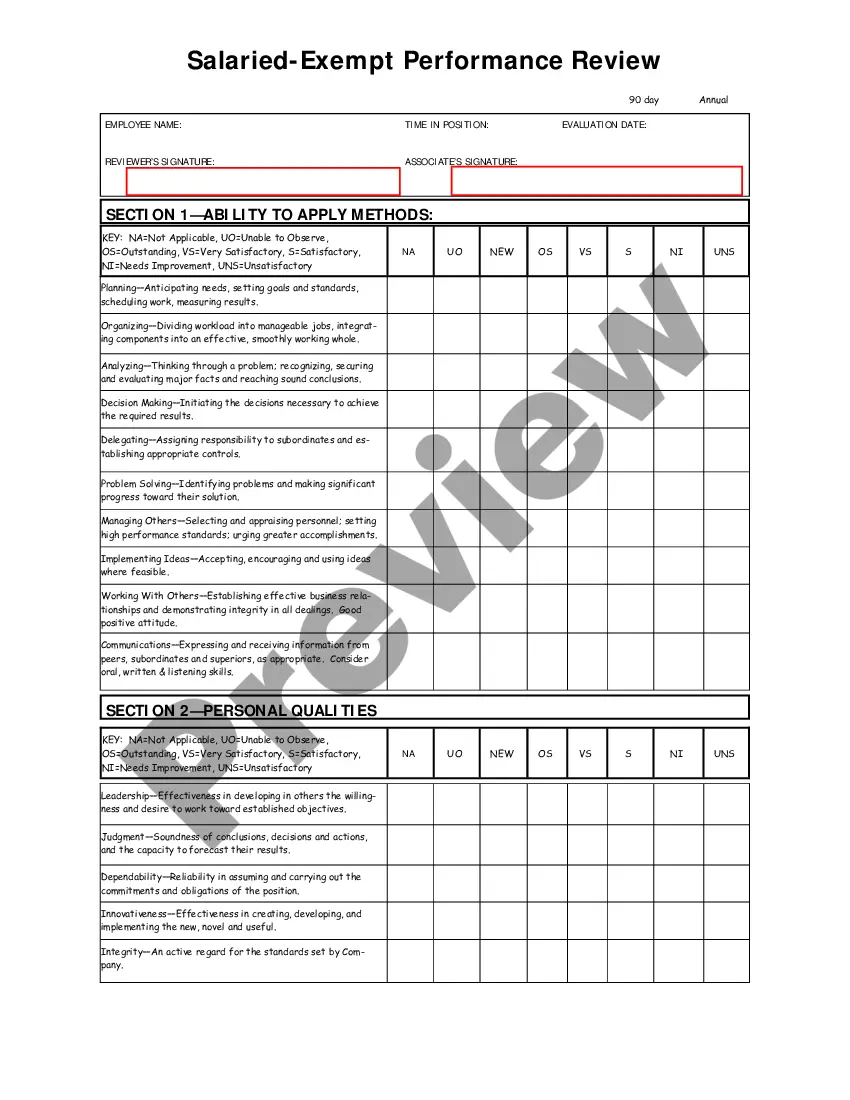
Appraisal of exempt salaried employee for job progress & goals.
Maine Salary - Exempt Employee Review and Evaluation Form
Instant download
Description
Free preview
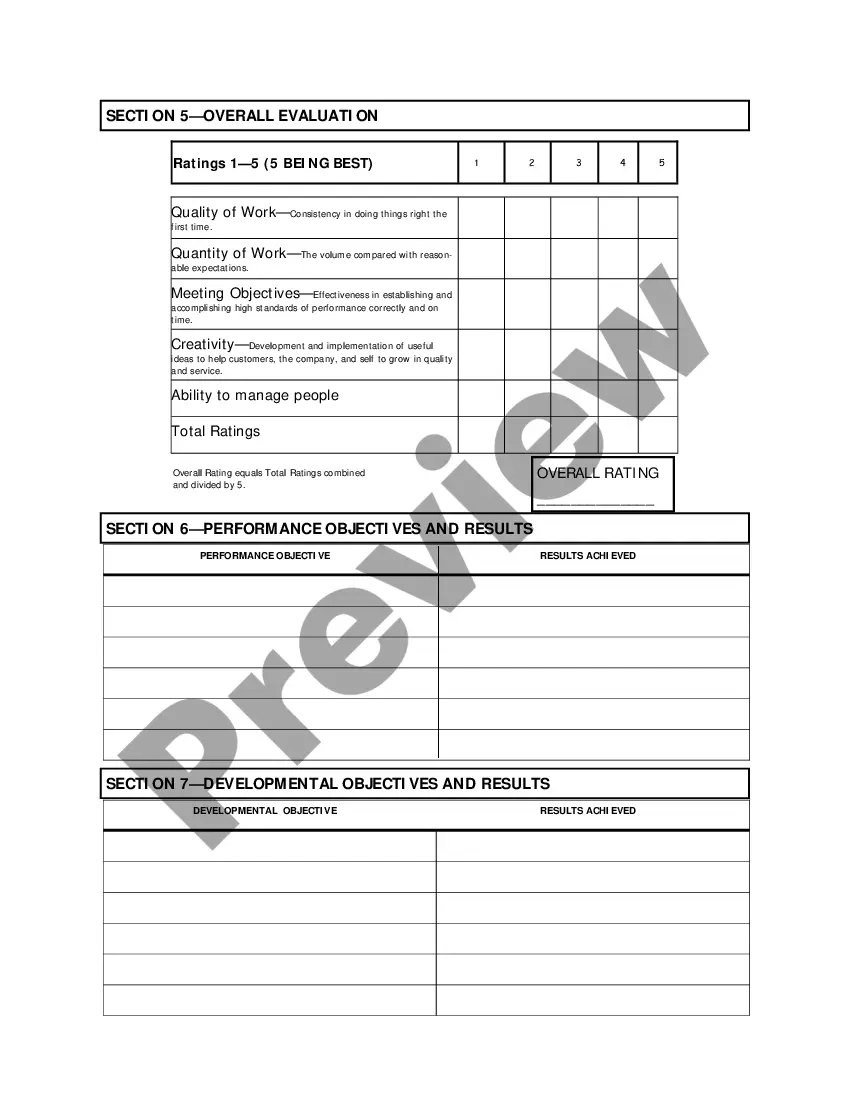
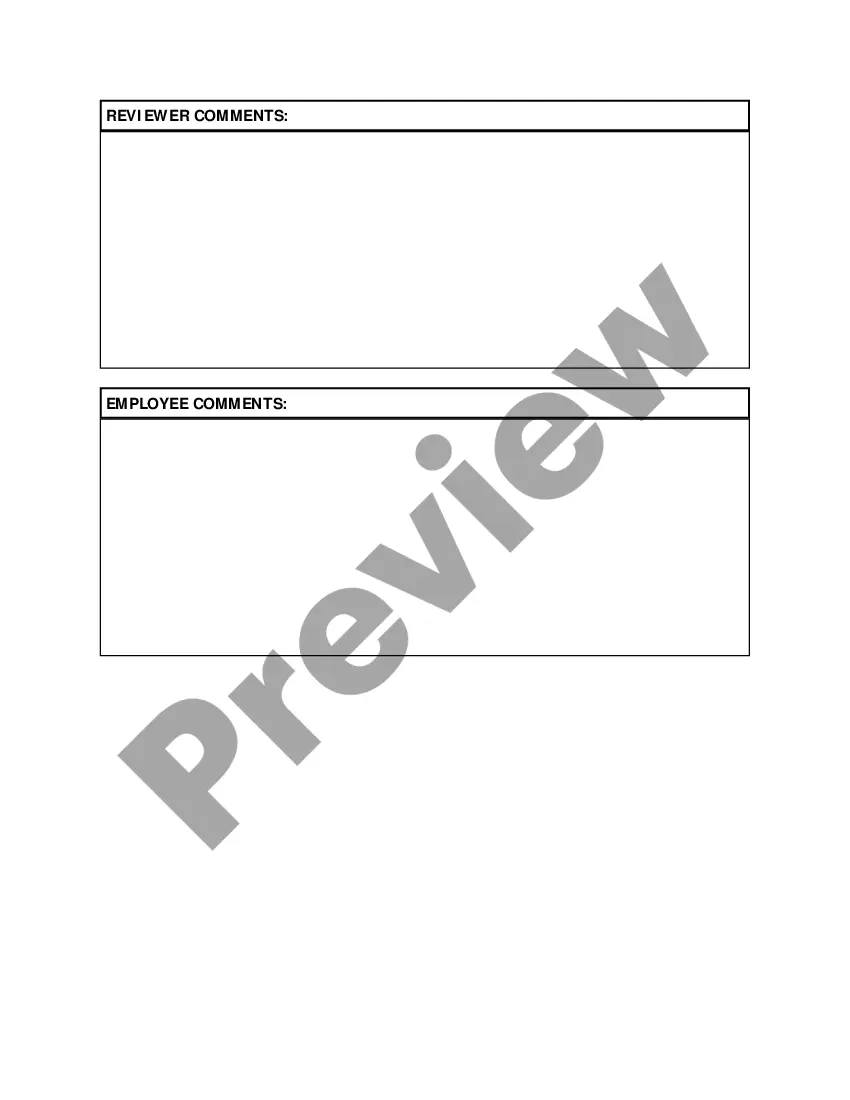

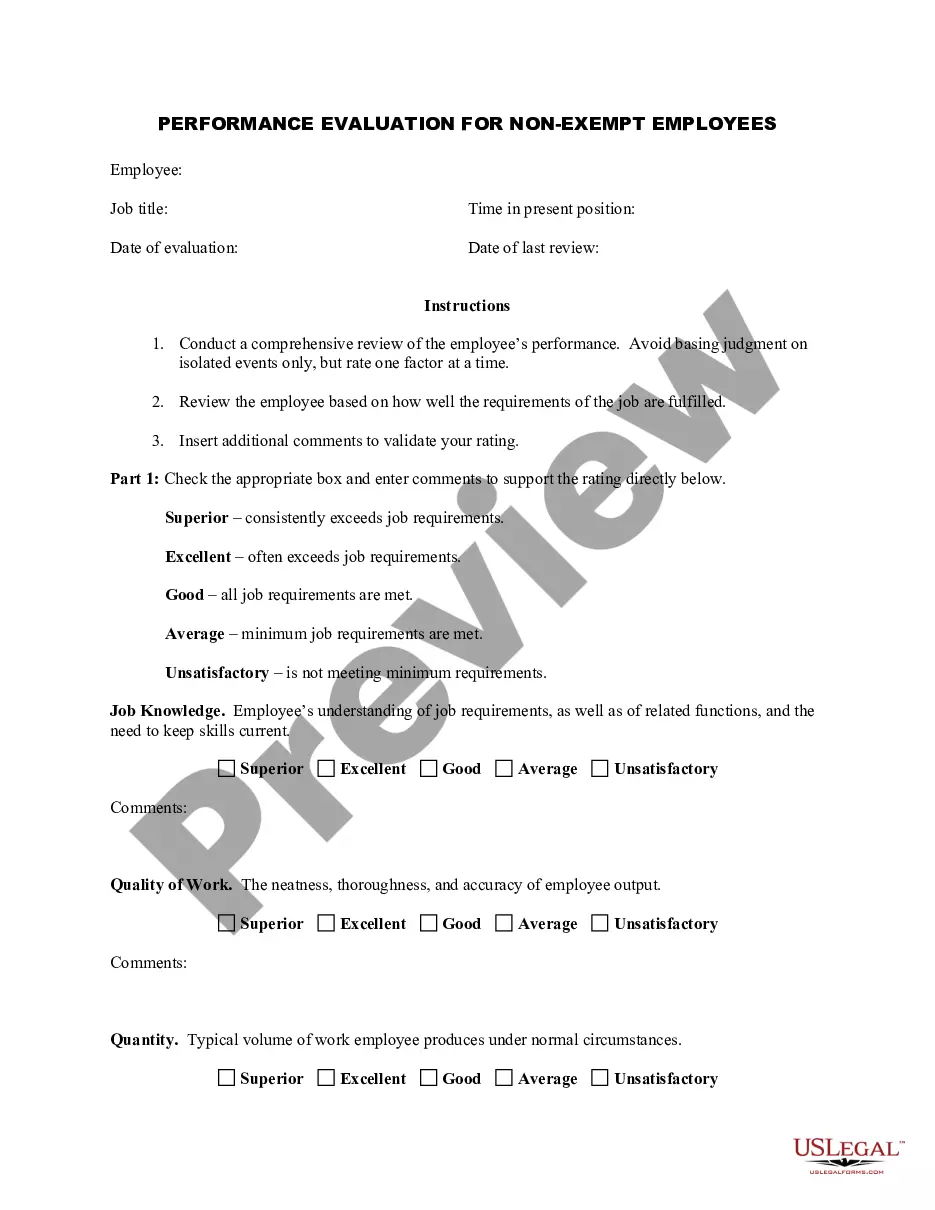
How to fill out Salary - Exempt Employee Review And Evaluation Form?
US Legal Forms - one of the largest repositories of legal documents in the US - offers a diverse selection of legal document templates that you can download or create.
Using the website, you can find thousands of forms for business and personal uses, organized by categories, states, or keywords. You can access the latest versions of documents like the Maine Salary - Exempt Employee Review and Evaluation Form in a matter of minutes.
If you already have a subscription, Log In and download the Maine Salary - Exempt Employee Review and Evaluation Form from your US Legal Forms library. The Download button will appear on every form you view. You can access all previously downloaded forms in the My documents section of your account.
You can make edits. Fill out, modify, print, and sign the downloaded Maine Salary - Exempt Employee Review and Evaluation Form.
Every template added to your account has no expiration date and is yours permanently. Therefore, if you wish to download or create another version, simply visit the My documents section and click on the form you need. Access the Maine Salary - Exempt Employee Review and Evaluation Form with US Legal Forms, the most extensive library of legal document templates. Utilize thousands of professional and state-specific templates that meet your business or personal requirements and needs.
- If you are using US Legal Forms for the first time, here are simple steps to get started.
- Ensure that you have selected the correct form for your area/region. Click the Review button to examine the form's details. Check the form description to make certain that you have selected the appropriate document.
- If the form does not suit your needs, utilize the Search box at the top of the screen to find one that does.
- If you are satisfied with the form, confirm your choice by clicking the Buy now button. Next, select the payment plan you prefer and provide your details to register for an account.
- Process the transaction. Use your credit card or PayPal account to complete the transaction.
- Choose the file format and download the form onto your device.
Form popularity
FAQ
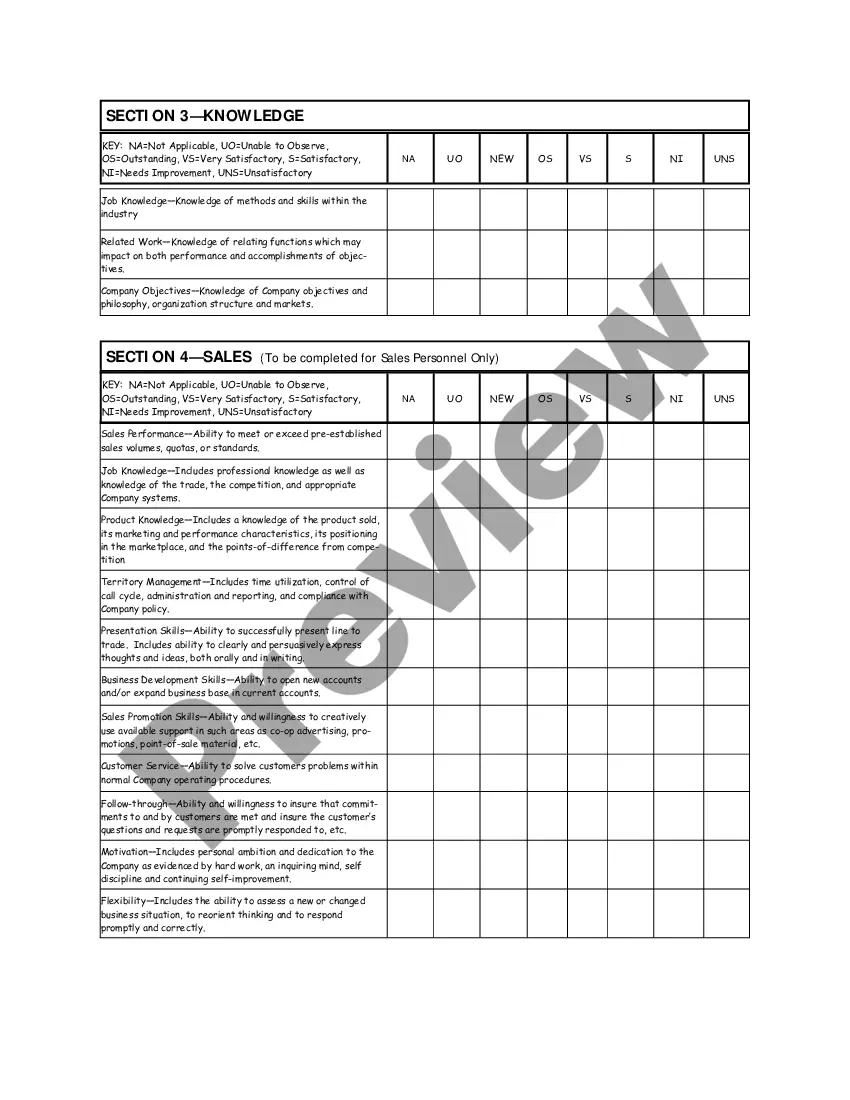
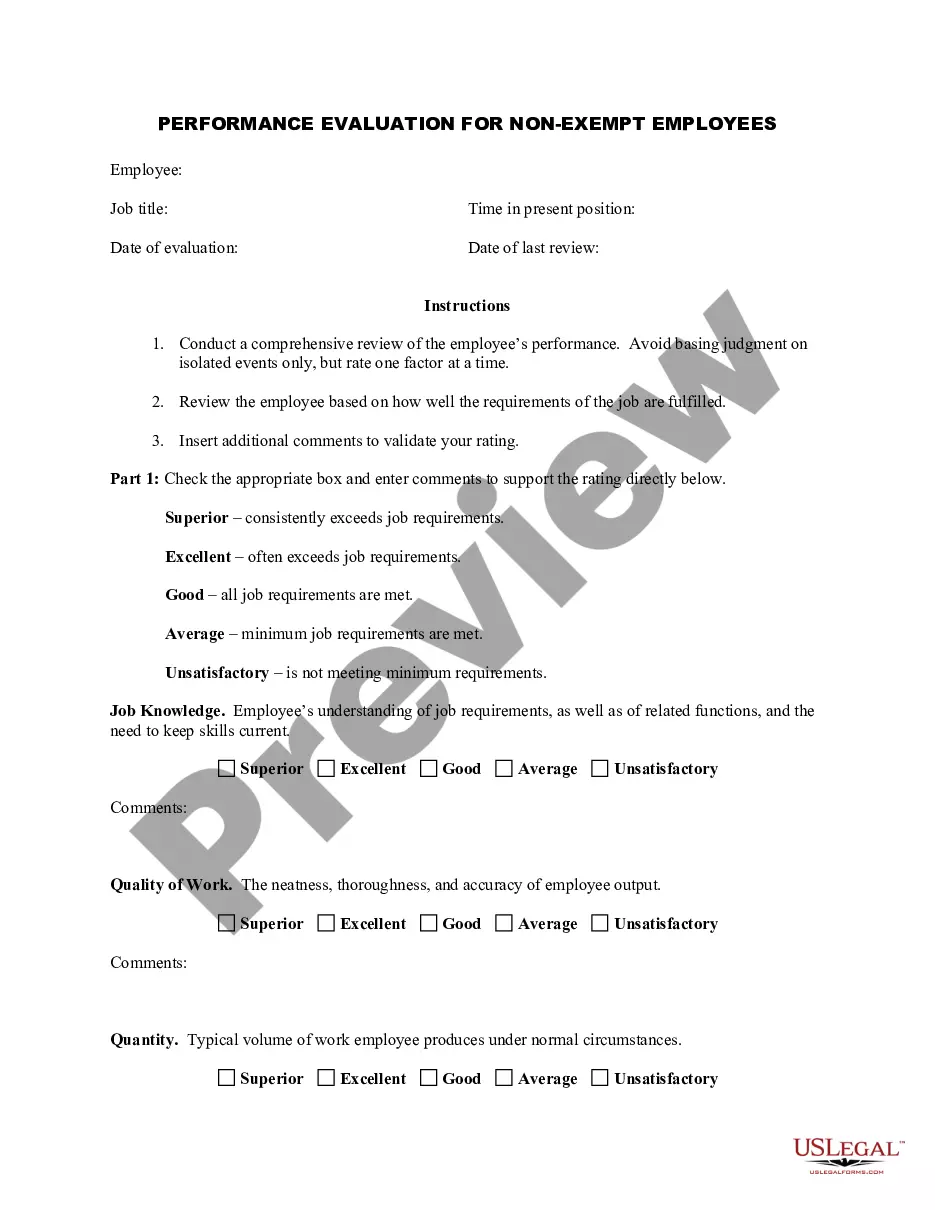
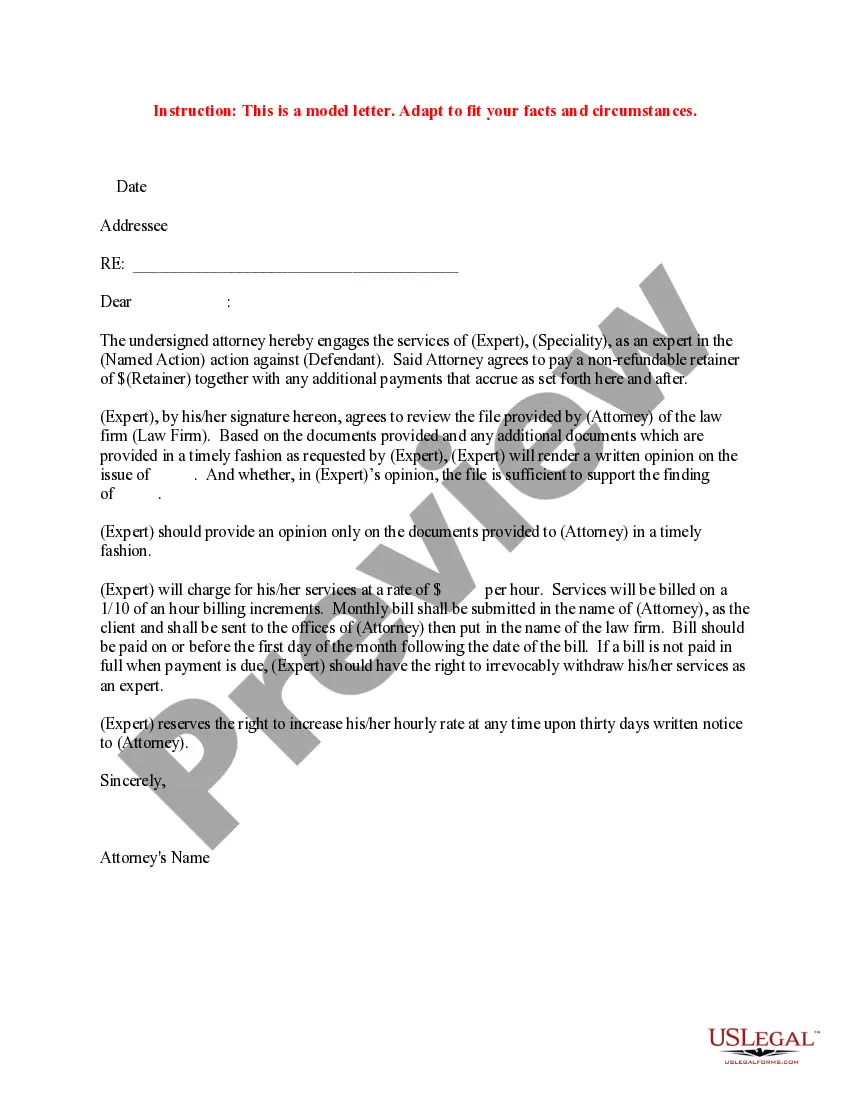
To create an employee evaluation form, begin by defining the criteria you want to assess, such as productivity, communication skills, and teamwork. Organize these criteria in a clear and concise manner, similar to the structure found in the Maine Salary - Exempt Employee Review and Evaluation Form. Ensure you leave space for comments and suggestions, allowing for personalized feedback. This thoughtful design facilitates meaningful discussions during performance evaluations.
An employee performance evaluation form is a tool used to assess an employee's work performance over a specific period. It generally includes sections for rating skills, achievements, and areas for improvement, aligned with templates like the Maine Salary - Exempt Employee Review and Evaluation Form. This form serves as a record for discussions during performance reviews and helps establish goals for future performance. Using a standardized form streamlines the evaluation process.
A good employee evaluation balances positive feedback with constructive criticism. For instance, consider including sections for strengths, areas for growth, and specific performance examples, reflecting the criteria in the Maine Salary - Exempt Employee Review and Evaluation Form. This format not only highlights successes but also encourages employee development through actionable suggestions. Such balanced evaluations foster a motivating work environment.
Writing an employee evaluation form requires clarity in what you want to measure. Start with general information about the employee, then outline specifics, such as job responsibilities, performance goals, and achievements. By utilizing the Maine Salary - Exempt Employee Review and Evaluation Form, you can structure your evaluation to encourage constructive feedback and action plans, thus benefiting both the employee and the organization.
Creating an evaluation form involves selecting key criteria to assess and organizing them into a logical flow. You can draft the form on paper or use a digital solution, like the Maine Salary - Exempt Employee Review and Evaluation Form, for better structure. Make sure to include distinct sections for objectives, achievements, and areas for improvement. This clarity enhances feedback and discussion during performance reviews.
To make an evaluation form in Word, start by opening a new document and selecting a template that matches your needs. You can customize sections for rating various employee attributes, such as job performance or teamwork. Using the Maine Salary - Exempt Employee Review and Evaluation Form as a guide, ensure you include clear instructions and spaces for comments. This approach helps you create a useful tool for assessing employee performance.
When filing Maine state taxes, you typically need the Maine Income Tax Form, along with any necessary schedules and supporting documents. If you're an employer, you may need the Maine Salary - Exempt Employee Review and Evaluation Form to assess salary compliance. Ensure you have your federal tax information handy, as it often influences your state filings. Consider using US Legal Forms for all your tax-related documentation needs, as it simplifies the process.
To complete your W-4ME, start by providing your personal information and indicating your filing status. You will also need to enter the number of allowances you’re claiming. This form helps your employer determine the right amount of tax withholding from your paycheck, so ensure it's filled out correctly. You may consult with US Legal Forms for templates like the Maine Salary - Exempt Employee Review and Evaluation Form to help you keep track of related employee benefits.
Filling out a Maine resale certificate requires you to provide essential information about your business, such as your name, address, and tax identification number. You also need to indicate the type of items you intend to resell. Make sure to include this information accurately to prevent delays. If needed, documents like a Maine Salary - Exempt Employee Review and Evaluation Form can support your business operations, which you can easily find on US Legal Forms.
To file a complaint against an employer in Maine, you can contact the Maine Department of Labor. They provide guidance on employee rights and can assist you in navigating the process. It's important to gather any relevant documents, including your Maine Salary - Exempt Employee Review and Evaluation Form, as they may be needed for your complaint. Using a reliable platform like US Legal Forms can help you prepare and file the necessary forms effectively.