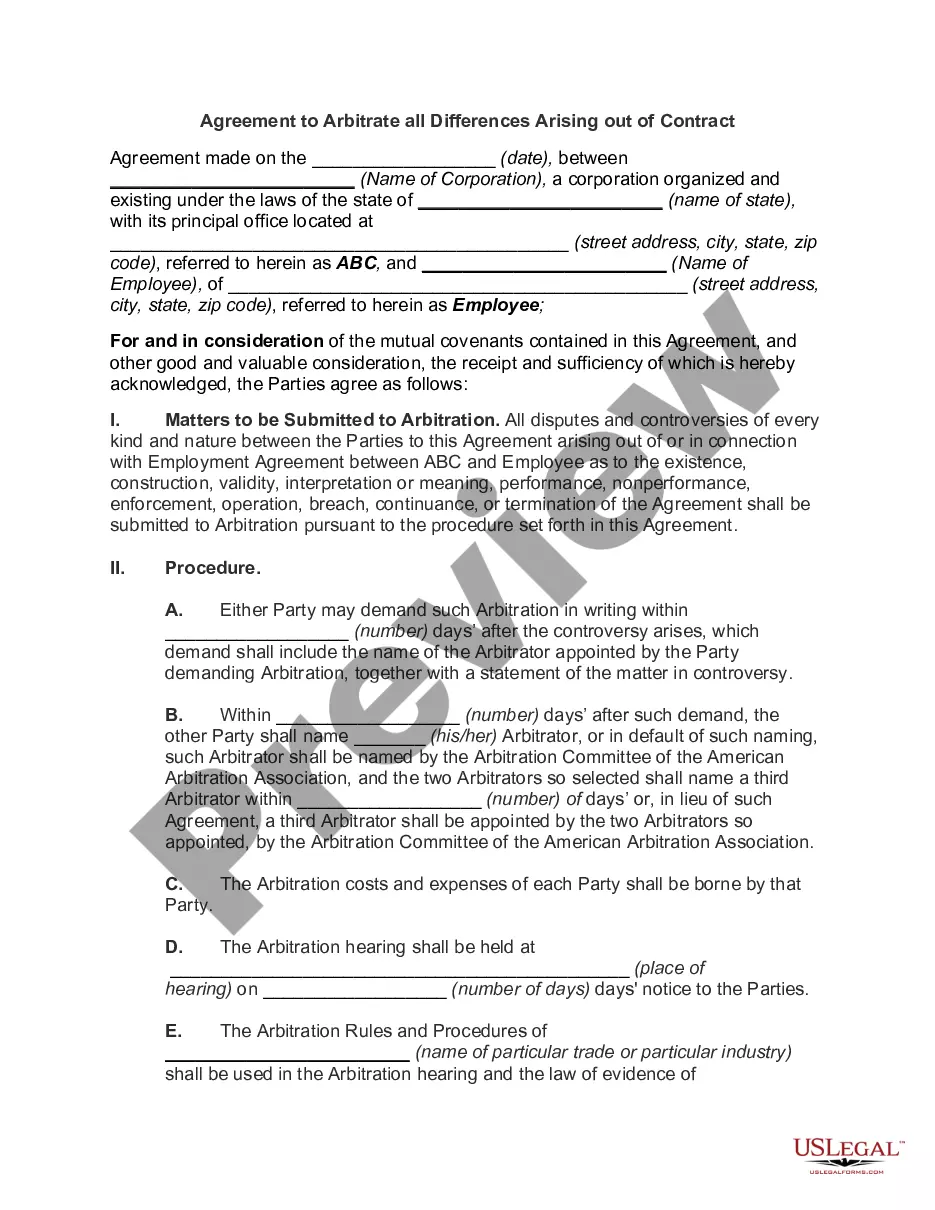
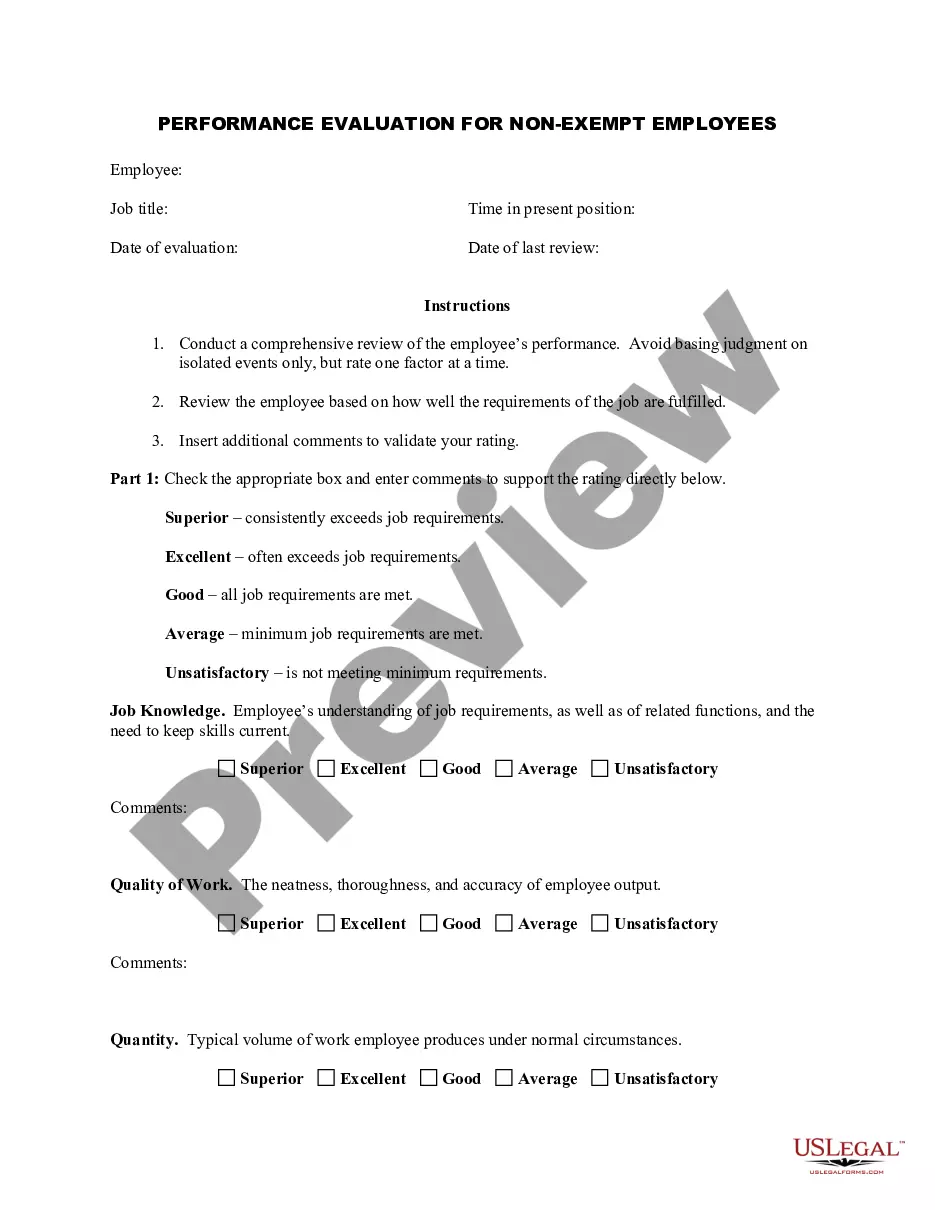
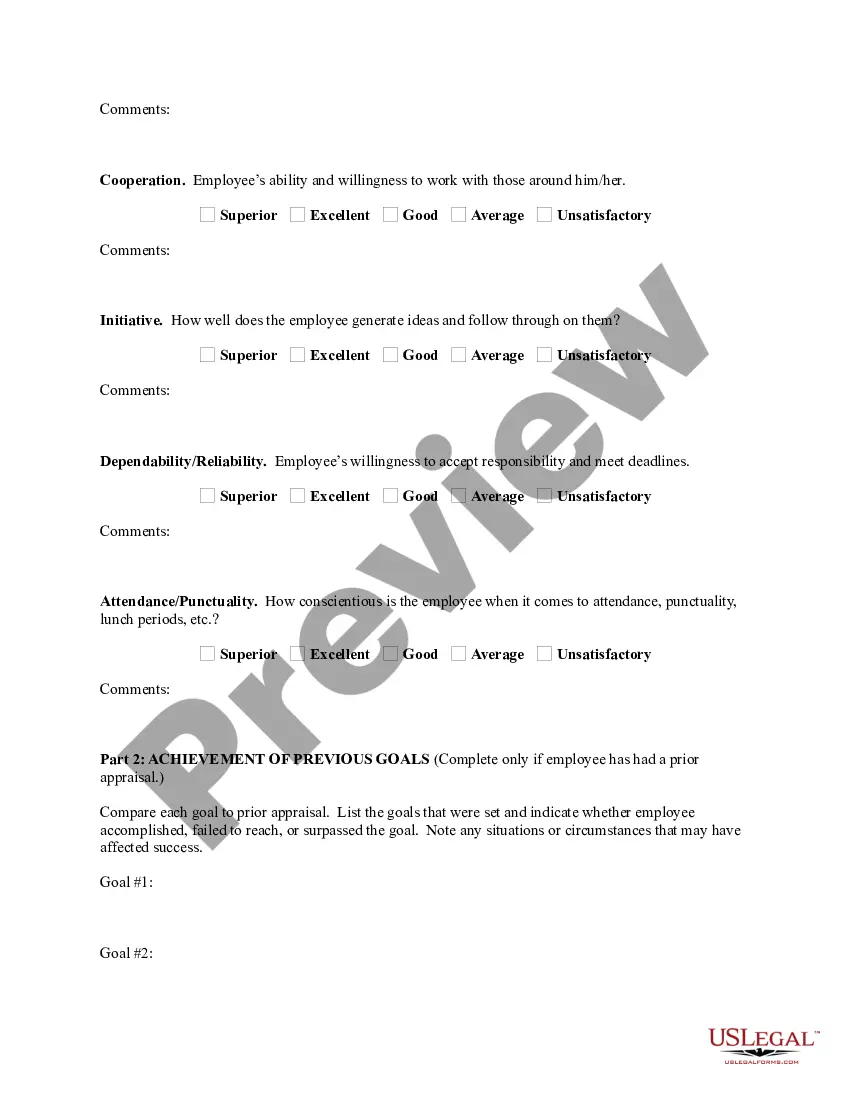
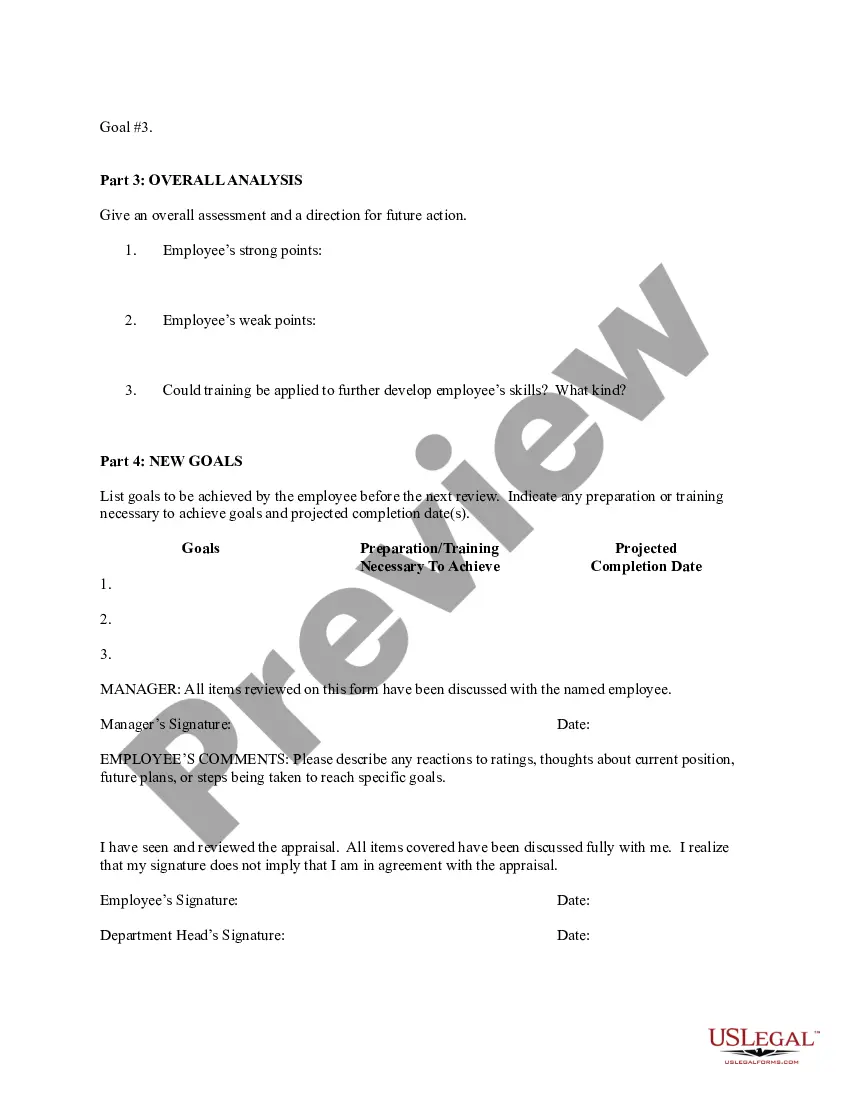
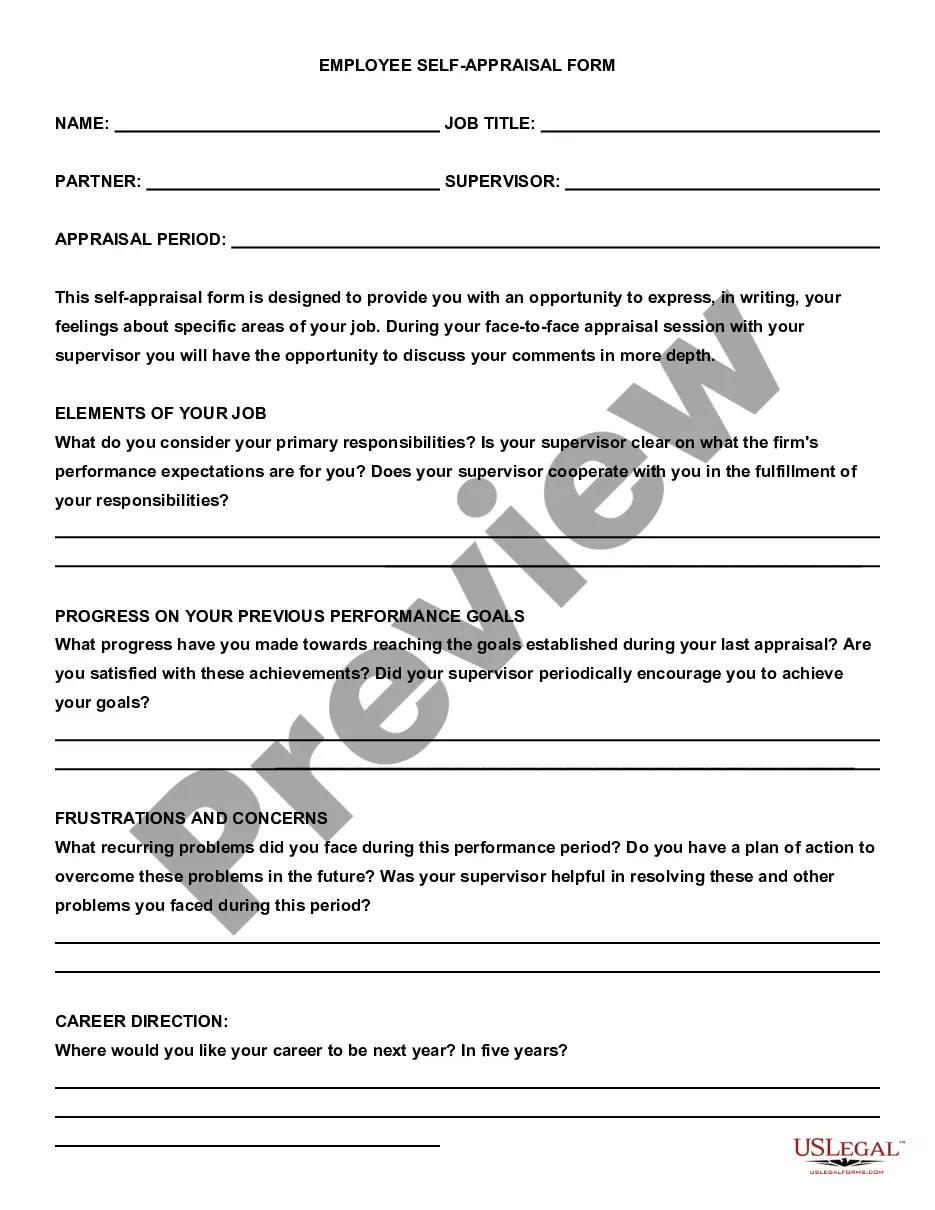
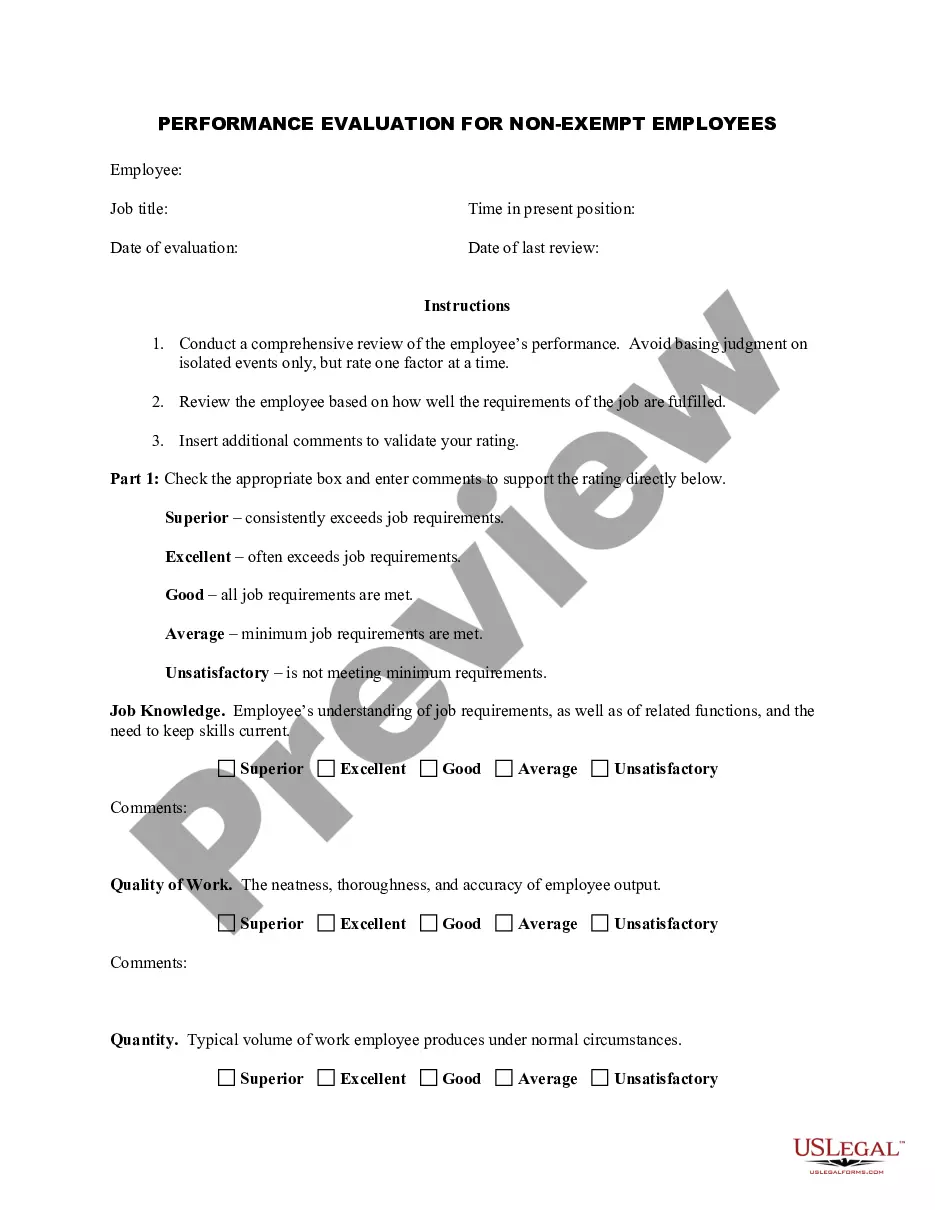
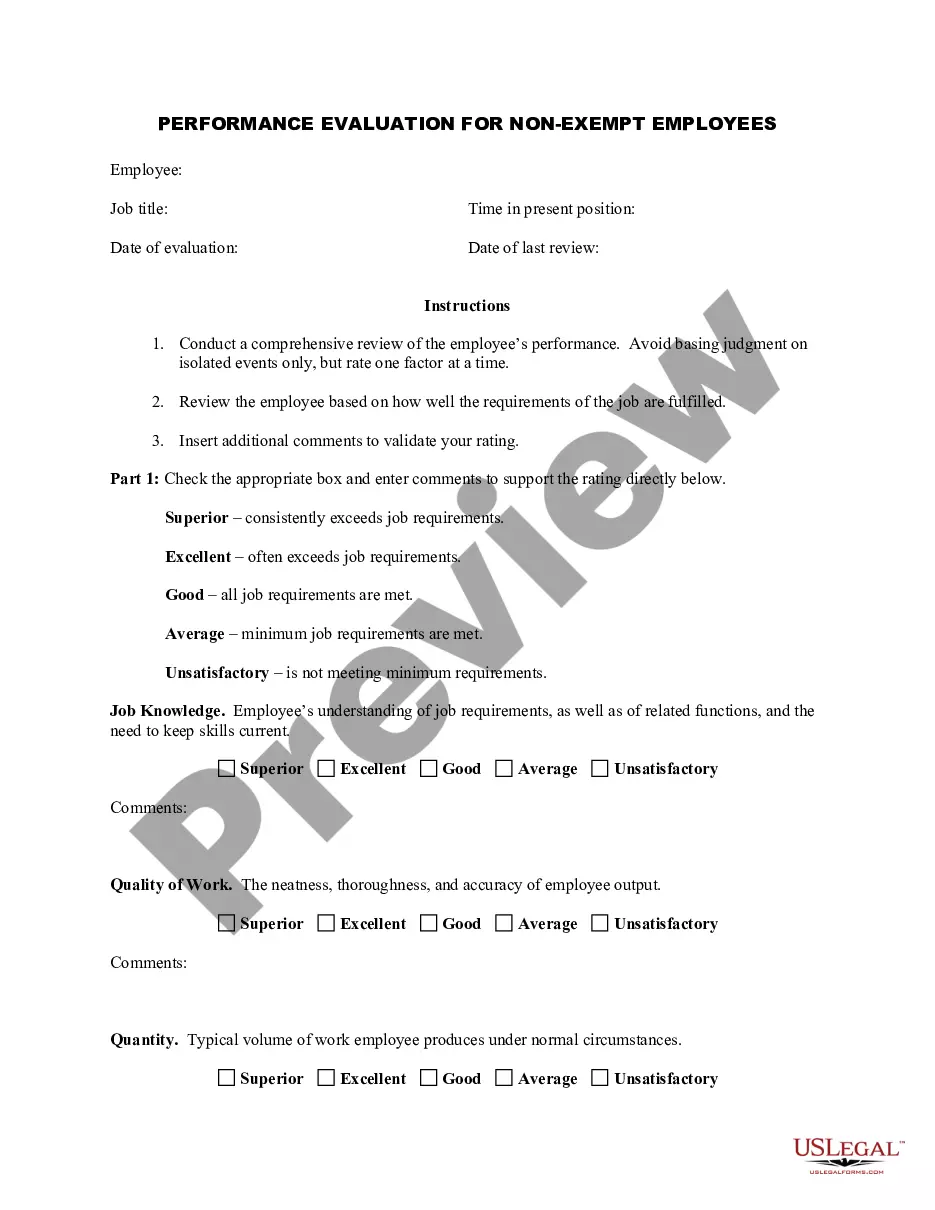
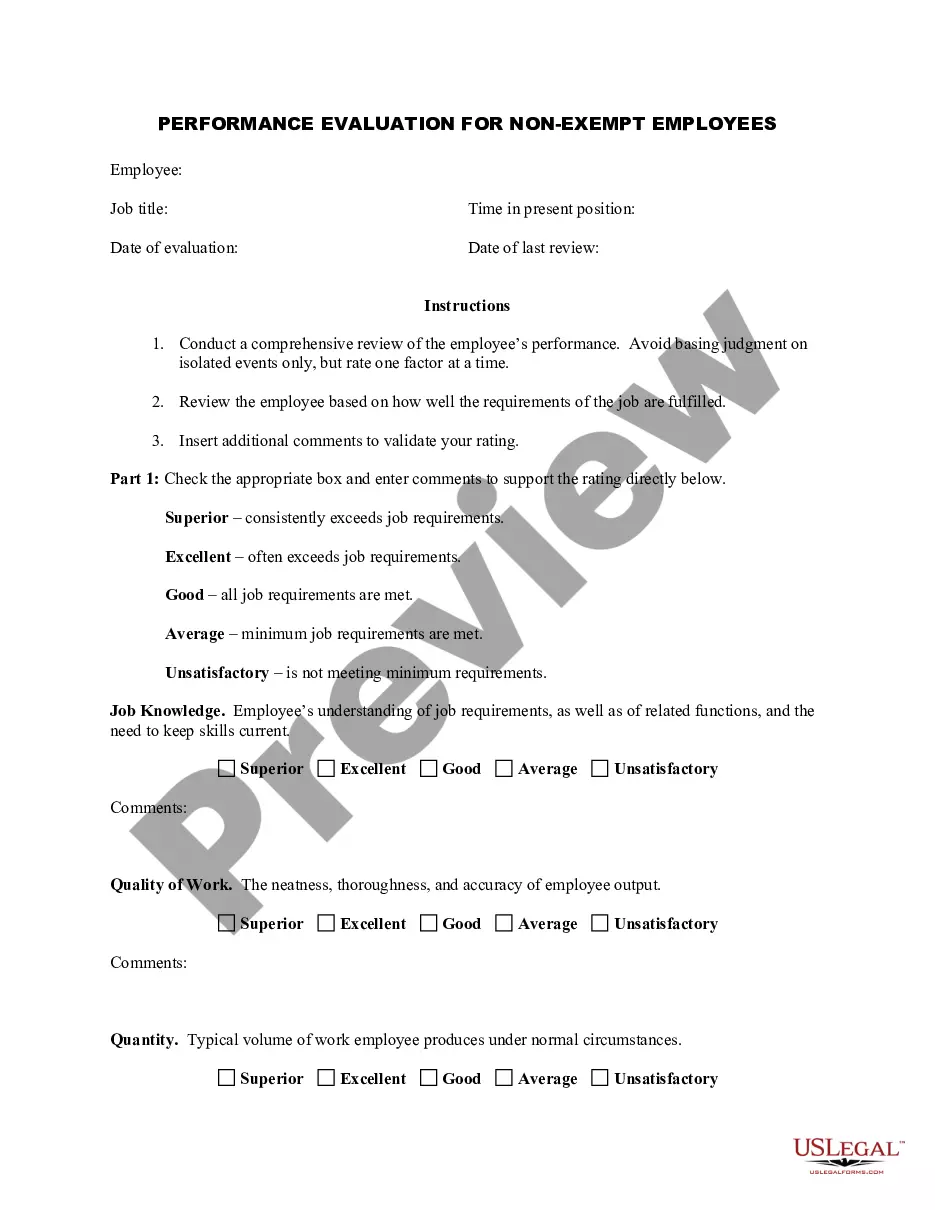
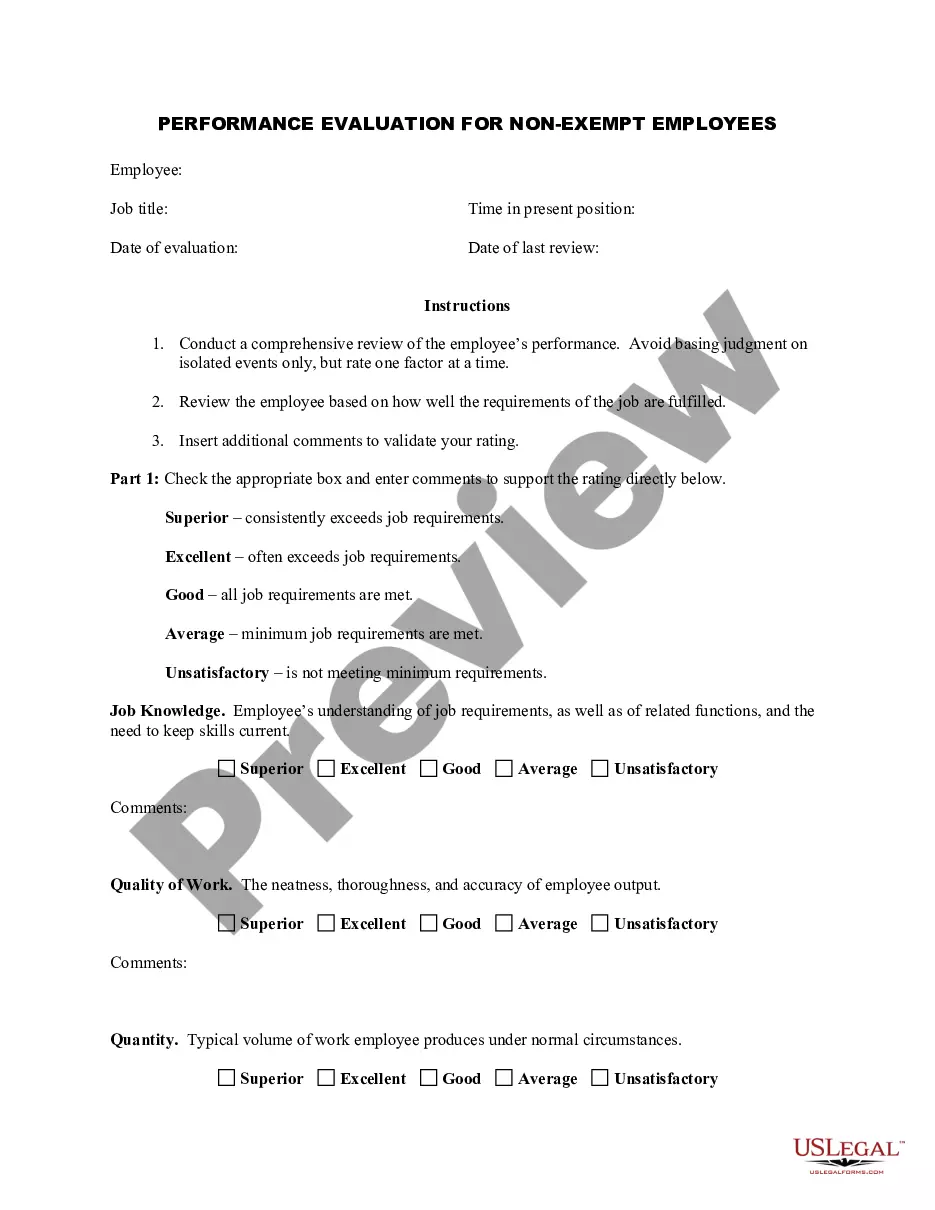
Maryland Employee Evaluation Form for Consultant
Description
Get your form ready online
Our built-in tools help you complete, sign, share, and store your documents in one place.
Make edits, fill in missing information, and update formatting in US Legal Forms—just like you would in MS Word.
Download a copy, print it, send it by email, or mail it via USPS—whatever works best for your next step.
Sign and collect signatures with our SignNow integration. Send to multiple recipients, set reminders, and more. Go Premium to unlock E-Sign.
If this form requires notarization, complete it online through a secure video call—no need to meet a notary in person or wait for an appointment.
We protect your documents and personal data by following strict security and privacy standards.

Make edits, fill in missing information, and update formatting in US Legal Forms—just like you would in MS Word.

Download a copy, print it, send it by email, or mail it via USPS—whatever works best for your next step.

Sign and collect signatures with our SignNow integration. Send to multiple recipients, set reminders, and more. Go Premium to unlock E-Sign.

If this form requires notarization, complete it online through a secure video call—no need to meet a notary in person or wait for an appointment.

We protect your documents and personal data by following strict security and privacy standards.
Looking for another form?





How to fill out Employee Evaluation Form For Consultant?
It is feasible to spend hours online searching for the legal document template that complies with the state and federal requirements you need.
US Legal Forms offers thousands of legal forms that can be reviewed by professionals.
It is easy to acquire or print the Maryland Employee Evaluation Form for Consultant from your service.
To find another version of the form, use the Search section to discover the template that fits your needs and requirements.
- If you already have a US Legal Forms account, you can Log In and click on the Obtain button.
- Afterward, you can complete, edit, print, or sign the Maryland Employee Evaluation Form for Consultant.
- Each legal document template you obtain is your own forever.
- To get another copy of the acquired form, go to the My documents tab and click on the relevant button.
- If you are using the US Legal Forms website for the first time, follow the simple instructions provided below.
- First, ensure that you have chosen the right document template for the state/city of your choice.
- Review the form description to confirm that you have selected the appropriate form.
Form popularity
FAQ
Performance Evaluation and Planning (PEP) Form Human Resources.
To create a performance evaluation system in your practice, follow these five steps:Develop an evaluation form.Identify performance measures.Set guidelines for feedback.Create disciplinary and termination procedures.Set an evaluation schedule.
Performance Evaluation and Planning (PEP) Form Human Resources.
What to Include in an Employee Evaluation Form?Employee and reviewer information. The form must have basic information about both parties involved.Review period.An easy-to-understand rating system.Evaluation points.Goals.Extra space for comments.Signatures.Scorecard.More items...?
The form should include clear guidelines and instructions to allow managers and employees to know exactly what information to provide, the meaning of the ratings, and how to get the information they need. When designing your evaluation form, consider your primary purpose for conducting performance reviews.
Performance measurement is an ongoing process that monitors and reports on a program's progress and accomplishments by using pre-selected performance measures. Program evaluation, however, uses measurement and analysis to answer specific questions about how well a program is achieving its outcomes and why.
To create a performance evaluation system in your practice, follow these five steps:Develop an evaluation form.Identify performance measures.Set guidelines for feedback.Create disciplinary and termination procedures.Set an evaluation schedule.
Examples Of Performance Appraisal Comments1) Attendance. Punctuality is one of the strongest virtues an employee can possess.2) Innovation and Creativity.3) Leadership.4) Communication Skills.5) Collaboration and Teamwork.6) Time Management.7) Customer Experience.8) Problem Solving.More items...?
What to Include in an Employee Evaluation Form?Employee and reviewer information. The form must have basic information about both parties involved.Review period.An easy-to-understand rating system.Evaluation points.Goals.Extra space for comments.Signatures.Scorecard.More items...?
What to Include in an Employee Evaluation Form?Employee and reviewer information. The form must have basic information about both parties involved.Review period.An easy-to-understand rating system.Evaluation points.Goals.Extra space for comments.Signatures.Scorecard.More items...?