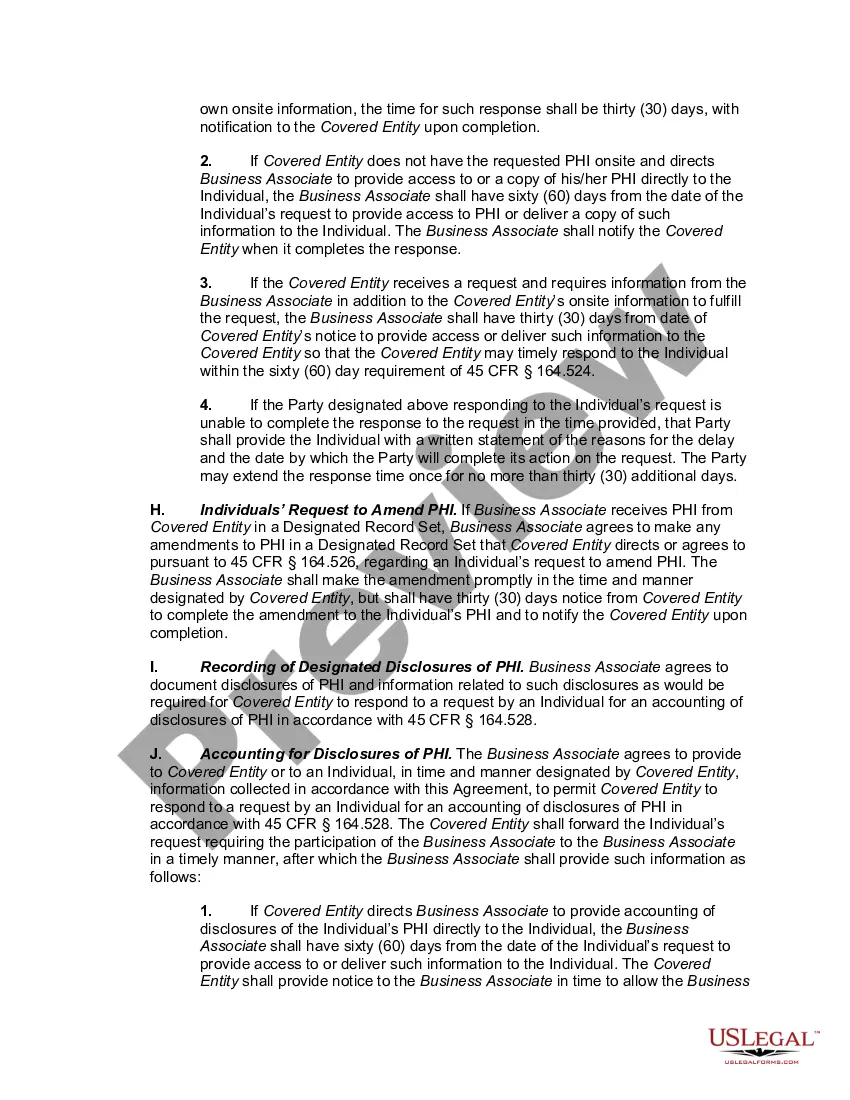
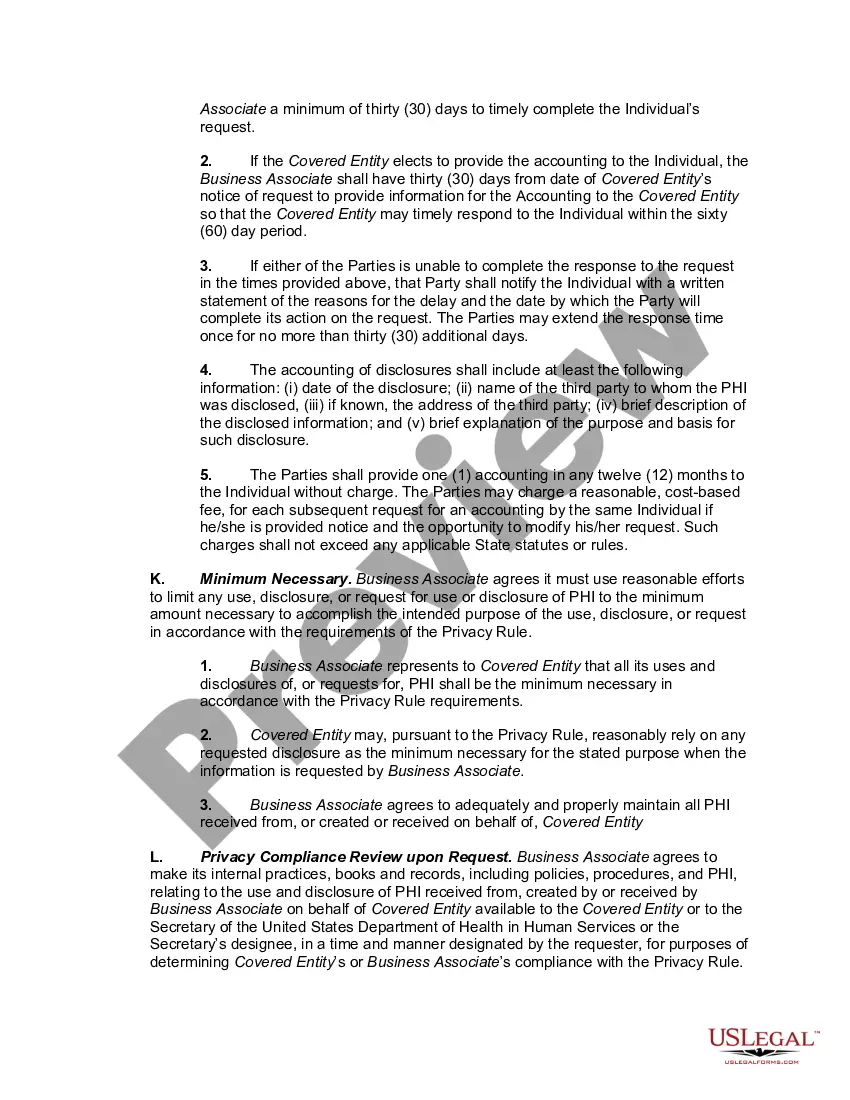
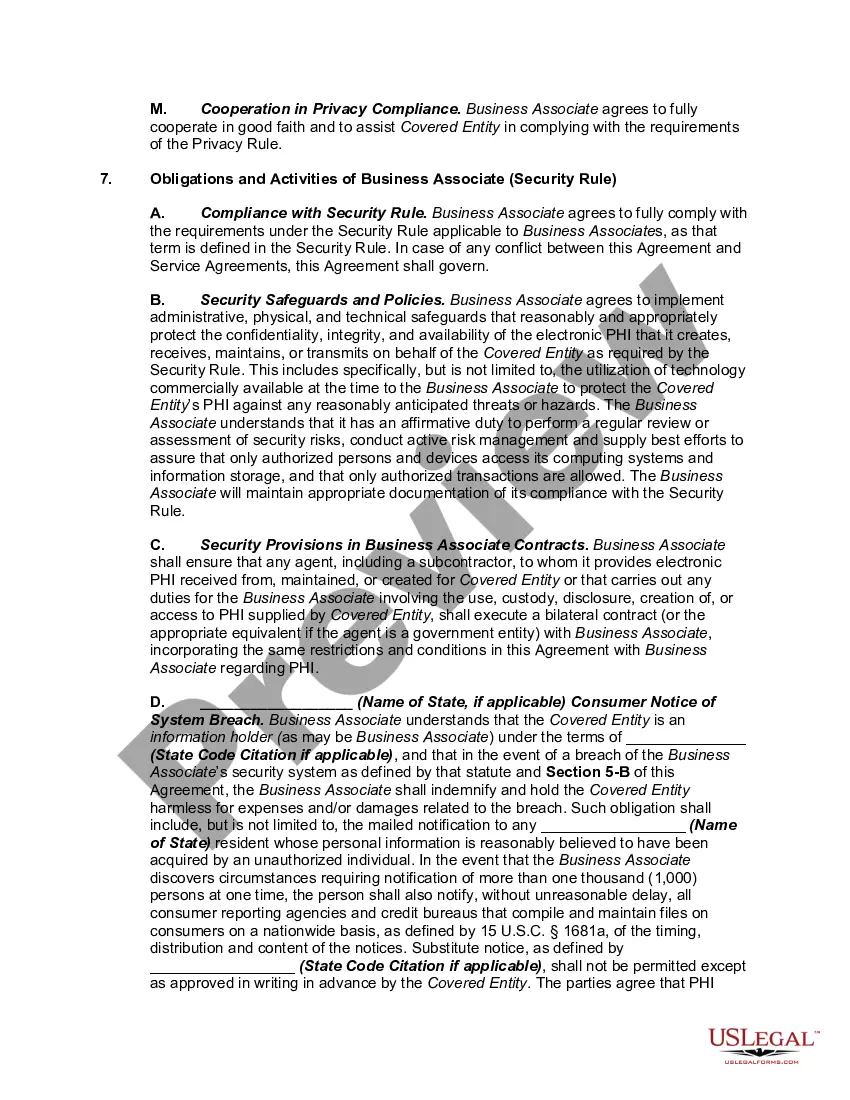
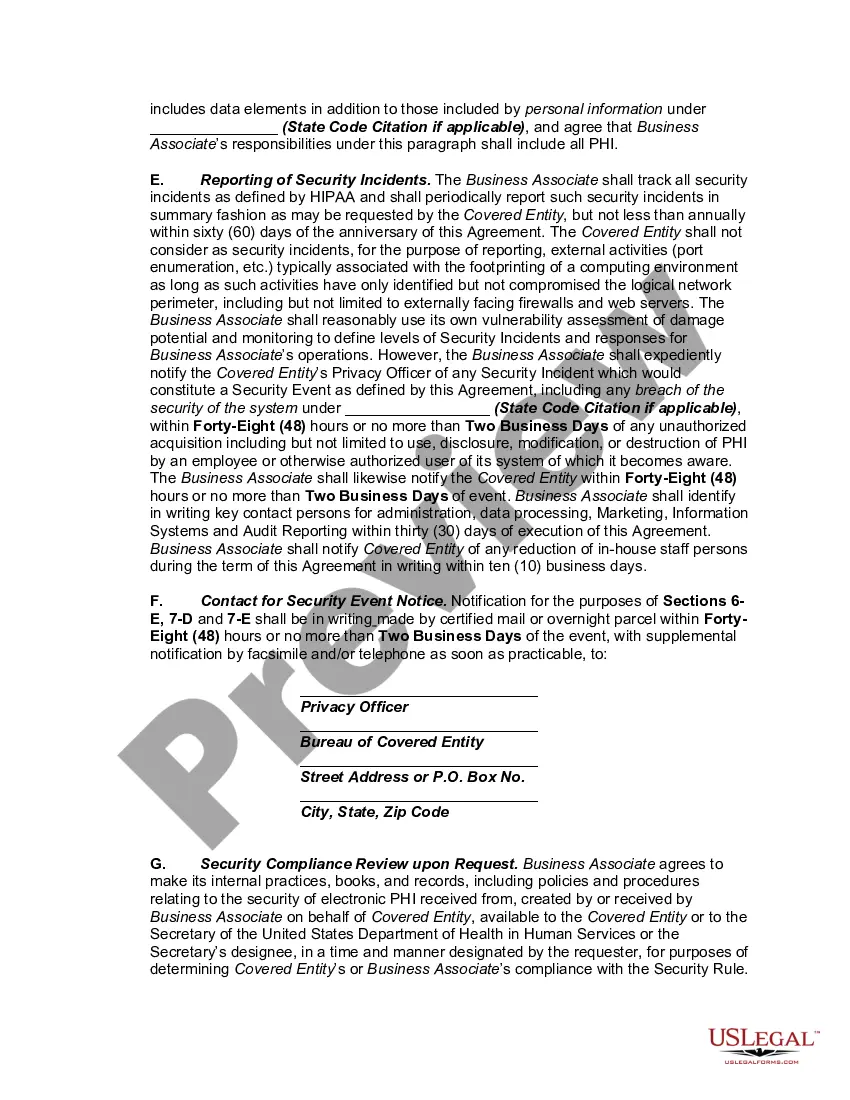
Maryland HIPAA Business Associates Agreement
Description
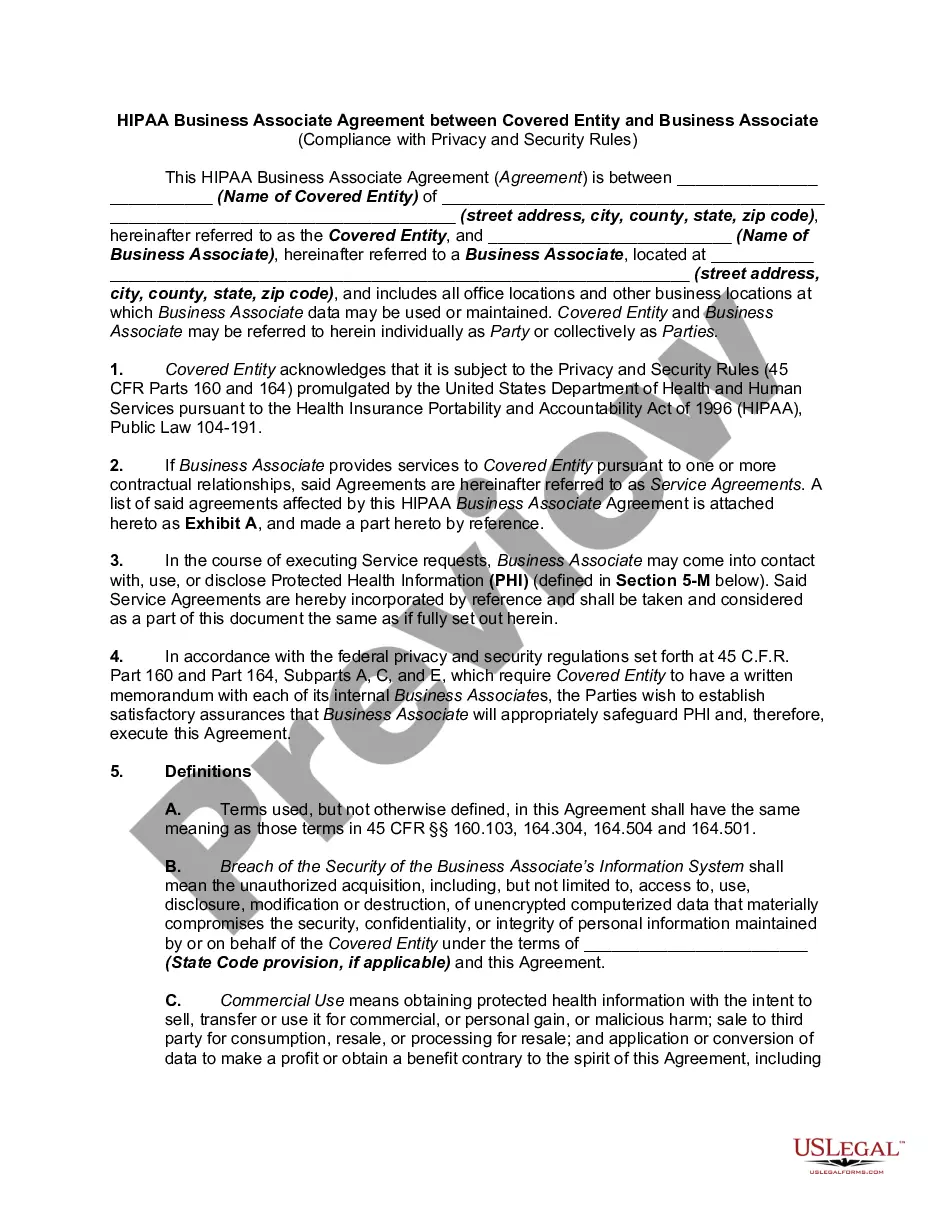
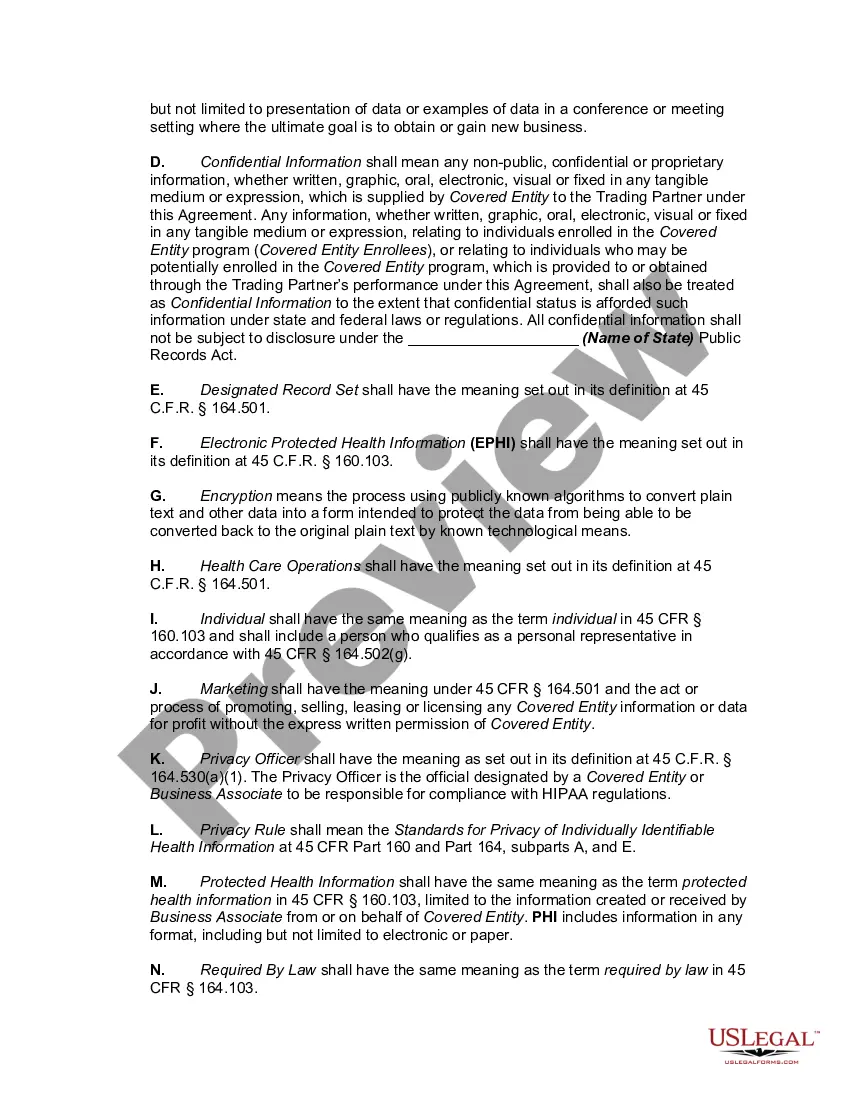
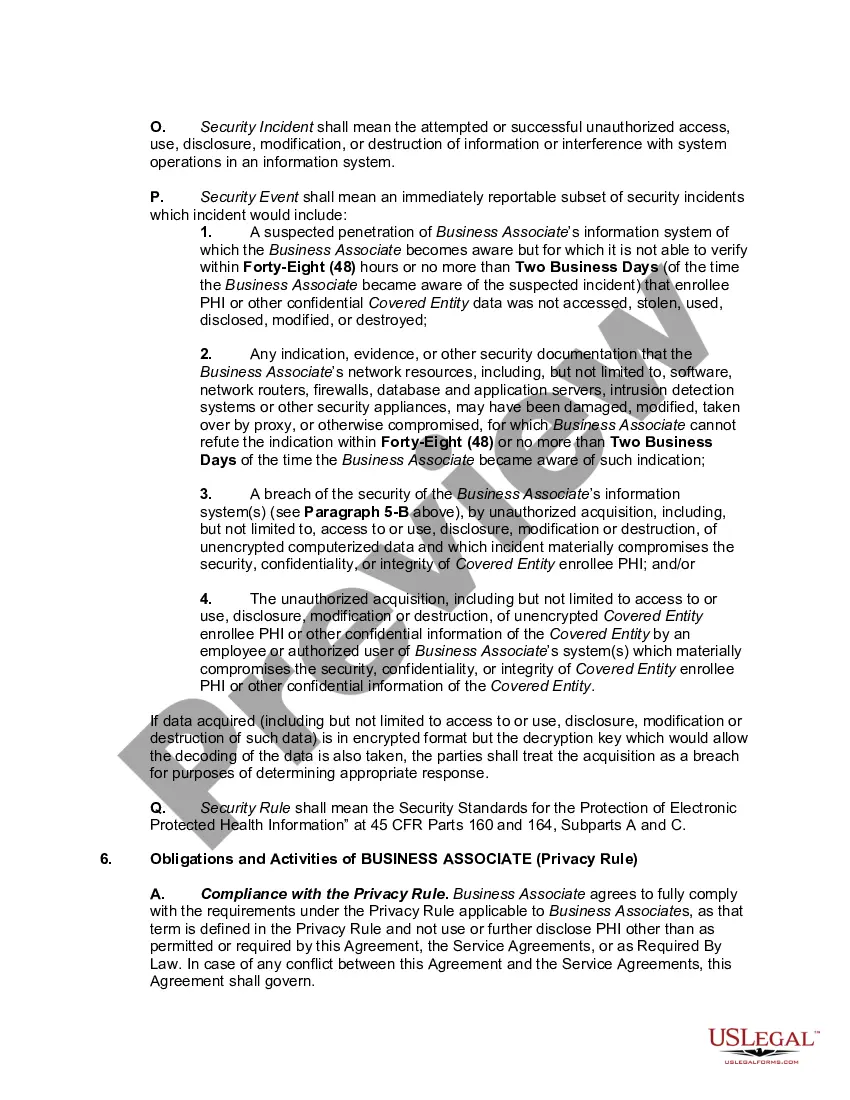
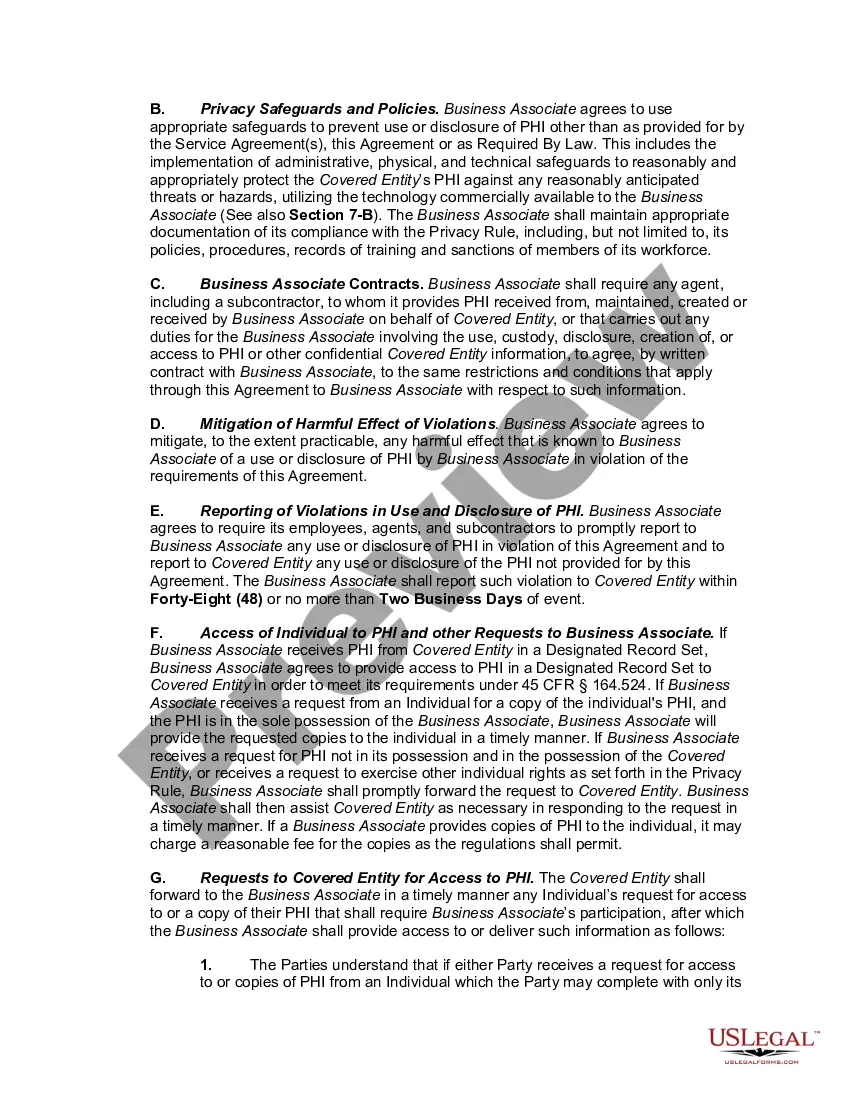

Get your form ready online
Our built-in tools help you complete, sign, share, and store your documents in one place.
Make edits, fill in missing information, and update formatting in US Legal Forms—just like you would in MS Word.
Download a copy, print it, send it by email, or mail it via USPS—whatever works best for your next step.
Sign and collect signatures with our SignNow integration. Send to multiple recipients, set reminders, and more. Go Premium to unlock E-Sign.
If this form requires notarization, complete it online through a secure video call—no need to meet a notary in person or wait for an appointment.
We protect your documents and personal data by following strict security and privacy standards.

Make edits, fill in missing information, and update formatting in US Legal Forms—just like you would in MS Word.

Download a copy, print it, send it by email, or mail it via USPS—whatever works best for your next step.

Sign and collect signatures with our SignNow integration. Send to multiple recipients, set reminders, and more. Go Premium to unlock E-Sign.

If this form requires notarization, complete it online through a secure video call—no need to meet a notary in person or wait for an appointment.

We protect your documents and personal data by following strict security and privacy standards.
Looking for another form?
How to fill out HIPAA Business Associates Agreement?
If you want to complete, obtain, or print legal document templates, utilize US Legal Forms, the largest collection of legal forms available online.
Take advantage of the site's straightforward and user-friendly search to find the documents you require. Numerous templates for business and personal purposes are organized by categories and states, or keywords.
Use US Legal Forms to get the Maryland HIPAA Business Associates Agreement within just a few clicks.
Every legal document template you acquire is yours indefinitely. You can access every document you downloaded in your account. Click on the My documents section and choose a document to print or download again.
Compete and download, and print the Maryland HIPAA Business Associates Agreement with US Legal Forms. There are thousands of professional and state-specific forms available for your business or personal needs.
- If you are already a US Legal Forms customer, Log In to your account and click the Download button to retrieve the Maryland HIPAA Business Associates Agreement.
- You can also access forms you previously downloaded from the My documents tab of your account.
- If you are using US Legal Forms for the first time, follow the steps below.
- Step 1. Ensure you have selected the form for the correct state/region.
- Step 2. Use the Review option to examine the form's content. Remember to read the description.
- Step 3. If you are not satisfied with the form, use the Search field at the top of the screen to find alternative versions of the legal document template.
- Step 4. Once you have found the form you need, click the Get now button. Choose the pricing plan you prefer and enter your credentials to create an account.
- Step 5. Complete the transaction. You can use your credit card or PayPal account to finalize the transaction.
- Step 6. Select the format of your legal document and download it to your device.
- Step 7. Fill out, edit, and print or sign the Maryland HIPAA Business Associates Agreement.
Form popularity
FAQ
To achieve HIPAA compliance, your business should conduct a thorough risk assessment, develop necessary policies, and implement security measures to protect PHI. Additionally, establishing a Maryland HIPAA Business Associates Agreement with all relevant partners is crucial. Platforms like uslegalforms can assist you in creating a compliant agreement and ensuring your business meets legal standards.
Indeed, HIPAA rules apply to business associates as they handle PHI on behalf of covered entities. Business associates must adhere to the same security and privacy standards as the covered entities they serve. Familiarizing yourself with the Maryland HIPAA Business Associates Agreement can provide clarity on these rules.
Yes, a business associate agreement (BAA) is mandated by federal law under HIPAA. This agreement is crucial for any business associate that handles PHI. For those in Maryland, ensuring that your BAA aligns with the Maryland HIPAA Business Associates Agreement will help you comply with both state and federal regulations.
When a business associate experiences a HIPAA breach, it must notify the covered entity without delay. The business associate is responsible for mitigating the breach and ensuring that corrective actions are taken to prevent future incidents. Understanding your obligations under the Maryland HIPAA Business Associates Agreement can help you manage these responsibilities effectively.
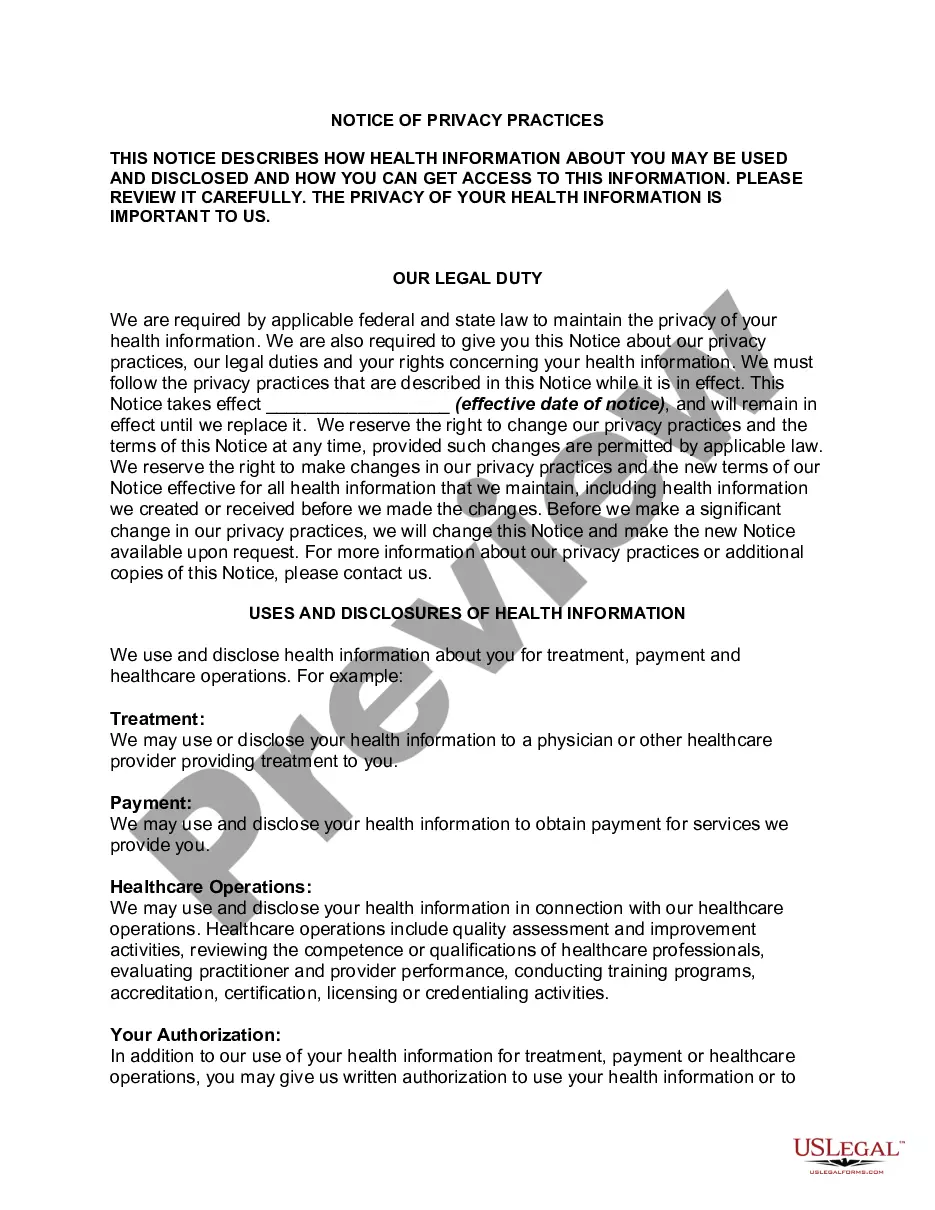
A business associate is not required to provide a notice of privacy practices; this requirement lies with the covered entity. However, business associates must comply with the privacy practices outlined by the covered entity in the business associate agreement. Therefore, understanding the Maryland HIPAA Business Associates Agreement can help clarify these responsibilities.
Absolutely, a business associate agreement is necessary before a business associate can receive PHI from a client. This agreement sets the legal framework for how PHI will be handled and protects both parties. For businesses in Maryland, having a well-drafted Maryland HIPAA Business Associates Agreement is vital to avoid potential legal issues.
Yes, HIPAA explicitly requires a business associate agreement whenever a business associate accesses or handles PHI. This agreement protects the rights of individuals and ensures that business associates adhere to the same privacy and security standards as covered entities. For Maryland businesses, adhering to the Maryland HIPAA Business Associates Agreement is crucial for compliance.
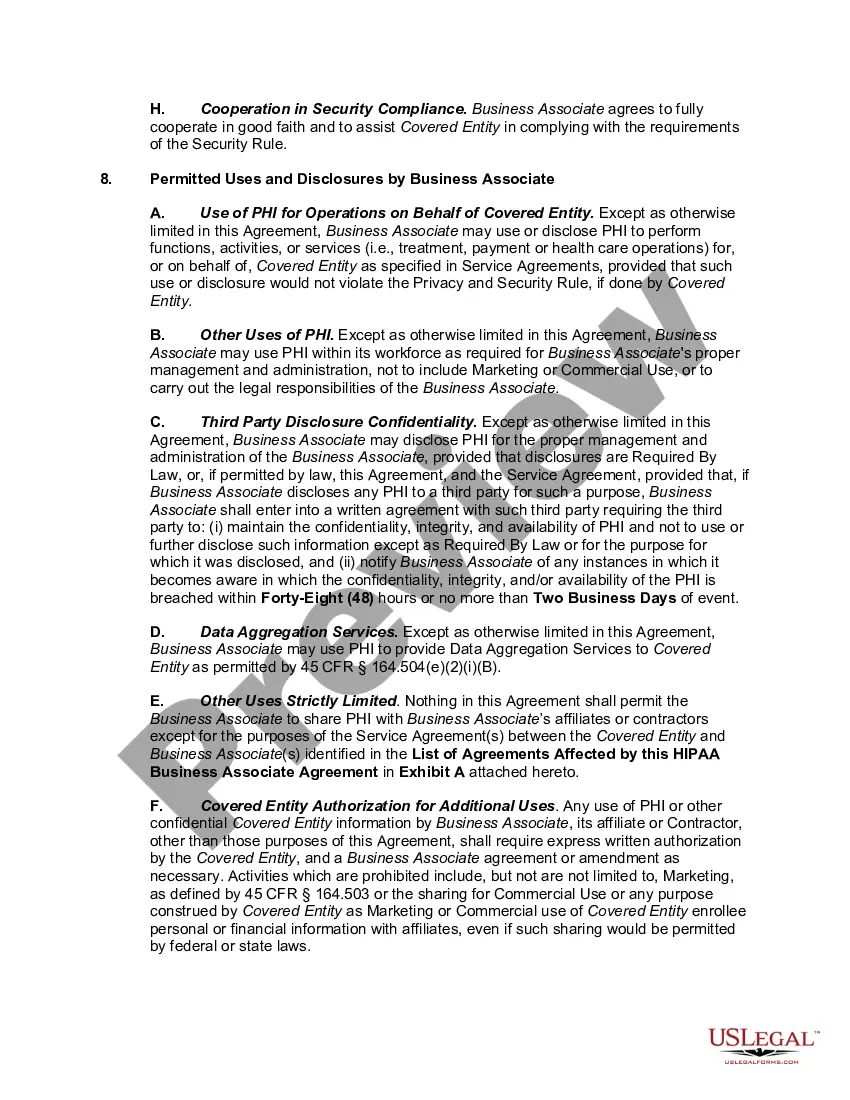
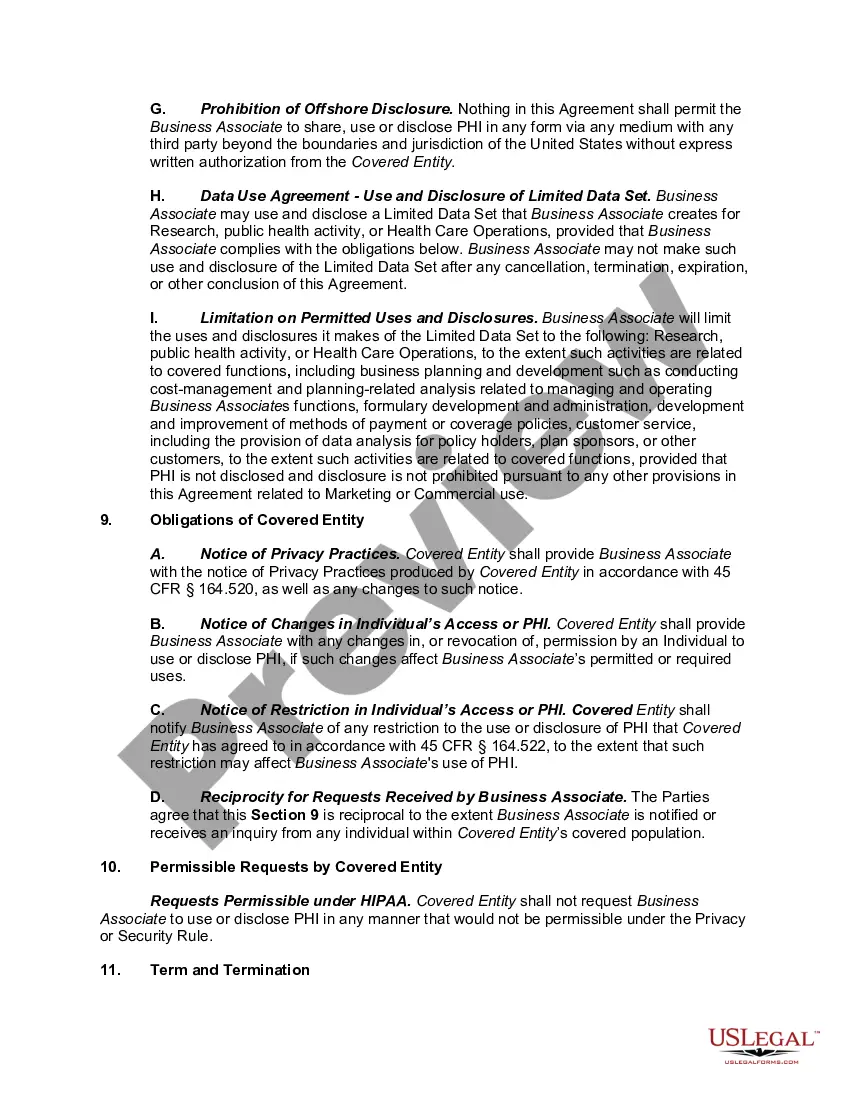
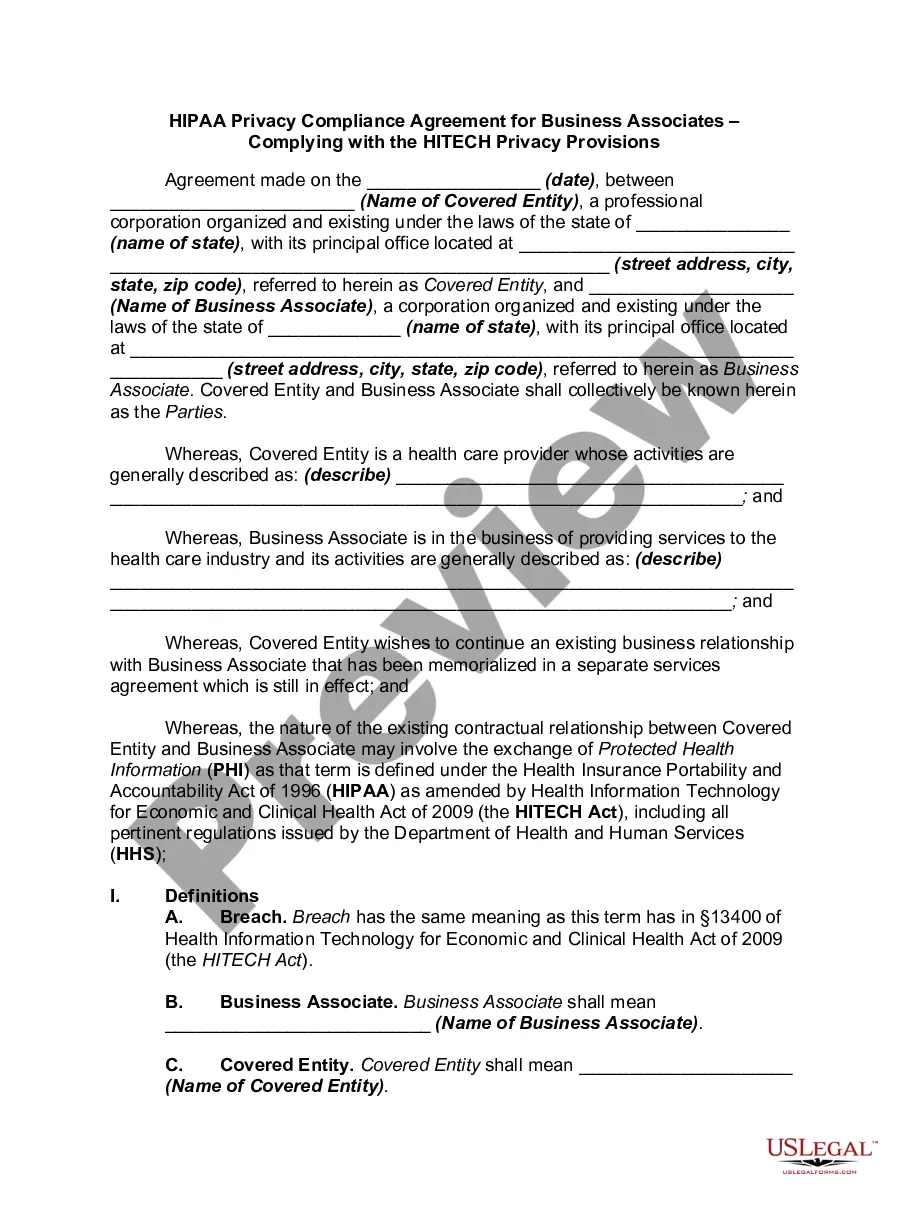
The HIPAA business associate agreement requirement mandates that entities sharing protected health information (PHI) establish a formal agreement. This agreement outlines the responsibilities of business associates in safeguarding PHI and ensures compliance with HIPAA regulations. If you are operating in Maryland, understanding the nuances of the Maryland HIPAA Business Associates Agreement is essential for maintaining compliance.
Yes, under the Maryland HIPAA Business Associates Agreement, business associates are encouraged to appoint a privacy officer. This officer oversees compliance with HIPAA regulations and ensures that all protected health information is handled appropriately. By having a dedicated privacy officer, business associates can better manage risks and enhance their commitment to patient privacy. Utilizing a service like uslegalforms can help you draft a compliant Business Associates Agreement that outlines the responsibilities of the privacy officer.