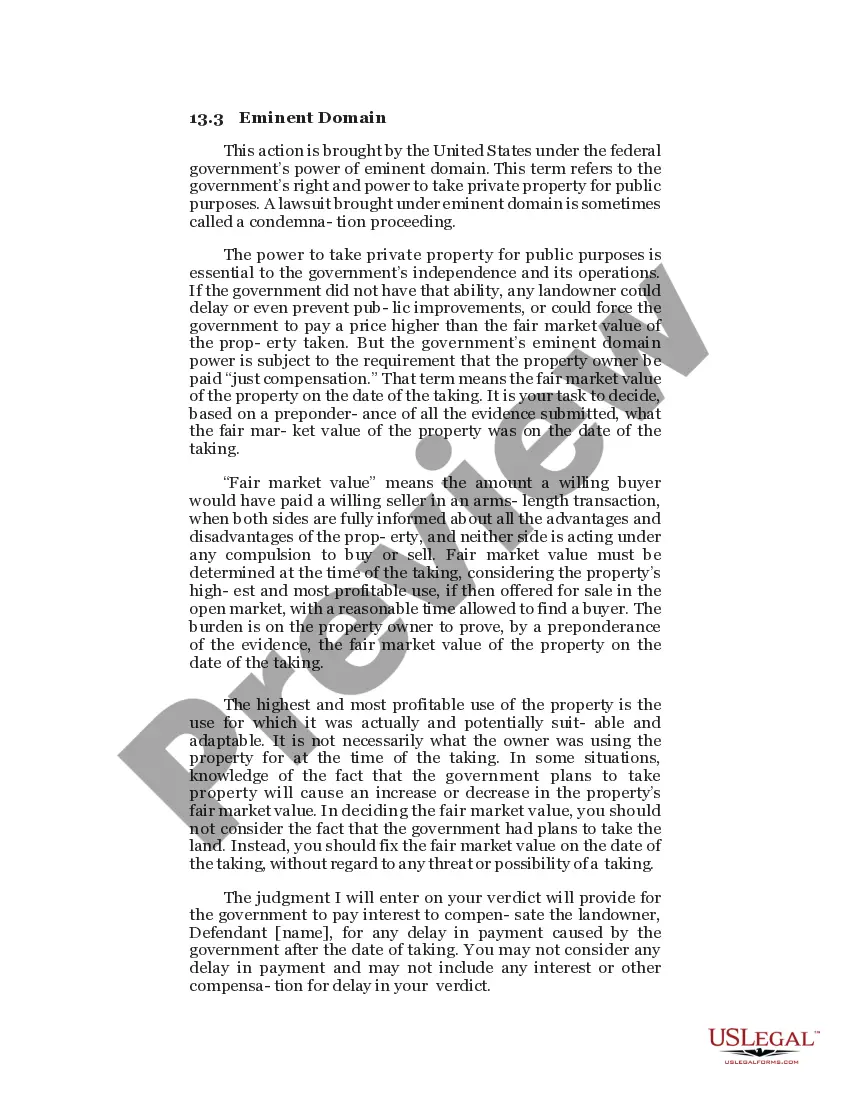
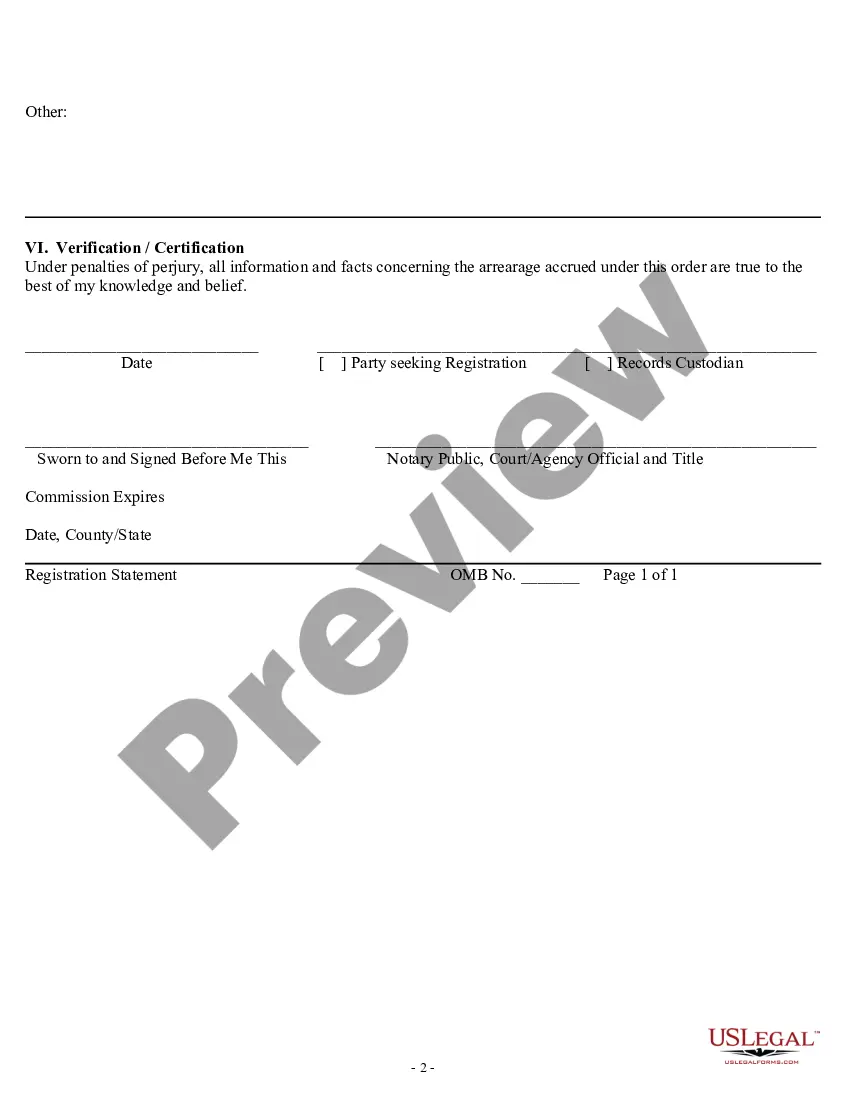
Maryland Registration Statement
Description

Get your form ready online
Our built-in tools help you complete, sign, share, and store your documents in one place.
Make edits, fill in missing information, and update formatting in US Legal Forms—just like you would in MS Word.
Download a copy, print it, send it by email, or mail it via USPS—whatever works best for your next step.
Sign and collect signatures with our SignNow integration. Send to multiple recipients, set reminders, and more. Go Premium to unlock E-Sign.
If this form requires notarization, complete it online through a secure video call—no need to meet a notary in person or wait for an appointment.
We protect your documents and personal data by following strict security and privacy standards.

Make edits, fill in missing information, and update formatting in US Legal Forms—just like you would in MS Word.

Download a copy, print it, send it by email, or mail it via USPS—whatever works best for your next step.

Sign and collect signatures with our SignNow integration. Send to multiple recipients, set reminders, and more. Go Premium to unlock E-Sign.

If this form requires notarization, complete it online through a secure video call—no need to meet a notary in person or wait for an appointment.

We protect your documents and personal data by following strict security and privacy standards.
Looking for another form?

How to fill out Registration Statement?
Finding the appropriate authentic document template can be challenging. Of course, there are numerous designs available online, but how do you locate the authentic form you require? Utilize the US Legal Forms website. The service offers thousands of templates, such as the Maryland Registration Statement, that you can utilize for business and personal purposes. All of the documents are verified by experts and comply with federal and state regulations.
If you are already registered, Log In to your account and click the Download button to obtain the Maryland Registration Statement. Use your account to browse through the authentic documents you may have ordered previously. Visit the My documents tab in your account and retrieve another copy of the documents you need.
If you are a new user of US Legal Forms, here are simple instructions for you to follow: First, ensure you have selected the correct form for your area/region. You can view the form using the Preview button and examine the form outline to confirm it is the right one for you. If the form does not satisfy your needs, use the Search area to locate the right form. Once you are certain that the form is suitable, click the Get now button to acquire the form. Choose the pricing plan you want and input the required information. Create your account and pay for the order using your PayPal account or Visa or Mastercard. Select the file format and download the authentic document template to your device. Complete, modify, print, and sign the obtained Maryland Registration Statement.
US Legal Forms is indeed the largest collection of authentic documents where you can find various paper templates. Utilize the service to download professionally-crafted documents that adhere to state requirements.
- Finding the appropriate authentic document template can be challenging.
- Numerous designs are available online, but how do you locate the authentic form you require.
- All documents are verified by experts and comply with federal and state regulations.
- Ensure you have selected the correct form for your area/region.
- Use the Search area to locate the right form.
- Complete, modify, print, and sign the obtained Maryland Registration Statement.
Form popularity
FAQ
Annual Financial Report for Charities- Form COF-85 This form should be filed annually as part of the charitable organization's annual update of registration. This form must be completed if the organization does not file a 990 or 990-EZ with the IRS.
To request a membership exemption, please submit a copy of the organization's by-laws showing the rights of the members and a statement explaining from whom solicitations for contributions are made. An organization claiming an exemption must provide evidence of its exemption.
Massachusetts charities, and non-Massachusetts charities operating or soliciting in the state, are required to Register with the AGO and submit Annual Filings (Forms PC), which must be done using the Online Charity Portal.
Under Business Regulation §6-410 of the Maryland Solicitations Act, a charitable organization must mail within 30 days after receiving a request, a current financial statement at no charge to the requesting individual.
Under the Maryland Solicitations Act, a charitable organization or fundraiser who intends to solicit in Maryland generally must first register with the Office of the Secretary of State.
A copy of the Maryland Solicitations Act can be found here. To report a suspected violation of the Maryland Solicitations Act, please submit a complaint to the Charitable Organizations Division at the Office of the Secretary of State online here or by phone at 410-974-5521.