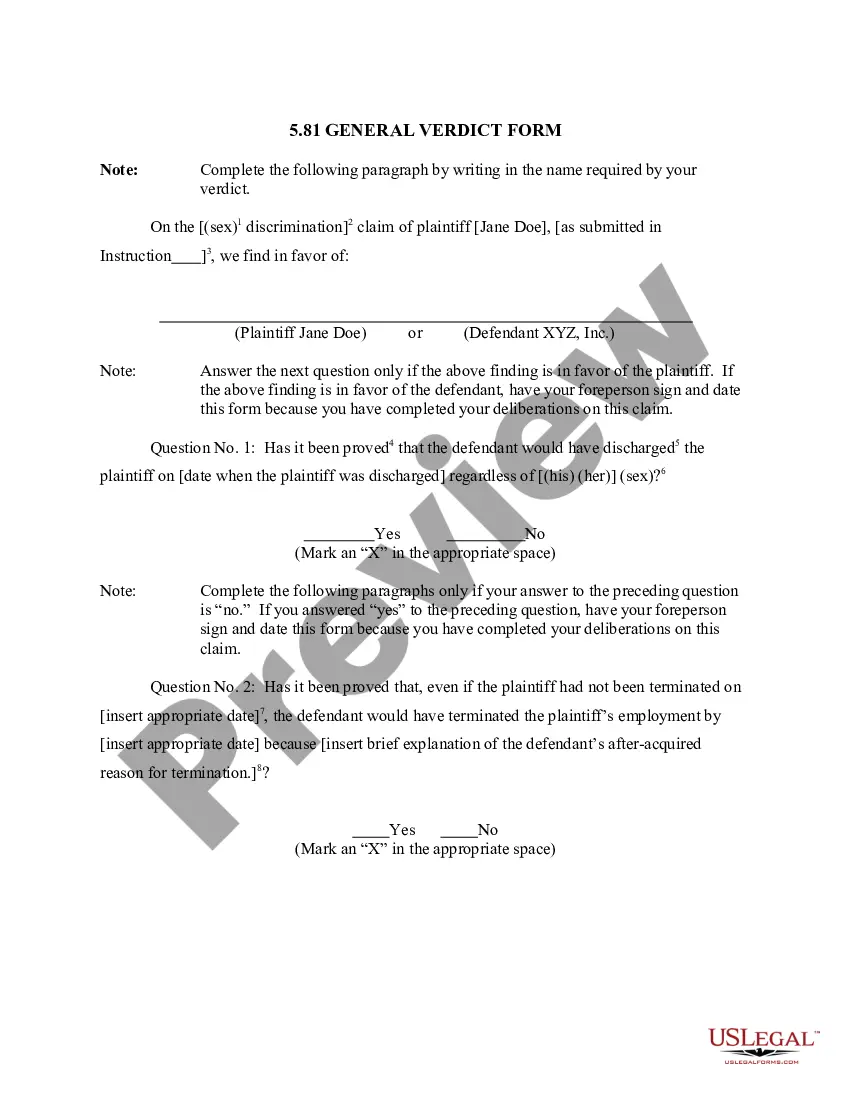
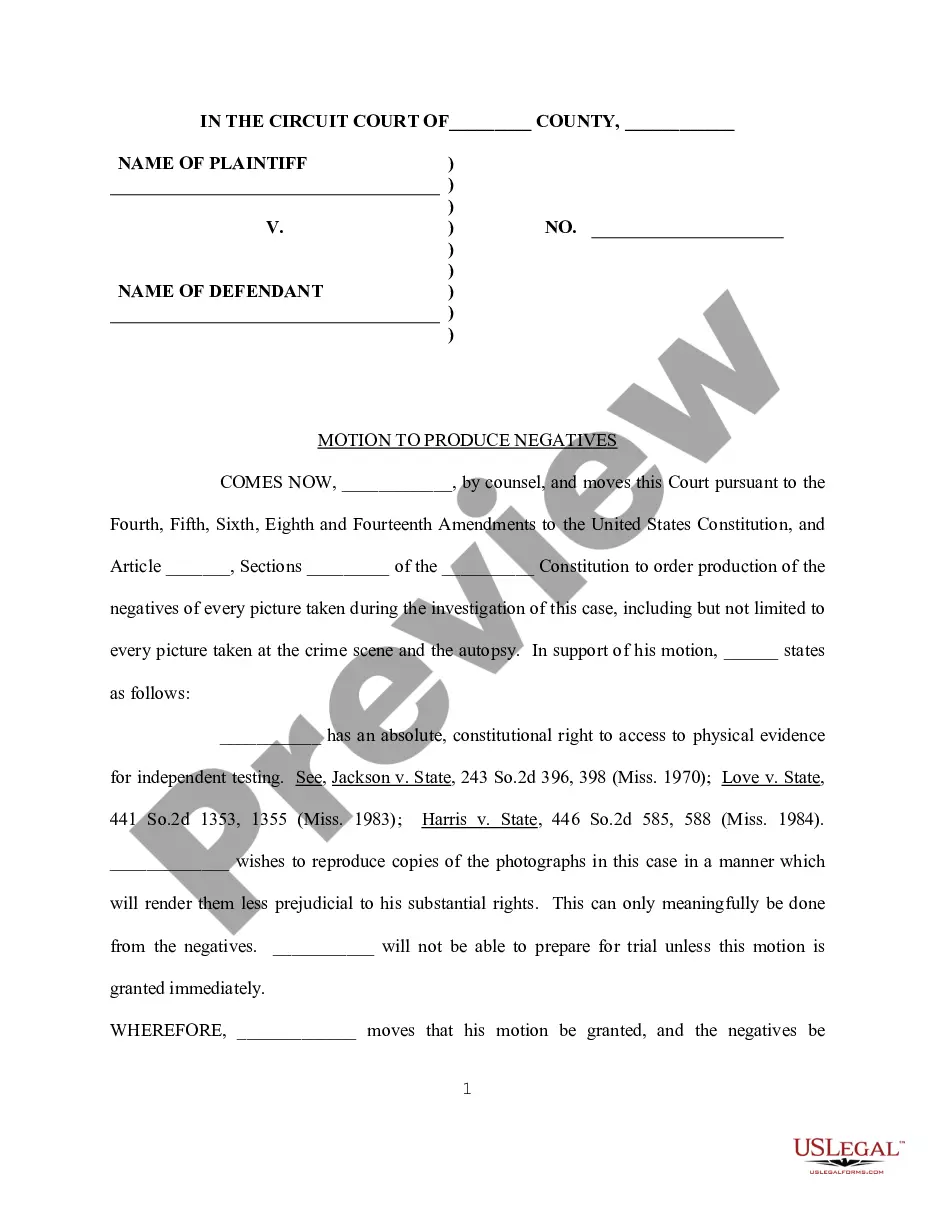
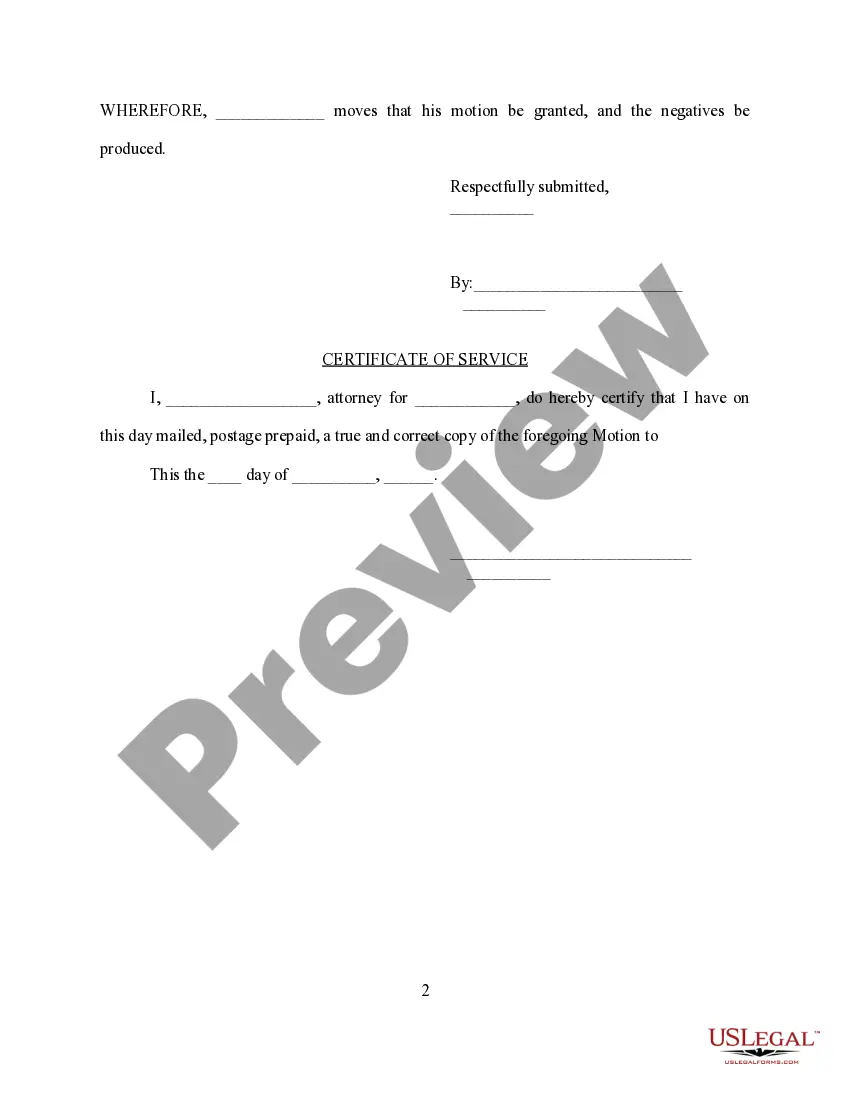
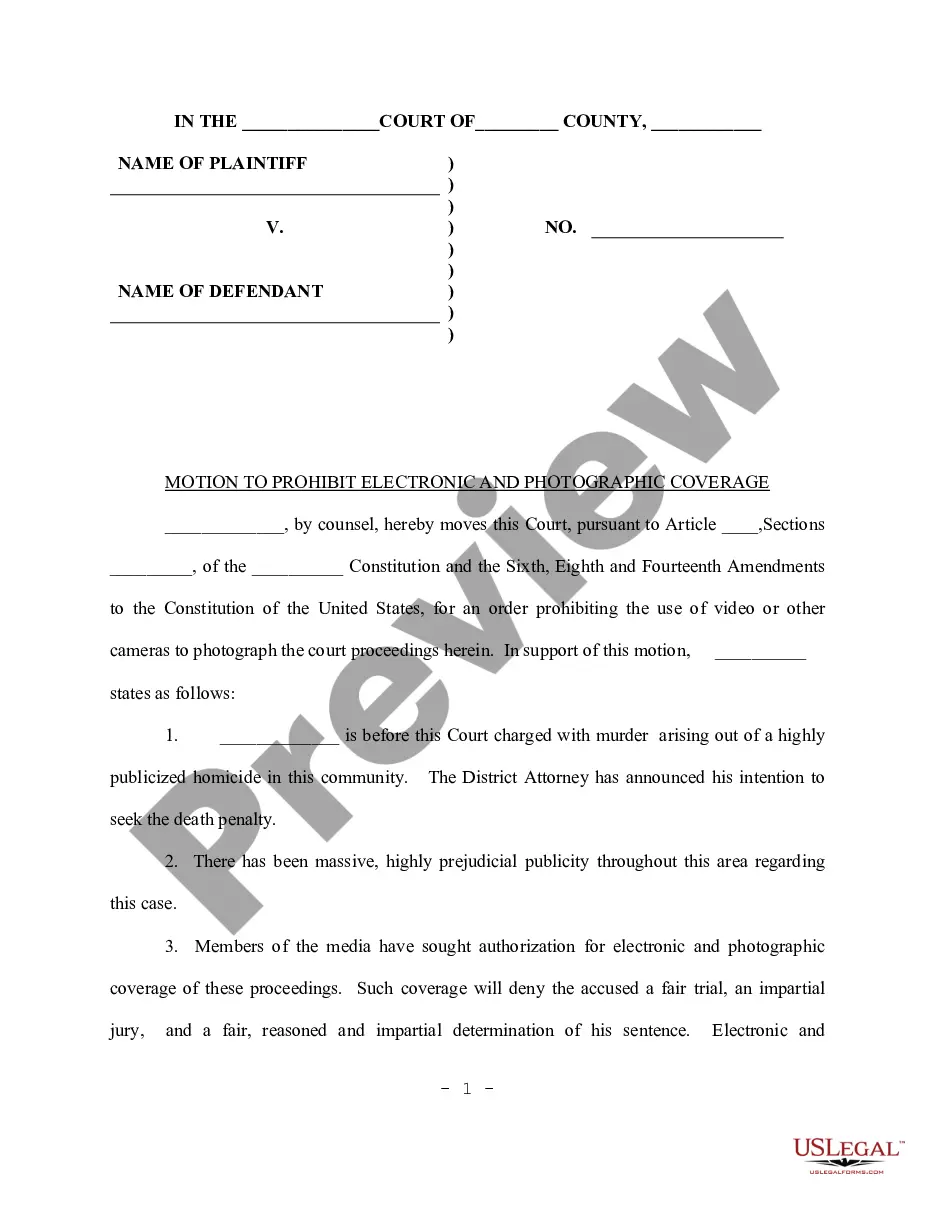
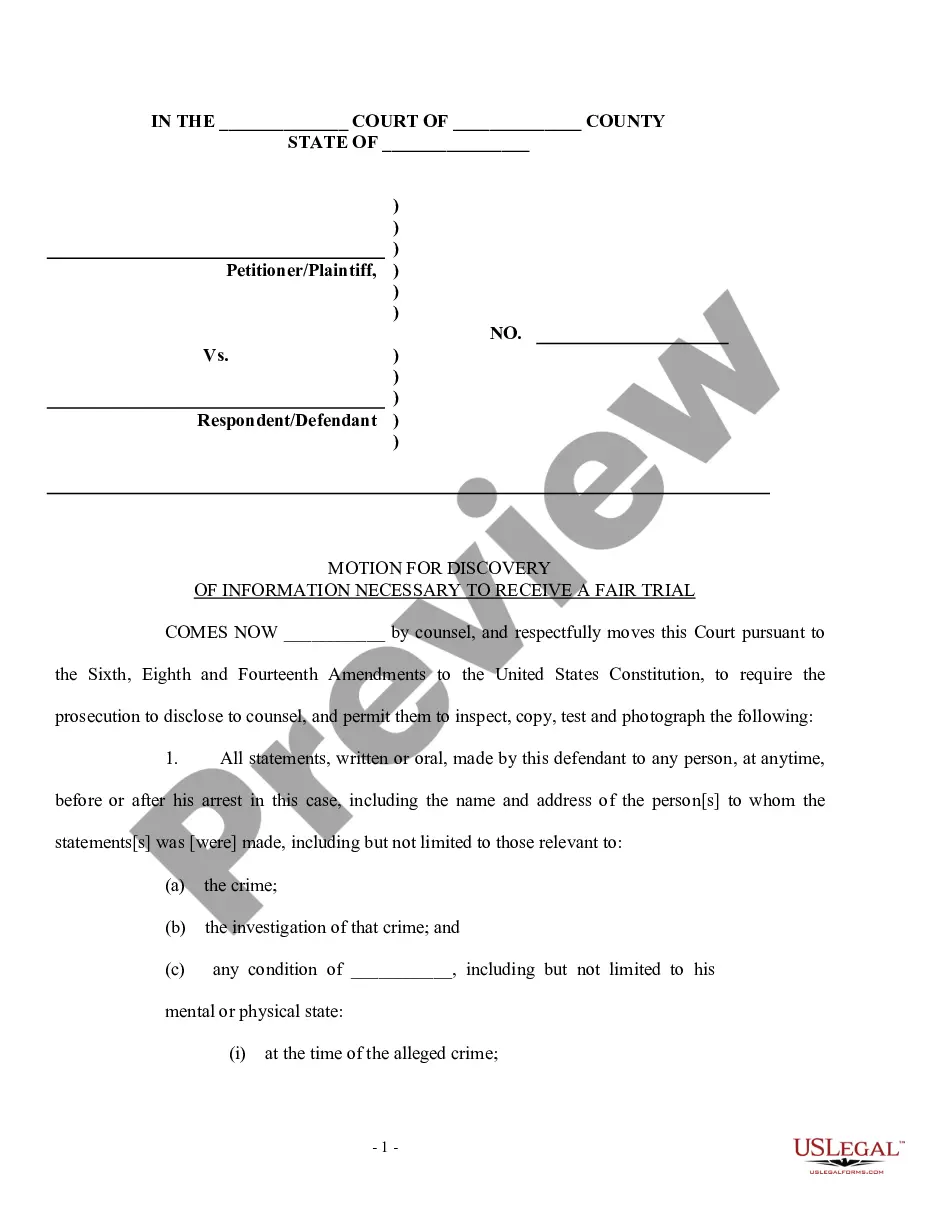
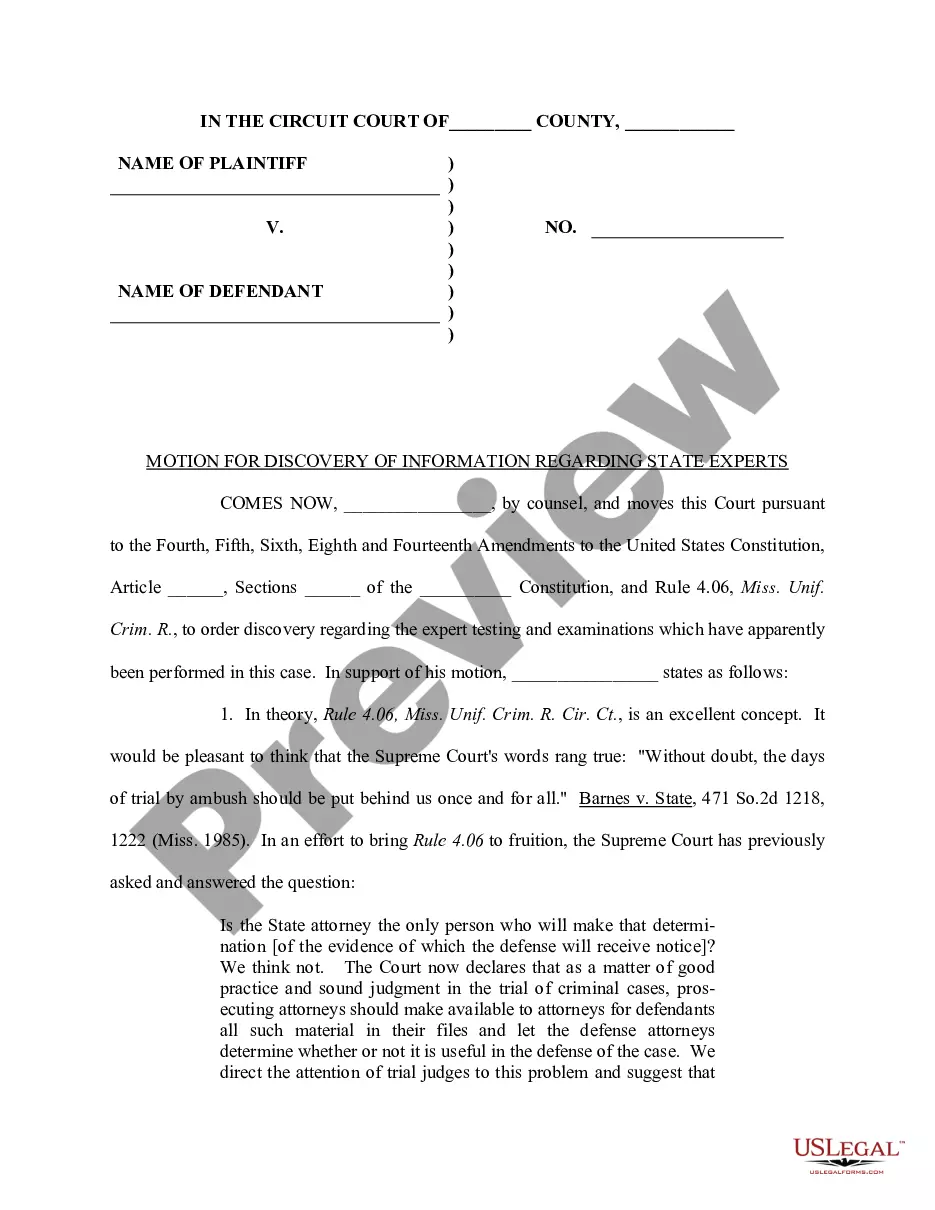
Maryland Motion to Produce Negatives
Description
Get your form ready online
Our built-in tools help you complete, sign, share, and store your documents in one place.
Make edits, fill in missing information, and update formatting in US Legal Forms—just like you would in MS Word.
Download a copy, print it, send it by email, or mail it via USPS—whatever works best for your next step.
Sign and collect signatures with our SignNow integration. Send to multiple recipients, set reminders, and more. Go Premium to unlock E-Sign.
If this form requires notarization, complete it online through a secure video call—no need to meet a notary in person or wait for an appointment.
We protect your documents and personal data by following strict security and privacy standards.

Make edits, fill in missing information, and update formatting in US Legal Forms—just like you would in MS Word.

Download a copy, print it, send it by email, or mail it via USPS—whatever works best for your next step.

Sign and collect signatures with our SignNow integration. Send to multiple recipients, set reminders, and more. Go Premium to unlock E-Sign.

If this form requires notarization, complete it online through a secure video call—no need to meet a notary in person or wait for an appointment.

We protect your documents and personal data by following strict security and privacy standards.
Looking for another form?



How to fill out Motion To Produce Negatives?
US Legal Forms - one of the largest collections of legal documents in the United States - offers a broad selection of legal template options that you can download or print. By using the website, you can discover thousands of forms for business and personal purposes, organized by categories, states, or keywords. You can obtain the most recent versions of forms such as the Maryland Motion to Produce Negatives in moments.
If you already have an account, Log In and download the Maryland Motion to Produce Negatives from the US Legal Forms collection. The Download button will be visible on every form you view. You can access all previously saved forms in the My documents section of your account.
If you are using US Legal Forms for the first time, here are simple instructions to get you started: Please ensure you have selected the correct form for your city/region. Click the Preview button to review the form’s details. Check the form information to confirm you have chosen the right document. If the form does not meet your needs, use the Search box at the top of the screen to find one that does. Once you are satisfied with the form, confirm your selection by clicking the Purchase now button. Then, select the payment option you prefer and provide your details to create an account. Process the transaction. Use your credit card or PayPal account to complete the transaction. Choose the format and download the form to your device. Make modifications. Fill out, edit, print, and sign the saved Maryland Motion to Produce Negatives. Every template you added to your account has no expiration date and belongs to you indefinitely. So, if you wish to download or print another copy, just go to the My documents section and click on the form you need.
- Access the Maryland Motion to Produce Negatives with US Legal Forms, one of the most extensive collections of legal document templates.
- Utilize a multitude of professional and state-specific templates that align with your business or personal requirements and specifications.
- Explore various categories to locate the forms that suit your needs.
- Benefit from the ease of downloading or printing any form whenever necessary.
- Enjoy unlimited access to your saved forms without any time constraint.
- Ensure compliance with legal standards using professionally crafted templates.
Form popularity
FAQ
File a Motion to Shorten Time if there is insufficient time for the party(ies) to respond. Motions must include an address, telephone number(s) and e-mail address(es) pursuant to the Maryland Rules. In addition to mailing a copy of the Order, the Court may also send notice of the outcome of the Motion via email.
Motion to Compel Discovery The memorandum in support of the motion must set forth, as to each response to which the motion is directed, the discovery request, the response thereto, and the asserted basis for the insufficiency of the response.
(1) File a motion in the District Court where the case was (Use form DC-002) You can file this motion in writing within ten (10) days after the date of the judgment. You must state in writing all of the reasons that you believe that the District Court judge made the wrong decision.
After being served with a motion, you must file your response with the court within the set time limit, usually 15 days. If the other party served you with a motion by mail, the court will allow you 3 extra days to file your response.
Filing a motion will automatically trigger the setting of a 14-day deadline for filing a response. See Local Rule 105.2. a and Fed.
A Motion to Vacate is a written request, filed with the Clerk's office, asking the court to undo the order of default and allow you to defend the case. In the motion, you must show the judge a good reason to allow your request and vacate the default. You must tell the judge why you did not file your response in time.
The following defenses may be made by motion to dismiss filed before the answer, if an answer is required: (1) lack of jurisdiction over the subject matter, (2) failure to state a claim upon which relief can be granted, (3) failure to join a party under Rule 2-211, (4) discharge in bankruptcy, and (5) governmental ...