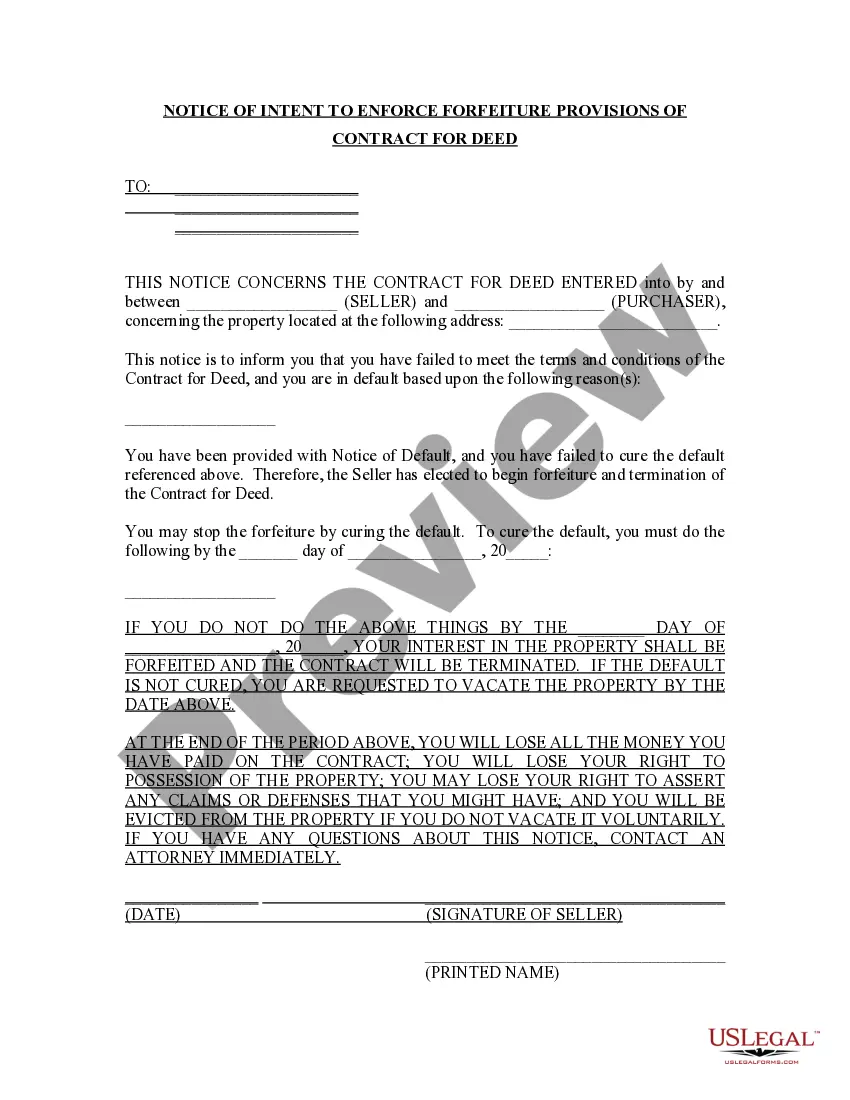
Maryland Quitclaim Deed - Husband and Wife to a Trust
About this form
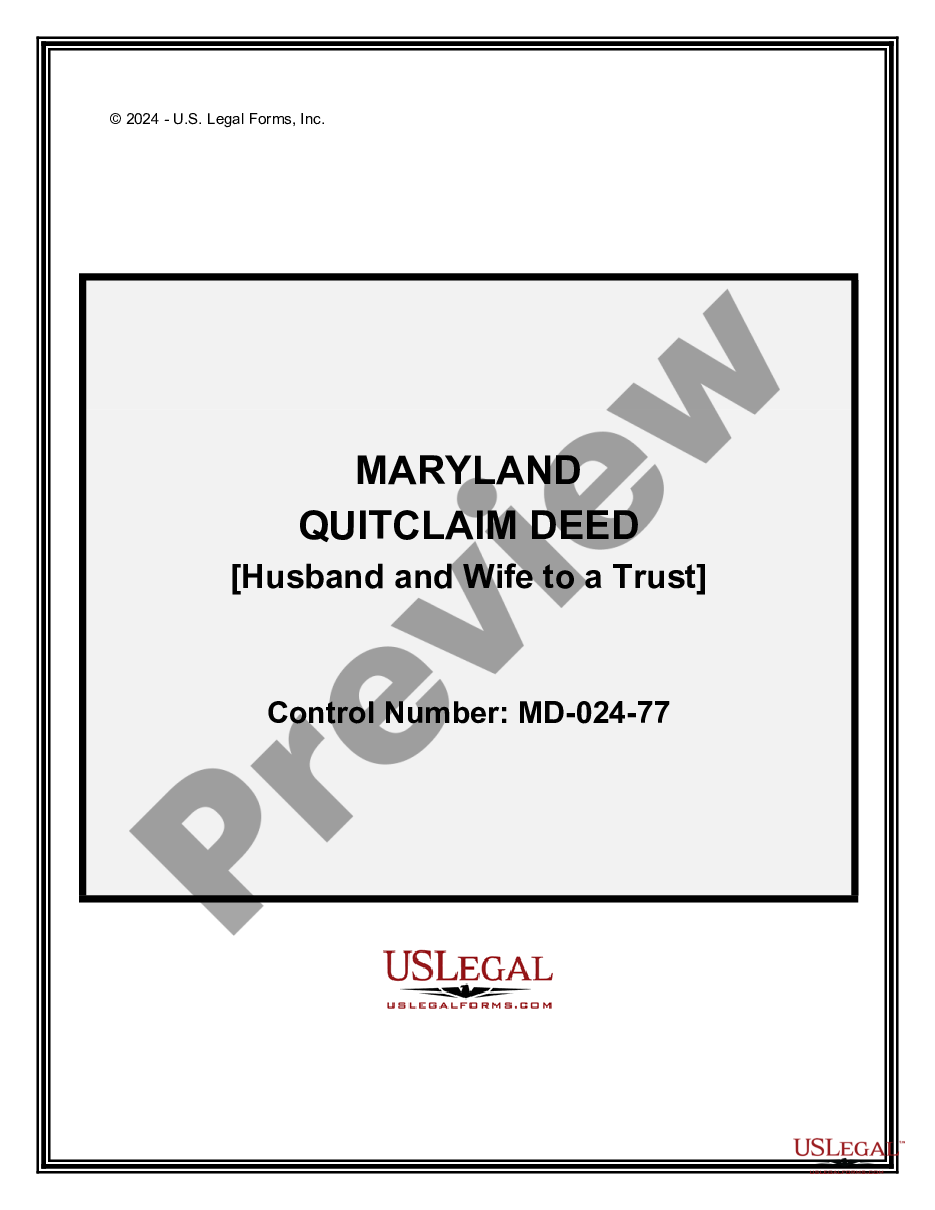
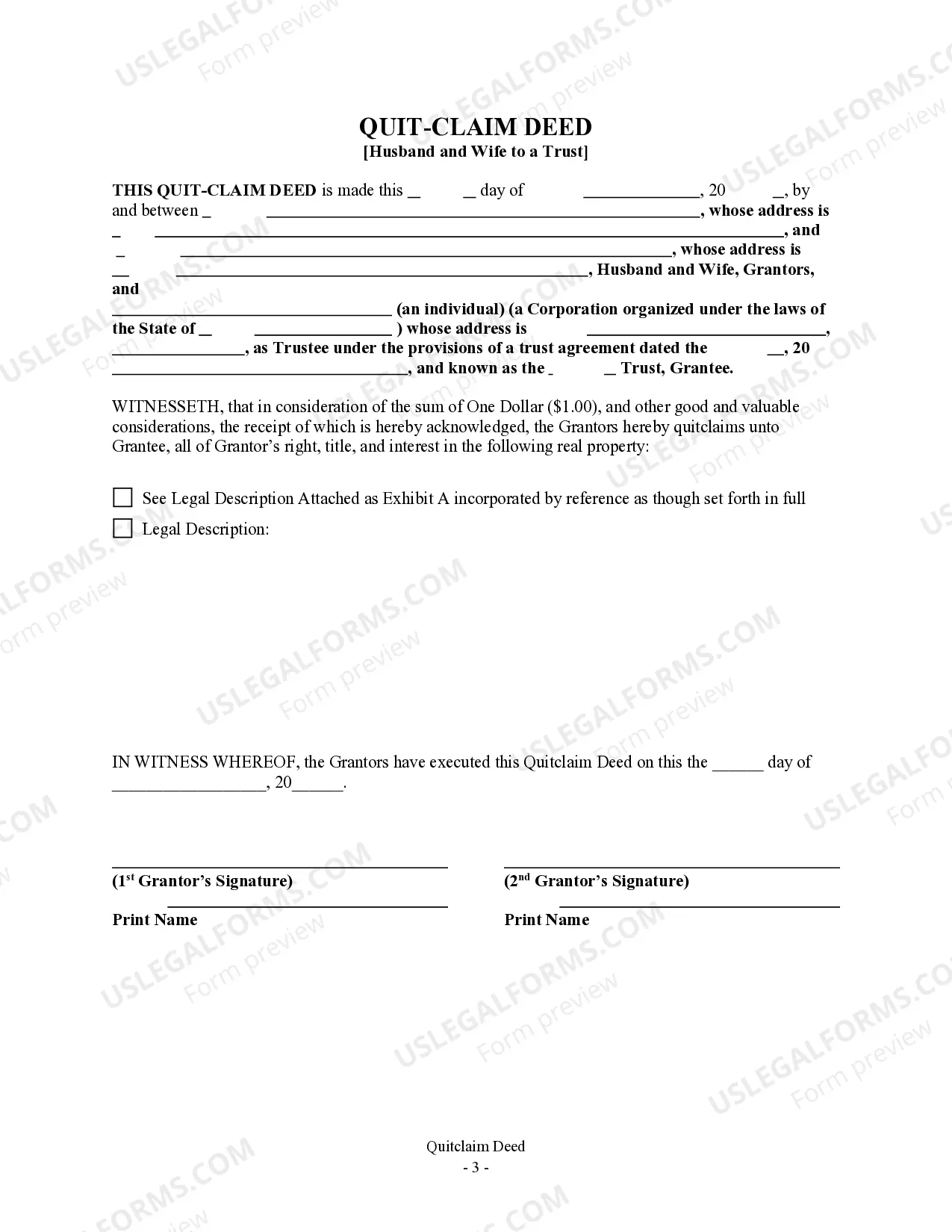
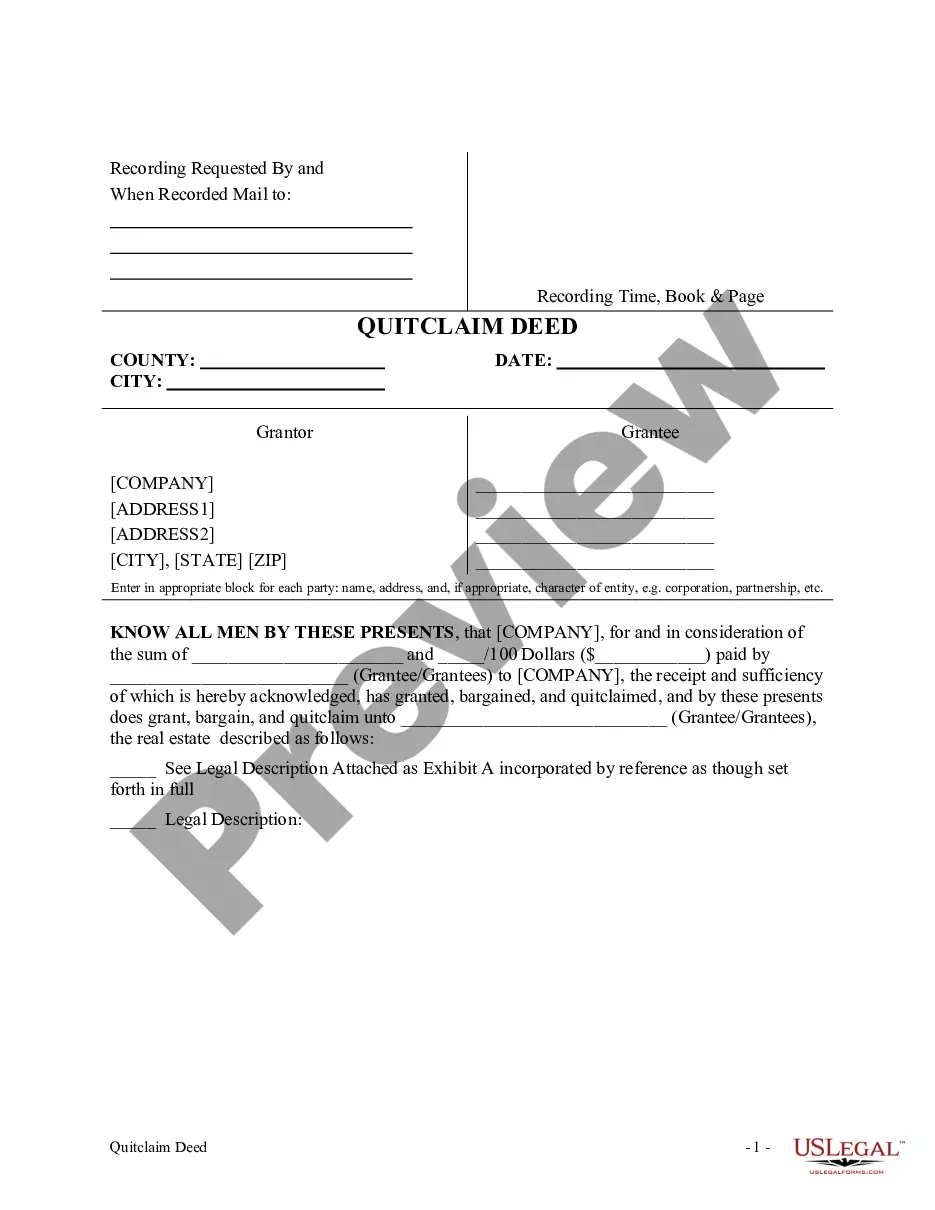
A Quitclaim Deed - Husband and Wife to a Trust is a legal document that allows a married couple (the Grantors) to transfer their interest in a property to a trust (the Grantee) without any warranties regarding ownership. Unlike other types of deeds, a quitclaim deed does not guarantee that the Grantors own the property or have the right to transfer it, making it a straightforward but less secure option. This form is particularly useful for couples wishing to place property into a trust for estate planning purposes.
Form components explained
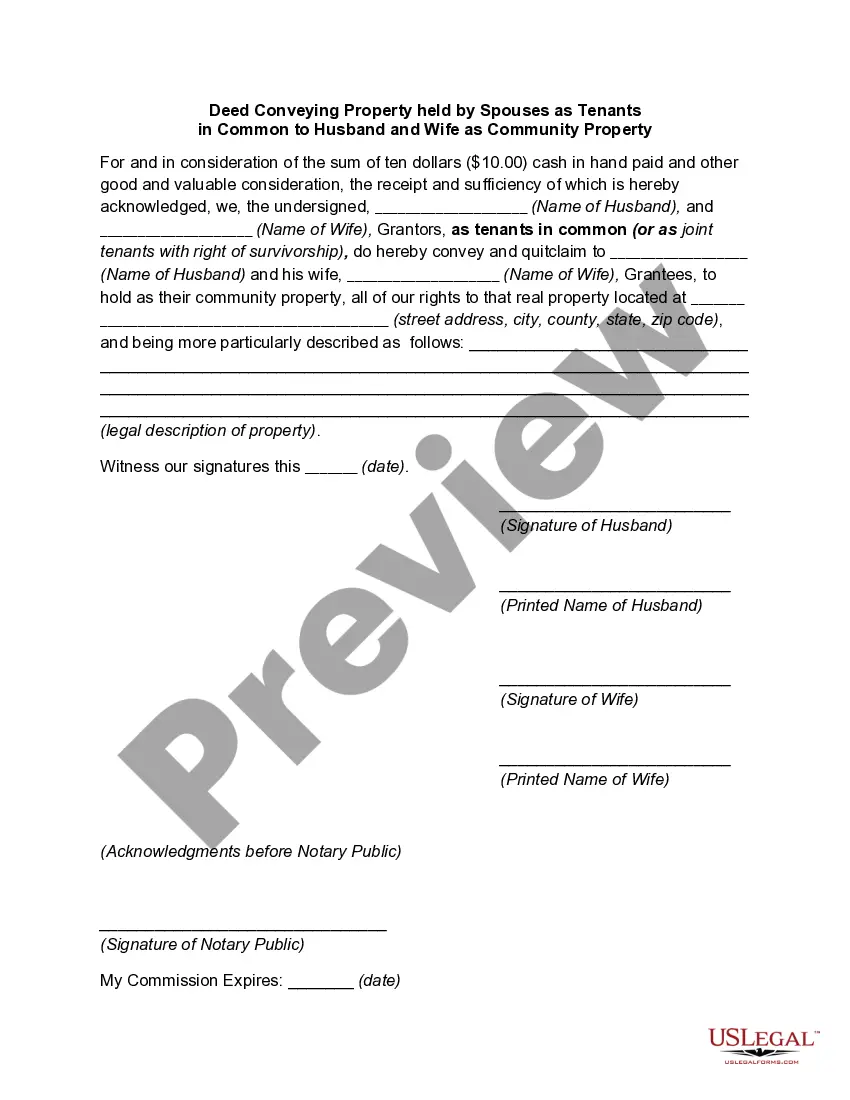
- Identification of the Grantors (Husband and Wife)
- Identification of the Grantee (the Trust)
- Description of the property being conveyed
- Signature lines for the Grantors
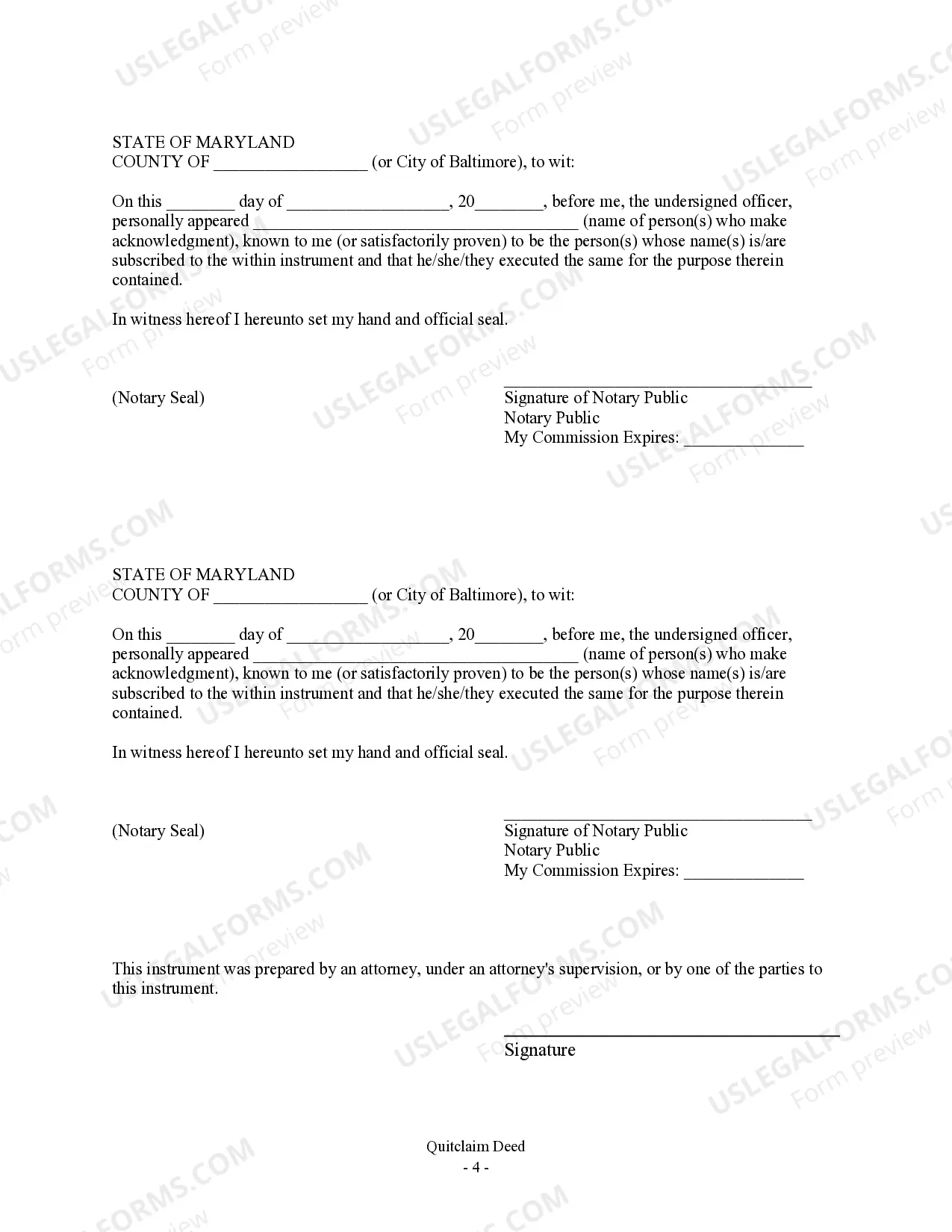
- Notary acknowledgment section


Situations where this form applies
This form should be used when a married couple wants to transfer their ownership of property to a trust for reasons such as estate planning or asset protection. It is often utilized to simplify the transfer of property to family members or to ensure the property is managed according to specific terms outlined in the trust.
Who should use this form
This form is appropriate for:
- Married couples wishing to transfer property to a trust
- Individuals involved in estate planning
- Those looking to simplify property transfers between spouses
- Individuals seeking to protect assets within a trust structure
Steps to complete this form
- Identify both Grantors (the marrying couple).
- Clearly state the name of the Grantee (the Trust).
- Provide a complete legal description of the property.
- Sign the document in the presence of a notary public.
- Ensure the notary acknowledges your signatures by completing their section.
Does this document require notarization?
Notarization is required for this form to take effect. Our online notarization service, powered by Notarize, lets you verify and sign documents remotely through an encrypted video session, available 24/7.
Get your form ready online
Our built-in tools help you complete, sign, share, and store your documents in one place.
Make edits, fill in missing information, and update formatting in US Legal Forms—just like you would in MS Word.
Download a copy, print it, send it by email, or mail it via USPS—whatever works best for your next step.
Sign and collect signatures with our SignNow integration. Send to multiple recipients, set reminders, and more. Go Premium to unlock E-Sign.
If this form requires notarization, complete it online through a secure video call—no need to meet a notary in person or wait for an appointment.
We protect your documents and personal data by following strict security and privacy standards.

Make edits, fill in missing information, and update formatting in US Legal Forms—just like you would in MS Word.

Download a copy, print it, send it by email, or mail it via USPS—whatever works best for your next step.

Sign and collect signatures with our SignNow integration. Send to multiple recipients, set reminders, and more. Go Premium to unlock E-Sign.

If this form requires notarization, complete it online through a secure video call—no need to meet a notary in person or wait for an appointment.

We protect your documents and personal data by following strict security and privacy standards.
Avoid these common issues
- Failing to provide a complete legal description of the property.
- Not having the document notarized, if required by local law.
- Incorrectly identifying the names of the Grantors or Grantee.
- Omitting signatures from either Grantor.
Why use this form online
- Convenience of completing forms from home.
- Editability allows for easy adjustments.
- Access to forms created by licensed attorneys.
- Ensured compliance with state-specific legal standards.
Looking for another form?
Form popularity
FAQ
If the quitclaim deed requires the signature of all co-owners, the deed is invalid unless all co-owners have signed it and the deed is then delivered to the grantee.If one individual owns real estate and desires to add a co-owner such as a spouse, a quitclaim deed might be used.
The advantages of placing your house in a trust include avoiding probate court, saving on estate taxes and possibly protecting your home from certain creditors. Disadvantages include the cost of creating the trust and the paperwork.
Determine the Current Title and Vesting to Your Property. Prepare a Deed. Be Aware of Your Lender and Title Insurance. Prepare a Preliminary Change of Ownership Report. Execute Your Deed. Record Your Deed. Wait for the Deed to be Returned. Keep the Property in the Trust.
Obtain a California grant deed from a local office supply store or your county recorder's office. Complete the top line of the deed. Indicate the grantee on the second line. Enter the trustees' names and addresses.
The drawback, quite simply, is that quitclaim deeds offer the grantee/recipient no protection or guarantees whatsoever about the property or their ownership of it. Maybe the grantor did not own the property at all, or maybe they only had partial ownership.
No. And unless the deed identifies the trust as an owner, then father is the owner of an interest. It is a common mistake to set up a trust and then fail to deed property into the trust. However, you cannot force him to make the changes you are...
It's usually a very straightforward transaction, but it's possible for a quitclaim deed to be challenged. If a quitclaim deed is challenged in court, the issue becomes whether the property was legally transferred and if the grantor had the legal right to transfer the property.
Choose the type of trust you want. Take inventory of your property. Decide who will be your trustee. Create a trust document, either by yourself using an online program or with the assistance of a lawyer. Sign the trust in front of a notary public. Fund the trust by transferring your property into it.
Yes, a quit claim deed supercedes the trust. The only thing that can be done is to file a suit in court challenging the deed as the product of fraud and undue influence. A court action like that will cost thousands of dollars, but might be worth it if the house was owned free and clear.