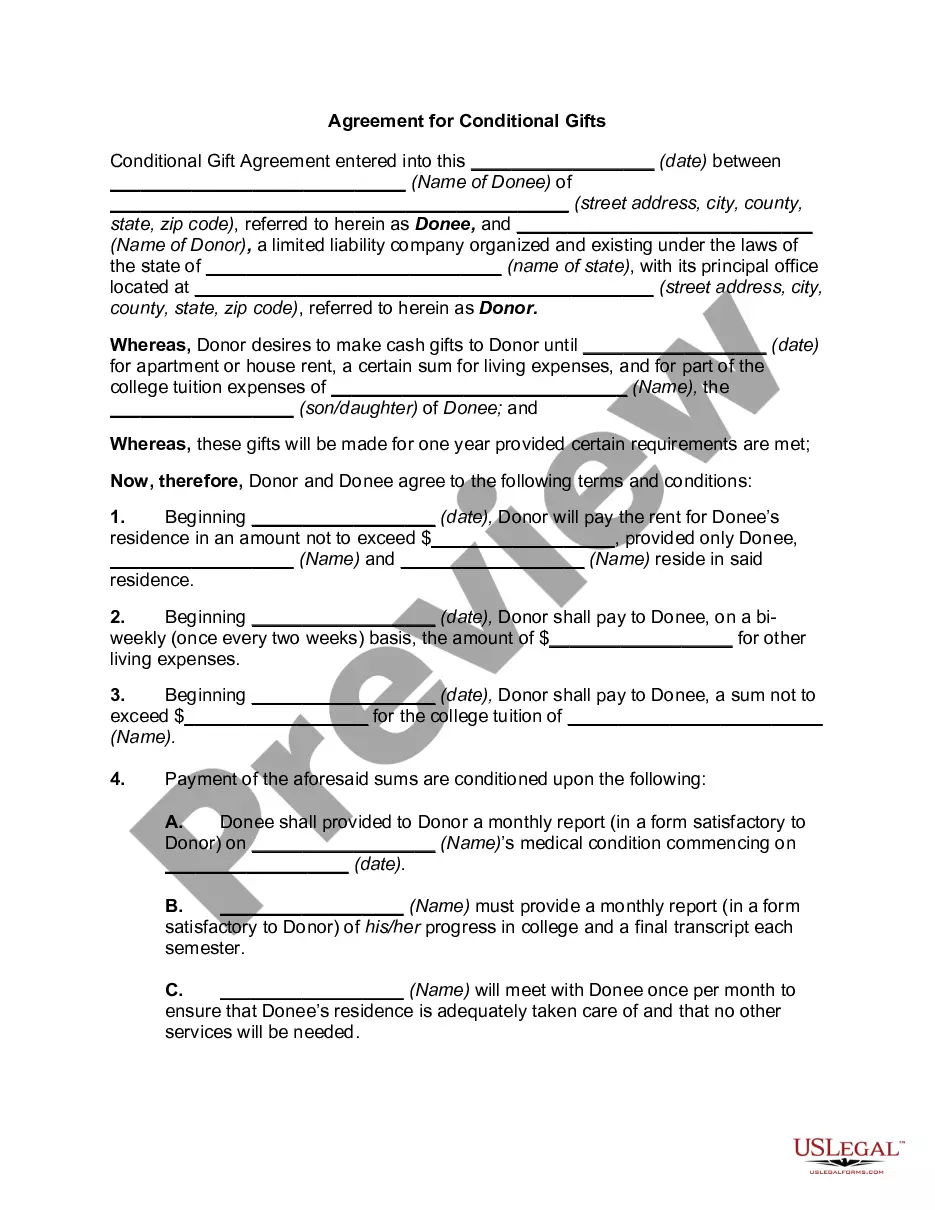
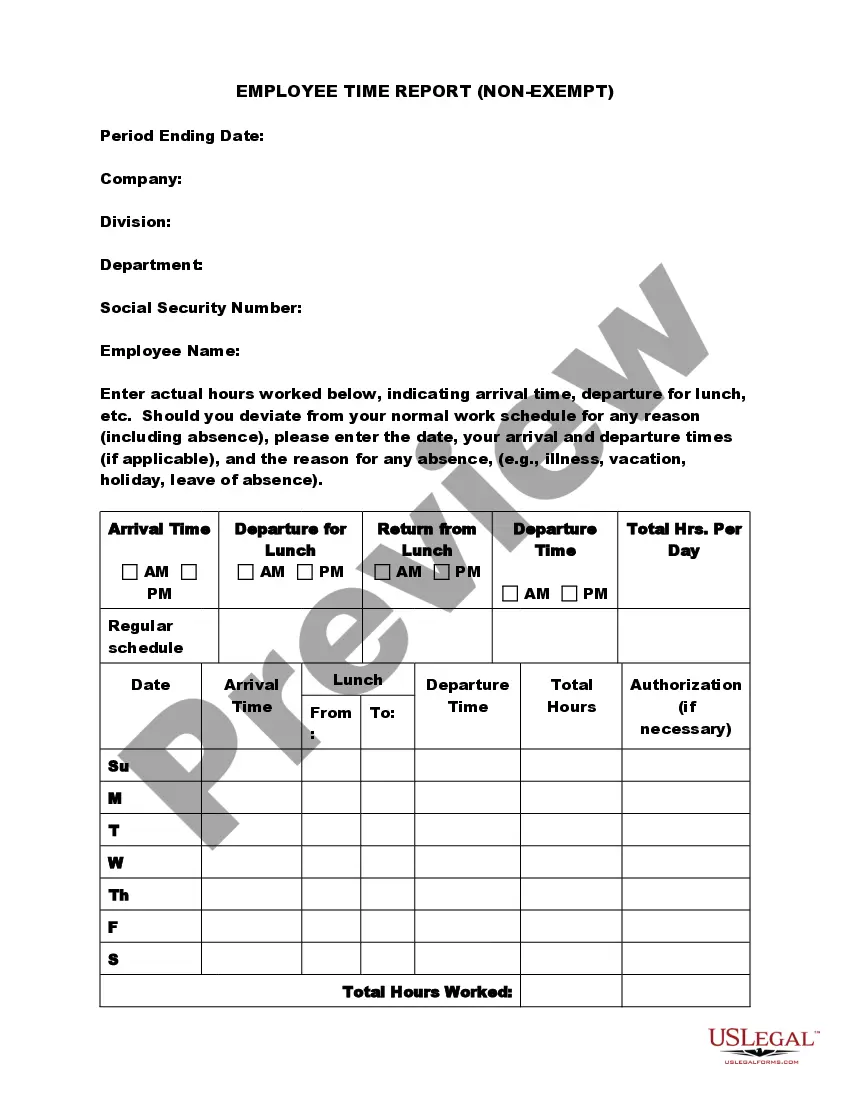
Massachusetts Employee Time Sheet
Description




Get your form ready online
Our built-in tools help you complete, sign, share, and store your documents in one place.
Make edits, fill in missing information, and update formatting in US Legal Forms—just like you would in MS Word.
Download a copy, print it, send it by email, or mail it via USPS—whatever works best for your next step.
Sign and collect signatures with our SignNow integration. Send to multiple recipients, set reminders, and more. Go Premium to unlock E-Sign.
If this form requires notarization, complete it online through a secure video call—no need to meet a notary in person or wait for an appointment.
We protect your documents and personal data by following strict security and privacy standards.

Make edits, fill in missing information, and update formatting in US Legal Forms—just like you would in MS Word.

Download a copy, print it, send it by email, or mail it via USPS—whatever works best for your next step.

Sign and collect signatures with our SignNow integration. Send to multiple recipients, set reminders, and more. Go Premium to unlock E-Sign.

If this form requires notarization, complete it online through a secure video call—no need to meet a notary in person or wait for an appointment.

We protect your documents and personal data by following strict security and privacy standards.
Looking for another form?
How to fill out Employee Time Sheet?
It is feasible to spend time online trying to locate the legal document template that meets both federal and state requirements you need.
US Legal Forms offers a wide selection of legal forms that are reviewed by experts.
You can easily download or print the Massachusetts Employee Time Sheet from the platform.
Review the form description to ensure you have selected the right form. If available, utilize the Preview button to view the document template as well.
- If you already possess a US Legal Forms account, you can Log In and click on the Acquire button.
- After that, you can complete, edit, print, or sign the Massachusetts Employee Time Sheet.
- Every legal document template you obtain is yours permanently.
- To obtain another copy of any purchased form, navigate to the My documents section and click the corresponding button.
- If you are using the US Legal Forms website for the first time, follow the straightforward steps below.
- First, make sure that you have chosen the correct document template for your preferred state/city.
Form popularity
FAQ
Employee self-service (ESS) is technology that lets employees handle many human resources (HR), information technology (IT), and other administrative needs on their own.
There are 3 types of Team Timesheet views available to team admins:Team's Daily Timesheet.Team's Weekly Timesheet.Team's Monthly Timesheet.Personal Daily Timesheet.Personal Weekly Timesheet.Personal Monthly Timesheet.
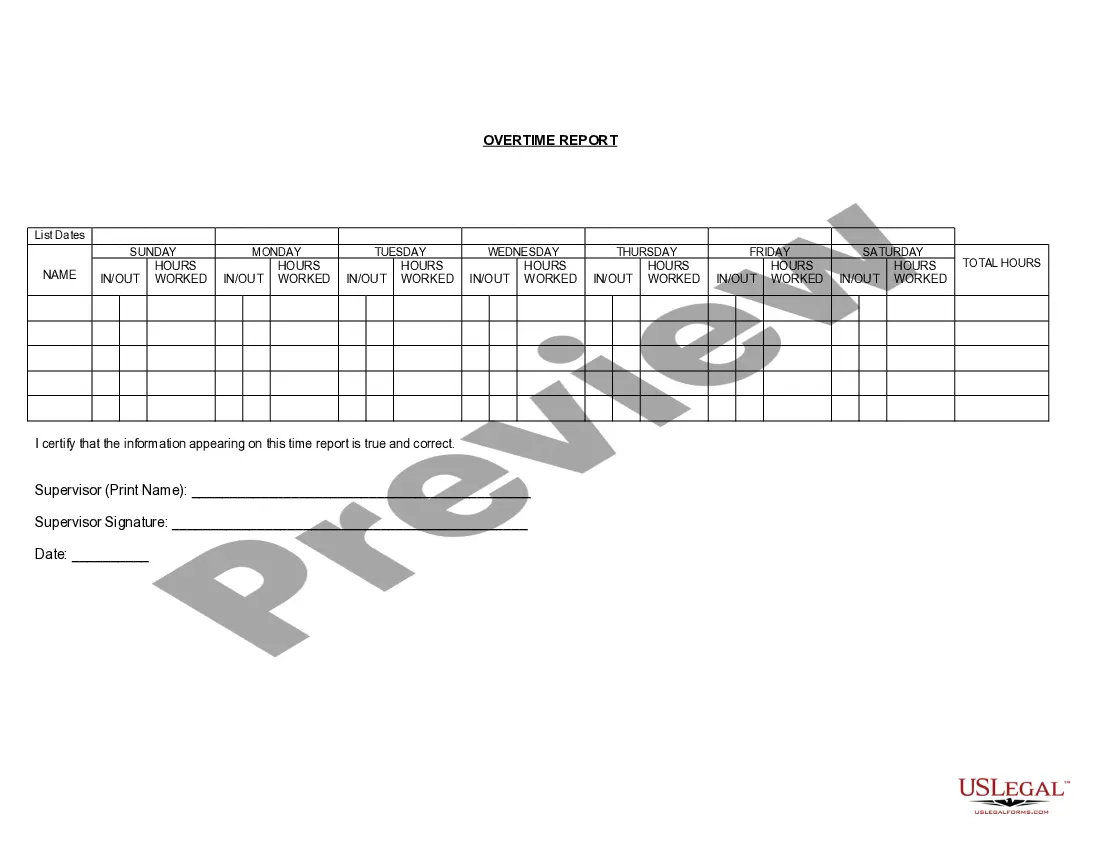
Timesheets or electric time clock systems must include the employee's name, any company assigned employee ID code, hours worked each day with date and times worked and other company specific information necessary to process payroll according to the pay schedule.
How to Fill Out a TimesheetEnter the Employee's Name. Here you should fill out the employee's full, legal name whose hours you are recording.Provide the Date or the Date Range. Next up you need to add the date.Fill in the Task Details.Add Hours Worked.Calculate Your Total Hours.Approve the Timesheet.
An HRMS with Employee Self-Service helps eliminate duplicate data entry and increase record-keeping accuracy by allowing employees to check and change their data. Employees can update their own information, including certifications, emergency contacts, addresses, and phone numbers.
Employee Self Service (ESS) is the functionality. allowing employees to initiate actions such as: Managing personal information. Updating benefits. Setting-up direct deposit.
Short answer: Full-time employment is usually considered between 30-40 hours a week, while part-time employment is usually less than 30 hours a week.
How To Create a Timesheet in Excel?Step 1: Format your spreadsheet. Open a new Excel file.Step 2: Add timesheet title. Highlight the cell range A1L1.Step 3: Add required labels. Now it's time to add all the labels to your Excel timesheet.Step 4: Add time-related labels.Step 5: Finishing touches.03-Sept-2021
Employee self-service (ESS) portals are web-based tools through which employees can access relevant information and conduct certain transactions from a central online site or gateway. Some organizations also use the employee portal to deliver both corporate and HR-related information.
Timesheets give you the necessary information to run payroll and give employees their correct wages. Without timesheets, you won't know how many regular and overtime hours an employee worked....Information included on timesheetsEmployee's name.Pay period.Date worked.Day worked.Hours worked.Total workweek hours.29-Aug-2018