Corporations must be formed under the enabling legislation of a state or the federal government, since corporations may lawfully exist only by consent or grant of the sovereign. Therefore, in drafting pre-incorporation agreements and other instruments preliminary to incorporation, the drafter must become familiar with and follow the particular statutes under which the corporation is to be formed.
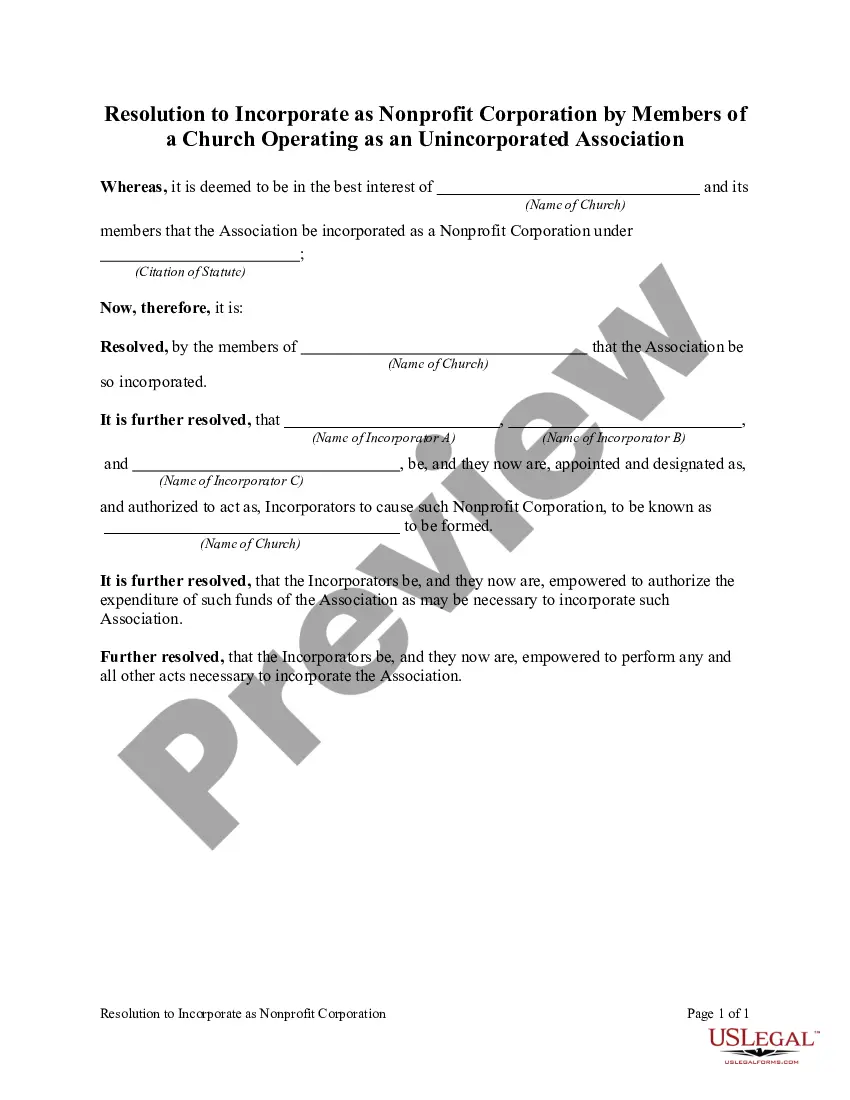
Massachusetts Resolution to Incorporate as Nonprofit Corporation by Members of a Church operating as an Unincorporated Association
Category:
State:
Multi-State
Control #:
US-04522BG
Format:
Word;
Rich Text
Instant download
Description
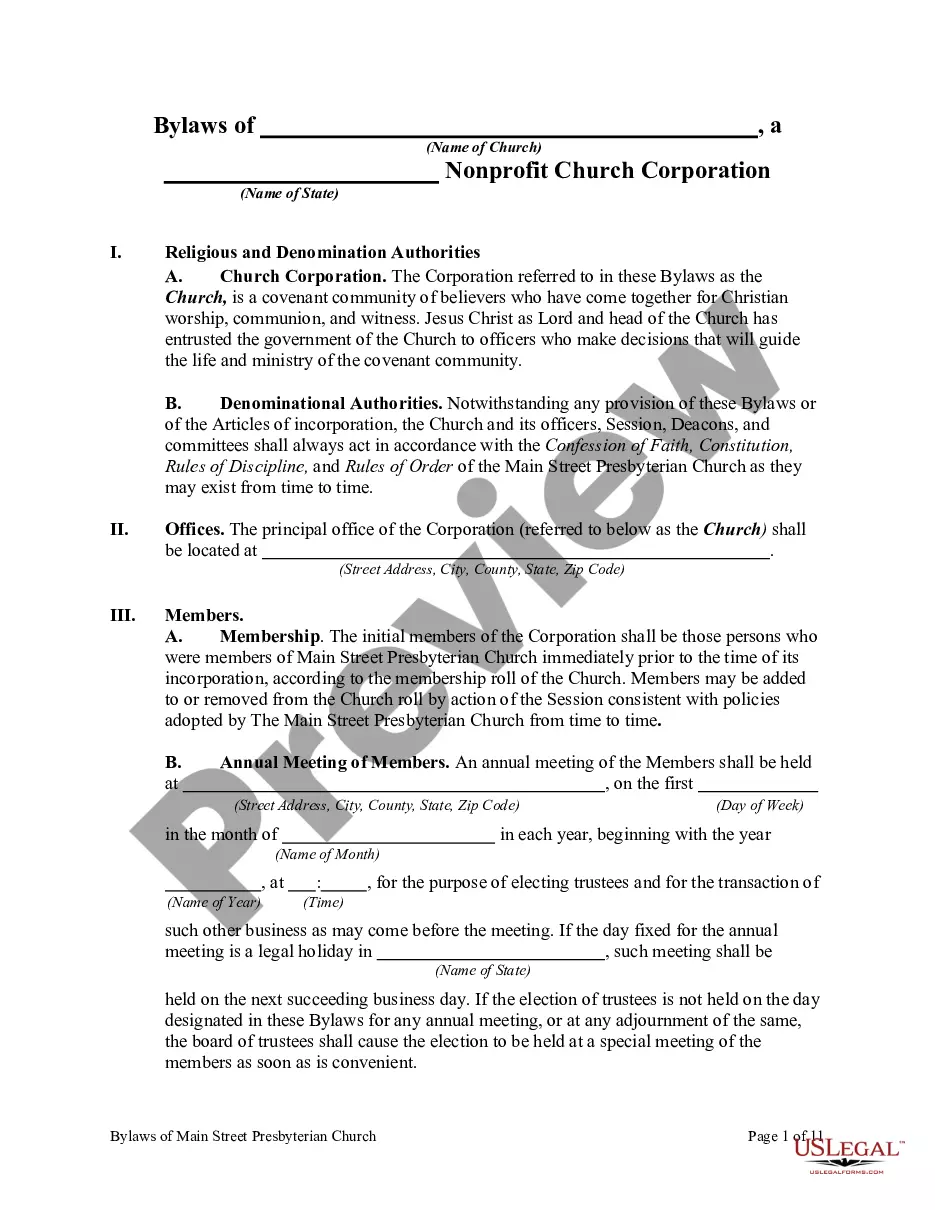

How to fill out Resolution To Incorporate As Nonprofit Corporation By Members Of A Church Operating As An Unincorporated Association?
US Legal Forms - a prominent source of legal templates in the United States - provides an extensive selection of legal document formats that you can acquire or print.
By utilizing the website, you can access thousands of forms for business and individual needs, organized by categories, states, or keywords. You can find the latest versions of forms, such as the Massachusetts Resolution to Incorporate as a Nonprofit Corporation by Members of a Church operating as an Unincorporated Association within moments.
If you have a subscription, Log In to download the Massachusetts Resolution to Incorporate as a Nonprofit Corporation by Members of a Church operating as an Unincorporated Association from the US Legal Forms library. The Download button will be available on each form you view.
Once satisfied with the form, confirm your choice by clicking the Purchase now button. Then, select the pricing plan you prefer and provide your information to create an account.
Process the payment. Use a credit card or PayPal account to complete the transaction. Choose the format and download the form to your system. Edit. Fill out, modify, and print, then sign the saved Massachusetts Resolution to Incorporate as a Nonprofit Corporation by Members of a Church operating as an Unincorporated Association.
Every template you added to your account is permanent and has no expiration date. Therefore, if you wish to download or print another copy, simply go to the My documents section and click on the document you need.
Access the Massachusetts Resolution to Incorporate as a Nonprofit Corporation by Members of a Church operating as an Unincorporated Association with US Legal Forms, the most comprehensive collection of legal document templates. Utilize thousands of professional and state-specific templates that fulfill your business or personal requirements.
- You have access to all previously saved forms in the My documents section of your account.
- If you're using US Legal Forms for the first time, here are simple steps to get started.
- Ensure you have selected the correct form for your state/region.
- Click the Review button to check the form's details. Read the form information to make sure you've chosen the right document.
- If the form doesn't meet your requirements, use the Search field at the top of the page to find the right one.
Form popularity
FAQ
A nonprofit organization can refer to any nonprofit venture, including informal groups, while a nonprofit corporation is a specific legal entity recognized by the state. The Massachusetts Resolution to Incorporate as Nonprofit Corporation by Members of a Church operating as an Unincorporated Association is an example of turning a church association into a formal corporation, ensuring legal protections and eligibility for certain benefits. In essence, all nonprofit corporations are nonprofit organizations, but not all nonprofit organizations are incorporated.
Writing a testimonial for a nonprofit organization involves sharing personal experiences and the positive impact the organization provides. Start by describing your relationship with the nonprofit and its initiatives, such as the Massachusetts Resolution to Incorporate as Nonprofit Corporation by Members of a Church operating as an Unincorporated Association. Be authentic and specific in your account to help others see the organization’s value and encourage their support.
A resolution statement should start with a clear declaration of the decision being made. Next, detail the context, such as the need for the Massachusetts Resolution to Incorporate as Nonprofit Corporation by Members of a Church operating as an Unincorporated Association. Conclude with a summary of the expected outcomes and benefits, ensuring the language is concise and straightforward for all members to understand.
A board resolution letter sample typically includes a formal heading with the nonprofit’s name, date, and title of the resolution. It outlines the purpose of the resolution, details any decisions made, and reflects the structure needed for the Massachusetts Resolution to Incorporate as Nonprofit Corporation by Members of a Church operating as an Unincorporated Association. This sample serves as a template for your organization, making the process easier and more organized.
To write a nonprofit board resolution, begin with a clear title that describes the purpose. Include a statement of the meeting date and attendees, followed by a section detailing the resolution, which should explain the actions needed for the Massachusetts Resolution to Incorporate as Nonprofit Corporation by Members of a Church operating as an Unincorporated Association. Finally, provide a space for signatures to authorize the resolution, ensuring all involved parties acknowledge the decision.
The primary difference lies in the legal status and formation of each entity. A nonprofit has a formal incorporation process and is subject to state regulations, while an unincorporated association consists of a group working together informally. If you are considering establishing a Massachusetts Resolution to Incorporate as Nonprofit Corporation by Members of a Church operating as an Unincorporated Association, it is essential to evaluate the benefits of formal incorporation to ensure long-term viability and compliance.
A nonprofit corporation has a formal structure and is registered with state authorities, while an unincorporated association operates without formal state recognition. Nonprofit corporations enjoy liability protection, whereas unincorporated associations expose members to personal liability. If you're navigating a Massachusetts Resolution to Incorporate as Nonprofit Corporation by Members of a Church operating as an Unincorporated Association, understanding these distinctions can guide your decision on the best framework for your mission.
You do not need to be incorporated to apply for 501(c)(3) status, but incorporation offers legal protections and credibility. Unincorporated entities can apply; however, they face specific risks, including personal liability for members. If your group is considering a Massachusetts Resolution to Incorporate as Nonprofit Corporation by Members of a Church operating as an Unincorporated Association, incorporating may provide clearer legal benefits and better governance.
Using an unincorporated association can be beneficial for organizations looking for a less formal structure with minimal paperwork. This option allows for flexibility in operations and decision-making, making it ideal for small groups or community organizations. However, if you're pursuing the Massachusetts Resolution to Incorporate as Nonprofit Corporation by Members of a Church operating as an Unincorporated Association, it's important to weigh the long-term benefits of formal incorporation.
An unincorporated association can qualify as a 501(c)(3) organization under certain conditions. It must operate for charitable, religious, or educational purposes and comply with IRS regulations applicable to nonprofit status. If you're involved in drafting a Massachusetts Resolution to Incorporate as Nonprofit Corporation by Members of a Church operating as an Unincorporated Association, you must ensure adherence to these guidelines to secure that status.