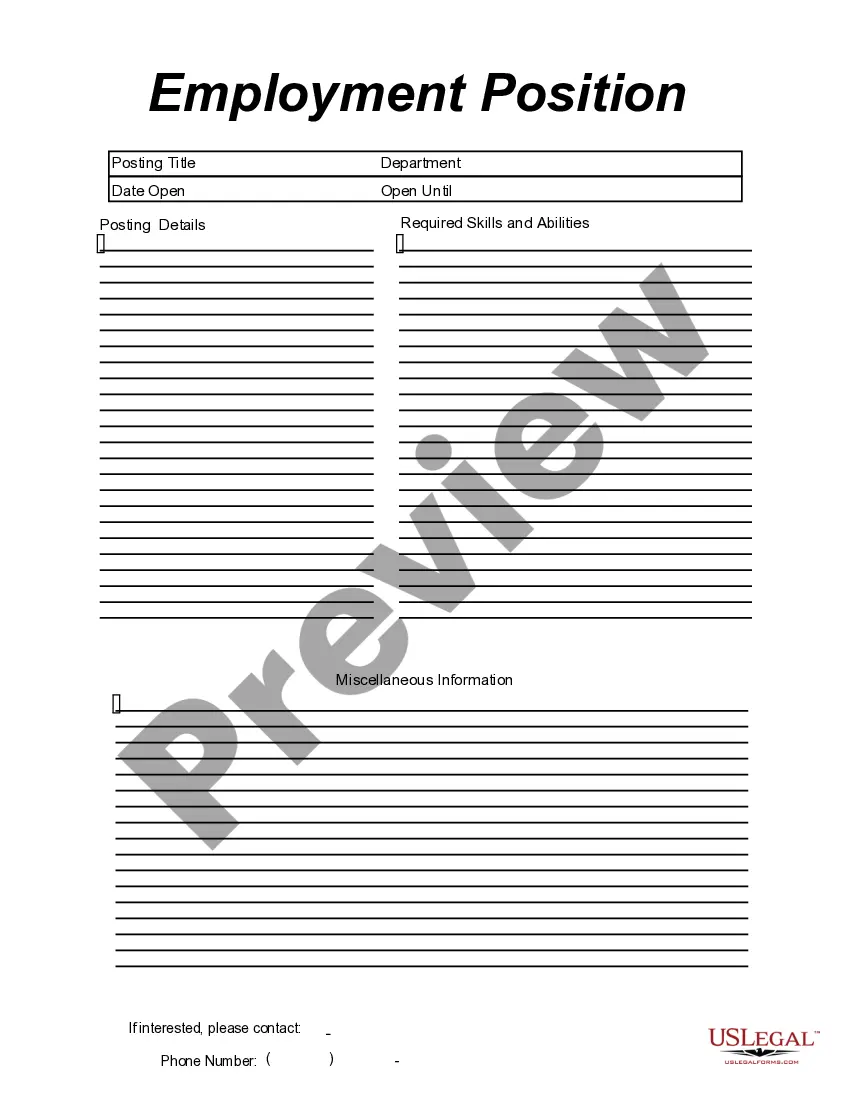
This form is a business type form that is formatted to allow you to complete the form using Adobe Acrobat or Word. The word files have been formatted to allow completion by entry into fields. Some of the forms under this category are rather simple while others are more complex. The formatting is worth the small cost.
Kentucky Employment Position Announcement
Category:
State:
Multi-State
Control #:
US-149-AZ
Format:
Word;
PDF;
Rich Text
Instant download
Description

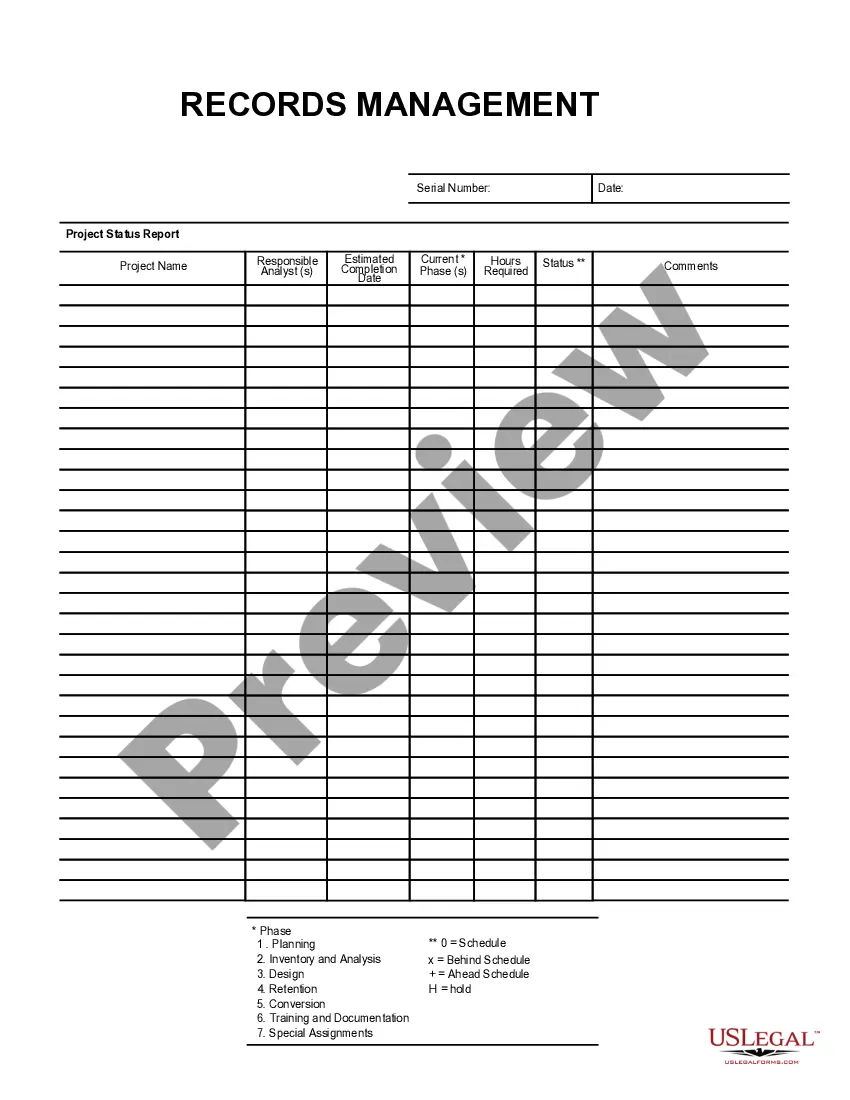
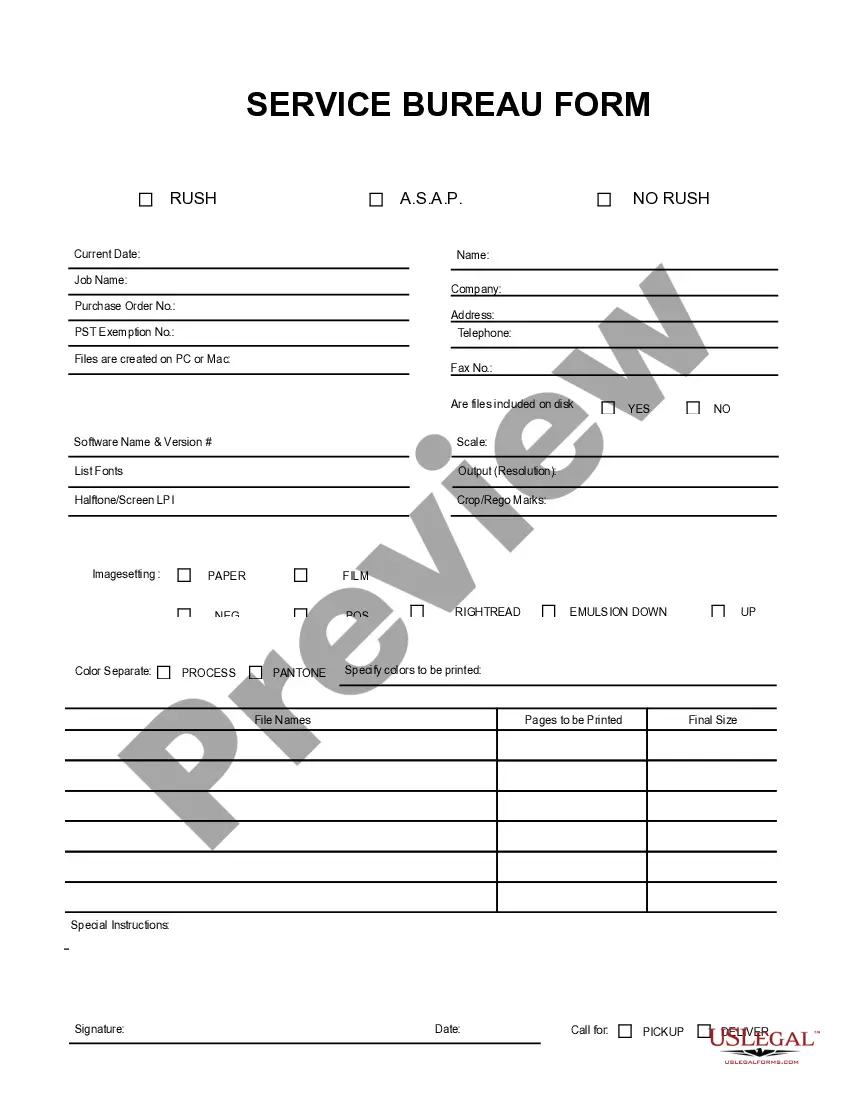
Get your form ready online
Our built-in tools help you complete, sign, share, and store your documents in one place.
Built-in online Word editor
Make edits, fill in missing information, and update formatting in US Legal Forms—just like you would in MS Word.
Export easily
Download a copy, print it, send it by email, or mail it via USPS—whatever works best for your next step.
E-sign your document
Sign and collect signatures with our SignNow integration. Send to multiple recipients, set reminders, and more. Go Premium to unlock E-Sign.
Notarize online 24/7
If this form requires notarization, complete it online through a secure video call—no need to meet a notary in person or wait for an appointment.
Store your document securely
We protect your documents and personal data by following strict security and privacy standards.

Make edits, fill in missing information, and update formatting in US Legal Forms—just like you would in MS Word.

Download a copy, print it, send it by email, or mail it via USPS—whatever works best for your next step.

Sign and collect signatures with our SignNow integration. Send to multiple recipients, set reminders, and more. Go Premium to unlock E-Sign.

If this form requires notarization, complete it online through a secure video call—no need to meet a notary in person or wait for an appointment.

We protect your documents and personal data by following strict security and privacy standards.
Looking for another form?
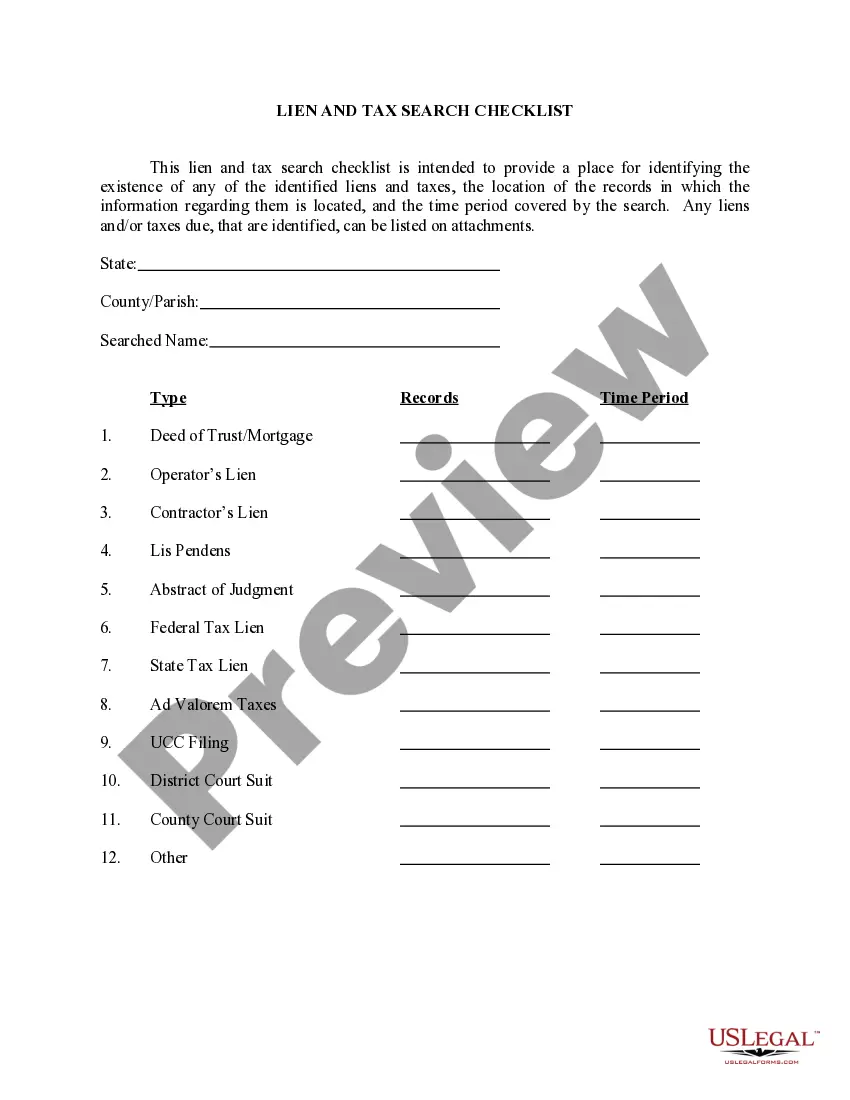
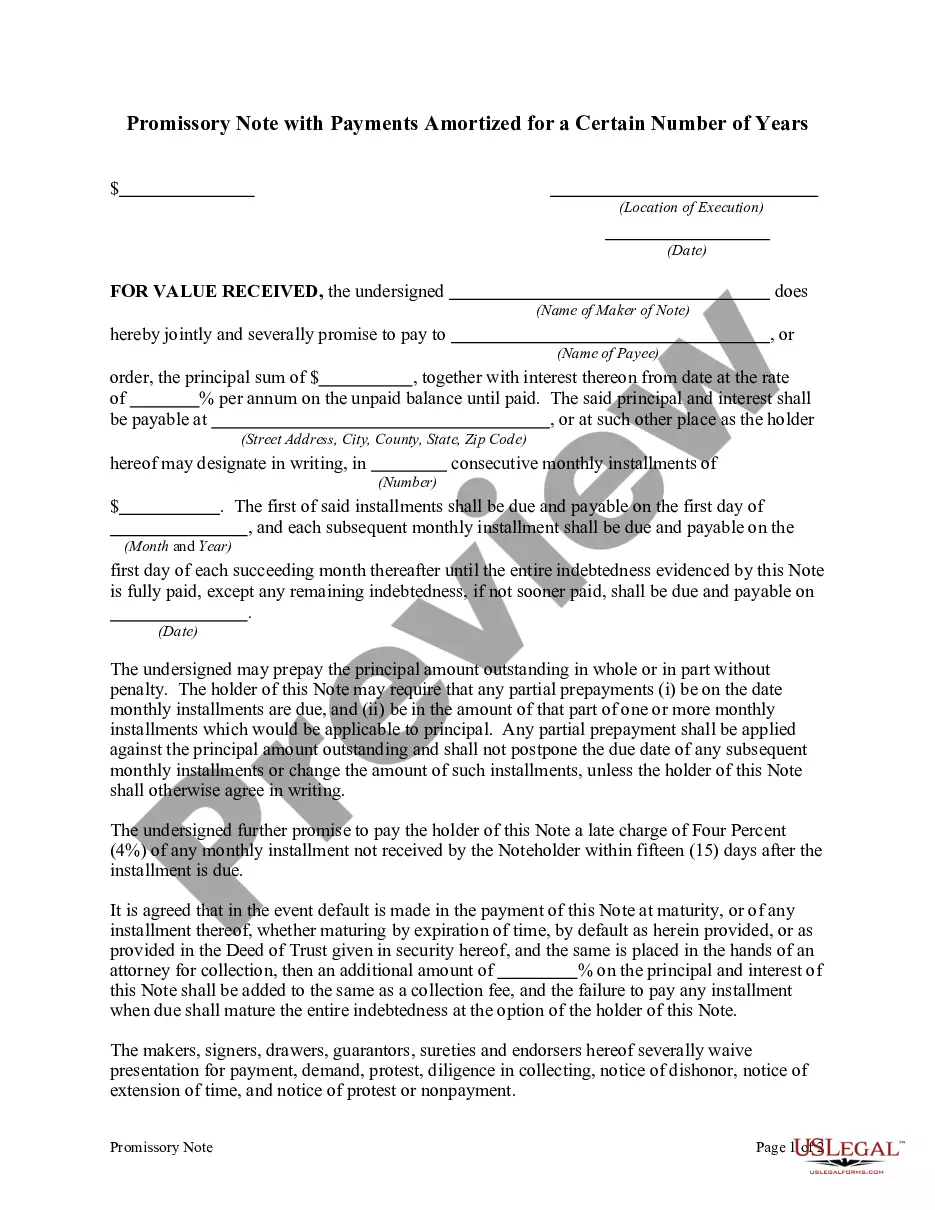
How to fill out Employment Position Announcement?
Finding the appropriate legal document template can be a challenge.
Of course, there are numerous templates available online, but how do you obtain the legal form you need.
Utilize the US Legal Forms website. The service offers thousands of templates, such as the Kentucky Employment Position Announcement, which you can utilize for business and personal purposes.
If the form does not suit your needs, use the Search box to find the appropriate form. Once you are confident the form is correct, click the Purchase now button to obtain the form. Select the pricing plan you desire and enter the required information. Create your account and complete your purchase using your PayPal account or credit card. Choose the file format and download the legal document template to your device. Complete, edit, print, and sign the obtained Kentucky Employment Position Announcement. US Legal Forms is the largest collection of legal forms where you can find a variety of document templates. Leverage the service to download professionally-created documents that adhere to state regulations.
- All of the forms are reviewed by professionals and comply with federal and state regulations.
- If you are already registered, Log In to your account and click the Download button to retrieve the Kentucky Employment Position Announcement.
- Use your account to browse through the legal forms you have previously obtained.
- Visit the My documents tab in your account to acquire another copy of the record you need.
- If you are a new user of US Legal Forms, here are simple instructions for you to follow.
- First, verify that you have selected the correct form for your city/state. You can review the form using the Review option and read the form description to ensure it is the right one for you.
Form popularity
FAQ
LinkedIn, Facebook and Twitter are the best places if you want to share your job posting on social media....General 'We're hiring' for every social media postKeep your post short.Make it clear it's a job ad.Include important information.Play up your company culture.
For all unemployed workers in Kentucky, there are roughly two open jobs, according to new data from the Bureau of Labor Statistics. Data from the state Job Openings and Labor Turnover Survey showed Kentucky with 167,000 open jobs in August 2021.
Most Jobs Are Not Published The reason, Youngquist says: Most jobs aren't posted or advertised publicly. "At least 70 percent, if not 80 percent, of jobs are not published," he says.
How to write an effective job advertisementUse an accurate job title.Give a description of the company.Clearly list duties and responsibilities.List the skills and qualifications necessary.State the job location and working hours.Give some insight into salary and benefits.Give contact information.
As it turns out, you don't even get called for an interview. What gives? The fact is, less than 15% of every job that's advertised on popular job boards (e.g., LinkedIn, Google, Monster, Indeed, etc.) gets filled by candidates who apply through that job board.
There are 16 million job postings and 10 million company reviews. Indeed delivered 65 percent of all hires made in the United States from online sources in 2016.
How to create your announcement.State your excitement for your new position and company.Reflect on what you've learned from your previous role and relate it to how you are excited for this new chapter in your life.Tag your colleagues, previous managers, and other important figures that helped shape who you are today.More items...
How to write a job announcement emailStart with a greeting.List your company name and the job title.Provide a brief job description.Highlight the desired skills and qualifications.State the job location.Include benefit and salary information.Explain how to apply.Sign your name.
Ensure the post clearly states that it is a job promotion (for example, include We're hiring or Join our team). Provide important information about the vacancy (such as the job title, office location, required qualifications, working hours, salary, etc.).
What to include in your job postingsA relevant job title. In other words, a job title that job seekers actually search for.Keywords.The About Us section.Specific job responsibilities.Pay info.Benefits.Location, location, location.Information overload.More items...