This form is a generic example that may be referred to when preparing such a form for your particular state. It is for illustrative purposes only. Local laws should be consulted to determine any specific requirements for such a form in a particular jurisdiction.
Kentucky Employment Agreement with a Security, Investigator, Personal Protection, and or Overseas Force Protection Officer
Category:
State:
Multi-State
Control #:
US-02142BG
Format:
Word;
Rich Text
Instant download
Description
Free preview
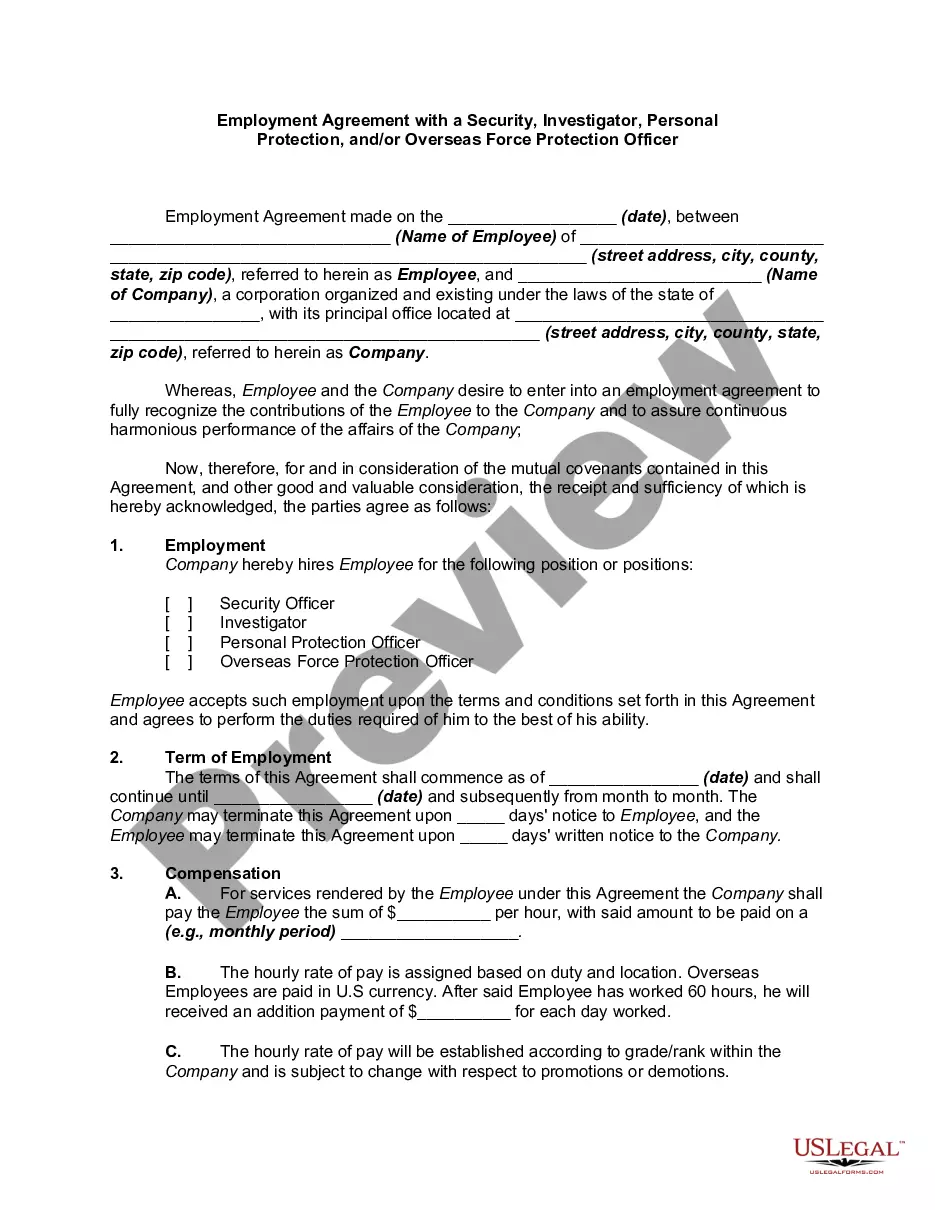
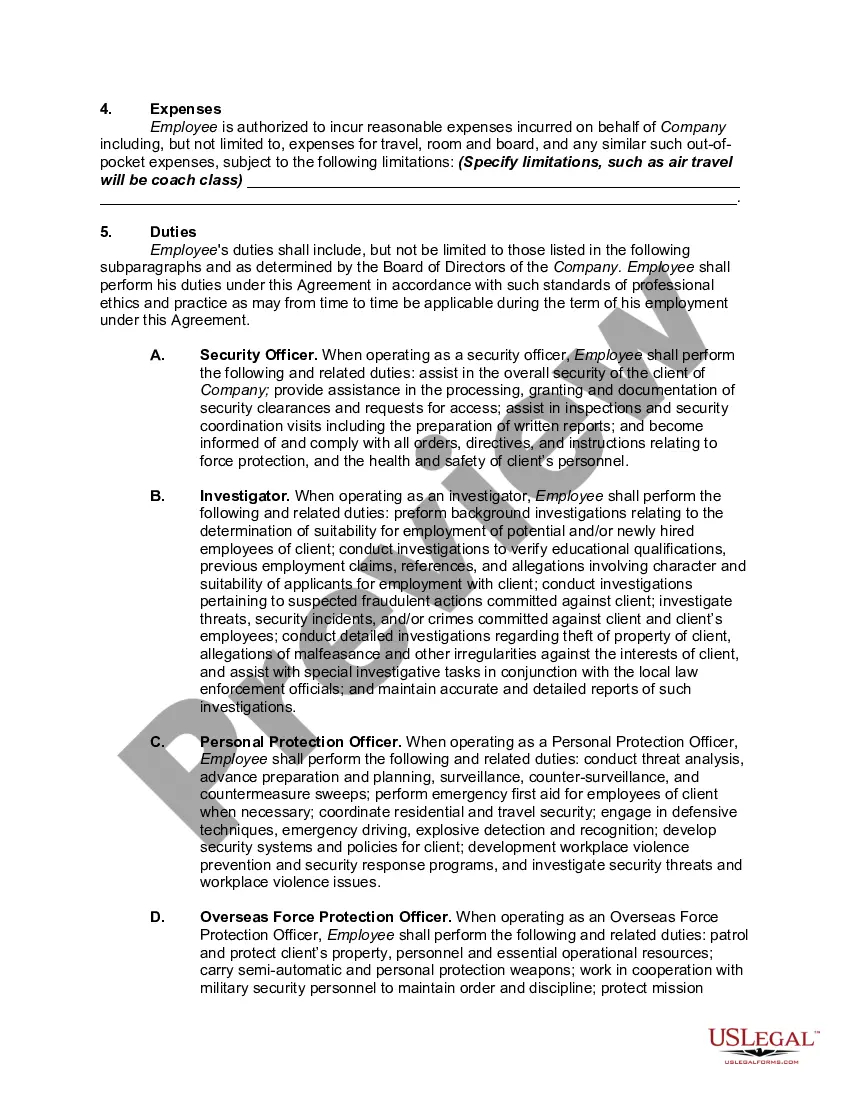
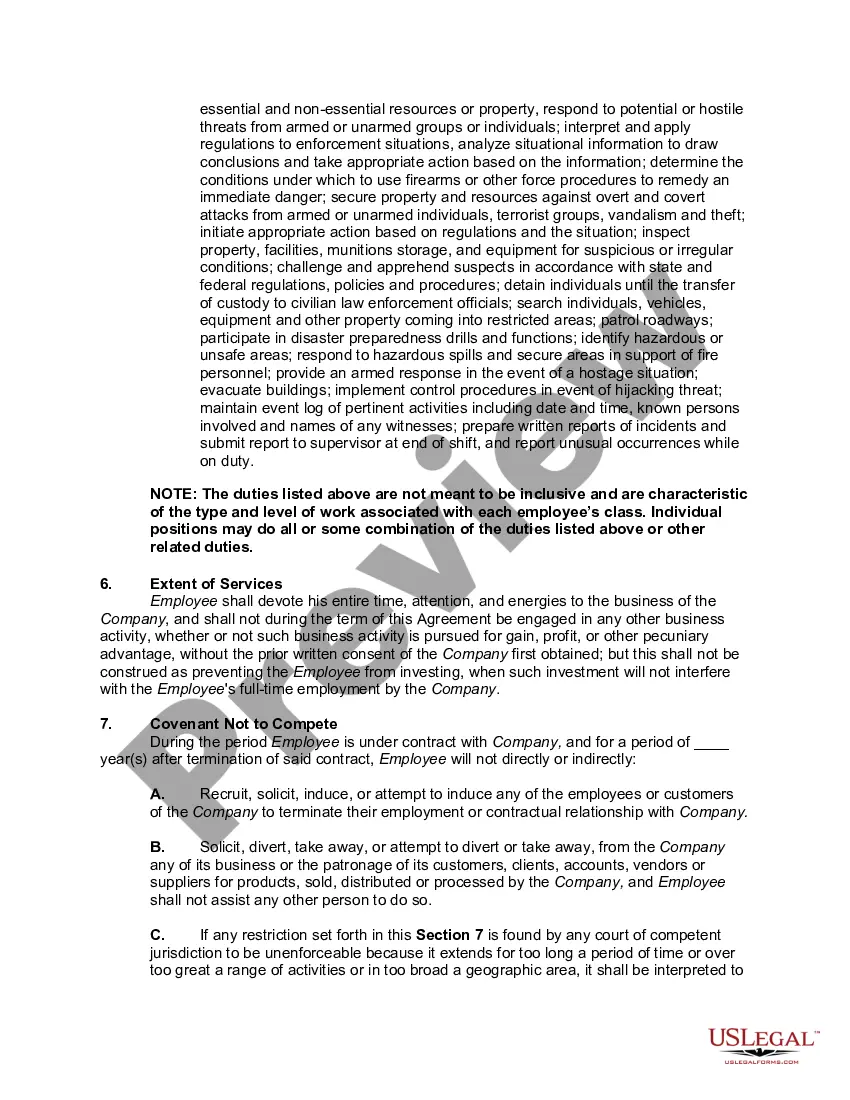
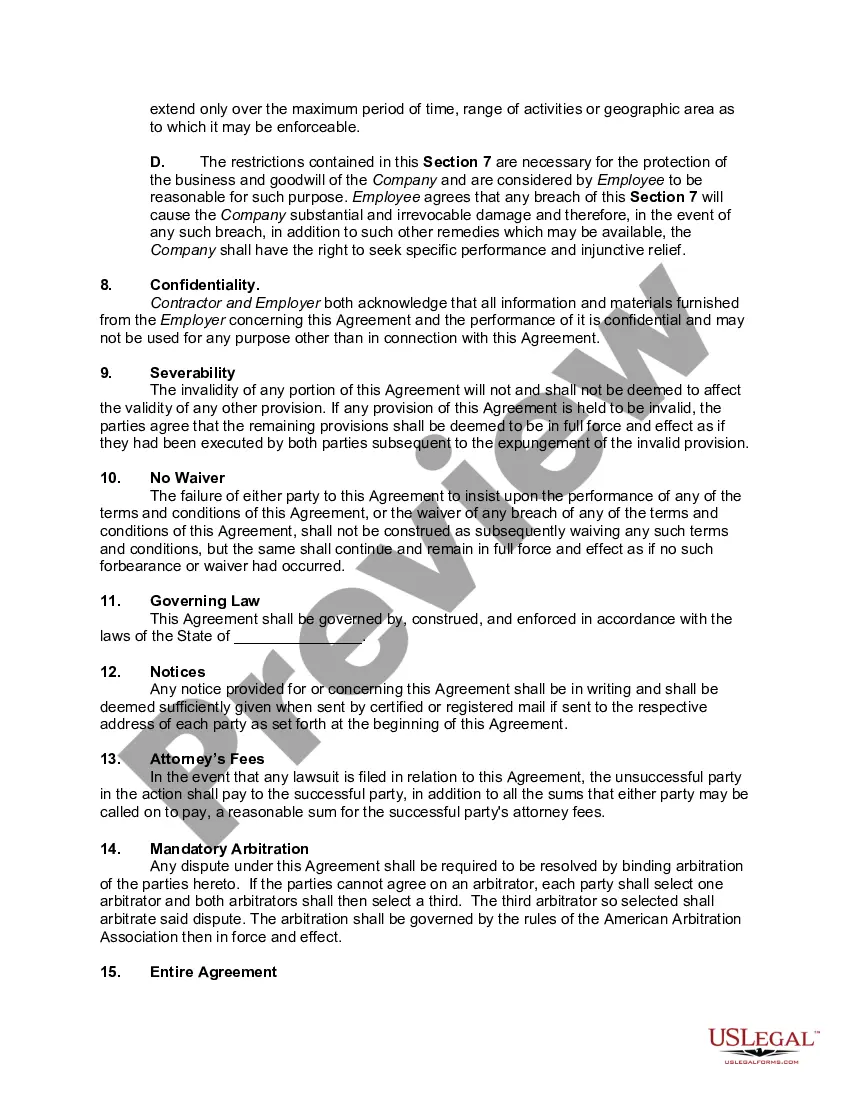
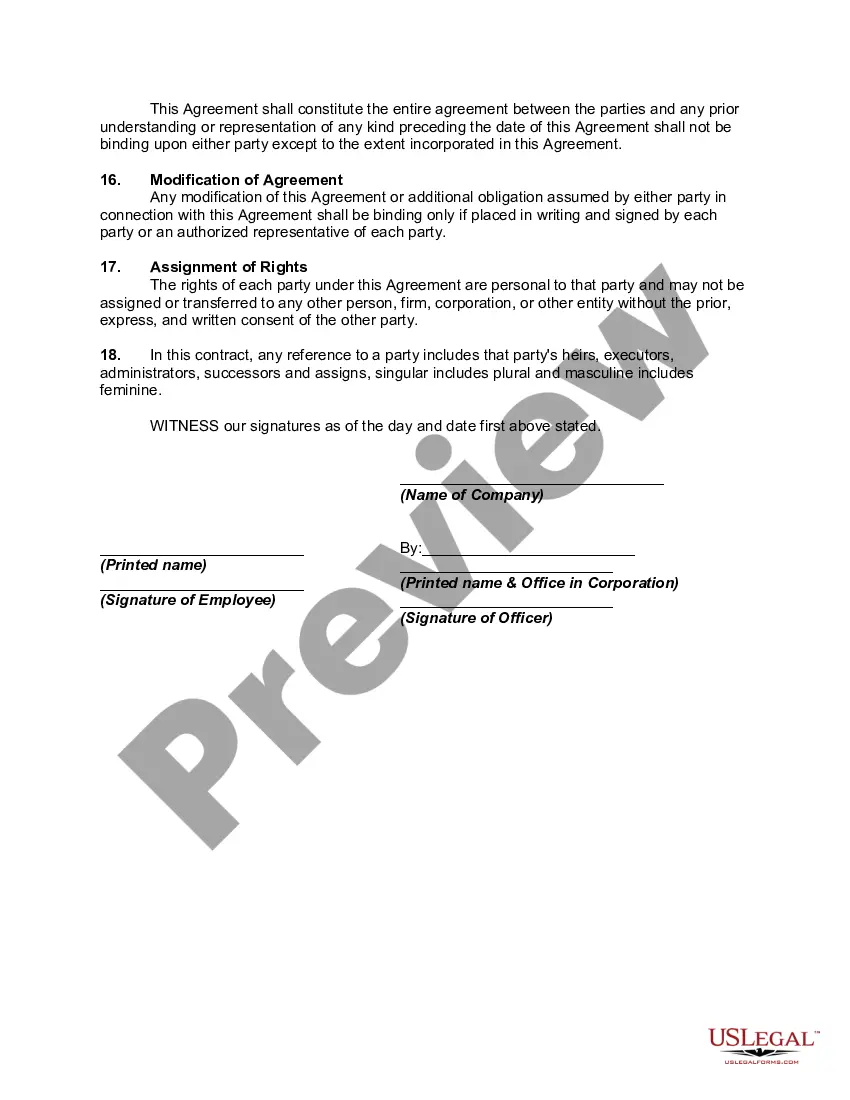
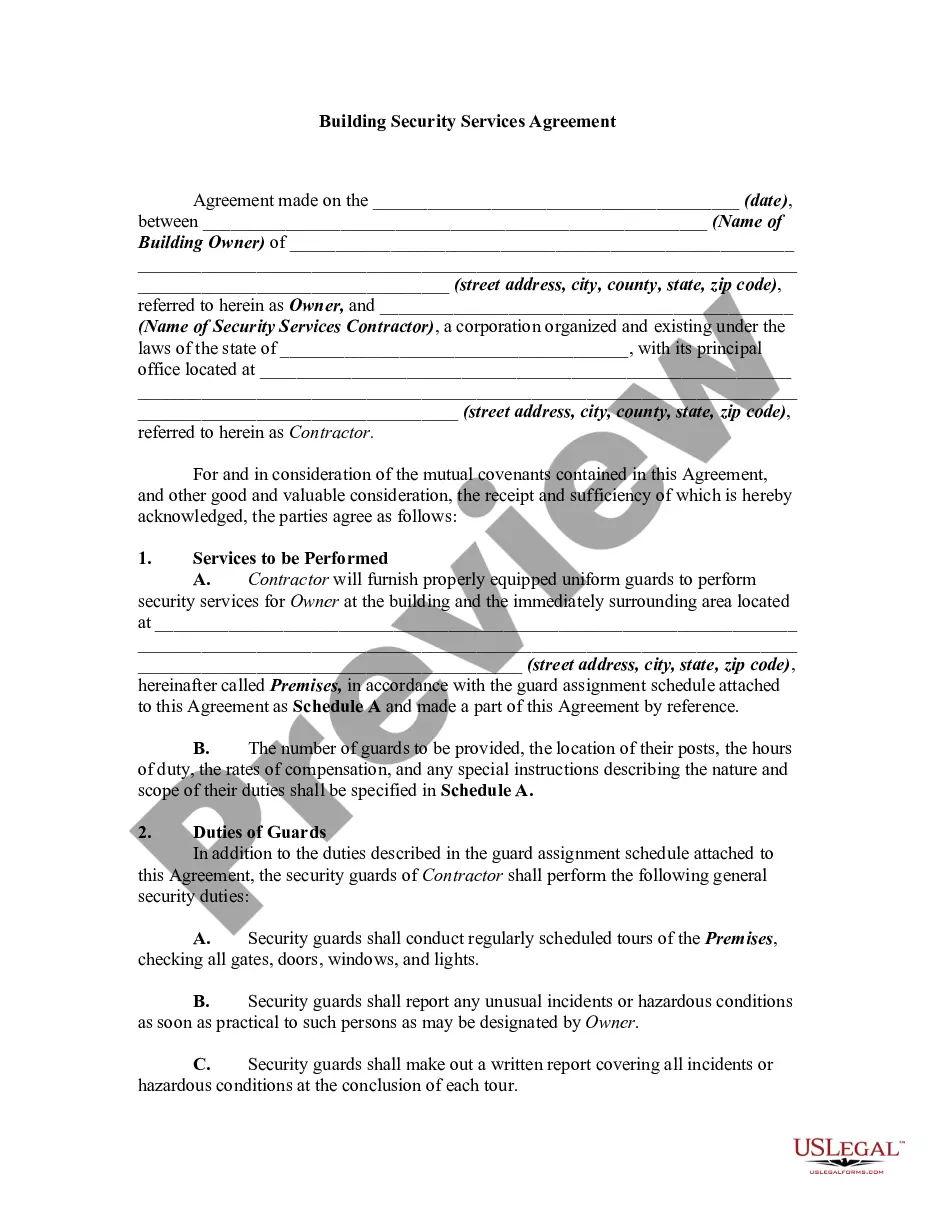
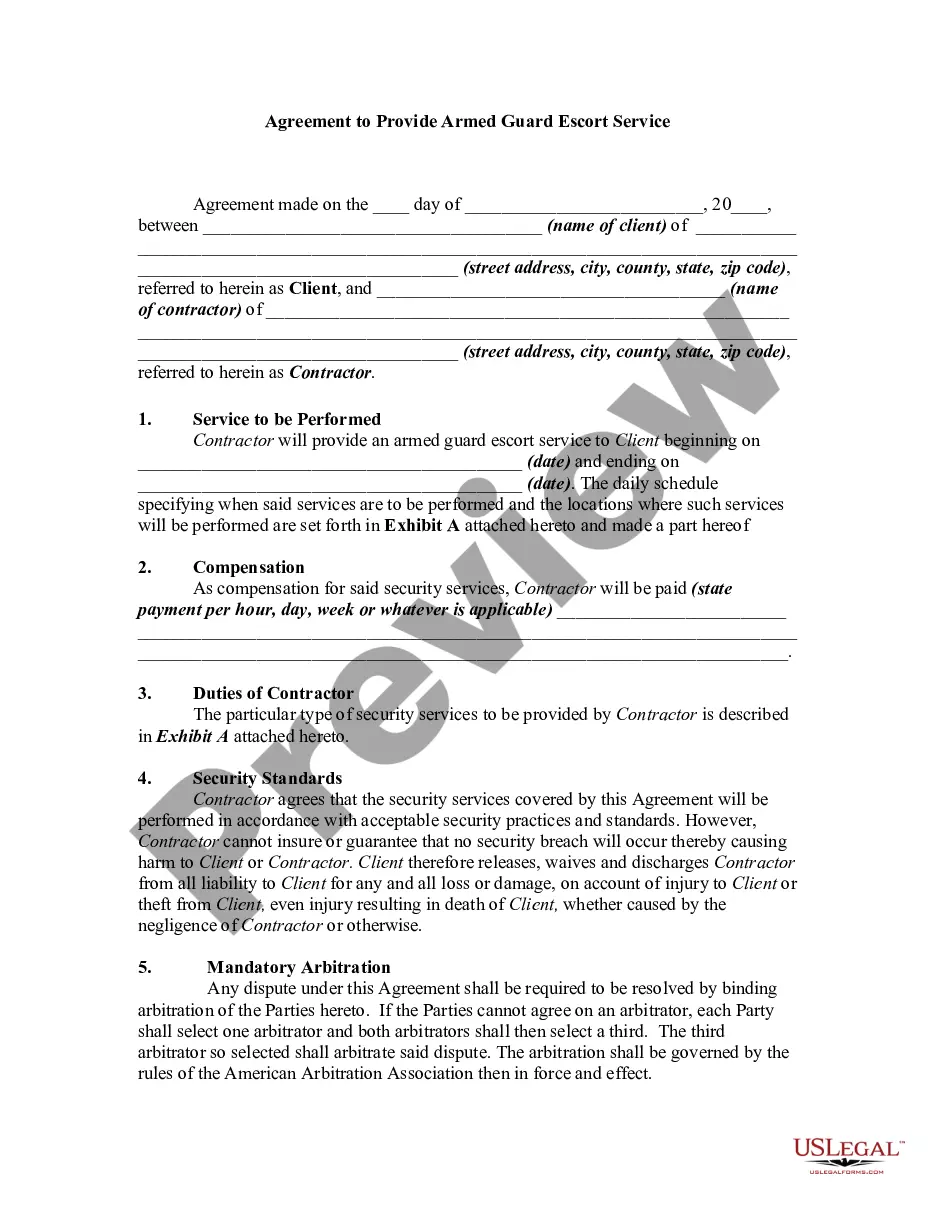
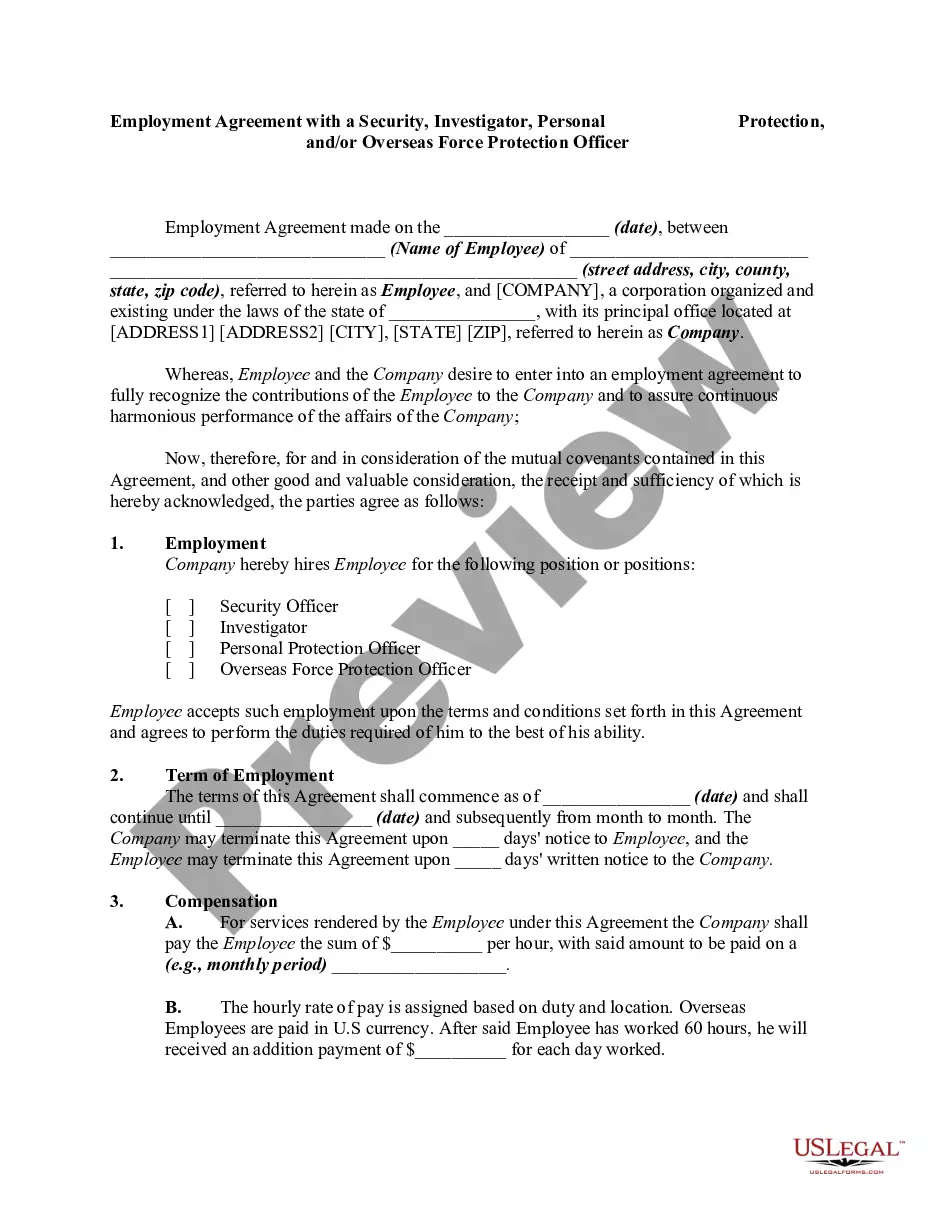
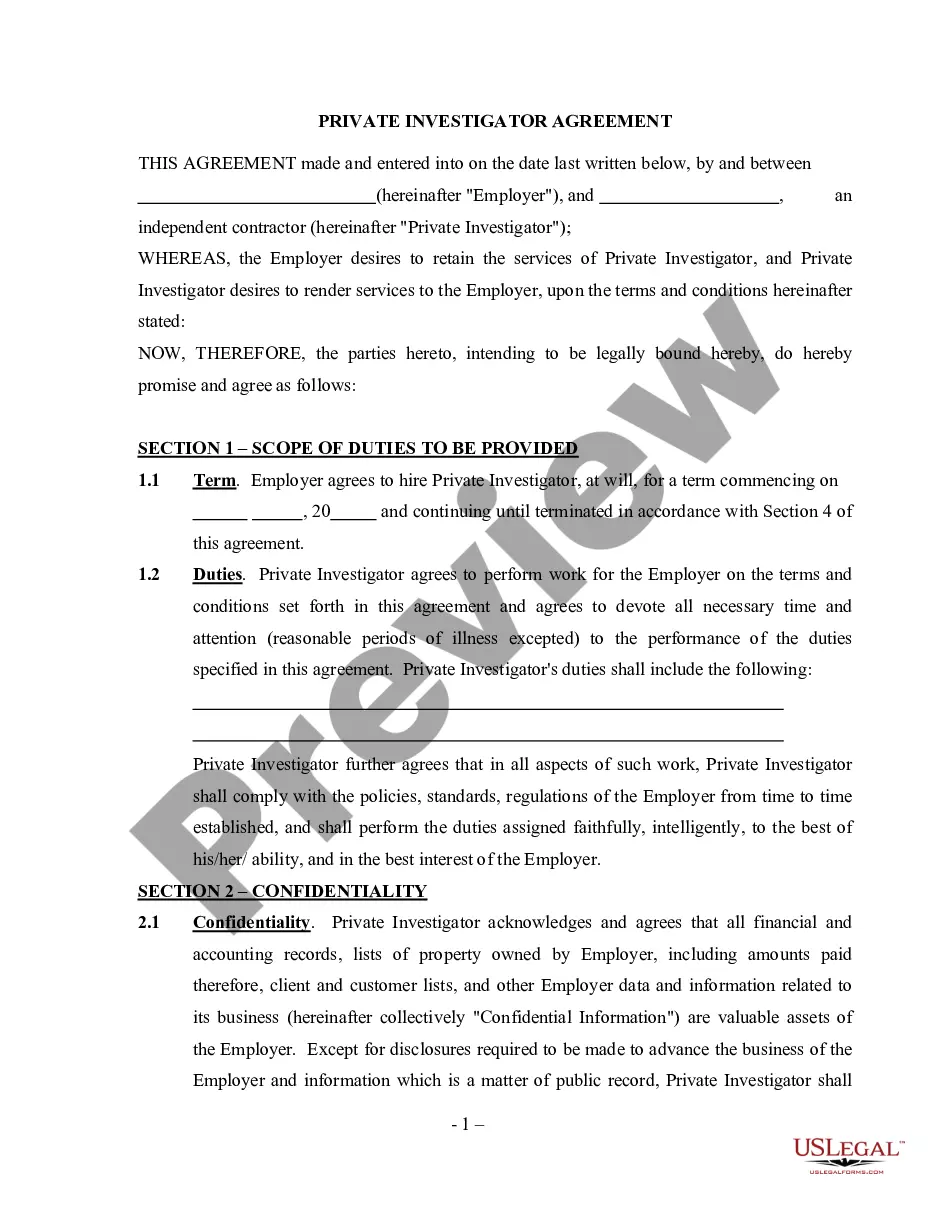
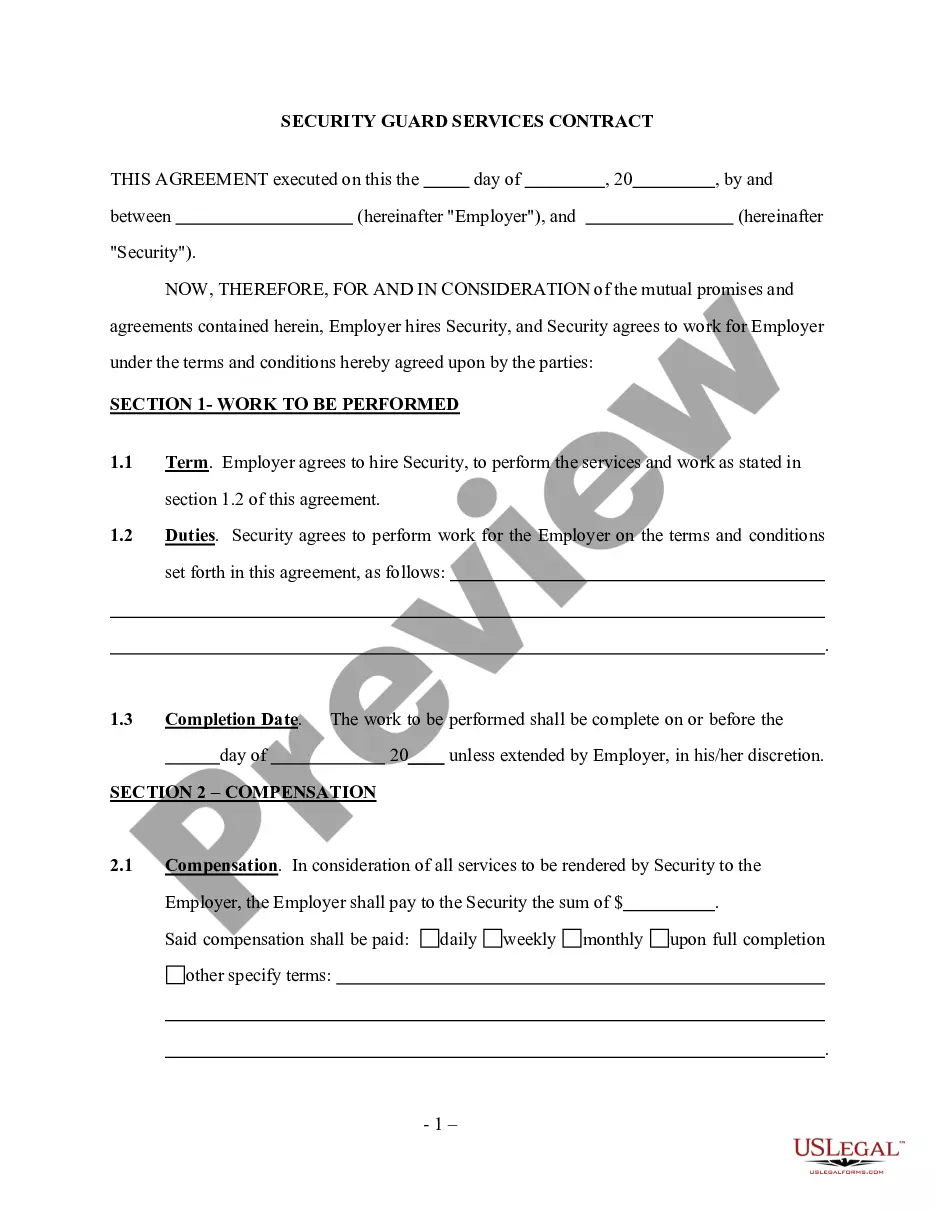

How to fill out Employment Agreement With A Security, Investigator, Personal Protection, And Or Overseas Force Protection Officer?
US Legal Forms - one of the largest collections of legal documents in the United States - provides a range of legal document templates that you can either download or create.
By using the website, you can find thousands of forms for business and personal use, organized by categories, states, or keywords. You can discover the most recent forms such as the Kentucky Employment Agreement with a Security, Investigator, Personal Protection, and/or Overseas Force Protection Officer within moments.
If you possess a subscription, Log In and retrieve the Kentucky Employment Agreement with a Security, Investigator, Personal Protection, and/or Overseas Force Protection Officer from the US Legal Forms library. The Download button will appear on each form that you view. You will have access to all previously downloaded forms in the My documents section of your account.
Complete the transaction. Use your Visa or Mastercard or PayPal account to finish the transaction.
Choose the format and download the form to your device. Modify. Complete, edit, print, and sign the downloaded Kentucky Employment Agreement with a Security, Investigator, Personal Protection, and/or Overseas Force Protection Officer. Every template you add to your account has no expiration date and belongs to you permanently. Therefore, if you wish to download or print another copy, simply head to the My documents section and click on the form you need. Access the Kentucky Employment Agreement with a Security, Investigator, Personal Protection, and/or Overseas Force Protection Officer through US Legal Forms, one of the most extensive collections of legal document templates. Utilize thousands of professional and state-specific templates that fulfill your business or personal requirements.
- Before utilizing US Legal Forms for the first time, here are simple instructions to help you get started.
- Ensure you have selected the correct form for your area/region.
- Click on the Review button to examine the form's content.
- Check the form description to confirm you’ve picked the right one.
- If the form does not suit your requirements, use the Search field at the top of the screen to find the appropriate one.
- If you are satisfied with the form, validate your choice by clicking on the Purchase now button.
- Then, select the pricing plan you desire and provide your information to register for an account.
Form popularity
FAQ
KRS stands for Kentucky Revised Statutes. It represents the collection of laws and regulations enacted in Kentucky, which provides legal guidelines across various subjects. Understanding the KRS is essential for anyone involved in a Kentucky Employment Agreement with a Security, Investigator, Personal Protection, and or Overseas Force Protection Officer, as it helps navigate compliance and legal obligations.
Kentucky Revised Statutes KRS Chapter 338 governs the regulation of private security services in Kentucky. This chapter covers licensing requirements, compliance standards, and the legal framework that security professionals must follow. A comprehensive Kentucky Employment Agreement with a Security, Investigator, Personal Protection, and or Overseas Force Protection Officer should align with these statutes to ensure lawful operations.
A protection officer generally focuses on safeguarding individuals, while a security guard is responsible for protecting property. Both roles can involve similar tasks, but their primary goals differ. When drafting a Kentucky Employment Agreement with a Security, Investigator, Personal Protection, and or Overseas Force Protection Officer, it is crucial to define these roles clearly to set the right expectations and operational guidelines.
Immediate family in Kentucky typically includes a person's spouse, parents, children, and siblings. This definition can vary slightly based on context, such as legal definitions or specific policies. When creating a Kentucky Employment Agreement with a Security, Investigator, Personal Protection, and or Overseas Force Protection Officer, knowing who qualifies as immediate family can be important for certain benefits or responsibilities outlined in the agreement.
Power of attorney in Kentucky refers to a legal document allowing one person to act on behalf of another in financial or legal matters. This agreement grants specific powers described within the document, which is essential for ensuring that important decisions are made when needed. For those involved in a Kentucky Employment Agreement with a Security, Investigator, Personal Protection, and or Overseas Force Protection Officer, understanding power of attorney provisions can enhance operational efficiency.
In Kentucky, the statute of limitations on a judgment is 15 years. This means a creditor has 15 years to enforce a judgment through legal means. Understanding these timeframes is crucial, especially when drafting a Kentucky Employment Agreement with a Security, Investigator, Personal Protection, and or Overseas Force Protection Officer where liabilities might arise.
No, a security officer does not have the same power as a law enforcement officer. Law enforcement officers have authority granted by the state, while security officers operate under private contracts. The Kentucky Employment Agreement with a Security, Investigator, Personal Protection, and or Overseas Force Protection Officer clarifies these distinctions and sets expectations for security officers.
A private security officer does not have more legal powers than an ordinary citizen. However, they do have specific rights and responsibilities while on duty, which may include detaining a suspect under certain circumstances. It is important to understand how a Kentucky Employment Agreement with a Security, Investigator, Personal Protection, and or Overseas Force Protection Officer outlines these rights and duties.
Security clearances are typically issued by government agencies, such as the Department of Defense or similar organizations. Companies involved in national security or defense also have the authority to issue clearances for their employees. When pursuing a Kentucky Employment Agreement with a Security, Investigator, Personal Protection, or Overseas Force Protection Officer, be mindful of the agency or organization that will handle your clearance process, as they play a pivotal role in securing your eligibility.
Applying for a security clearance without a sponsor is not permissible. A sponsoring agency is a crucial component of the application process. If you are looking for a Kentucky Employment Agreement with a Security, Investigator, Personal Protection, or Overseas Force Protection Officer role, pinpoint potential employers who are willing to assist you in obtaining the necessary clearance.