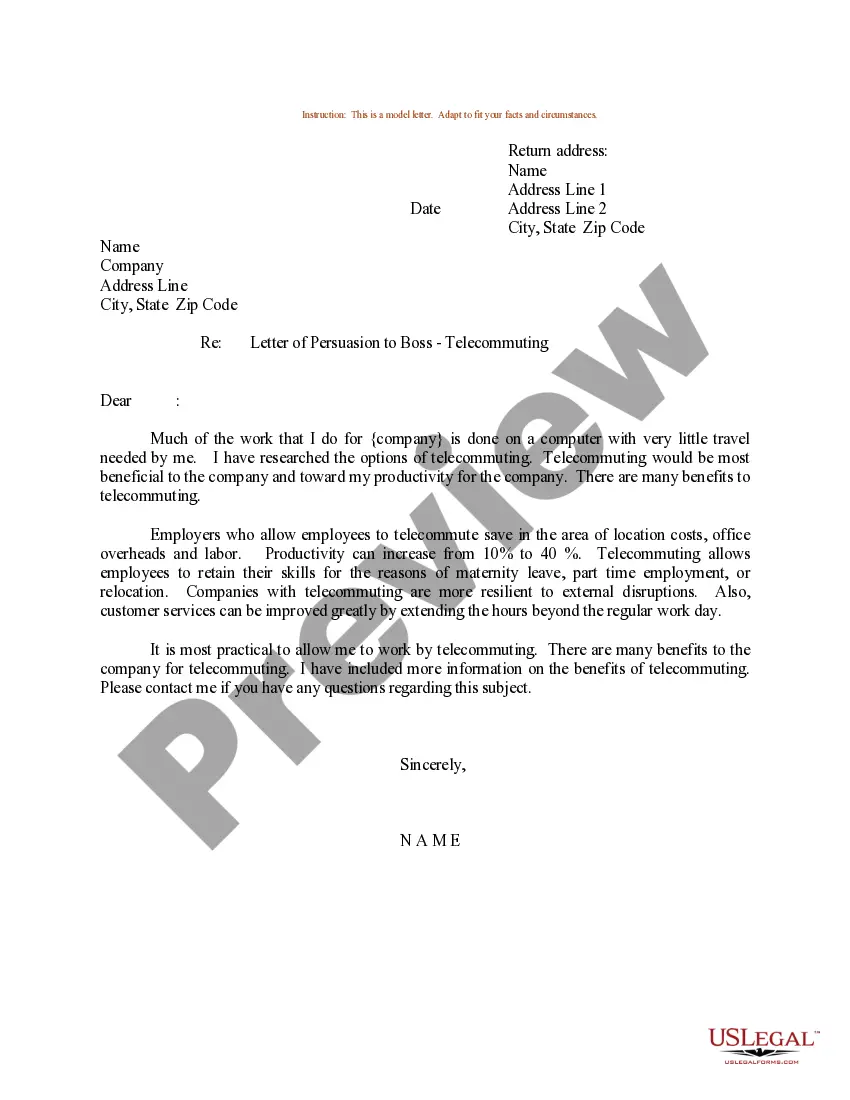
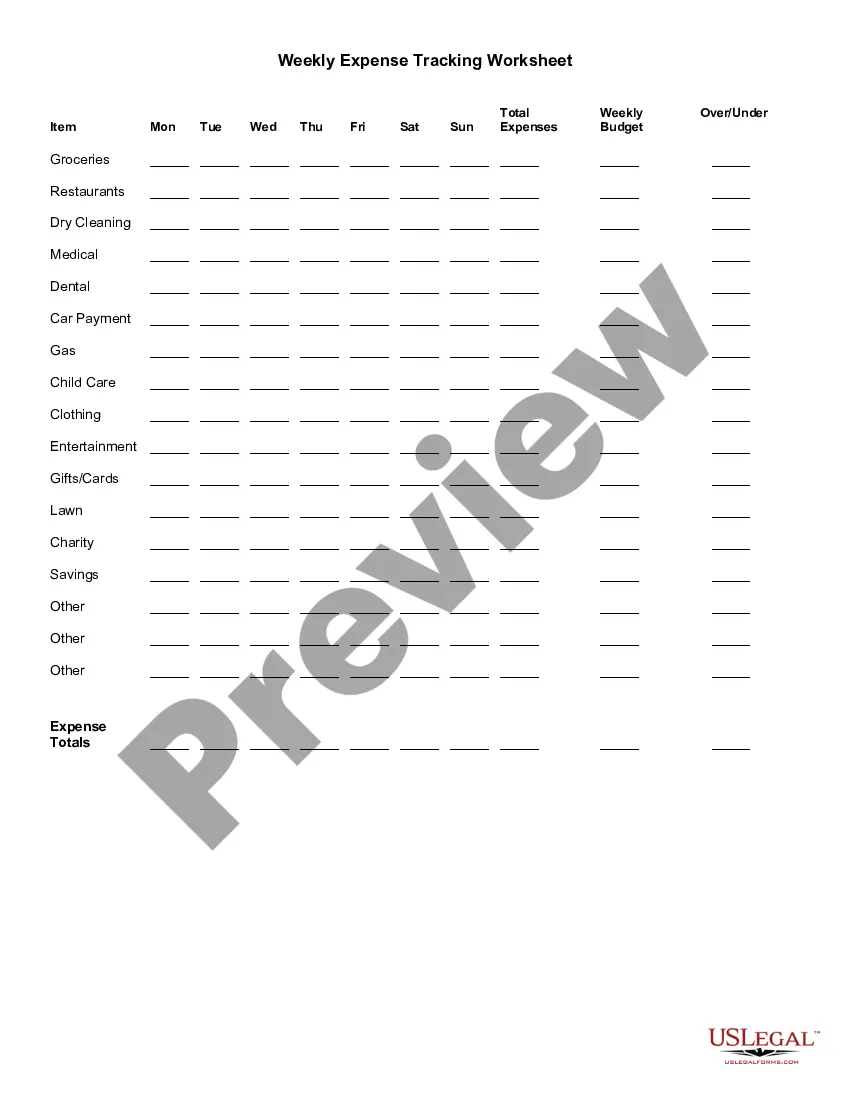
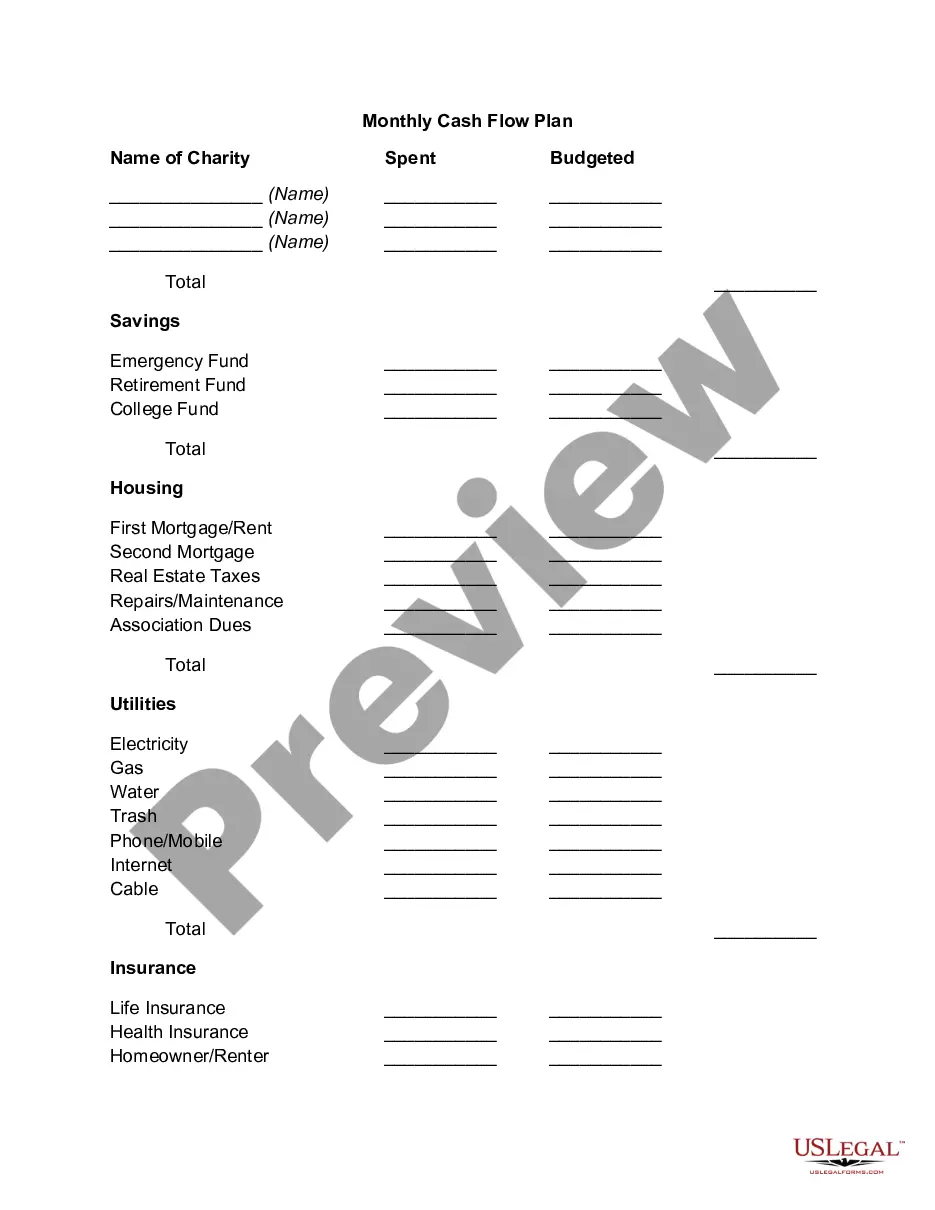
Kansas Weekly Expense Tracking Worksheet
Description

Get your form ready online
Our built-in tools help you complete, sign, share, and store your documents in one place.
Make edits, fill in missing information, and update formatting in US Legal Forms—just like you would in MS Word.
Download a copy, print it, send it by email, or mail it via USPS—whatever works best for your next step.
Sign and collect signatures with our SignNow integration. Send to multiple recipients, set reminders, and more. Go Premium to unlock E-Sign.
If this form requires notarization, complete it online through a secure video call—no need to meet a notary in person or wait for an appointment.
We protect your documents and personal data by following strict security and privacy standards.

Make edits, fill in missing information, and update formatting in US Legal Forms—just like you would in MS Word.

Download a copy, print it, send it by email, or mail it via USPS—whatever works best for your next step.

Sign and collect signatures with our SignNow integration. Send to multiple recipients, set reminders, and more. Go Premium to unlock E-Sign.

If this form requires notarization, complete it online through a secure video call—no need to meet a notary in person or wait for an appointment.

We protect your documents and personal data by following strict security and privacy standards.
Looking for another form?








How to fill out Weekly Expense Tracking Worksheet?
You might spend hours online looking for the legal document template that fulfills the federal and state specifications you require.
US Legal Forms offers a vast array of legal forms that are reviewed by experts.
It is easy to obtain or create the Kansas Weekly Expense Tracking Worksheet from our service.
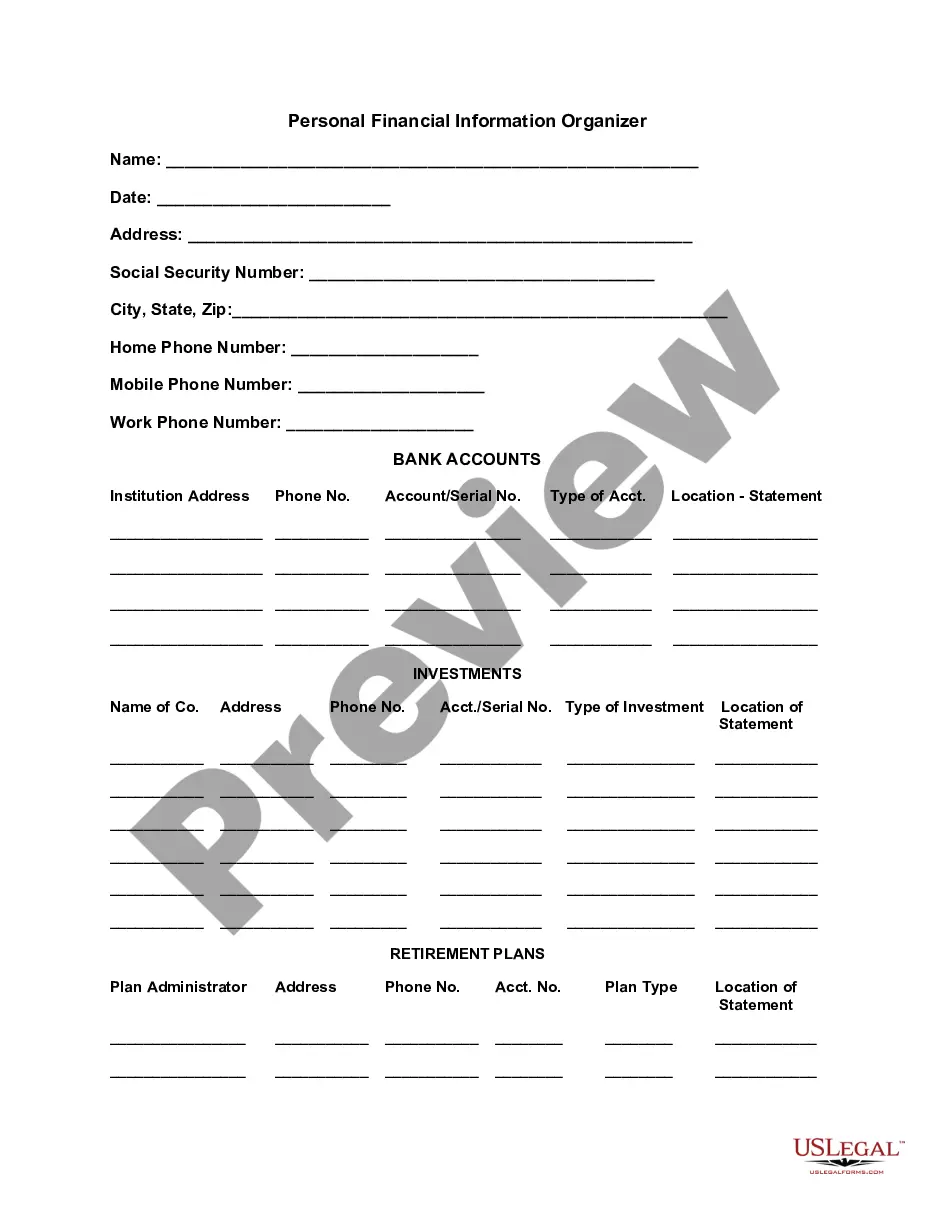
Review the form details to confirm you have selected the appropriate type. If available, use the Preview button to review the document template as well.
- If you already possess a US Legal Forms account, you can Log In and click the Download button.
- Afterwards, you can complete, edit, create, or sign the Kansas Weekly Expense Tracking Worksheet.
- Every legal document template you receive is yours permanently.
- To obtain another copy of any purchased form, navigate to the My documents section and click the corresponding button.
- If this is your first time using the US Legal Forms site, follow the simple instructions below.
- First, ensure that you have selected the correct document template for the location/region of your choice.
Form popularity
FAQ
Just follow these four steps.Step One: Create a Budget. You won't be able to track expenses without one.Step Two: If You Make Money, Track It. When your regular paycheck comes in, put it in the income part of your budget.Step Three: If You Spend Money, Track It.Step Four: Set a Regular Rhythm for Tracking.13-Apr-2022
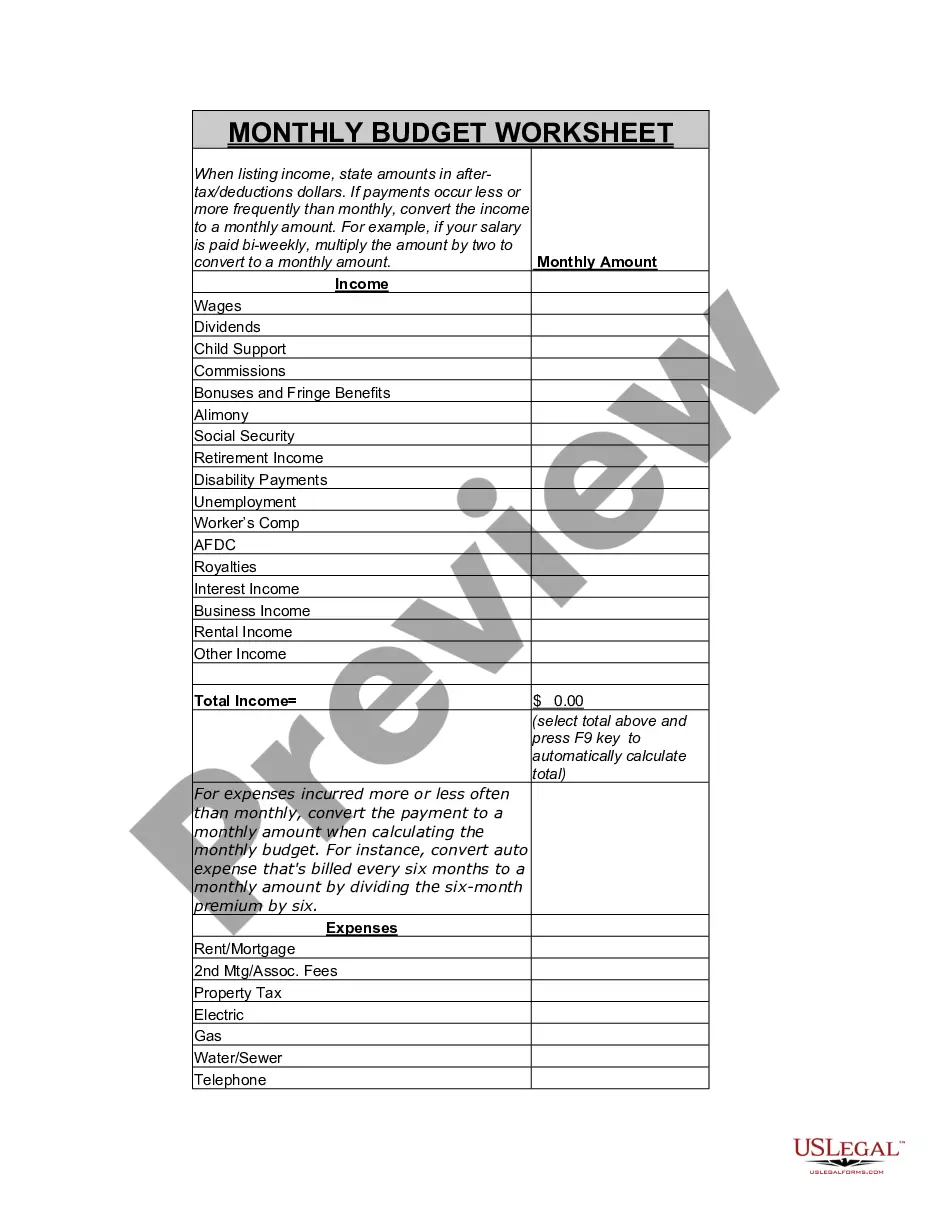
Here's how to get started tracking your monthly expenses.Check your account statements.Categorize your expenses.Use a budgeting or expense-tracking app.Explore other expense trackers.Identify room for change.
2. Store Receipts ProperlyPaper Receipts. Here are some strategies to keep paper receipts organized:Digital Receipts. There are many apps that make it easier to store receipts digitally.Choose An Accounting System.Choose a Recording Method.Set Up Accounts.Set Up a Business Bank Account.Make an Invoice Template.
5 Steps for Tracking Your Monthly ExpensesCheck your account statements.Categorize your expenses.Use a budgeting or expense-tracking app.Explore other expense trackers.Identify room for change.
Best Expense Tracker Apps for Personal FinanceSpendee. Credit: Google PlayStore.Pocket Expense with Sync. Credit: Google PlayStore.Expensify. Credit: Google PlayStore.Household Account Book. Credit: Google PlayStore.Budget Calculator (My Budget) Credit: Apple App Store.Monny. Credit: Google PlayStore.Zenmoney.Money Lover.More items...
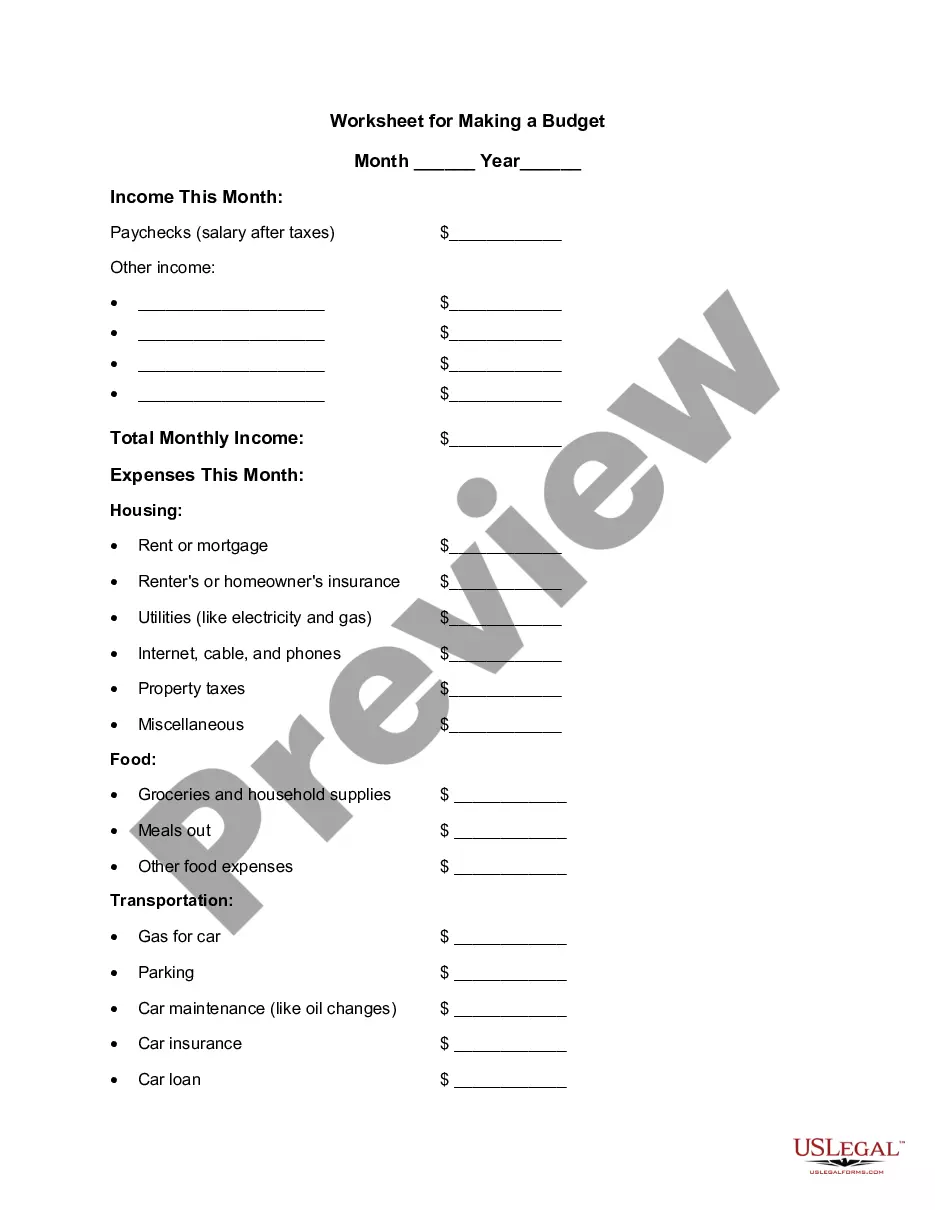
How to Keep Track of Spending Using a Weekly PlannerStep 1: Write down ALL expenses and income. Expenses.Step 2: Add it all up. At the end of the month, add up all your expenses.Step 3: Compare Income to Expenses. Next it's time to compare the money coming in versus the money going out.
Jesse Mecham January 17, 2022. A lot of people think tracking expenses is budgeting. It is not. An expense tracker is simply a record of the money you've already spent; a budget is an actual plan that you make for spending and saving.
Best expense tracker appsBest overall free app: Mint.Best app for beginners: Goodbudget.Best app for serious budgeters: You Need a Budget (YNAB)Best app for small business owners: QuickBooks Online.Best app for business expenses: Expensify.
How to Keep Track of Spending Using a Weekly PlannerStep 1: Write down ALL expenses and income. Expenses.Step 2: Add it all up. At the end of the month, add up all your expenses.Step 3: Compare Income to Expenses. Next it's time to compare the money coming in versus the money going out.