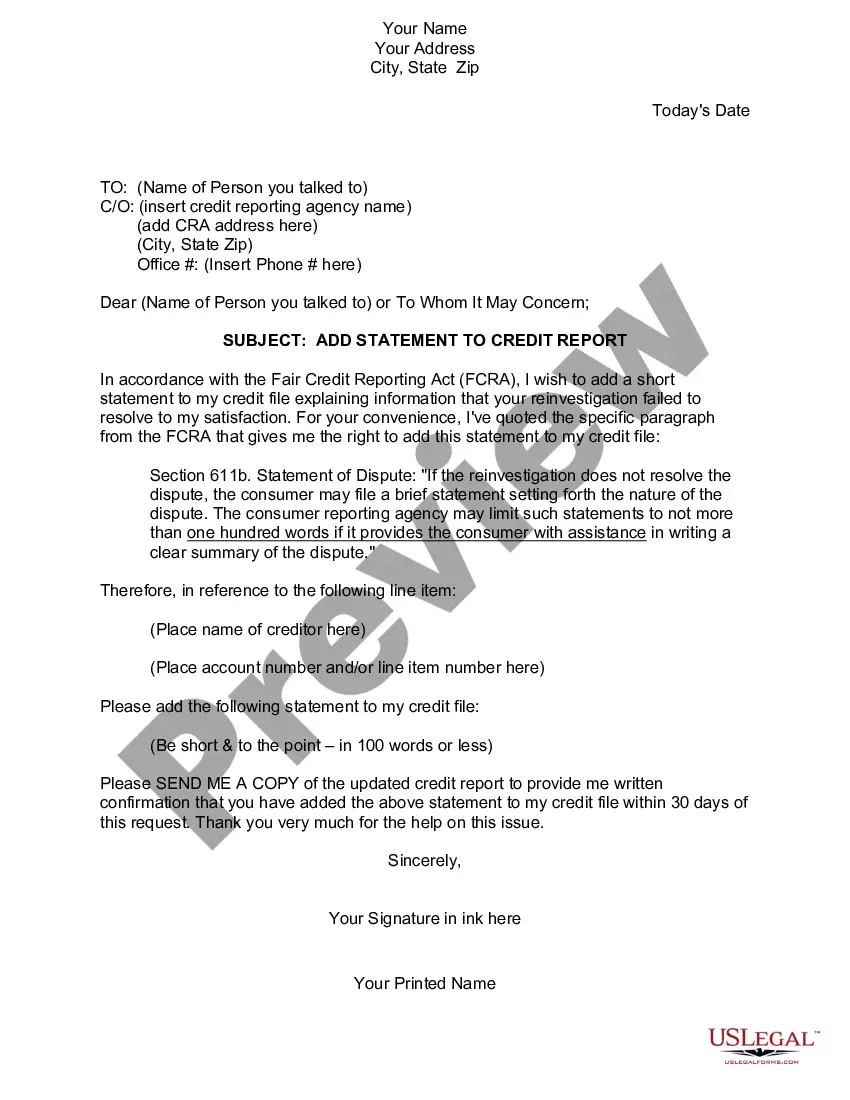
Indiana Statement to Add to Credit Report
Description
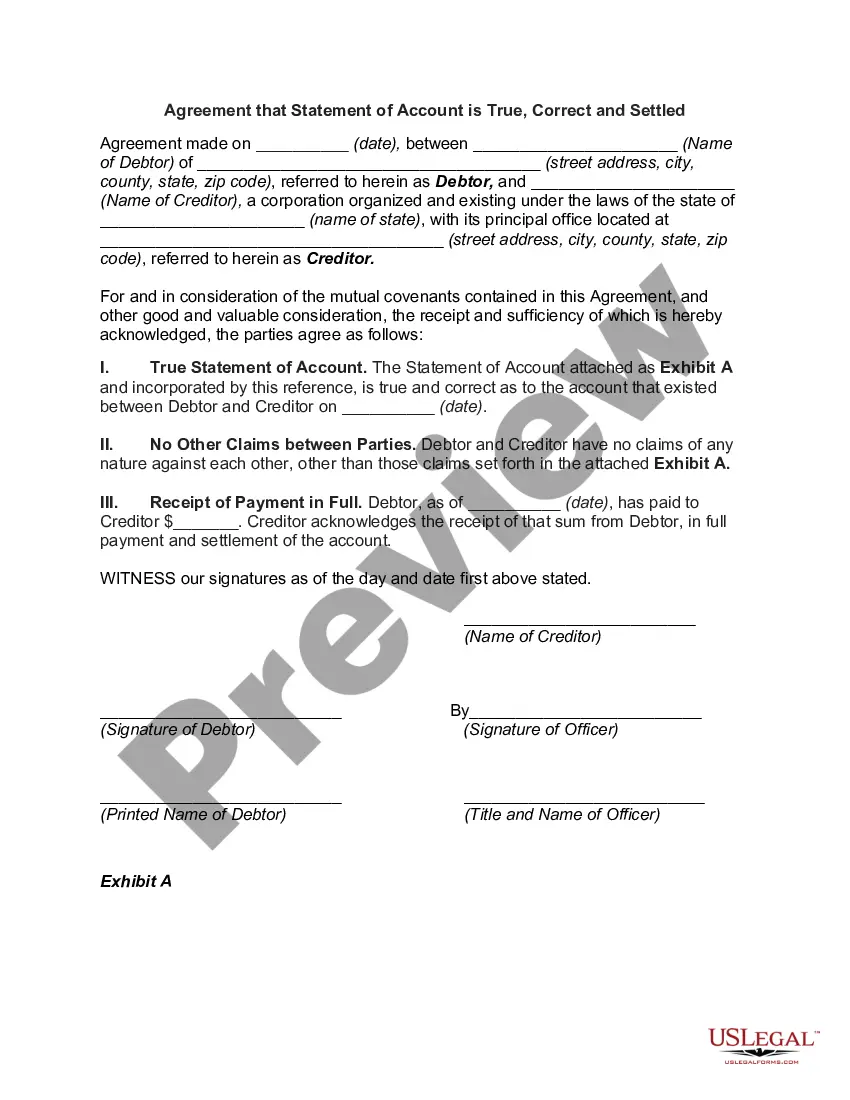
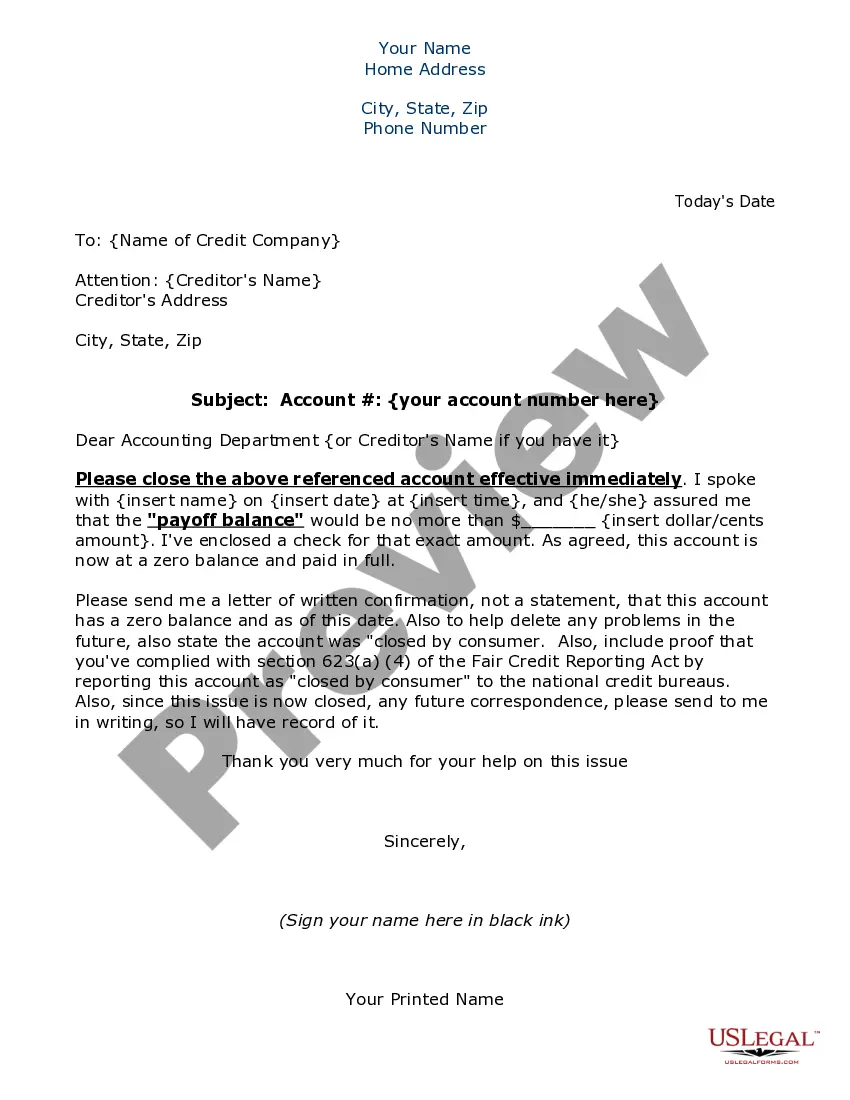
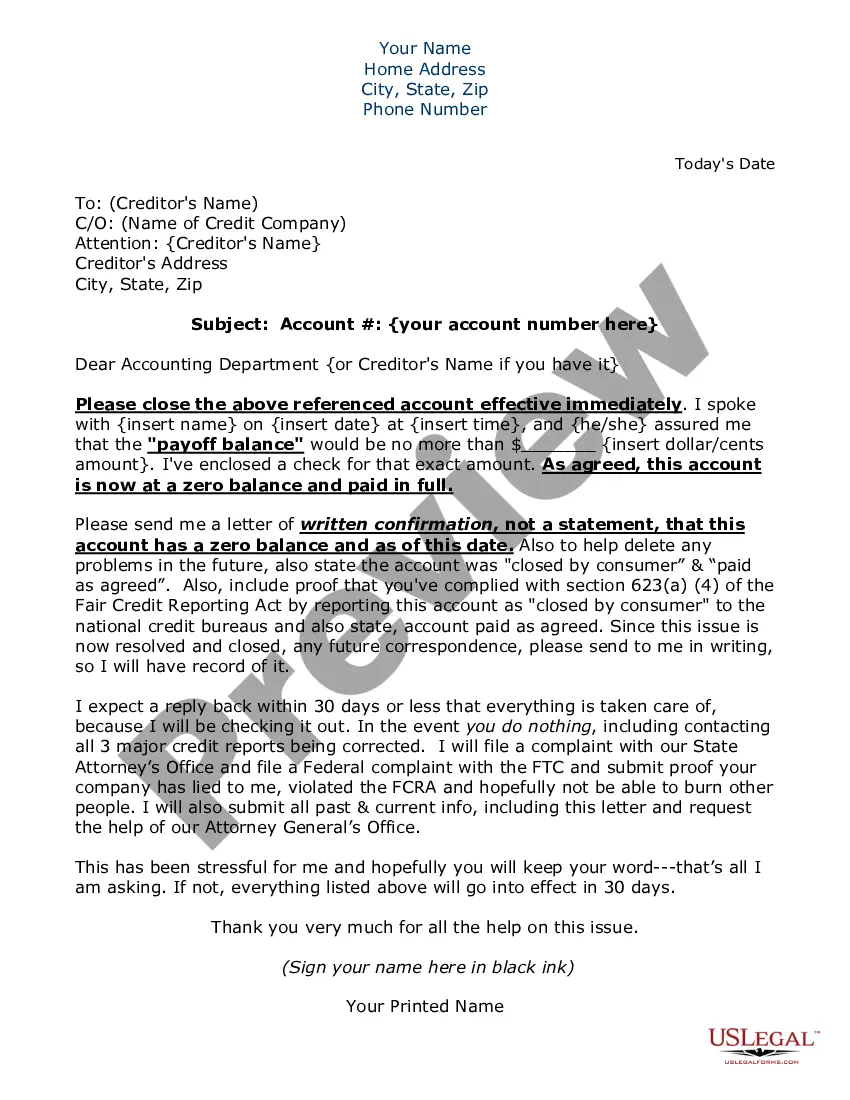
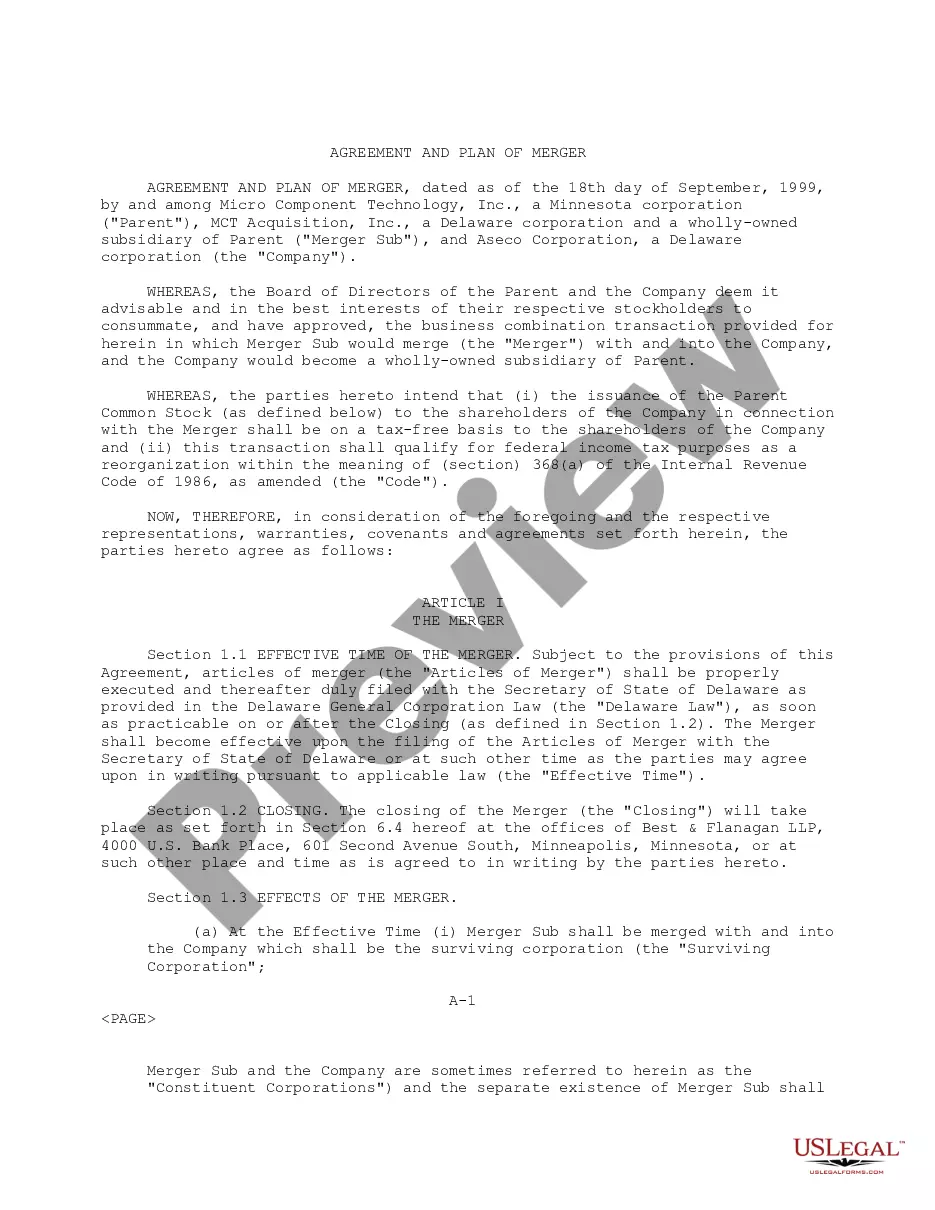
How to fill out Statement To Add To Credit Report?
You can spend hours online trying to locate the legal document template that meets the state and federal requirements you need. US Legal Forms offers a vast array of legal forms that are vetted by experts. You can obtain or create the Indiana Statement to Add to Credit Report through our service.
If you have a US Legal Forms account, you may Log In and then select the Download option. After that, you can complete, modify, print, or sign the Indiana Statement to Add to Credit Report. Every legal document template you obtain is yours permanently. To get another copy of any purchased form, visit the My documents tab and select the appropriate option.
If you are using the US Legal Forms website for the first time, follow the simple instructions below: First, ensure you have chosen the correct document template for the county/town of your choice. Review the form description to confirm you have selected the right form. If available, utilize the Review option to browse through the document template as well.
Avoid altering or removing any HTML tags. Only synonymize plain text outside of the HTML tags.
- To find another version of your form, use the Lookup field to search for the template that suits your needs and requirements.
- Once you have found the template you desire, click Acquire now to proceed.
- Select the pricing plan you wish, provide your credentials, and register for your account on US Legal Forms.
- Complete the transaction. You can use your Visa or Mastercard or PayPal account to pay for the legal form.
- Choose the format of your document and download it to your system.
- Make modifications to your document if necessary. You can complete, edit, sign, and print the Indiana Statement to Add to Credit Report.
- Download and print numerous document templates using the US Legal Forms Website, which offers the largest selection of legal forms. Utilize professional and state-specific templates to address your business or personal needs.
Form popularity
FAQ
To add an Indiana Statement to your credit report, you need to contact the credit bureau that maintains your credit file. You must provide relevant documentation that supports your statement. This process can be straightforward, especially when using a platform like US Legal Forms, which offers templates and guidance to help you prepare the necessary documents. Once submitted, the credit bureau will review your statement and update your report accordingly.
Achieving an 800 credit score in 45 days requires strategic actions like reducing credit utilization, paying all bills on time, and not opening new credit accounts. You might also consider adding an Indiana Statement to Add to Credit Report to provide context about your credit history. This can enhance your profile in the eyes of lenders. Using UsLegalForms can help you create a robust plan to elevate your credit score quickly and effectively.
To add a statement to your credit report, you typically need to contact the credit reporting agency directly. You can provide your written statement, and they will include it with your report. Make sure to use an Indiana Statement to Add to Credit Report for a formal approach, as it can help articulate your points clearly. Resources like UsLegalForms can guide you in drafting a professional statement.
You can add a statement to your credit report, which allows you to explain any discrepancies or issues. This process gives you the opportunity to clarify your financial situation to potential lenders. An Indiana Statement to Add to Credit Report is a useful tool that can help communicate your side of the story effectively. Consider using platforms like UsLegalForms to learn how to navigate this process.
Yes, you can include a statement on your credit report, but it typically needs to be concise. Generally, a statement can be up to 100 words, allowing you to provide context for your credit history. This is particularly beneficial if you have had past issues that you want to clarify. Using an Indiana Statement to Add to Credit Report can help you present your case clearly and professionally.
To raise your credit score significantly in a short time, focus on paying off debts, keeping credit card balances low, and ensuring timely payments on bills. Another effective strategy is to add an Indiana Statement to Add to Credit Report, which can explain any past financial difficulties. This transparency can positively influence lenders' perceptions of your creditworthiness. You may also consider utilizing services like UsLegalForms for guidance on credit repair.
There are two ways you can add positive credit history to your credit report: either by contacting your creditor or by contacting the credit bureaus. Sometimes you can get away with just contacting one, and other times you'll need to contact both.
Signing up for Experian Boost lets you add phone and utility bills to your Experian report, and a history of on-time payments can boost your credit score. You can also sign up for UltraFICO, a new service that includes your bank account balances in your credit score.
How to File a Personal Statement with EquifaxOnce in your account, scroll down to Disputes then click START A DISPUTE.Scroll down to where you see Consumer Statement in red and click Add a statement.More items...
To add a consumer statement yourself, the first step is to contact the credit reporting agencies and get copies of your credit reports. Once you have your credit reports, review them to decide if you feel the need to add a statement and, if so, which type.