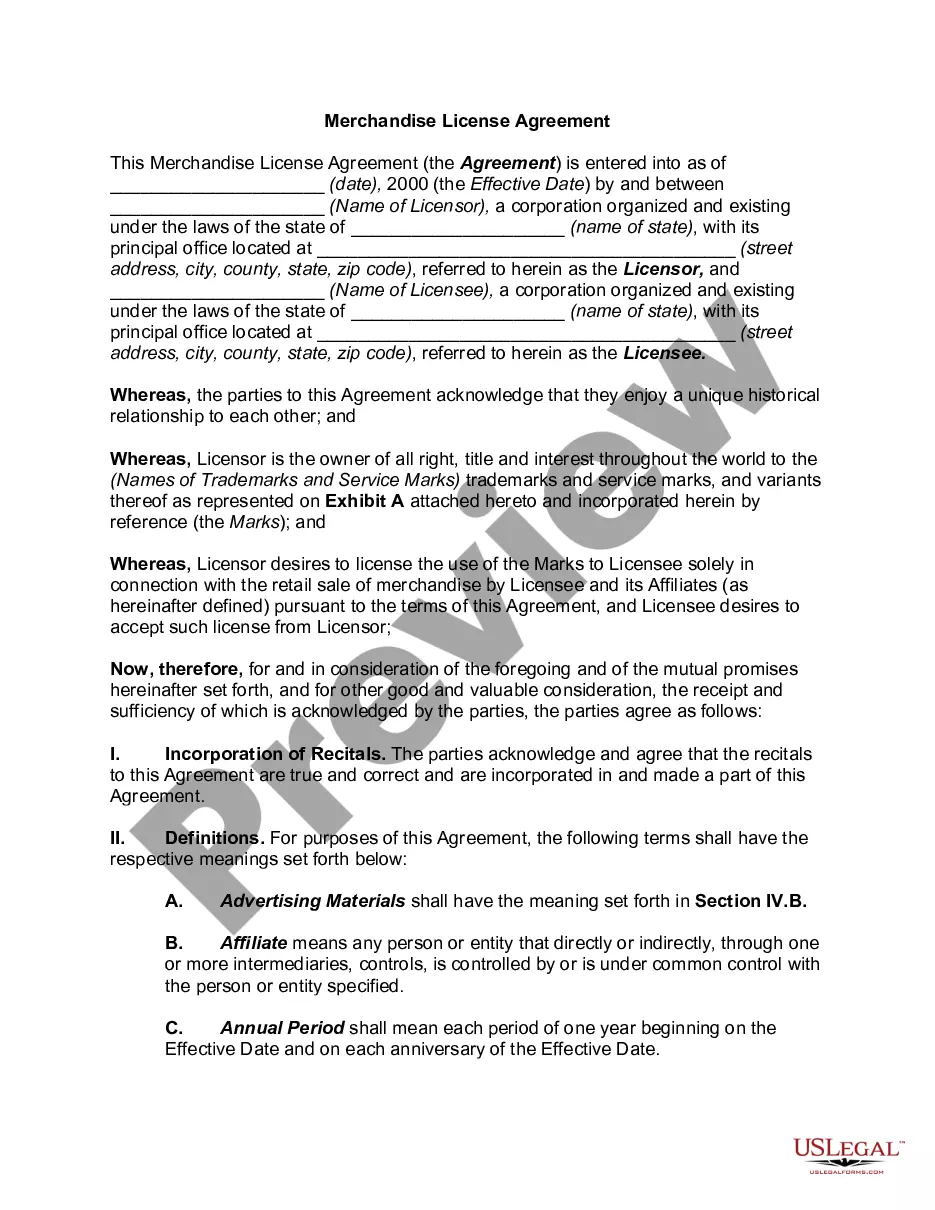
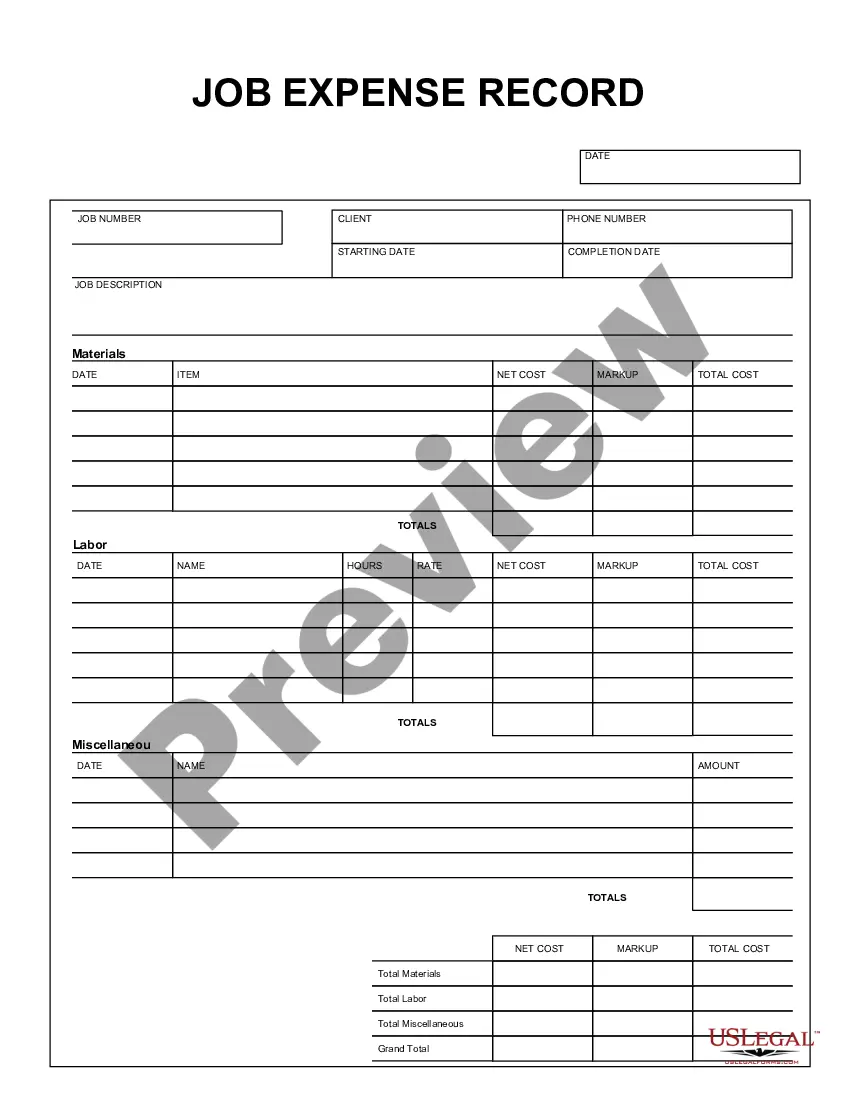
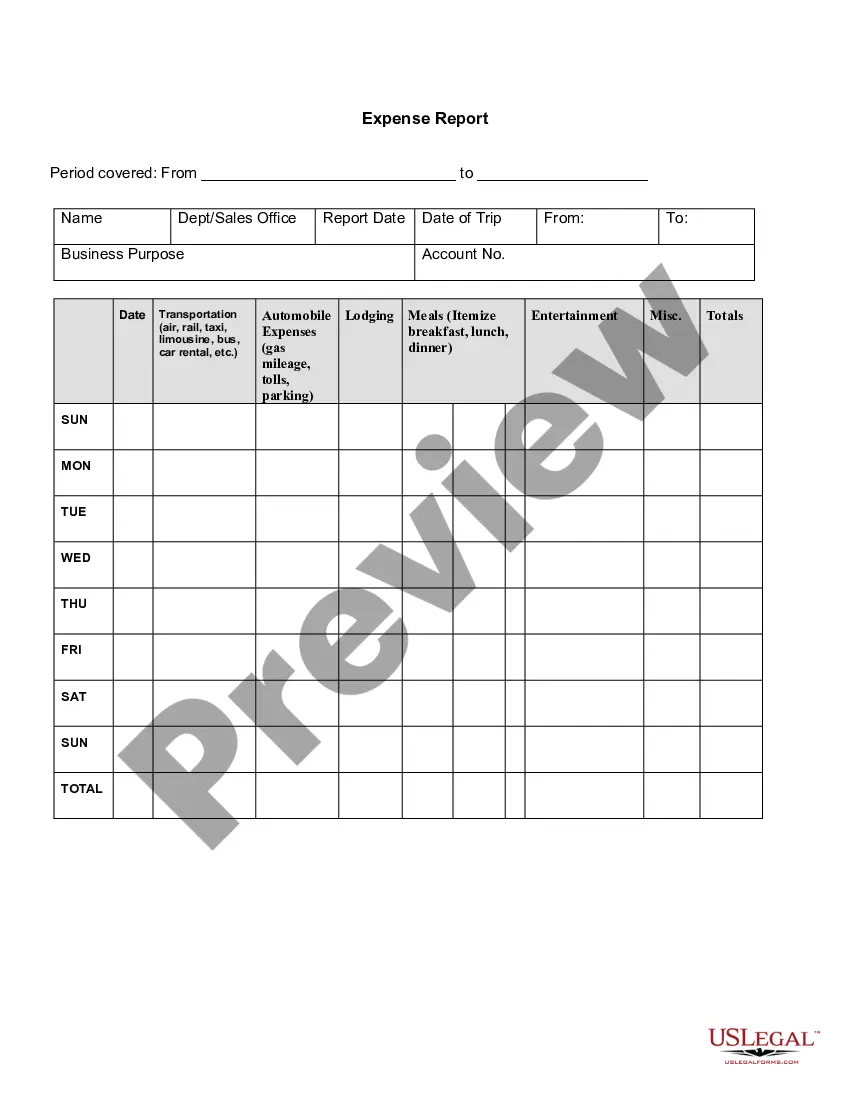
This form is a business type form that is formatted to allow you to complete the form using Adobe Acrobat or Word. The word files have been formatted to allow completion by entry into fields. Some of the forms under this category are rather simple while others are more complex. The formatting is worth the small cost.
Indiana Job Expense Record
Category:
State:
Multi-State
Control #:
US-150-AZ
Format:
Word;
PDF;
Rich Text
Instant download
Description


Get your form ready online
Our built-in tools help you complete, sign, share, and store your documents in one place.
Built-in online Word editor
Make edits, fill in missing information, and update formatting in US Legal Forms—just like you would in MS Word.
Export easily
Download a copy, print it, send it by email, or mail it via USPS—whatever works best for your next step.
E-sign your document
Sign and collect signatures with our SignNow integration. Send to multiple recipients, set reminders, and more. Go Premium to unlock E-Sign.
Notarize online 24/7
If this form requires notarization, complete it online through a secure video call—no need to meet a notary in person or wait for an appointment.
Store your document securely
We protect your documents and personal data by following strict security and privacy standards.

Make edits, fill in missing information, and update formatting in US Legal Forms—just like you would in MS Word.

Download a copy, print it, send it by email, or mail it via USPS—whatever works best for your next step.

Sign and collect signatures with our SignNow integration. Send to multiple recipients, set reminders, and more. Go Premium to unlock E-Sign.

If this form requires notarization, complete it online through a secure video call—no need to meet a notary in person or wait for an appointment.

We protect your documents and personal data by following strict security and privacy standards.
Looking for another form?






How to fill out Job Expense Record?
Selecting the most suitable legal document template can be challenging. Clearly, there are numerous designs accessible online, but how do you find the specific legal form you require.
Utilize the US Legal Forms website. The platform offers a vast array of templates, including the Indiana Job Expense Record, which can serve both business and personal purposes. All forms are reviewed by experts and comply with state and federal regulations.
If you are already registered, sign in to your account and click the Download button to obtain the Indiana Job Expense Record. Use your account to browse through the legal forms you have previously purchased. Navigate to the My documents section of your account to retrieve another copy of the document you require.
Complete, modify, print, and sign the acquired Indiana Job Expense Record. US Legal Forms is the largest repository of legal forms where you can find diverse document templates. Utilize the service to download well-crafted documents that adhere to state regulations.
- Initially, ensure that you have selected the correct form for your city/state. You can view the form using the Review button and read the form description to confirm it suits your needs.
- If the form does not meet your requirements, use the Search field to find the right document.
- Once you are confident that the form is accurate, click the Purchase now button to acquire it.
- Choose the pricing plan you prefer and enter the necessary information.
- Create your account and pay for the order using your PayPal account or credit card.
- Select the document format and download the legal document template to your device.
Form popularity
FAQ
To complete the Indiana WH-4, start by entering your personal details, including your name and address, followed by your Social Security number. Next, specify your tax withholding allowances based on your family situation and tax goals. By accurately filling out this form, you can ensure the right amount of tax is withheld from your paycheck. Referencing the Indiana Job Expense Record will help you see how work-related expenses could potentially impact your tax situation.
In Indiana, self-employed individuals generally use the federal Schedule SE to calculate self-employment tax. This form requires individuals to report their net earnings from self-employment, which is essential when planning tax payments. Keeping an Indiana Job Expense Record will aid in documenting all necessary expenses, ensuring that you maximize your deductions and lower your overall tax liability.
Indiana does not have standard deductions you can claim on your state income tax return. However, there are personal exemptions you can use to lower your tax liability. Single filers can claim $1,000, while married households can receive a $2,000 exemption.
While states can use CARES Act money to extend them, Indiana like most states has no plans to do so. Programs including Pandemic Unemployment Assistance (PUA) and Pandemic Emergency Unemployment Compensation (PEUC) ended on Sept. 4.
To apply for PUA benefits, you must first file a regular claim for unemployment insurance benefits. Instructions on how to add your employer can be found here. If you are denied, the PUA application will then appear on your claimant home page as a To-Do at the top of the screen for you to submit you PUA application.
You should receive your first payment within 3 weeks if there are no issues on your claim for benefits. You are not paid benefits for the first week you claim after filing for benefits (the first voucher you submit) because this is your waiting period week.
The best and easiest way to complete a WH-1 is through INTIME, Indiana's Taxpayer Information Management Engine, DOR's e-services portal. INTIME allows you to file and pay your business taxes (including sales and withholding); upload W2s, W2Gs, and 1099Rs; register a new tax type and more.
The WH-1 is the Indiana Withholding Tax Form and is required for any business that is withholding taxes from its employees. When completed correctly, this form ensures that a business's withholding taxes by county are reported accurately and timely.
Instructions for Completing Form WH-4 This form should be completed by all resident and nonresident employees having income subject to Indiana state and/or county income tax. Print or type your full name, Social Security number or ITIN and home address.
To register for withholding for Indiana, the business must have an Employer Identification Number (EIN) from the federal government. In addition, the employer should look at Departmental Notice #1 that details the withholding rates for each of Indiana's 92 counties.