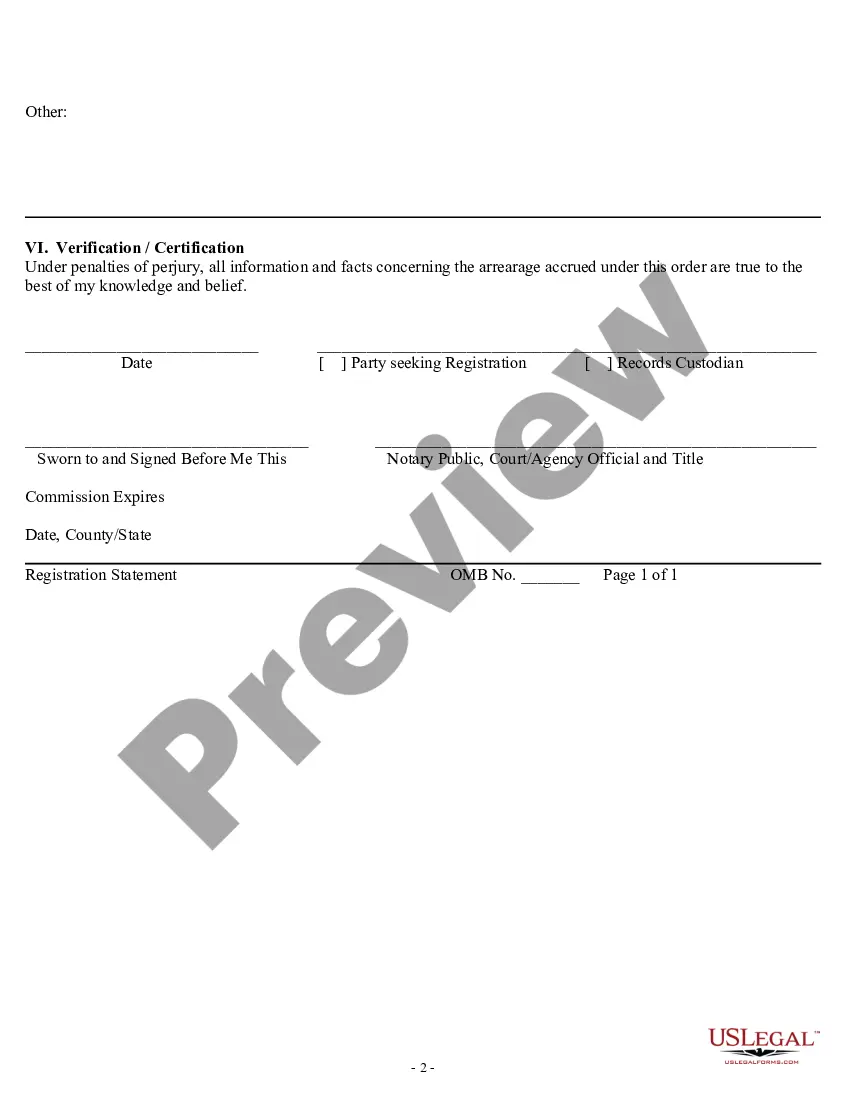
Indiana Registration Statement
Description
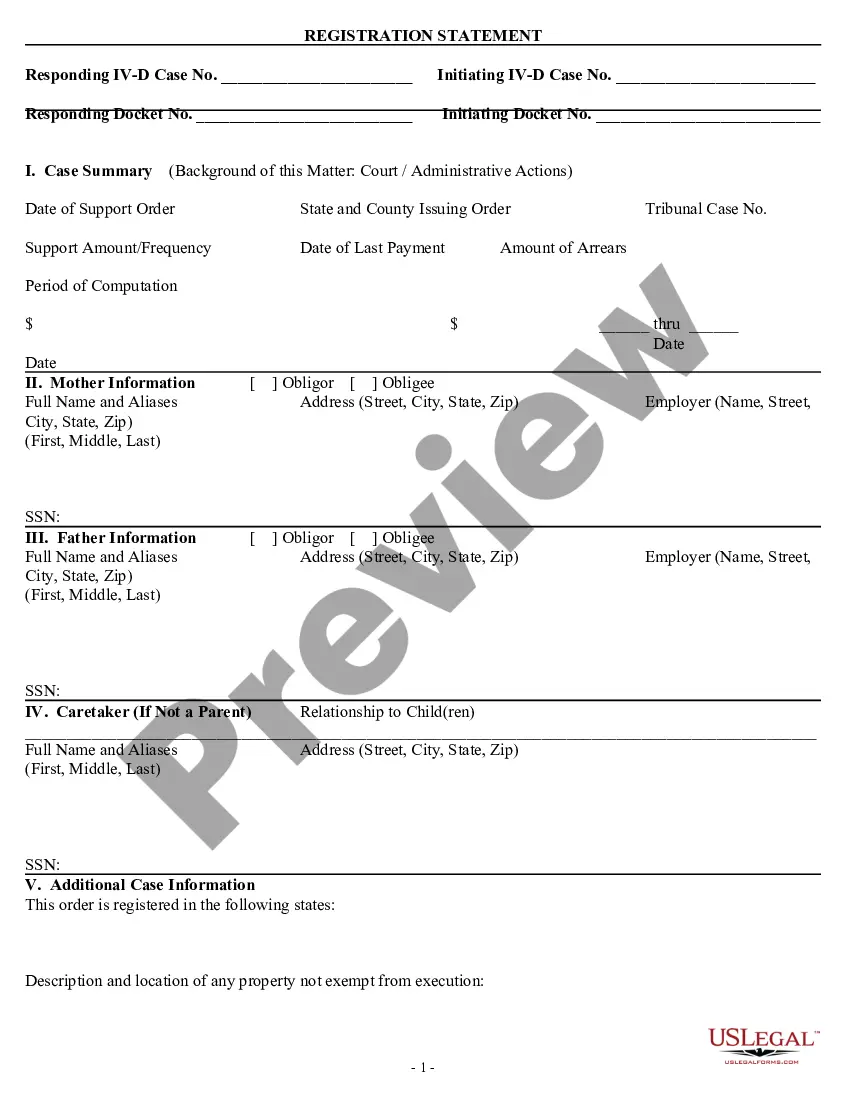


Get your form ready online
Our built-in tools help you complete, sign, share, and store your documents in one place.
Make edits, fill in missing information, and update formatting in US Legal Forms—just like you would in MS Word.
Download a copy, print it, send it by email, or mail it via USPS—whatever works best for your next step.
Sign and collect signatures with our SignNow integration. Send to multiple recipients, set reminders, and more. Go Premium to unlock E-Sign.
If this form requires notarization, complete it online through a secure video call—no need to meet a notary in person or wait for an appointment.
We protect your documents and personal data by following strict security and privacy standards.

Make edits, fill in missing information, and update formatting in US Legal Forms—just like you would in MS Word.

Download a copy, print it, send it by email, or mail it via USPS—whatever works best for your next step.

Sign and collect signatures with our SignNow integration. Send to multiple recipients, set reminders, and more. Go Premium to unlock E-Sign.

If this form requires notarization, complete it online through a secure video call—no need to meet a notary in person or wait for an appointment.

We protect your documents and personal data by following strict security and privacy standards.
Looking for another form?





How to fill out Registration Statement?
If you need to complete, download, or create sanctioned document templates, utilize US Legal Forms, the most extensive selection of legal forms available online.
Employ the site’s straightforward and user-friendly search to find the paperwork you require. Various templates for business and personal purposes are categorized by types and states, or keywords.
Use US Legal Forms to obtain the Indiana Registration Statement in just a few clicks.
Step 5. Complete the payment. You can use your credit card or PayPal account to finish the transaction.
Step 6. Select the format of the legal form and download it to your device. Step 7. Complete, edit, and print or sign the Indiana Registration Statement. Each legal document template you purchase is yours forever. You will have access to every form you obtained in your account. Click on the My documents section and choose a form to print or download again. Complete and download, and print the Indiana Registration Statement with US Legal Forms. There are numerous professional and state-specific forms you can utilize for your business or personal needs.
- If you are already a US Legal Forms user, Log In to your account and click the Download button to acquire the Indiana Registration Statement.
- You can also access forms you have previously obtained in the My documents section of your account.
- If you are using US Legal Forms for the first time, follow the steps below.
- Step 1. Ensure you have selected the form for the correct city/state.
- Step 2. Utilize the Review feature to examine the form’s details. Do not forget to read the information.
- Step 3. If you are not satisfied with the form, use the Search field at the top of the screen to find other versions of the legal form template.
- Step 4. Once you have found the form you need, click the Get now button. Choose the payment plan you prefer and enter your credentials to register for the account.
Form popularity
FAQ
To make amendments to your Indiana Articles of Incorporation, you provide Indiana form 38333, Articles of Amendment of the Articles of Incorporation to the Indiana Secretary of State (SOS). You can file the amendment online (see link below).
In addition, sole proprietorships are required to obtain all permits and licenses needed to operate legally on a state and local level, just like formally registered companies. General Partnerships: Business registration is not required for general partnerships in Indiana.
Business name and registration Register your business name with the county clerk where your business is located. If you are a corporation, you will also need to register with the Secretary of State.
Entities such as corporations, Limited Liability Companies (LLCs), and Limited Partnerships are required by law to register with the Secretary of State in Indiana.
All Indiana LLCs need to pay $31 per year for the Business Entity Report (or $50 per year if you file your Business Entity Report by mail). These Indiana LLC fees are paid to the Secretary of State. And this is the only state-required annual fee. You have to pay this to keep your LLC in good standing.
You'll need to choose a name to include in your articles before you can register your LLC. Names must comply with Indiana naming requirements. The following are the most important requirements to keep in mind: Your business name must include the wors limited liability company, LLC, or L.L.C.
Failing to file a Business Entity Report will result in the administrative dissolution or revocation of your business. Indiana businesses are administratively dissolved, and foreign businesses are revoked.
To obtain a copy of Articles of Incorporation, go to the Indiana Secretary of State Business Page: and complete the following steps. 5. Click on Certified Copies Request - Here you will have the option to print or download your Articles free of charge.