If you wish to finish, obtain, or print legal document templates, utilize US Legal Forms, the largest selection of legal forms available online.
Utilize the site's simple and convenient search to find the documents you require. Various templates for business and personal purposes are organized by categories and states, or keywords.
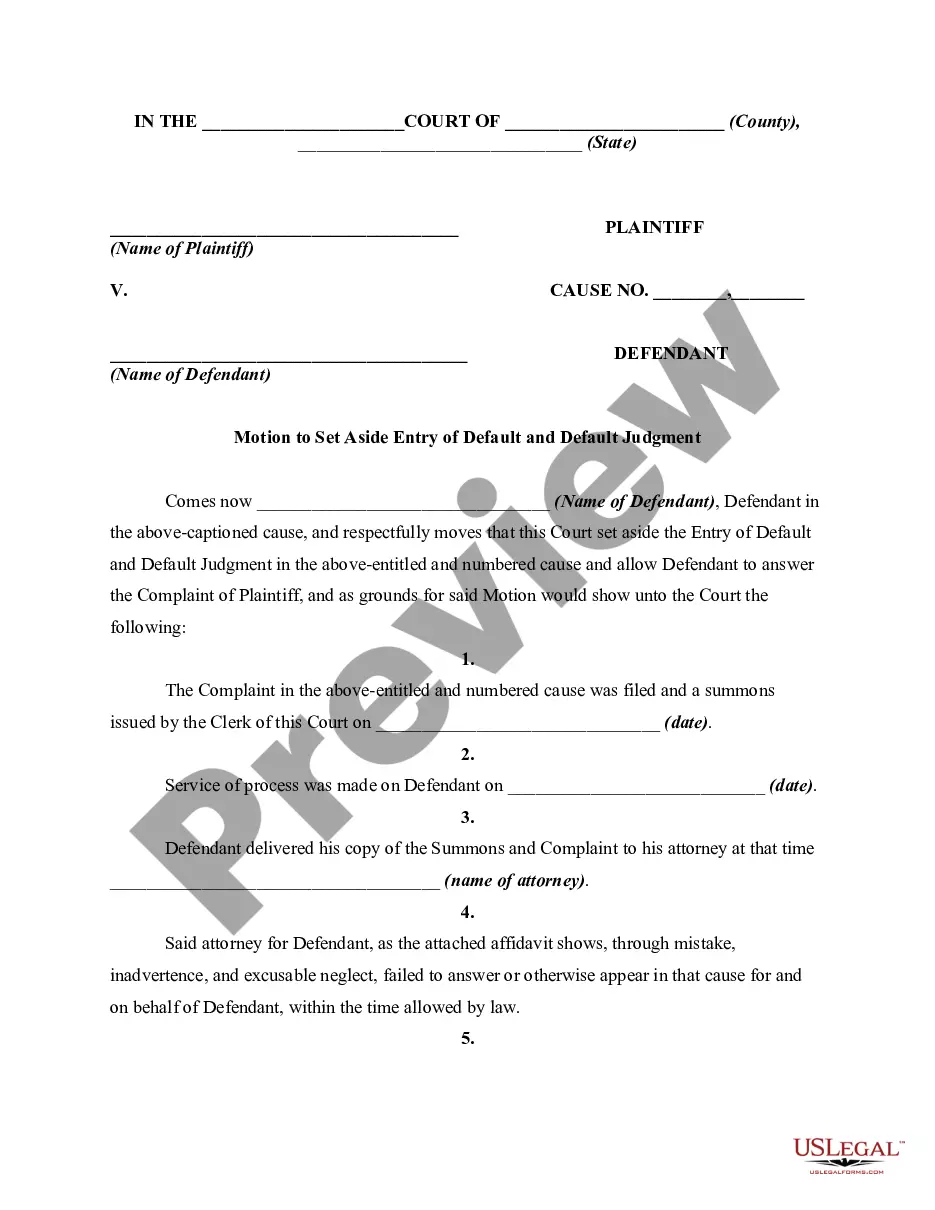
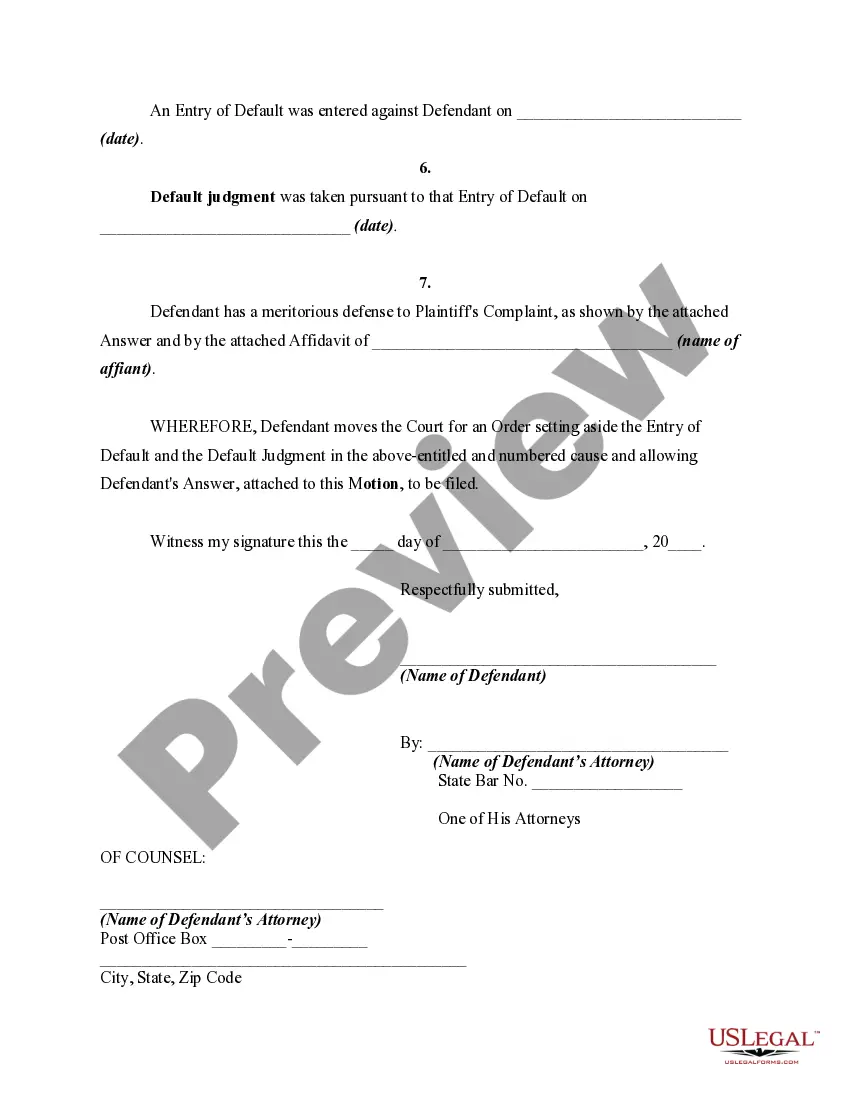
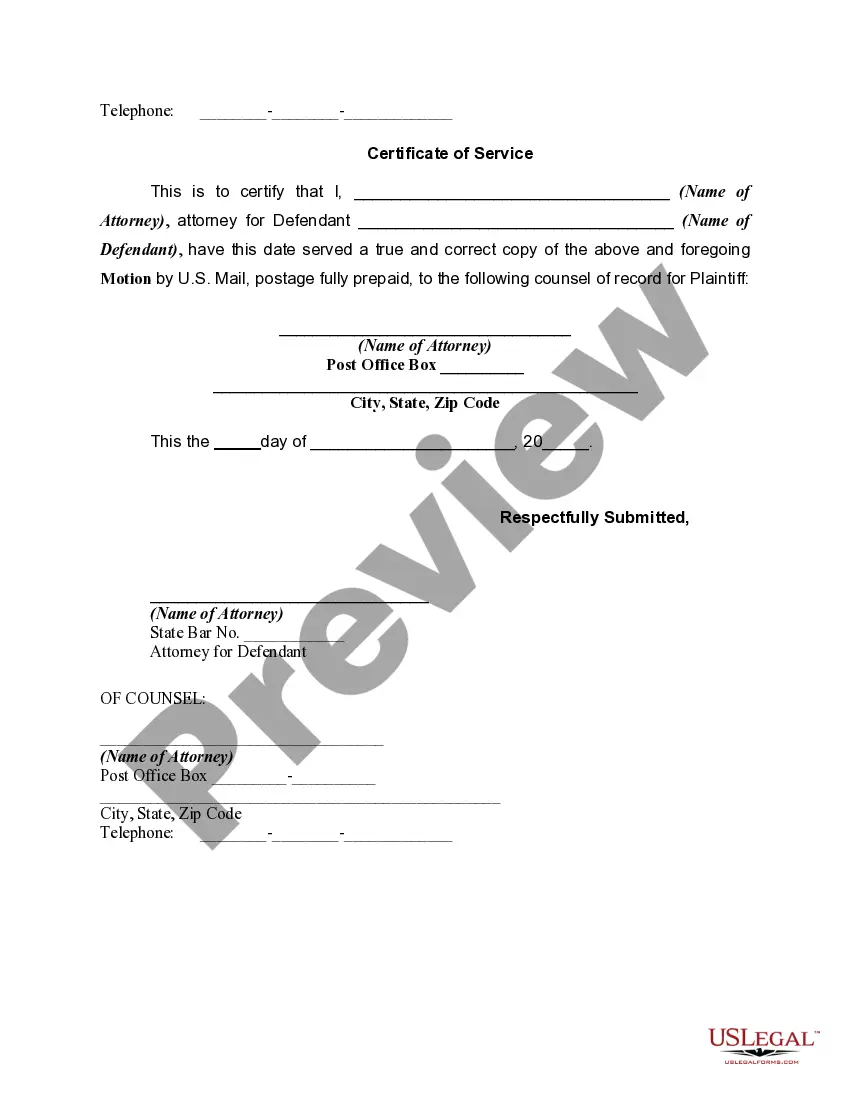
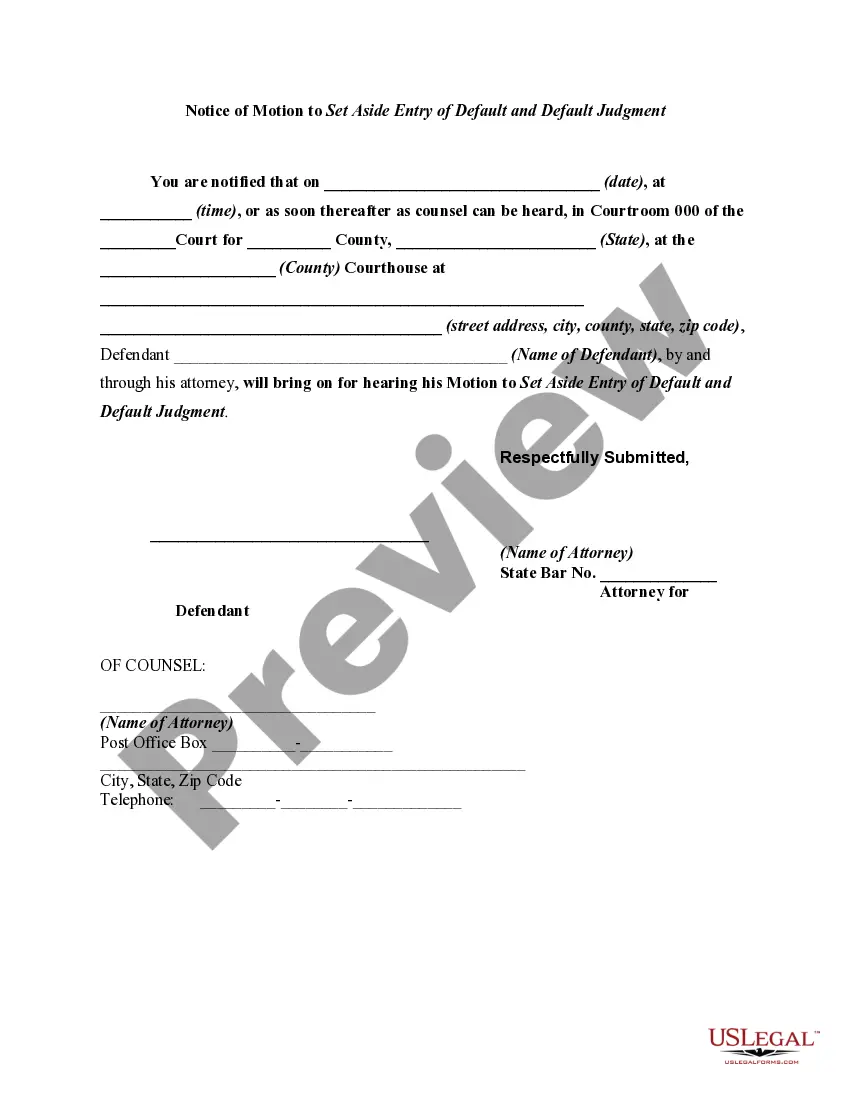
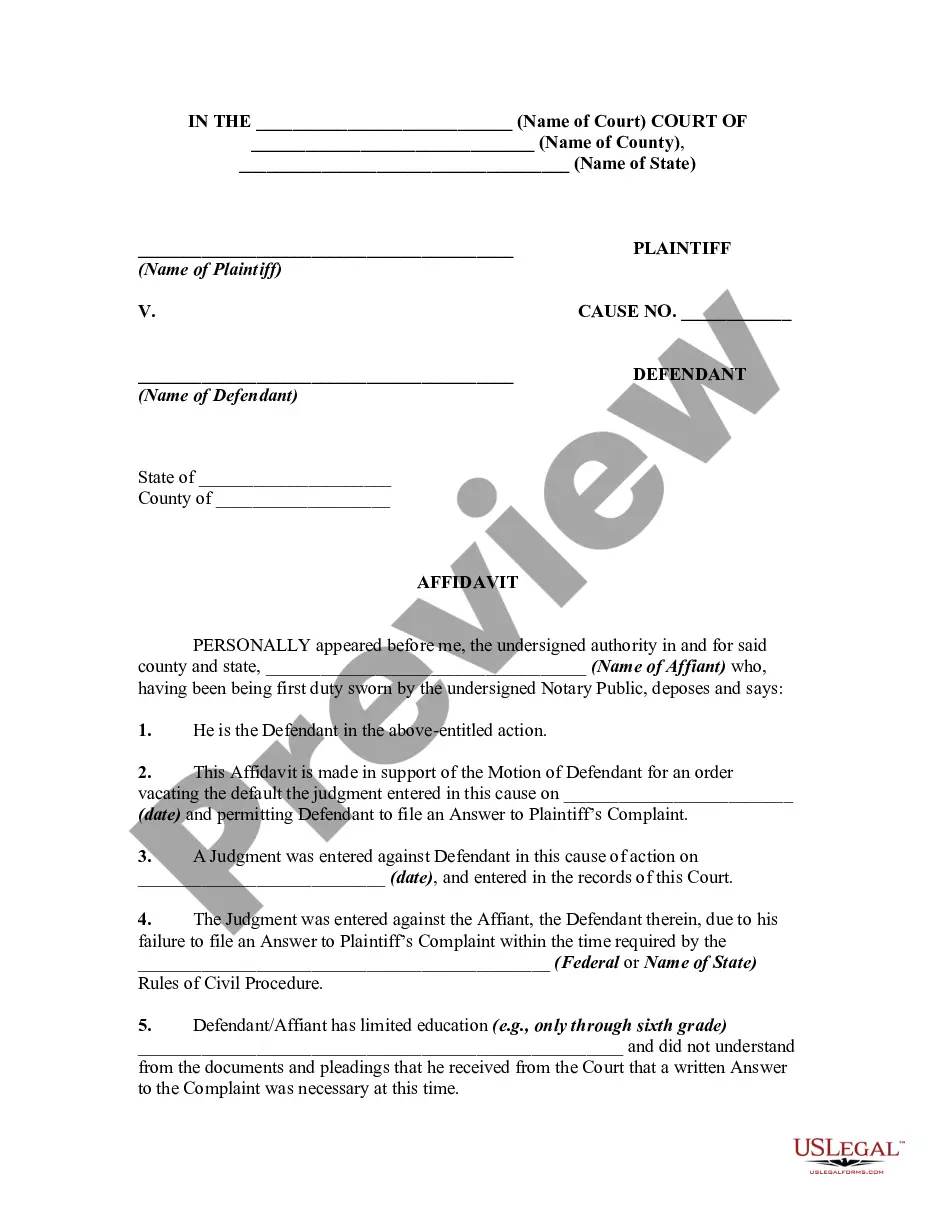
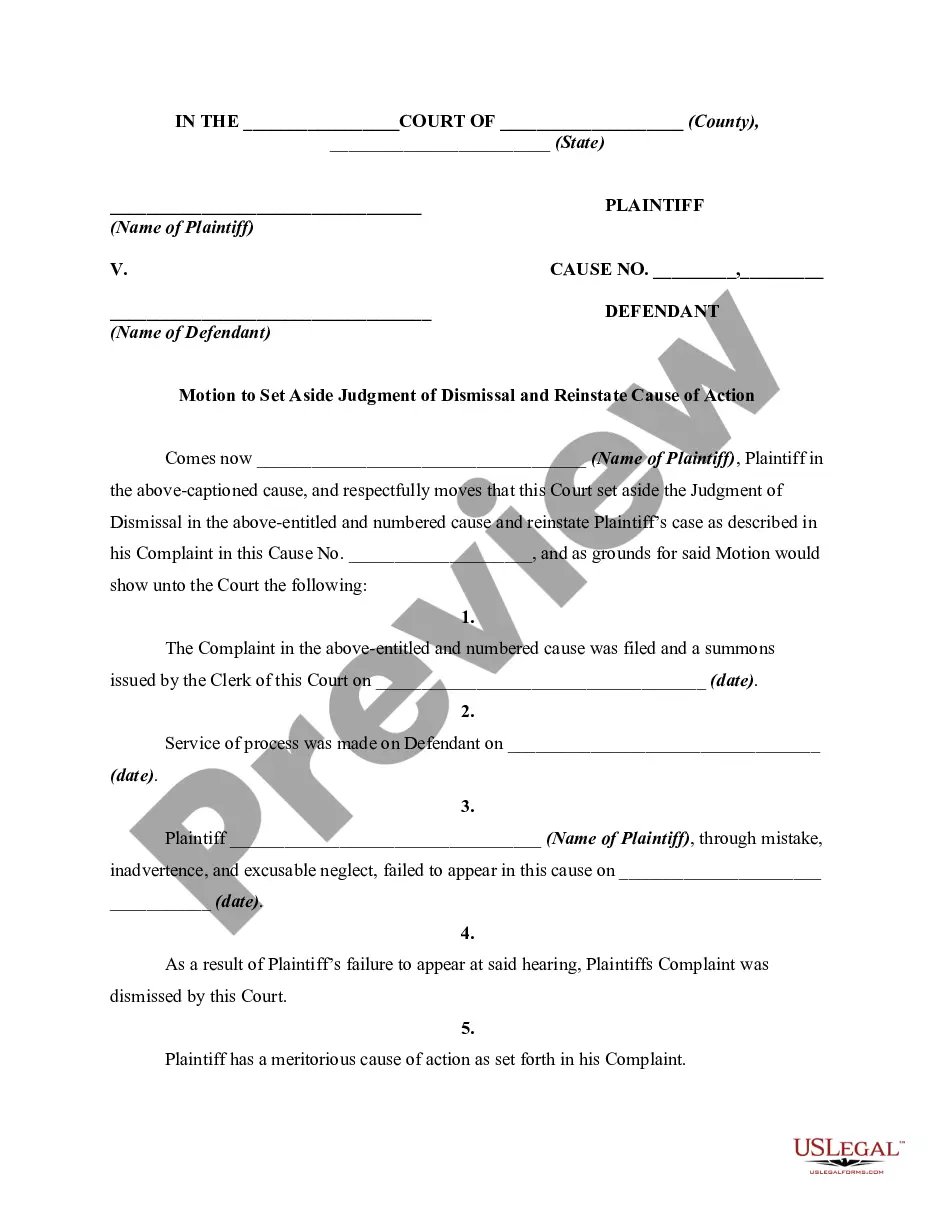
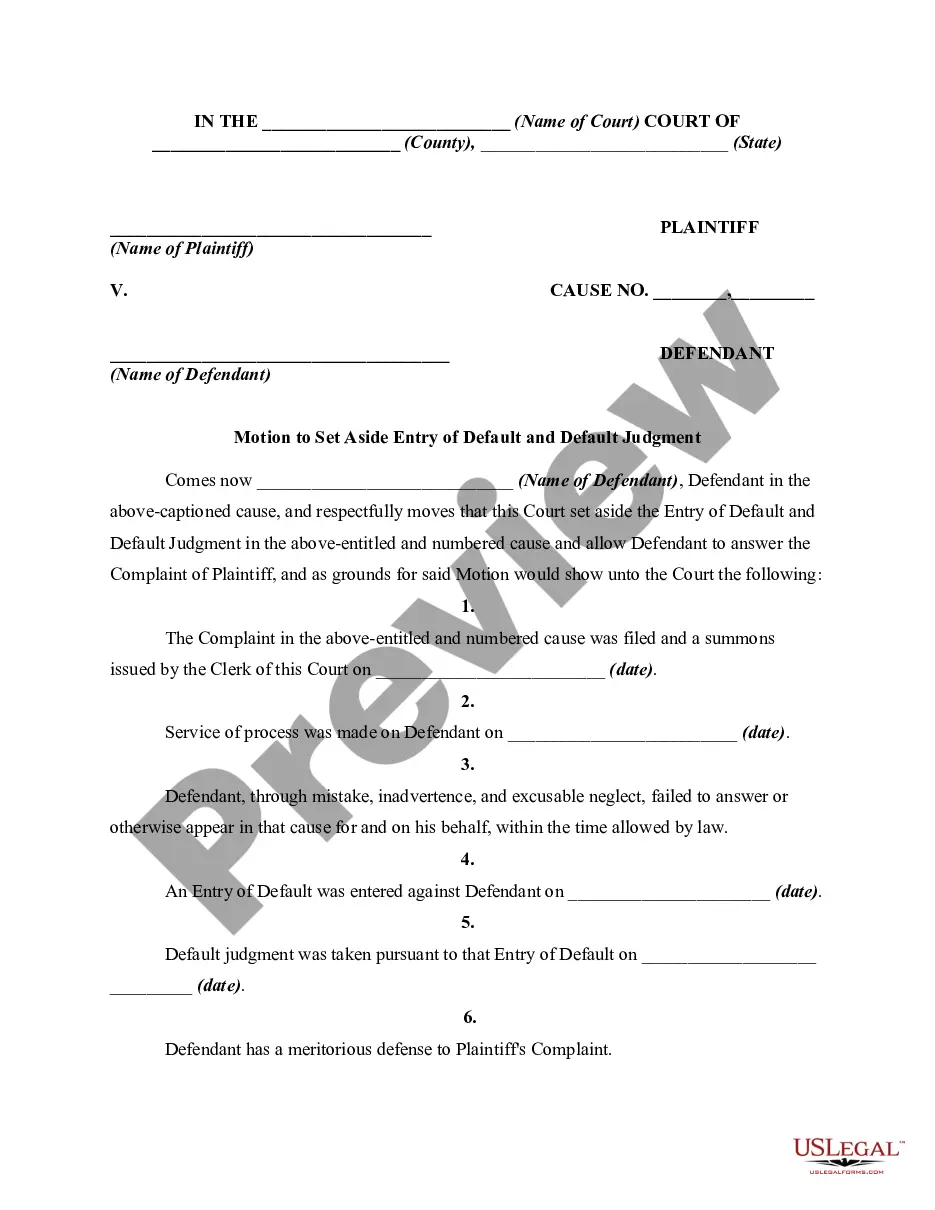
Use US Legal Forms to acquire the Indiana Motion to Vacate or Set Aside Entry of Default and Default Judgment Due to Error, Oversight, Surprise, or Justifiable Neglect within a few clicks.
Every legal document template you purchase is yours indefinitely. You have access to every form you obtained in your account. Click the My documents section and select a form to print or download again.
Compete, download, and print the Indiana Motion to Vacate or Set Aside Entry of Default and Default Judgment Due to Error, Oversight, Surprise, or Justifiable Neglect with US Legal Forms. There are numerous professional and state-specific forms you can utilize for your personal or business needs.
- If you are already a US Legal Forms user, Log In to your account and click the Purchase button to obtain the Indiana Motion to Vacate or Set Aside Entry of Default and Default Judgment Due to Error, Oversight, Surprise, or Justifiable Neglect.
- You can also access forms you previously obtained from the My documents section of your account.
- If you are utilizing US Legal Forms for the first time, adhere to the following instructions.
- Step 1. Ensure you have selected the form for the correct city/state.
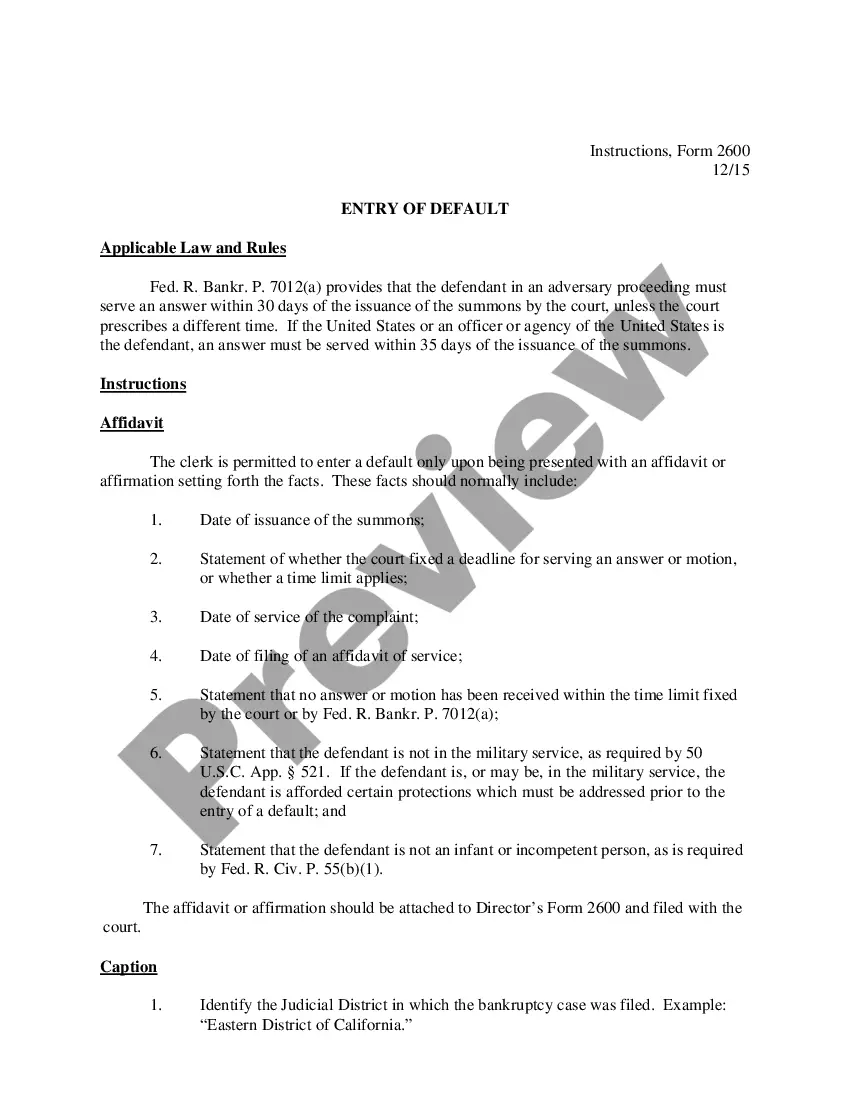
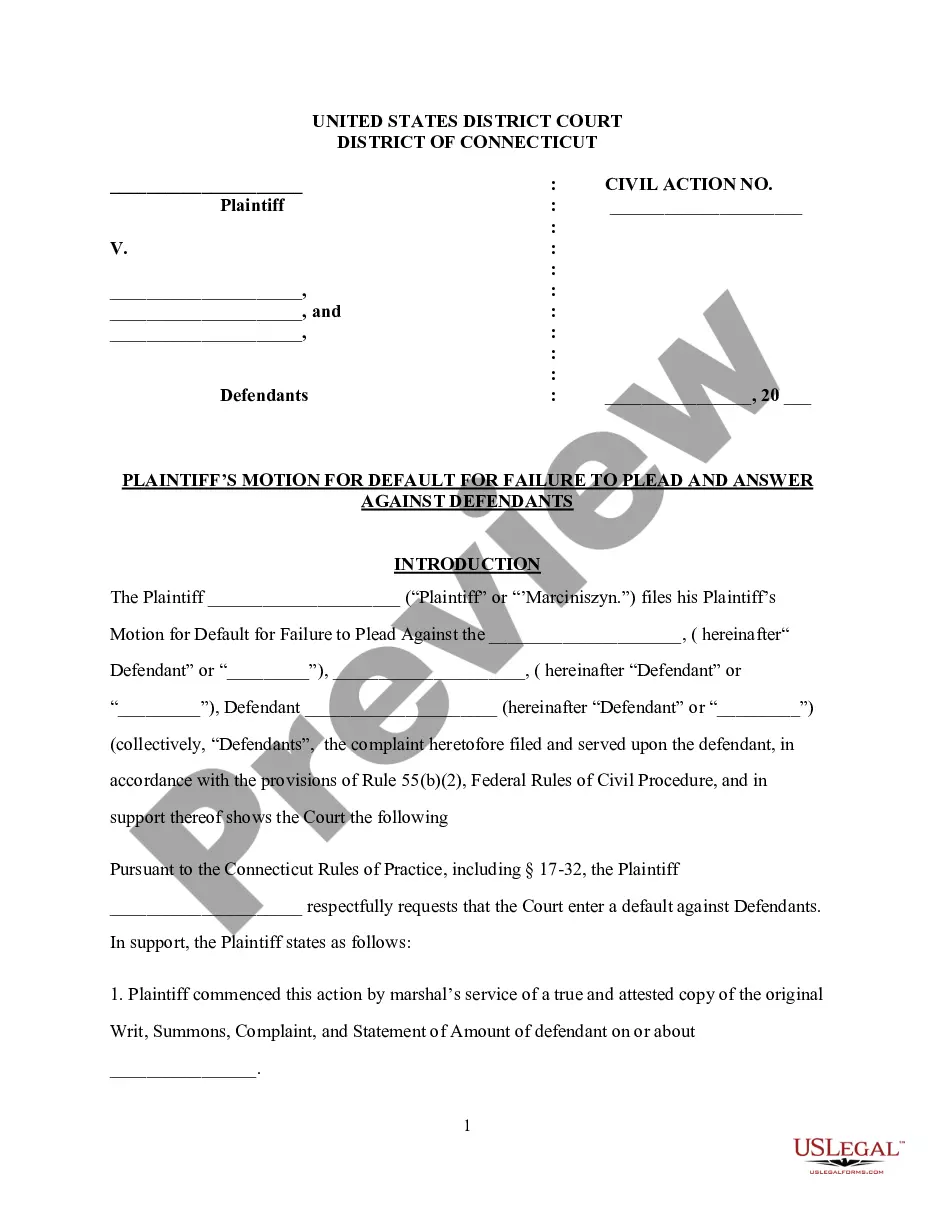
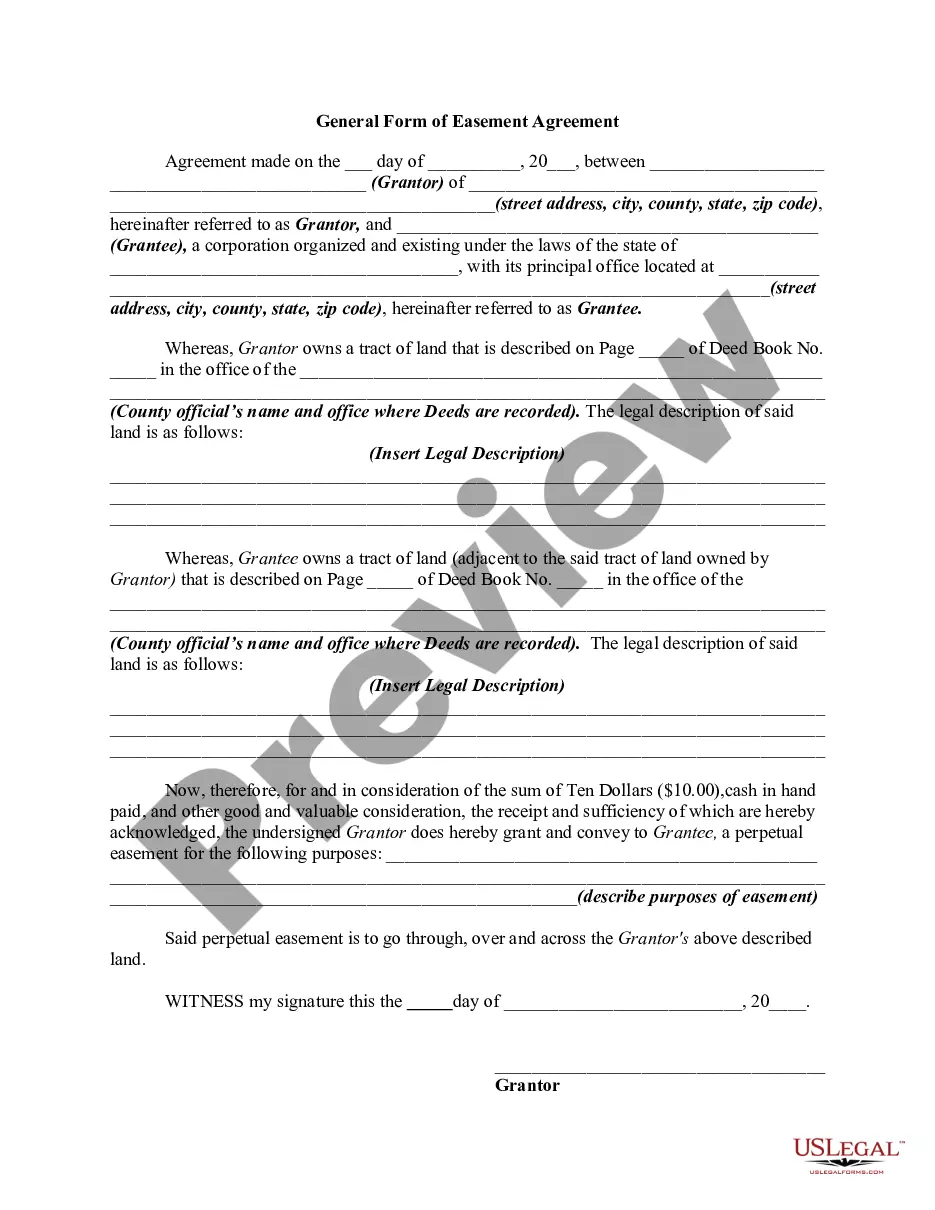
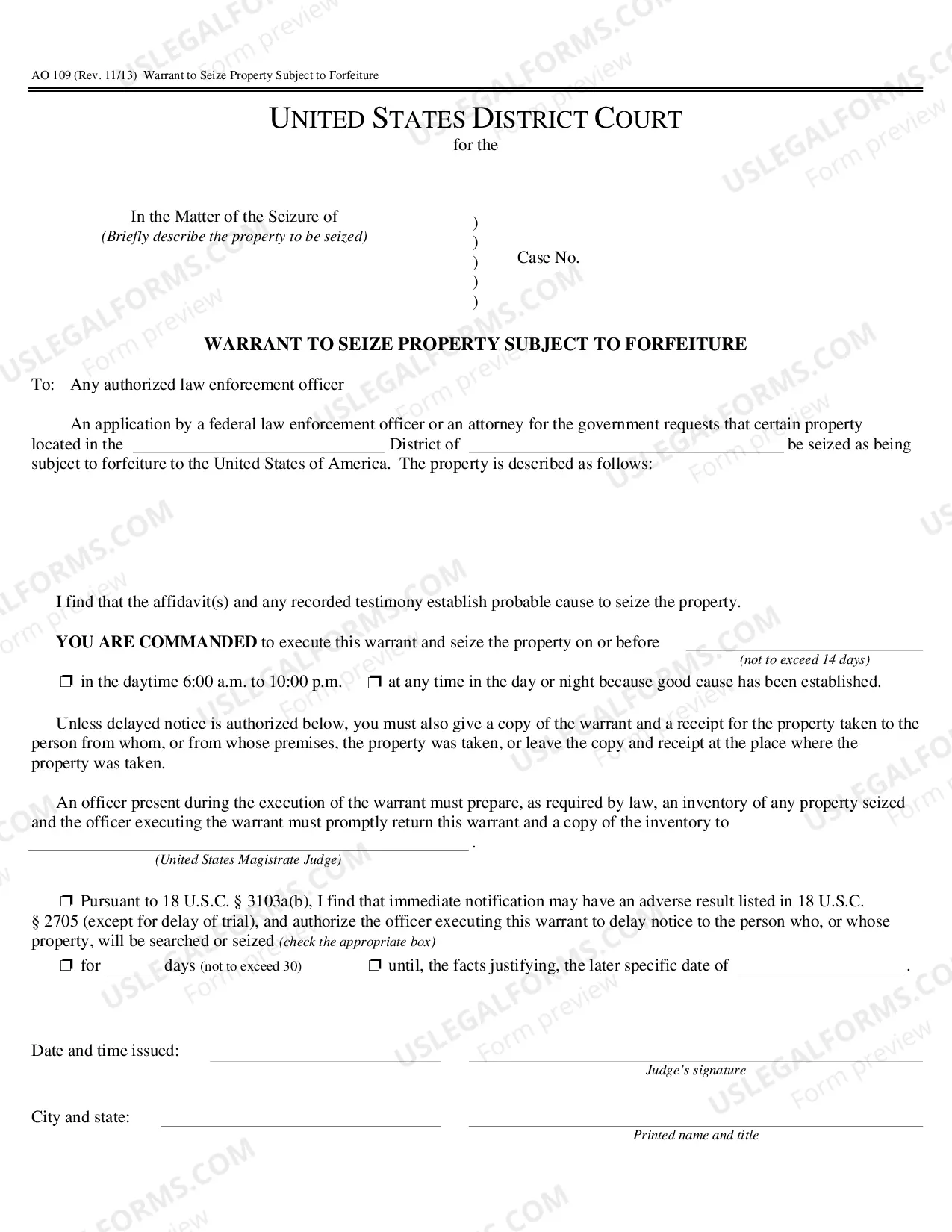
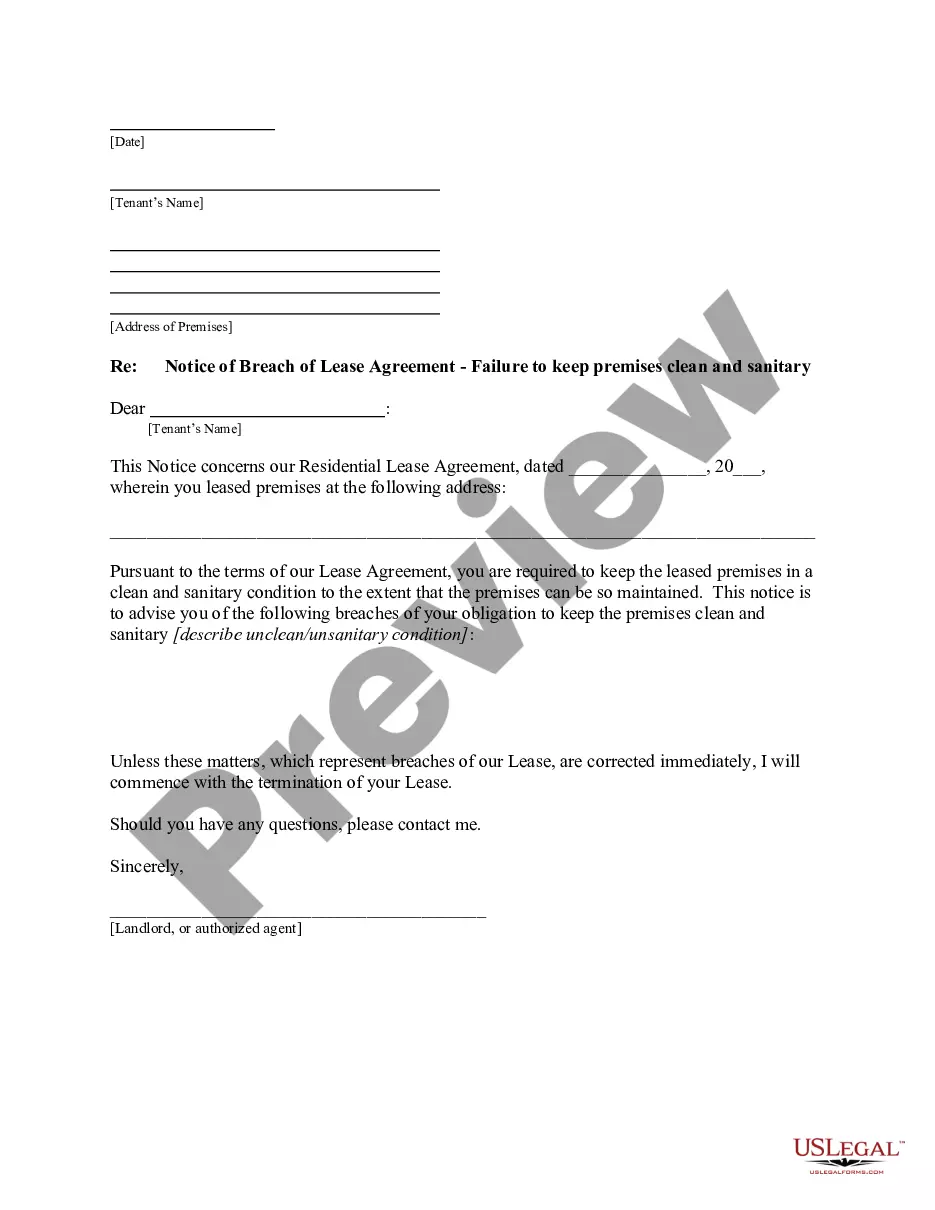
- Step 2. Use the Preview feature to review the form's content. Be sure to read the summary.
- Step 3. If you are not satisfied with the form, use the Search field at the top of the screen to find additional versions of the legal form template.
- Step 4. Once you have located the form you need, click the Purchase now button. Choose the pricing plan you prefer and enter your details to register for an account.
- Step 5. Process the payment. You can use your credit card or PayPal account to complete the transaction.
- Step 6. Choose the format of the legal form and download it to your device.
- Step 7. Complete, edit, and print or sign the Indiana Motion to Vacate or Set Aside Entry of Default and Default Judgment Due to Error, Oversight, Surprise, or Justifiable Neglect.