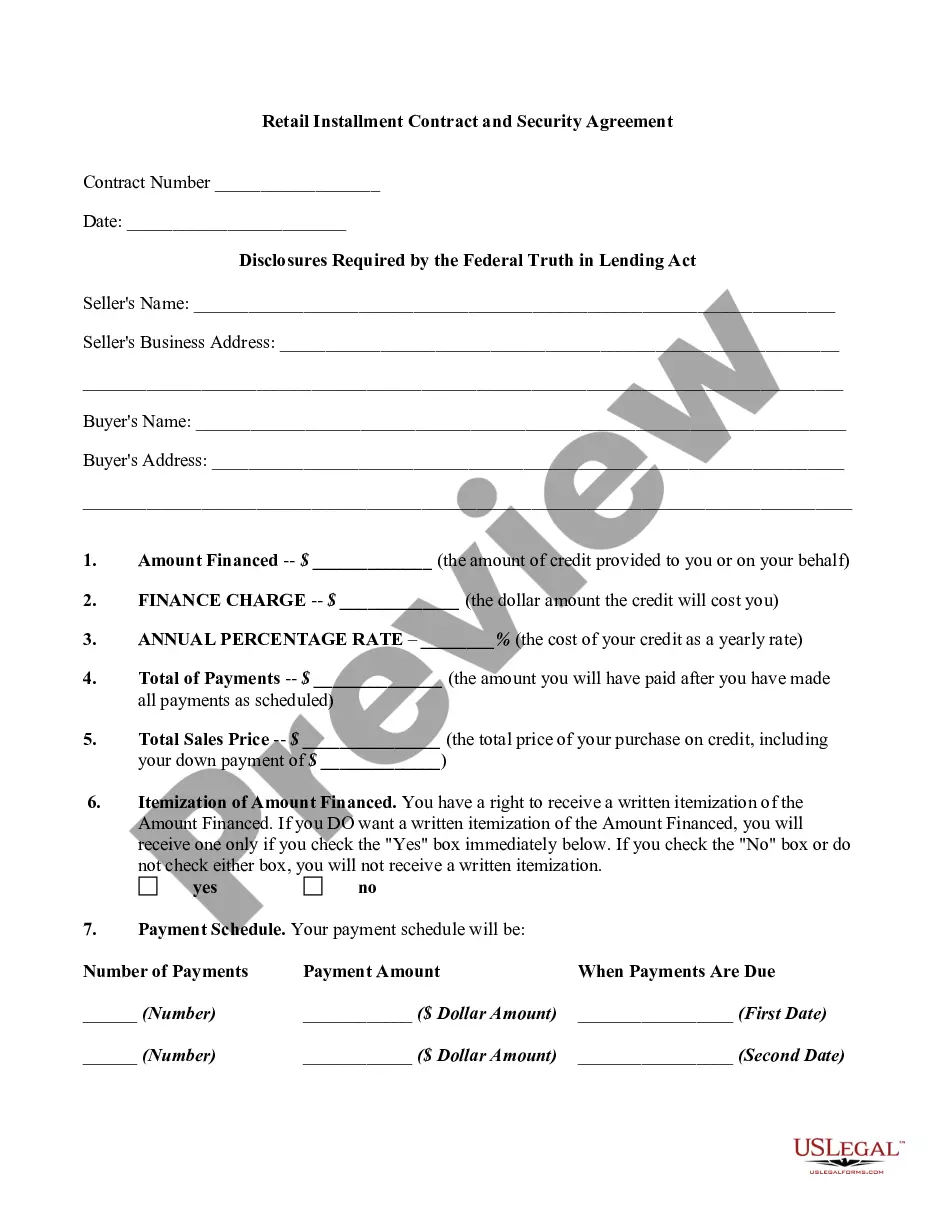
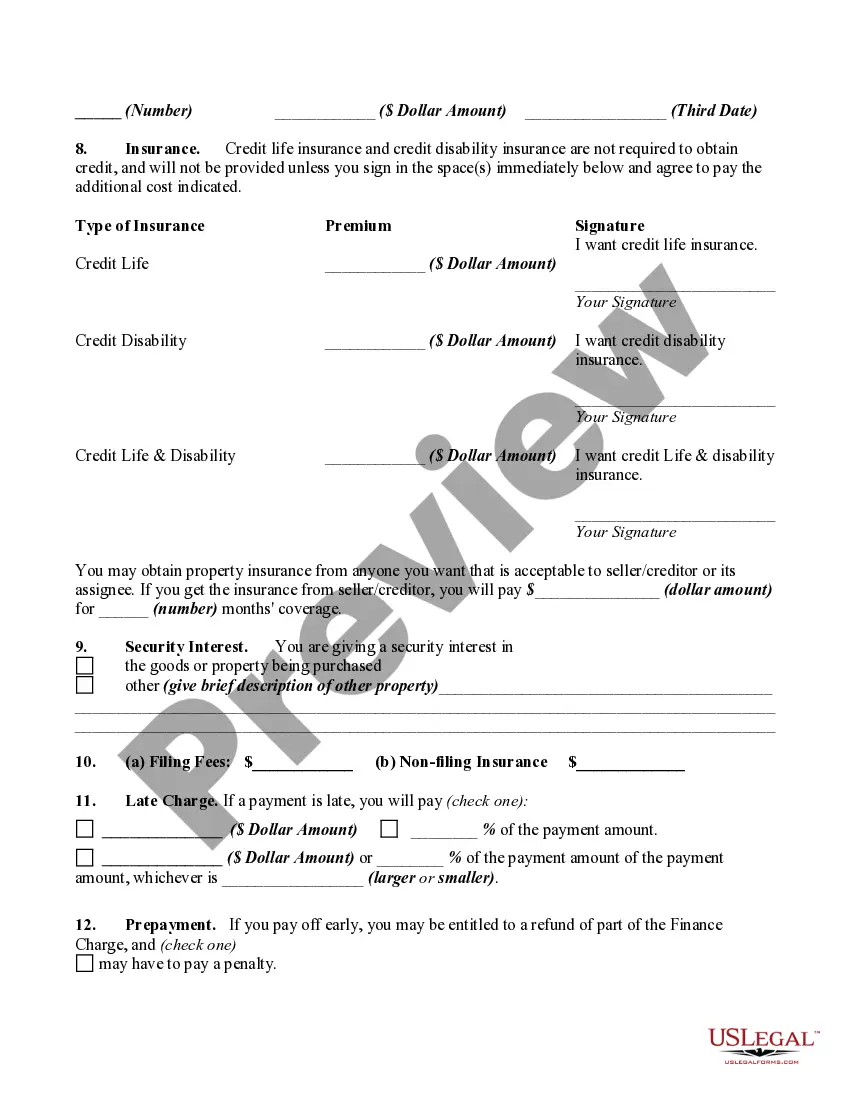
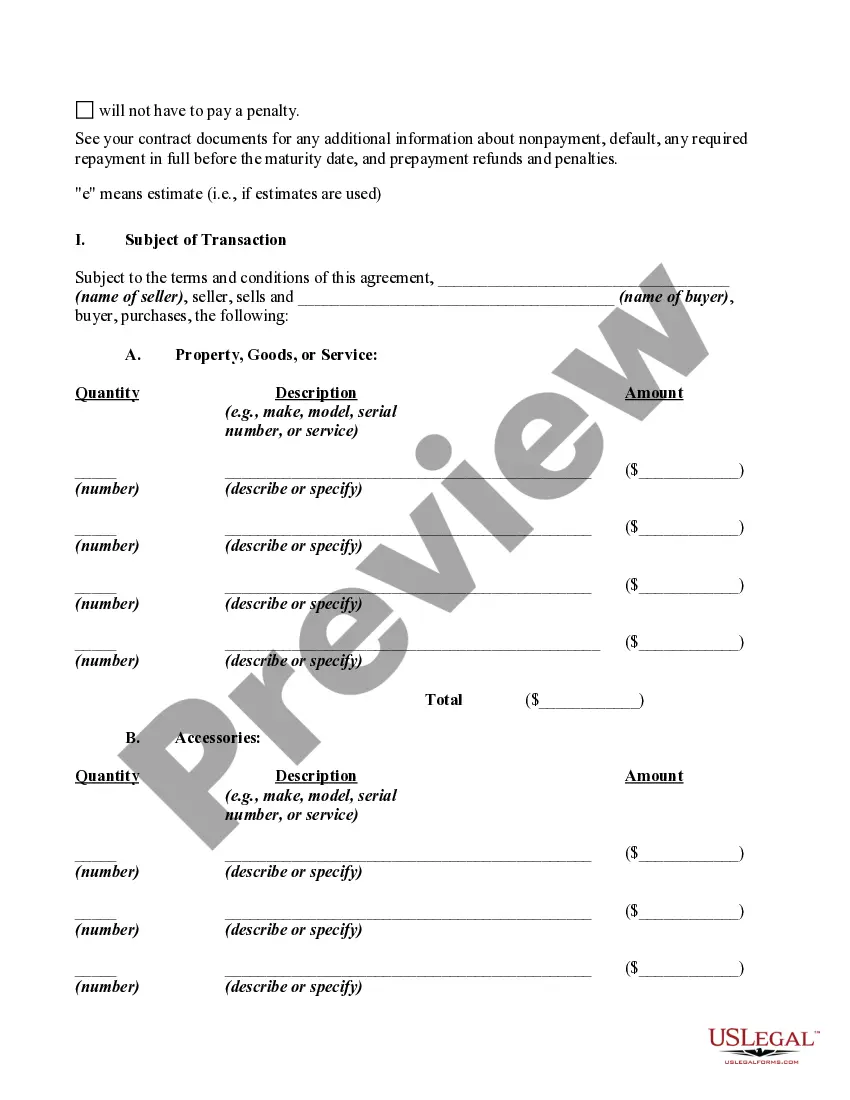
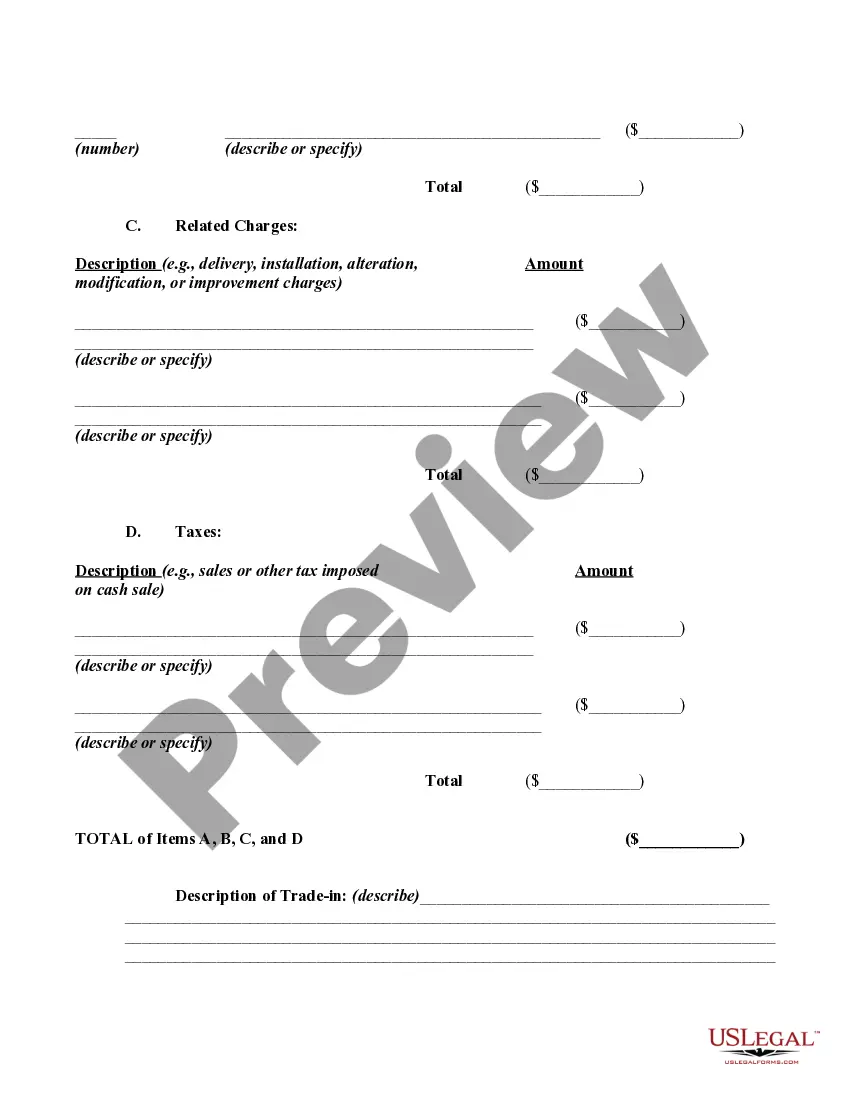
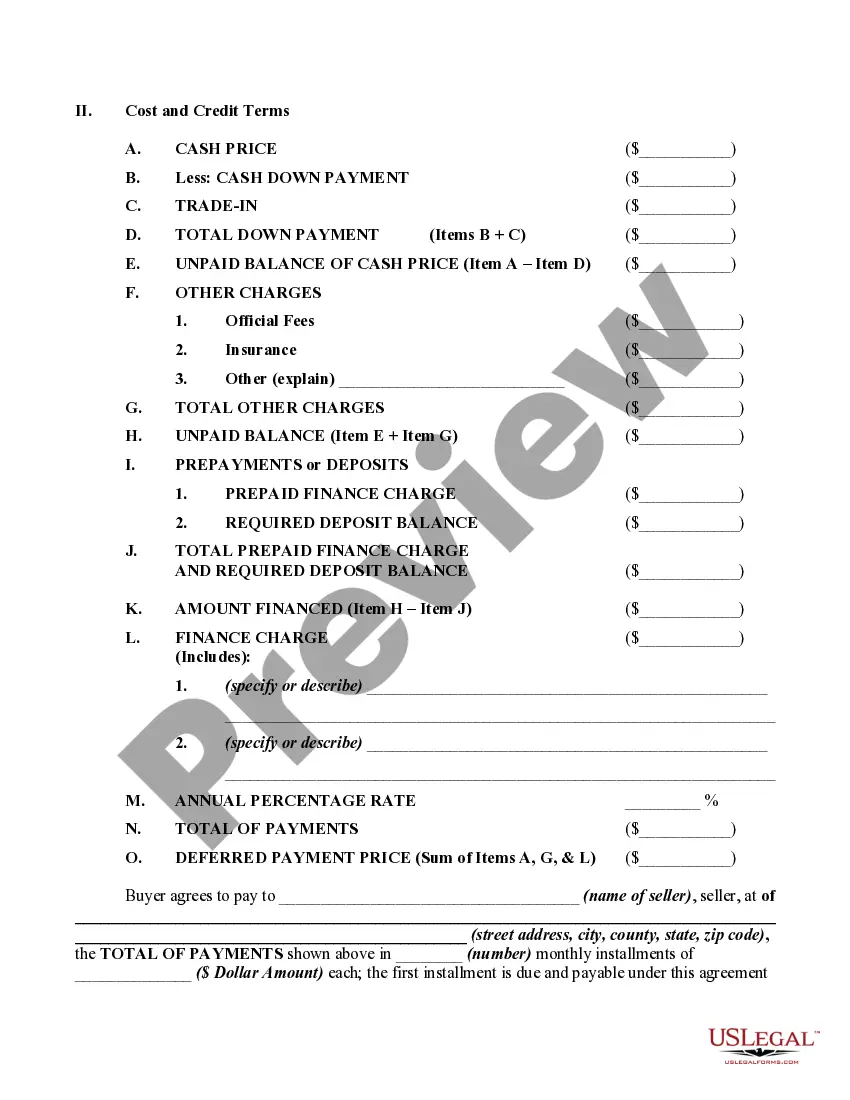
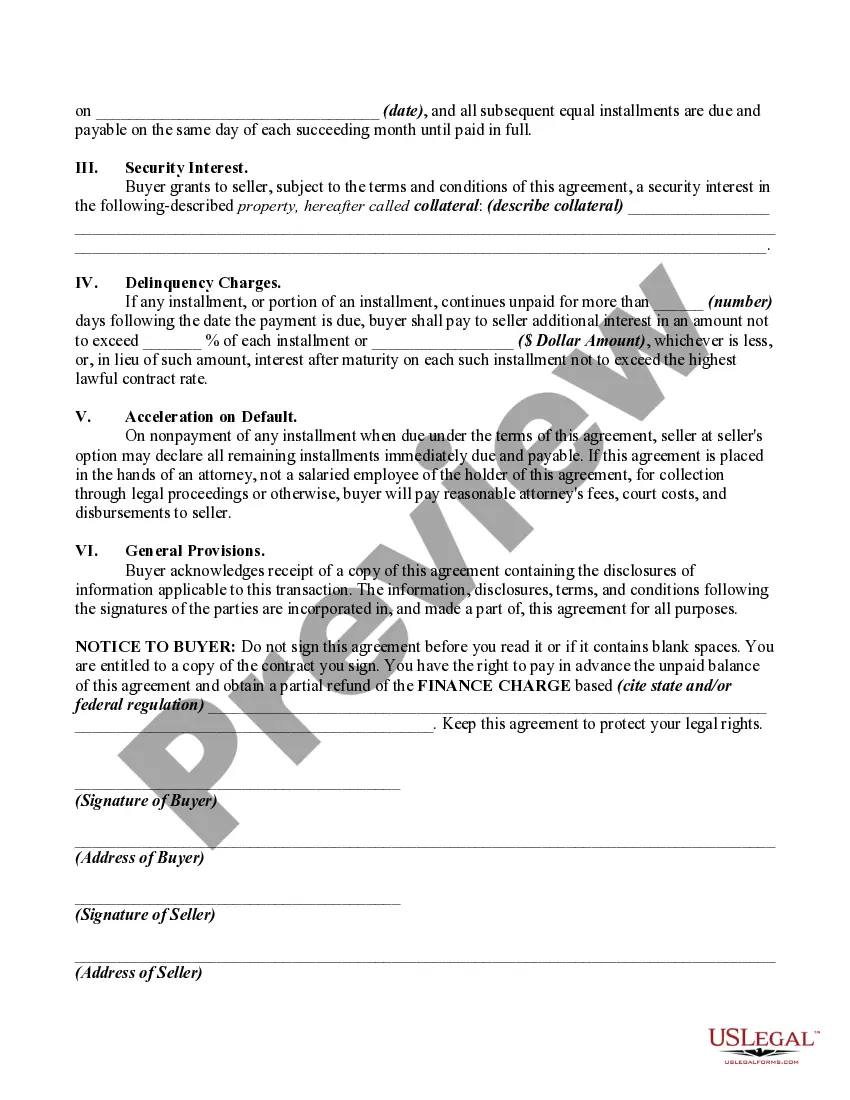
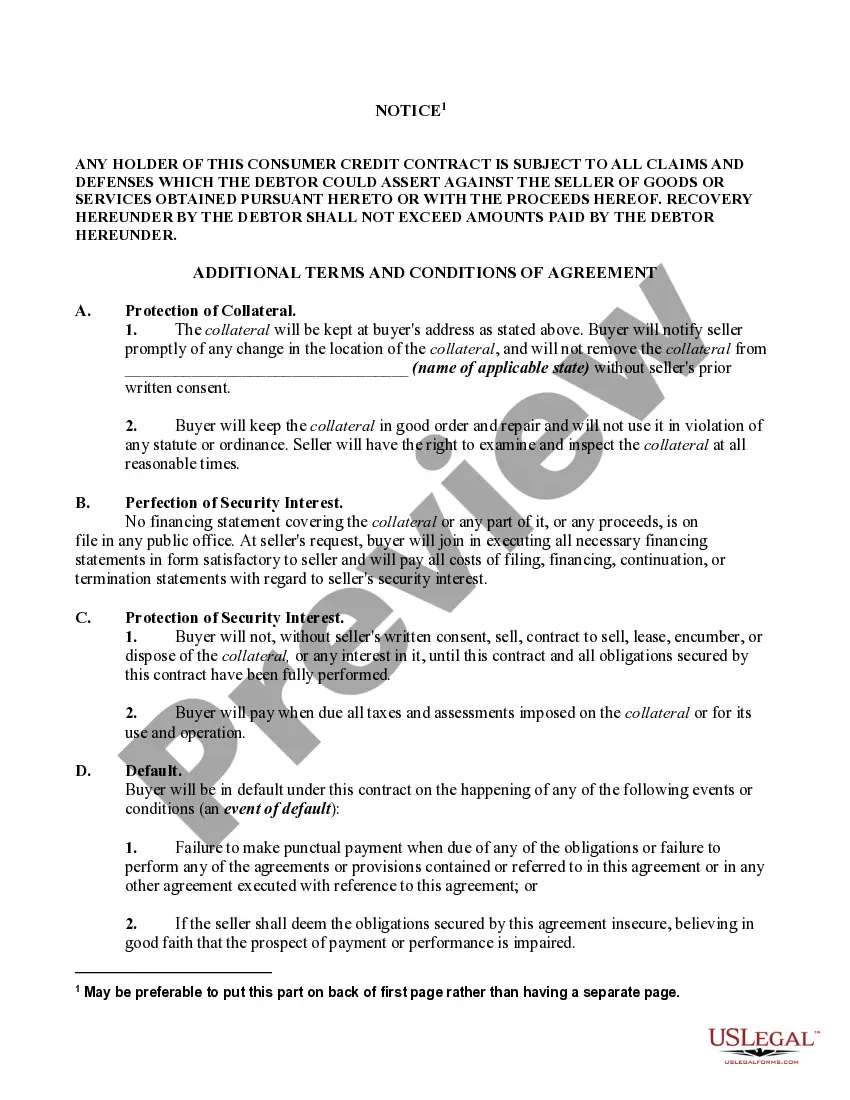
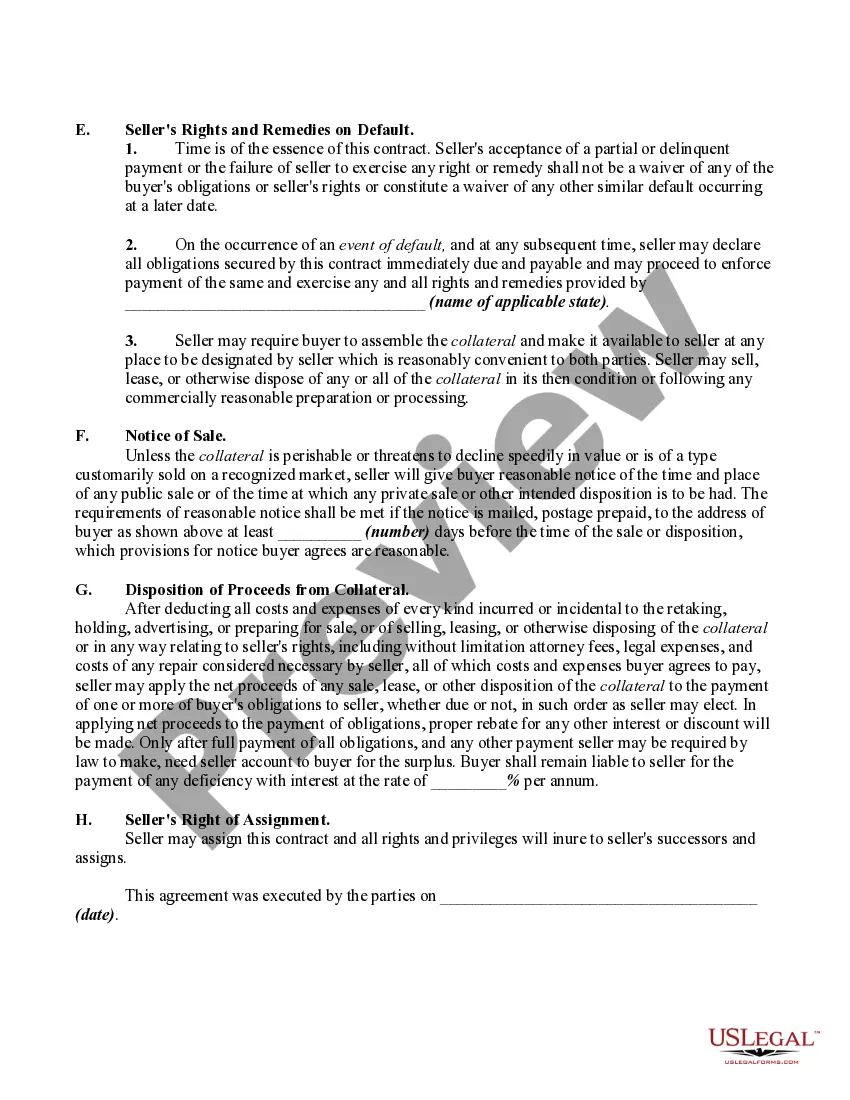
Selecting the correct certified document format can be a challenge. Certainly, there are numerous templates available online, but how do you find the certified form you need? Utilize the US Legal Forms website. The service offers a multitude of templates, including the Indiana Retail Installment Contract and Security Agreement, which can be utilized for business and personal purposes. All of the forms are reviewed by experts and comply with state and federal regulations.
If you are already registered, Log In to your account and click the Download button to retrieve the Indiana Retail Installment Contract and Security Agreement. Use your account to browse through the certified forms you have previously acquired. Navigate to the My documents section of your account and obtain another copy of the document you need.
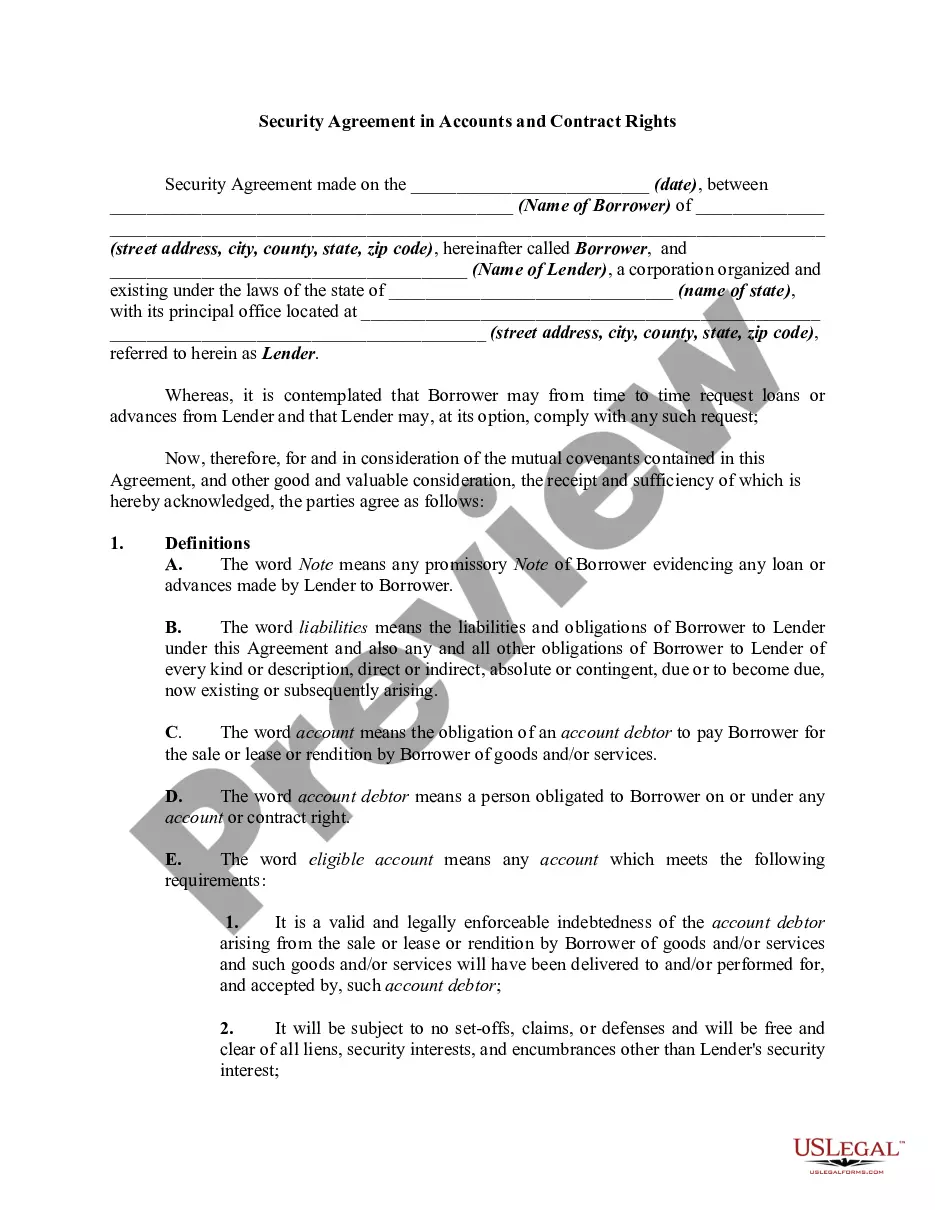
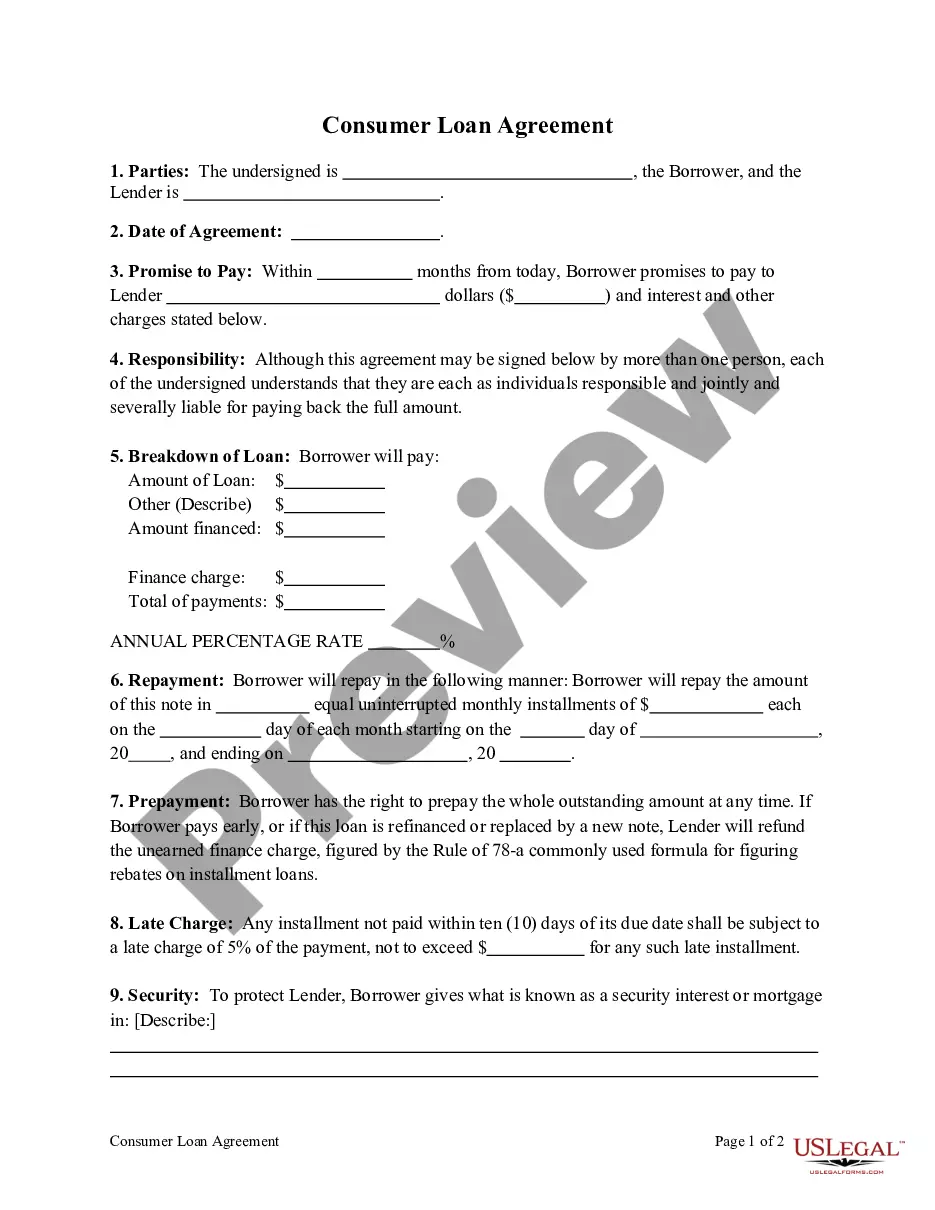
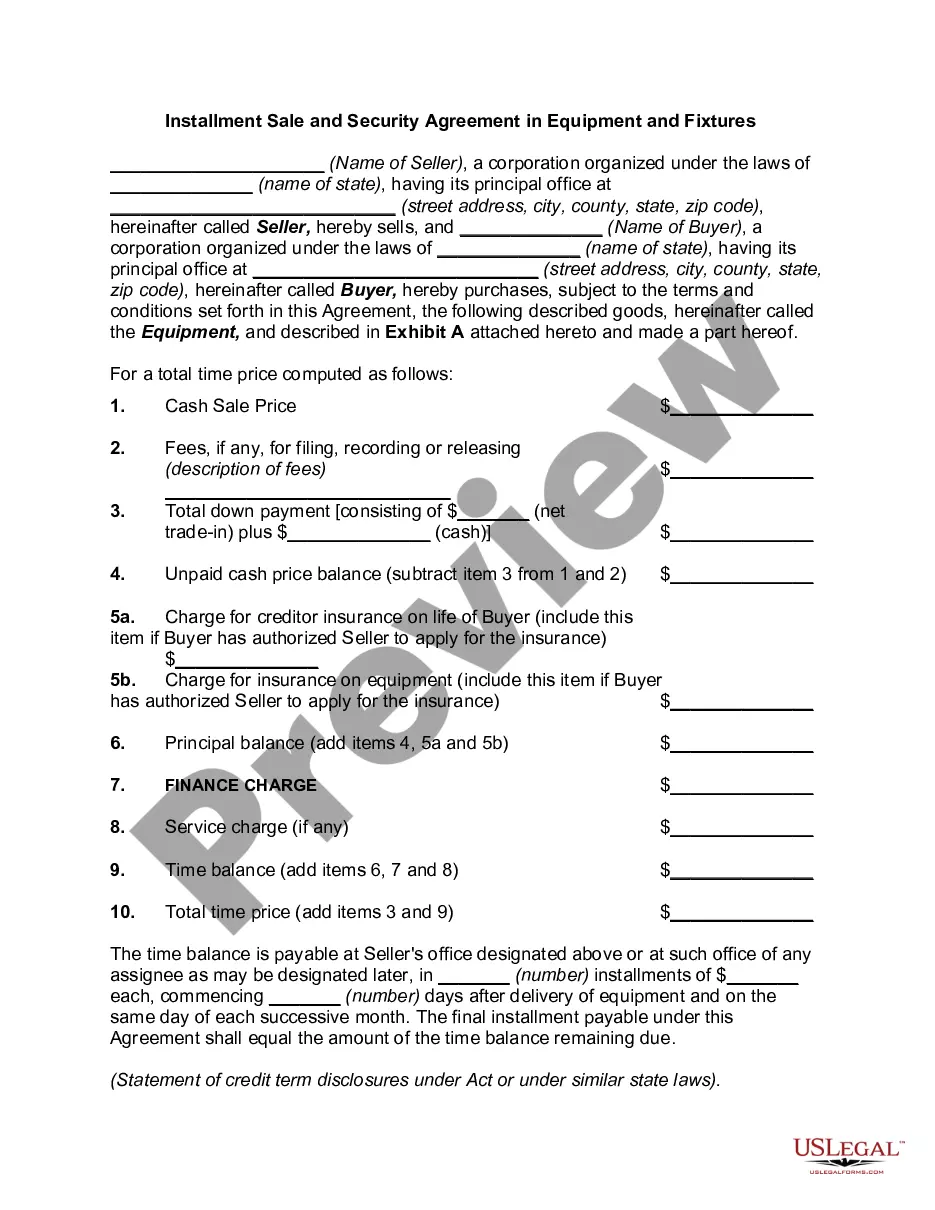
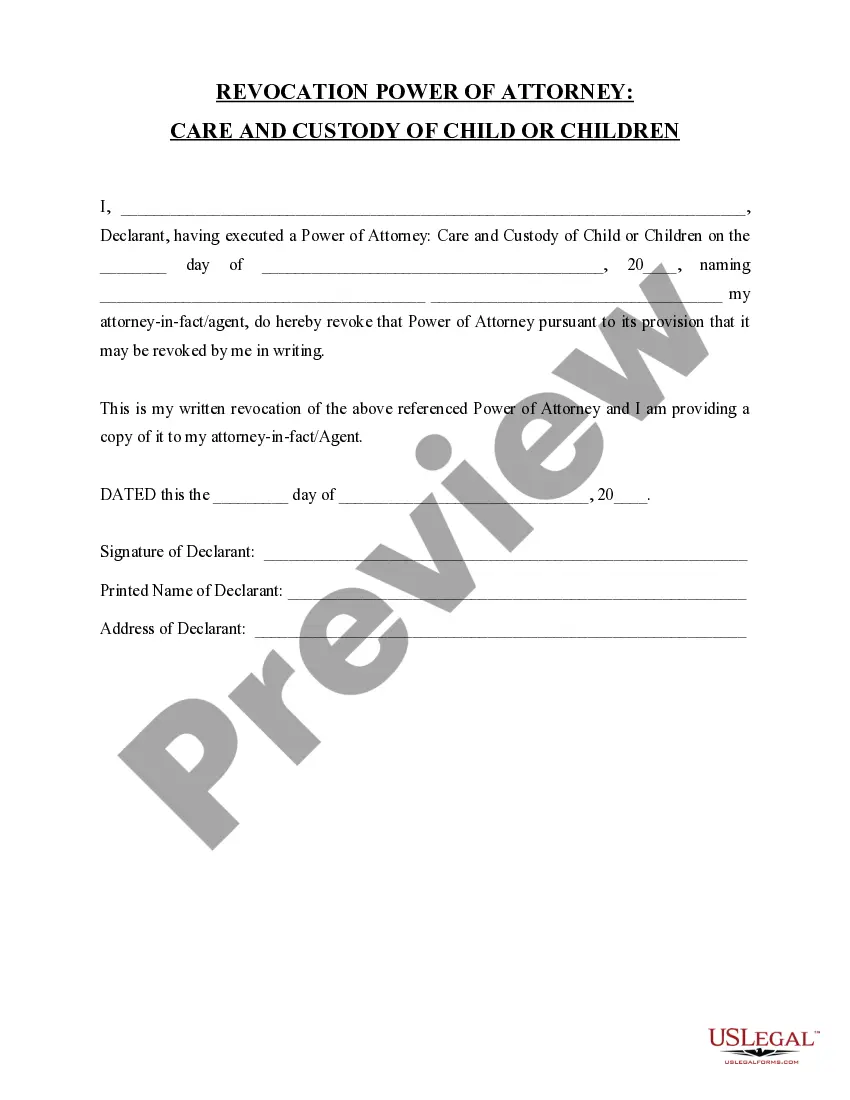
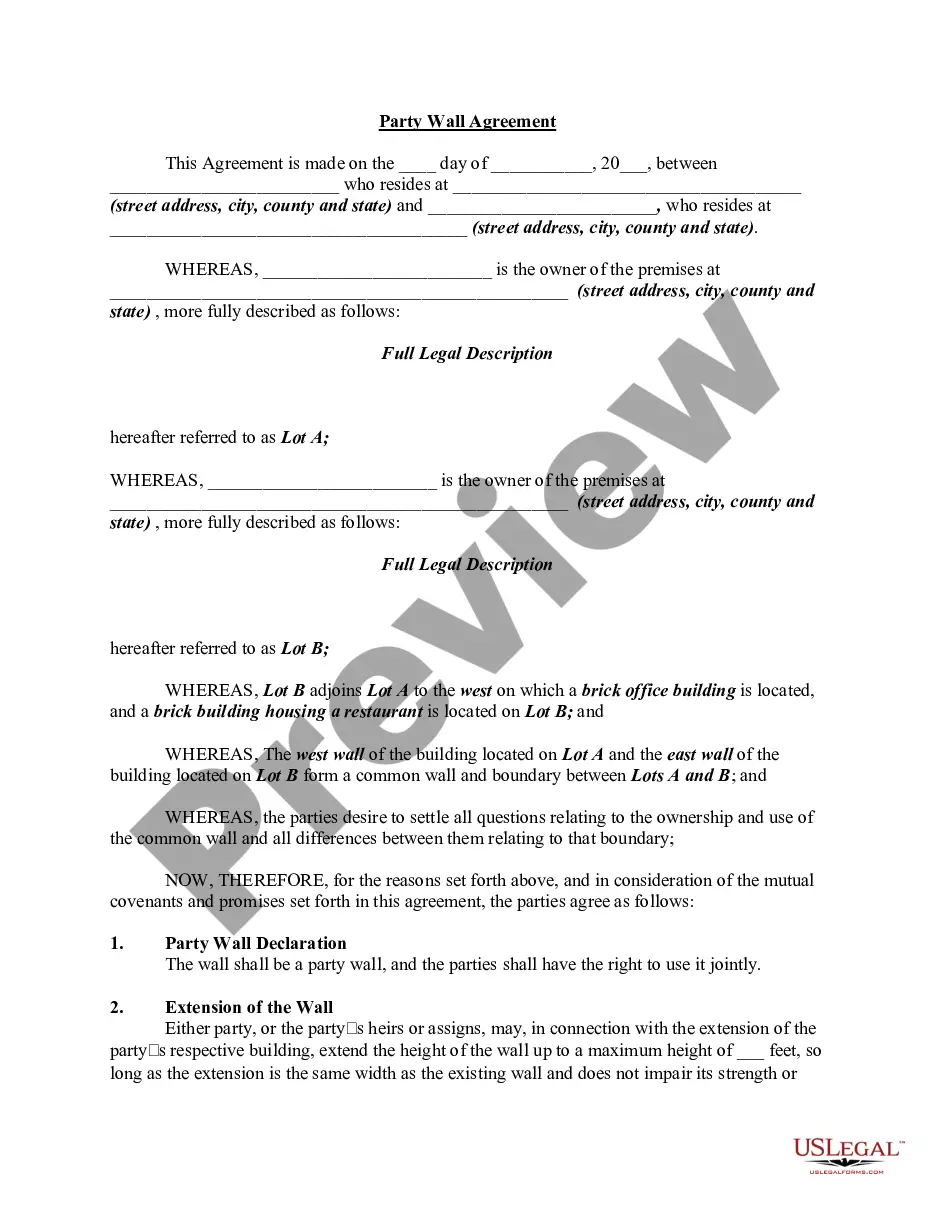
If you are a new user of US Legal Forms, here are straightforward instructions you should follow: First, ensure you have selected the correct form for your locality. You can review the document using the Preview button and check the document description to confirm it is indeed the right one for you. If the form does not meet your requirements, utilize the Search field to find the appropriate form. Once you are certain that the document is suitable, click the Get now button to access the form. Select the pricing plan you need and enter the necessary details. Create your account and pay for the order using your PayPal account or credit card. Choose the file format and download the certified document format to your device. Finally, edit, print, and sign the acquired Indiana Retail Installment Contract and Security Agreement.
Take advantage of US Legal Forms to simplify your document needs and ensure compliance with legal standards.
- US Legal Forms is the largest repository of certified documents where you can discover various document templates.
- Utilize the service to access professionally crafted papers that adhere to state requirements.
- Ensure you select the right document for your region.
- Make use of the preview option to verify the document's correctness.
- Use the search feature if the form does not fit your needs.
- Review, print, and sign the document after downloading.