Indiana Plaintiff's Motion to Dismiss
About this form
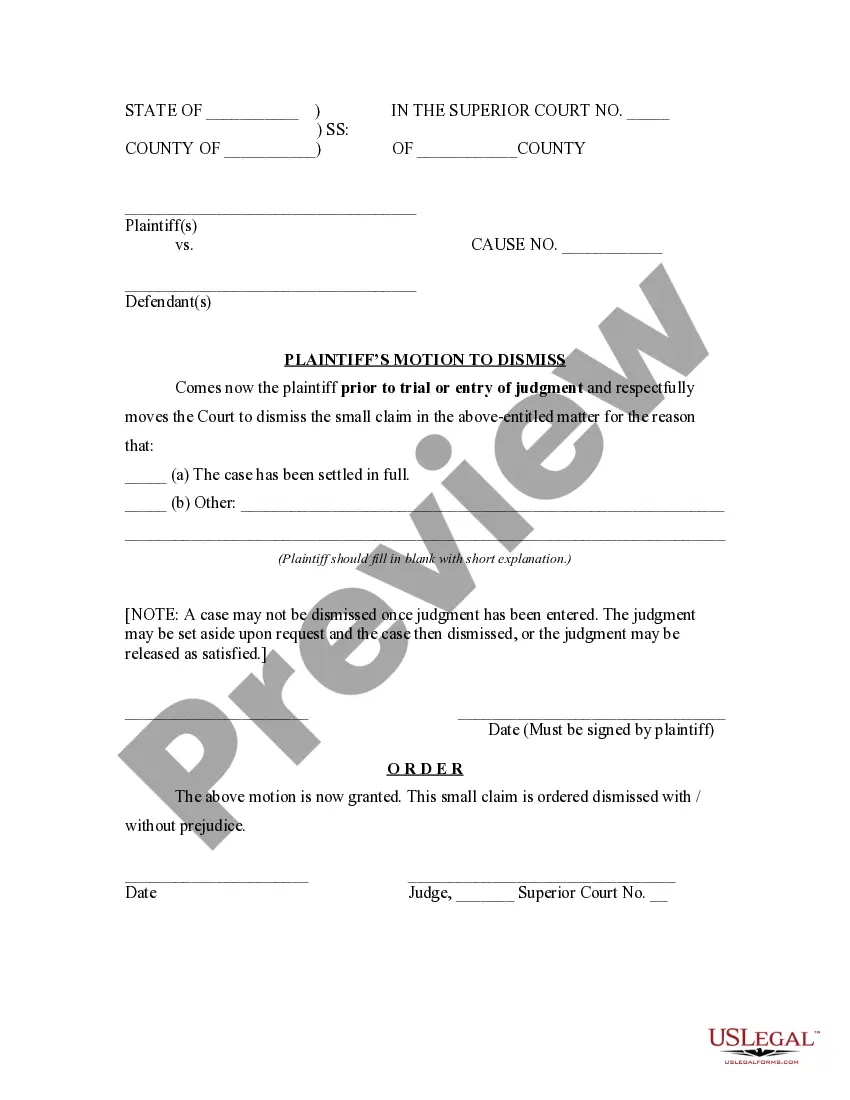
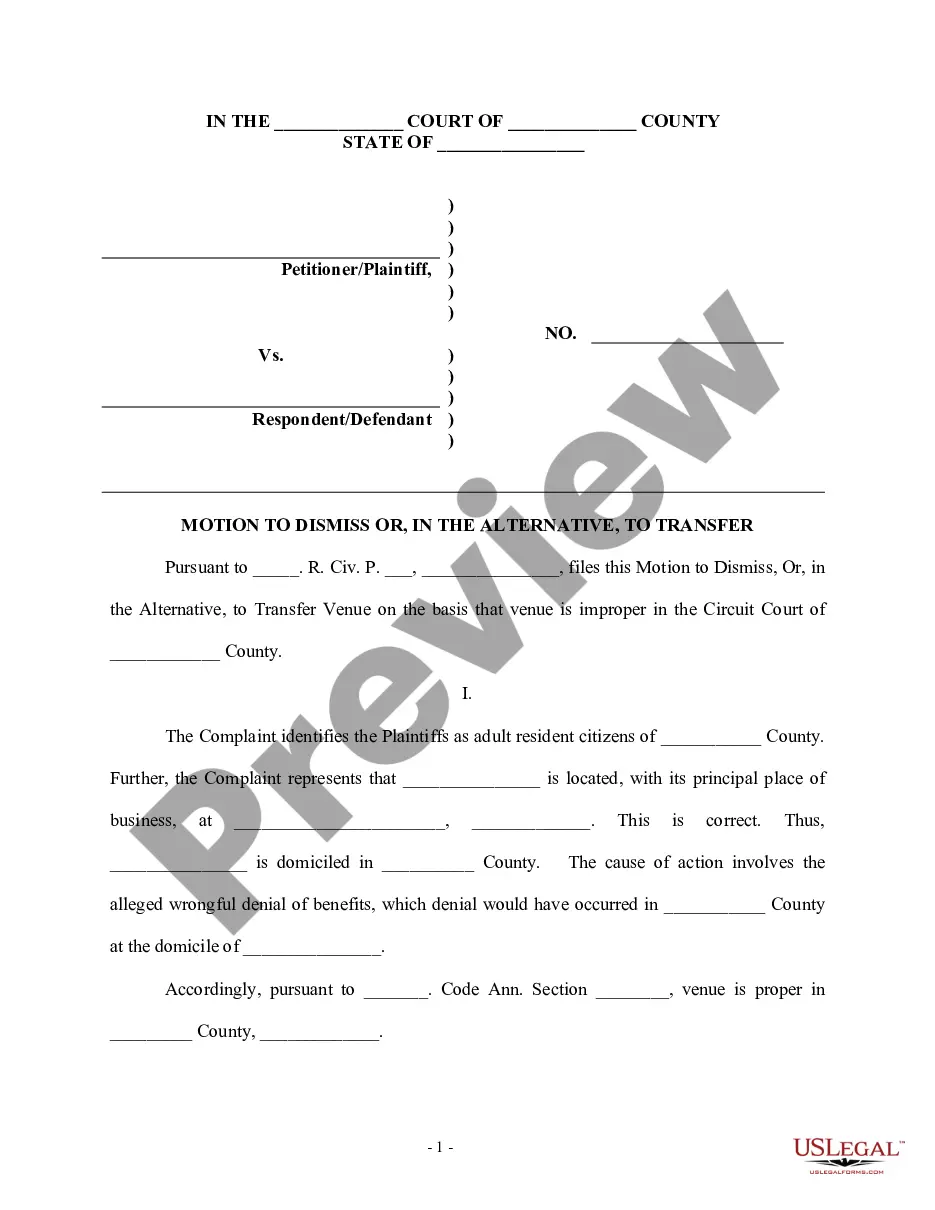
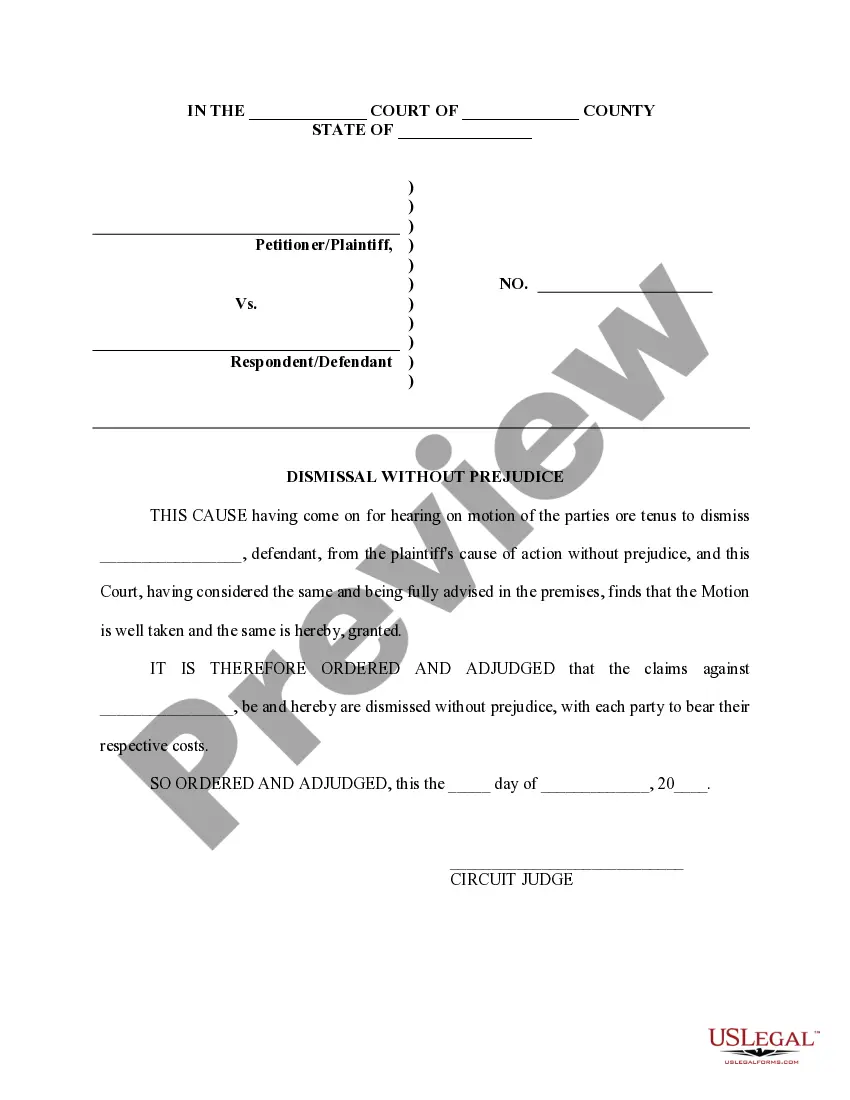
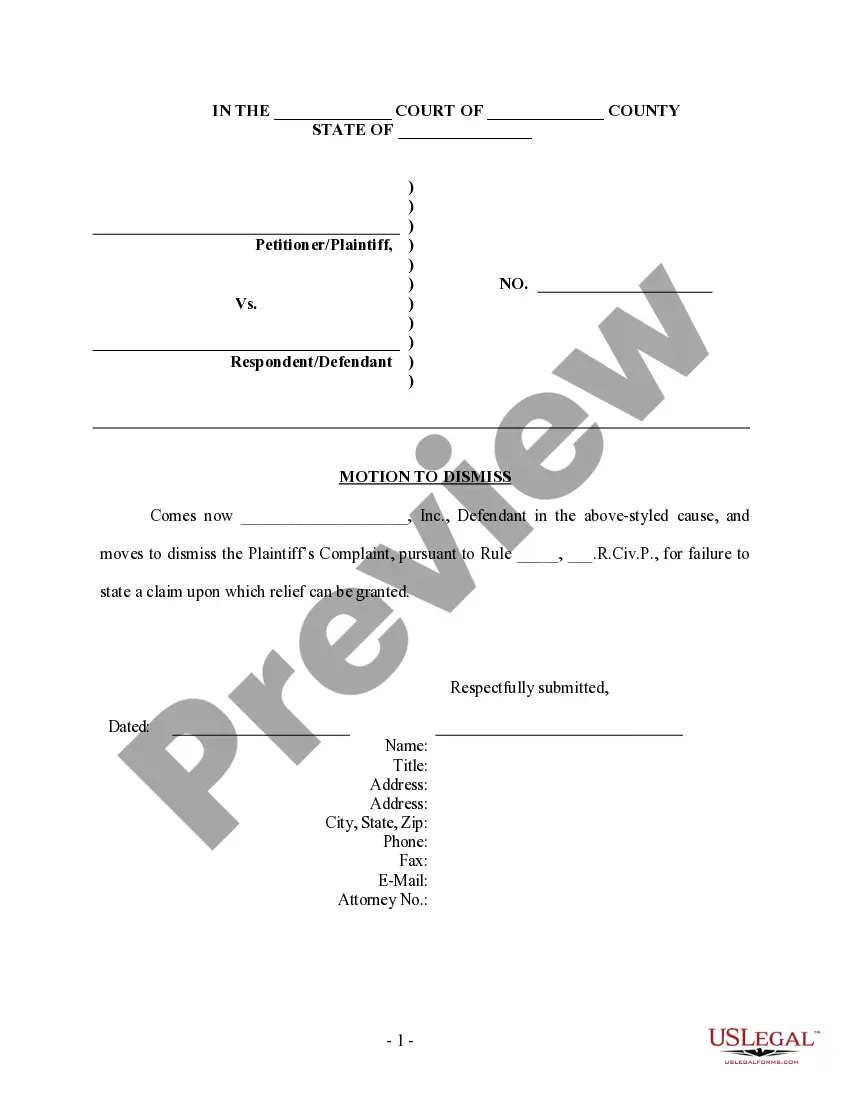
The Plaintiff's Motion to Dismiss is a legal document used in the Small Claims Court of Indiana. It enables a plaintiff to formally request the court to dismiss their claim against the defendant before a trial or judgment is reached. This form is essential for cases in which the parties have settled or when the plaintiff chooses to withdraw their claim for any other reason. Unlike other forms of dismissal, this motion specifically addresses the needs in small claims situations.
Key components of this form
- Caption with court name and case number.
- Statement of the plaintiff's request to dismiss the claim.
- Option to specify reasons for dismissal, such as settlement.
- Signature line for the plaintiff with the date of filing.
- Order section for the judge to grant or deny the motion.
When to use this form
This form should be used when a plaintiff has resolved their dispute with the defendant outside of court or has decided that continuing the claim is unnecessary. Common scenarios include reaching a settlement agreement or realizing that pursuing the claim is not in their best interest. It is important to submit this form before any judgment is made by the court.
Who this form is for
This form is intended for:
- Plaintiffs in small claims cases in Indiana.
- Individuals who have settled their disputes and wish to dismiss their claims.
- Anyone who no longer wishes to pursue their claim in small claims court.
How to complete this form
- Fill in the county and case details at the top of the form.
- State the reason for the dismissal in the designated area.
- Sign and date the form where indicated.
- Ensure that the order section is prepared for the judge's signature.
- Submit the completed form to the court clerk for processing.
Does this form need to be notarized?
This form does not typically require notarization unless specified by local law.
Get your form ready online
Our built-in tools help you complete, sign, share, and store your documents in one place.
Make edits, fill in missing information, and update formatting in US Legal Forms—just like you would in MS Word.
Download a copy, print it, send it by email, or mail it via USPS—whatever works best for your next step.
Sign and collect signatures with our SignNow integration. Send to multiple recipients, set reminders, and more. Go Premium to unlock E-Sign.
If this form requires notarization, complete it online through a secure video call—no need to meet a notary in person or wait for an appointment.
We protect your documents and personal data by following strict security and privacy standards.

Make edits, fill in missing information, and update formatting in US Legal Forms—just like you would in MS Word.

Download a copy, print it, send it by email, or mail it via USPS—whatever works best for your next step.

Sign and collect signatures with our SignNow integration. Send to multiple recipients, set reminders, and more. Go Premium to unlock E-Sign.

If this form requires notarization, complete it online through a secure video call—no need to meet a notary in person or wait for an appointment.

We protect your documents and personal data by following strict security and privacy standards.
Mistakes to watch out for
- Failing to sign and date the motion, which makes it invalid.
- Not providing a clear reason for the dismissal.
- Submitting the motion after a judgment has already been entered.
Why complete this form online
- Convenient access to the form at any time.
- Editable fields to accommodate specific case details.
- Reliability of forms drafted by licensed attorneys.
Legal use & context
- This motion allows plaintiffs to formally withdraw their claims.
- Once a judgment is entered, a different procedure applies to dismiss the case.
- The motion must comply with Indiana court rules to be enforceable.
Looking for another form?



Form popularity
FAQ
A plaintiff can file a motion to voluntarily dismiss the case before the defendant has filed their answer. After the defendant has filed their answer to the complaint, the plaintiff and the defendant can come to an agreement and file a motion with the court to dismiss the case.
A motion to dismiss (aka demurrer in some states) is a powerful litigation tool that can stop a lawsuit cold in its tracks. When granting a motion to dismiss, the judge essentially decides the case in the defendant's favor most often denying the plaintiff the opportunity to go to trial.
Each court has different rules about how long you have to respond to this motion, but usually you will have at least two or three weeks to file an opposition to the defendant's motion to dismiss.
Only "final judgments" may be appealed. A final judgment disposes completely of the case, leaving no further issues for the court to decide.Cases which are resolved through motions for summary judgment or motions to dismiss are also considered final judgments.
You do not have to file a response. However, you would be wise to do so as a motion to dsmiss , if granted, could end your suit. Motions to dimiss for failure to state a claim are rarely granted.
The court shall enter an order of dismissal at plaintiff's costs if the plaintiff shall not show sufficient cause at or before such hearing. The purpose of this rule is to ensure that plaintiffs will diligently pursue their claims.
The court may dismiss a case in response to a defendant's motion to dismiss or do so sua sponte. According to FRCP 41(a), a plaintiff may also voluntarily dismiss an action by choosing to drop the case or by reaching an out of court settlement with the defendant.