Idaho Acknowledgment for Notarizing a Digital Signature
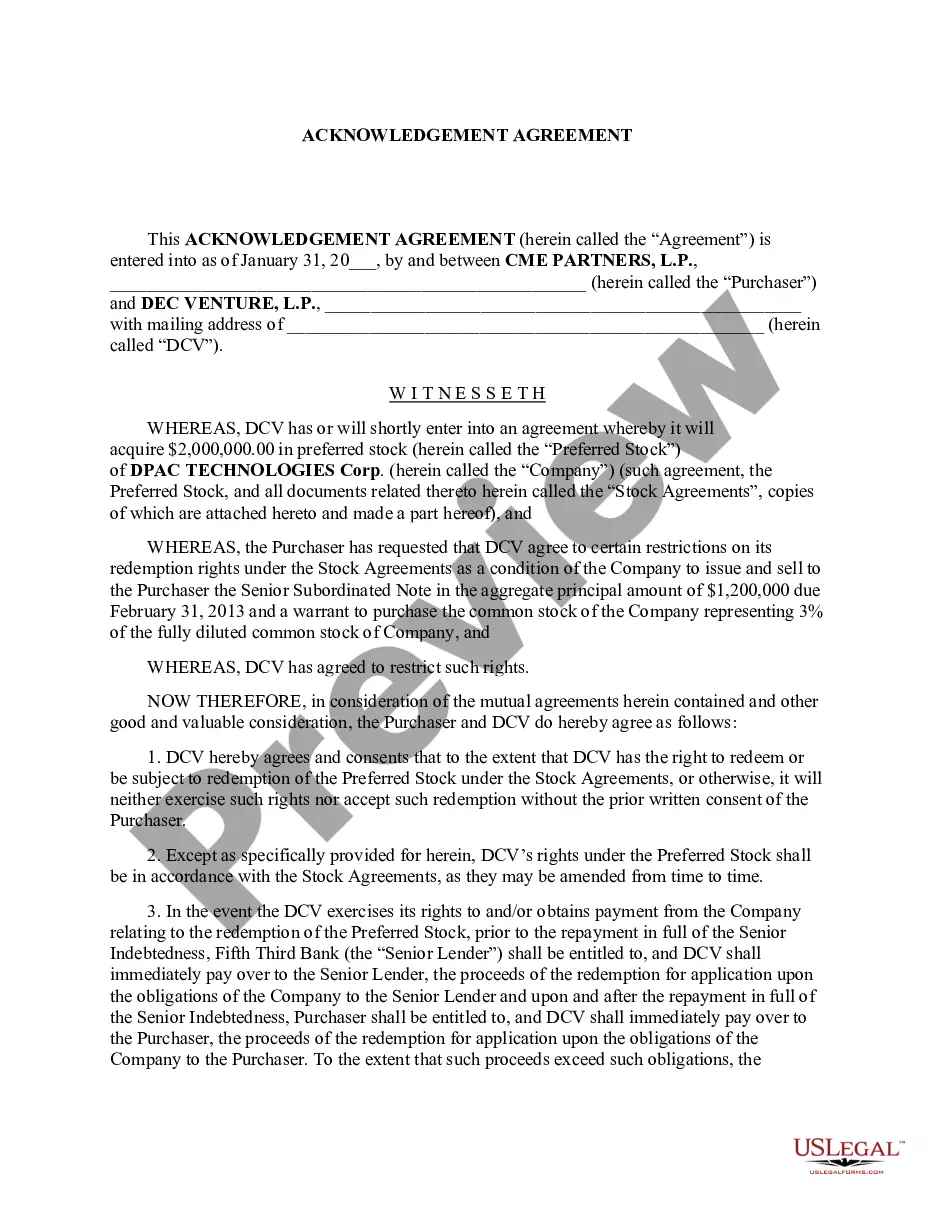
About this form
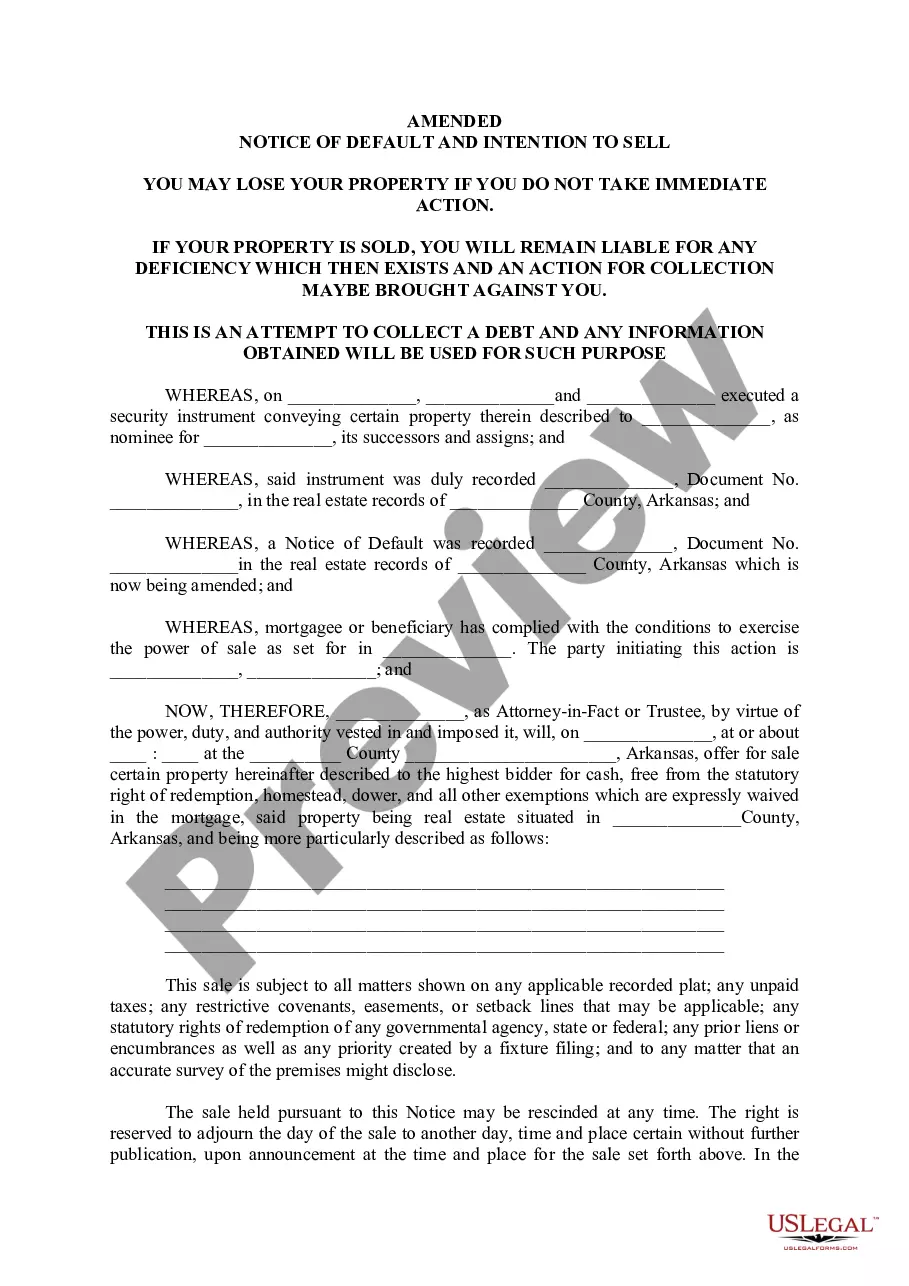
The Acknowledgment for Notarizing a Digital Signature is a legal document used to confirm the identity of a signer and validate their digital signature in front of a notary public. This form ensures that electronic signatures have a legal standing, similar to traditional handwritten signatures, differing from other acknowledgment forms which may not address electronic signatures specifically.
Key components of this form
- Signer's name and identification details
- Digital signature of the signer
- Notary public's acknowledgment section
- Date of the acknowledgment
- Signature and seal of the notary public

When to use this document
This form is commonly used when an individual or entity requires notarization of a digitally signed document, such as contracts, agreements, or affidavits, for purposes such as legal validation, submission to court, or compliance with regulatory requirements.
Who this form is for
- Individuals who need to notarize a digital signature
- Businesses implementing electronic signature processes
- Legal professionals requiring notarized documents
- Anyone complying with specific legal requirements for digital signatures
Steps to complete this form
- Identify the signer and input their name and identification details.
- Enter the digital signature in the appropriate field.
- Provide the date when the acknowledgment is made.
- The notary public will complete their section by signing and applying their seal.
Notarization guidance
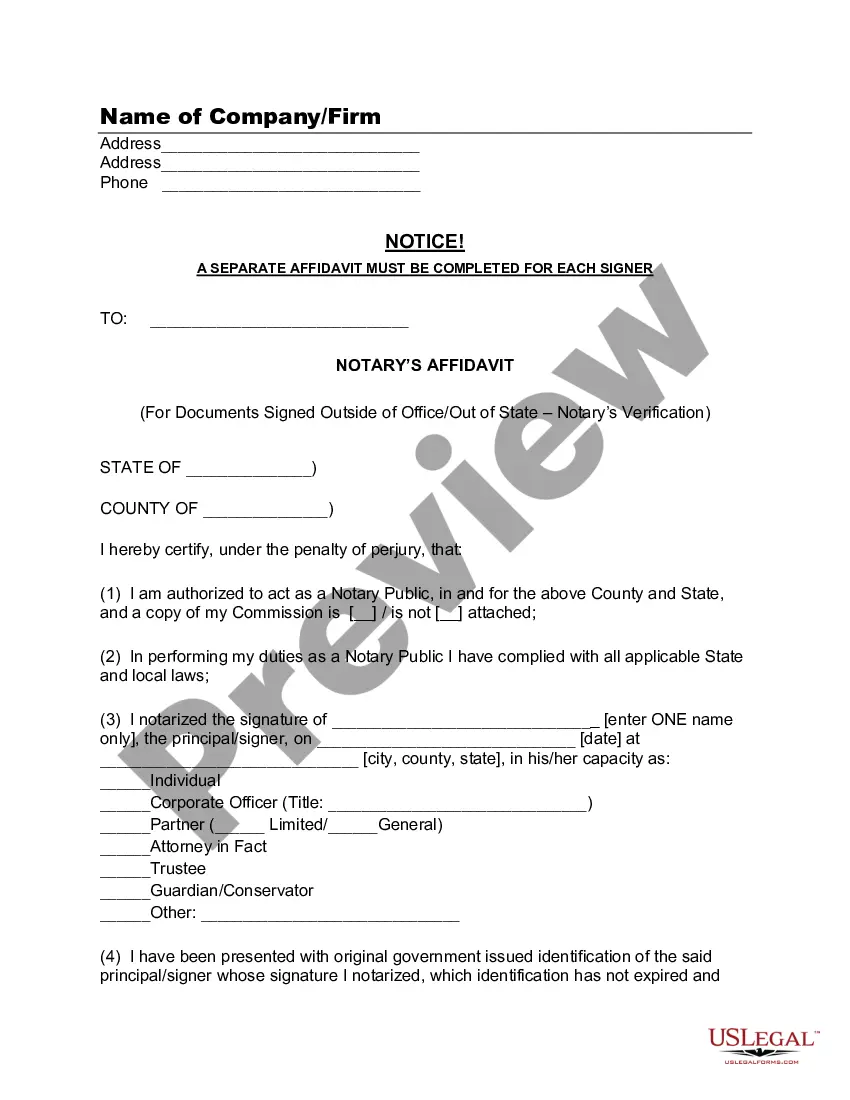
Notarization is required for this form to take effect. Our online notarization service, powered by Notarize, lets you verify and sign documents remotely through an encrypted video session, available 24/7.
Get your form ready online
Our built-in tools help you complete, sign, share, and store your documents in one place.
Make edits, fill in missing information, and update formatting in US Legal Forms—just like you would in MS Word.
Download a copy, print it, send it by email, or mail it via USPS—whatever works best for your next step.
Sign and collect signatures with our SignNow integration. Send to multiple recipients, set reminders, and more. Go Premium to unlock E-Sign.
If this form requires notarization, complete it online through a secure video call—no need to meet a notary in person or wait for an appointment.
We protect your documents and personal data by following strict security and privacy standards.

Make edits, fill in missing information, and update formatting in US Legal Forms—just like you would in MS Word.

Download a copy, print it, send it by email, or mail it via USPS—whatever works best for your next step.

Sign and collect signatures with our SignNow integration. Send to multiple recipients, set reminders, and more. Go Premium to unlock E-Sign.

If this form requires notarization, complete it online through a secure video call—no need to meet a notary in person or wait for an appointment.

We protect your documents and personal data by following strict security and privacy standards.
Mistakes to watch out for
- Failing to provide complete identification information for the signer.
- Not using the correct format for digital signatures.
- Overlooking the need for the notary's signature and seal.
- Dating the form incorrectly or leaving the date blank.
Why use this form online
- Convenience of downloading and printing at any time.
- Editable fields help prevent common errors.
- Time-saving compared to traditional methods of preparing legal documents.
- Access to templates created by licensed attorneys for reliability and compliance.
Legal use & context
- This form provides confirmation of a digital signature's authenticity.
- It is essential for documents requiring notarization to be legally recognized.
- Understanding local laws on digital signatures can prevent complications in legal circumstances.
Key takeaways
- The Acknowledgment for Notarizing a Digital Signature is essential for validating electronic signatures.
- It is used in multiple contexts where legal acknowledgment is required.
- Ensure understanding of specific state regulations regarding digital signatures.
Looking for another form?

Form popularity
FAQ
When you need to notarize an acknowledgment for a document signed prior to your presence, begin by asking the signer to confirm the authenticity of their signature. It is essential that the signer personally appears before you for the notarization process. By following these steps, you can effectively use the Idaho Acknowledgment for Notarizing a Digital Signature, ensuring legal compliance and validity.
Yes, you may notarize a signature on a document that includes handwritten paragraphs. A document can be typed or handwritten. If the notarial certificate under the signature is not included, be sure to attach a loose certificate chosen by your customer.
Currently, there are 28 states that have enacted some form of permanent remote online notarization (RON) law: Alaska, Arizona, Colorado, Florida, Hawaii, Idaho, Indiana, Iowa, Kentucky, Louisiana, Maryland, Michigan, Minnesota, Missouri, Montana, Nebraska, Nevada, North Dakota, Ohio, Oklahoma, Pennsylvania, Tennessee,
Thus, a signature can be a handwritten name, a printed or typed name, or a symbol of some sort such as an X or a signature stamp. For a notarization, as long as the signature is either signed or acknowledged in front of you, it is acceptable for notarization.
The purpose of an acknowledgment is for a signer, whose identity has been verified, to declare to a Notary or notarial officer that he or she has willingly signed a document.The signer may either sign the document before appearing before you, or in your presence.
The signer must demonstrate the intent to sign. This can be accomplished by clicking an accept button on an application; typing a name; or using the mouse to create a signature or symbol. Most e-signature laws also include a requirement that the signer consent to do business electronically.
California allows its commissioned notaries to perform electronic notarizations only. With the DocVerify e-Notary platform, notaries will be enabled to electronically notarize a document or a set of documents without the use of paper or a rubber stamp.
No, not unless the signer is personally appearing before the Notary at the other branch at the time of the notarization to be identified by the Notary in that branch and to sign the documents.
They key difference is that for a signature witnessing, the signer must always sign the document in the Notary's presence.An acknowledgment, on the other hand, does not require the Notary to witness the signature in most states (one exception is Maryland).
It depends. You may notarize a document that does not have pre-printed notarial wording as long as the signer tells you what type of notarization is needed.As nonattorneys, Notaries cannot decide the type of notarization to perform on a document because the choice can have important legal ramifications.