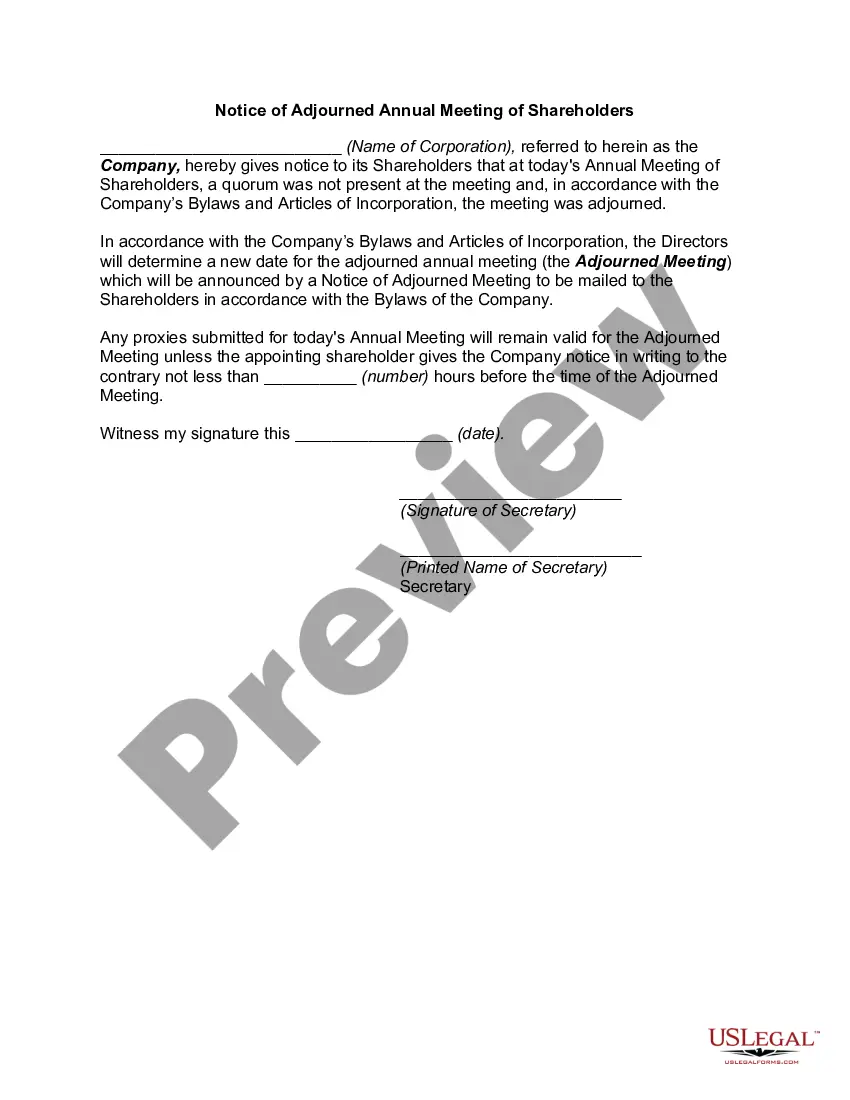
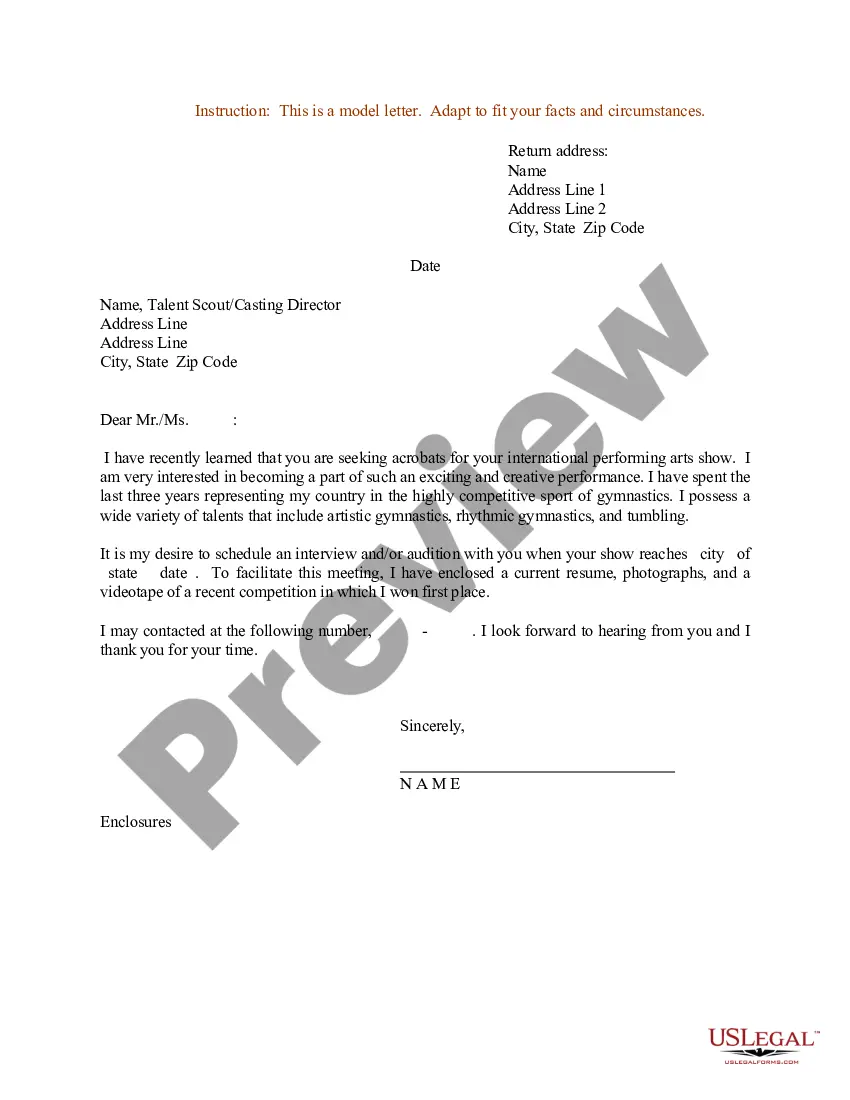
Iowa Resume Cover Letter for Acrobats
Description
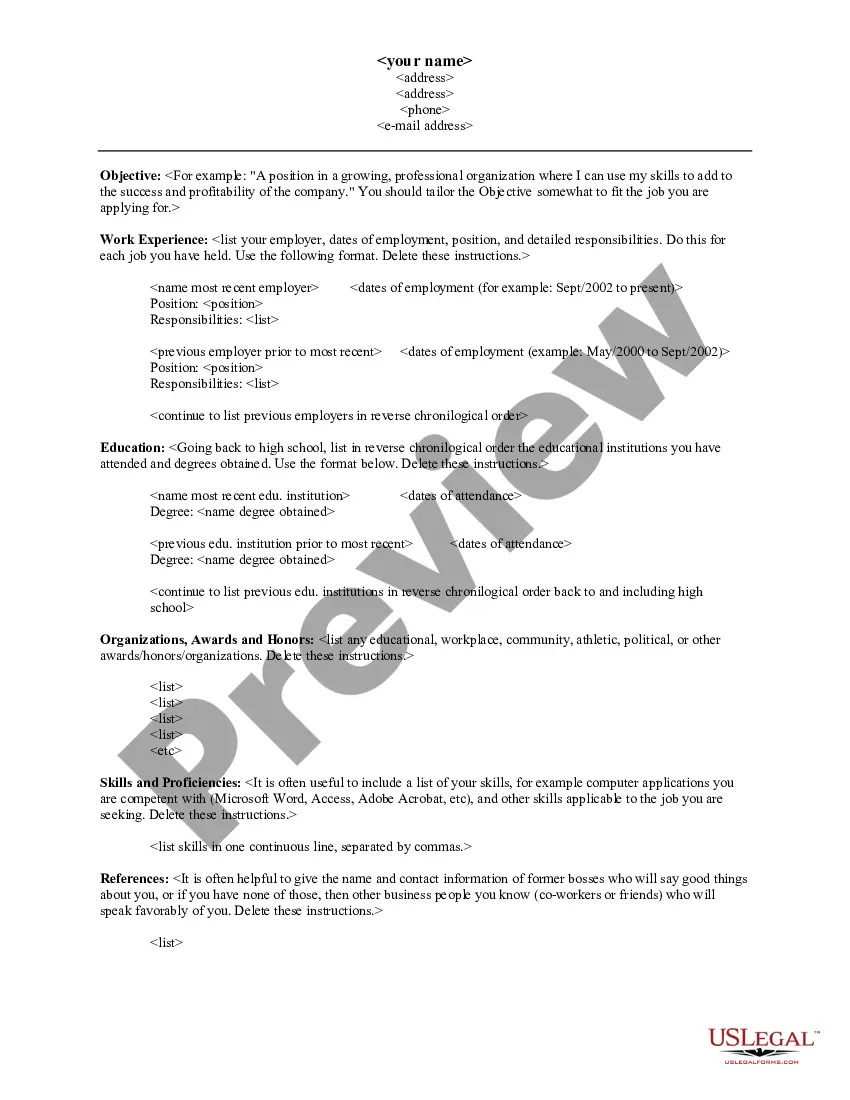
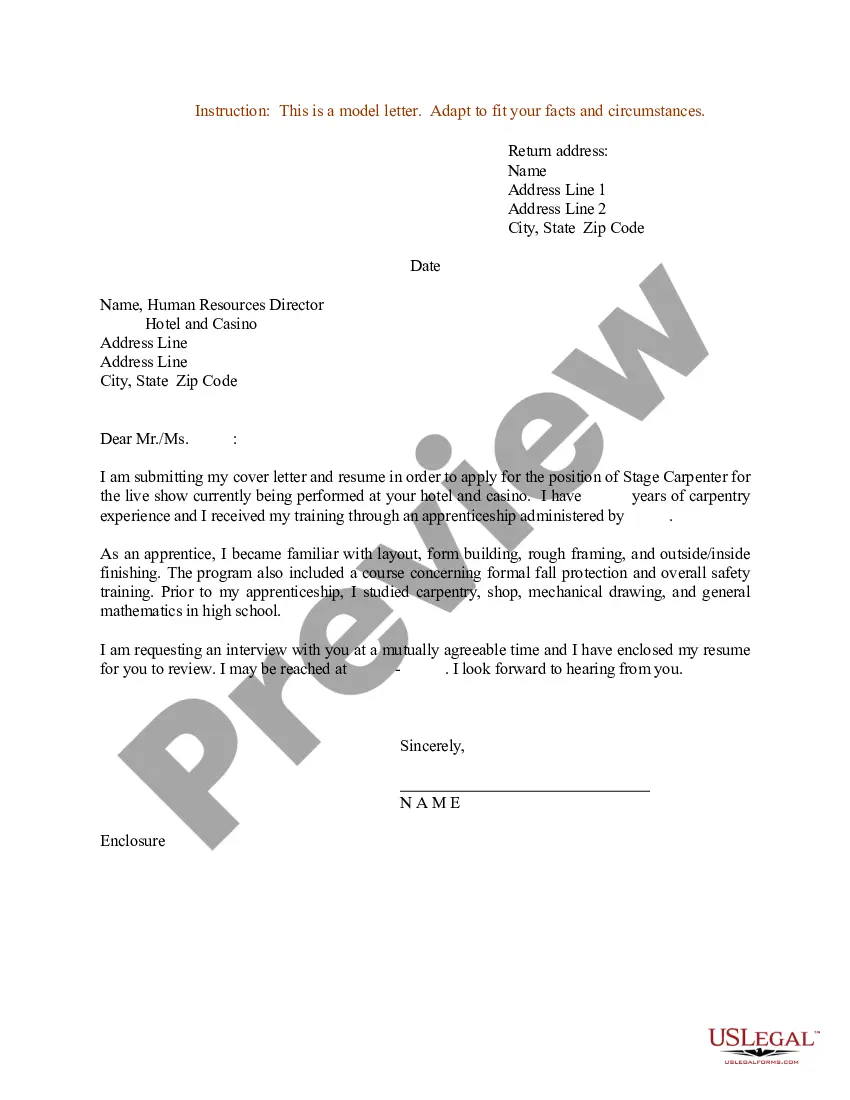
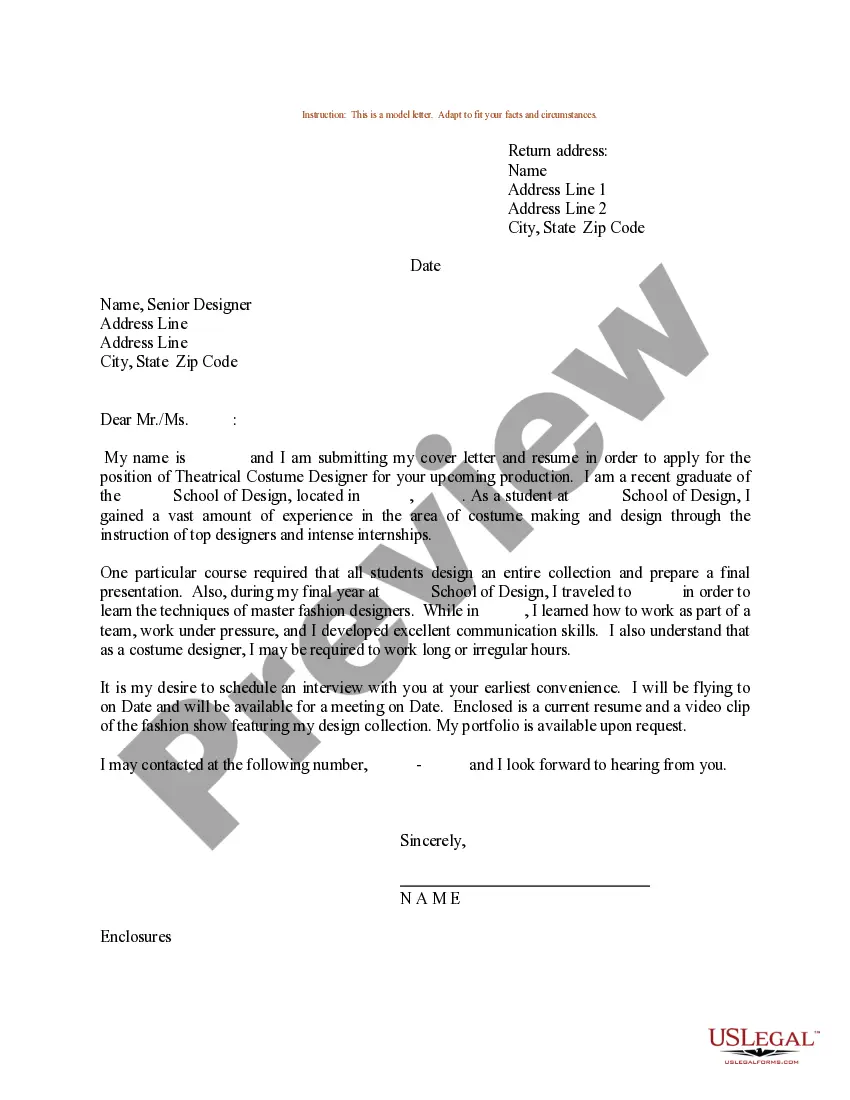
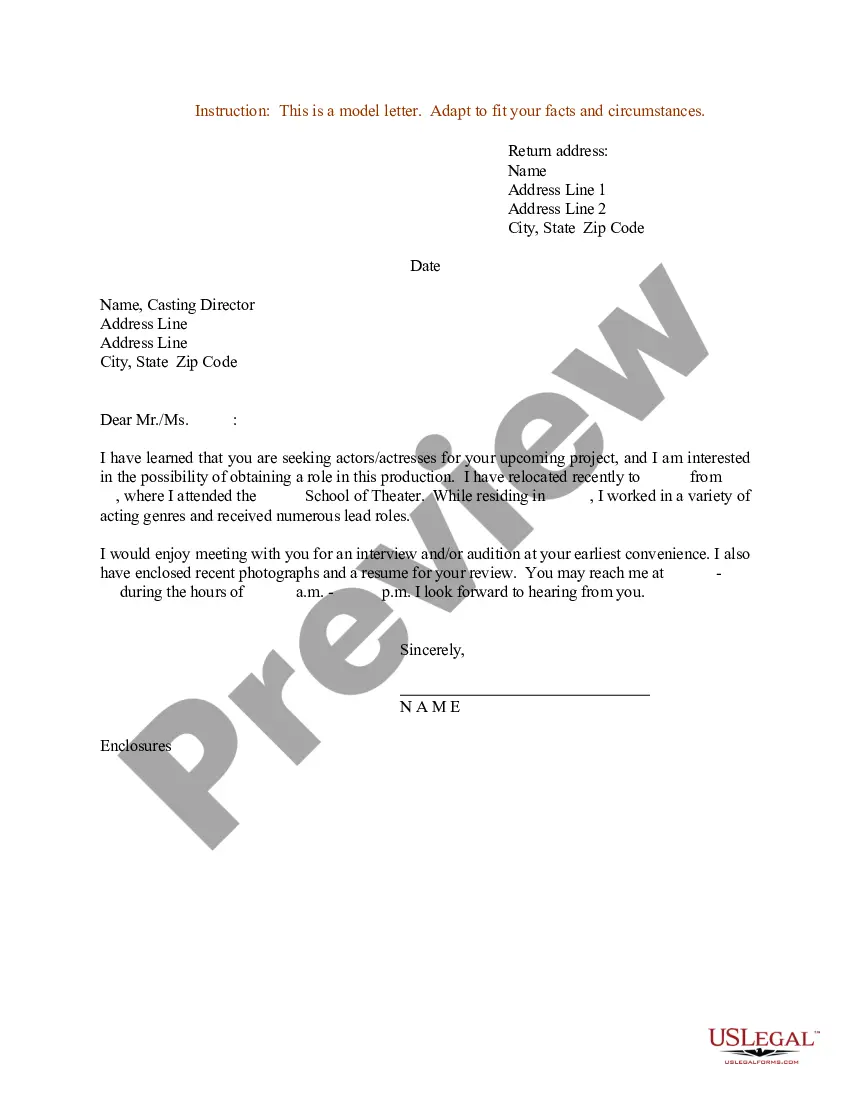
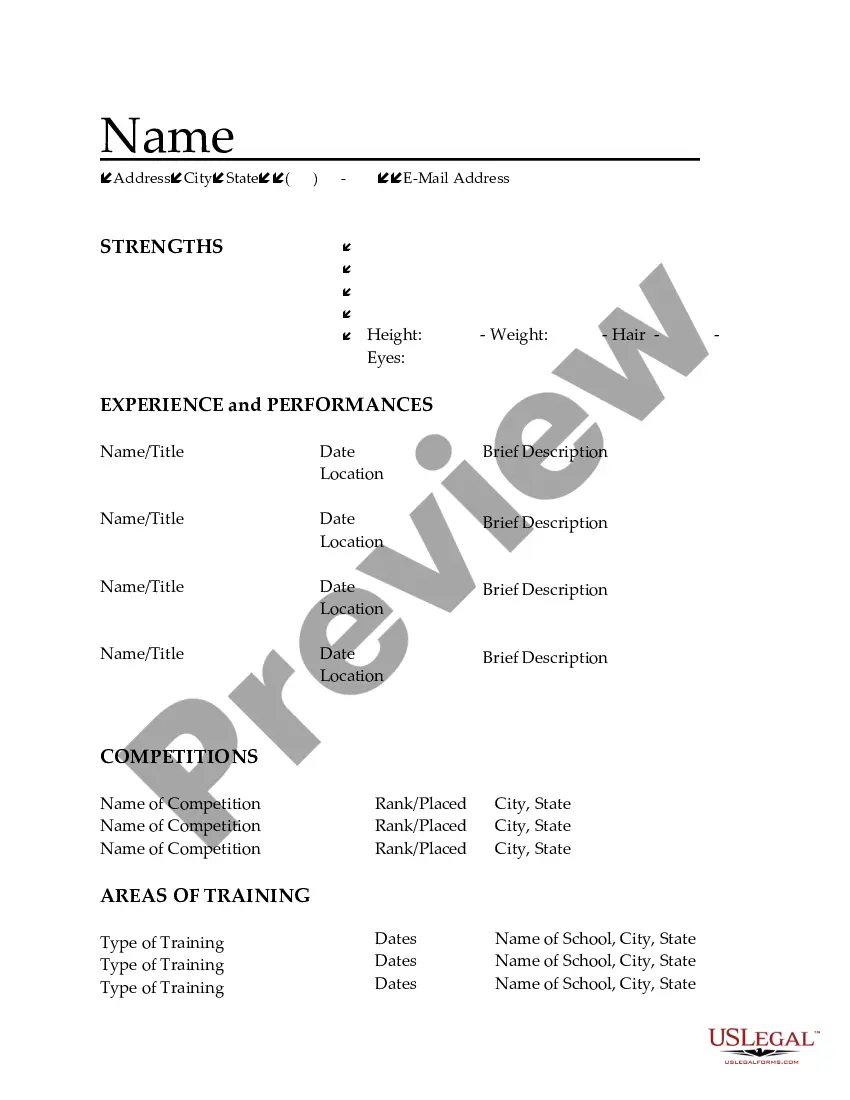
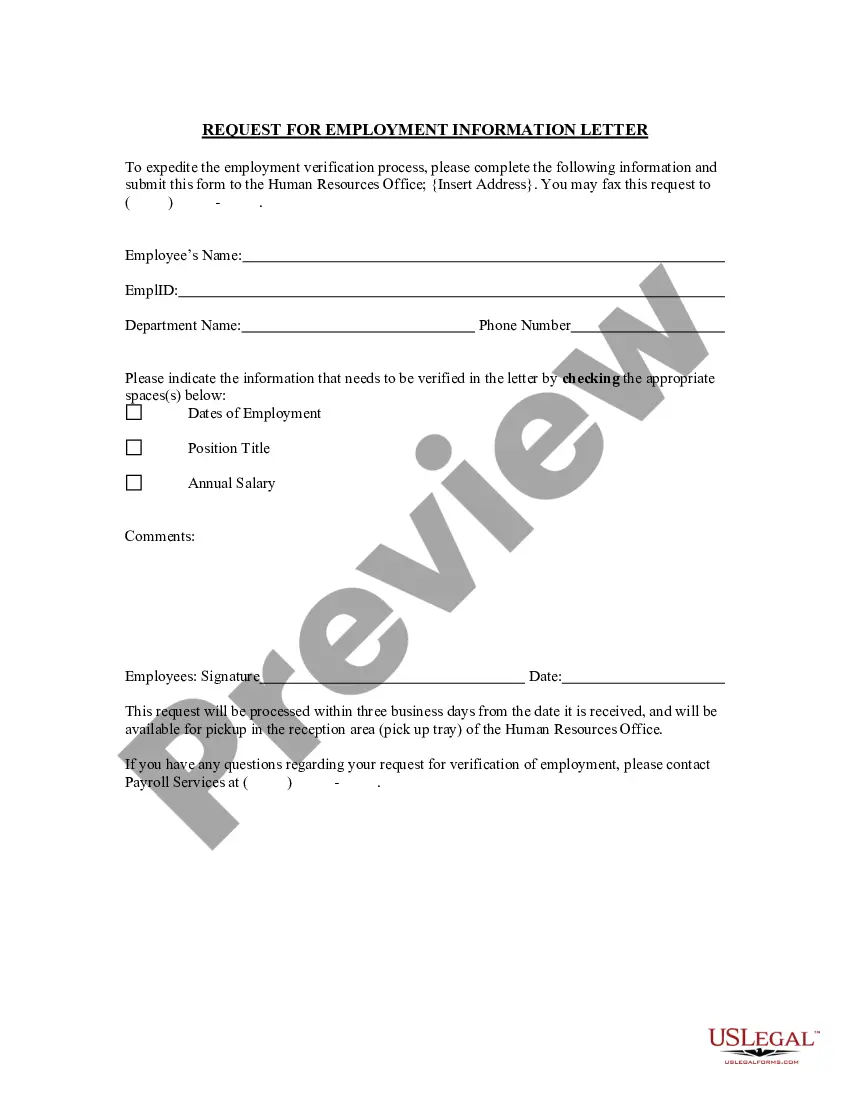




How to fill out Resume Cover Letter For Acrobats?
You have the capability to invest time online searching for the legal document template that fulfills the federal and state requirements you need. US Legal Forms offers a vast array of legal templates that have been reviewed by experts.
You can easily download or print the Iowa Resume Cover Letter for Acrobats from my service.
If you already possess a US Legal Forms account, you may Log In and click on the Download button. After that, you can complete, modify, print, or sign the Iowa Resume Cover Letter for Acrobats. Each legal document template you acquire is yours forever. To obtain another copy of any purchased document, navigate to the My documents tab and click on the appropriate button.
Choose the format of the document and download it to your device. Make modifications to the document if required. You can complete, edit, sign, and print the Iowa Resume Cover Letter for Acrobats. Download and print thousands of document templates using the US Legal Forms site, which provides the largest selection of legal forms. Use professional and state-specific templates to address your business or personal needs.
- If you're using the US Legal Forms website for the first time, follow the simple instructions below.
- First, ensure that you have selected the correct document template for the county/region of your choice. Review the document details to confirm that you have chosen the correct template.
- If available, utilize the Review button to browse the document template as well.
- If you wish to find another version of the document, use the Search box to look for the template that satisfies your needs and requirements.
- Once you have located the template you desire, click Acquire now to proceed.
- Select the pricing plan you want, enter your details, and sign up for an account on US Legal Forms.
- Complete the transaction. You can use your Visa or Mastercard or PayPal account to purchase the legal document.
Form popularity
FAQ
Beyond that, Siegel boils down the most important things to include in a cover letter to three points. Show enthusiasm, show you've done research, and show you want to come in there and make a contribution, he says.
The best font for a cover letter should be easy to read and match the font you use in your resume. The most popular choices include Times New Roman, Arial, Calibri, and Verdana. The font size should be set to 12pt and it's best to limit yourself to just one typeface.
A cover letter is comprised of several sections: your contact information, a salutation, the body of the cover letter, an appropriate closing, and a signature.
Your cover letter should be formatted like a professional business letter. The font should match the font you used on your resume, and should be simple and easy to read. Pick a font that's easy to read. Times New Roman, Arial, Calibri, and other similar non-script, sans-serif fonts work well for body text.
The attention getter-- the opening paragraph. Introduce yourself, and enthusiastically tell the employer why you're applying for the job. Include why you're excited and how the job lines up with your career goals. Avoid sounding formulaic by adding keywords from the job posting.
Key Elements of a Cover LetterInformation about you.Date.Contact Person's Name, Title, Employer, and Address.Salutation.Opening Paragraph.Middle Paragraph.Second Middle Paragraph.Contact Information and Closing.
Key Elements of a Cover LetterInformation about you.Date.Contact Person's Name, Title, Employer, and Address.Salutation.Opening Paragraph.Middle Paragraph.Second Middle Paragraph.Contact Information and Closing.
How to Start a Cover LetterBe direct. In these opening sentences, you want to explicitly let the reader know which position you're applying for.Mention a contact. If someone referred you to the position, include that information early on as well.State an accomplishment.Express excitement.Use keywords.
You should use the same font for your resume and cover letter. The font style should be easy-to-read; best fonts to consider include Tahoma, Arial, Century Gothic, Bookman, Garamond, Verdana, Cambria, or Times New Roman.
Use a font style that is simple, clear and commonplace, such as Times New Roman, Arial or Calibri. Font SIZES from 10-12 points are generally in the ballpark of looking appropriate.