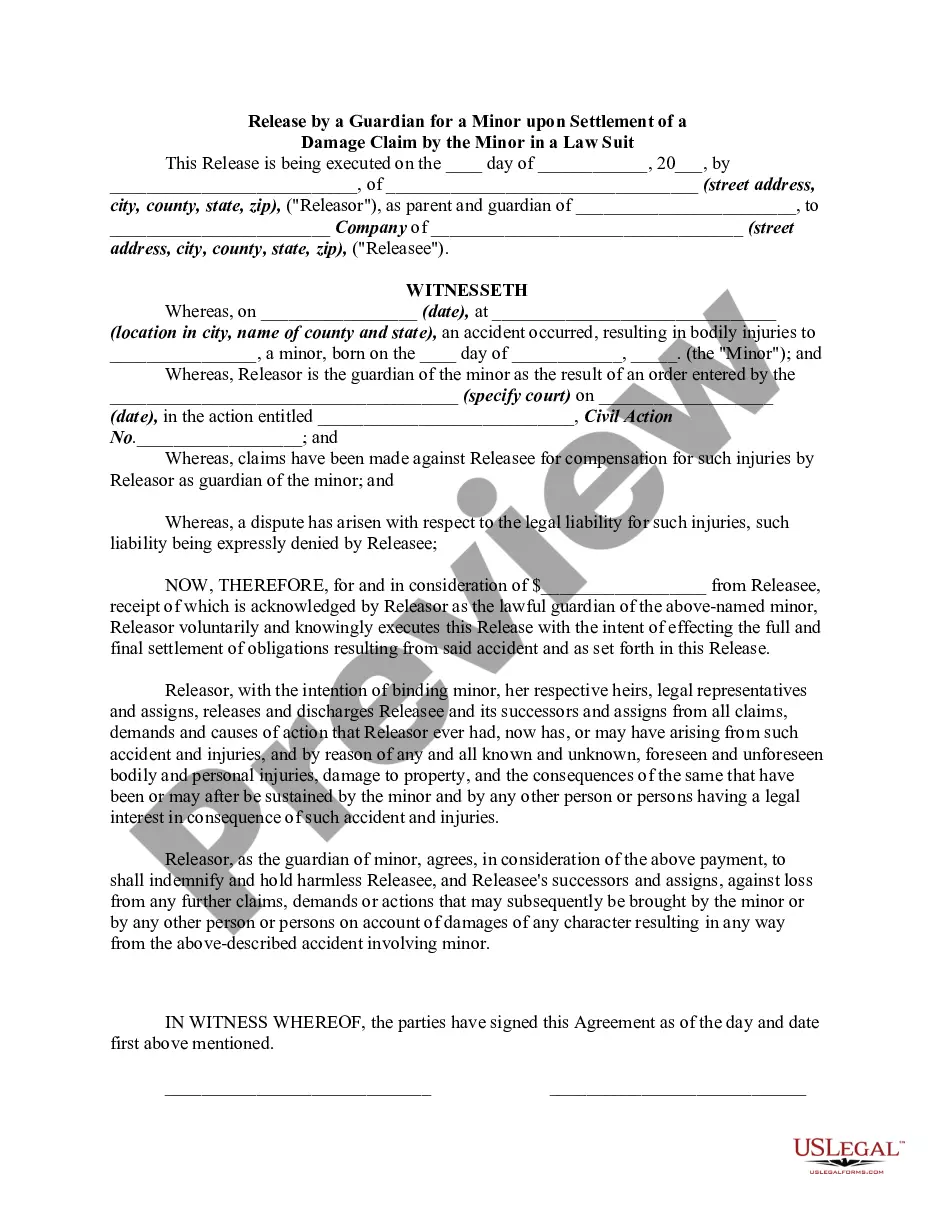
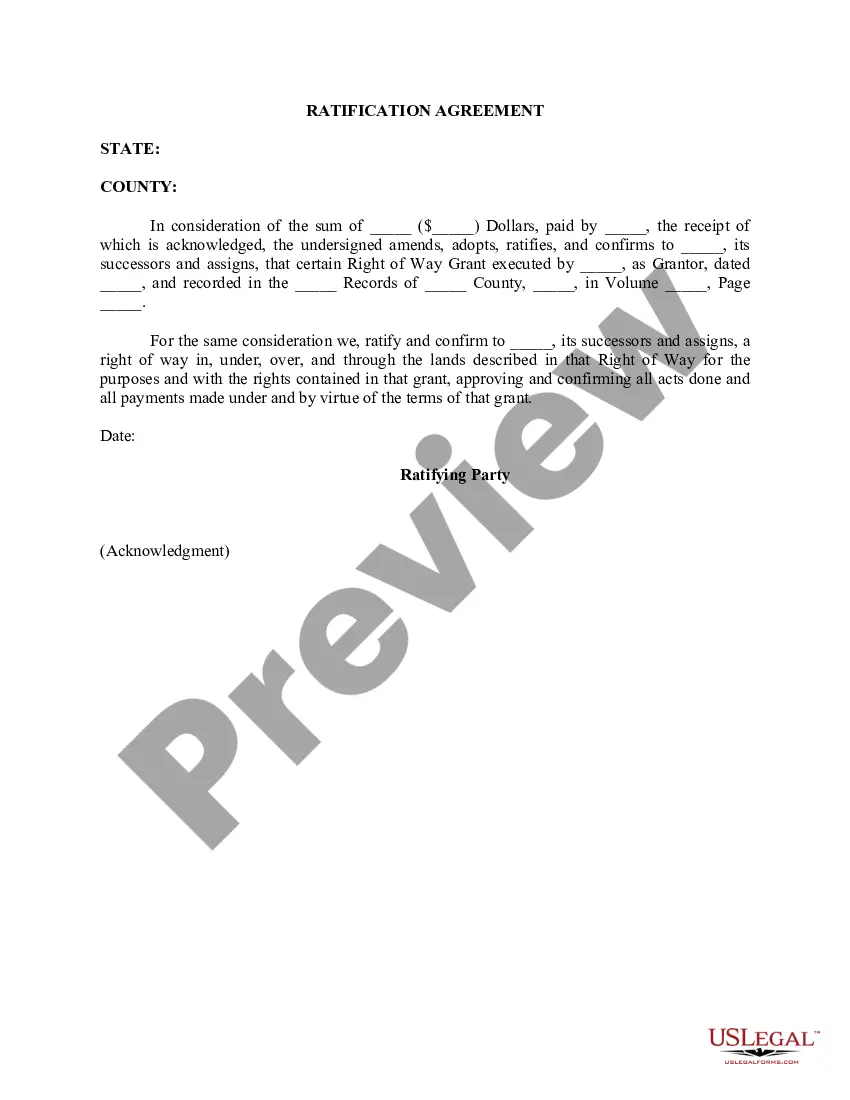
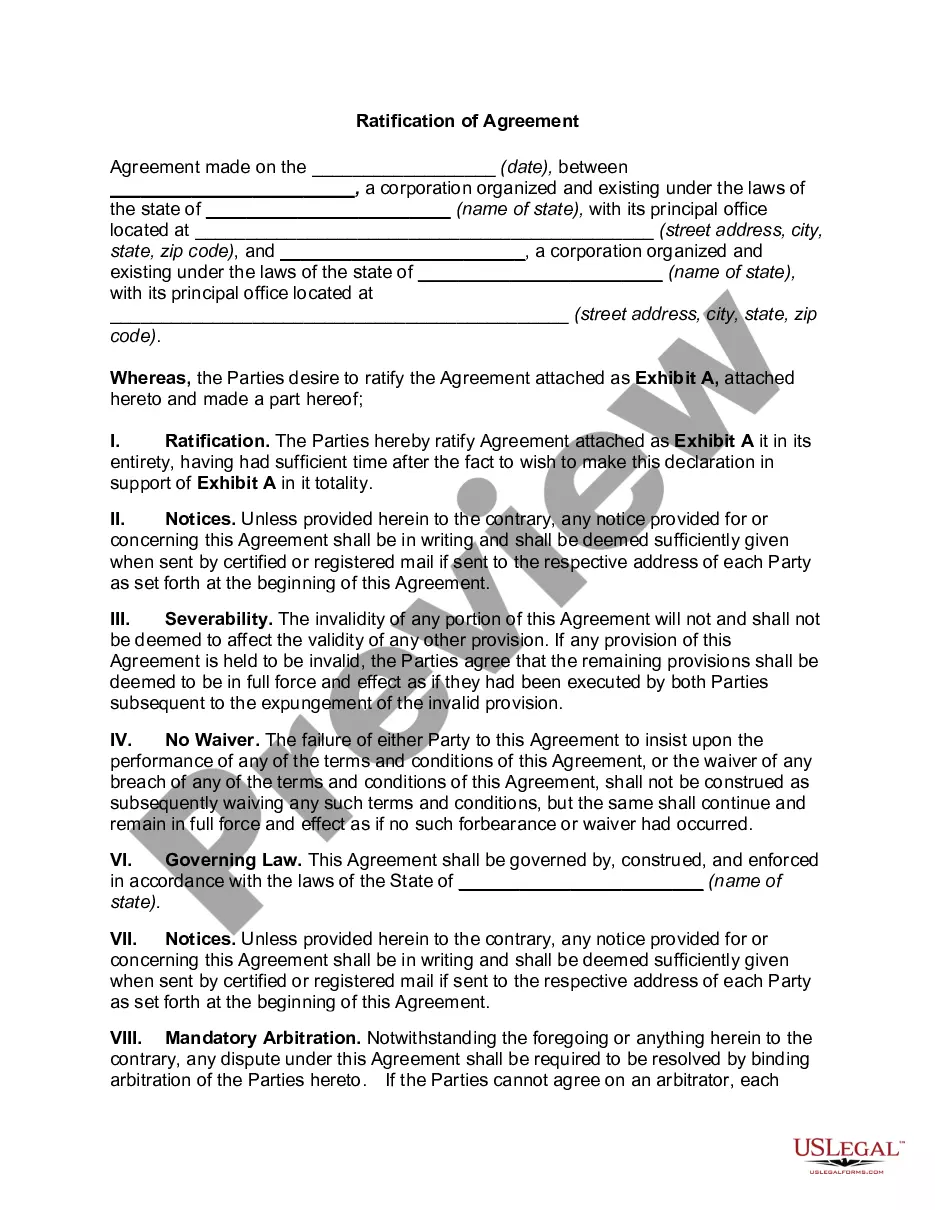
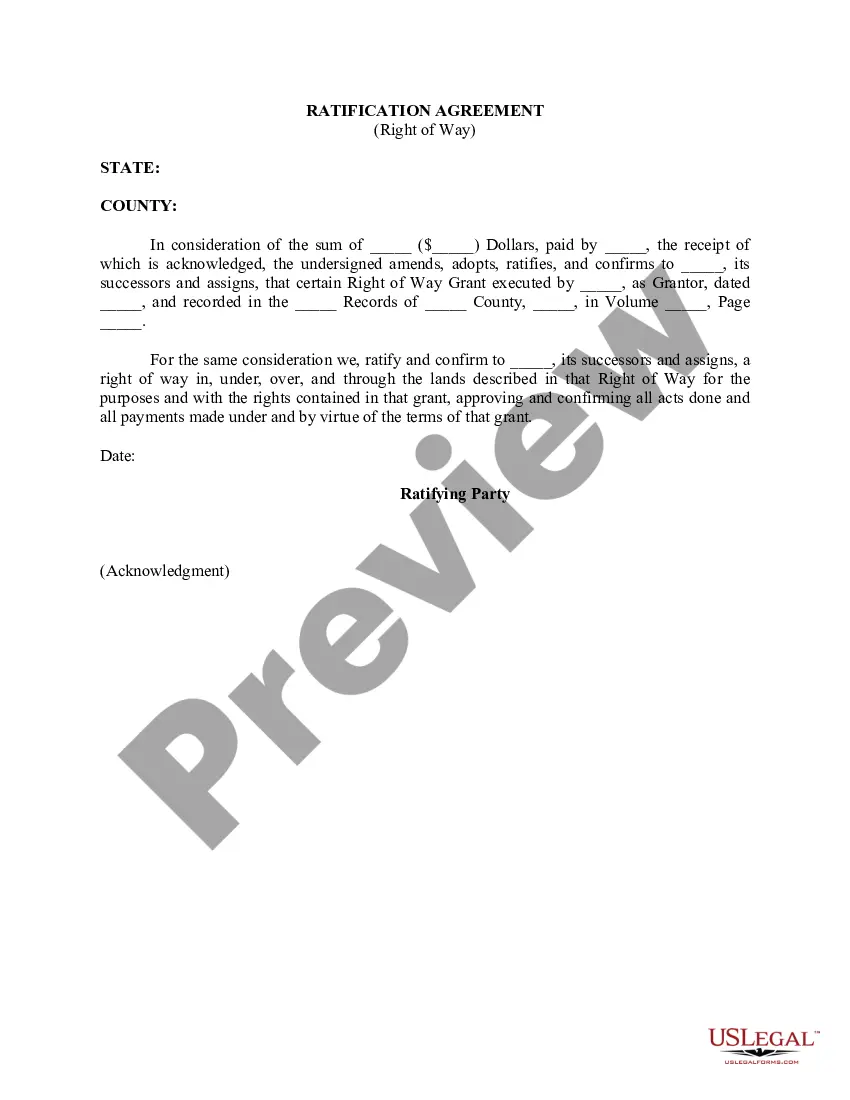
Hawaii Ratification Agreement
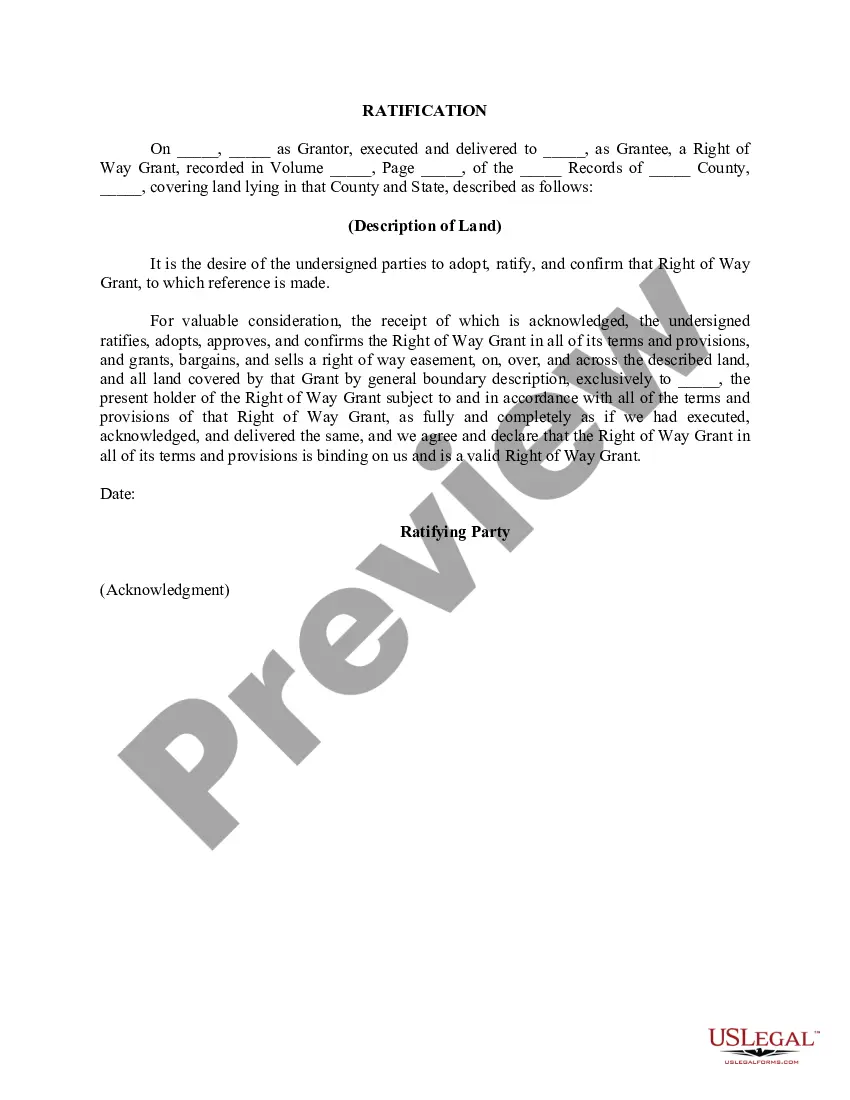
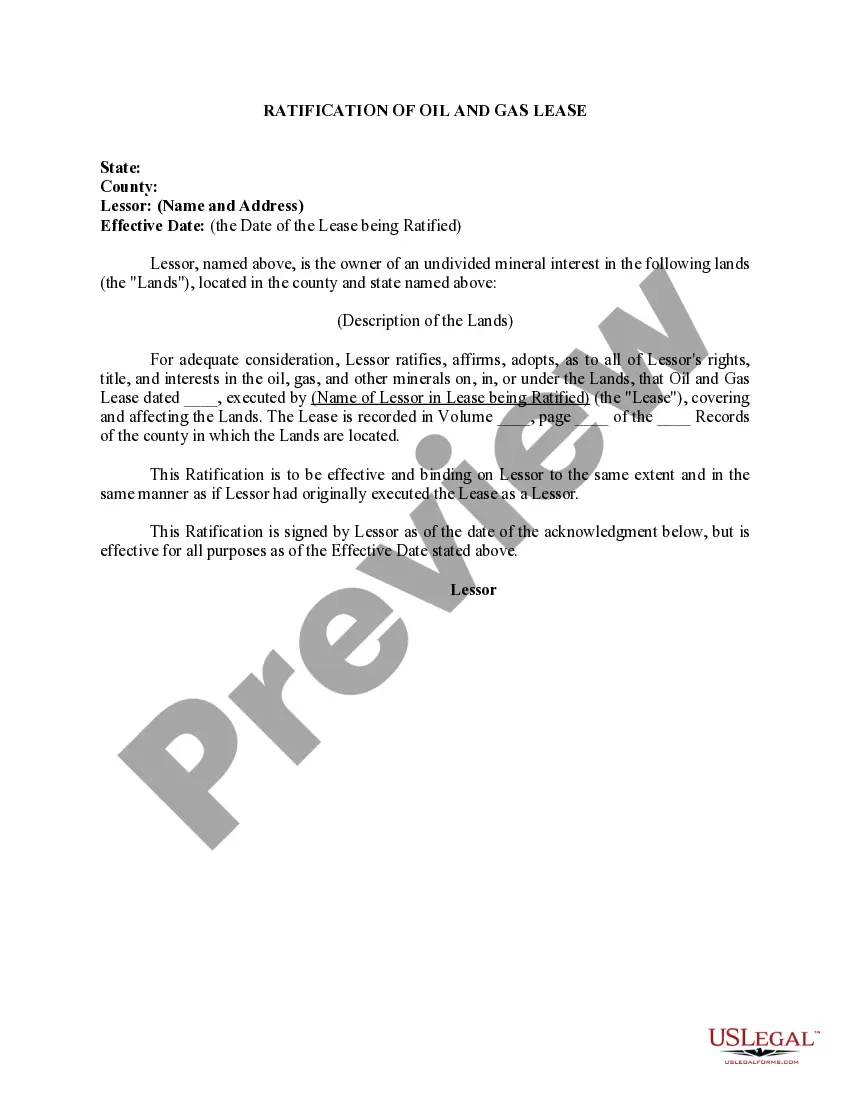
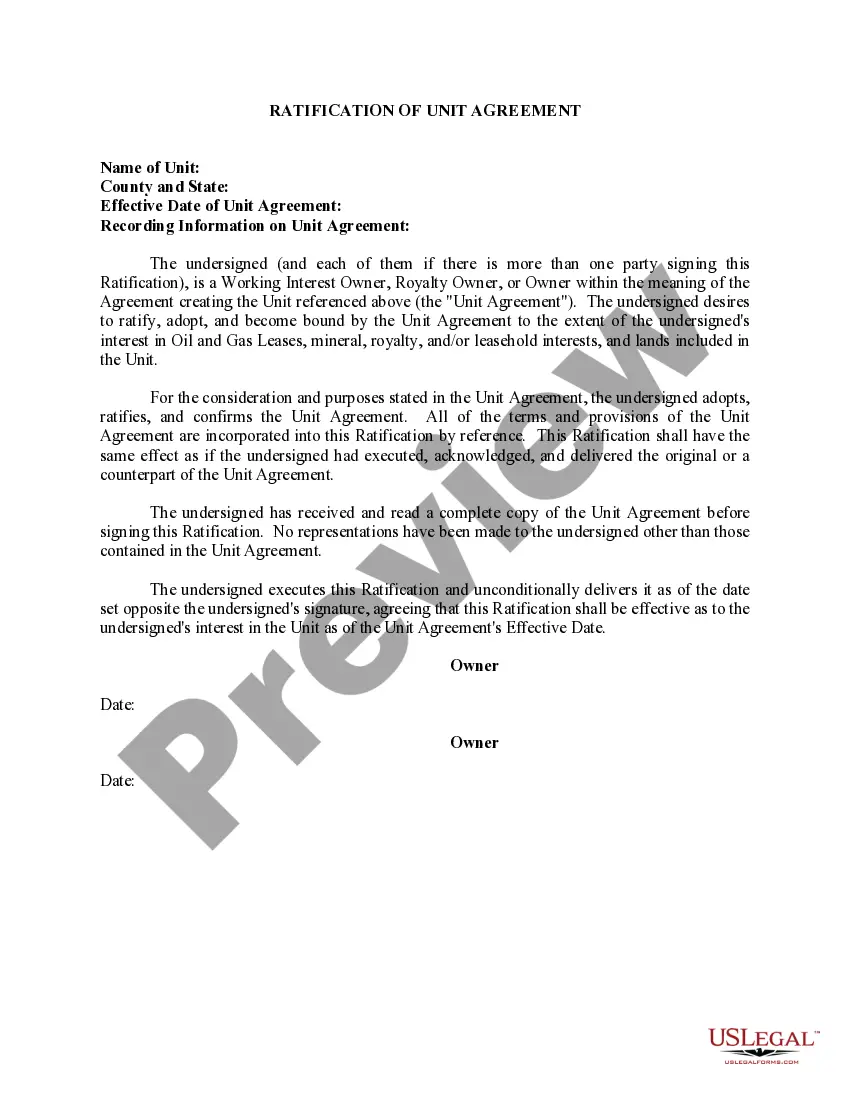
Description
Get your form ready online
Our built-in tools help you complete, sign, share, and store your documents in one place.
Make edits, fill in missing information, and update formatting in US Legal Forms—just like you would in MS Word.
Download a copy, print it, send it by email, or mail it via USPS—whatever works best for your next step.
Sign and collect signatures with our SignNow integration. Send to multiple recipients, set reminders, and more. Go Premium to unlock E-Sign.
If this form requires notarization, complete it online through a secure video call—no need to meet a notary in person or wait for an appointment.
We protect your documents and personal data by following strict security and privacy standards.

Make edits, fill in missing information, and update formatting in US Legal Forms—just like you would in MS Word.

Download a copy, print it, send it by email, or mail it via USPS—whatever works best for your next step.

Sign and collect signatures with our SignNow integration. Send to multiple recipients, set reminders, and more. Go Premium to unlock E-Sign.

If this form requires notarization, complete it online through a secure video call—no need to meet a notary in person or wait for an appointment.

We protect your documents and personal data by following strict security and privacy standards.
Looking for another form?

How to fill out Ratification Agreement?
Discovering the right legitimate record format could be a battle. Naturally, there are a lot of themes available online, but how do you obtain the legitimate kind you want? Use the US Legal Forms web site. The support provides a large number of themes, such as the Hawaii Ratification Agreement, that can be used for enterprise and personal demands. Each of the types are examined by experts and meet up with federal and state needs.
When you are presently signed up, log in for your bank account and click on the Obtain key to obtain the Hawaii Ratification Agreement. Use your bank account to search throughout the legitimate types you possess bought formerly. Check out the My Forms tab of your bank account and obtain yet another backup from the record you want.
When you are a whole new consumer of US Legal Forms, listed here are easy guidelines that you should adhere to:
- First, make certain you have selected the proper kind for the area/area. You are able to look over the form utilizing the Review key and study the form explanation to guarantee it will be the best for you.
- In case the kind will not meet up with your requirements, take advantage of the Seach field to obtain the appropriate kind.
- Once you are sure that the form is proper, select the Purchase now key to obtain the kind.
- Choose the rates plan you need and enter the essential information. Design your bank account and pay money for the transaction using your PayPal bank account or charge card.
- Choose the submit format and obtain the legitimate record format for your device.
- Complete, modify and print and signal the attained Hawaii Ratification Agreement.
US Legal Forms is the most significant collection of legitimate types where you can find different record themes. Use the service to obtain skillfully-produced paperwork that adhere to state needs.
Form popularity
FAQ
Hear this out loud PauseRatification: approval of agreement by the state After approval has been granted under a state's own internal procedures, it will notify the other parties that they consent to be bound by the treaty. This is called ratification. The treaty is now officially binding on the state.
Ratifying a contract is the act of approving the terms and conditions that are being spelled out in the document. After all, having a signed contract isn't always enough. For example, if you go on vacation and provide permission to an employee to sign a contract on your behalf, you may be then asked to ratify it.
Ratification: approval of agreement by the state After approval has been granted under a state's own internal procedures, it will notify the other parties that they consent to be bound by the treaty. This is called ratification. The treaty is now officially binding on the state.
How to Ratify a Contract Look over the agreement and make sure you understand the terms and conditions. If you ratify one part of the contract, you have to ratify the entire agreement. Make an express or implied declaration that you accept the terms. Continue honoring the terms of the contract as normal.
Ratification, as used in this subsection, means the act of approving an unauthorized commitment by an official who has the authority to do so.
Hear this out loud PauseIn the context of contract law, a person ratifies a contract when they accept the benefit, thereby rendering the contract legally enforceable. This can include signing a formal contract, but conduct may also ratify a contract.