An exhibition, in the most general sense, is an organized presentation and display of a selection of items. In practice, exhibitions usually occur within museums, galleries and exhibition halls, and World's Fairs. Exhibitions can include many things such as art in both major museums and smaller galleries, interpretive exhibitions, natural history museums and history museums, and also varieties such as more commercially focused exhibitions and trade fairs.
The word "exhibition" is usually, but not always, the word used for a collection of items. Sometimes "exhibit" is synonymous with "exhibition", but "exhibit" generally refers to a single item being exhibited within an exhibition.
Exhibitions may be permanent displays or temporary, but in common usage, "exhibitions" are considered temporary and usually scheduled to open and close on specific dates. While many exhibitions are shown in just one venue, some exhibitions are shown in multiple locations and are called travelling exhibitions, and some are online exhibitions.
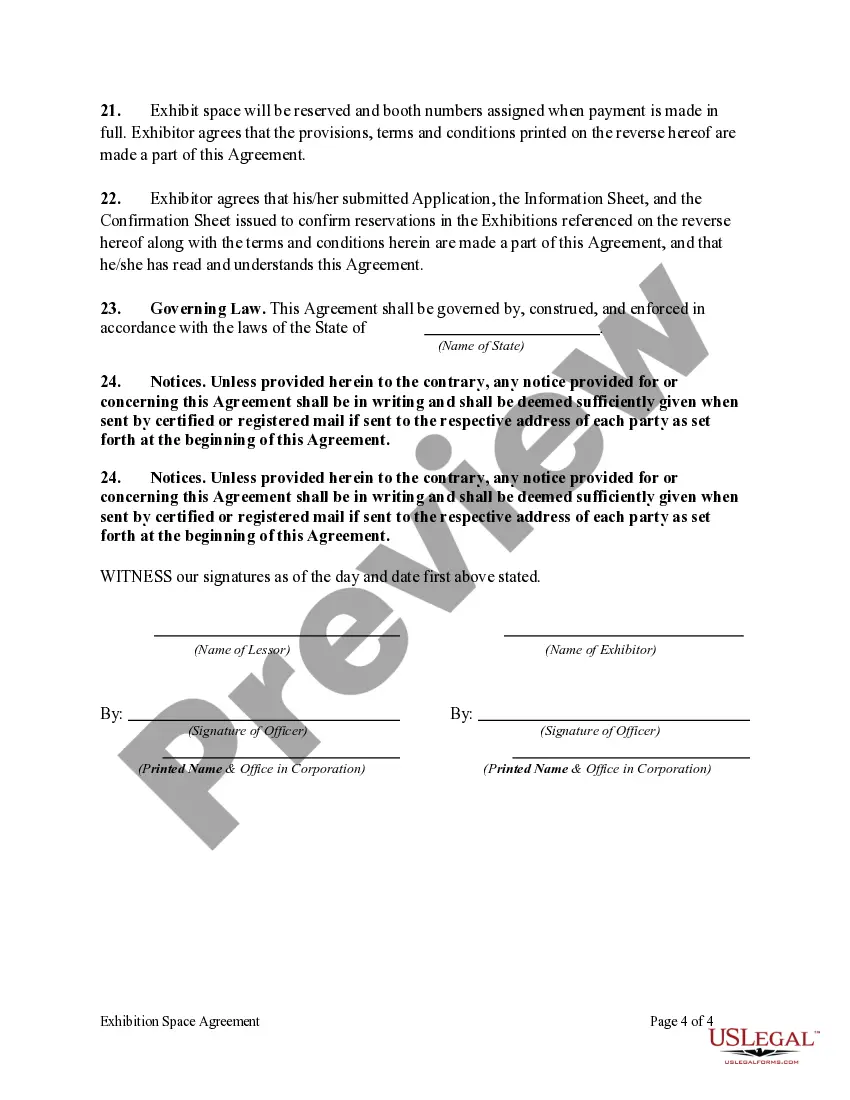
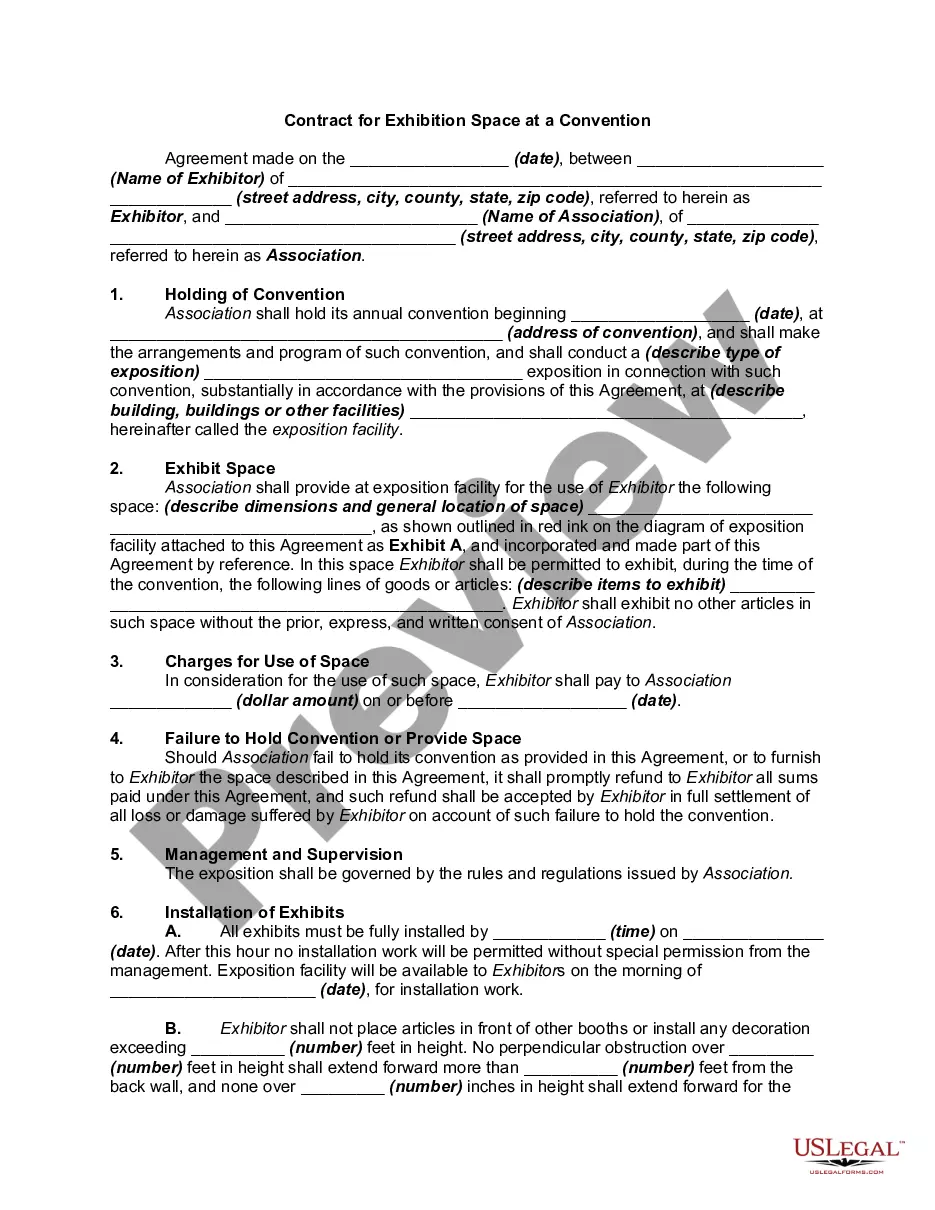
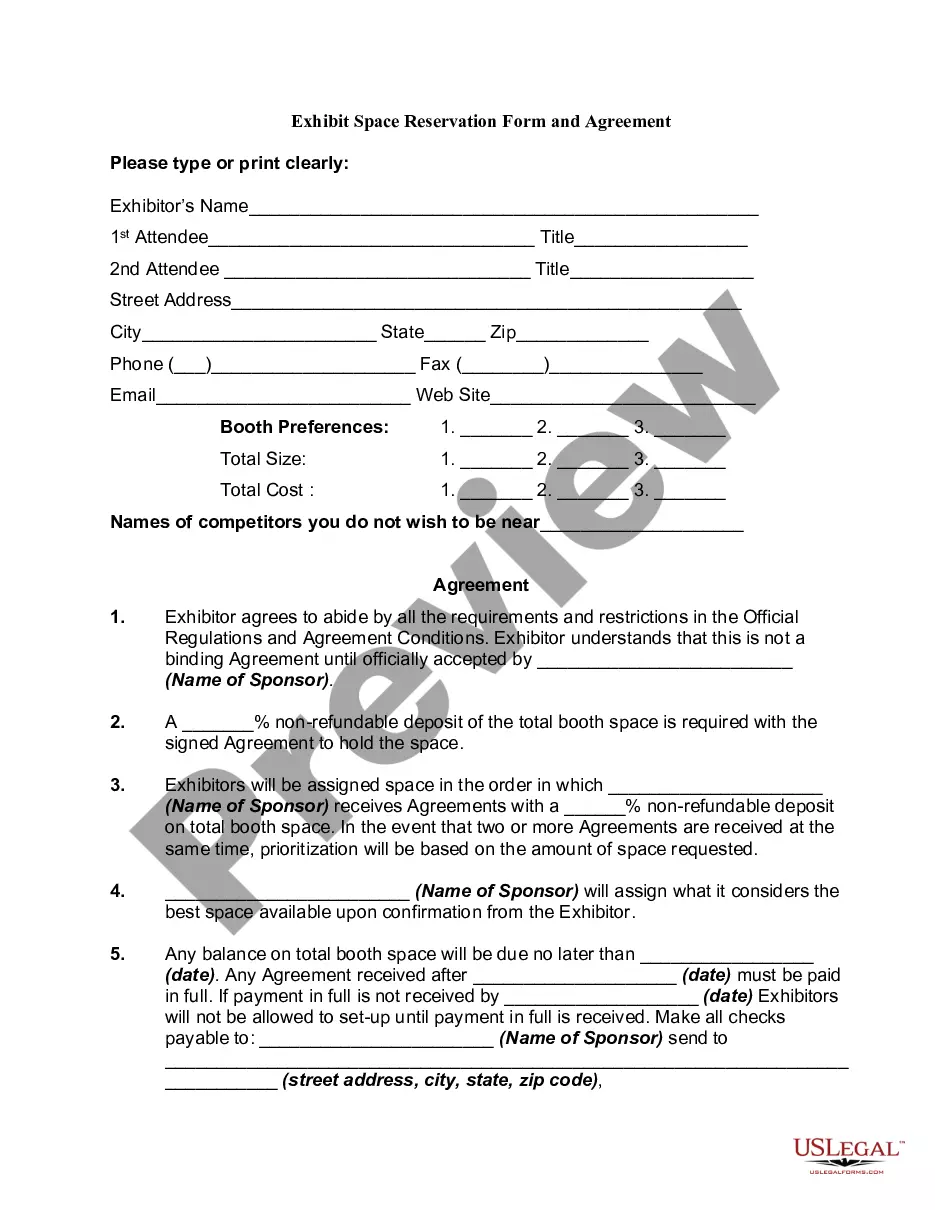
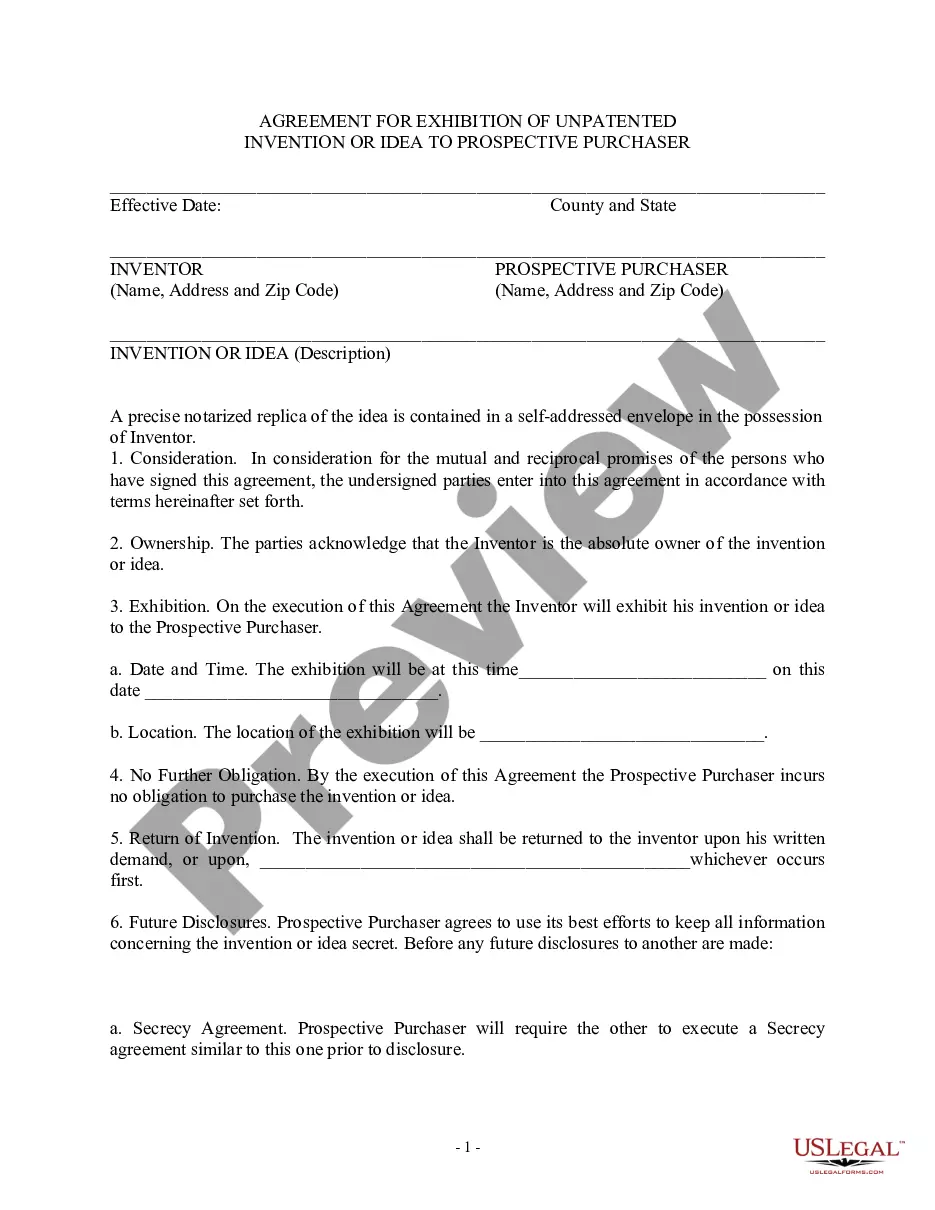
Hawaii Exhibition Space Agreement
Category:
State:
Multi-State
Control #:
US-0024BG
Format:
Word;
Rich Text
Instant download
Description
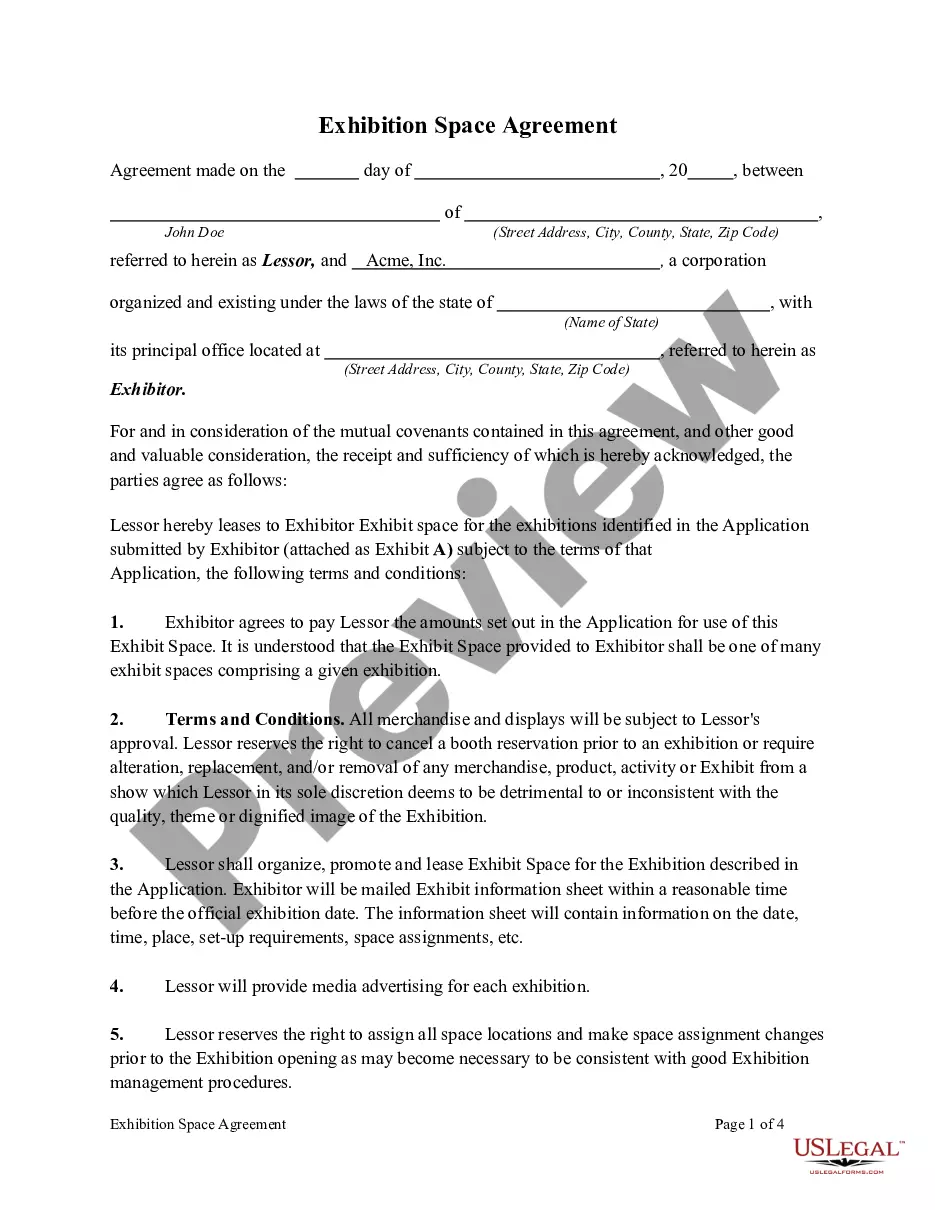
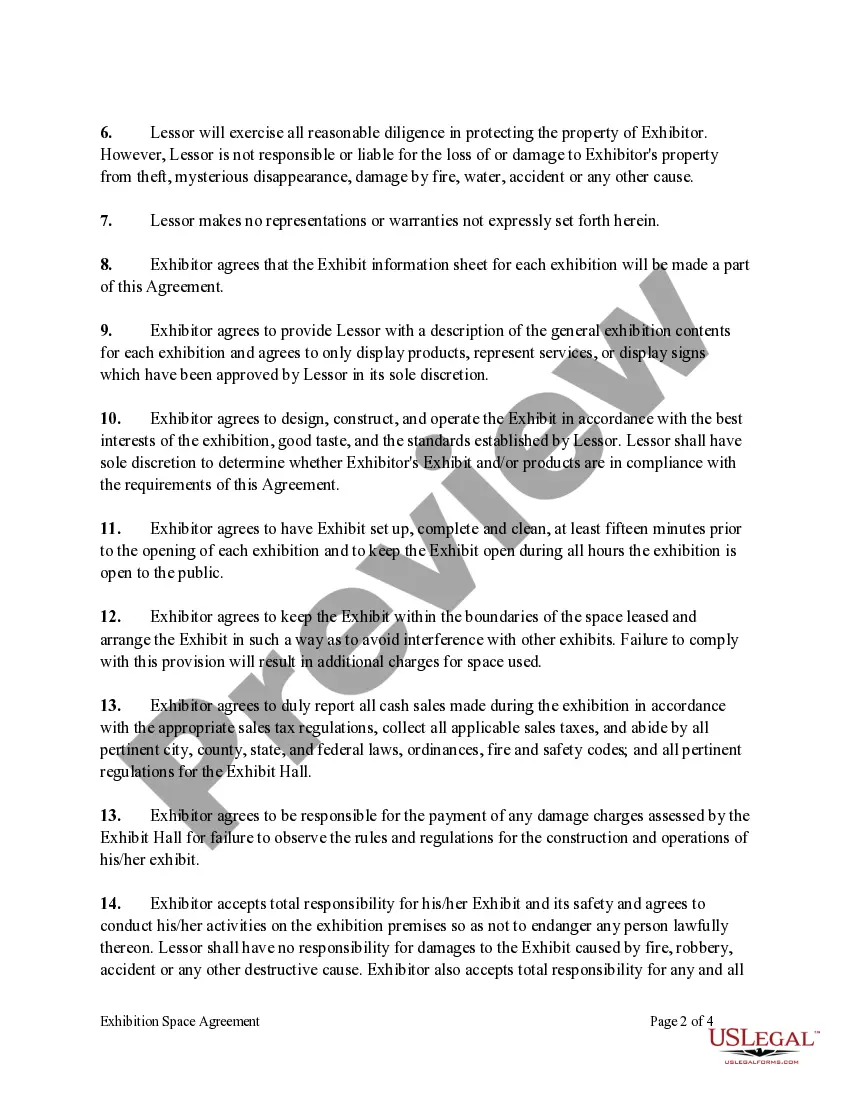
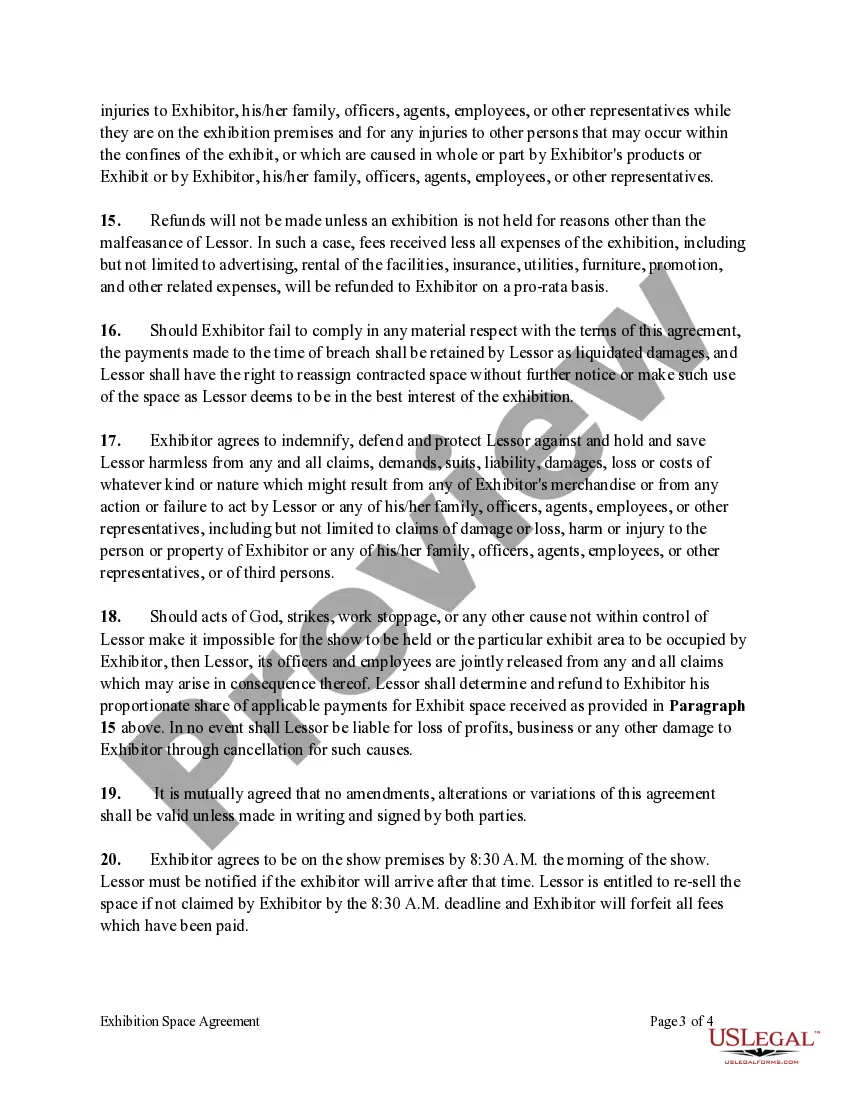
Free preview

Get your form ready online
Our built-in tools help you complete, sign, share, and store your documents in one place.
Built-in online Word editor
Make edits, fill in missing information, and update formatting in US Legal Forms—just like you would in MS Word.
Export easily
Download a copy, print it, send it by email, or mail it via USPS—whatever works best for your next step.
E-sign your document
Sign and collect signatures with our SignNow integration. Send to multiple recipients, set reminders, and more. Go Premium to unlock E-Sign.
Notarize online 24/7
If this form requires notarization, complete it online through a secure video call—no need to meet a notary in person or wait for an appointment.
Store your document securely
We protect your documents and personal data by following strict security and privacy standards.

Make edits, fill in missing information, and update formatting in US Legal Forms—just like you would in MS Word.

Download a copy, print it, send it by email, or mail it via USPS—whatever works best for your next step.

Sign and collect signatures with our SignNow integration. Send to multiple recipients, set reminders, and more. Go Premium to unlock E-Sign.

If this form requires notarization, complete it online through a secure video call—no need to meet a notary in person or wait for an appointment.

We protect your documents and personal data by following strict security and privacy standards.
Looking for another form?


How to fill out Exhibition Space Agreement?
Are you presently in a role where you require documents for either business or personal purposes on a daily basis.
There are numerous legal document templates available on the internet, but locating reliable versions is not straightforward.
US Legal Forms offers a vast array of form templates, such as the Hawaii Exhibition Space Agreement, which can be customized to comply with both federal and state regulations.
Choose a convenient file format and download your copy.
Find all of the document templates you have purchased in the My documents section. You can obtain an additional copy of the Hawaii Exhibition Space Agreement at any time, if needed. Just select the appropriate form to download or print the document template.
- If you are already familiar with the US Legal Forms website and have an account, simply Log In.
- Then, you can download the Hawaii Exhibition Space Agreement template.
- If you do not possess an account and wish to start utilizing US Legal Forms, follow these steps.
- Find the form you need and confirm it's intended for the correct city/county.
- Utilize the Review button to examine the form.
- Check the details to ensure you have selected the proper form.
- If the form isn’t what you are looking for, use the Lookup field to find a form that suits your needs and requirements.
- Once you have acquired the correct form, click Acquire now.
- Select the pricing plan you want, provide the necessary details to create your account, and pay for the order using your PayPal or credit card.