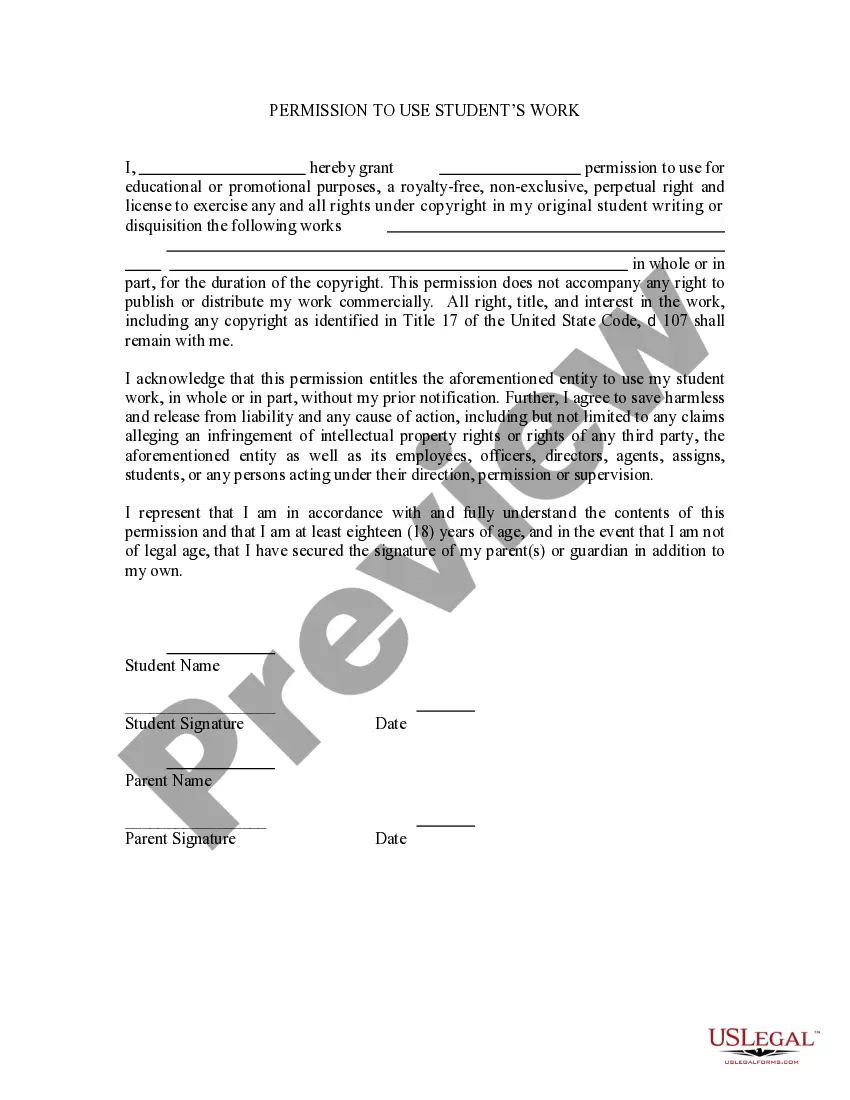
This is a permission form signed by a student or parents if student is under age permitting others to use his/her original work without any prior notification. This form also releases the entity using the work from any liability for such use.
Guam Permission to Use Student's Work
Category:
State:
Multi-State
Control #:
US-PRM-03
Format:
Word;
Rich Text
Instant download
Description
Get your form ready online
Our built-in tools help you complete, sign, share, and store your documents in one place.
Built-in online Word editor
Make edits, fill in missing information, and update formatting in US Legal Forms—just like you would in MS Word.
Export easily
Download a copy, print it, send it by email, or mail it via USPS—whatever works best for your next step.
E-sign your document
Sign and collect signatures with our SignNow integration. Send to multiple recipients, set reminders, and more. Go Premium to unlock E-Sign.
Notarize online 24/7
If this form requires notarization, complete it online through a secure video call—no need to meet a notary in person or wait for an appointment.
Store your document securely
We protect your documents and personal data by following strict security and privacy standards.

Make edits, fill in missing information, and update formatting in US Legal Forms—just like you would in MS Word.

Download a copy, print it, send it by email, or mail it via USPS—whatever works best for your next step.

Sign and collect signatures with our SignNow integration. Send to multiple recipients, set reminders, and more. Go Premium to unlock E-Sign.

If this form requires notarization, complete it online through a secure video call—no need to meet a notary in person or wait for an appointment.

We protect your documents and personal data by following strict security and privacy standards.
Looking for another form?
How to fill out Permission To Use Student's Work?
US Legal Forms - one of the largest collections of legitimate documents in the United States - provides an extensive array of legitimate document templates that you can download or print.
By using the website, you can discover thousands of documents for business and personal needs, organized by categories, titles, or keywords. You can obtain the latest documents such as the Guam Permission to Use Student's Work within moments.
If you already have a subscription, Log In and retrieve Guam Permission to Use Student's Work from the US Legal Forms local archive. The Acquire button will appear on each document you view. You can access all previously saved documents from the My documents section of your account.
Process the transaction. Use your credit card or PayPal account to complete the transaction.
Select the format and download the document to your device. Make changes. Complete, modify, and print and sign the saved Guam Permission to Use Student's Work. Each document you added to your account has no expiration date and is your property indefinitely. Therefore, if you wish to download or print another copy, simply go to the My documents section and click on the document you need. Access the Guam Permission to Use Student's Work with US Legal Forms, the most extensive collection of legitimate document templates. Utilize thousands of professional and state-specific templates that meet your business or personal needs and requirements.
- To use US Legal Forms for the first time, here are simple steps to help you get started.
- Ensure you have selected the correct document for your city/state.
- Click the Review button to examine the document's content.
- Check the document description to confirm that you have chosen the appropriate document.
- If the document does not meet your needs, utilize the Search field at the top of the screen to find one that does.
- If you are satisfied with the document, confirm your choice by clicking the Buy now button.
- Then, choose the payment plan you prefer and provide your credentials to register for an account.
Form popularity
FAQ
An Acceptable Use Policy is a document which addresses all rights, privileges, responsibilities and sanctions associated with the use of the internet and digital technologies within the school, including online and offline usage.
You can submit an assignment in Google Classroom under the "Classwork" section on the desktop site or mobile app. To submit an assignment in Google Classroom, you must first "View assignment" and then select the "Add or create" option under the "Your work" menu.
An AUP is a customizable policy determining how school-provided internet and online devices can and should be used. Additionally, it imparts valuable digital citizenship skills. After signing an AUP contract, students are responsible for anything that goes against the school's policy.
An acceptable use policy (AUP) is a document stipulating constraints and practices that a user must agree to for access to a corporate network or the Internet. Many businesses and educational facilities require that employees or students sign an acceptable use policy before being granted a network ID.
No, a teacher is unable to submit an assignment for a student. Parents can not submit for the student unless they are logged in as their child.
Teachers are allowed to "friend" students on Facebook but not to communicate with them online without notifying parents first.
Be considerate in the use of shared resources. Refrain from monopolizing systems, overloading networks with excessive data, degrading services, or wasting computer time, connection time, disk space, printer paper, manuals, or other resources.
Regardless of whether your students' works are protect by FERPA or copyright or both, it is essential to get permission from students before sharing their work. One way to do this is to have students fill out a form before you share their work and retain the responses to this form.
At many institutions, students retain the copyright to their coursework. If the work is sufficiently creative to be copyrightable, then you are not legally allowed to post it online without the author's permission.
The court declared that students and teachers do not shed their constitutional rights to freedom of speech or expression at the schoolhouse gate. The First Amendment ensures that students cannot be punished for exercising free speech rights, even if school administrators don't approve of what they are saying.