Guam Letter agreement
Description
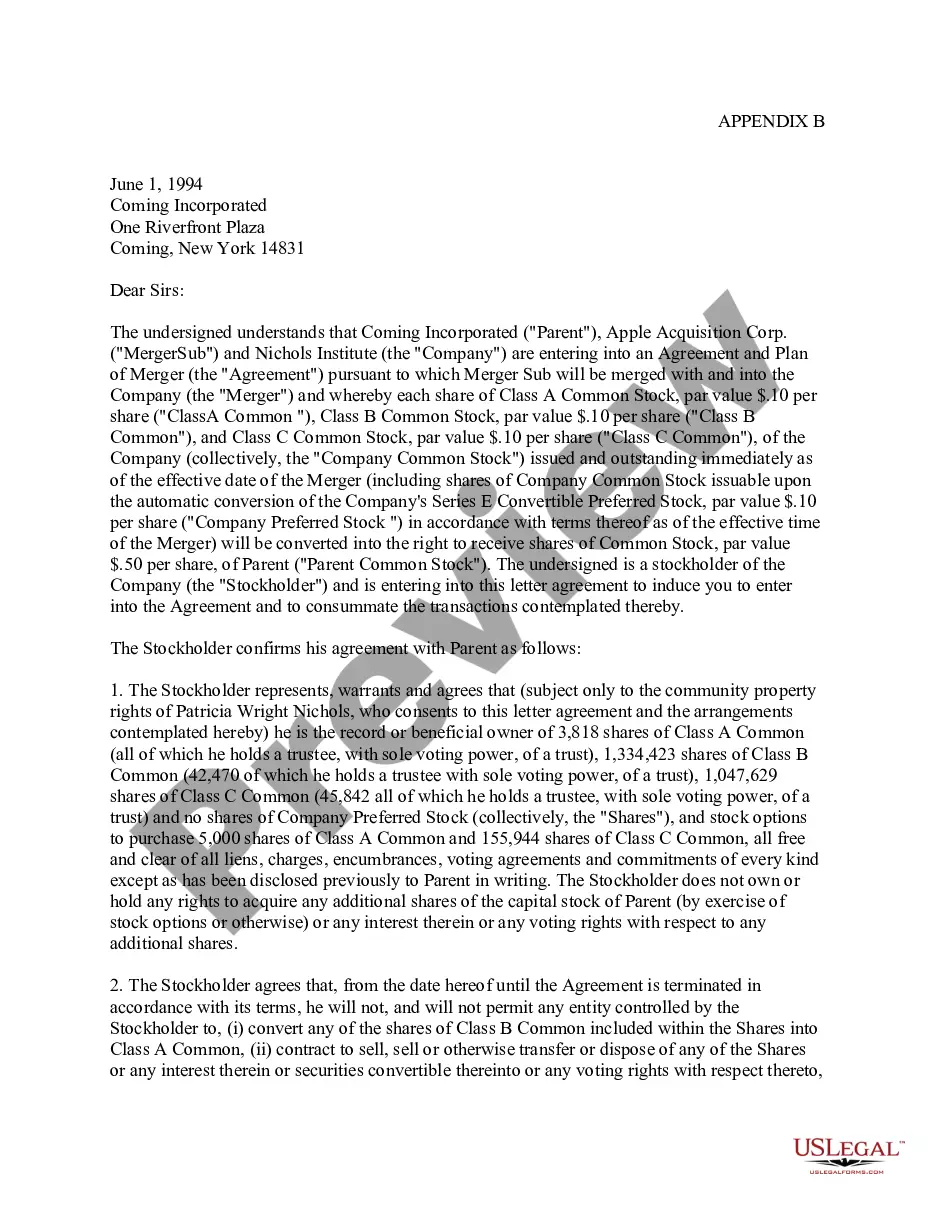
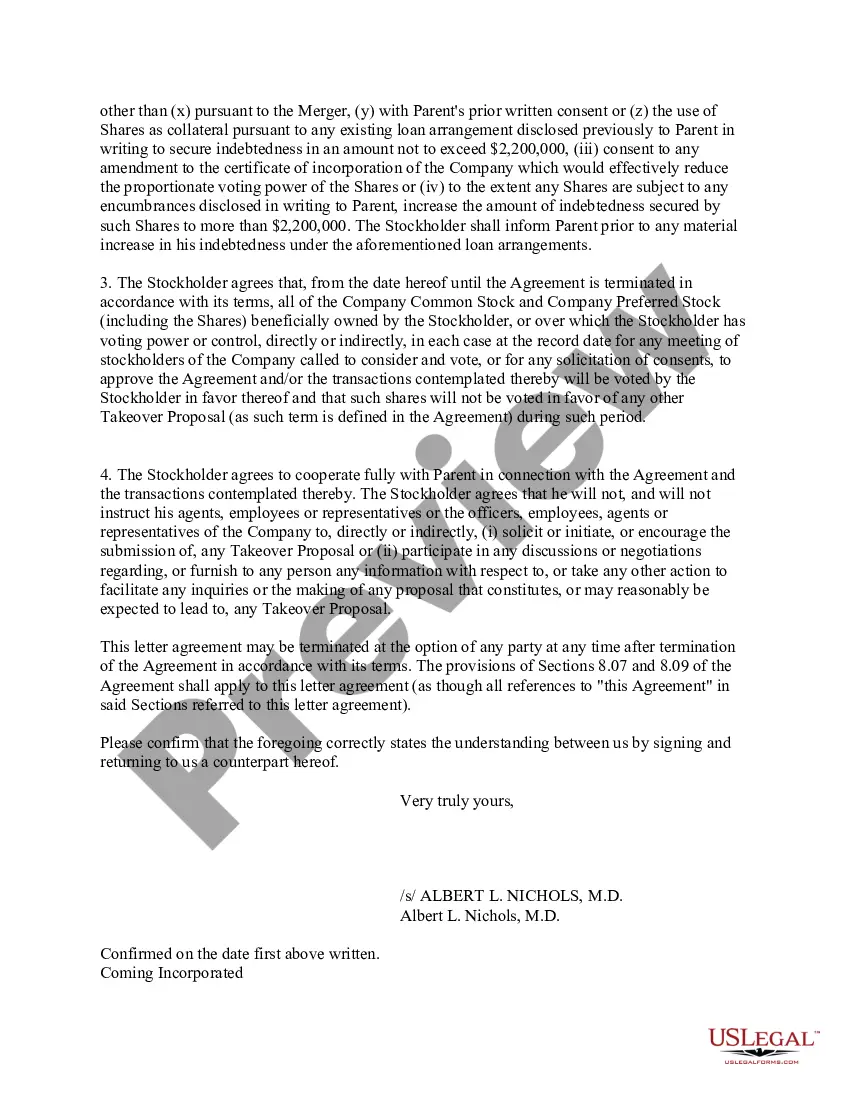
Get your form ready online
Our built-in tools help you complete, sign, share, and store your documents in one place.
Make edits, fill in missing information, and update formatting in US Legal Forms—just like you would in MS Word.
Download a copy, print it, send it by email, or mail it via USPS—whatever works best for your next step.
Sign and collect signatures with our SignNow integration. Send to multiple recipients, set reminders, and more. Go Premium to unlock E-Sign.
If this form requires notarization, complete it online through a secure video call—no need to meet a notary in person or wait for an appointment.
We protect your documents and personal data by following strict security and privacy standards.

Make edits, fill in missing information, and update formatting in US Legal Forms—just like you would in MS Word.

Download a copy, print it, send it by email, or mail it via USPS—whatever works best for your next step.

Sign and collect signatures with our SignNow integration. Send to multiple recipients, set reminders, and more. Go Premium to unlock E-Sign.

If this form requires notarization, complete it online through a secure video call—no need to meet a notary in person or wait for an appointment.

We protect your documents and personal data by following strict security and privacy standards.
Looking for another form?

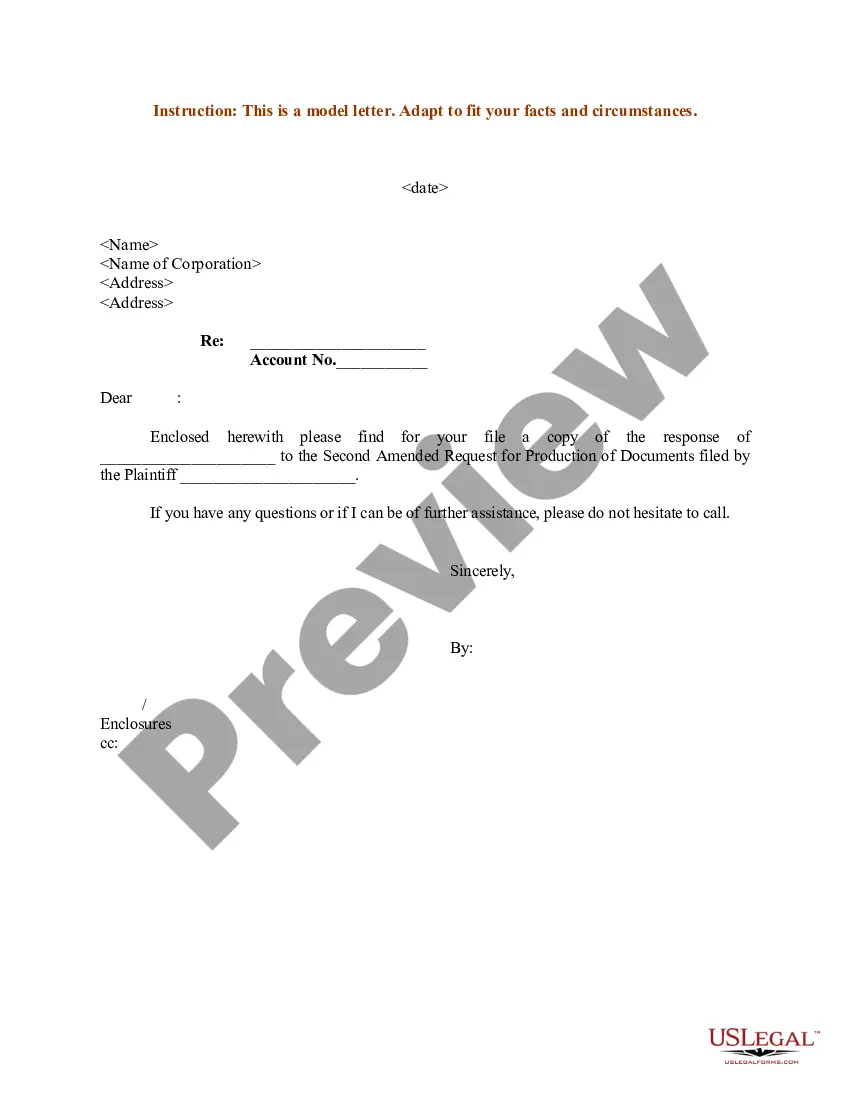
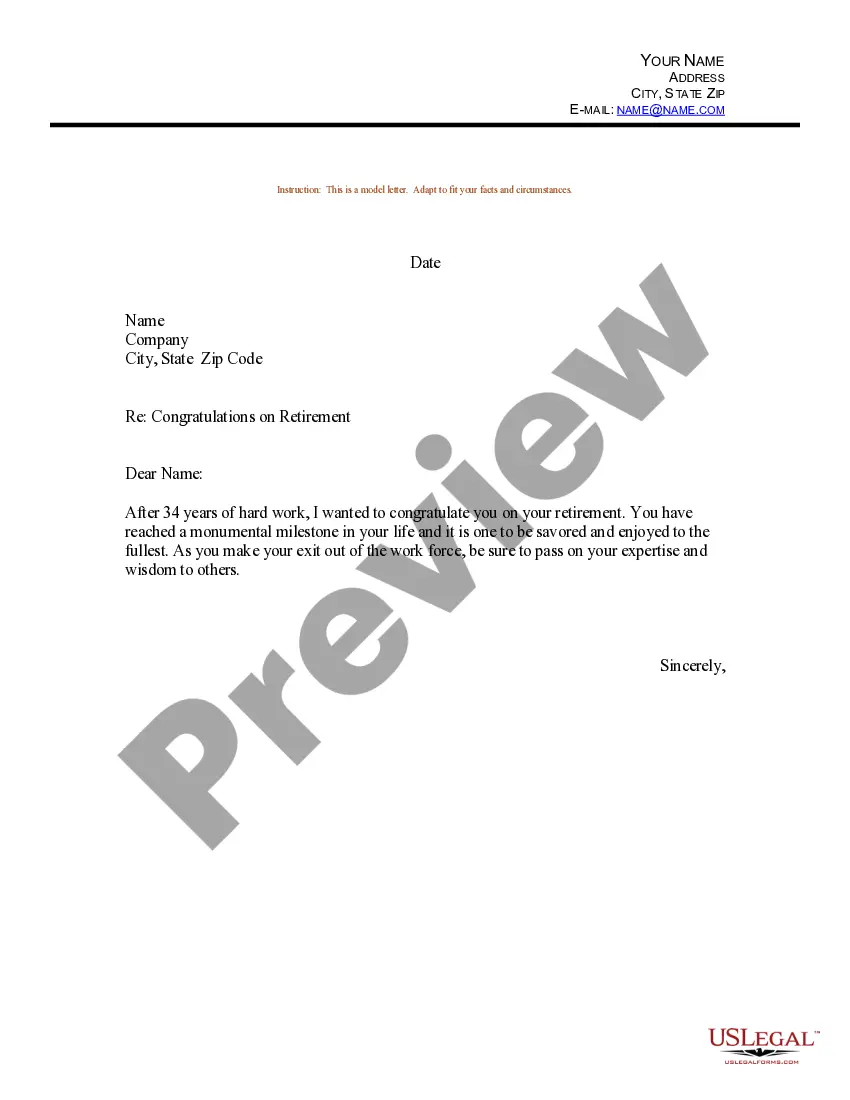
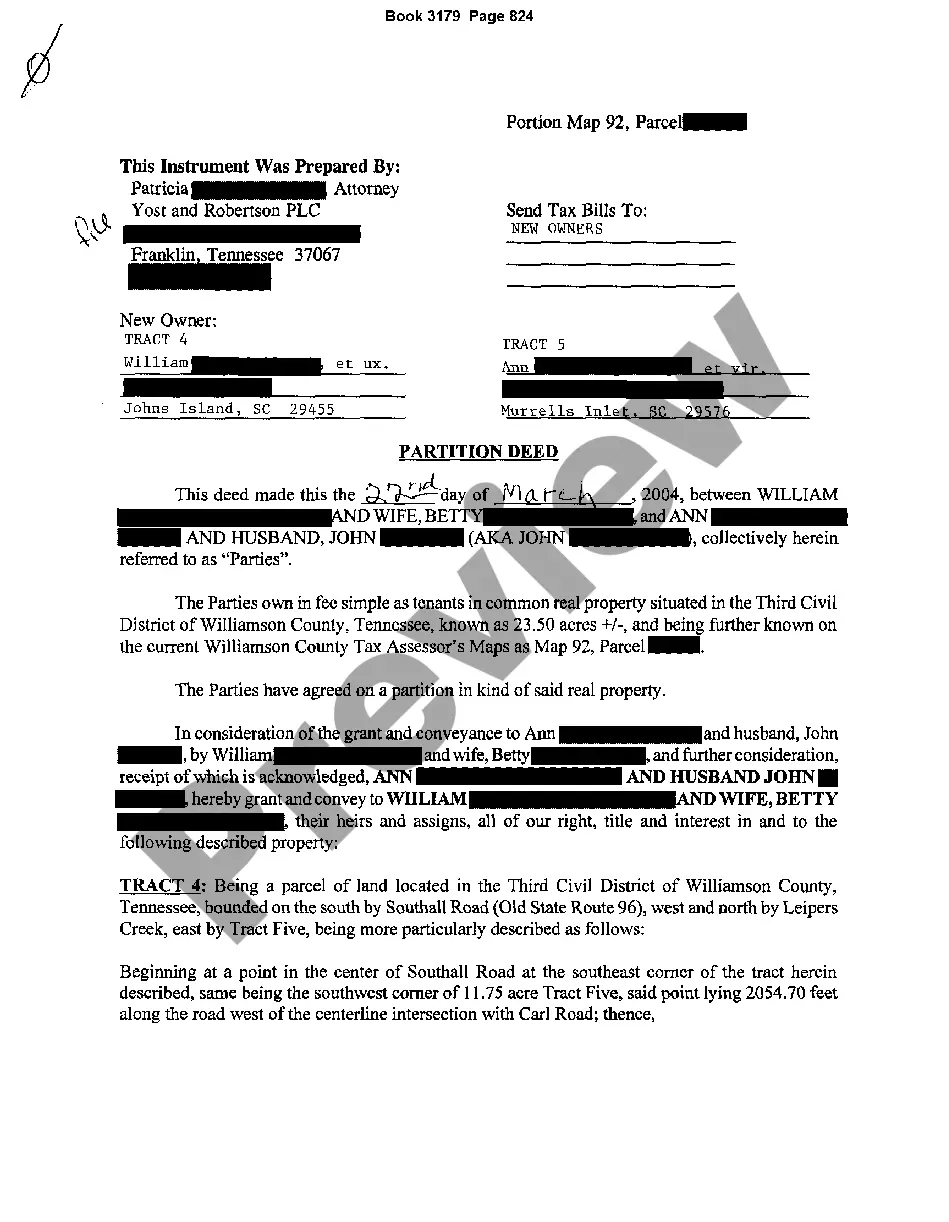
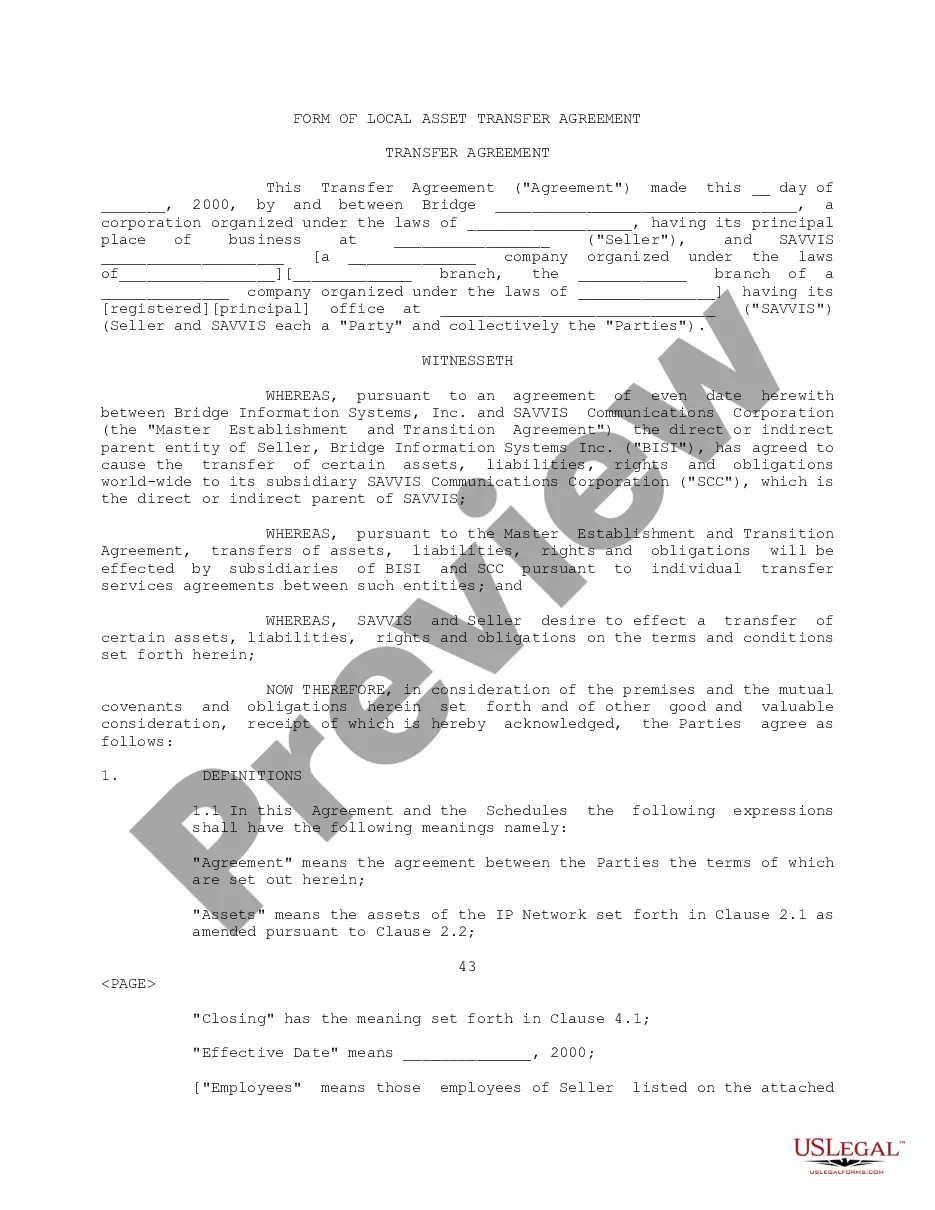
How to fill out Letter Agreement?
US Legal Forms - one of many largest libraries of lawful types in the United States - provides an array of lawful file layouts you may download or produce. While using website, you will get a huge number of types for organization and person reasons, sorted by groups, states, or keywords.You can get the most up-to-date variations of types much like the Guam Letter agreement in seconds.
If you already have a membership, log in and download Guam Letter agreement in the US Legal Forms catalogue. The Obtain button will appear on each type you look at. You gain access to all in the past saved types inside the My Forms tab of your profile.
If you want to use US Legal Forms the first time, listed here are easy recommendations to help you started out:
- Be sure you have picked out the proper type to your metropolis/state. Click the Review button to examine the form`s articles. Browse the type explanation to ensure that you have chosen the appropriate type.
- In case the type doesn`t suit your demands, use the Lookup industry on top of the monitor to find the one which does.
- Should you be content with the shape, confirm your selection by clicking on the Get now button. Then, choose the pricing strategy you like and give your credentials to register for an profile.
- Process the transaction. Use your charge card or PayPal profile to accomplish the transaction.
- Pick the format and download the shape in your system.
- Make modifications. Fill up, change and produce and sign the saved Guam Letter agreement.
Every design you added to your bank account does not have an expiration date and is your own for a long time. So, if you want to download or produce an additional backup, just go to the My Forms portion and click in the type you need.
Gain access to the Guam Letter agreement with US Legal Forms, the most extensive catalogue of lawful file layouts. Use a huge number of skilled and status-certain layouts that meet up with your small business or person demands and demands.
Form popularity
FAQ
Details of the parties to the contract, including any sub-contracting arrangements. duration or period of the contract. definitions of key terms used within the contract. a description of the goods and/or services that your business will receive or provide, including key deliverables.
Your Terms and Conditions agreement makes it clear to your users what you expect from them, what they are not allowed to do with your website/service, and how they must handle certain situations such as arbitration and canceling their own accounts.
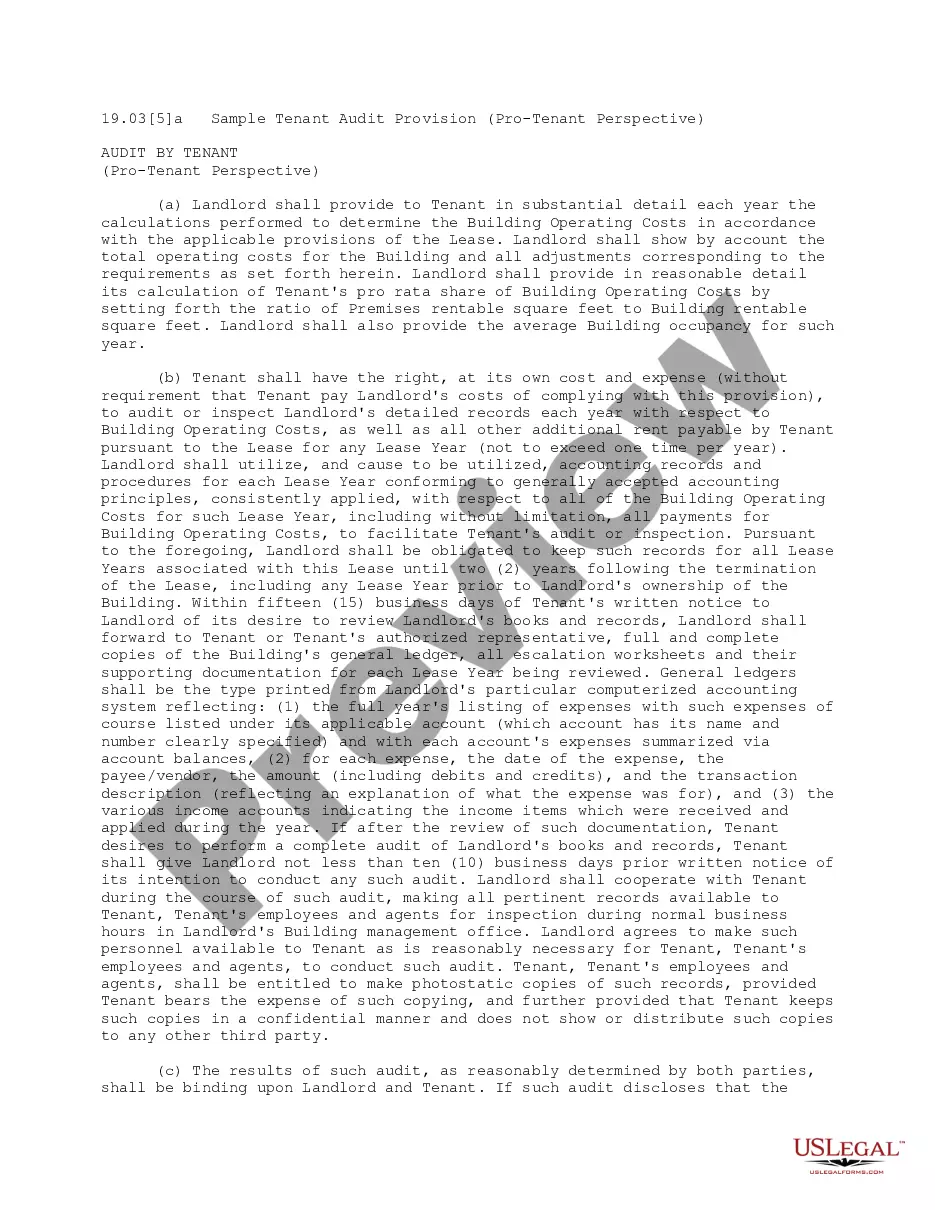
How to write an agreement letter Title your document. ... Provide your personal information and the date. ... Include the recipient's information. ... Address the recipient and write your introductory paragraph. ... Write a detailed body. ... Conclude your letter with a paragraph, closing remarks, and a signature. ... Sign your letter.
The contract should identify each party's responsibilities, including what one party is promising to deliver and what the other party agrees to pay or do in exchange. The contract should also indicate any limitations of the services or work or quality of product.
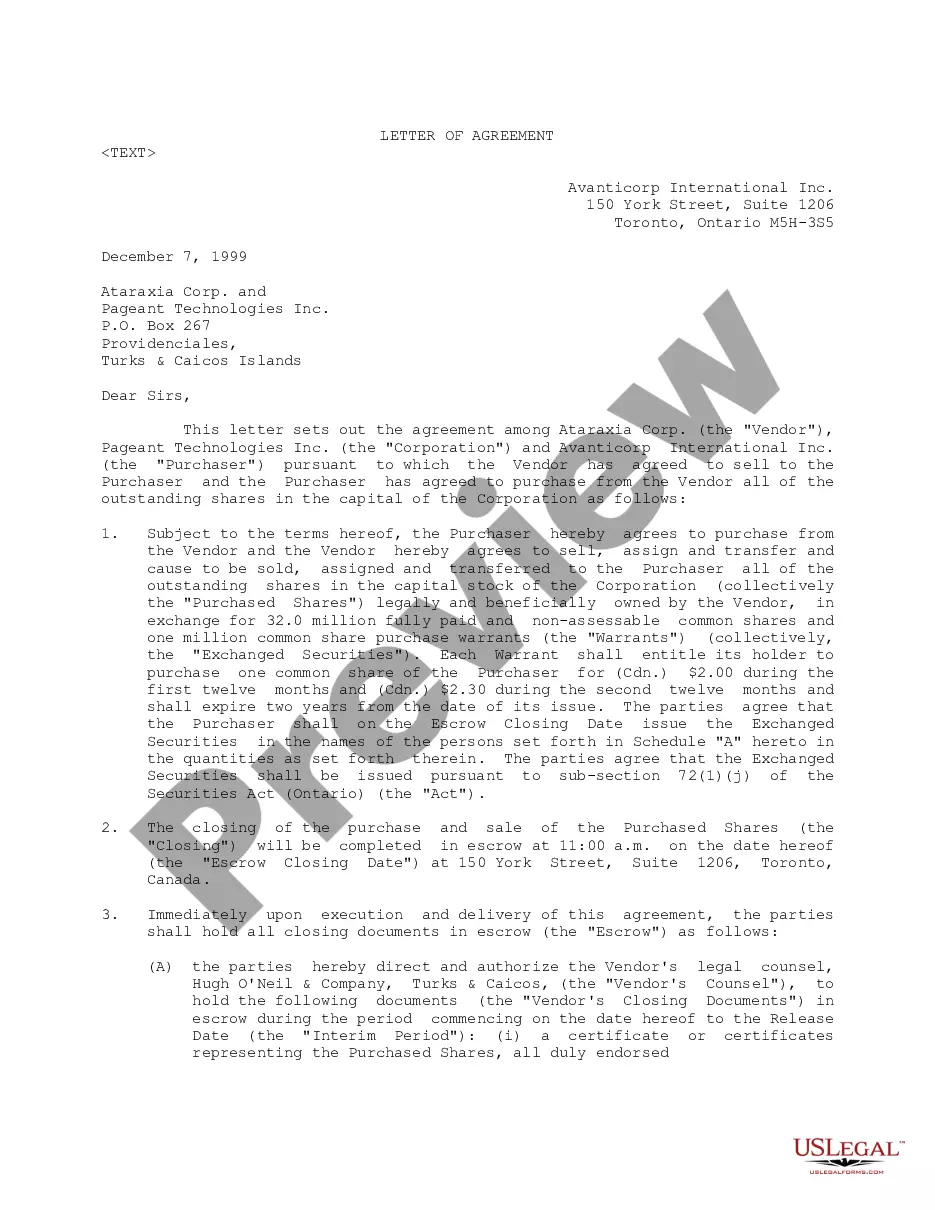
Hear this out loud PauseA Letter of Agreement sets out the terms of a working relationship by including information such as the contact information of both parties, the agreed-upon terms, including payment, when the agreement goes into effect, and when it will end.