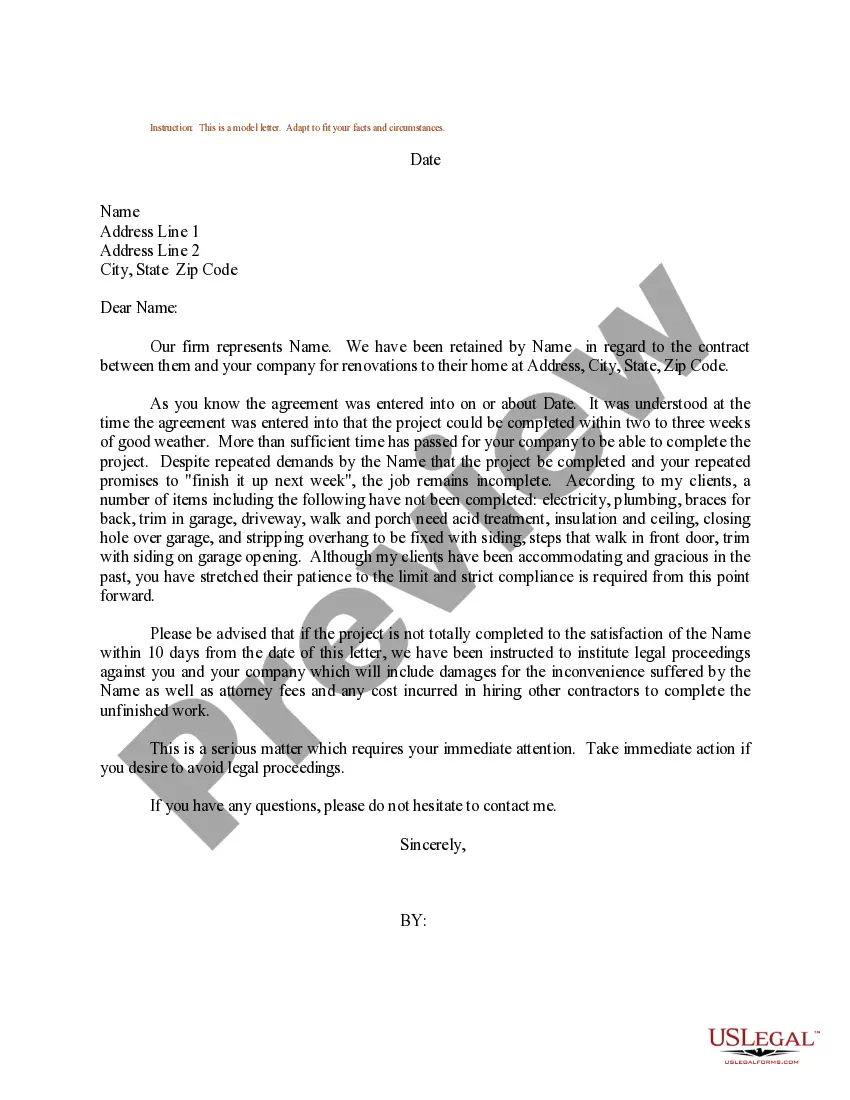
Guam Occupational Injury Illness Report
Description

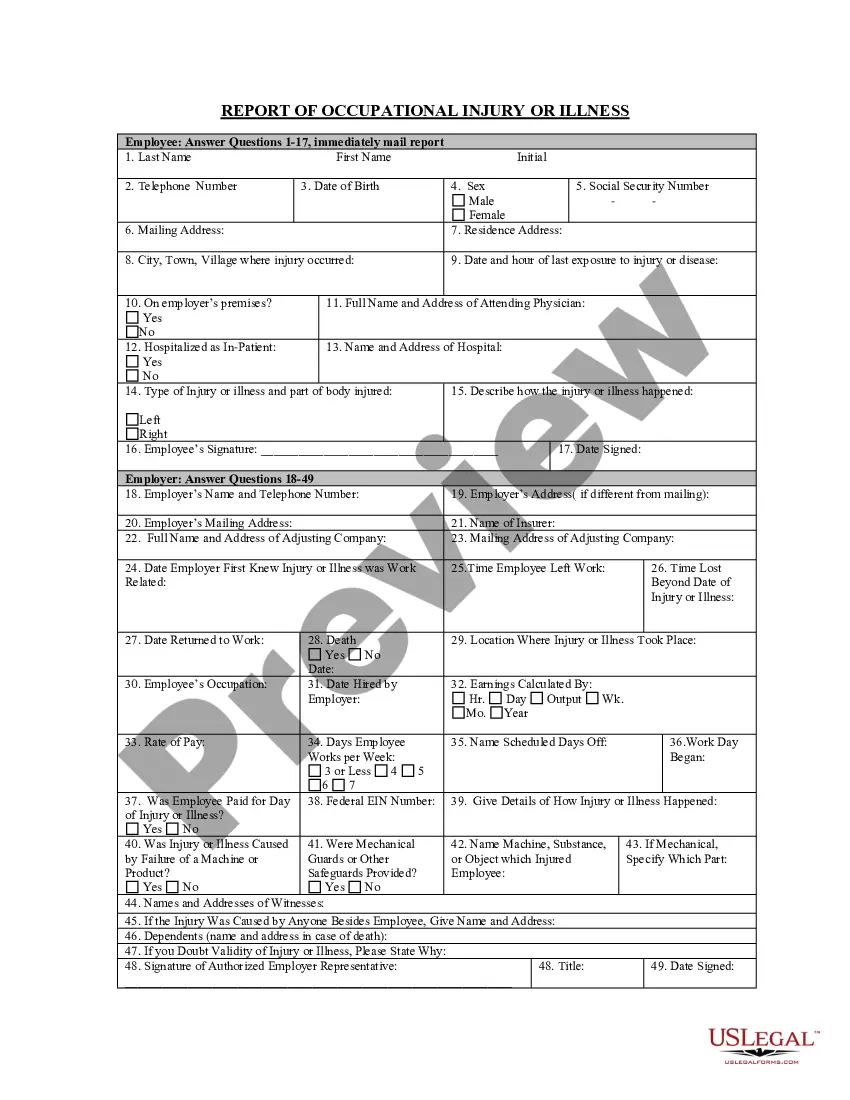
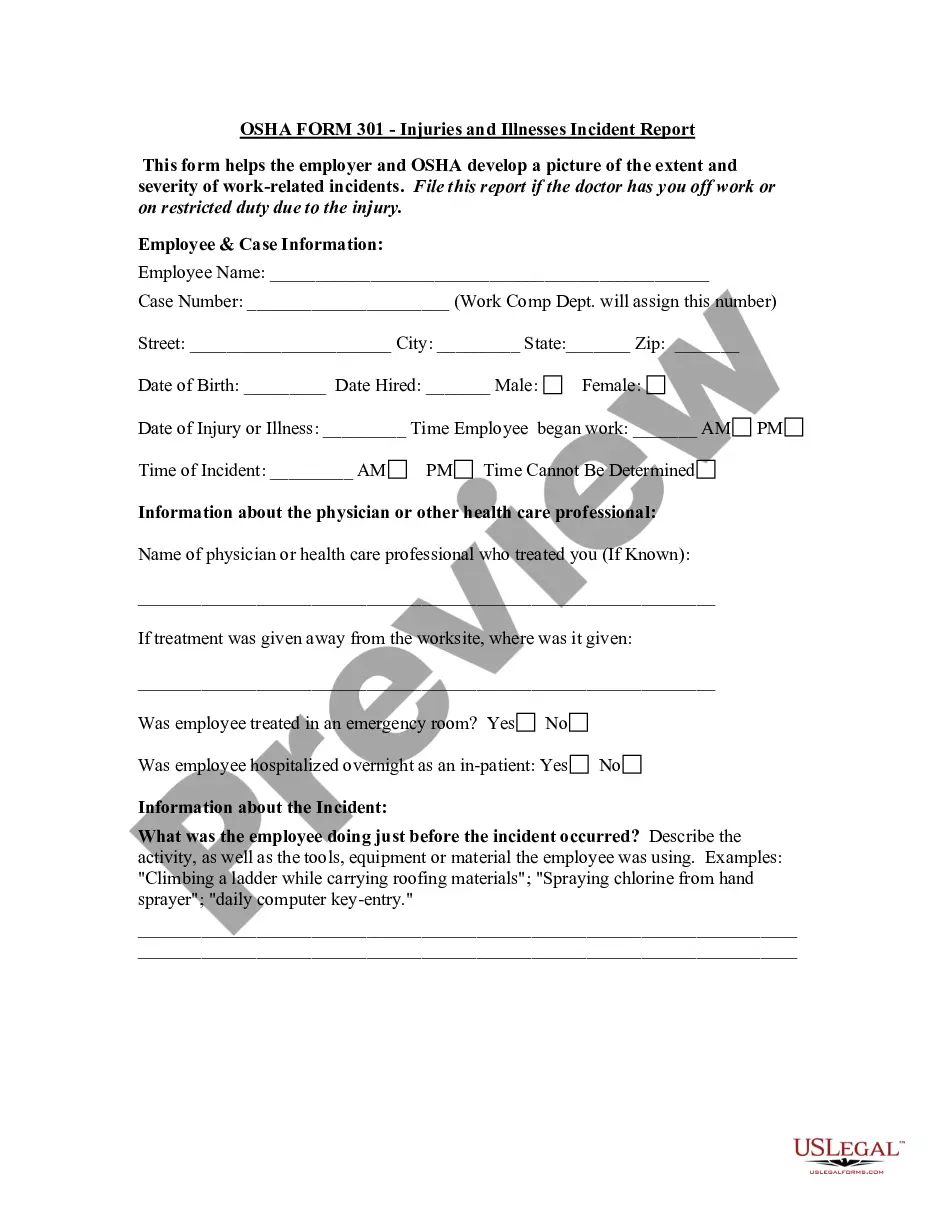
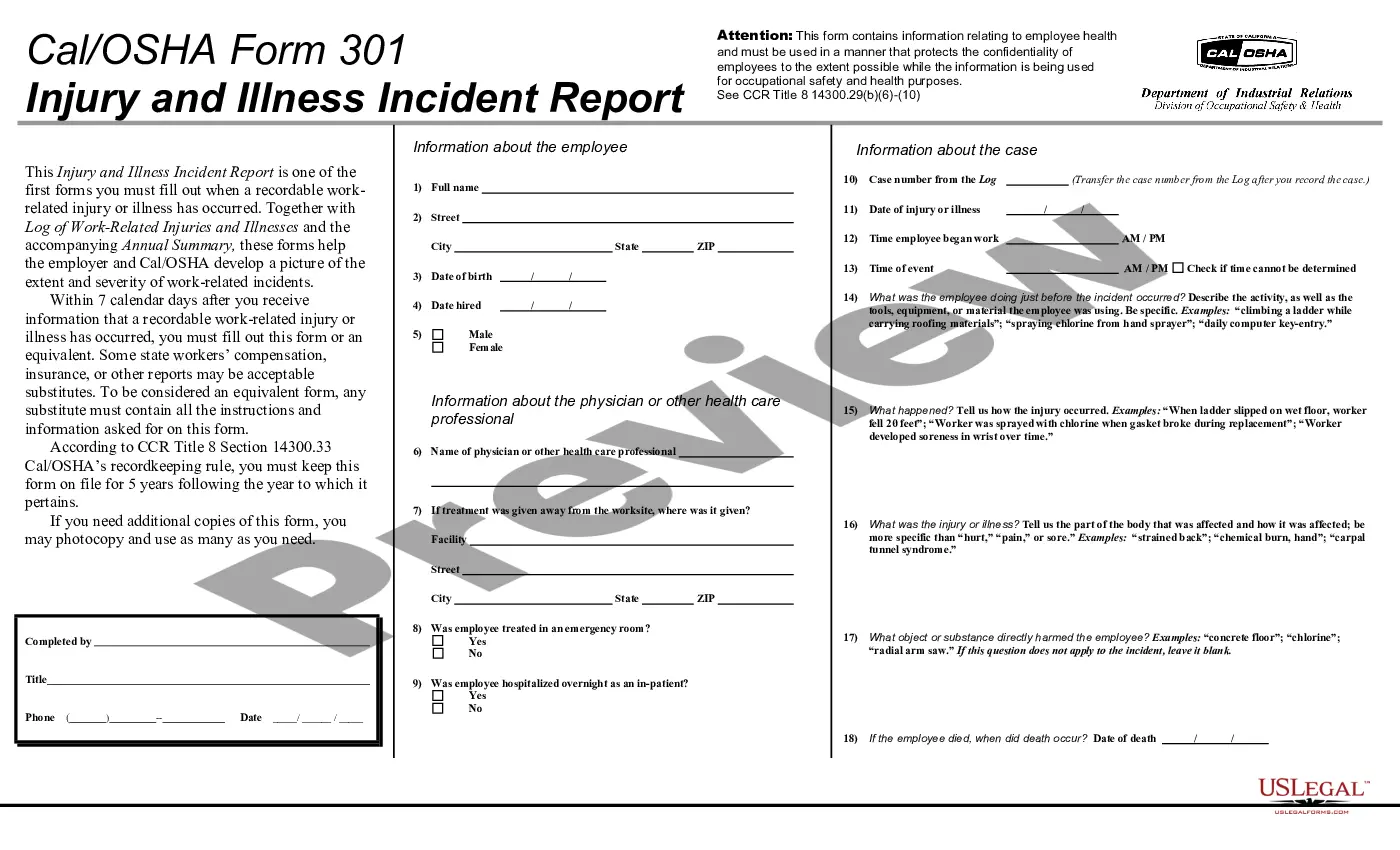
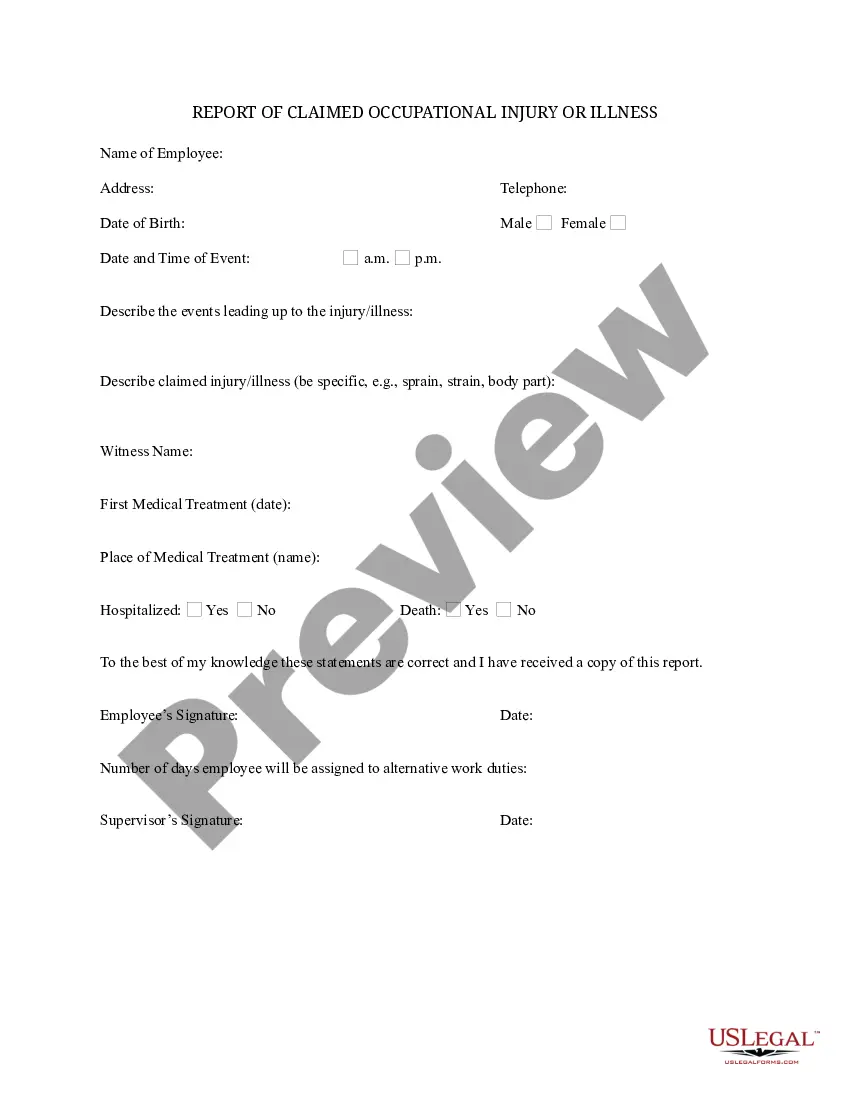

How to fill out Occupational Injury Illness Report?
If you need to access, download, or print valid document templates, make use of US Legal Forms, the largest selection of valid forms available online.
Utilize the site's straightforward and convenient search feature to find the documents you require.
Various templates for business and personal purposes are categorized by types and states, or keywords.
Every legal document template you purchase is yours indefinitely.
You have access to every form you've acquired in your account. Go to the My documents section and select a form to print or download again. Complete and download, and print the Guam Occupational Injury Illness Report with US Legal Forms. There are numerous professional and state-specific forms you can utilize for your business or personal requirements.
- Use US Legal Forms to find the Guam Occupational Injury Illness Report in just a few clicks.
- If you are already a US Legal Forms user, Log In to your profile and click on the Download button to obtain the Guam Occupational Injury Illness Report.
- You can also access forms you previously acquired under the My documents tab in your account.
- If this is your first time using US Legal Forms, follow the steps below.
- Step 1. Ensure you have selected the appropriate form for your region/country.
- Step 2. Use the Review option to view the form's details. Remember to check the information.
- Step 3. If you are dissatisfied with the form, use the Search box at the top of the screen to find other versions of your legal form template.
- Step 4. Once you have found the required form, click the Acquire now button. Choose the payment plan you prefer and enter your details to create an account.
- Step 5. Complete the payment process. You can use your credit card or PayPal account to finalize the purchase.
- Step 6. Select the format of your legal form and download it to your device.
- Step 7. Complete, edit, and print or sign the Guam Occupational Injury Illness Report.