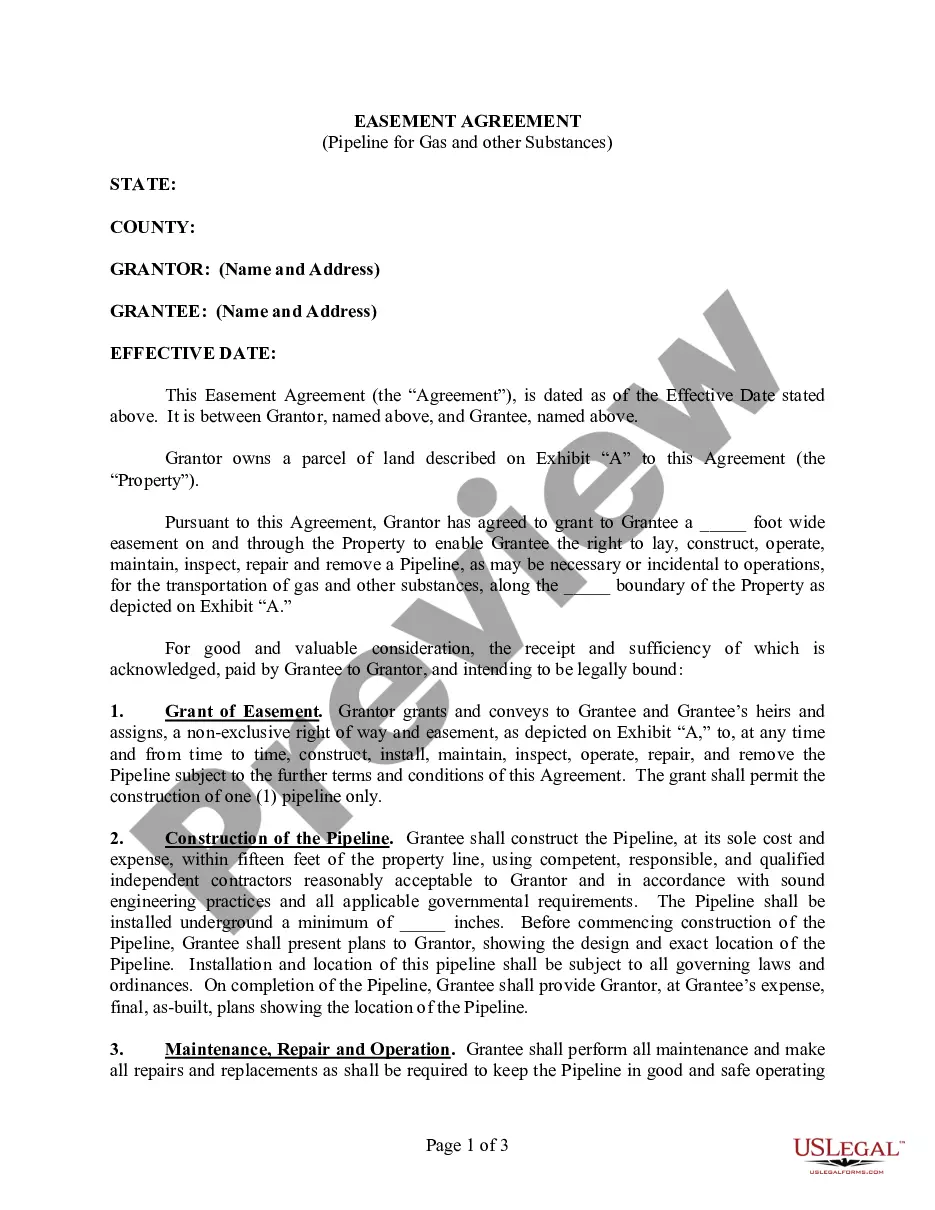
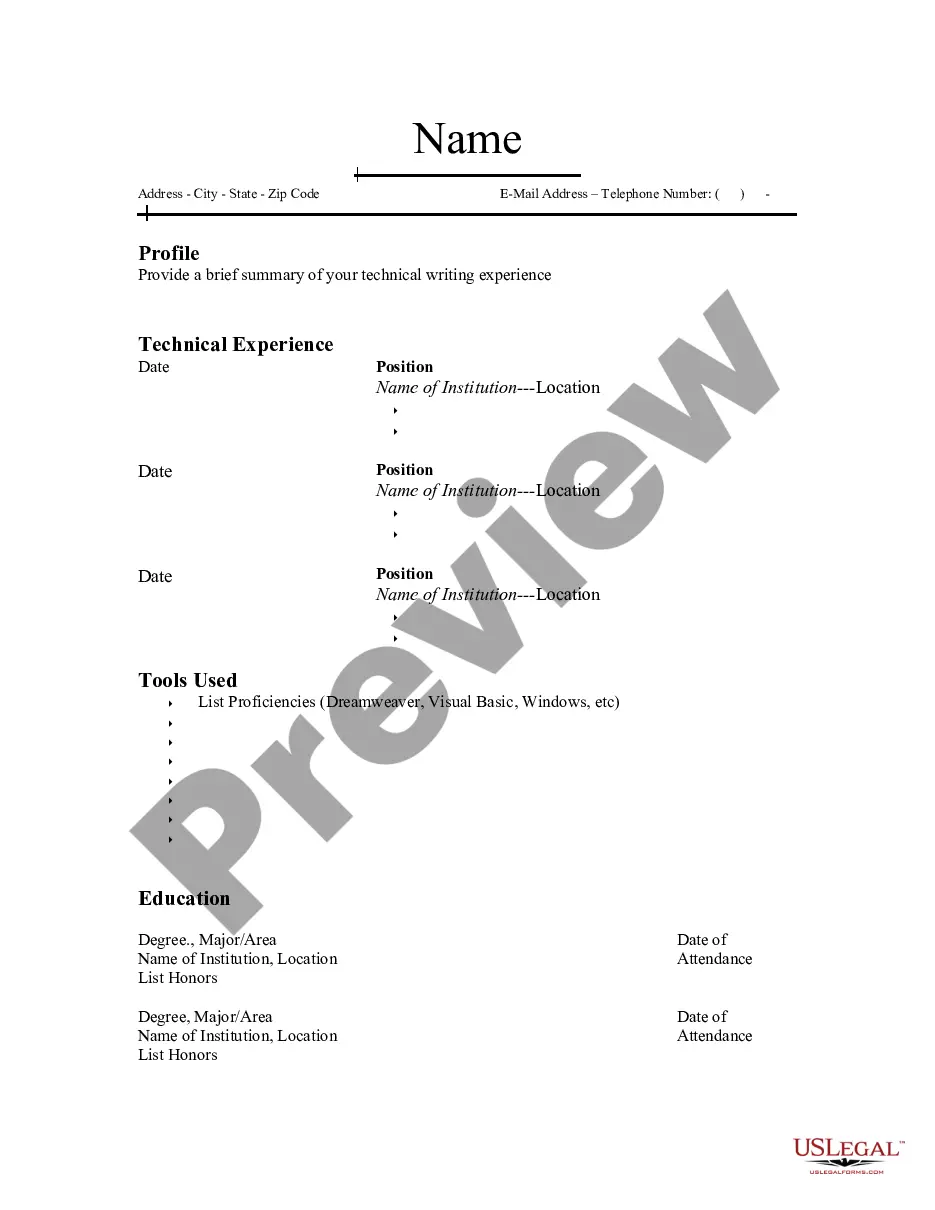
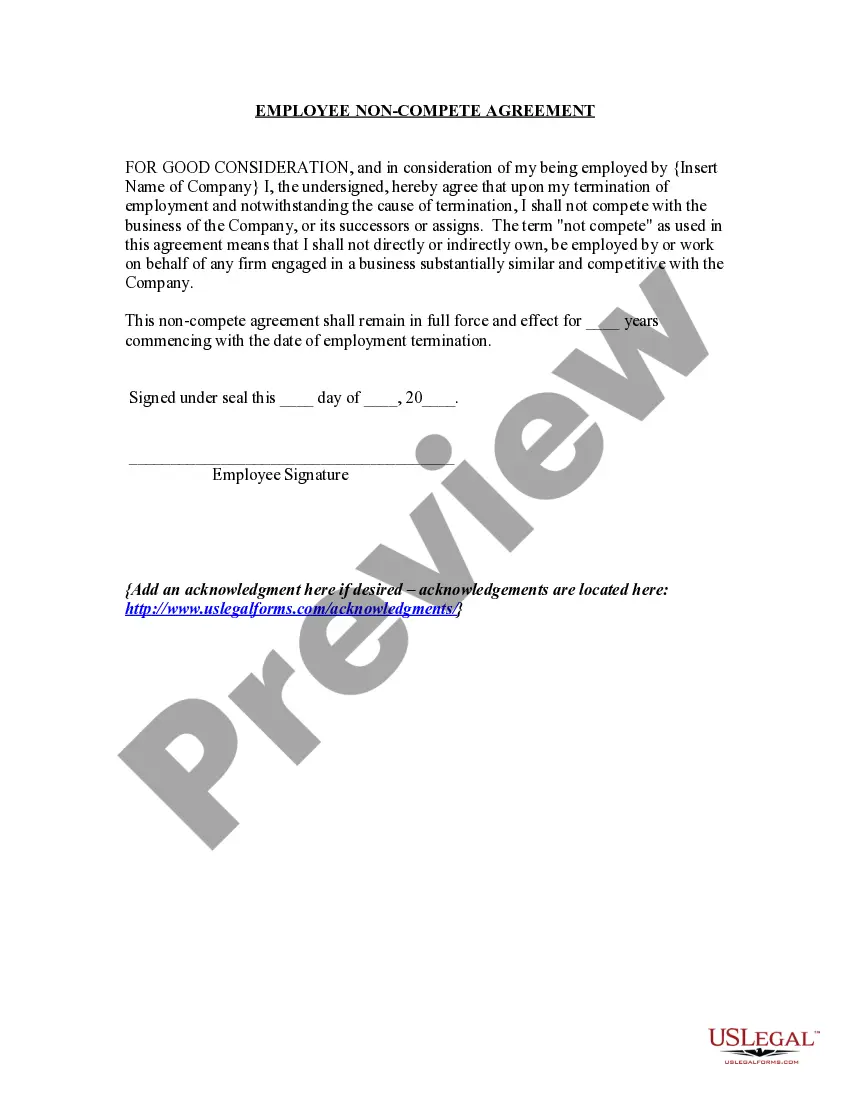
Guam Resume for English Teacher
Description

Get your form ready online
Our built-in tools help you complete, sign, share, and store your documents in one place.
Make edits, fill in missing information, and update formatting in US Legal Forms—just like you would in MS Word.
Download a copy, print it, send it by email, or mail it via USPS—whatever works best for your next step.
Sign and collect signatures with our SignNow integration. Send to multiple recipients, set reminders, and more. Go Premium to unlock E-Sign.
If this form requires notarization, complete it online through a secure video call—no need to meet a notary in person or wait for an appointment.
We protect your documents and personal data by following strict security and privacy standards.

Make edits, fill in missing information, and update formatting in US Legal Forms—just like you would in MS Word.

Download a copy, print it, send it by email, or mail it via USPS—whatever works best for your next step.

Sign and collect signatures with our SignNow integration. Send to multiple recipients, set reminders, and more. Go Premium to unlock E-Sign.

If this form requires notarization, complete it online through a secure video call—no need to meet a notary in person or wait for an appointment.

We protect your documents and personal data by following strict security and privacy standards.
Looking for another form?
How to fill out Resume For English Teacher?
US Legal Forms - one of the largest collections of legal documents in the United States - provides a variety of legal form templates that you can download or print. By utilizing the website, you will access a vast selection of forms for business and personal use, organized by categories, states, or keywords. You can find the latest versions of forms such as the Guam Resume for English Teacher in just minutes.
If you already have a subscription, Log In and download the Guam Resume for English Teacher from your US Legal Forms library. The Download button will appear on every form you view. You can access all previously downloaded forms in the My documents section of your account.
If you are using US Legal Forms for the first time, here are simple instructions to help you get started: Make sure you have selected the correct form for your city/region. Click the Review button to examine the form’s content. Read the form summary to confirm that you have chosen the right form. If the form does not meet your needs, utilize the Search field at the top of the page to find one that does. Once you are satisfied with the form, confirm your choice by clicking the Get now button. Then, select your preferred pricing plan and provide your information to register for an account. Process the transaction. Use your credit card or PayPal account to finalize the transaction. Choose the format and download the form to your device. Make changes. Complete, modify, print, and sign the downloaded Guam Resume for English Teacher.
- Every template you add to your account does not expire and is yours permanently.
- So, if you wish to download or print an additional copy, simply go to the My documents section and click on the form you need.
- Access the Guam Resume for English Teacher with US Legal Forms, the most extensive collection of legal document templates.
- Utilize a vast number of professional and state-specific templates that meet your business or personal needs and requirements.
Form popularity
FAQ
To write an effective Guam Resume for English Teacher, begin with a strong summary that reflects your passion for teaching. Include sections for your education, teaching experience, certifications, and skills. Be specific about your achievements and how you foster student learning to make a lasting impression on potential employers.
When adding ESL teaching experience to your Guam Resume for English Teacher, create a separate section dedicated to relevant teaching roles. Include the name of the institution, your position, and the duration of your employment. Highlight your responsibilities and achievements in teaching English as a second language to showcase your expertise.
Becoming a teacher on Guam typically requires a bachelor's degree in education and relevant teaching certifications. You may also need to pass specific exams and fulfill student teaching requirements. Research local job listings and consider using resources like US Legal Forms to navigate the application process efficiently.
To create a Guam Resume for English Teacher, start with a strong objective that outlines your teaching goals. Include your educational background, any teaching experience, and skills relevant to English instruction, such as curriculum development or classroom management. Tailor your resume to emphasize your unique strengths as an English teacher.
A teacher's resume should be clear and organized. For a Guam Resume for English Teacher, use a professional format with sections for your contact information, objective, education, experience, and skills. Ensure that your layout is easy to read, with consistent fonts and bullet points to highlight key information.
To include your TEFL certification on your Guam Resume for English Teacher, create a dedicated section for certifications. List the TEFL certification prominently, along with the issuing organization and the date obtained. This certification enhances your qualifications and shows employers your commitment to teaching English.
When writing a Guam Resume for English Teacher, focus on your education and any relevant skills. Highlight your coursework in education, volunteer work, or internships that showcase your teaching capabilities. Include any tutoring or mentoring experiences, as they demonstrate your ability to engage with students.