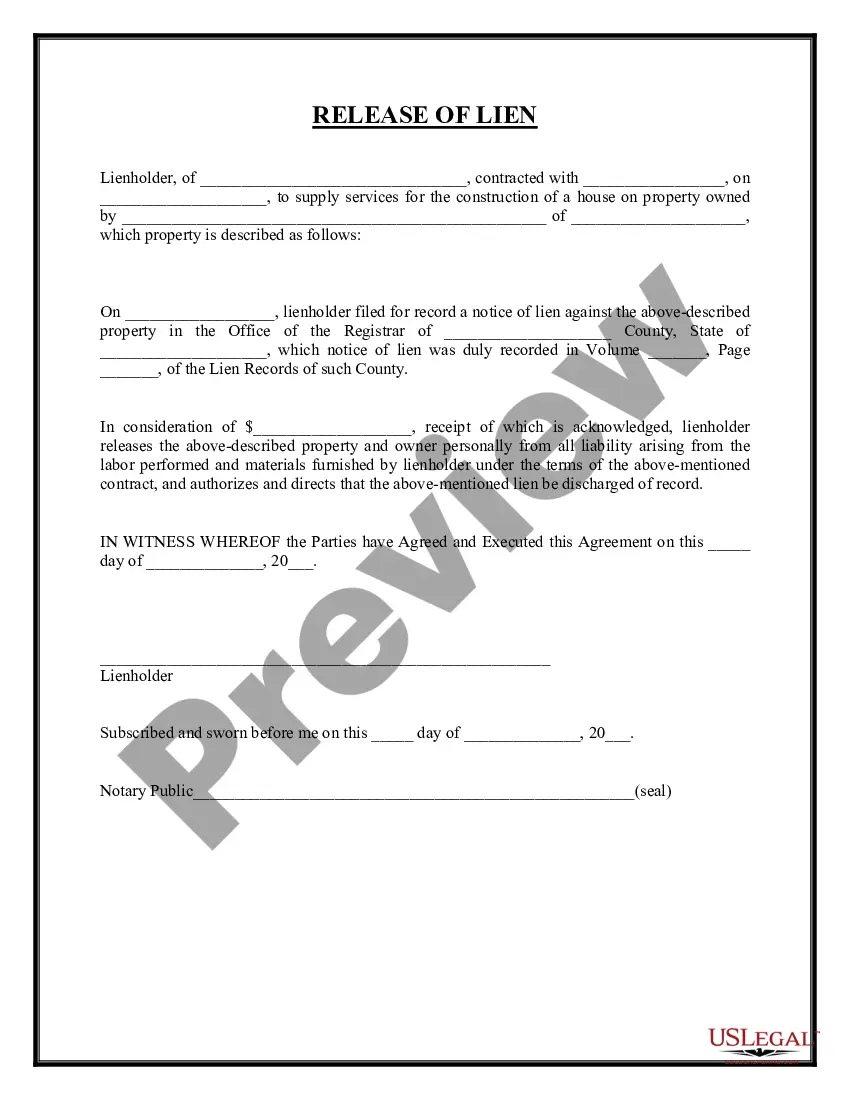
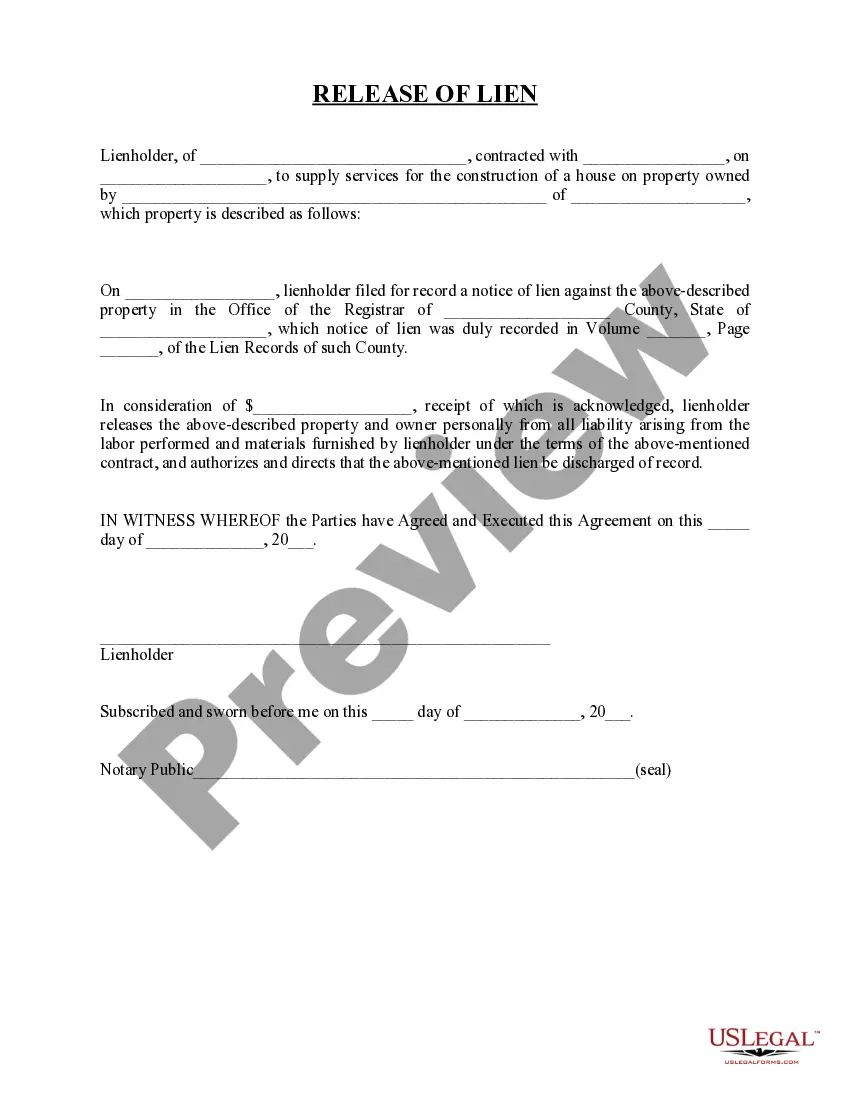
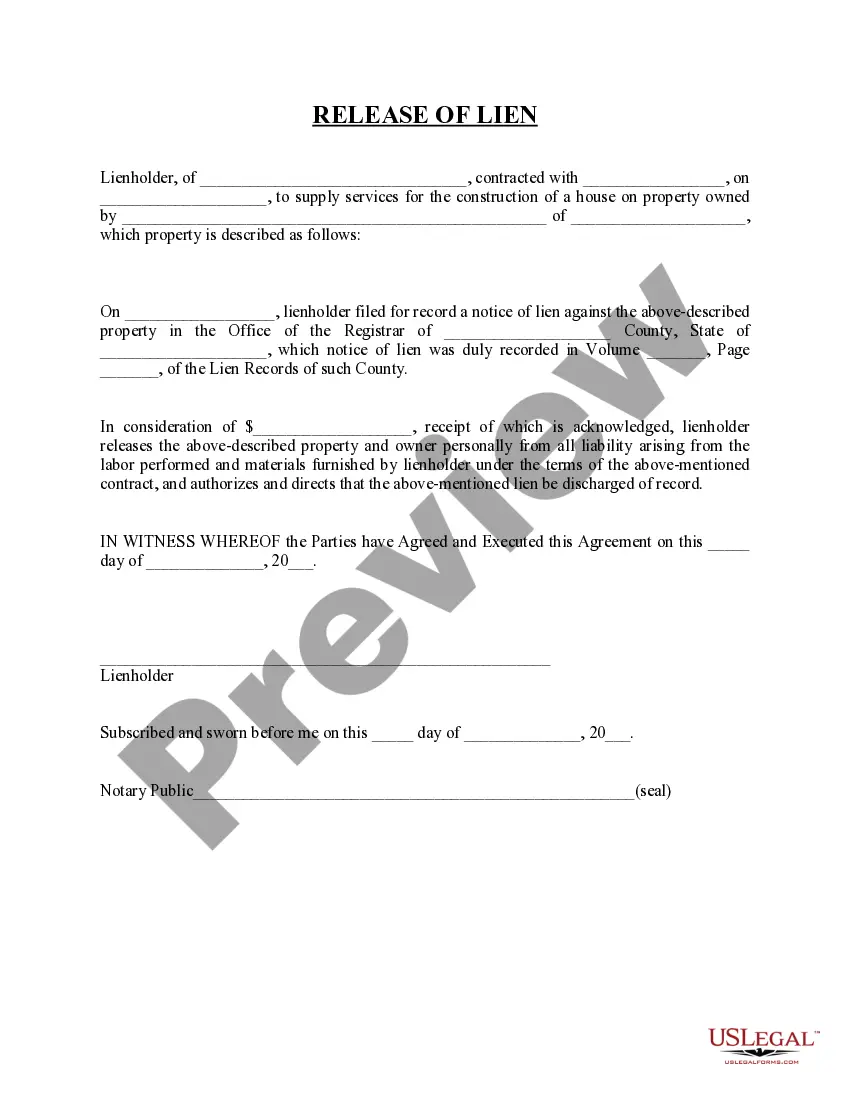
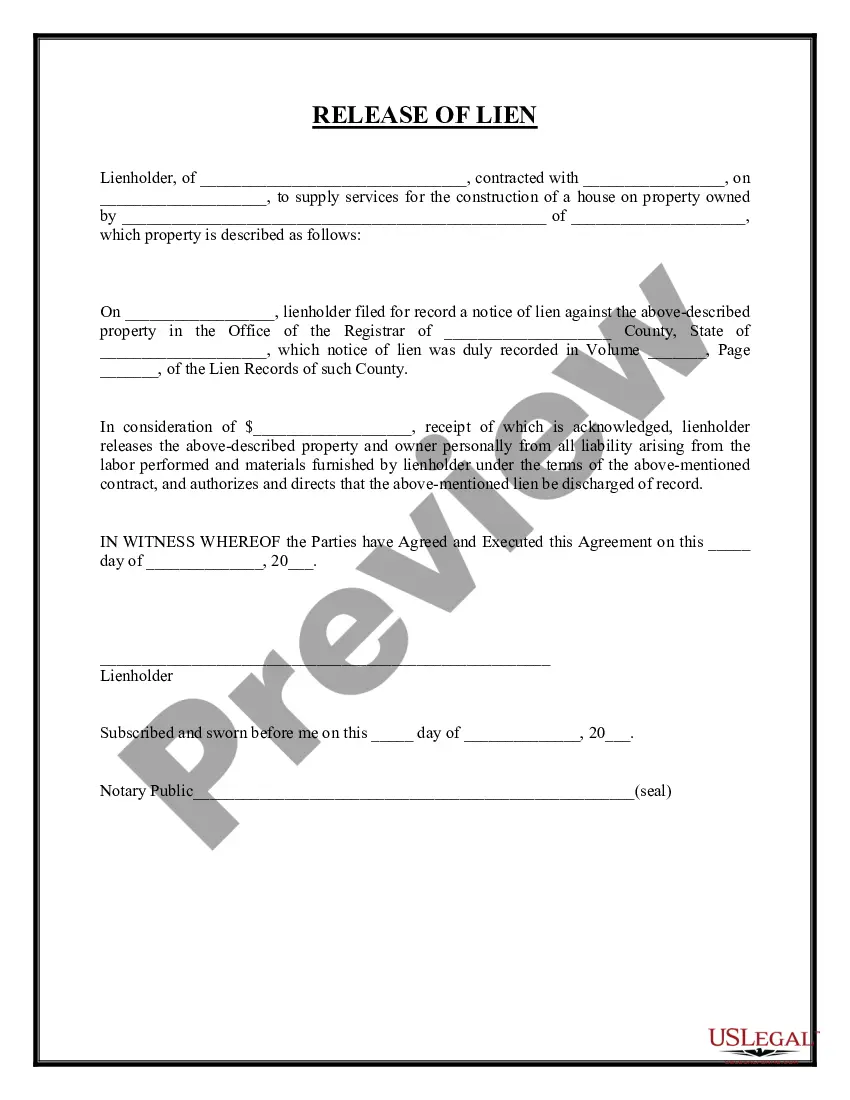
Guam Release of Lien for Vehicle
Description
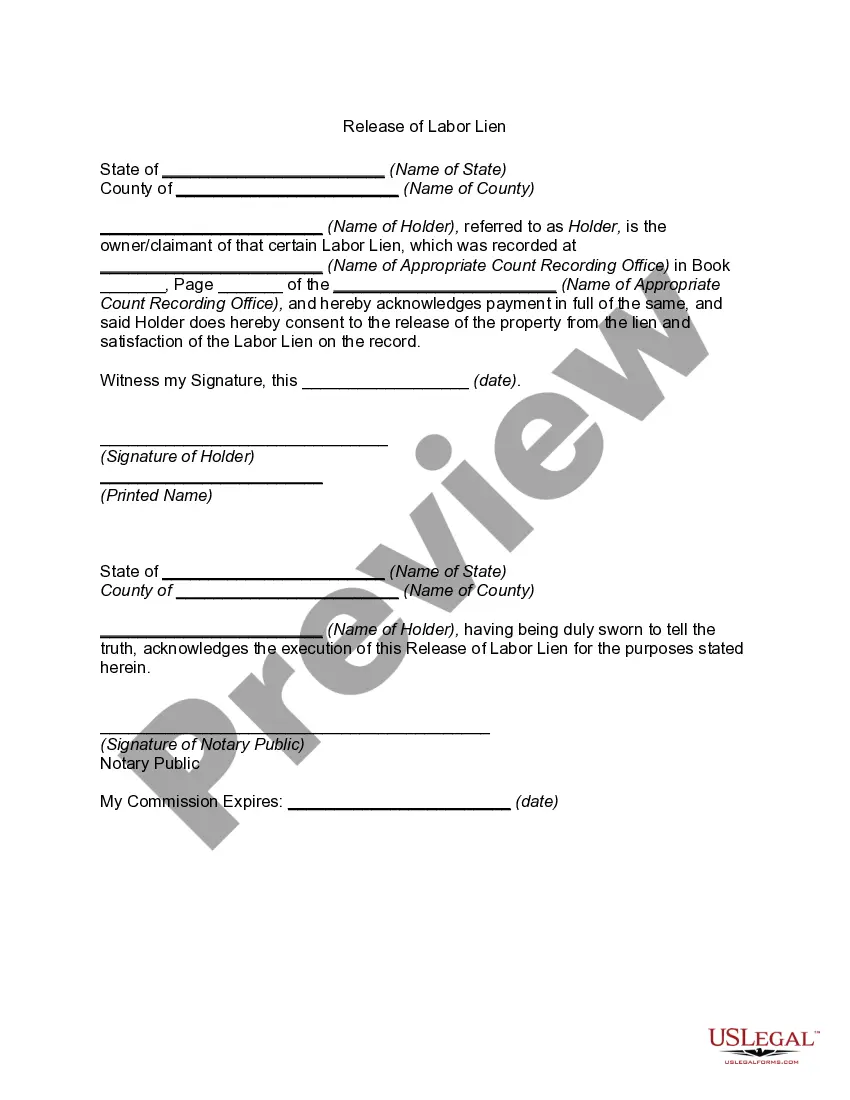
Get your form ready online
Our built-in tools help you complete, sign, share, and store your documents in one place.
Make edits, fill in missing information, and update formatting in US Legal Forms—just like you would in MS Word.
Download a copy, print it, send it by email, or mail it via USPS—whatever works best for your next step.
Sign and collect signatures with our SignNow integration. Send to multiple recipients, set reminders, and more. Go Premium to unlock E-Sign.
If this form requires notarization, complete it online through a secure video call—no need to meet a notary in person or wait for an appointment.
We protect your documents and personal data by following strict security and privacy standards.

Make edits, fill in missing information, and update formatting in US Legal Forms—just like you would in MS Word.

Download a copy, print it, send it by email, or mail it via USPS—whatever works best for your next step.

Sign and collect signatures with our SignNow integration. Send to multiple recipients, set reminders, and more. Go Premium to unlock E-Sign.

If this form requires notarization, complete it online through a secure video call—no need to meet a notary in person or wait for an appointment.

We protect your documents and personal data by following strict security and privacy standards.
Looking for another form?
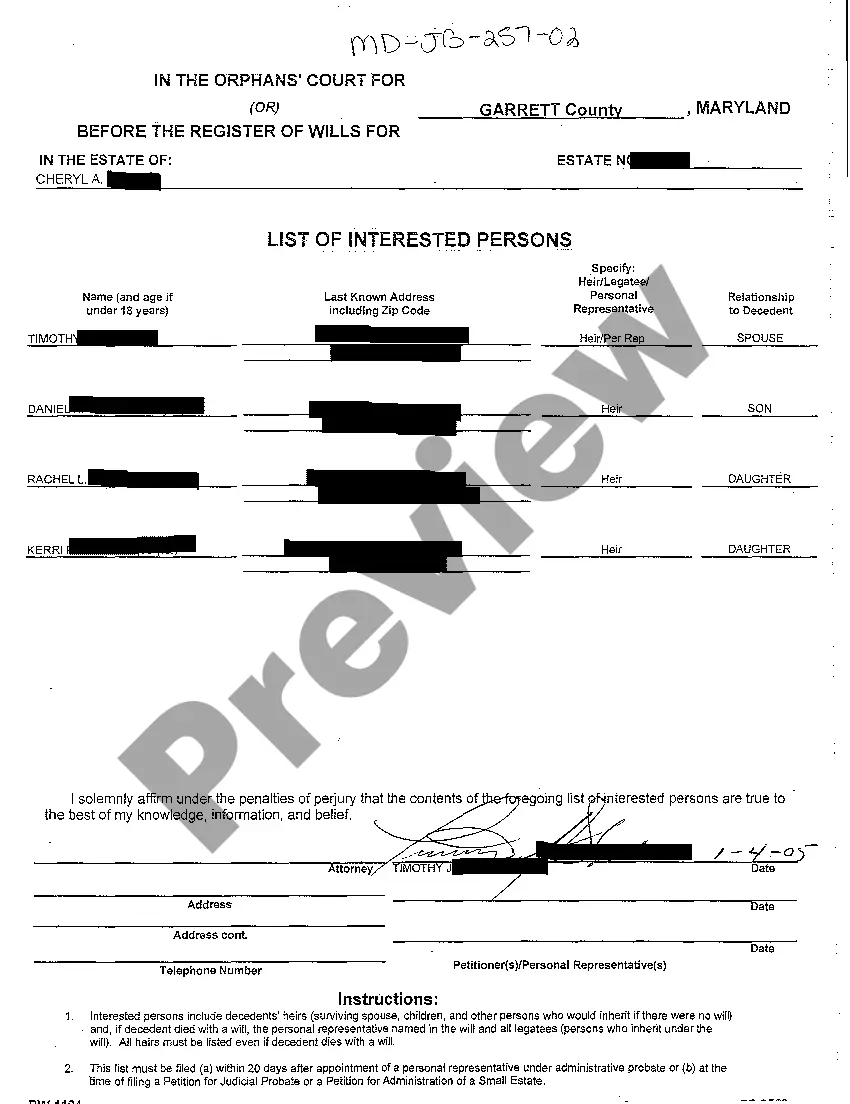
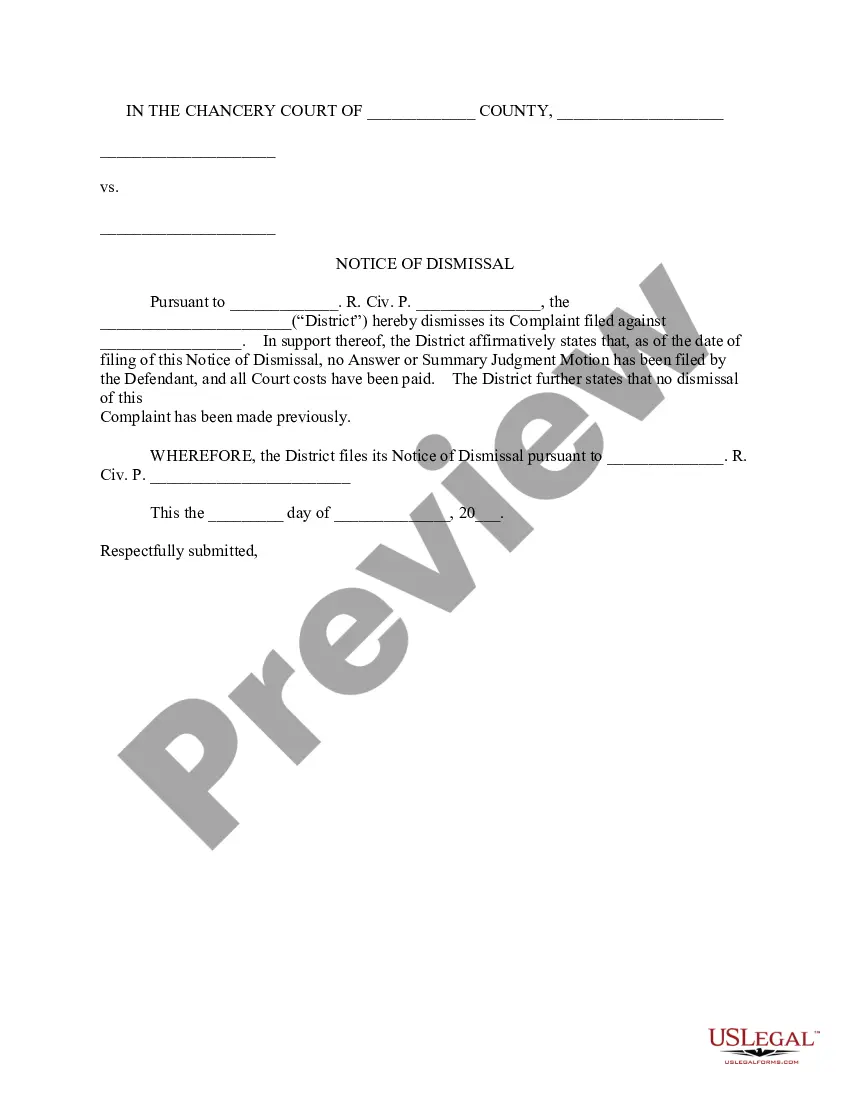
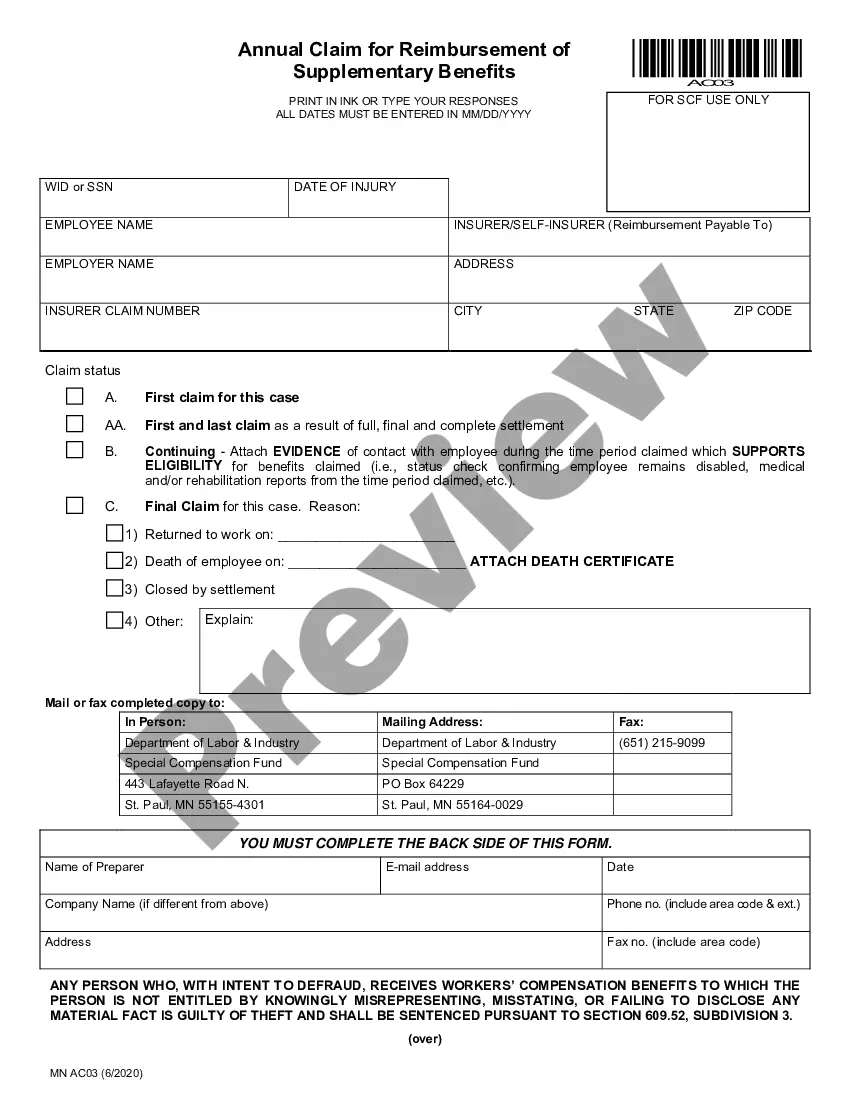
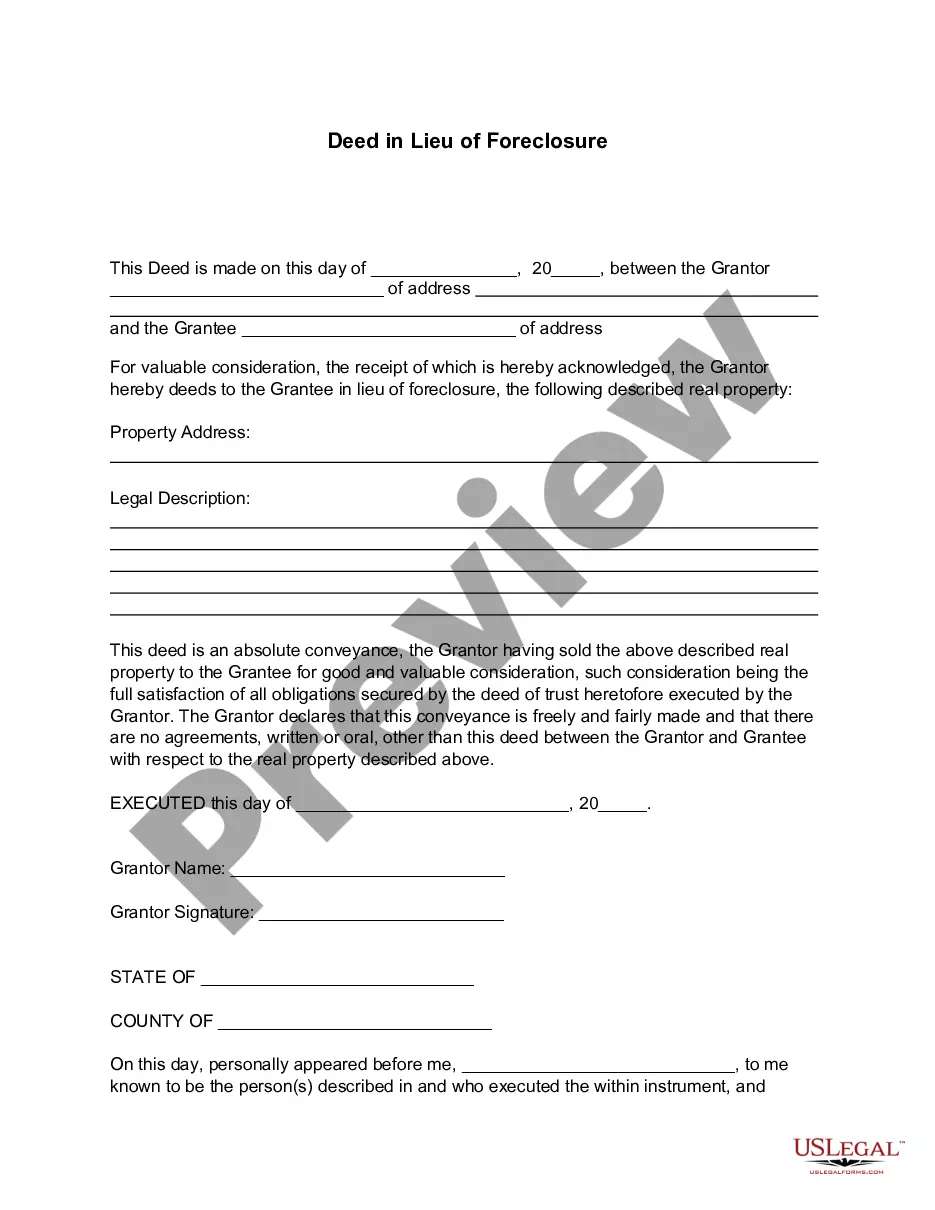
How to fill out Release Of Lien For Vehicle?
If you need to fill, download, or print legal document templates, utilize US Legal Forms, the premier collection of legal forms available online.
Take advantage of the site's simple and user-friendly search feature to locate the documents you require.
Various templates for business and personal purposes are categorized by groups and states, or keywords.
Step 4. Once you have found the form you want, click the Purchase now button. Select the pricing plan you prefer and enter your details to register for an account.
Step 5. Process the transaction. You can use your Visa or MasterCard or PayPal account to complete the purchase. Step 6. Choose the format of your legal form and download it to your device. Step 7. Complete, edit, and print or sign the Guam Release of Lien for Vehicle. Each legal document template you buy is yours forever. You have access to every form you saved in your account. Click the My documents section and select a form to print or download again. Complete and download, and print the Guam Release of Lien for Vehicle with US Legal Forms. There are numerous professional and state-specific forms available for your personal or business needs.
- Utilize US Legal Forms to find the Guam Release of Lien for Vehicle in just a few clicks.
- If you are already a US Legal Forms user, Log In to your account and click the Acquire button to obtain the Guam Release of Lien for Vehicle.
- You can also access forms you previously stored from the My documents section of your account.
- If you are using US Legal Forms for the first time, follow the steps below.
- Step 1. Ensure you have selected the form for the correct city/state.
- Step 2. Use the Preview option to review the form's content. Don’t forget to read the description.
- Step 3. If you are not satisfied with the form, use the Search field at the top of the page to find alternative versions of your legal form template.
Form popularity
FAQ
Ing to California law, all vehicles registered within the state must have a license plate on the front and the rear. Those who do not adhere to the law can face a fine of up to $196. The law specifies certain vehicles are only issued a single license plate that must be displayed in the rear.
PRIVATELY OWNED VEHICLE (POV)/MOTORCYCLE REGISTRATION: You need the following to apply for Guam Vehicle Registration: Certificate of Ownership (title) or Lien from a financial institution. The original manufacturer's Certificate of Origin o Certification of Automobile Liability Insurance (Public Law 20-216)
The U.S. unincorporated territory of Guam first required its residents to register their motor vehicles and display license plates in 1916.
Oregon state law already requires drivers to display license plates on the front and back of vehicles. Motorcycles are exempt from the laws because they are issued only one plate.
FOR INITIAL REGISTRATION: 1. The Original Manufacturer's Certificate of Origin, or the latest Off-Island Vehicle Registration. 2. A passed Guam Vehicle Inspection (Must be submitted with Initial Application).
Guam law requires all vehicles to display both a back and front license plate, with the exception of personnel invoking SCRA with states only issuing one plate.
There will be a late charge of TWENTY-FIVE PERCENT (25%) of the annual registration fee for each quarter or fraction thereof the fee is delinquent.
It's the law in Oregon to have two plates unless the vehicle is on the exemption list, and Teslas are not.