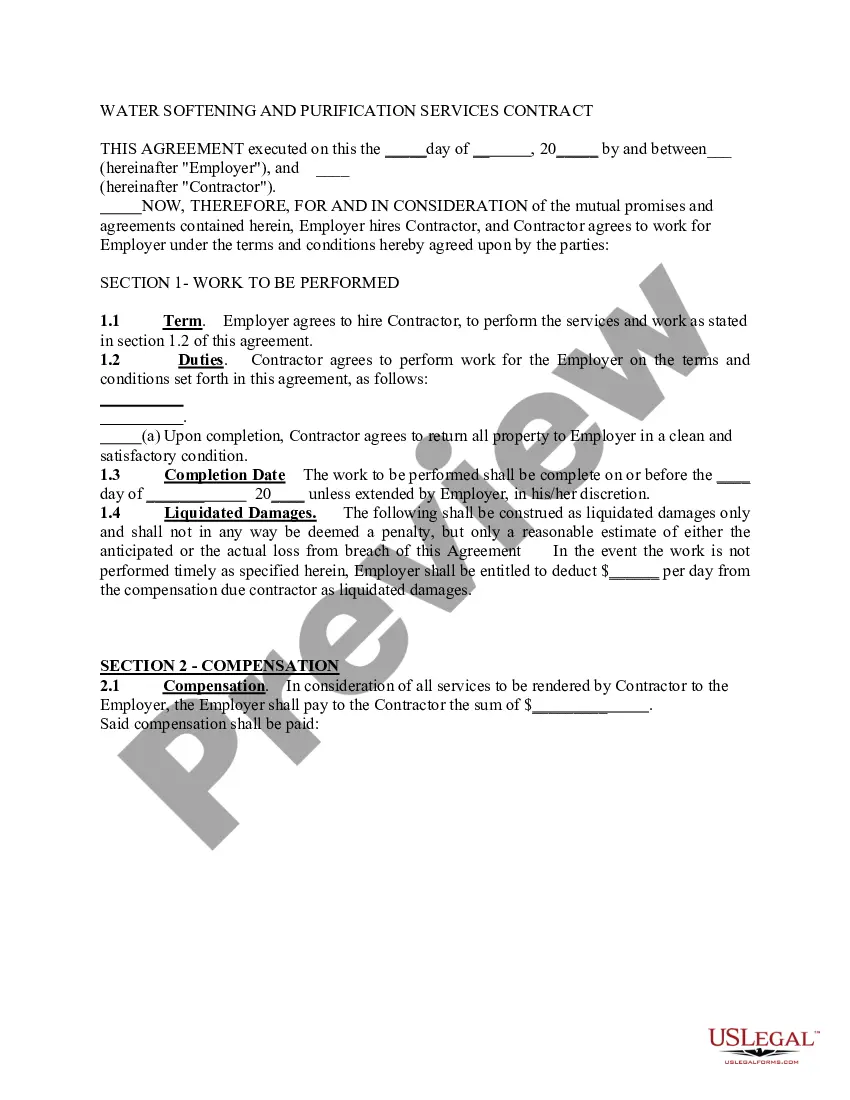
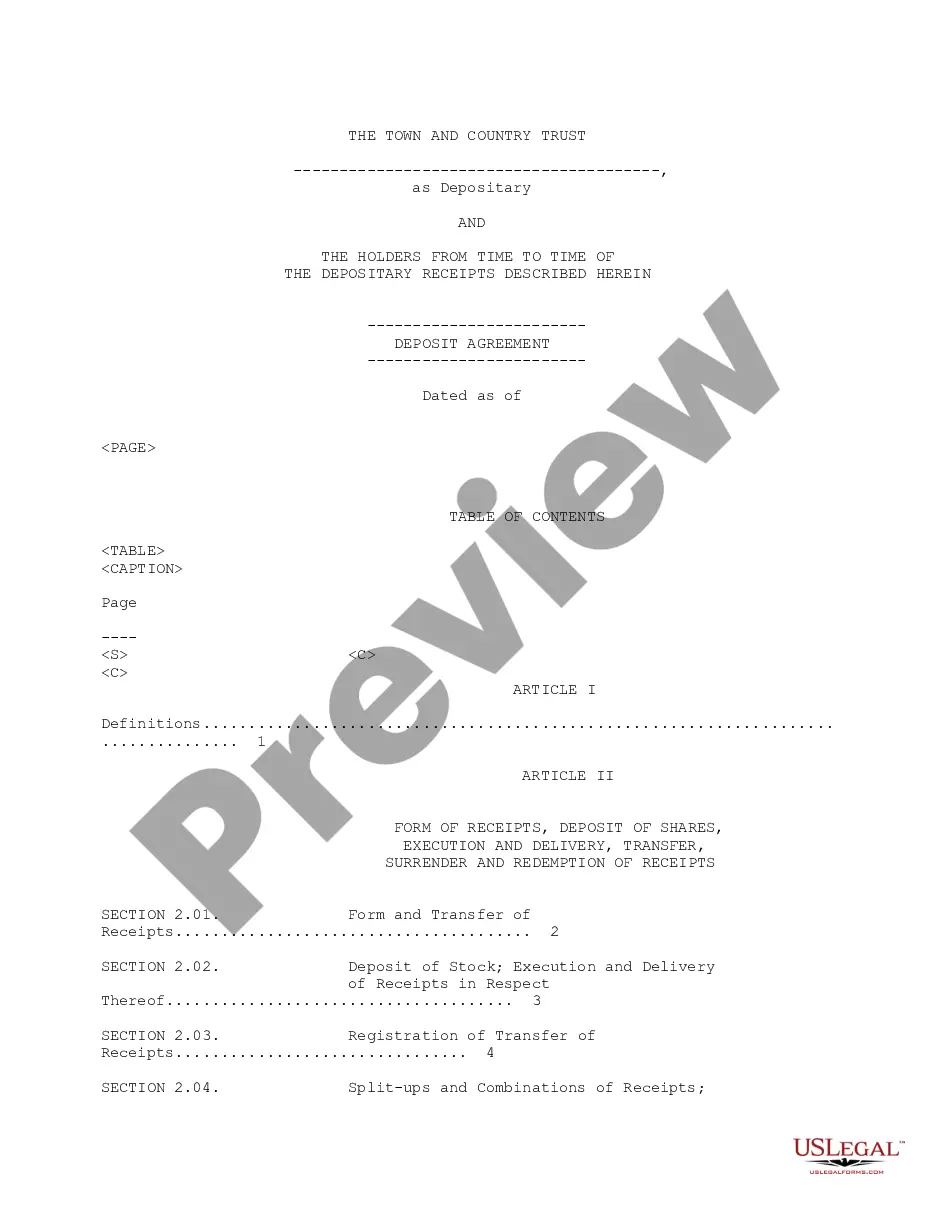
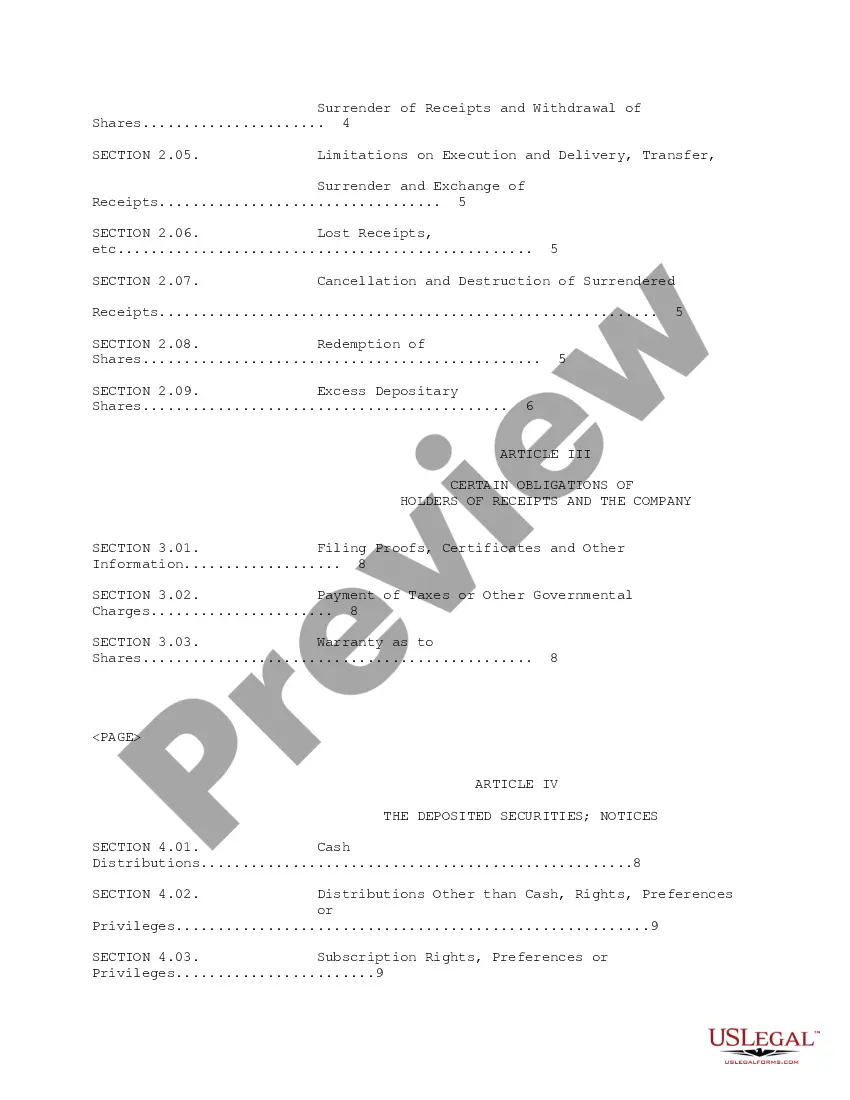
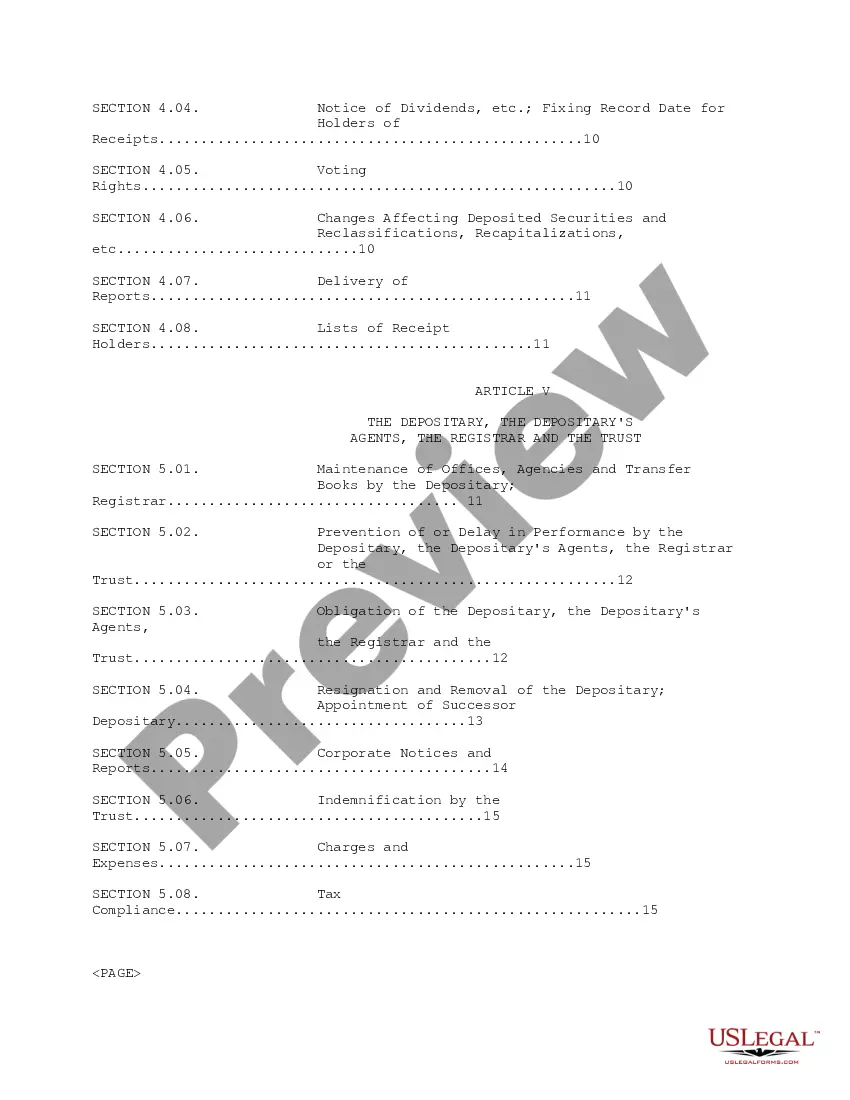
Georgia Deposit Agreement
Description

Get your form ready online
Our built-in tools help you complete, sign, share, and store your documents in one place.
Make edits, fill in missing information, and update formatting in US Legal Forms—just like you would in MS Word.
Download a copy, print it, send it by email, or mail it via USPS—whatever works best for your next step.
Sign and collect signatures with our SignNow integration. Send to multiple recipients, set reminders, and more. Go Premium to unlock E-Sign.
If this form requires notarization, complete it online through a secure video call—no need to meet a notary in person or wait for an appointment.
We protect your documents and personal data by following strict security and privacy standards.

Make edits, fill in missing information, and update formatting in US Legal Forms—just like you would in MS Word.

Download a copy, print it, send it by email, or mail it via USPS—whatever works best for your next step.

Sign and collect signatures with our SignNow integration. Send to multiple recipients, set reminders, and more. Go Premium to unlock E-Sign.

If this form requires notarization, complete it online through a secure video call—no need to meet a notary in person or wait for an appointment.

We protect your documents and personal data by following strict security and privacy standards.
Looking for another form?






How to fill out Deposit Agreement?
If you need to comprehensive, download, or produce legitimate record themes, use US Legal Forms, the biggest selection of legitimate forms, which can be found on the Internet. Utilize the site`s basic and handy look for to get the papers you need. Numerous themes for enterprise and personal reasons are categorized by classes and claims, or keywords and phrases. Use US Legal Forms to get the Georgia Deposit Agreement in just a number of click throughs.
Should you be previously a US Legal Forms buyer, log in to the accounts and click on the Acquire option to have the Georgia Deposit Agreement. You may also gain access to forms you in the past acquired inside the My Forms tab of the accounts.
Should you use US Legal Forms the first time, follow the instructions listed below:
- Step 1. Be sure you have chosen the shape for that correct area/country.
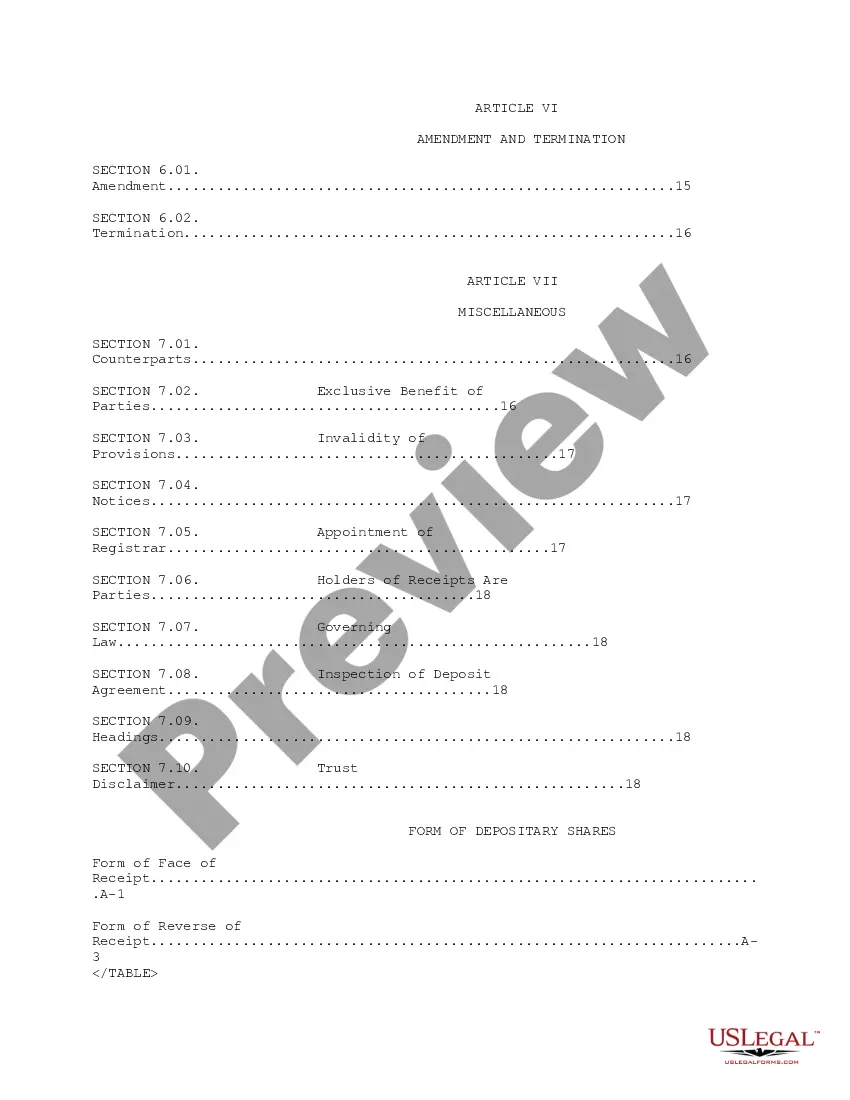
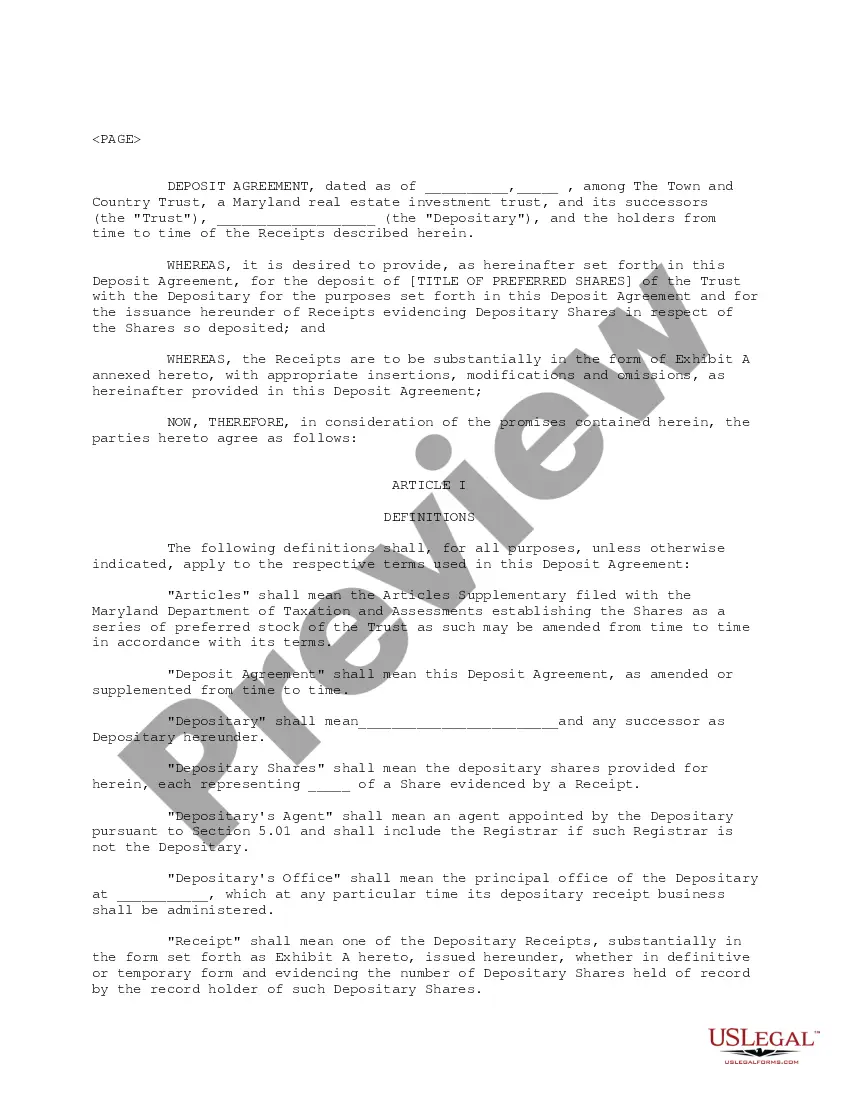
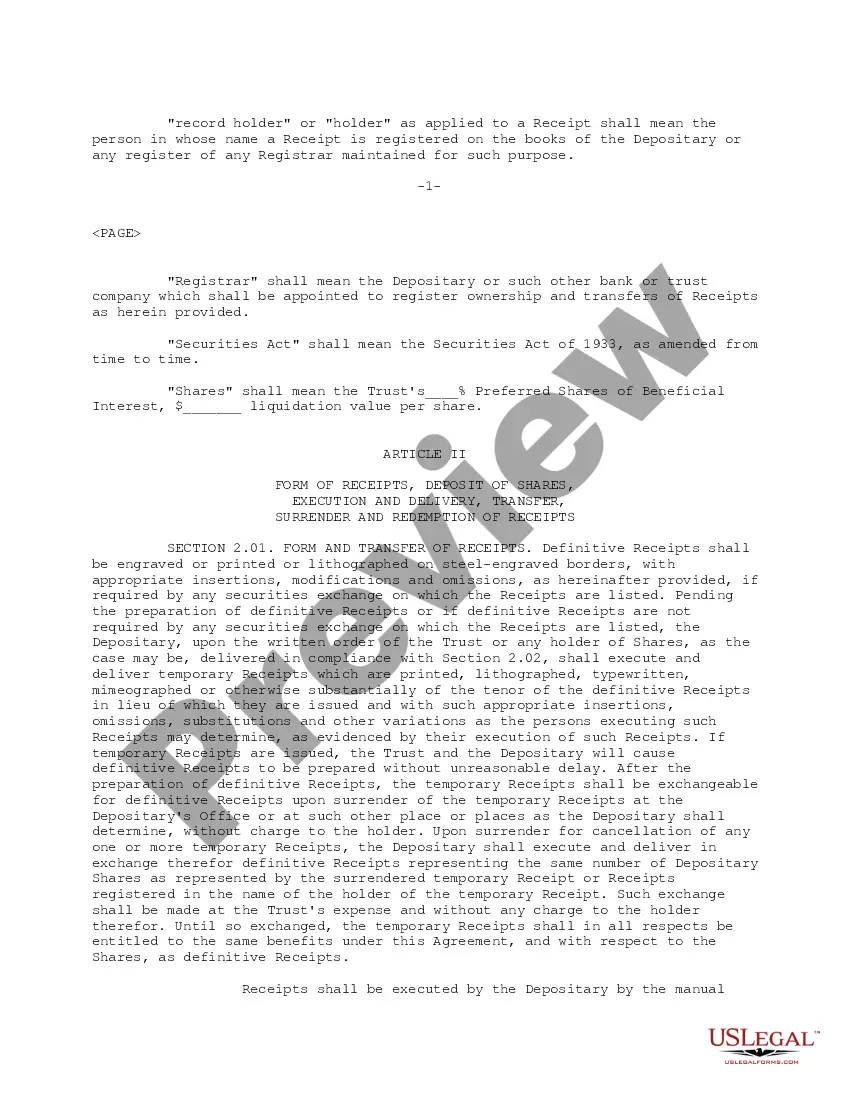
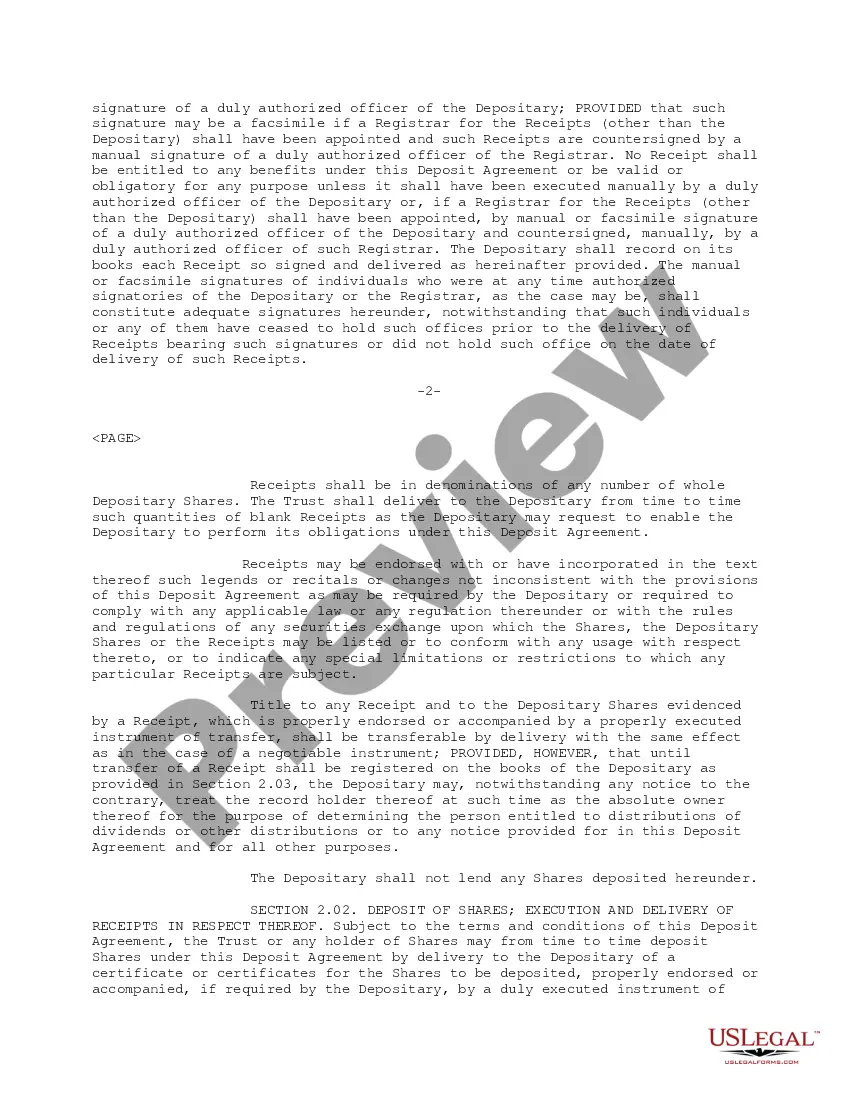
- Step 2. Utilize the Review choice to look through the form`s articles. Do not overlook to read the outline.
- Step 3. Should you be unhappy with the type, make use of the Search field on top of the monitor to find other variations of the legitimate type web template.
- Step 4. Upon having found the shape you need, go through the Get now option. Choose the costs prepare you favor and include your qualifications to sign up on an accounts.
- Step 5. Process the purchase. You can use your charge card or PayPal accounts to finish the purchase.
- Step 6. Find the formatting of the legitimate type and download it in your device.
- Step 7. Comprehensive, edit and produce or indicator the Georgia Deposit Agreement.
Each and every legitimate record web template you acquire is the one you have permanently. You may have acces to each and every type you acquired with your acccount. Click the My Forms section and select a type to produce or download once more.
Contend and download, and produce the Georgia Deposit Agreement with US Legal Forms. There are millions of skilled and state-certain forms you may use for your personal enterprise or personal demands.
Form popularity
FAQ
Make a Quick Payment Go to the Georgia Tax Center. Under Tasks, click on Make a Quick Payment. Review the Request details and click Next. For Customer Type, select on Individual. For your ID Type, select the box Social Security # or Individual Taxpayer ID #. ... Select Yes or No if you have a payment number.
Form G-4 Employee Withholding.
Use Form GA-9465 to request a monthly installment plan if you cannot pay the full amount you owe shown on your tax return (or on a notice we sent you). Generally, you can have up to 60 months to pay.
New employers with private, agriculture, and domestic employment can submit an Online Employer Tax Registration ( ) and obtain a GDOL account number, if liable, upon submission.
Create a profile for a Business Go to the Georgia Tax Center. Click on Sign up. Review the requirements to confirm you are eligible and what you need to apply. ... Select the appropriate Account Type, click Next. Provide the Account Information, click Next. Enter any required extra validation account information, click Next.
Individual Go to the Georgia Tax Center. Under Tasks, click on Make a Quick Payment. Review the Request details and click Next. For Customer Type, select on Individual. For your ID Type, select the box Social Security # or Individual Taxpayer ID #. ... Select Yes or No if you have a payment number.
Submit the completed Form RD-1061 through the Georgia Tax Center (GTC) or to the Department employee handling your inquiry.
Create a profile for a Business Go to the Georgia Tax Center. Click on Sign up. Review the requirements to confirm you are eligible and what you need to apply. ... Select the appropriate Account Type, click Next. Provide the Account Information, click Next. Enter any required extra validation account information, click Next.