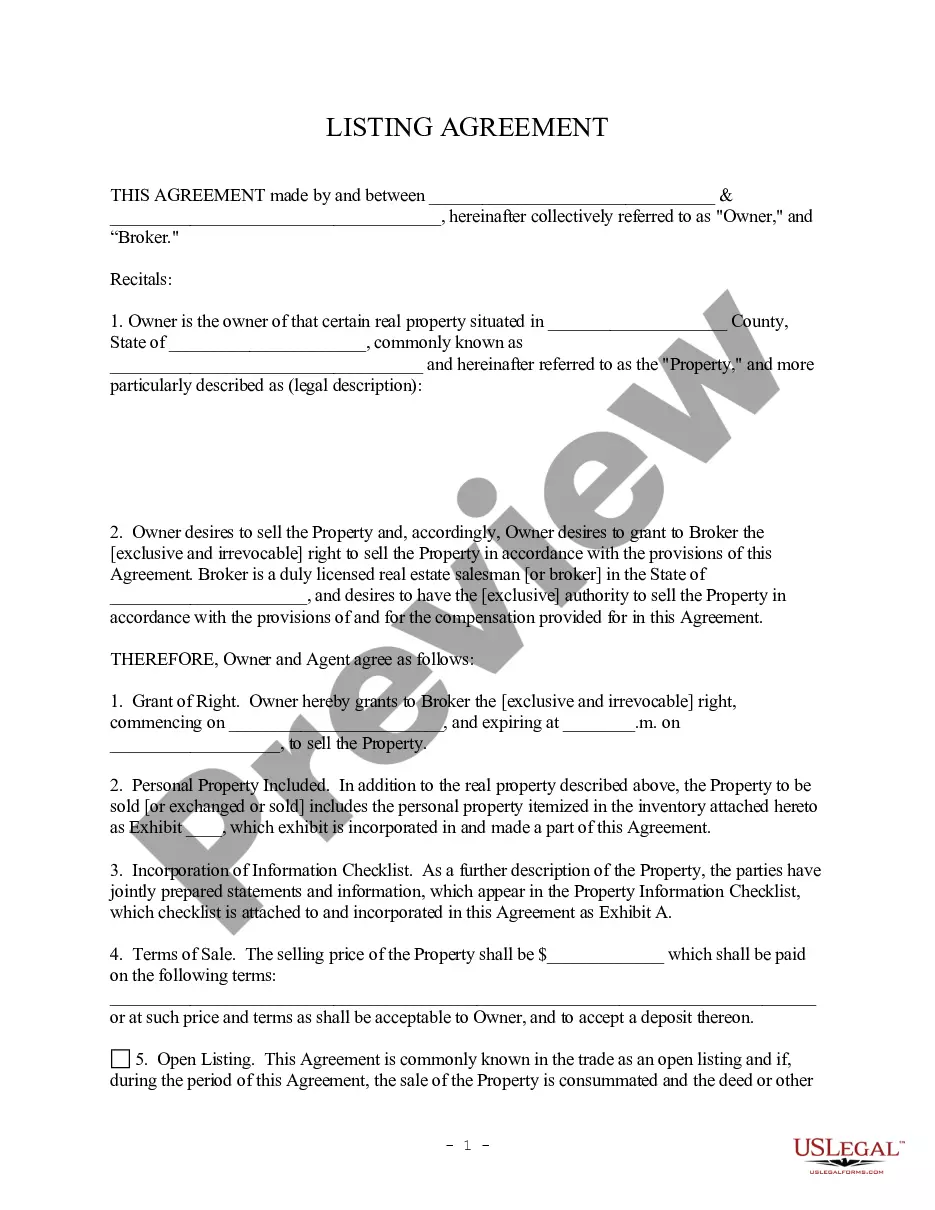
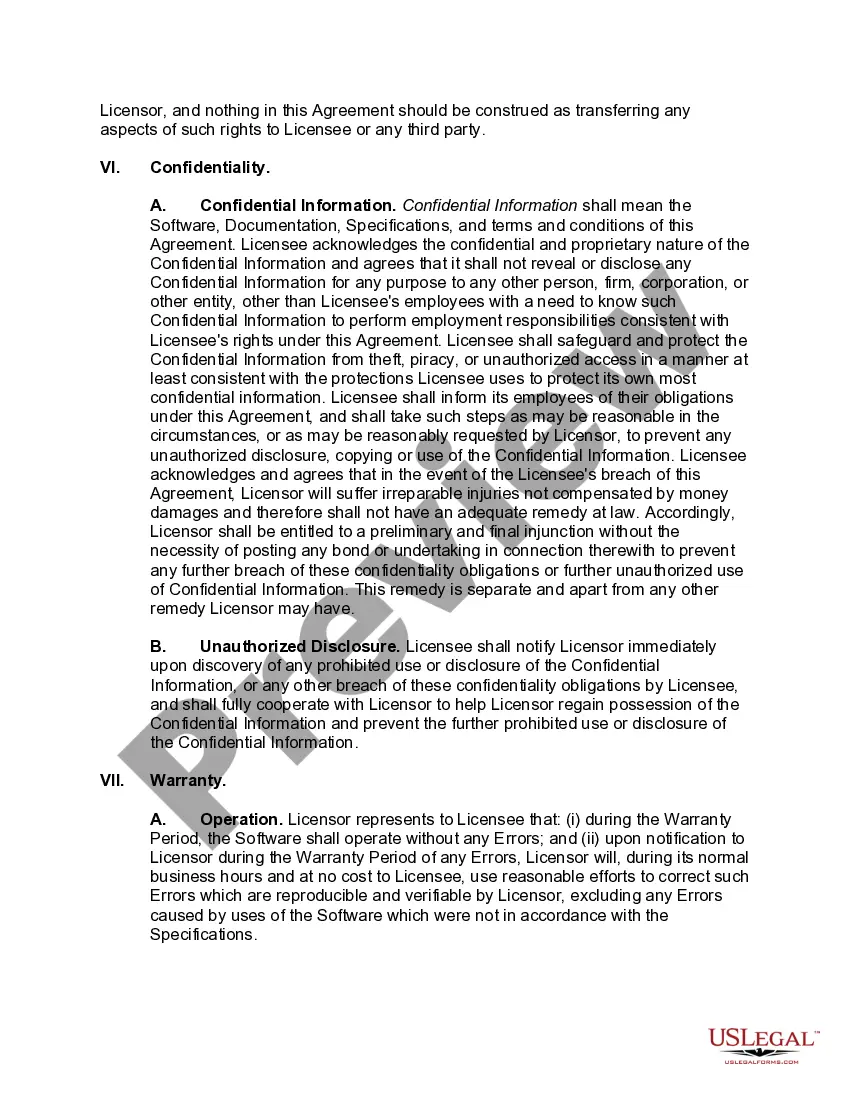
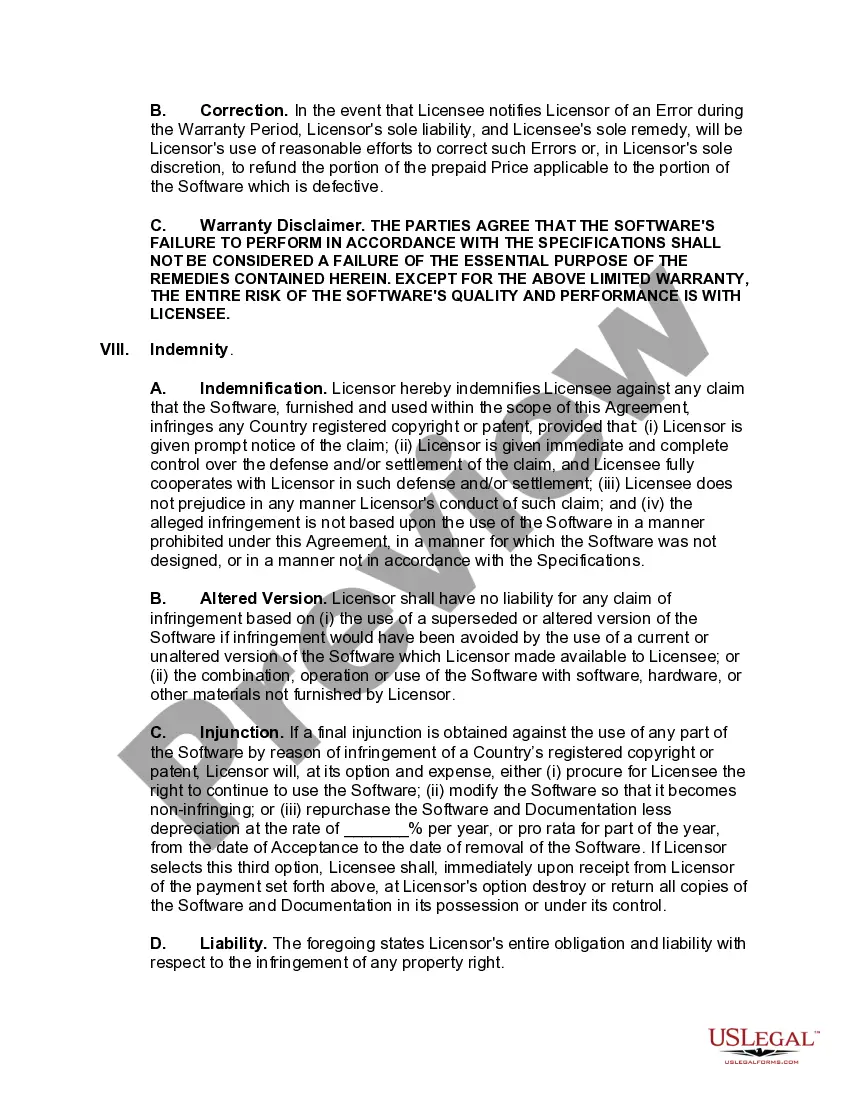
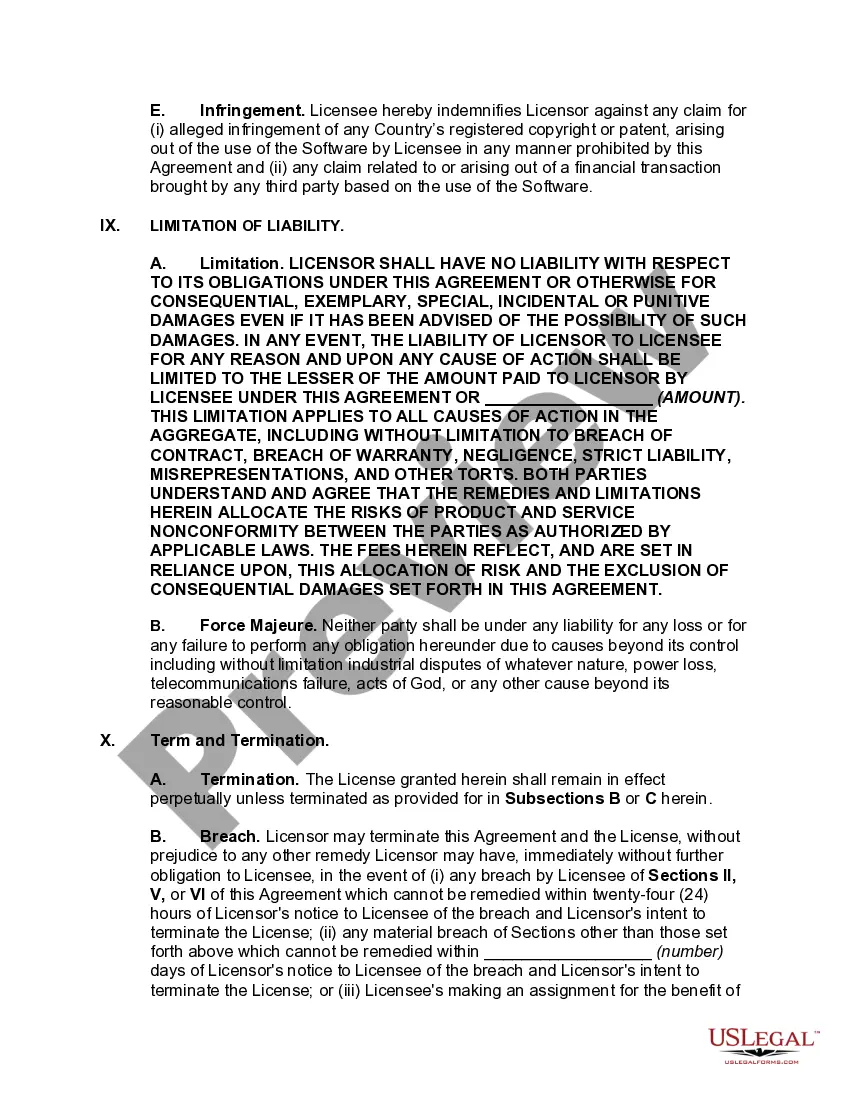
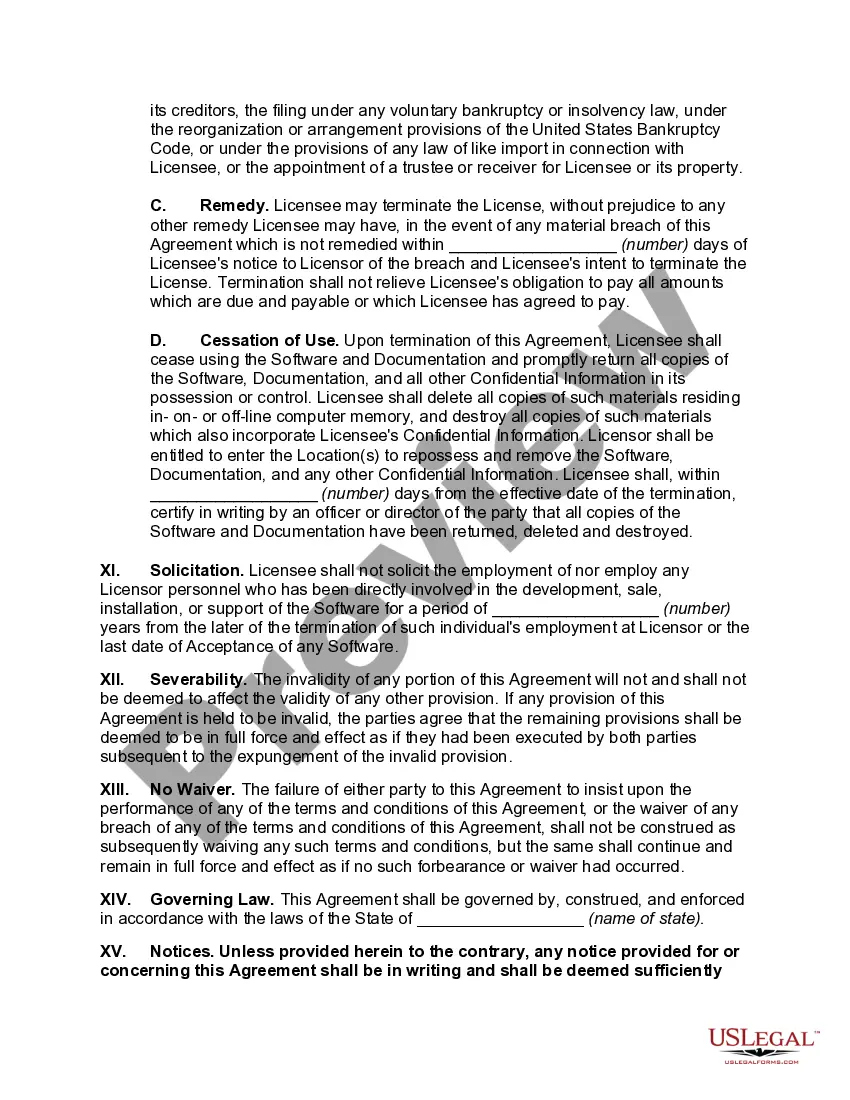
Georgia Software License Agreement for Certain Computer Programs
Description
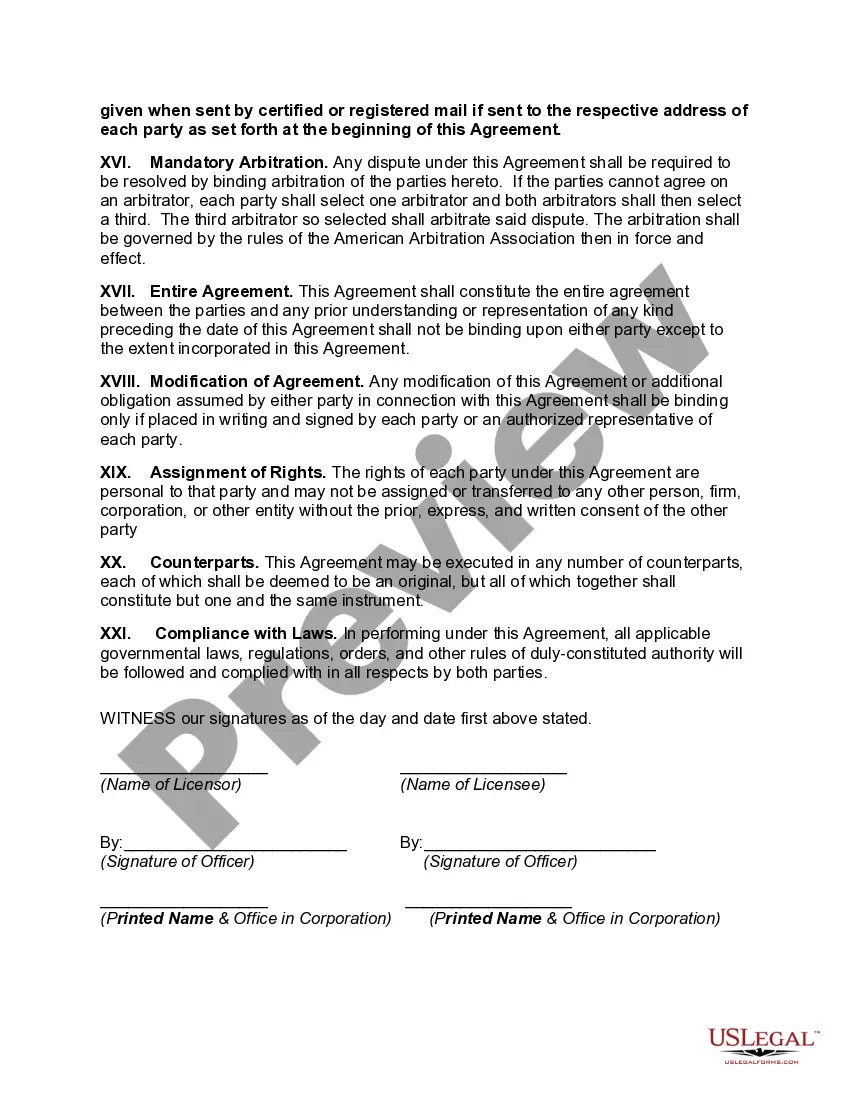
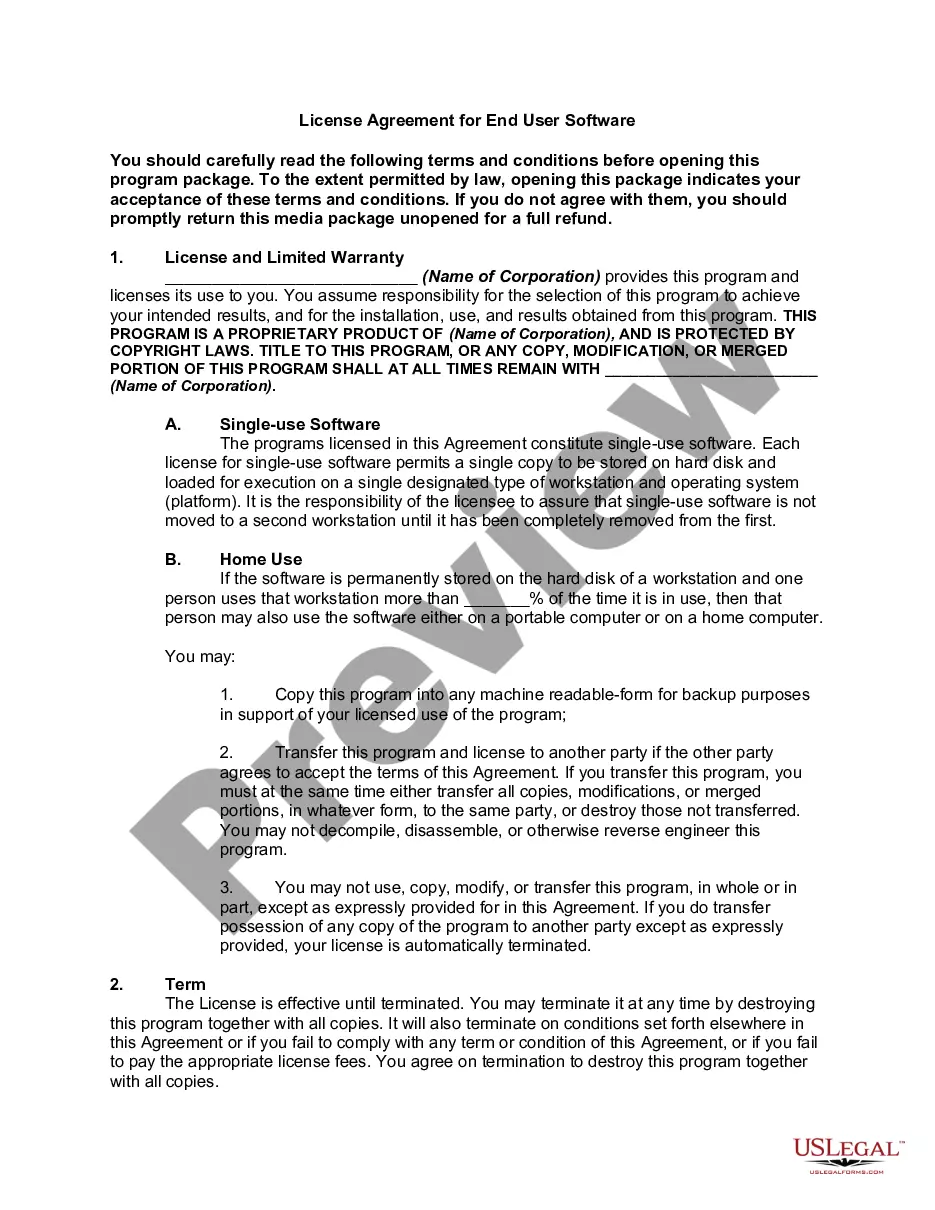
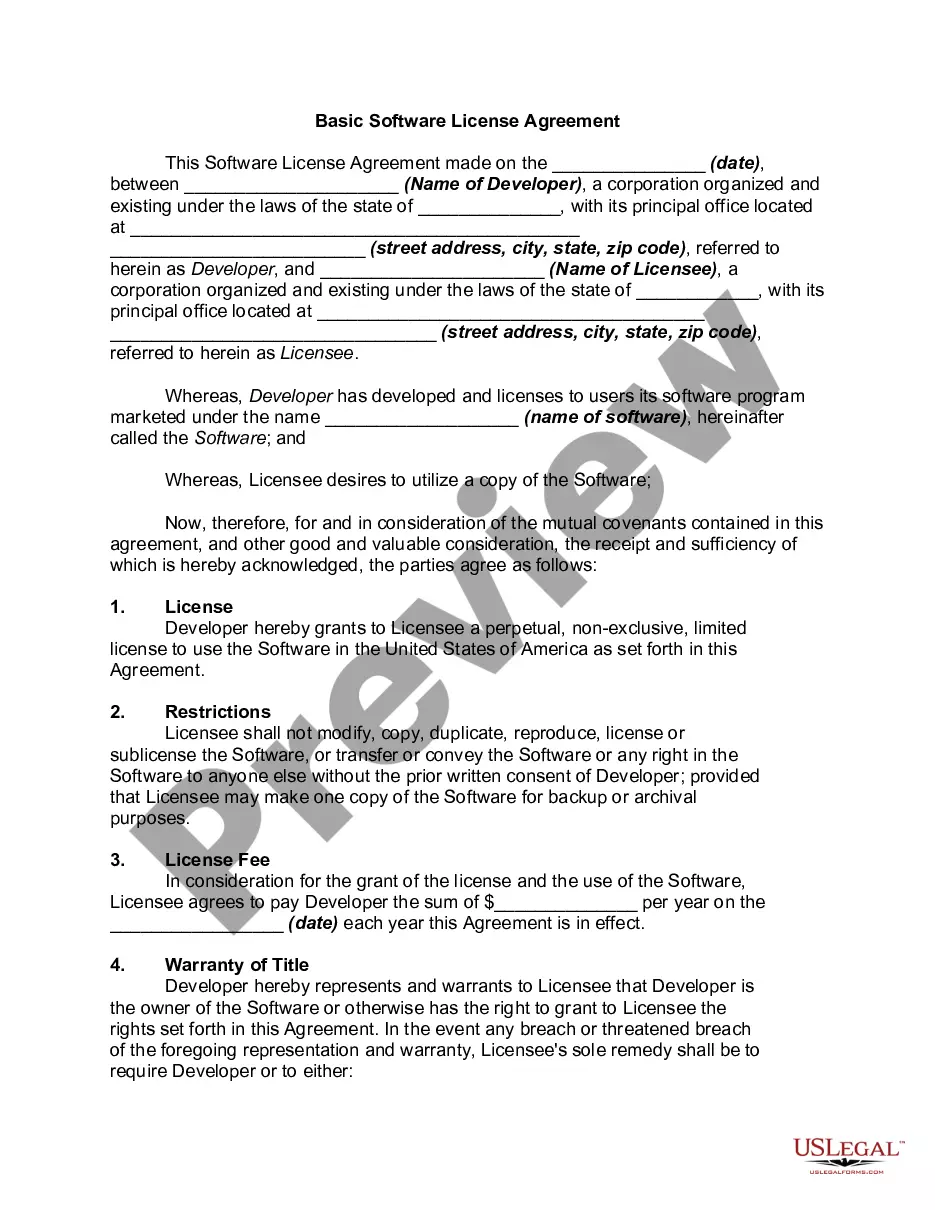
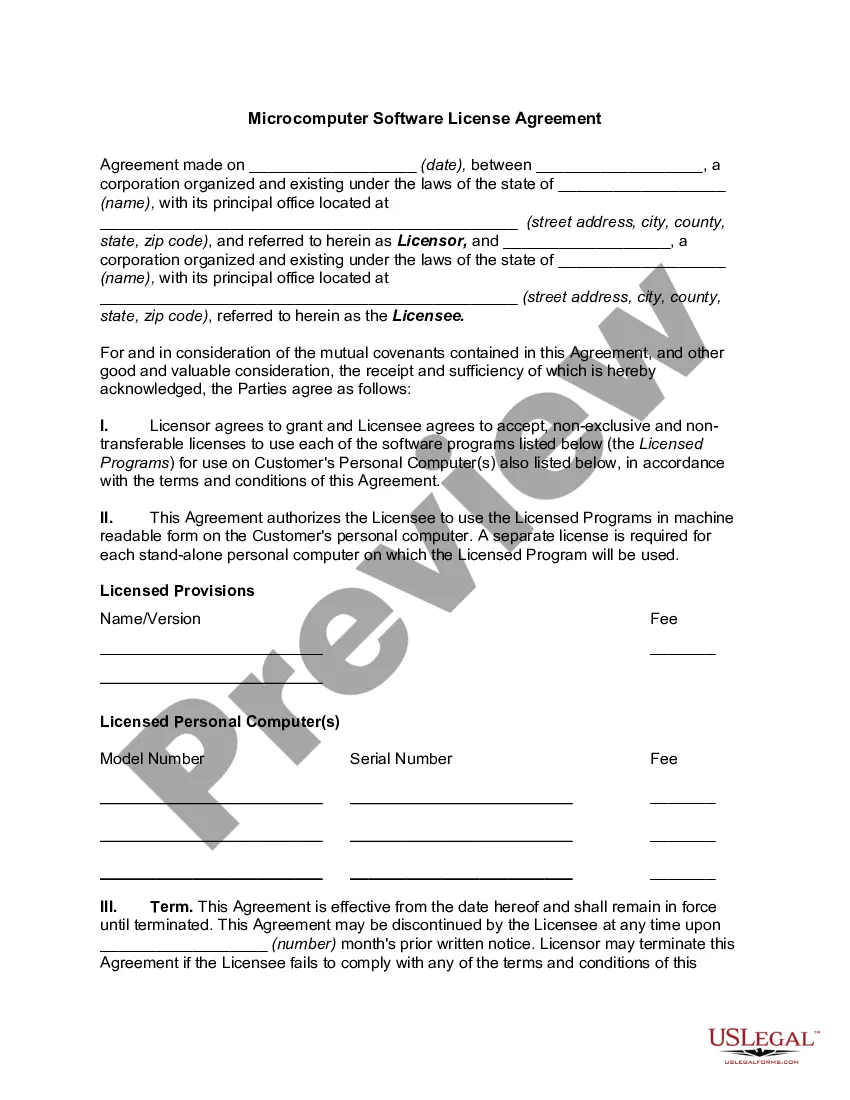
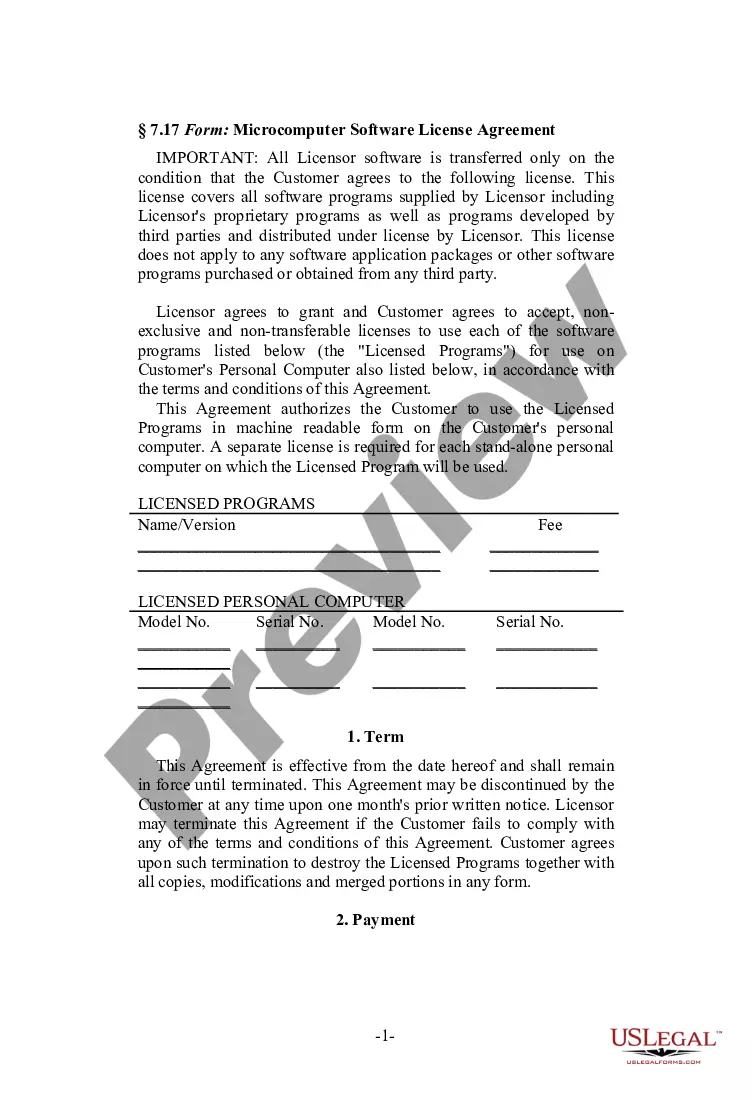
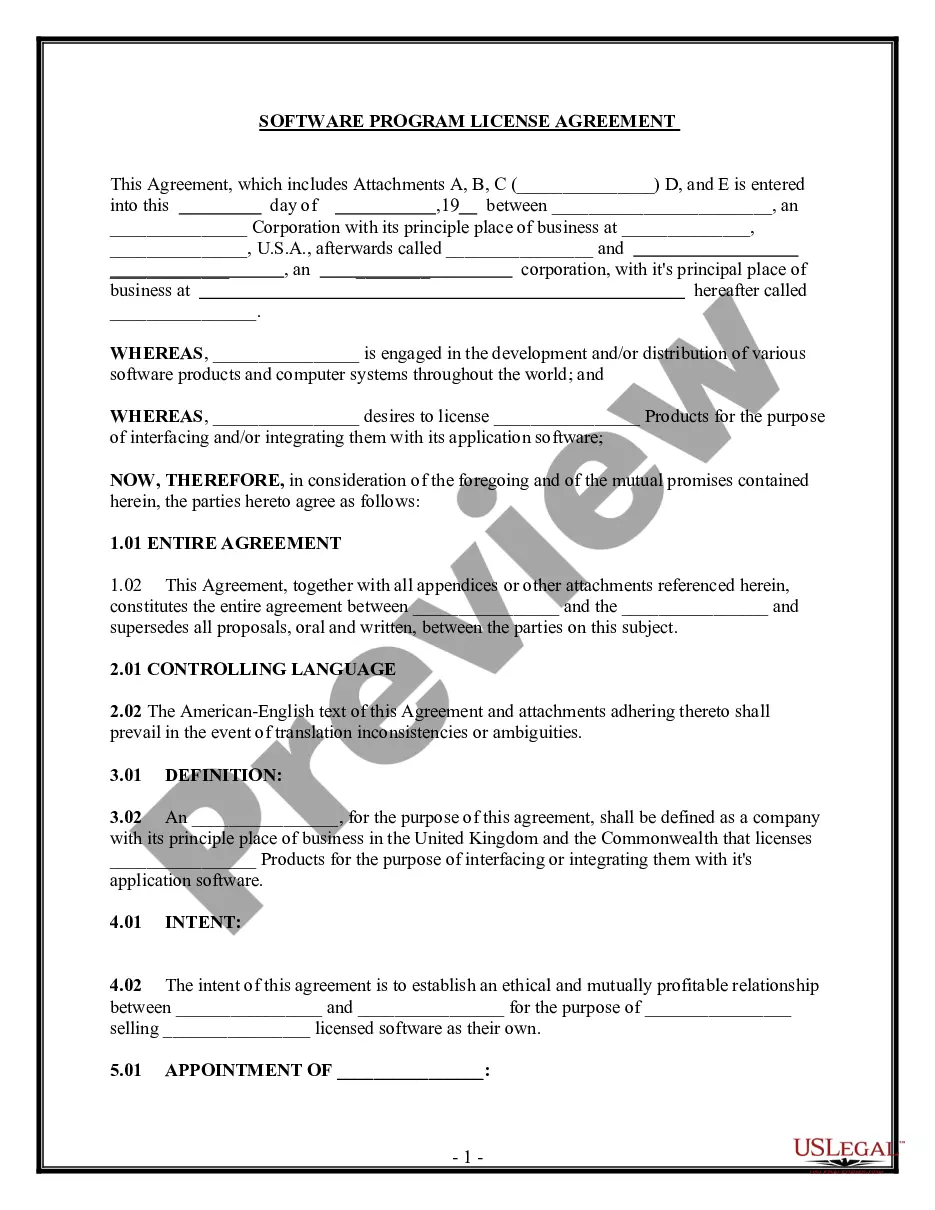
Get your form ready online
Our built-in tools help you complete, sign, share, and store your documents in one place.
Make edits, fill in missing information, and update formatting in US Legal Forms—just like you would in MS Word.
Download a copy, print it, send it by email, or mail it via USPS—whatever works best for your next step.
Sign and collect signatures with our SignNow integration. Send to multiple recipients, set reminders, and more. Go Premium to unlock E-Sign.
If this form requires notarization, complete it online through a secure video call—no need to meet a notary in person or wait for an appointment.
We protect your documents and personal data by following strict security and privacy standards.

Make edits, fill in missing information, and update formatting in US Legal Forms—just like you would in MS Word.

Download a copy, print it, send it by email, or mail it via USPS—whatever works best for your next step.

Sign and collect signatures with our SignNow integration. Send to multiple recipients, set reminders, and more. Go Premium to unlock E-Sign.

If this form requires notarization, complete it online through a secure video call—no need to meet a notary in person or wait for an appointment.

We protect your documents and personal data by following strict security and privacy standards.
Looking for another form?








How to fill out Software License Agreement For Certain Computer Programs?
If you need thorough, download, or printing authentic document templates, utilize US Legal Forms, the largest selection of legal forms available on the web.
Take advantage of the website's straightforward and user-friendly search to acquire the documents you require.
A range of templates for business and personal uses are organized by categories and suggestions, or keywords.
Step 4. Once you have located the form you need, click the Buy now button. Choose the pricing plan that you prefer and provide your information to register for an account.
Step 5. Complete the payment process. You can use your credit card or PayPal account to finalize the transaction.
- Utilize US Legal Forms to secure the Georgia Software License Agreement for Certain Computer Programs with just a few clicks.
- If you are already a US Legal Forms user, sign in to your account and click on the Obtain button to acquire the Georgia Software License Agreement for Certain Computer Programs.
- You can also access forms you previously saved in the My documents tab of your account.
- If you are using US Legal Forms for the first time, follow the steps below.
- Step 1. Ensure you have selected the form for your specific city/state.
- Step 2. Use the Review option to examine the form's details. Don’t forget to read the description.
- Step 3. If you are dissatisfied with the type, take advantage of the Search field at the top of the screen to find other versions of the legal form template.
Form popularity
FAQ
Computer software delivered electronically is not a sale of tangible personal property and therefore is not subject to sales and use tax.
There are five main software license categories or types used to cover different kinds of software and various business arrangements. These encompass a wide spectrum of licensing scenarios, from free software (public domain) to paid commercial software (proprietary).
These encompass a wide spectrum of licensing scenarios, from free software (public domain) to paid commercial software (proprietary). Between these two extremes, there are also three categories (GNU/LGPL, permissive, and copyleft) that apply to various forms of open-source projects.
What are the different types of software licenses?Public domain. This is the most permissive type of software license.Permissive. Permissive licenses are also known as Apache style or BSD style. They contain minimal requirements about how the software can be modified or redistributed.LGPL.Copyleft.Proprietary.
These encompass a wide spectrum of licensing scenarios, from free software (public domain) to paid commercial software (proprietary). Between these two extremes, there are also three categories (GNU/LGPL, permissive, and copyleft) that apply to various forms of open-source projects.
What Are the Different Software License Types?Open Source Software Licenses.Public Domain License.Permissive License.Restrictive Licenses.LGPL.Proprietary Software License Types.Subscription vs Perpetual Licensing.User Licensing: Named Users vs Concurrent Users.More items...?
Two common categories for software under copyright law, and therefore with licenses which grant the licensee specific rights, are proprietary software and free and open-source software (FOSS).
How to decide between types of licensing agreementsPatent Licensing. Patents cover science and innovation.Trademark Licensing. Trademarks are signifiers of commercial source, namely, brand names and logos or slogans.Copyright Licensing.Trade Secret Licensing.Exclusive.Non-exclusive.Sole.Perpetual.More items...?