This form is a contract which is usually required to be executed, acknowledged, and filed for record. Various requirements may exist in a particular jurisdiction concerning acknowledgment and recording, or other formal acts relating to adoption by contract. Contracts to adopt are generally recognized as valid.
Georgia Adoption Agreement Between Married Prospective Adoptive Parents and Pregnant Natural Mother with Prospective Adoptive Parents Agreeing to Pay Medical and Hospital Costs of Pregnant Natural Mother
Instant download
Description
Free preview
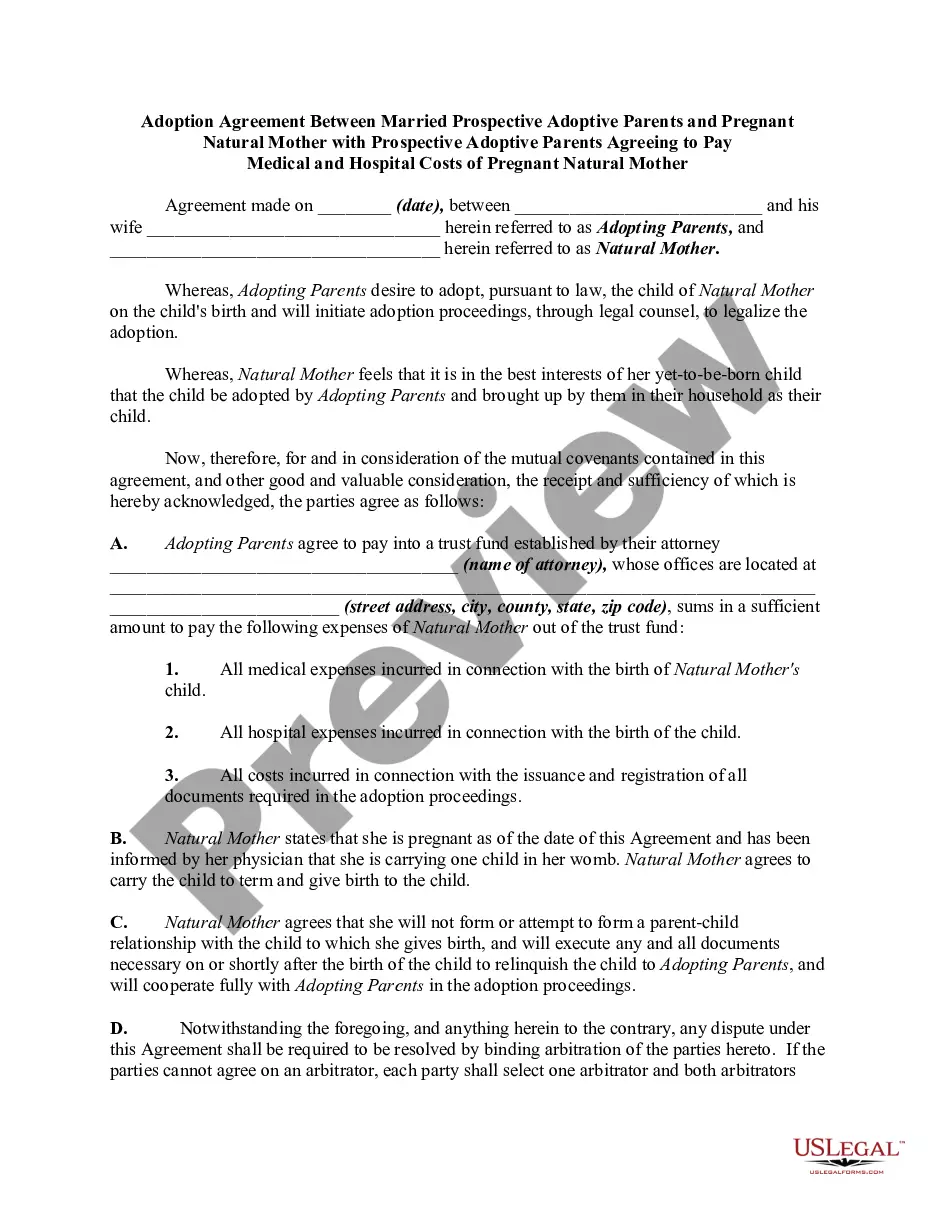
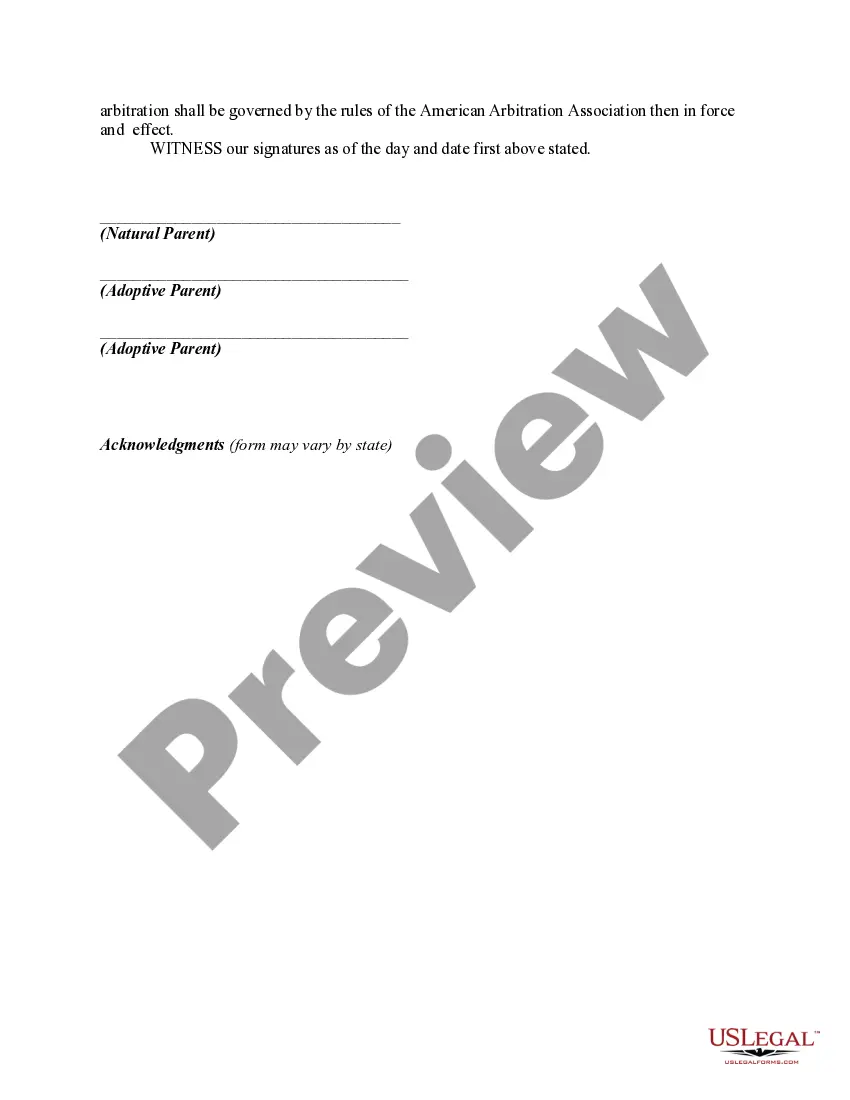
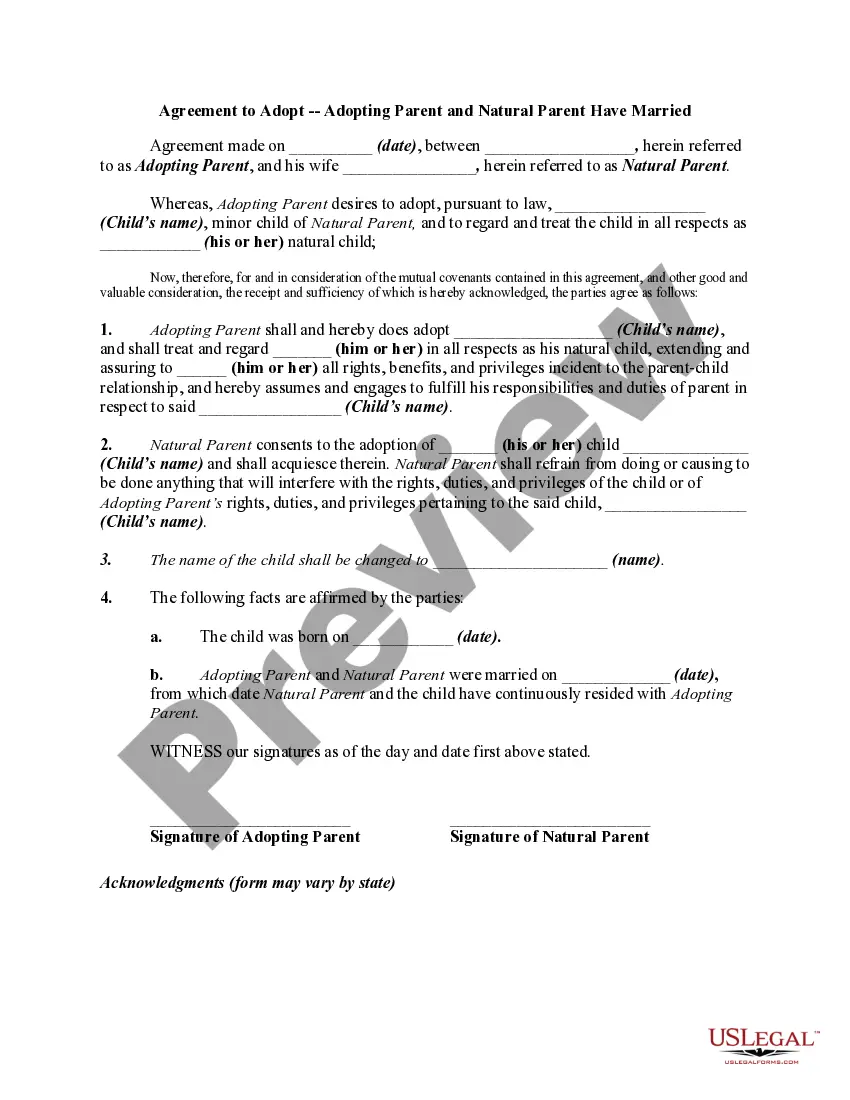
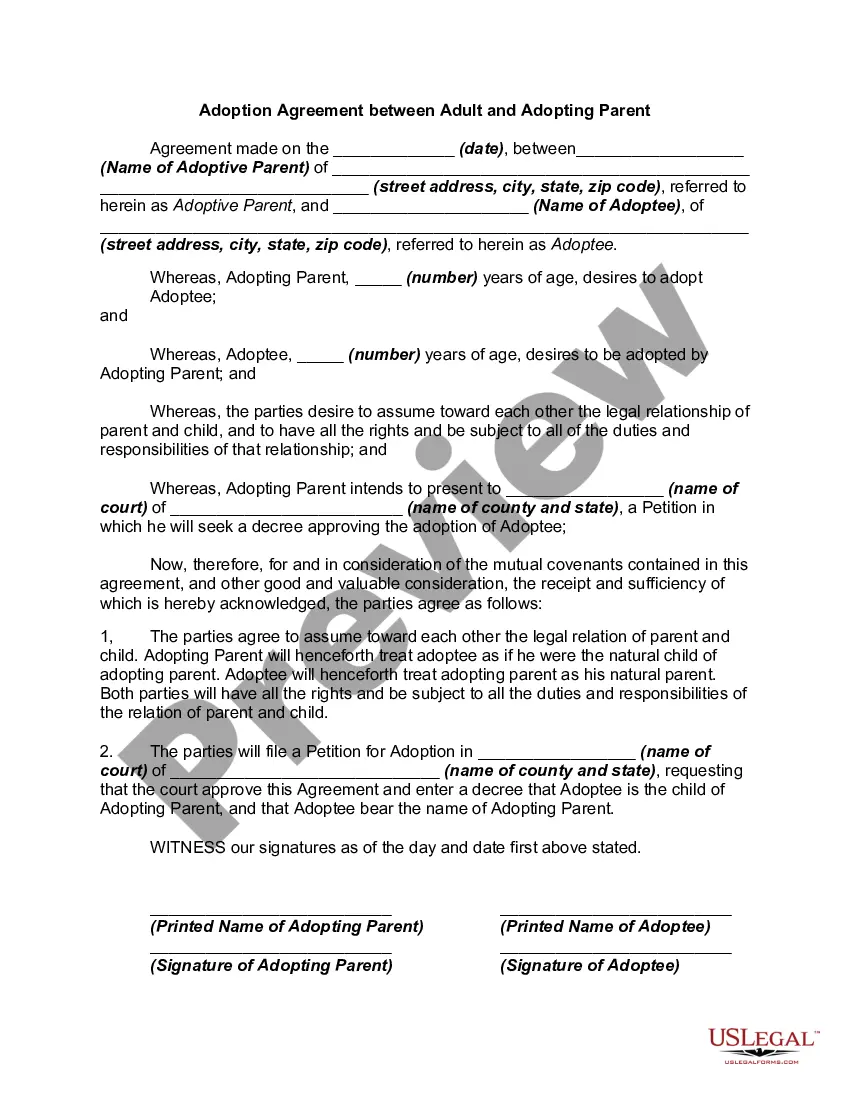
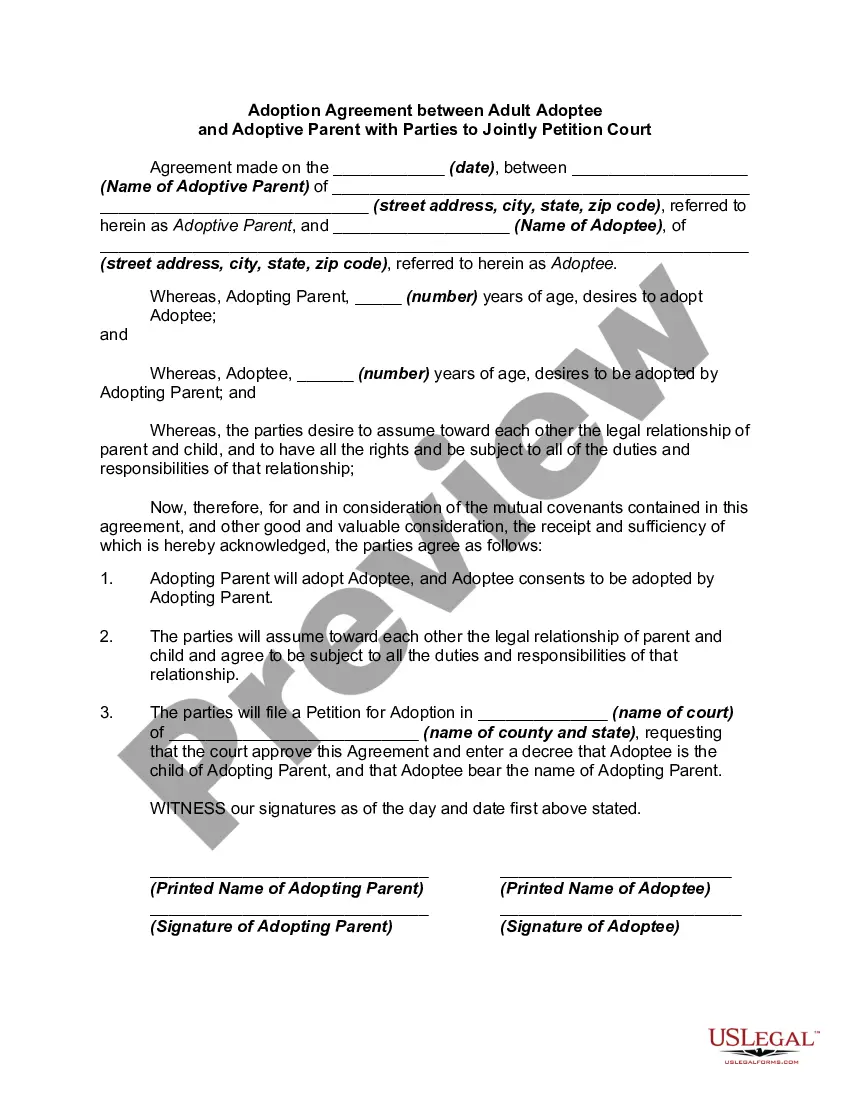


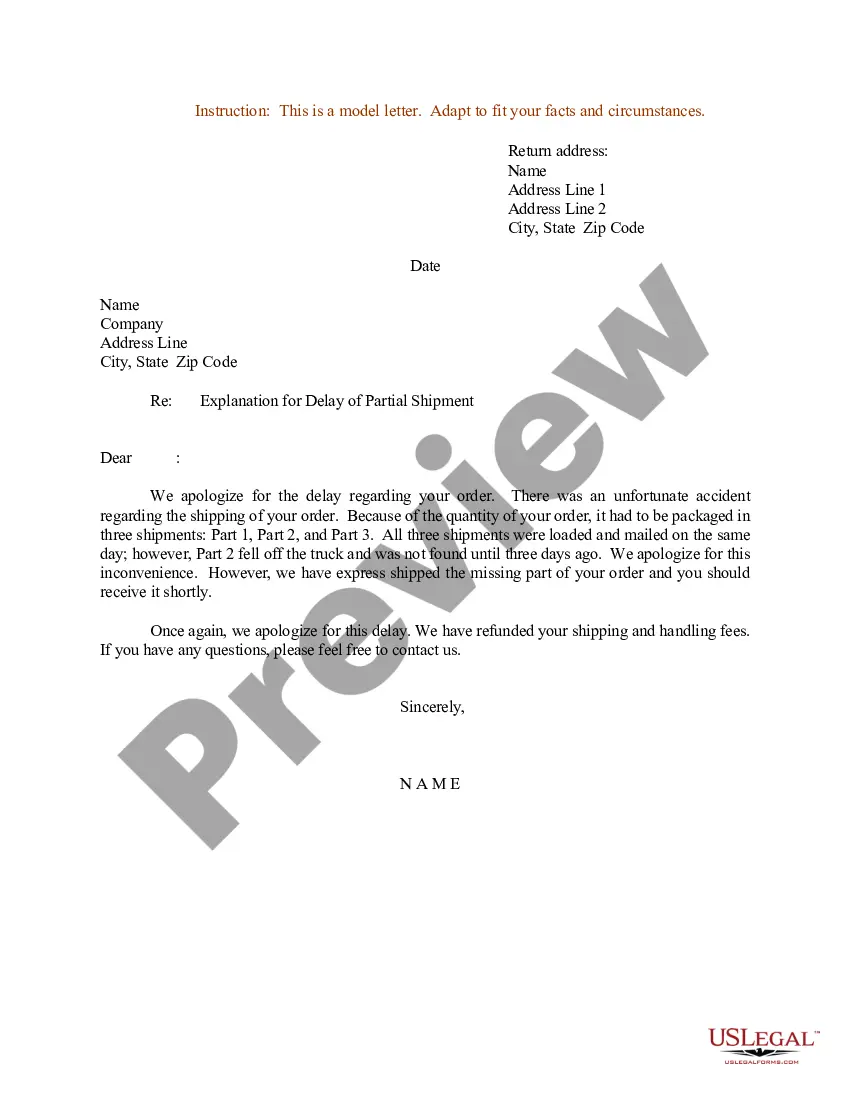
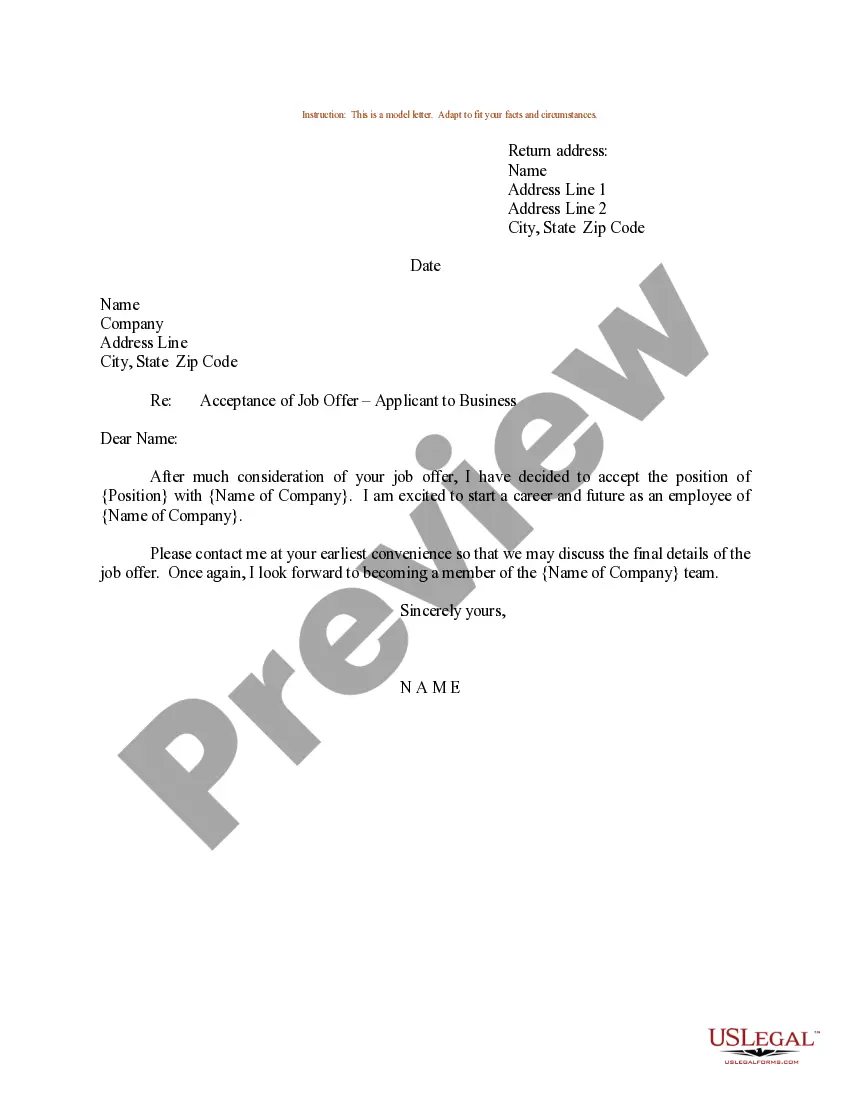
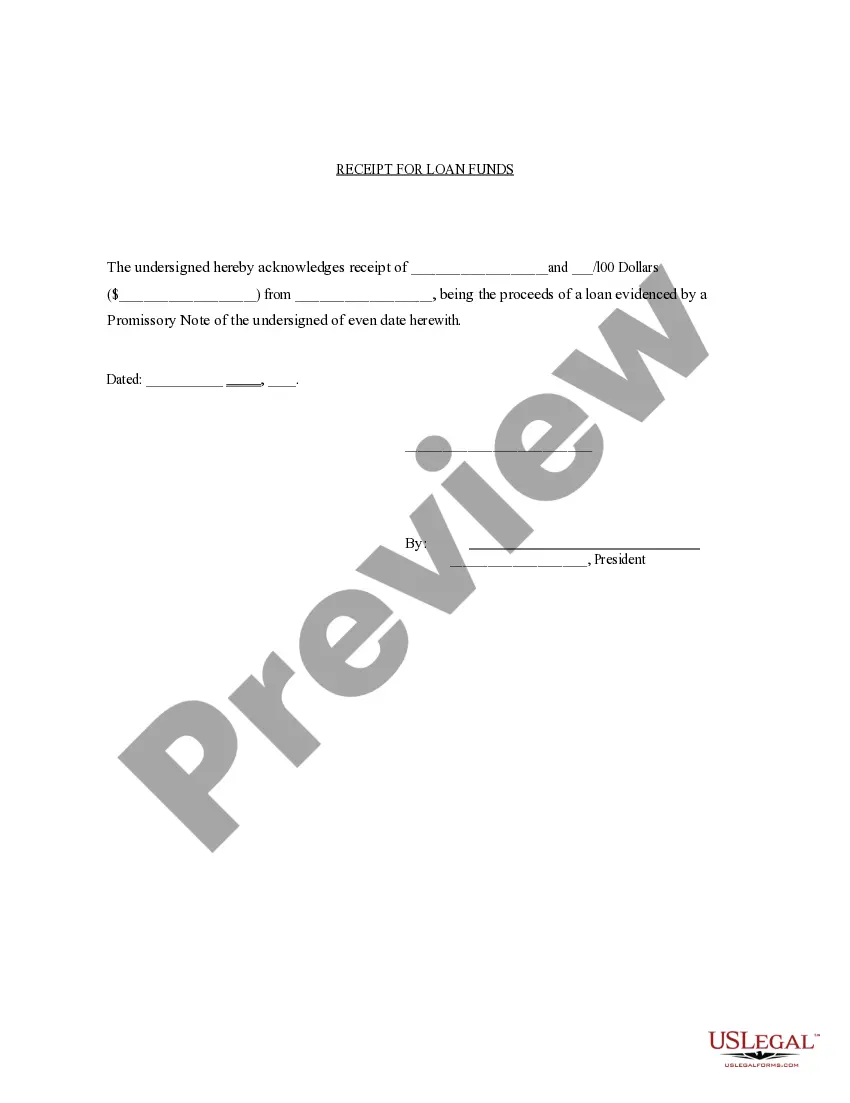
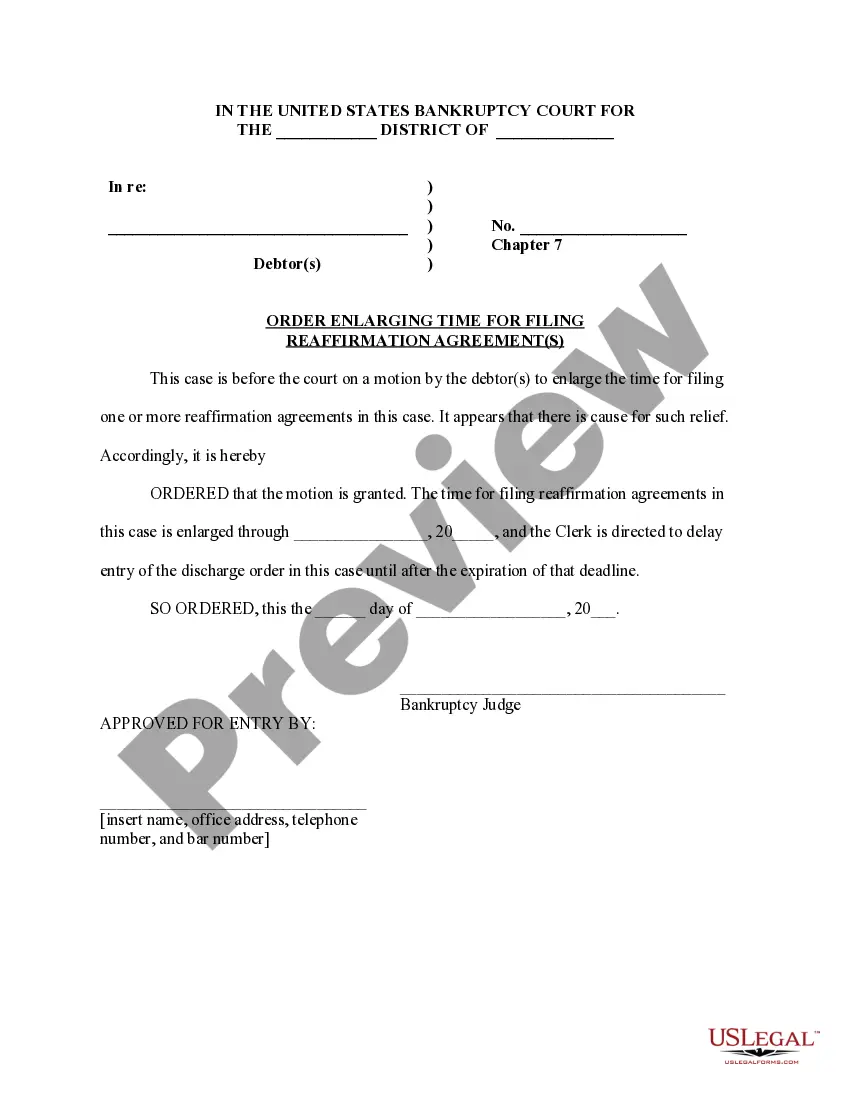


How to fill out Adoption Agreement Between Married Prospective Adoptive Parents And Pregnant Natural Mother With Prospective Adoptive Parents Agreeing To Pay Medical And Hospital Costs Of Pregnant Natural Mother?
If you require to comprehensive, obtain, or create sanctioned document templates, utilize US Legal Forms, the leading collection of legal forms, accessible online.
Take advantage of the site’s straightforward and user-friendly search to find the documents you need. Various templates for business and personal purposes are categorized by groups and regions, or keywords.
Utilize US Legal Forms to locate the Georgia Adoption Agreement Between Married Prospective Adoptive Parents and Pregnant Natural Mother with Prospective Adoptive Parents Agreeing to Cover Medical and Hospital Expenses of Pregnant Natural Mother in just a few clicks.
Step 6. Select the format of your legal form and download it to your device.
Step 7. Complete, edit, and print or sign the Georgia Adoption Agreement Between Married Prospective Adoptive Parents and Pregnant Natural Mother with Prospective Adoptive Parents Agreeing to Cover Medical and Hospital Expenses of Pregnant Natural Mother.
Every legal document template you acquire is yours permanently. You have access to every form you obtained in your account. Select the My documents section and choose a form to print or download again.
Complete and download, and print the Georgia Adoption Agreement Between Married Prospective Adoptive Parents and Pregnant Natural Mother with Prospective Adoptive Parents Agreeing to Cover Medical and Hospital Expenses of Pregnant Natural Mother with US Legal Forms. There are thousands of professional and state-specific forms you can use for your business or personal needs.
- When you are already a US Legal Forms user, Log In to your account and click the Download button to retrieve the Georgia Adoption Agreement Between Married Prospective Adoptive Parents and Pregnant Natural Mother with Prospective Adoptive Parents Agreeing to Cover Medical and Hospital Expenses of Pregnant Natural Mother.
- You can also access forms you previously obtained in the My documents section of your account.
- If you are using US Legal Forms for the first time, follow the instructions below.
- Step 1. Ensure you have selected the form for the correct state/country.
- Step 2. Use the Preview option to review the form’s details. Don’t forget to read the description.
- Step 3. If you are not satisfied with the form, use the Search field at the top of the screen to find other versions of the legal form template.
- Step 4. Once you have identified the form you want, click the Get now button. Choose the pricing plan you prefer and provide your information to register for an account.
- Step 5. Process the payment. You can use your Visa or Mastercard or PayPal account to complete the transaction.
Form popularity
FAQ
The Legal Process for Stepparents or Relatives Who Have to Step in and Fill a Parent's Shoes. Georgia adoption law defines a stepparent adoption as an adoption by the spouse of either parent. There is no requirement as to the length of the marriage between the parent and their new spouse.
To adopt a child in Georgia, you must meet the following requirements: Be at least 25 years old or married and living with your spouse. Be at least 10 years older than the child you are adopting. Be financially, physically and mentally able to have permanent custody of the child.
Second parent adoption in Georgia is a legal procedure that allows same-sex couples who are NOT married to each other to adopt their partner's biological. The procedure also those who are NOT married to each other to adopt children without terminating the first parent's right as a parent.
A postadoption contact agreement may provide for privileges regarding a child who is being adopted or who has been adopted, including, but not limited to, visitation with such child, contact with such child, sharing of information about such child, or sharing of information about birth relatives.
To adopt a child, you must meet the following conditions: (1) You must have lived in Georgia for at least 6 months before filing the petition. (2) You must be at least 10 years older than the child. (3) You must be at least 25 years old unless you are married and living with your spouse.
The applicant has ever been convicted of felony child abuse or neglect; spousal abuse; a crime against children (including child ography); or a crime involving violence, including rape, sexual assault, or homicide but not including other types of physical assault or battery.
The law stipulates that paternity must be established and the birth father must have the opportunity to consent or not to consent to an adoption. The rights of biological father in Georgia adoptions cannot be ignored throughout the legal process of adoption.