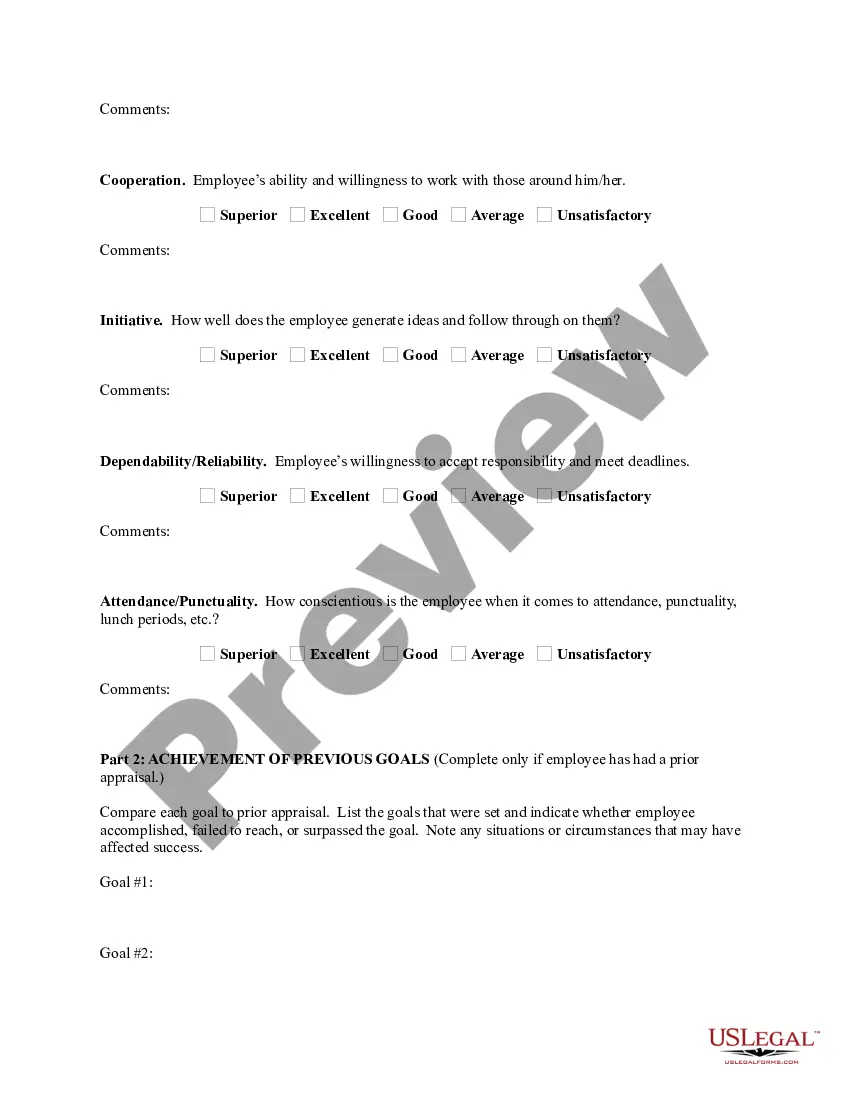
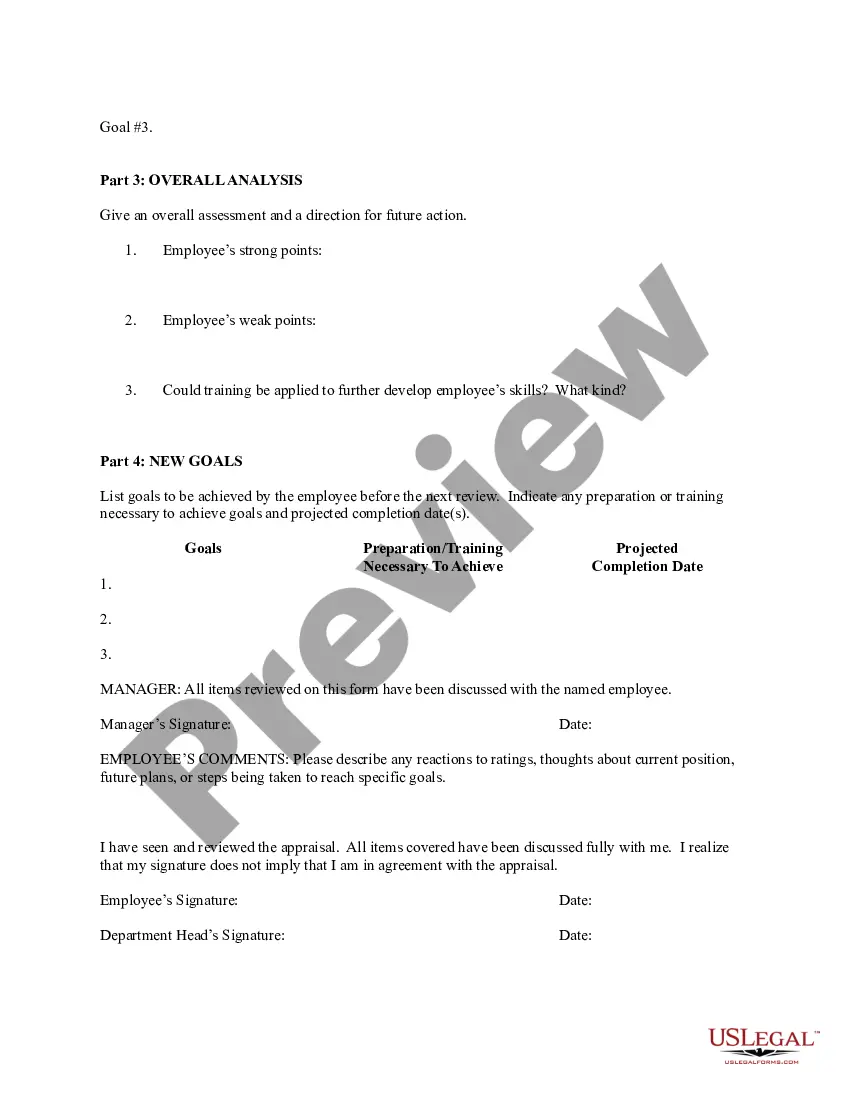
Florida Employee Evaluation Form for Therapist
Description
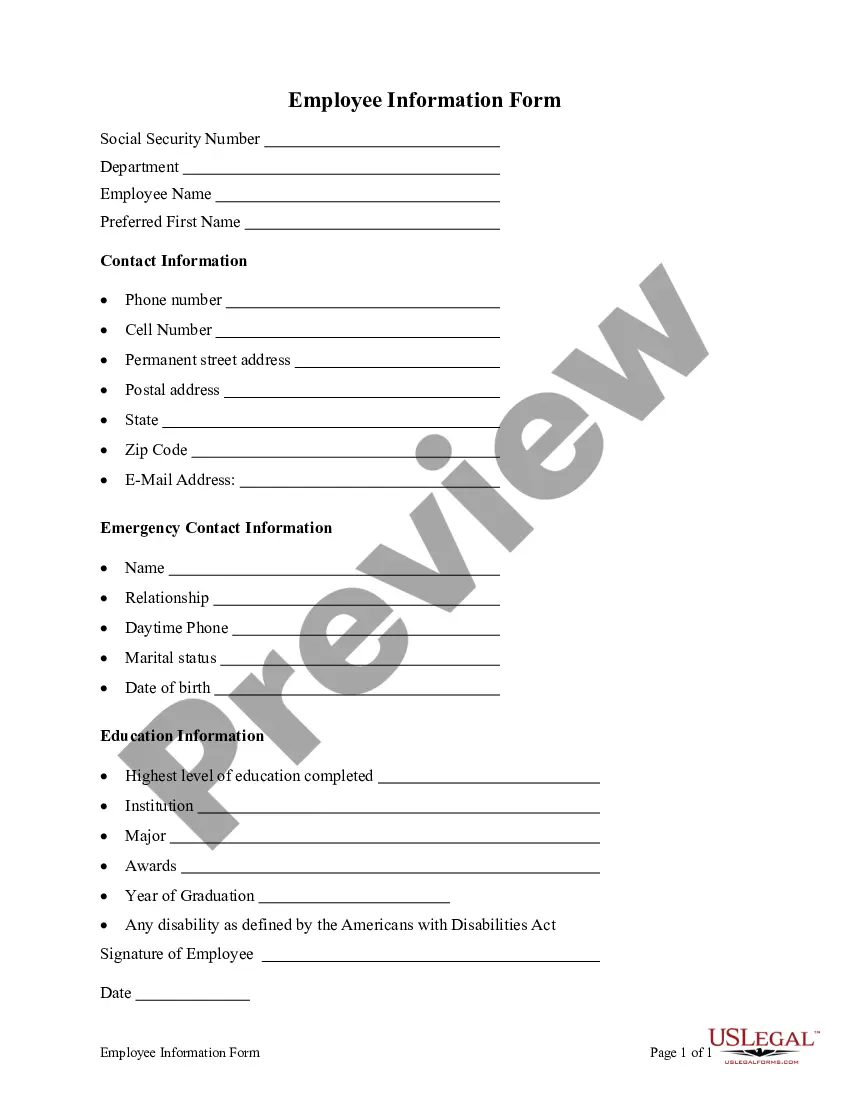
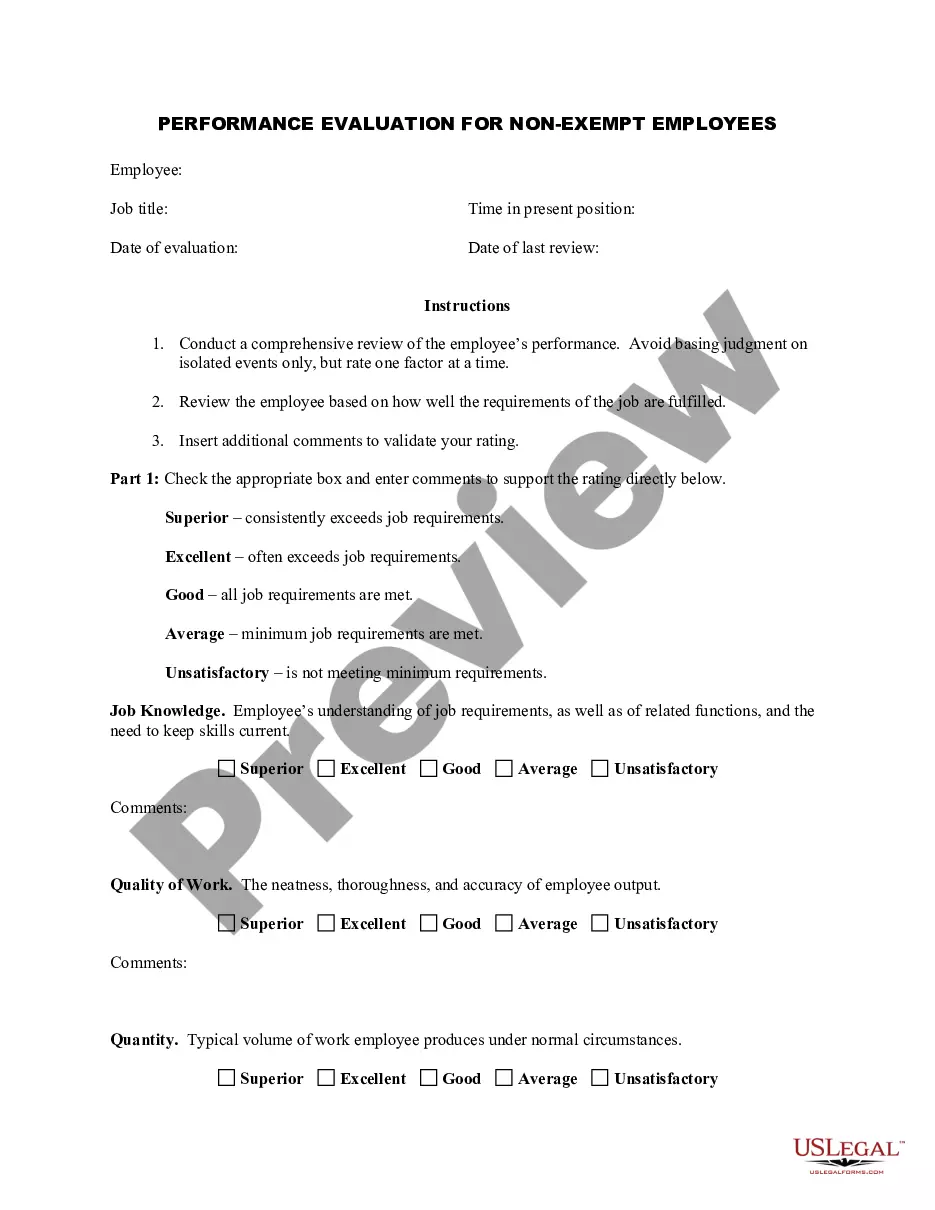
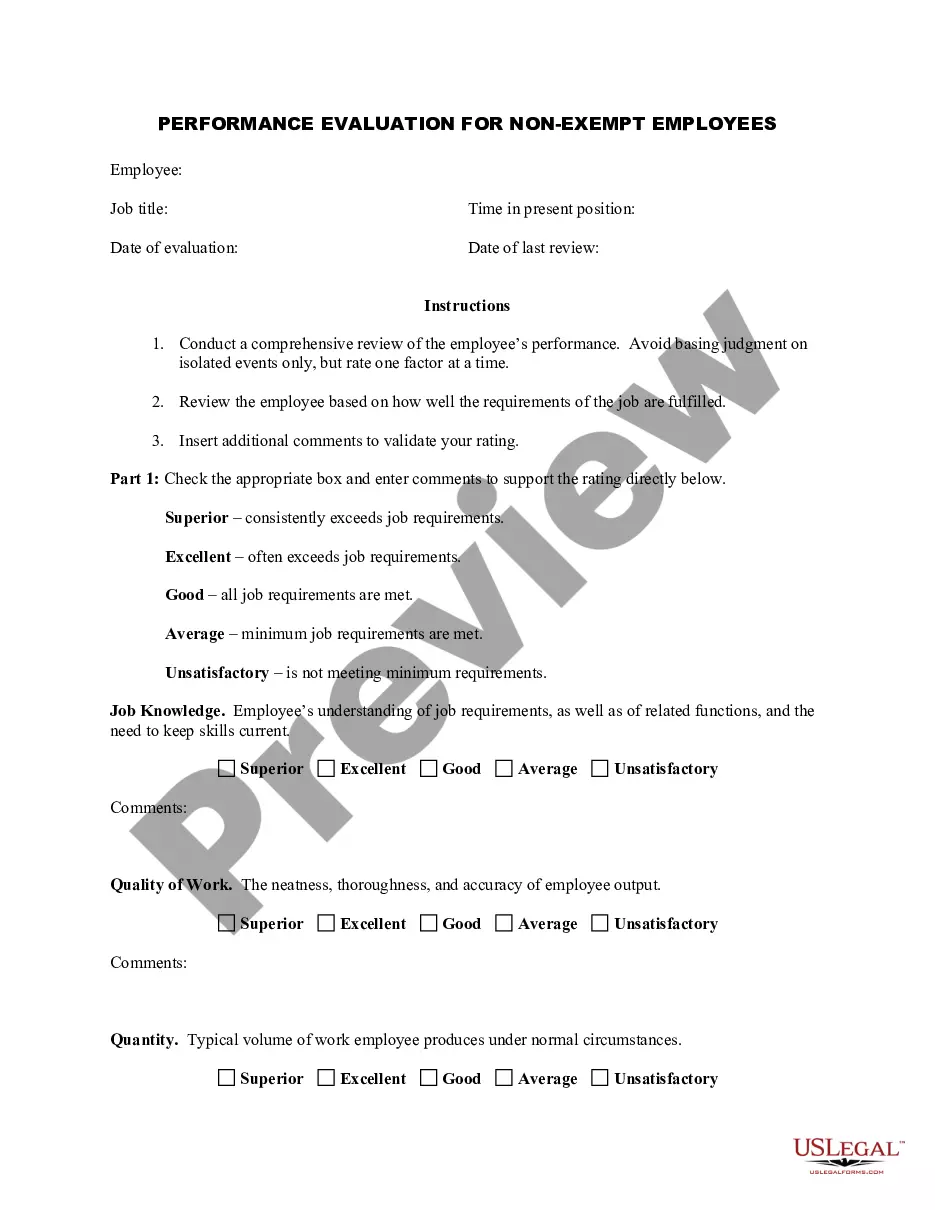
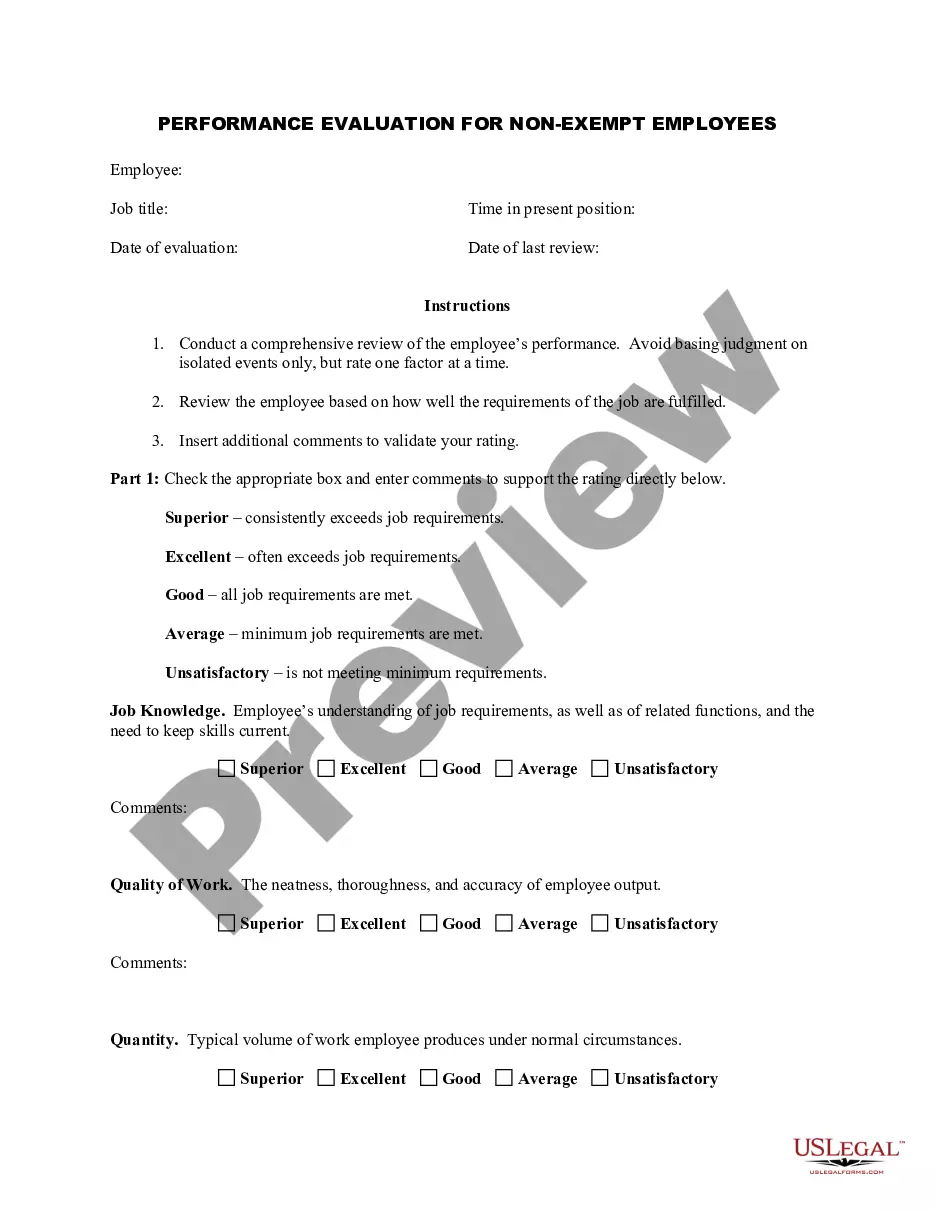
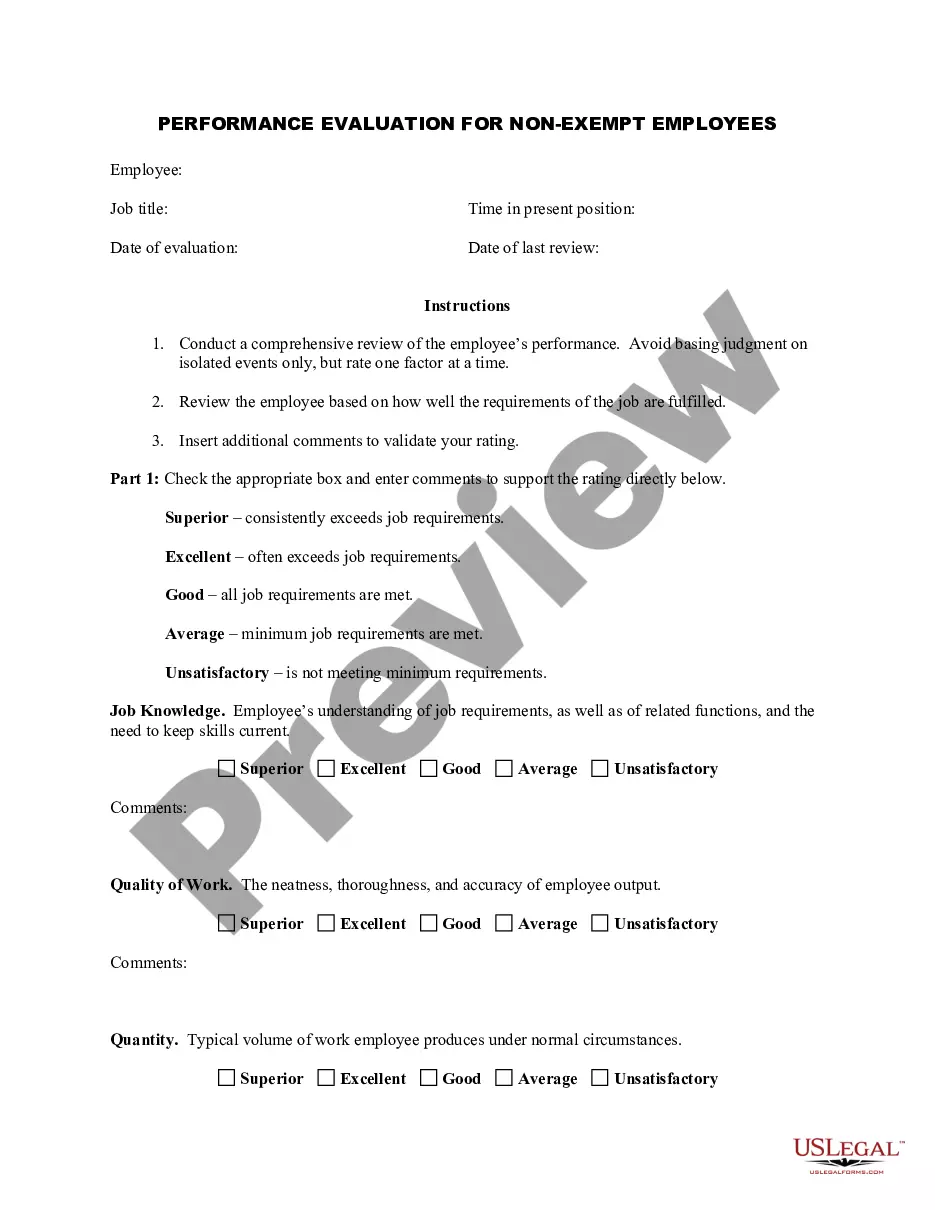
Get your form ready online
Our built-in tools help you complete, sign, share, and store your documents in one place.
Make edits, fill in missing information, and update formatting in US Legal Forms—just like you would in MS Word.
Download a copy, print it, send it by email, or mail it via USPS—whatever works best for your next step.
Sign and collect signatures with our SignNow integration. Send to multiple recipients, set reminders, and more. Go Premium to unlock E-Sign.
If this form requires notarization, complete it online through a secure video call—no need to meet a notary in person or wait for an appointment.
We protect your documents and personal data by following strict security and privacy standards.

Make edits, fill in missing information, and update formatting in US Legal Forms—just like you would in MS Word.

Download a copy, print it, send it by email, or mail it via USPS—whatever works best for your next step.

Sign and collect signatures with our SignNow integration. Send to multiple recipients, set reminders, and more. Go Premium to unlock E-Sign.

If this form requires notarization, complete it online through a secure video call—no need to meet a notary in person or wait for an appointment.

We protect your documents and personal data by following strict security and privacy standards.
Looking for another form?

How to fill out Employee Evaluation Form For Therapist?
US Legal Forms - one of the largest collections of legal templates in the United States - offers a variety of legal document templates that you can download or print.
While on the website, you may find thousands of templates for business and personal purposes, categorized by types, states, or keywords. You can quickly obtain the latest versions of templates like the Florida Employee Evaluation Form for Therapist.
If you have a monthly subscription, Log In and download the Florida Employee Evaluation Form for Therapist from the US Legal Forms library. The Acquire button will appear on every template you view. You can access all previously downloaded templates in the My documents section of your account.
Complete the transaction. Use your credit card or PayPal account to finalize the transaction.
Select the format and download the form to your device.Make modifications. Fill, edit, and print and sign the downloaded Florida Employee Evaluation Form for Therapist.All templates saved in your account have no expiration date and belong to you indefinitely. Therefore, if you wish to download or print another copy, simply visit the My documents section and click on the template you need.
- Ensure you have selected the correct template for your area/county.
- Click the Review button to view the content of the form.
- Examine the form summary to ensure you have chosen the right template.
- If the template does not meet your requirements, use the Search box at the top of the screen to find one that does.
- Once you are satisfied with the form, confirm your selection by clicking the Acquire now button.
- Then, choose your preferred pricing plan and provide your details to register for an account.
Form popularity
FAQ
Performance appraisal is a process and a means of setting goals, measuring and enhancing individual and organizational performance. It also fosters professional and career development on behalf of ordinary staff members.
Here are a few examples:I always go out of my way to help co-workers.I make sure everyone on my team feels comfortable when exchanging ideas.I look for ways to keep my team on track and make sure important milestones are met.I brainstorm ways to motivate others and freely give praise when performance goals are met.
What to Include in an Employee Evaluation Form?Employee and reviewer information. The form must have basic information about both parties involved.Review period.An easy-to-understand rating system.Evaluation points.Goals.Extra space for comments.Signatures.Scorecard.More items...?
A good evaluation form provides plenty of space for supervisor comments and suggestions and will include an easily understandable rating system. When you create an evaluation form, they can be as simple or complex as you would like.
10 Easy Ways to Evaluate an Employee's PerformanceLevel of execution. Tweet At the end of the day, nothing is more important than execution.Quality of work.Level of creativity.Amount of consistent improvement.Customer and peer feedback.Sales revenue generated.Responsiveness to feedback.Ability to take ownership.More items...
A ratings scaleor grading systemis probably the most commonly used performance review method. This method is based on a set of employer-developed criteriawhich can include behaviors, traits, competencies, or completed projectsagainst which employees are judged.
How to write an employee evaluationReview the employee's job description. Get a current copy of each person's job description and review the requirements.Highlight areas of improvement.Compare strengths and weaknesses.Recommend actionable goals.Provide constructive feedback.Welcome employee input.
4 Tips for Writing an Effective Self-EvaluationBe specific and provide examples. Specificity helps contextualize claims.Back up your contributions with metrics.Frame weaknesses as opportunities.Keep track of your accomplishments throughout the year.