Florida Employee Evaluation Form for Nurse
Description
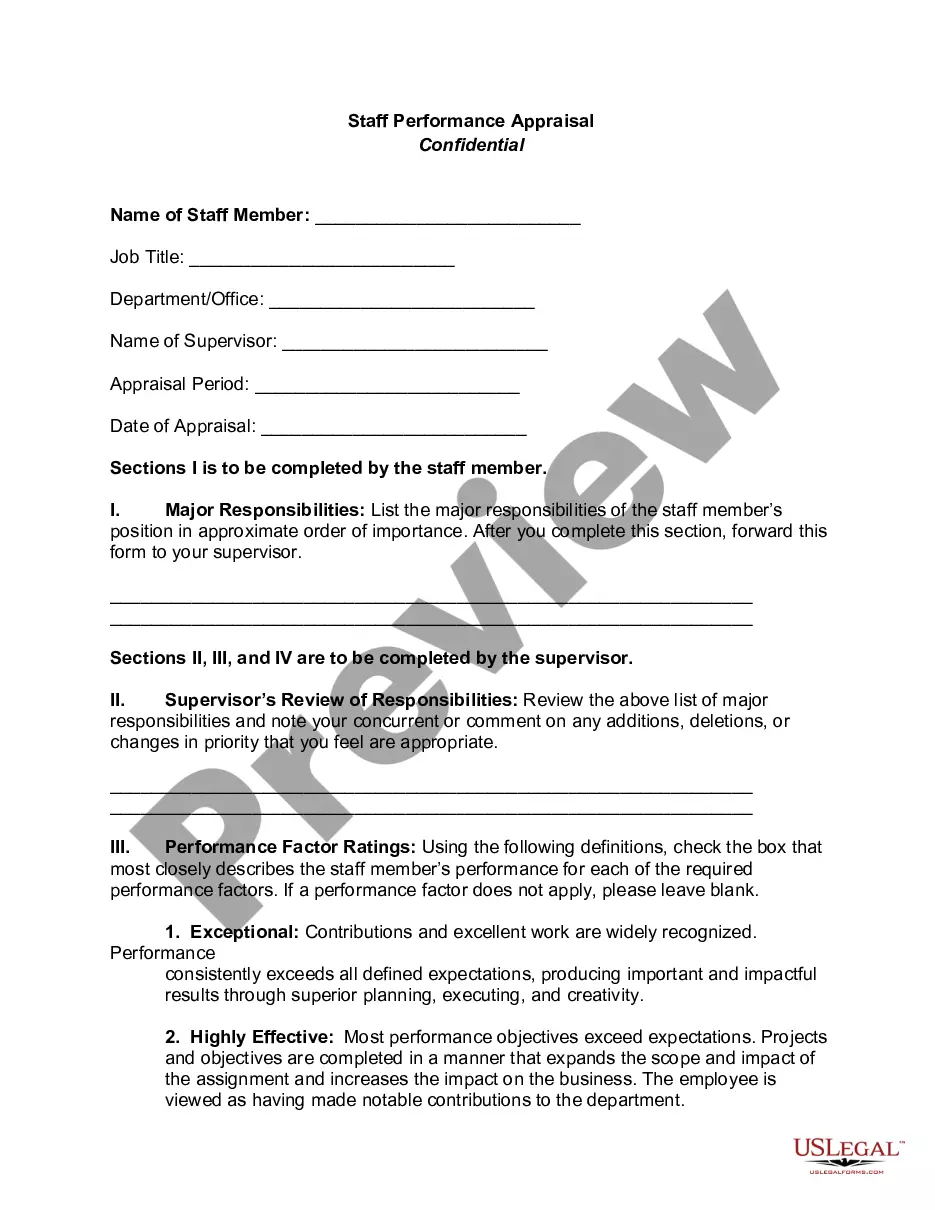
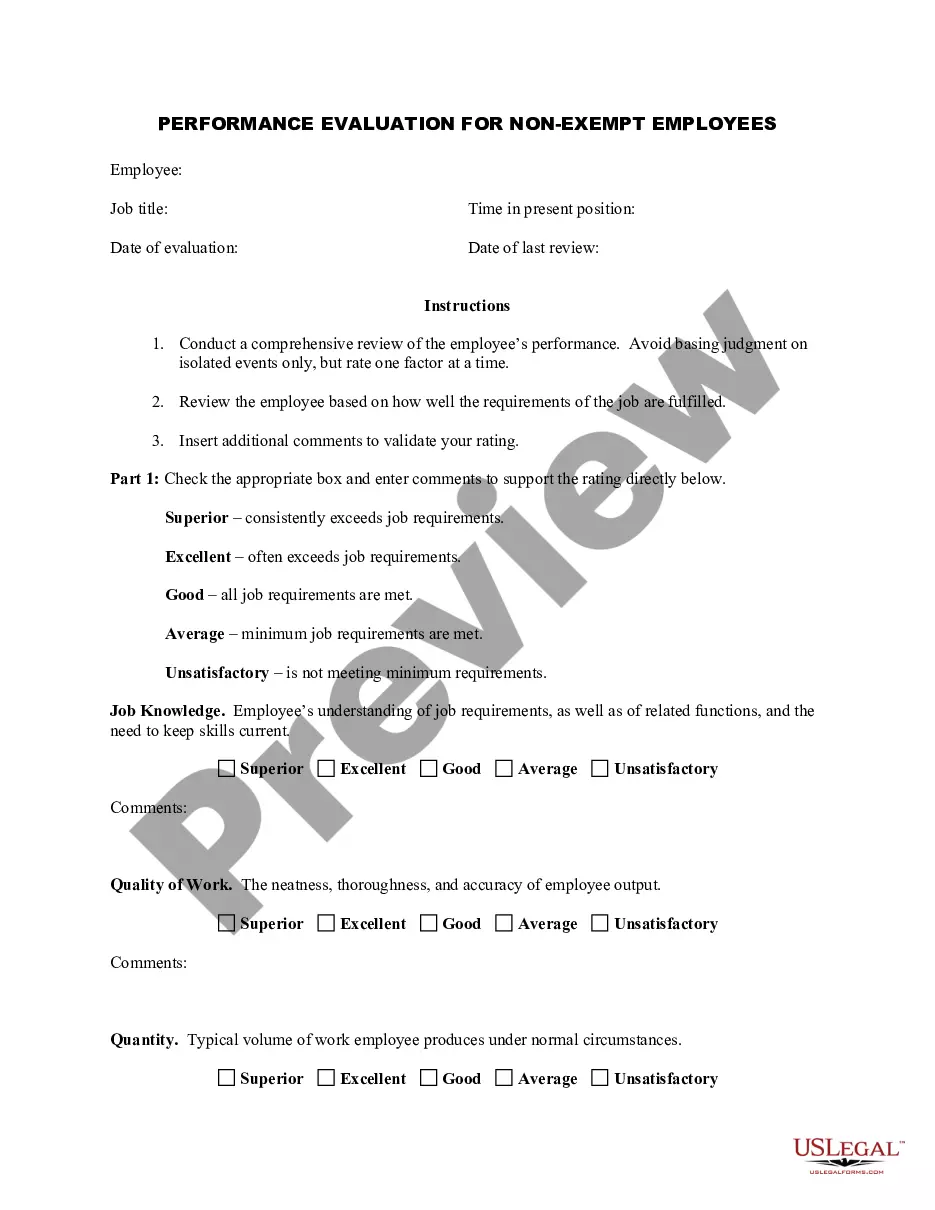
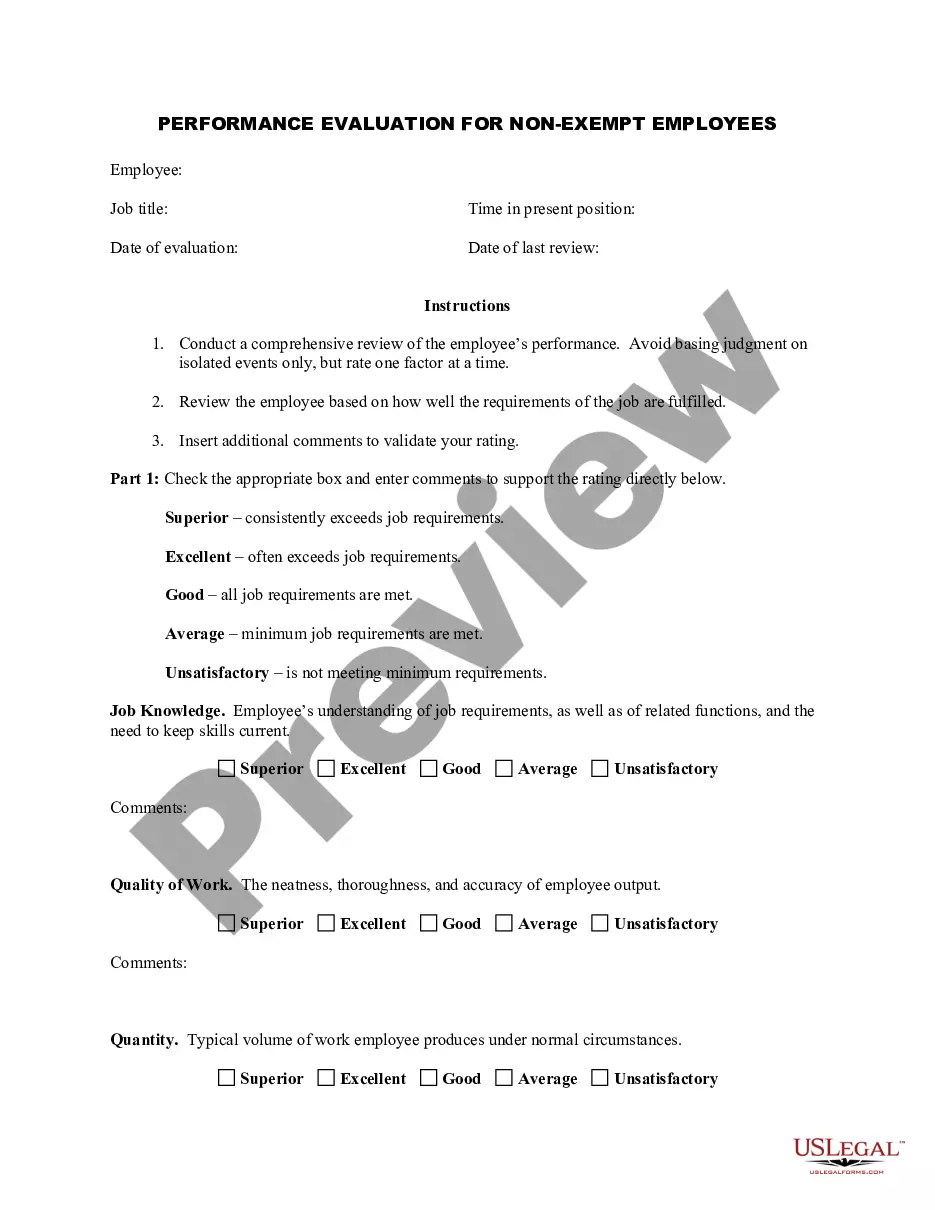
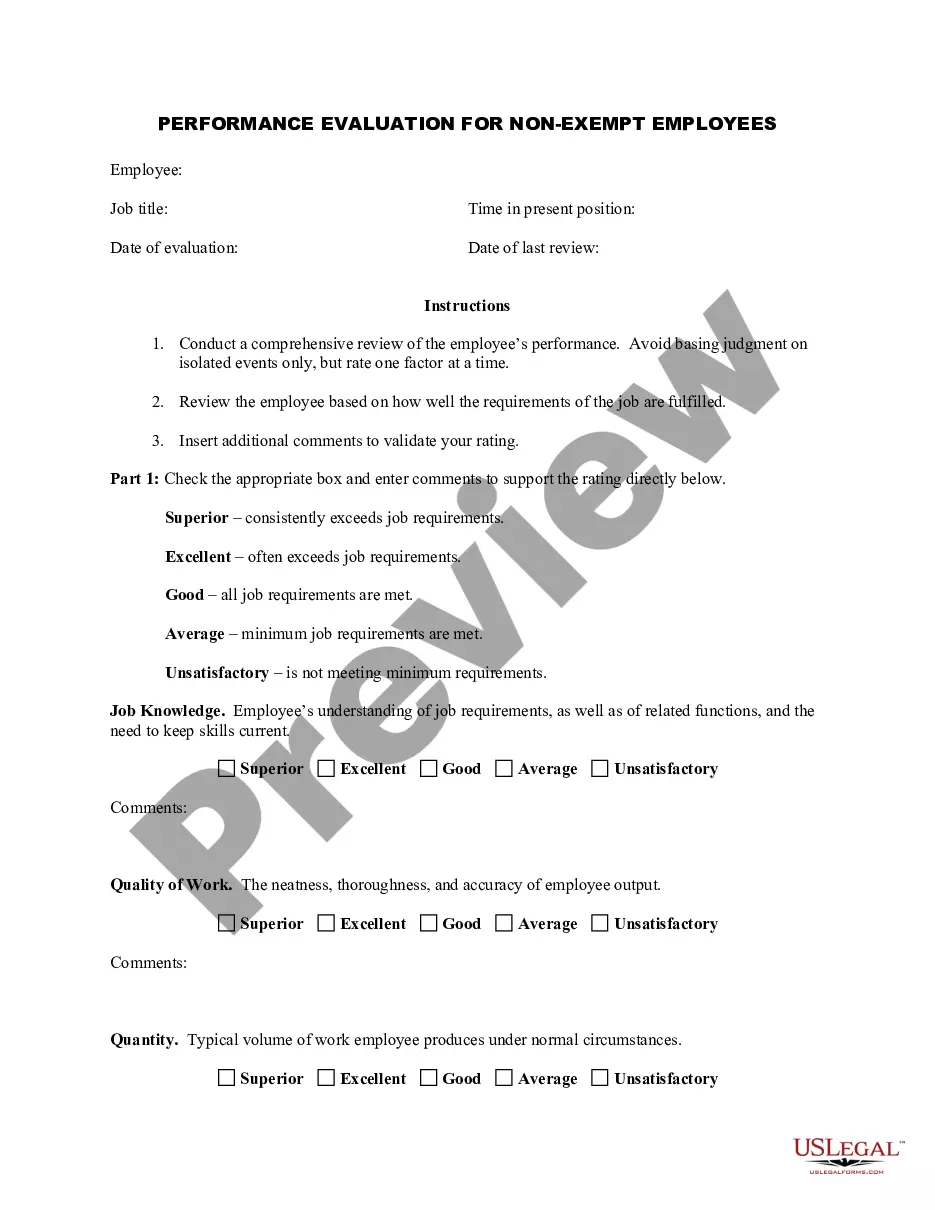
Get your form ready online
Our built-in tools help you complete, sign, share, and store your documents in one place.
Make edits, fill in missing information, and update formatting in US Legal Forms—just like you would in MS Word.
Download a copy, print it, send it by email, or mail it via USPS—whatever works best for your next step.
Sign and collect signatures with our SignNow integration. Send to multiple recipients, set reminders, and more. Go Premium to unlock E-Sign.
If this form requires notarization, complete it online through a secure video call—no need to meet a notary in person or wait for an appointment.
We protect your documents and personal data by following strict security and privacy standards.

Make edits, fill in missing information, and update formatting in US Legal Forms—just like you would in MS Word.

Download a copy, print it, send it by email, or mail it via USPS—whatever works best for your next step.

Sign and collect signatures with our SignNow integration. Send to multiple recipients, set reminders, and more. Go Premium to unlock E-Sign.

If this form requires notarization, complete it online through a secure video call—no need to meet a notary in person or wait for an appointment.

We protect your documents and personal data by following strict security and privacy standards.
Looking for another form?




How to fill out Employee Evaluation Form For Nurse?
US Legal Forms - one of the largest collections of legal documents in the United States - offers a vast array of legal document templates that you can download or print.
By utilizing the website, you can find thousands of forms for business and personal purposes, organized by type, claims, or keywords. You can quickly find the latest versions of forms such as the Florida Employee Review Form for Nurses.
If you already have an account, Log In to download the Florida Employee Review Form for Nurses from the US Legal Forms library. The Download option will be available for every form you view. You can access all previously downloaded forms in the My documents section of your account.
Complete the transaction. Use a Visa or Mastercard or PayPal account to finalize the purchase.
Select the format and download the form to your device. Edit as needed. Fill out, modify, print, and sign the downloaded Florida Employee Review Form for Nurses. Each form added to your account has no expiration date and belongs to you permanently. Therefore, if you wish to download or print another copy, simply go to the My documents section and click on the form you require. Access the Florida Employee Review Form for Nurses with US Legal Forms, the most extensive collection of legal document templates. Utilize a multitude of professional and state-specific templates that meet your business or personal requirements and needs.
- Ensure you have selected the appropriate form for your city/county.
- Click the Review option to examine the content of the form.
- Read the description to confirm that you have selected the correct form.
- If the form does not fit your needs, use the Search field at the top of the screen to find one that does.
- Once you are satisfied with the form, confirm your choice by selecting the Purchase now button.
- Next, choose your preferred pricing plan and provide your information to create an account.
Form popularity
FAQ
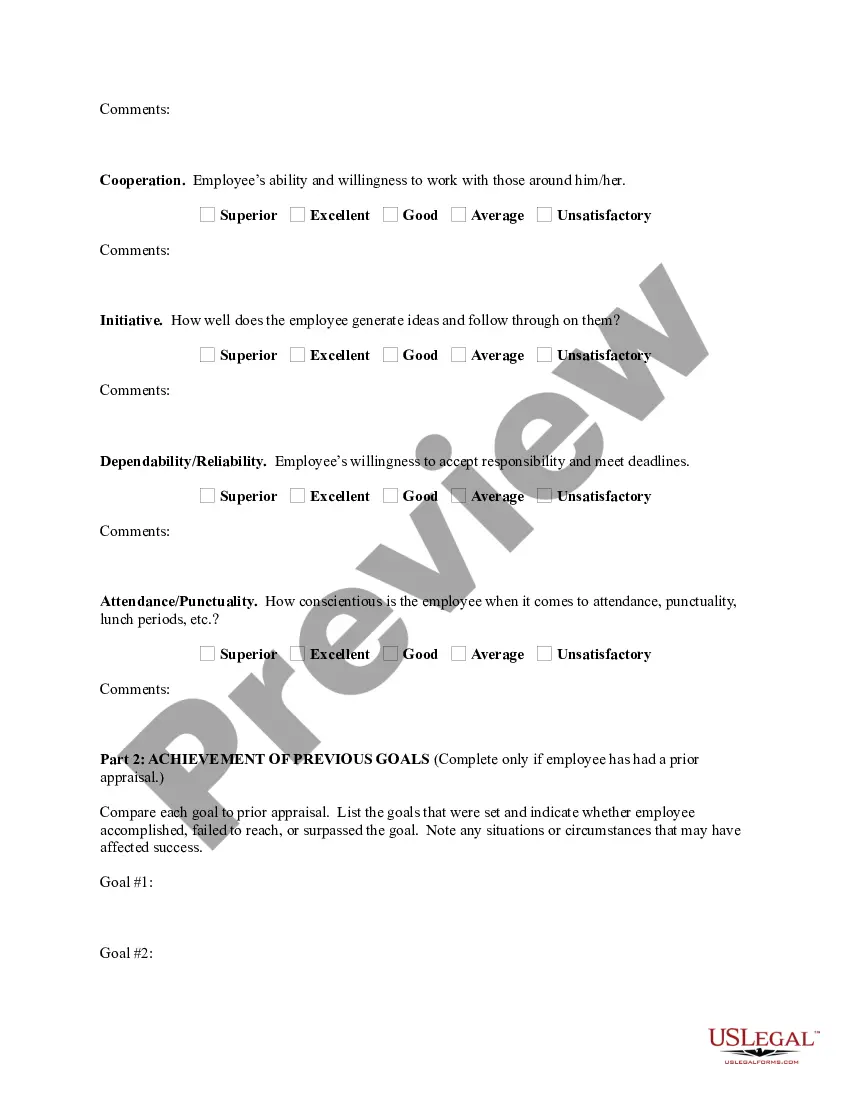
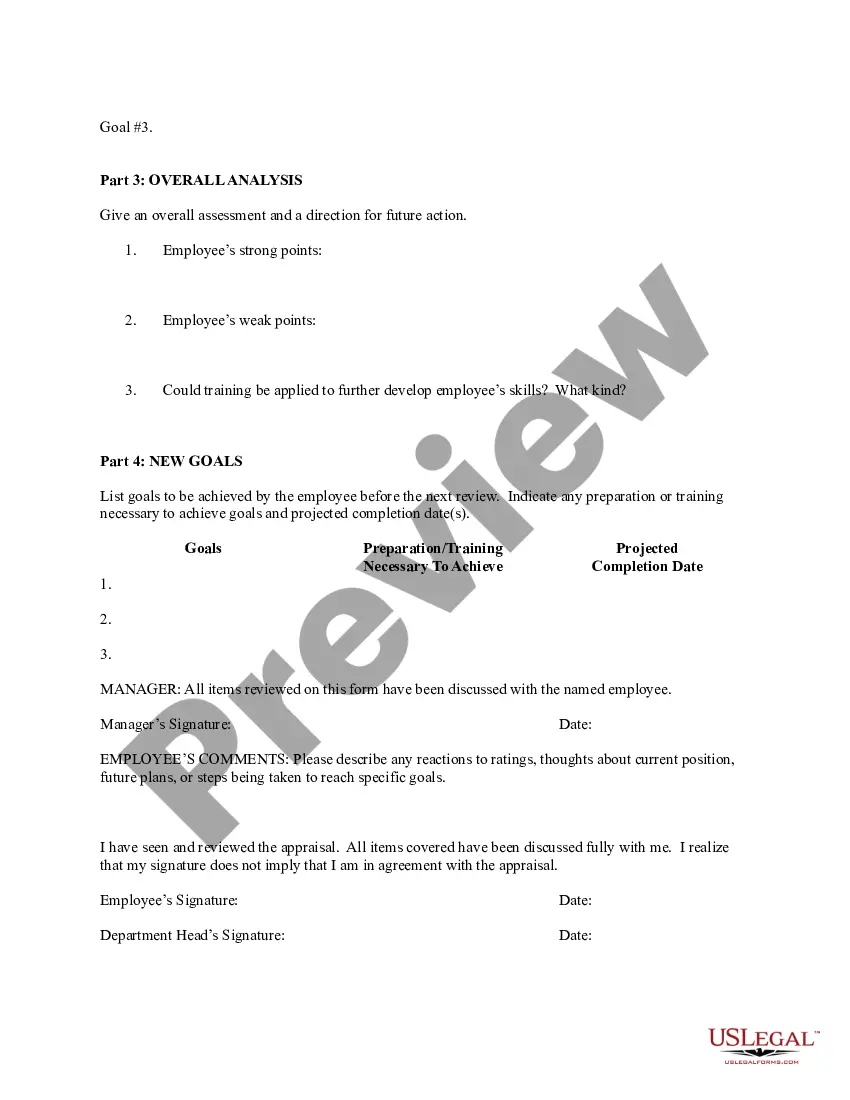
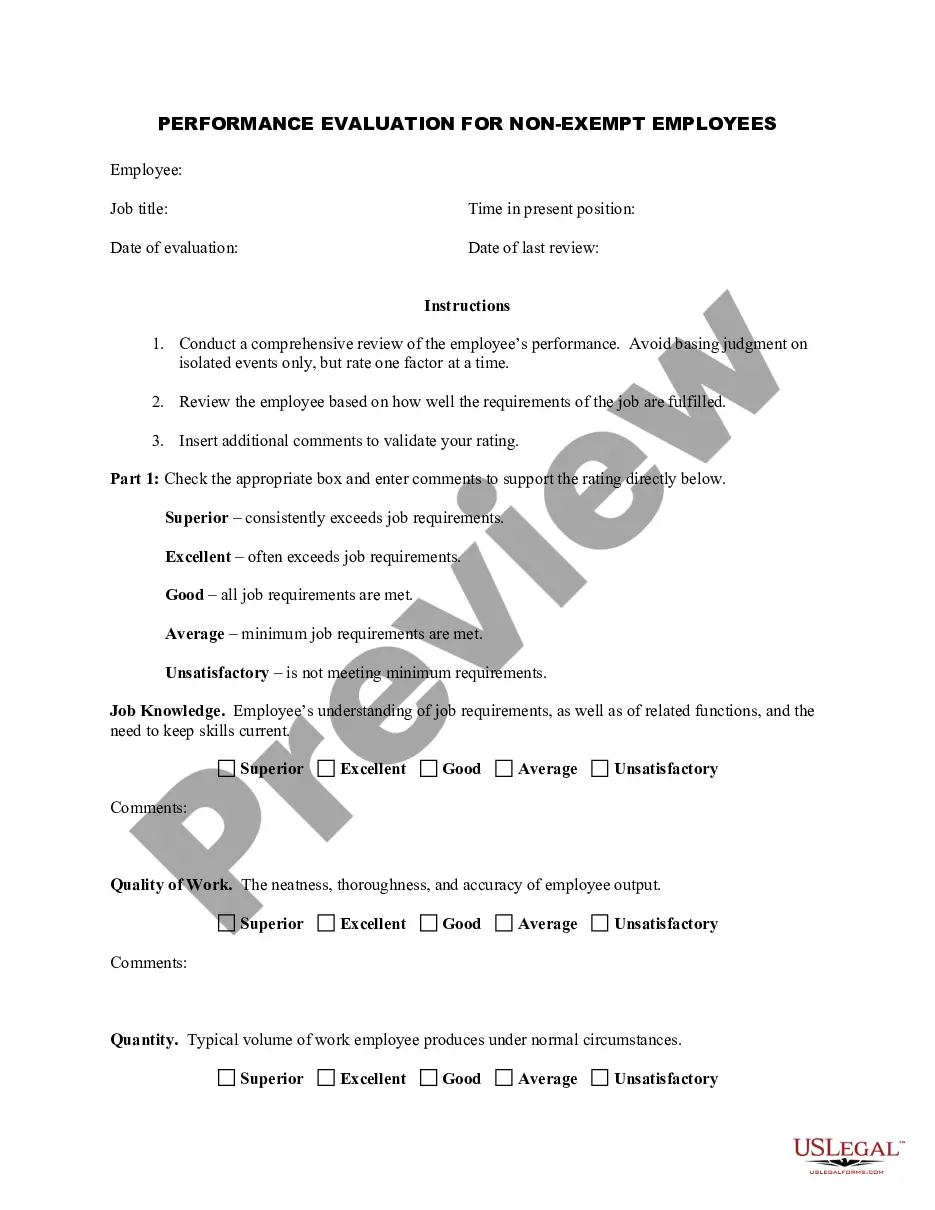
A checklist can simplify the evaluation process by providing clear and measurable criteria. It keeps evaluators focused on essential tasks and responsibilities, ensuring that all aspects of performance are considered. A Florida Employee Evaluation Form for Nurse often includes checklists, making performance reviews more efficient and thorough.
Nursing self-evaluation examples and what to includeYour best attributes.Hard evidence.Your extra job duties.Career goals.Progress you've made.
How to write an employee evaluationGather employee information. Gather required information related to the employee to get the full picture of their value to the company.List employee responsibilities.Use objective language.Use action verbs.Compare performance ratings.Ask open-ended questions.Use a point system.18-Jan-2022
How to write an effective performance evaluation commentReview past and present performance. If you only do formal reviews once a year, it's easy to provide feedback only for things that are fresh in your mind.Be honest and clear.Provide concrete examples.Choose your words carefully.End on a positive note.
How to write an employee evaluationReview the employee's job description. Get a current copy of each person's job description and review the requirements.Highlight areas of improvement.Compare strengths and weaknesses.Recommend actionable goals.Provide constructive feedback.Welcome employee input.
A good evaluation form provides plenty of space for supervisor comments and suggestions and will include an easily understandable rating system. When you create an evaluation form, they can be as simple or complex as you would like.
Examples include:I am a strong leader that fosters an environment of communication and teamwork among the other nurses and staff.Patients under my care receive an excellent education so that they fully understand care instructions.Strong team player who regularly goes above and beyond to help the hospital.09-Jun-2021
4 Tips for Writing an Effective Self-EvaluationBe specific and provide examples.Back up your contributions with metrics.Frame weaknesses as opportunities.Keep track of your accomplishments throughout the year.Communication and Cooperation.Achievements.Teamwork and Collaboration.Creativity and Innovation.More items...?
What to Include in an Employee Evaluation Form?Employee and reviewer information. The form must have basic information about both parties involved.Review period.An easy-to-understand rating system.Evaluation points.Goals.Extra space for comments.Signatures.Scorecard.More items...?27-Nov-2019
What to say in a performance reviewTalk about your achievements.Discuss ways to improve.Mention skills you've developed.Ask about company development.Provide feedback on tools and equipment.Ask questions about future expectations.Explain your experience in the workplace.Find out how you can help.More items...?