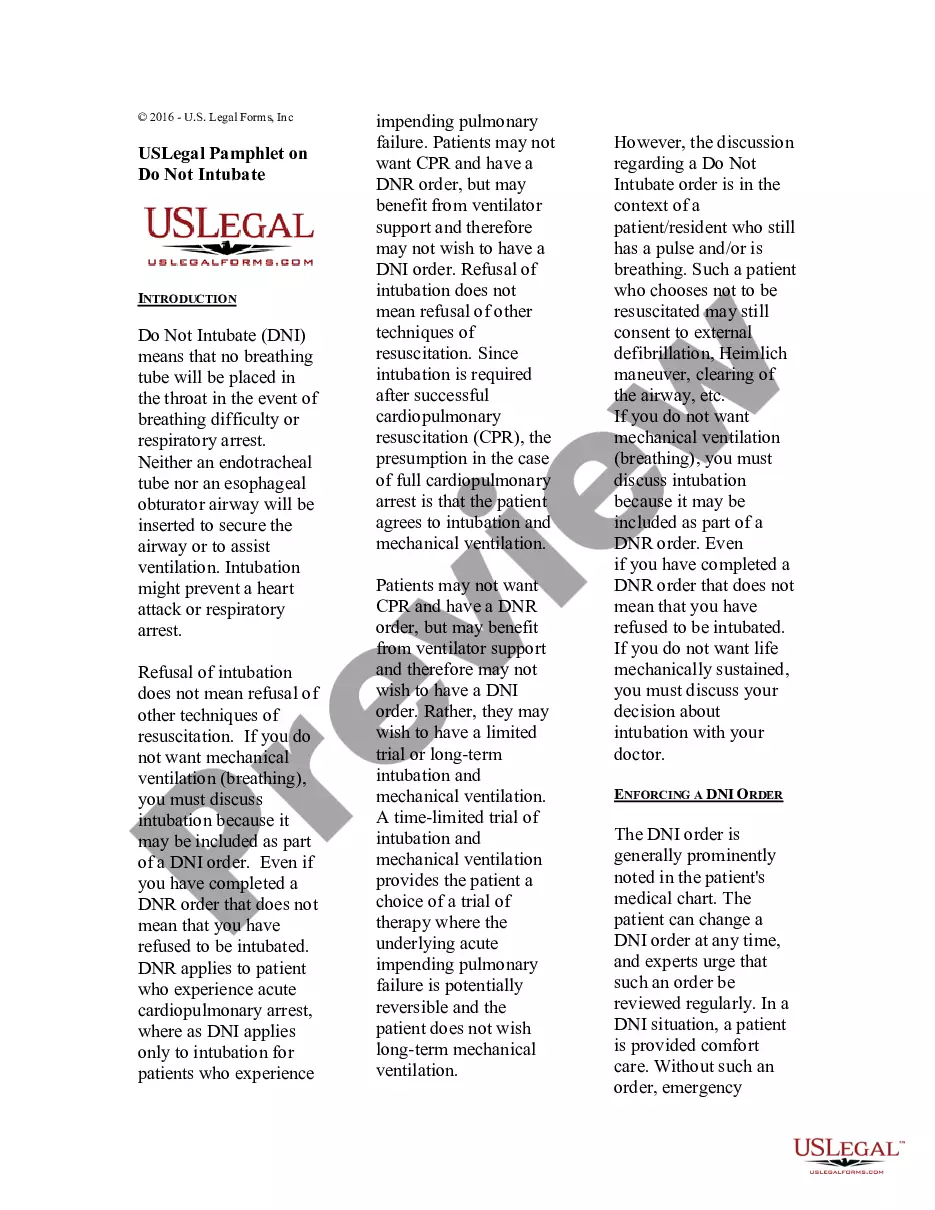
This pamphlet provides an overview on Do Not Resuscitate (DNI) orders. A comparison of DNI and DNR orders is included.
Florida USLegal Pamphlet on Do Not Intubate - DNI
State:
Multi-State
Category:
Control #:
US-PMPH-05
Format:
Word;
Rich Text
57 downloads
Description
Free preview
Get your form ready online
Our built-in tools help you complete, sign, share, and store your documents in one place.
Built-in online Word editor
Make edits, fill in missing information, and update formatting in US Legal Forms—just like you would in MS Word.
Export easily
Download a copy, print it, send it by email, or mail it via USPS—whatever works best for your next step.
E-sign your document
Sign and collect signatures with our SignNow integration. Send to multiple recipients, set reminders, and more. Go Premium to unlock E-Sign.
Notarize online 24/7
If this form requires notarization, complete it online through a secure video call—no need to meet a notary in person or wait for an appointment.
Store your document securely
We protect your documents and personal data by following strict security and privacy standards.

Make edits, fill in missing information, and update formatting in US Legal Forms—just like you would in MS Word.

Download a copy, print it, send it by email, or mail it via USPS—whatever works best for your next step.

Sign and collect signatures with our SignNow integration. Send to multiple recipients, set reminders, and more. Go Premium to unlock E-Sign.

If this form requires notarization, complete it online through a secure video call—no need to meet a notary in person or wait for an appointment.

We protect your documents and personal data by following strict security and privacy standards.
Looking for another form?
How to fill out USLegal Pamphlet On Do Not Intubate - DNI?
Finding the correct legal document template can be quite challenging.
Clearly, there are numerous designs accessible online, but how can you locate the legal form you require.
Make use of the US Legal Forms website.
First, ensure you have selected the correct form for your city/area. You can review the form using the Review button and check the form description to confirm it is suitable for you. If the form does not meet your needs, use the Search field to find the appropriate form. Once you are sure that the form is correct, click on the Get now button to obtain the form. Choose the pricing plan you want and enter the necessary information. Create your account and pay for the order using your PayPal account or credit card. Select the file format and download the legal document template to your device. Complete, modify, print, and sign the acquired Florida USLegal Pamphlet on Do Not Intubate - DNI. US Legal Forms is the largest repository of legal forms where you can find a variety of document templates. Use the service to download professionally-crafted documents that adhere to state regulations.
- The platform offers thousands of templates, including the Florida USLegal Pamphlet on Do Not Intubate - DNI, suitable for both business and personal use.
- All documents are reviewed by experts and meet federal and state regulations.
- If you are already registered, sign in to your account and click on the Download button to obtain the Florida USLegal Pamphlet on Do Not Intubate - DNI.
- Use your account to browse through the legal forms you have previously purchased.
- Go to the My documents section of your account to retrieve another version of the document you require.
- If you are a new user of US Legal Forms, here are simple instructions you can follow.
Form popularity
FAQ
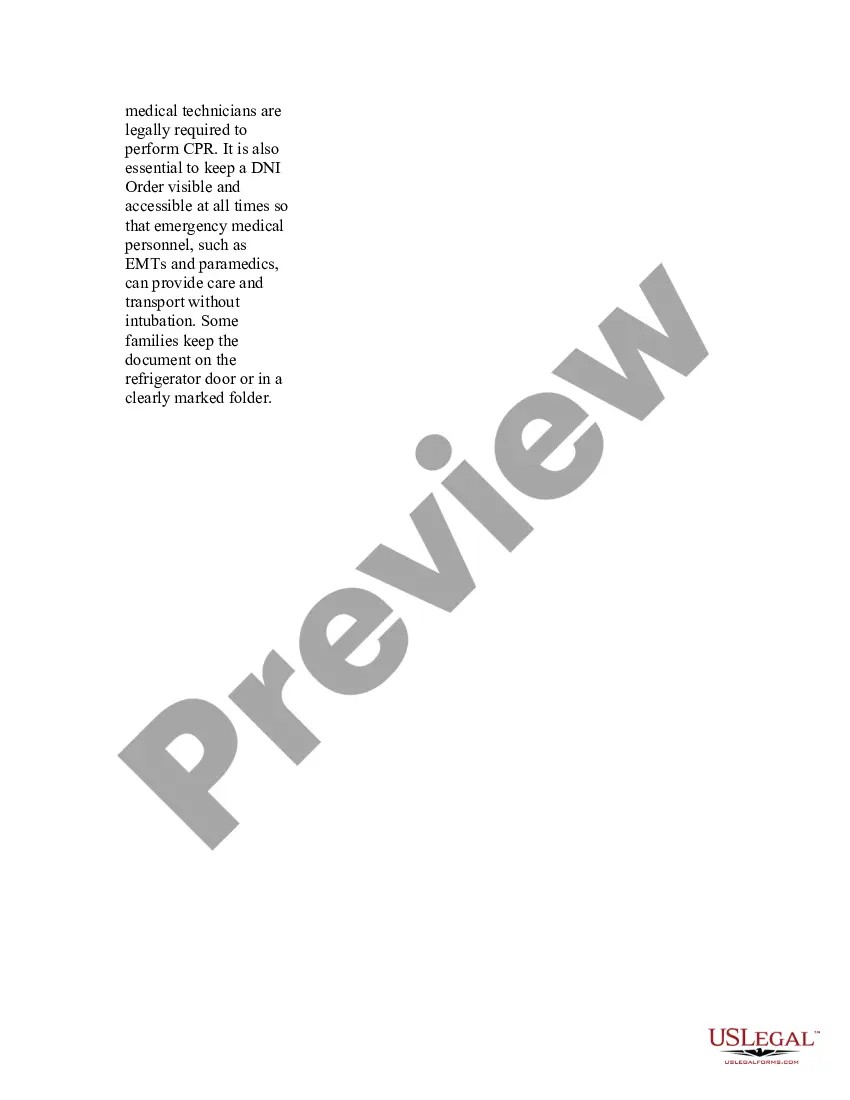
A Do Not Resuscitate (DNR) order does not automatically cover a Do Not Intubate (DNI) order. While both documents address specific medical scenarios, a DNR allows medical personnel to refrain from performing CPR, whereas a DNI specifically instructs them not to insert a breathing tube. It is crucial to have both documents clearly stated in your healthcare directives to ensure your wishes are respected. For more detailed information, refer to the Florida USLegal Pamphlet on Do Not Intubate - DNI, which can guide you through the distinctions and help you make informed decisions.
Completing a Do Not Resuscitate form is a straightforward process. You should fill out your personal information, indicate your wishes, and sign the document, ideally using the Florida USLegal Pamphlet on Do Not Intubate - DNI for accuracy. It's important to ensure that your healthcare provider is aware of your decision and has a copy of the completed form. Keeping the document in a visible place can help ensure your wishes are honored when necessary.
Yes, DNI stands for Do Not Intubate. This directive indicates that a patient does not wish to be intubated in the event of a respiratory failure. When considering this option, the Florida USLegal Pamphlet on Do Not Intubate - DNI offers comprehensive guidance on how to articulate your wishes. Understanding this terminology is crucial for effective communication with healthcare professionals.
In Florida, a Do Not Resuscitate (DNR) form does not require notarization to be valid. However, using the Florida USLegal Pamphlet on Do Not Intubate - DNI can help you understand the specific requirements and ensure you follow state guidelines. It is also recommended to keep the form accessible for healthcare providers. This accessibility can prevent confusion in critical situations.
Writing a Do Not Resuscitate letter involves clearly stating your wishes regarding resuscitation efforts. Start by including your personal information and a clear statement that you do not wish to receive resuscitation. Utilizing the Florida USLegal Pamphlet on Do Not Intubate - DNI can guide you through this process effectively. Ensure that you sign and date the letter, and consider having a witness to strengthen its validity.
While you have the right to express your wishes regarding resuscitation, creating a DNR on your own can lead to confusion. It's best to use the Florida USLegal Pamphlet on Do Not Intubate - DNI, as it provides a clear structure and ensures compliance with state laws. This approach guarantees that your intentions are accurately conveyed to healthcare providers. Working with a medical professional can further improve clarity and validity.
To ensure a Do Not Resuscitate (DNR) order is valid in Florida, you must have it signed by a physician. The order should also be completed using the official Florida USLegal Pamphlet on Do Not Intubate - DNI. Moreover, it's essential that the document is readily available to medical personnel when needed. Proper completion also involves ensuring that it reflects your wishes clearly.