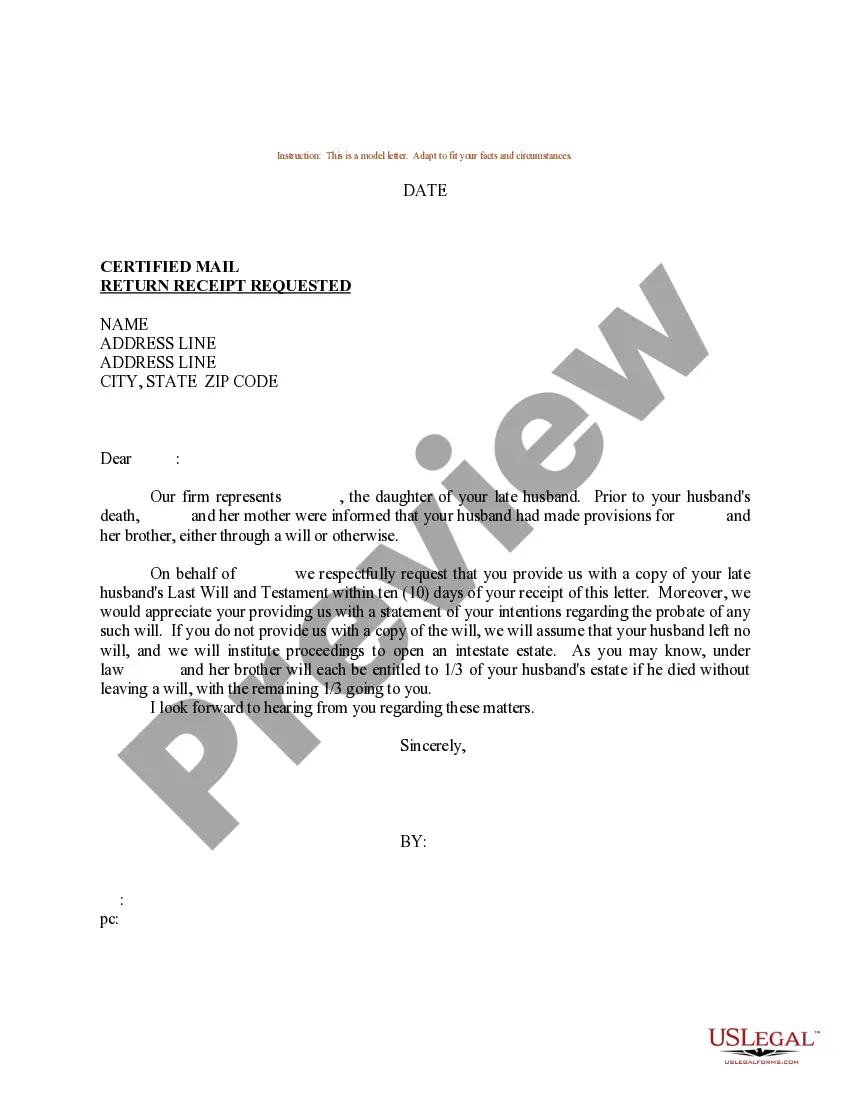
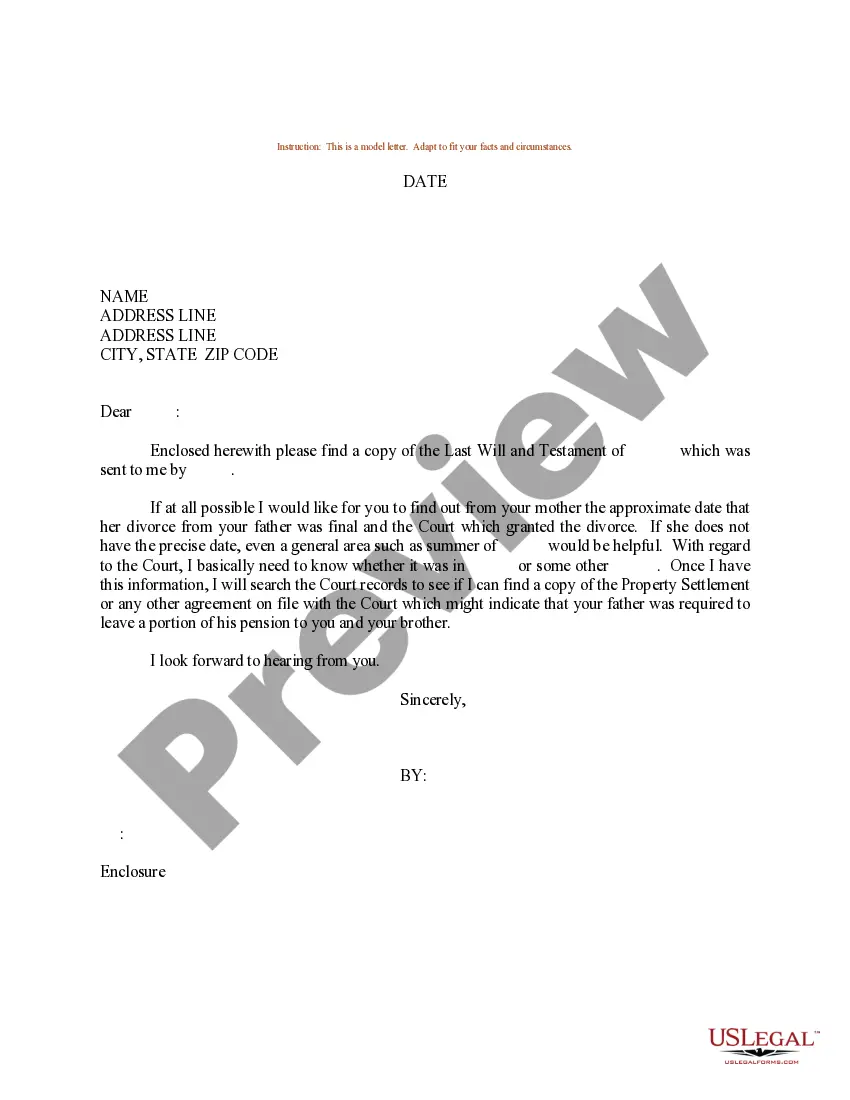
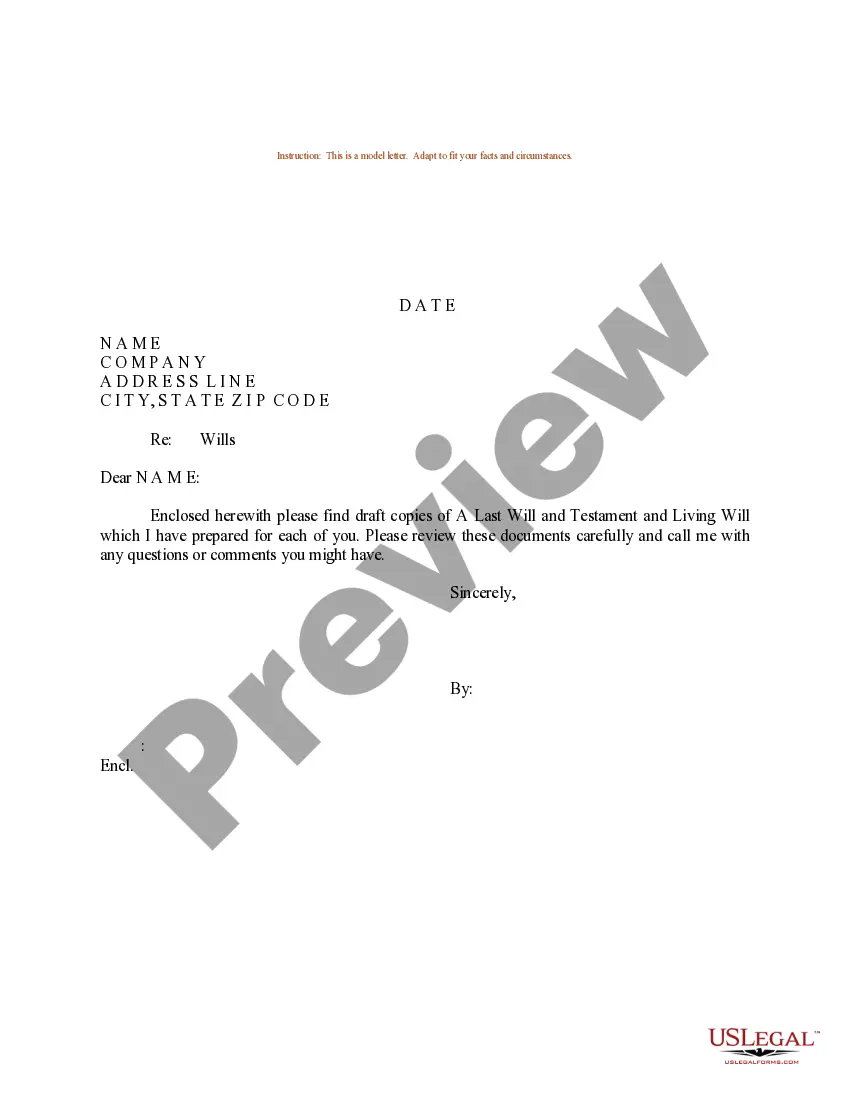
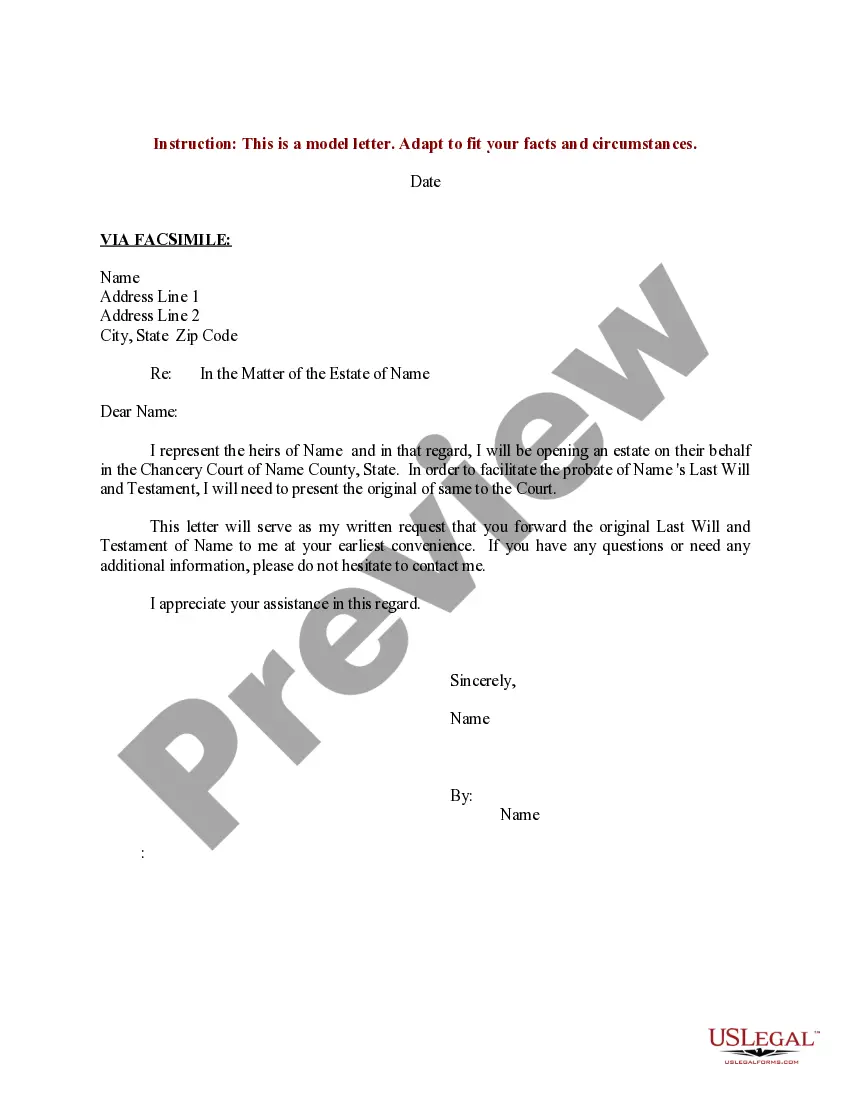
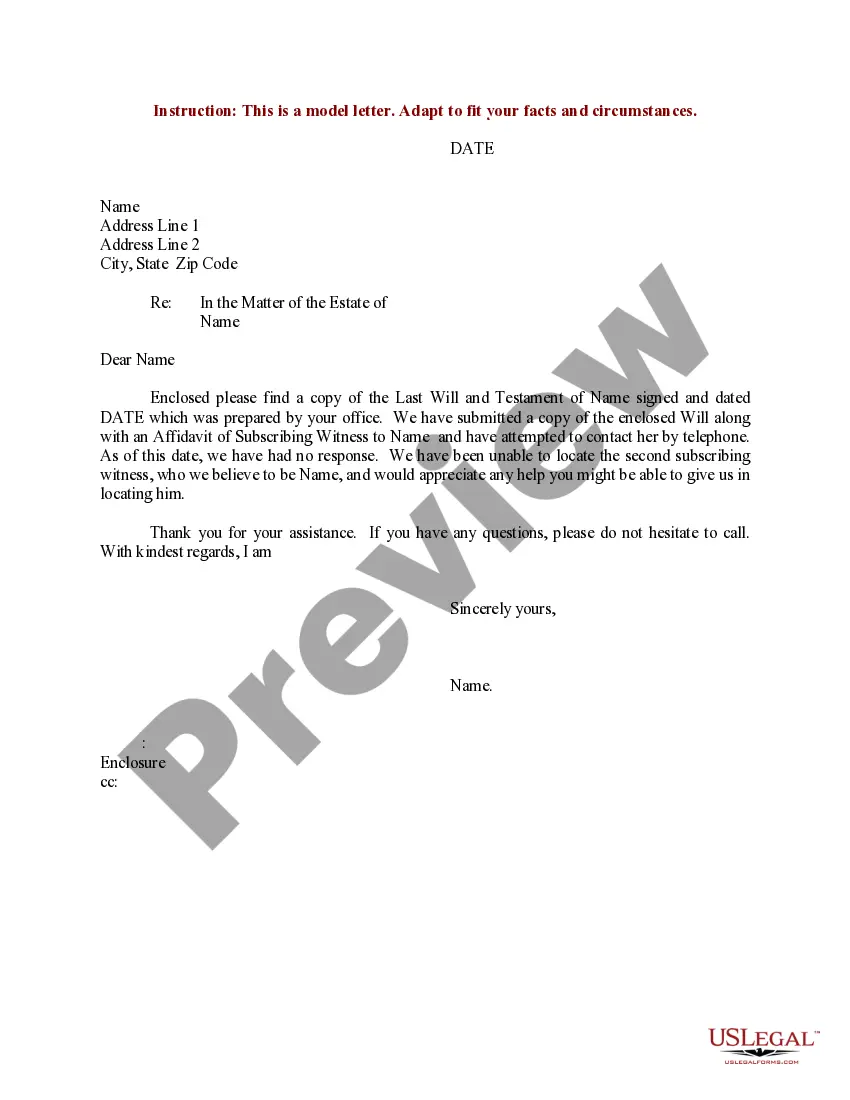
Florida Sample Letter with Request for Copy of Last Will and Testament of Decedent
Description
Get your form ready online
Our built-in tools help you complete, sign, share, and store your documents in one place.
Make edits, fill in missing information, and update formatting in US Legal Forms—just like you would in MS Word.
Download a copy, print it, send it by email, or mail it via USPS—whatever works best for your next step.
Sign and collect signatures with our SignNow integration. Send to multiple recipients, set reminders, and more. Go Premium to unlock E-Sign.
If this form requires notarization, complete it online through a secure video call—no need to meet a notary in person or wait for an appointment.
We protect your documents and personal data by following strict security and privacy standards.

Make edits, fill in missing information, and update formatting in US Legal Forms—just like you would in MS Word.

Download a copy, print it, send it by email, or mail it via USPS—whatever works best for your next step.

Sign and collect signatures with our SignNow integration. Send to multiple recipients, set reminders, and more. Go Premium to unlock E-Sign.

If this form requires notarization, complete it online through a secure video call—no need to meet a notary in person or wait for an appointment.

We protect your documents and personal data by following strict security and privacy standards.
Looking for another form?

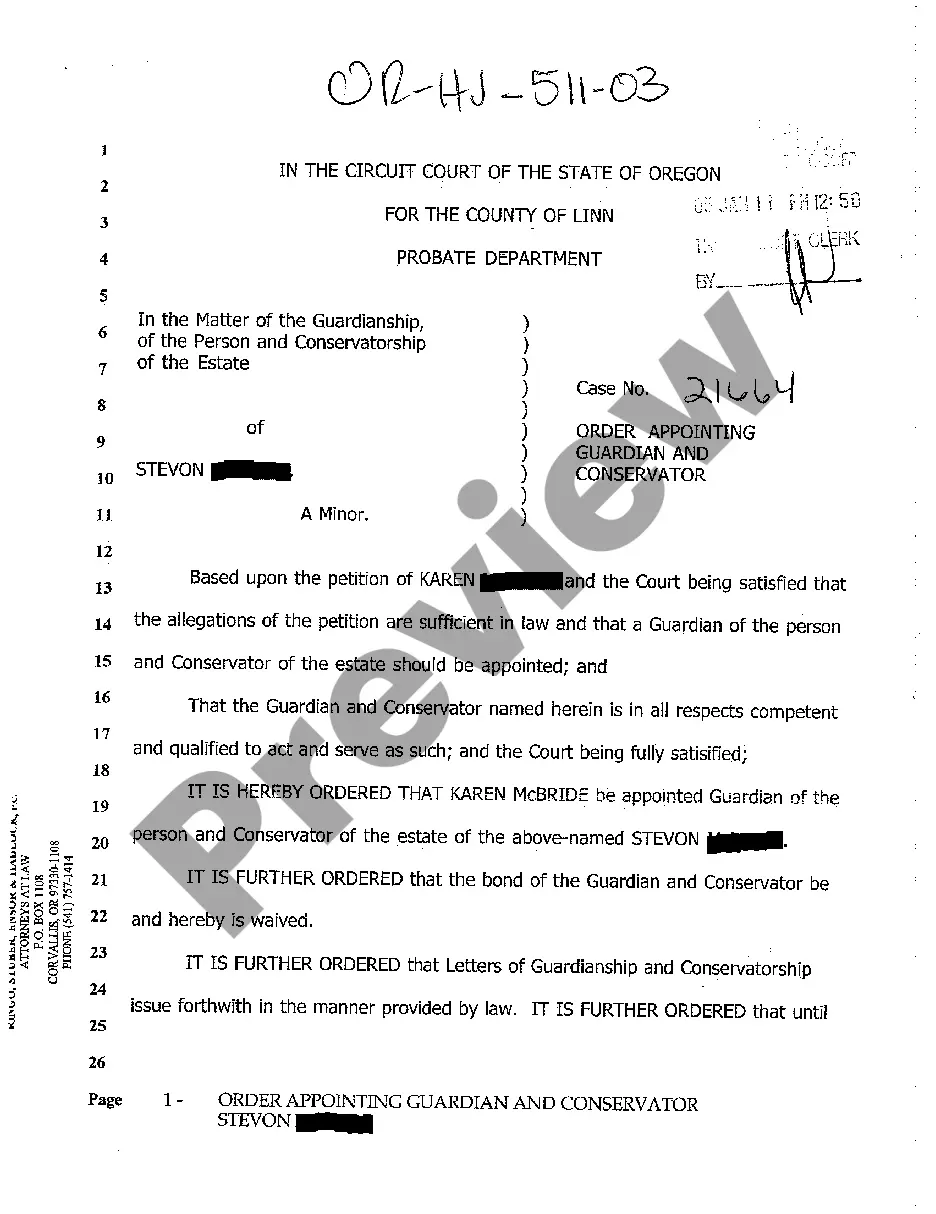
How to fill out Sample Letter With Request For Copy Of Last Will And Testament Of Decedent?
If you wish to gather, download, or print legal document templates, utilize US Legal Forms, the most extensive selection of legal forms available online.
Take advantage of the site’s user-friendly and convenient search feature to locate the documents you need.
A range of templates for business and personal purposes are categorized by types and states, or keywords.
Step 4. Once you have found the form you need, click the Acquire now button. Choose the pricing plan you prefer and enter your details to register for an account.
Step 5. Complete the transaction. You can use your credit card or PayPal account to finalize the transaction.
- Utilize US Legal Forms to obtain the Florida Sample Letter with Request for Copy of Last Will and Testament of Decedent with just a few clicks.
- If you are an existing US Legal Forms user, Log In to your account and click on the Obtain button to access the Florida Sample Letter with Request for Copy of Last Will and Testament of Decedent.
- You can also find forms you previously purchased in the My documents section of your account.
- If you are using US Legal Forms for the first time, follow the steps below.
- Step 1. Ensure you have selected the form for your specific city/state.
- Step 2. Use the Review option to examine the form’s content. Don’t forget to read the description.
- Step 3. If you are not satisfied with the form, use the Search field at the top of the screen to find other versions in the legal form template.
Form popularity
FAQ
The only way to access the will is to show up at the local county clerk's office and ask to see the will or ask for a copy of the will. In most cases, there is usually a small administrative fee for photocopying the will.
If you are a beneficiary of a Florida Will, you have 5 important information rights: You have a right to secure a copy of the Will. The original will must be deposited with the court within 10 days of notice of death.
The average cost of a will in Florida varies from $200 to $1,000, depending on the attorney's fees and the complexity of the estate. A trust's average cost in Florida typically ranges from $1,000 to $3,000, with more complex trusts potentially costing more.
How to make a will in Florida Decide how you're going to write your will. ... Choose beneficiaries for all your assets. ... Choose guardians for your minor children or pets, if you have them. Choose your will executor. ... Sign and witness your will ing to the laws of your state. Store your will somewhere safe.
The custodian of a Will must deposit the original copy of the Will with the clerk of the Court having the venue of the decedent's estate within 10 days of receiving information that the testator is dead. (S. 732.901, Florida Statutes.) There is no fee to deposit the Will with the clerk of Court.
Ing to Florida law, the individual who is in possession of the will must file or register it with the local court clerk within 10 days of death.
Your will doesn't need to be prepared, or even reviewed by an attorney for it to be valid. There are many tools online that can help guide you as you prepare your will. If you do create your own will in Florida, however, it still needs to abide by all of Florida's state laws regarding wills and estates.
Florida wills must be signed by the testator. A testator is just lawyer-talk for a person who wrote a will. So when you make a will for yourself, Florida requires you to sign it. And when you do, be sure you sign it all the way at the bottom, otherwise anything you wrote below your signature may not stand.