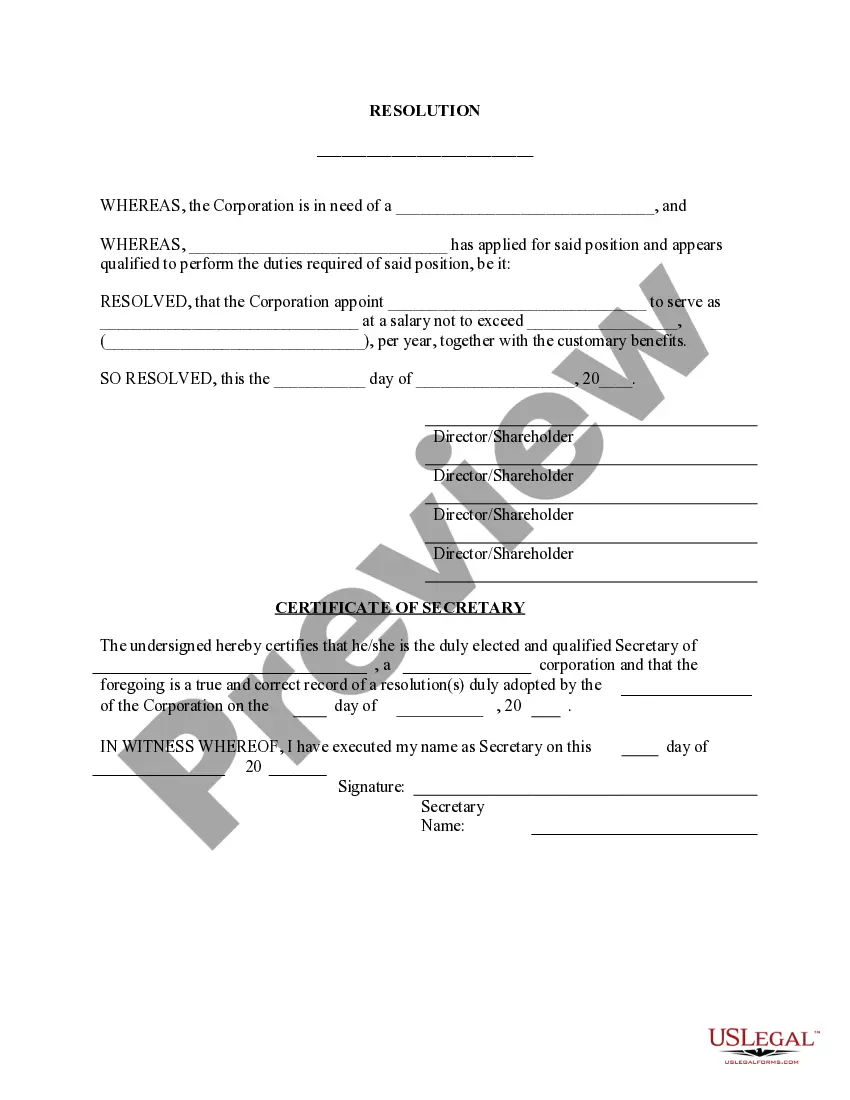
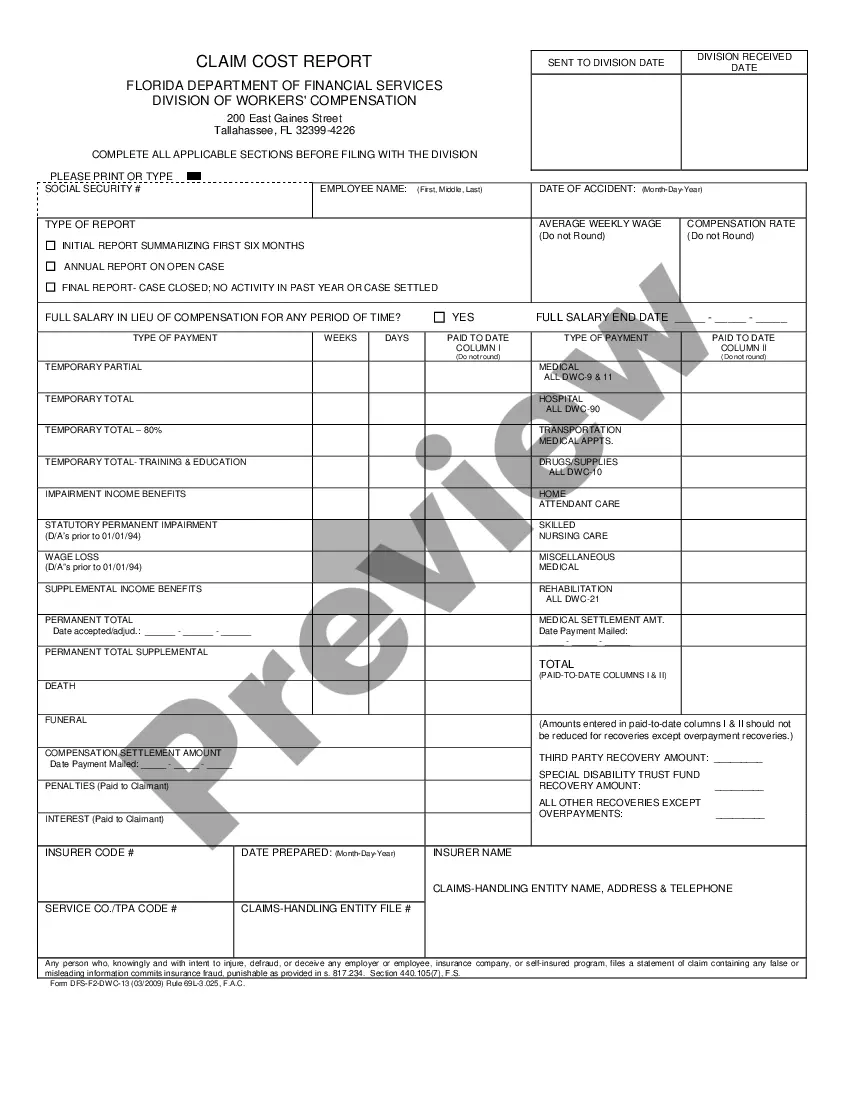
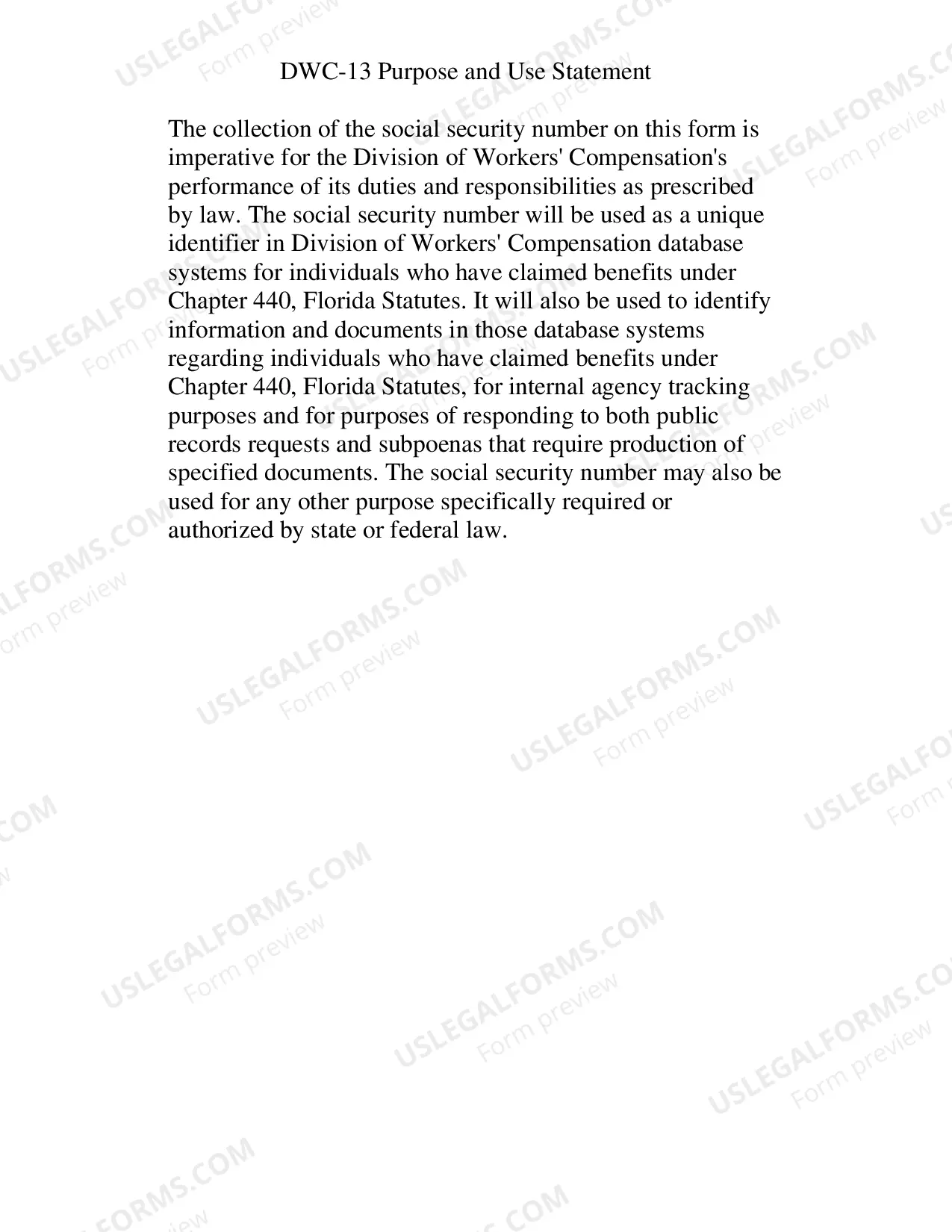
Florida Claim Cost Report
Description
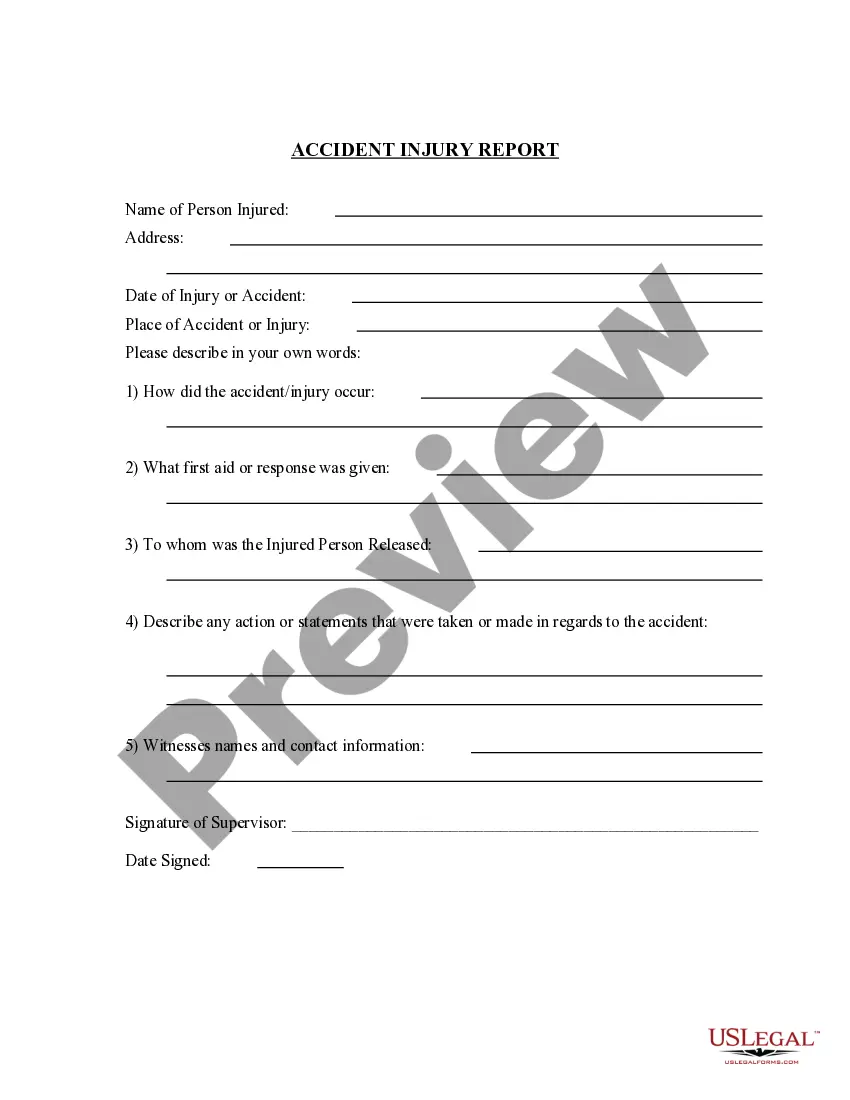
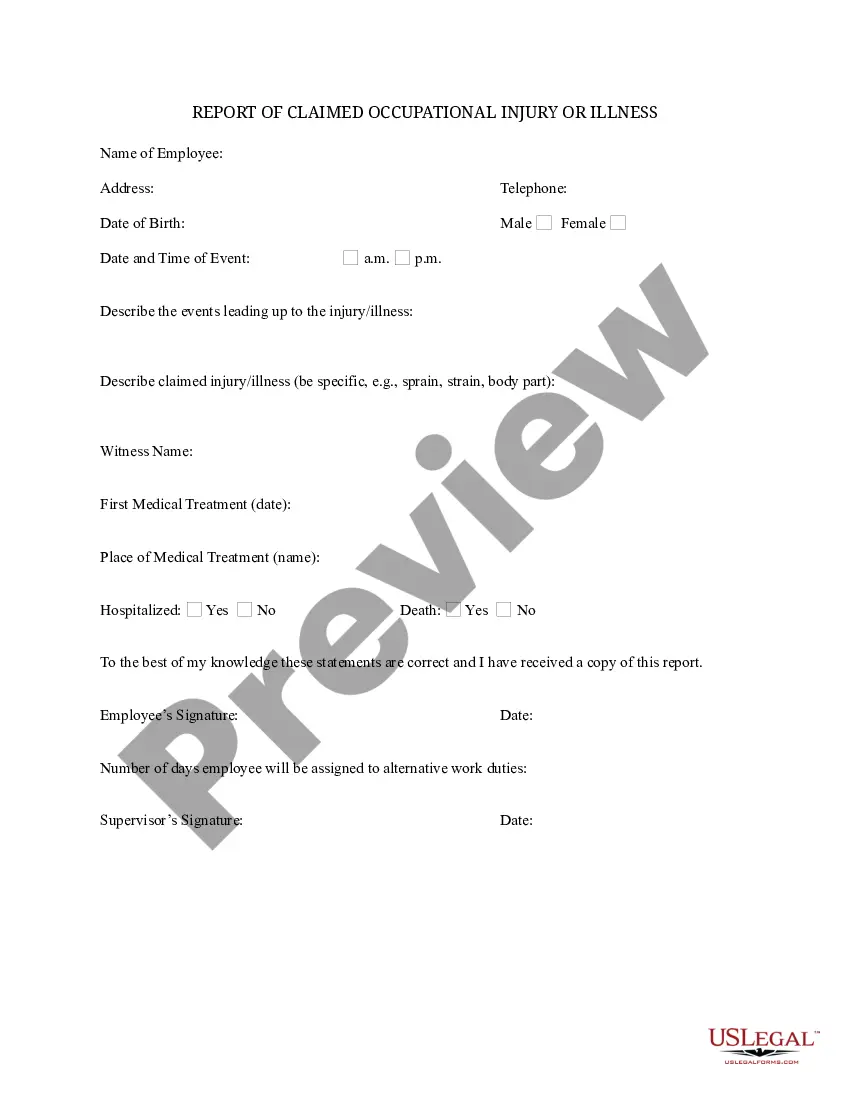
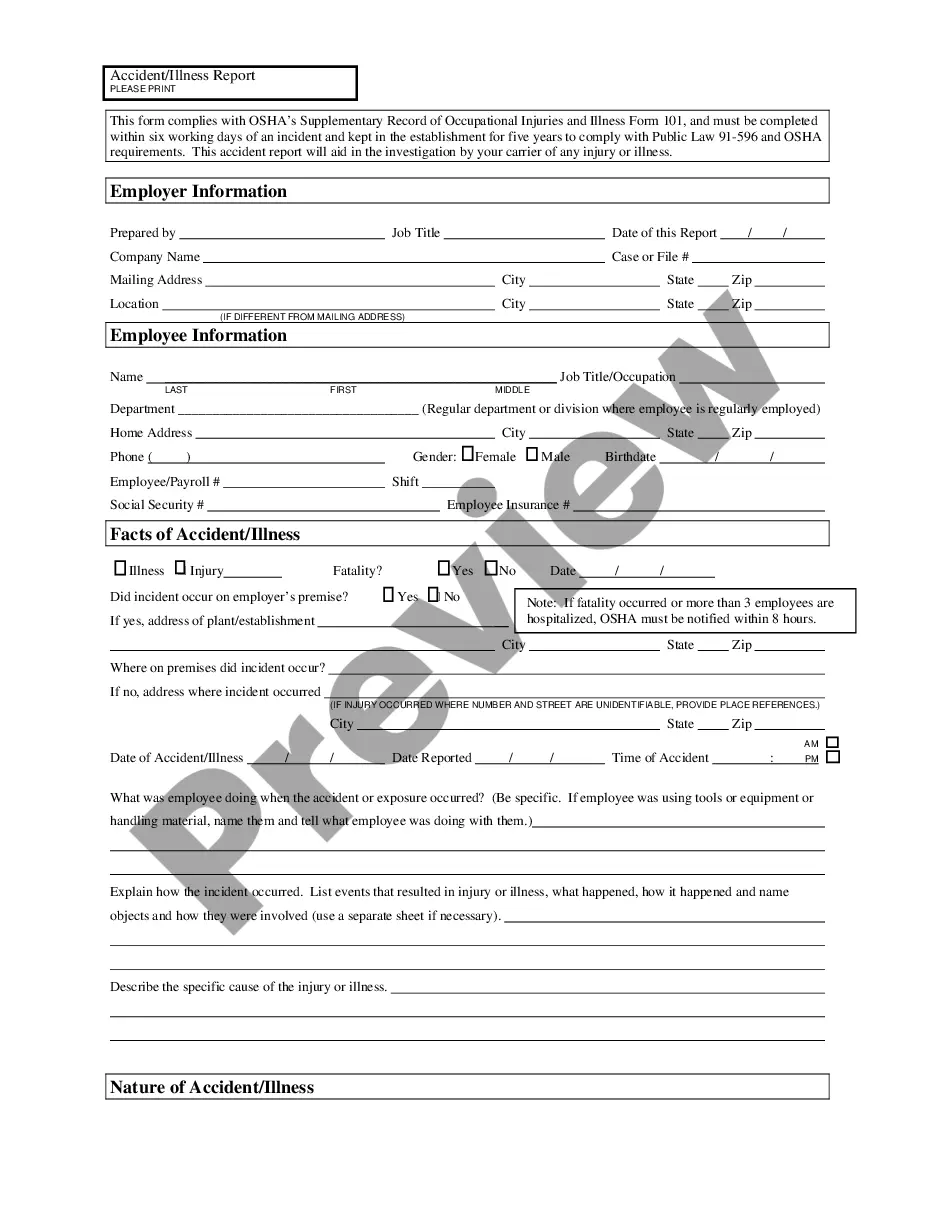
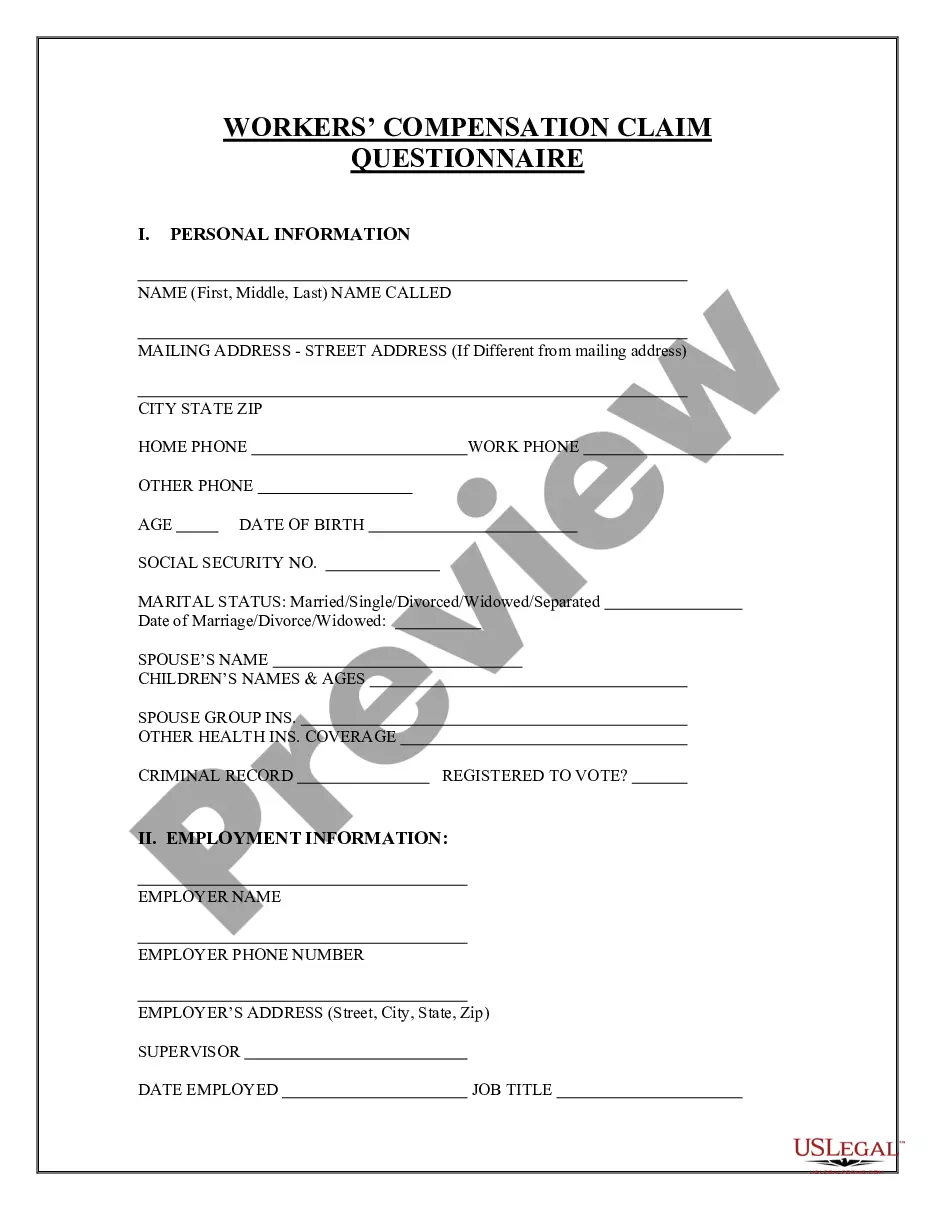
Get your form ready online
Our built-in tools help you complete, sign, share, and store your documents in one place.
Make edits, fill in missing information, and update formatting in US Legal Forms—just like you would in MS Word.
Download a copy, print it, send it by email, or mail it via USPS—whatever works best for your next step.
Sign and collect signatures with our SignNow integration. Send to multiple recipients, set reminders, and more. Go Premium to unlock E-Sign.
If this form requires notarization, complete it online through a secure video call—no need to meet a notary in person or wait for an appointment.
We protect your documents and personal data by following strict security and privacy standards.

Make edits, fill in missing information, and update formatting in US Legal Forms—just like you would in MS Word.

Download a copy, print it, send it by email, or mail it via USPS—whatever works best for your next step.

Sign and collect signatures with our SignNow integration. Send to multiple recipients, set reminders, and more. Go Premium to unlock E-Sign.

If this form requires notarization, complete it online through a secure video call—no need to meet a notary in person or wait for an appointment.

We protect your documents and personal data by following strict security and privacy standards.
Looking for another form?

How to fill out Florida Claim Cost Report?
Obtain entry to one of the most extensive collections of approved forms.
US Legal Forms serves as a resource where you can discover any state-specific document in just a few clicks, including Florida Claim Cost Report samples.
No need to squander hours searching for a court-acceptable example.
After selecting a pricing plan, create an account. Pay via credit card or PayPal. Download the document to your computer by clicking on the Download button. That's all! You should complete the Florida Claim Cost Report form and review it thoroughly. To ensure everything is accurate, reach out to your local legal advisor for assistance. Sign up and effortlessly browse over 85,000 useful forms.
- To utilize the document library, choose a subscription and create an account.
- If you have done that, simply Log In and then click Download.
- The Florida Claim Cost Report template will instantly be saved in the My documents section (a section for all forms you save on US Legal Forms).
- To establish a new account, adhere to the straightforward instructions provided below.
- If you intend to use a state-specific document, make sure to specify the correct state.
- If possible, examine the description to grasp all of the details of the document.
- Utilize the Preview option if it's available to review the document's details.
- If everything is accurate, click Buy Now.