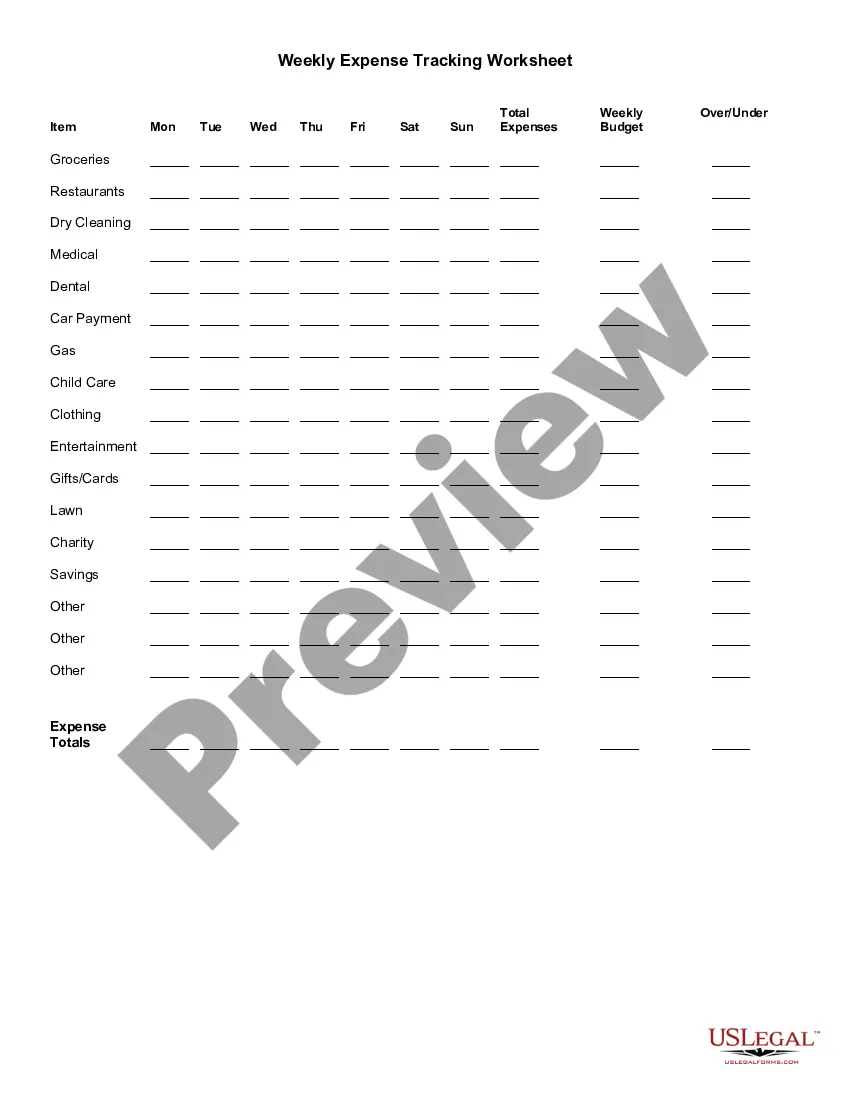
District of Columbia Weekly Expense Tracking Worksheet
Description
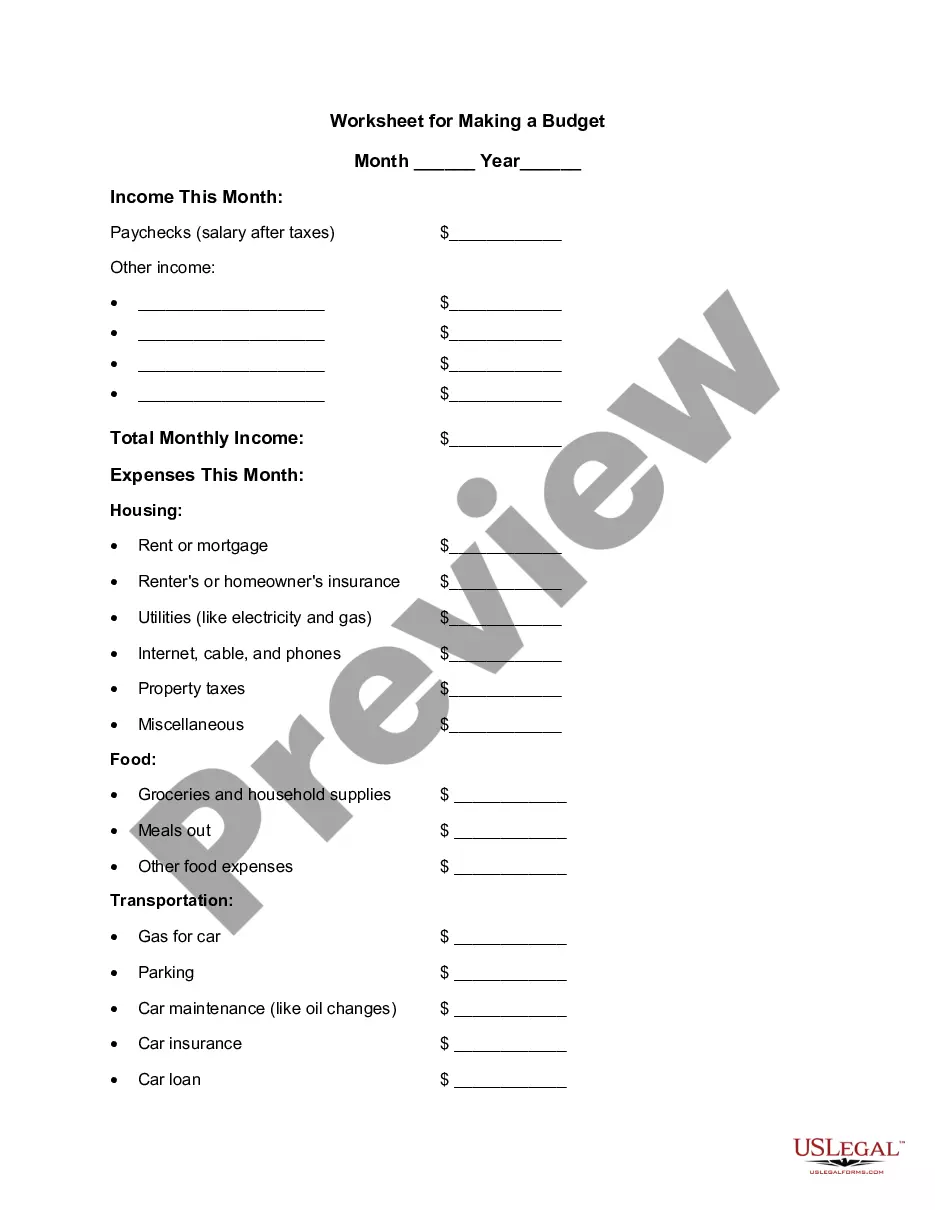
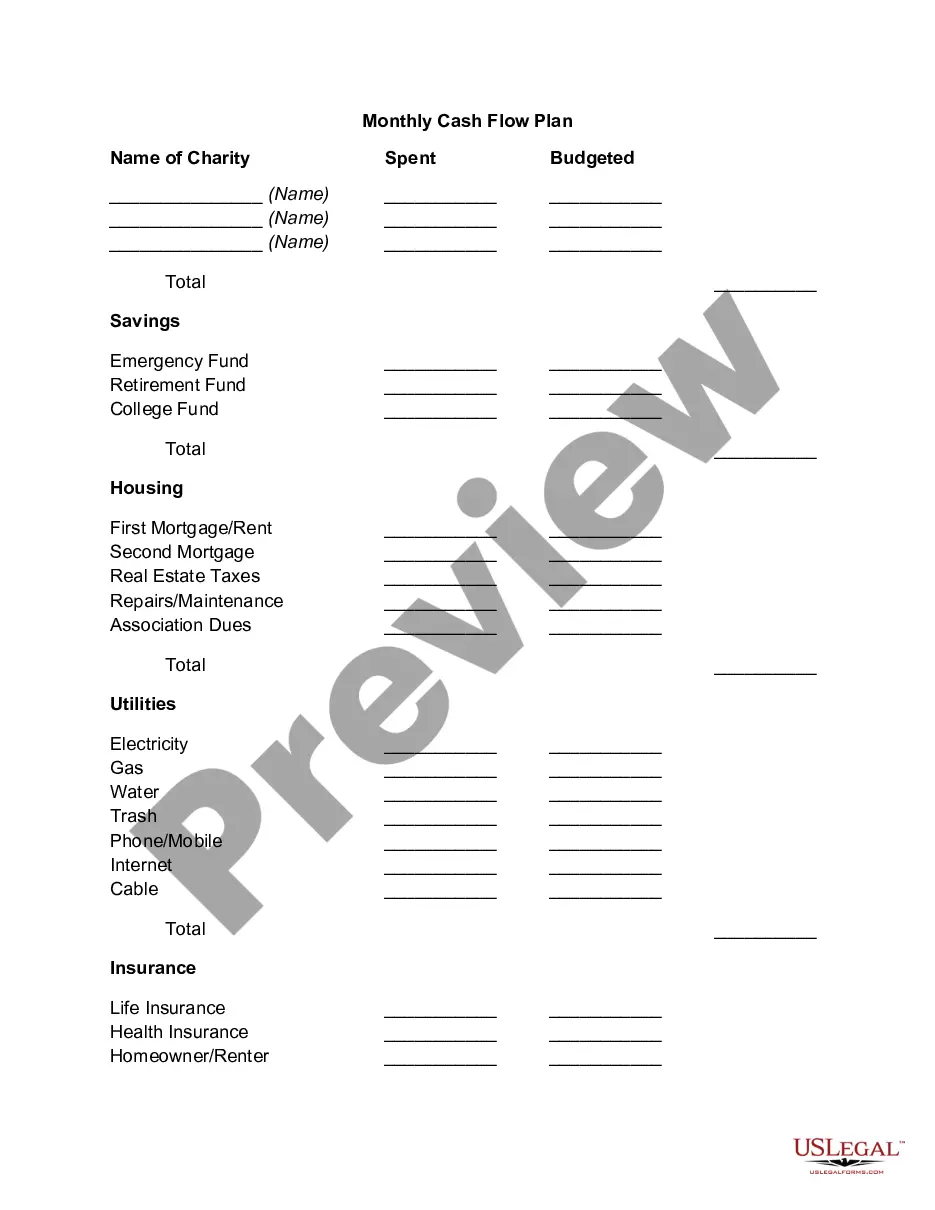
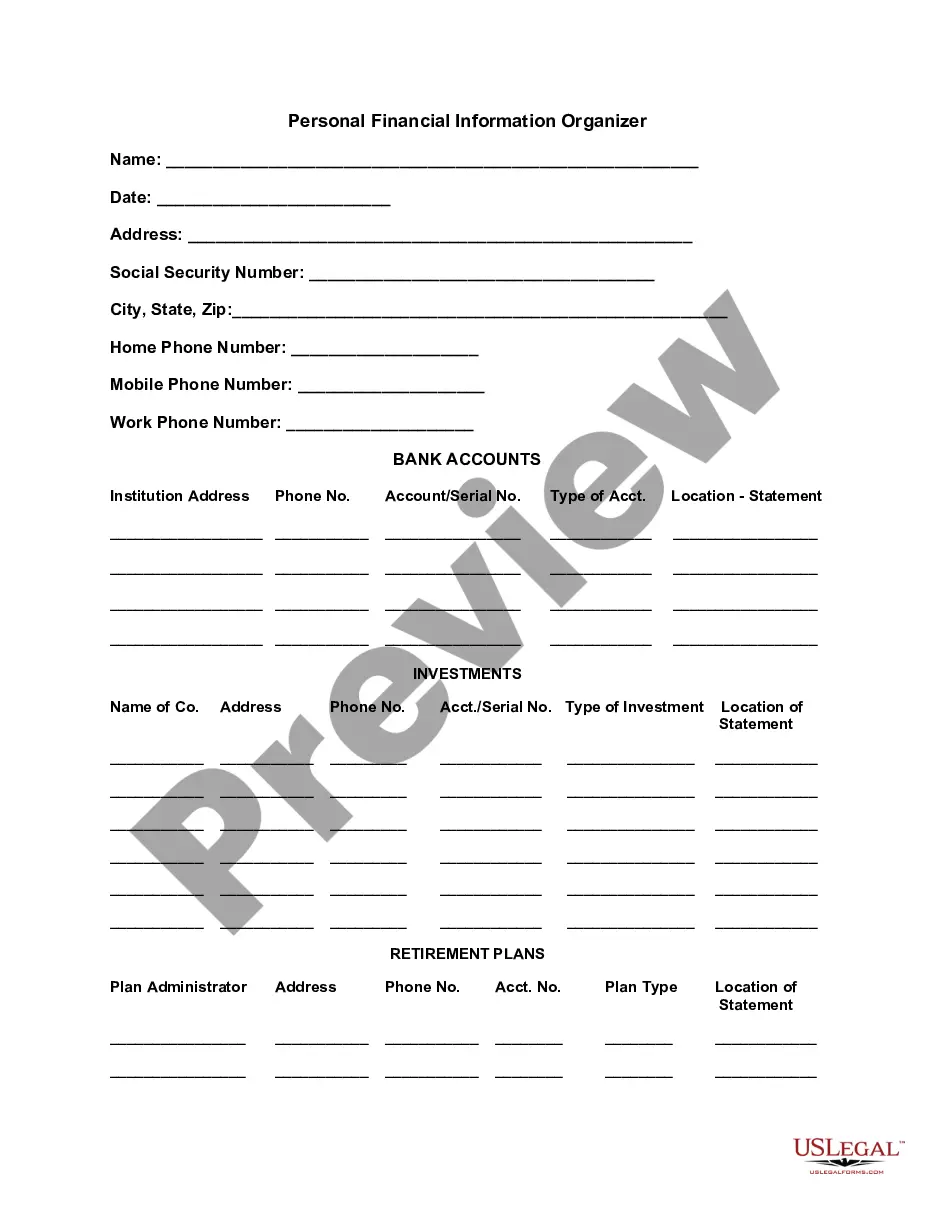
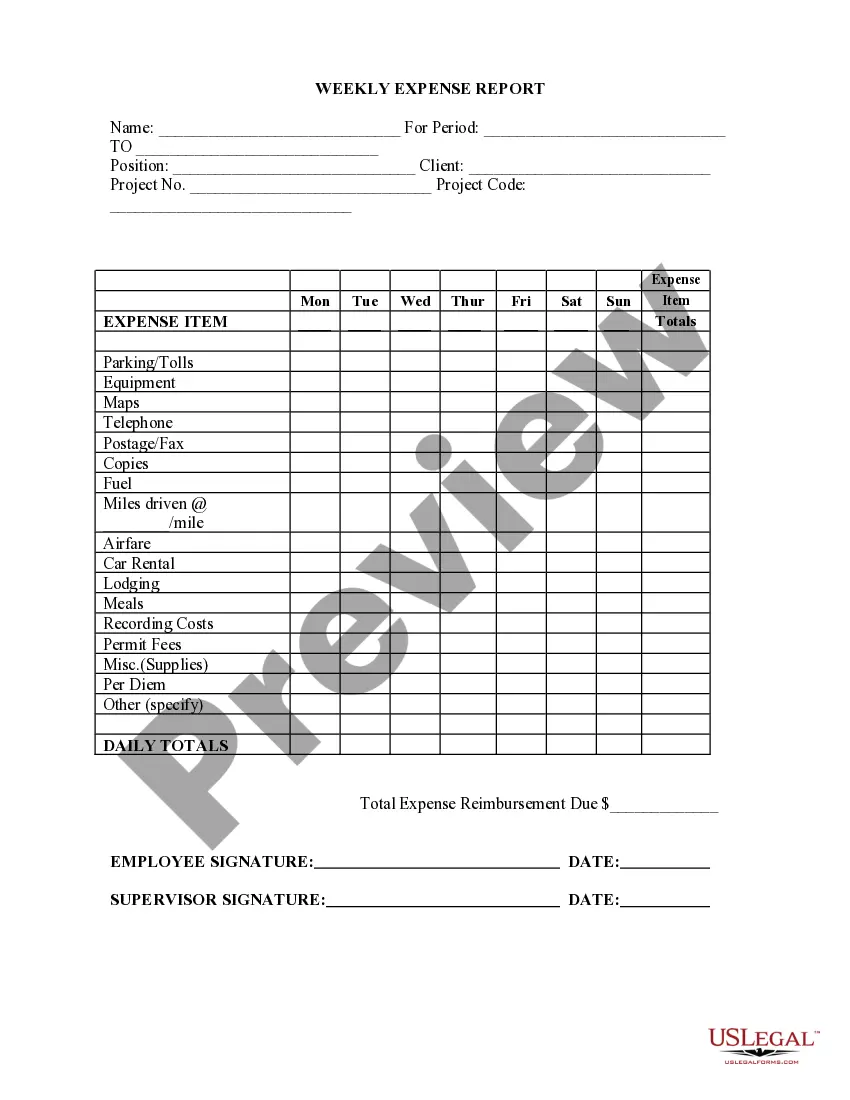
Get your form ready online
Our built-in tools help you complete, sign, share, and store your documents in one place.
Make edits, fill in missing information, and update formatting in US Legal Forms—just like you would in MS Word.
Download a copy, print it, send it by email, or mail it via USPS—whatever works best for your next step.
Sign and collect signatures with our SignNow integration. Send to multiple recipients, set reminders, and more. Go Premium to unlock E-Sign.
If this form requires notarization, complete it online through a secure video call—no need to meet a notary in person or wait for an appointment.
We protect your documents and personal data by following strict security and privacy standards.

Make edits, fill in missing information, and update formatting in US Legal Forms—just like you would in MS Word.

Download a copy, print it, send it by email, or mail it via USPS—whatever works best for your next step.

Sign and collect signatures with our SignNow integration. Send to multiple recipients, set reminders, and more. Go Premium to unlock E-Sign.

If this form requires notarization, complete it online through a secure video call—no need to meet a notary in person or wait for an appointment.

We protect your documents and personal data by following strict security and privacy standards.
Looking for another form?


How to fill out Weekly Expense Tracking Worksheet?
US Legal Forms - one of the largest collections of legal documents in the United States - provides a range of legal template formats available for download or printing.
By using the website, you can access thousands of forms for business and personal purposes, organized by categories, states, or keywords. You can find the latest versions of documents like the District of Columbia Weekly Expense Tracking Worksheet within moments.
If you have an account, Log In and download the District of Columbia Weekly Expense Tracking Worksheet from your US Legal Forms repository. The Download button will appear on each document you view. You can access all previously downloaded forms from the My documents section of your account.
Process the transaction. Use your credit card or PayPal account to complete the purchase.
Select the format and download the document to your device. Make edits. Complete, modify, print, and sign the downloaded District of Columbia Weekly Expense Tracking Worksheet. Each template you add to your account does not have an expiration date and is yours indefinitely. So, to download or print another copy, just go to the My documents section and click on the form you require. Access the District of Columbia Weekly Expense Tracking Worksheet through US Legal Forms, the most extensive collection of legal document templates. Utilize thousands of professional and state-specific templates that meet your business or personal needs.
- Firstly, ensure you have selected the correct form for your locality.
- Click the Preview button to examine the content of the form.
- Read the form description to confirm you have chosen the correct document.
- If the form does not meet your needs, use the Search field at the top of the page to find the suitable one.
- If you are satisfied with the form, confirm your selection by clicking the Purchase now button.
- Then, select the pricing plan you prefer and provide your details to create an account.
Form popularity
FAQ
Here are 20 common things to include in a budget:Rent.Groceries.Daily Incidentals.Irregular Expenses and Emergency Fund.Household Maintenance.Work Wardrobe and Upkeep.Subscriptions.Guests.More items...?
A spreadsheet that keeps track of expenses can serve as a ledger.Use the top row of each column for the categories you've defined.Use the far left-hand column for the date, and the column second to the left for the name of the vendor.Enter the amount of each expense in the column that corresponds to its category.More items...
And spreadsheets are one of the easiest tools for expense tracking. Plus, with hundreds of free, pre-built templates, it's easy to get started with tracking expenses in a spreadsheet. You can even review your expenses on the go with free mobile apps for Microsoft Excel or Google Sheets.
A spreadsheet that keeps track of expenses can serve as a ledger.Use the top row of each column for the categories you've defined.Use the far left-hand column for the date, and the column second to the left for the name of the vendor.Enter the amount of each expense in the column that corresponds to its category.More items...
How to Make a Budget in Excel from ScratchStep 1: Open a Blank Workbook.Step 2: Set Up Your Income Tab.Step 3: Add Formulas to Automate.Step 4: Add Your Expenses.Step 5: Add More Sections.Step 6.0: The Final Balance.Step 6.1: Totaling Numbers from Other Sheets.Step 7: Insert a Graph (Optional)
Creating a weekly budgetHow much do you earn?How much are you spending?Split your outgoings into mandatory and lifestyle.Remove your outgoings from your income, and look for ways to cut spending.Think about the future.Choose goals you can meet.Schedule monthly check-ins.
Open Excel.Add headings for the columns in the top row your income worksheet.Format your columns.Select your expense worksheet and set it up for recording expense data.Format your expenses columns.
How to Make a Budget Plan: 6 Easy StepsSelect your budget template or application.Collect all your financial paperwork or electronic bill information.Calculate your monthly income.Establish a list of your monthly expenses.Categorize your expenses and designate spending values.Adjust your budget accordingly.
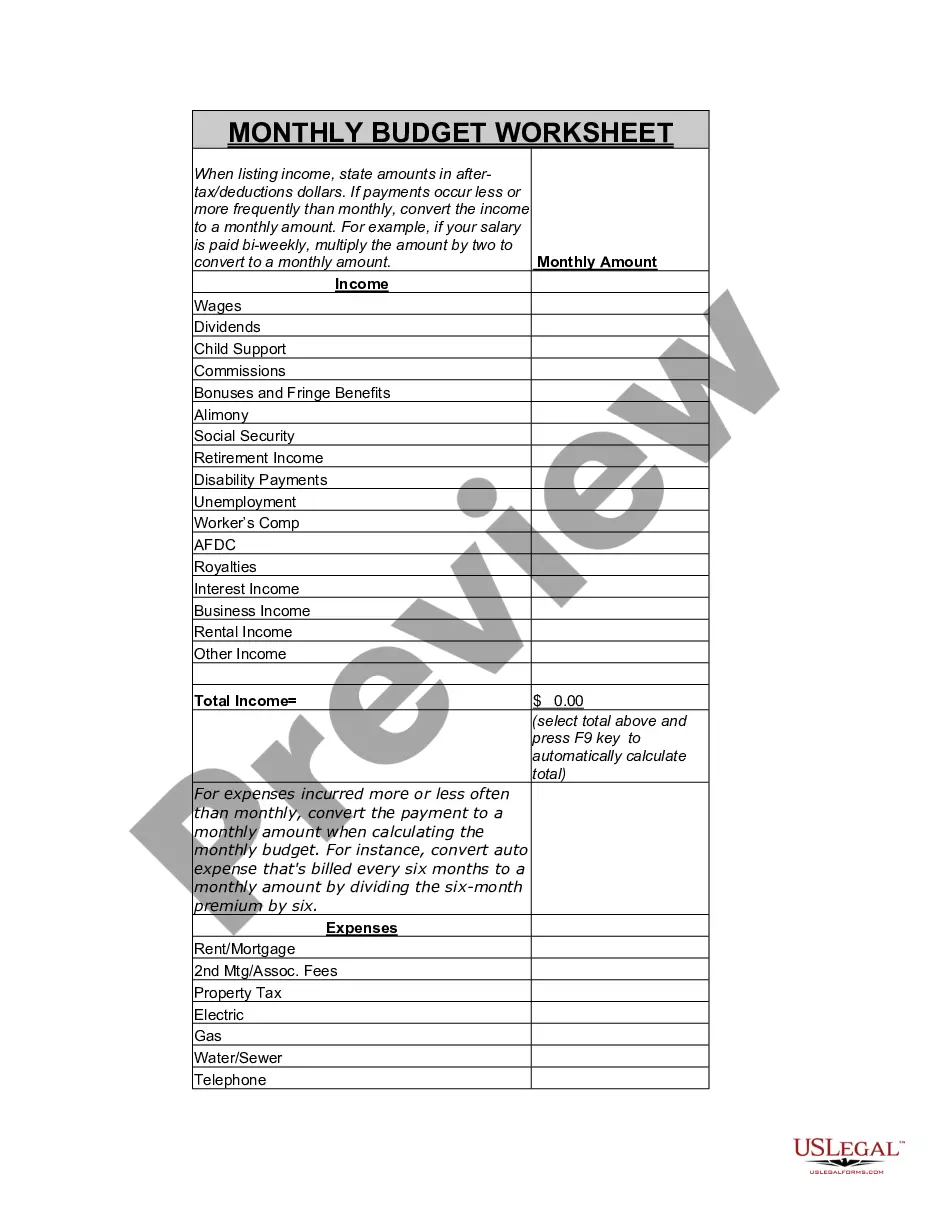
Click the cell that you want to use to calculate your total in the income column, select the list arrow, and then choose the Sum calculation. There are now totals for the income and the expenses. When you have a new income or expense to add, click and drag the blue resize handle in the bottom-right corner of the table.
How to Keep Track of Spending Using a Weekly PlannerStep 1: Write down ALL expenses and income. Expenses.Step 2: Add it all up. At the end of the month, add up all your expenses.Step 3: Compare Income to Expenses. Next it's time to compare the money coming in versus the money going out.