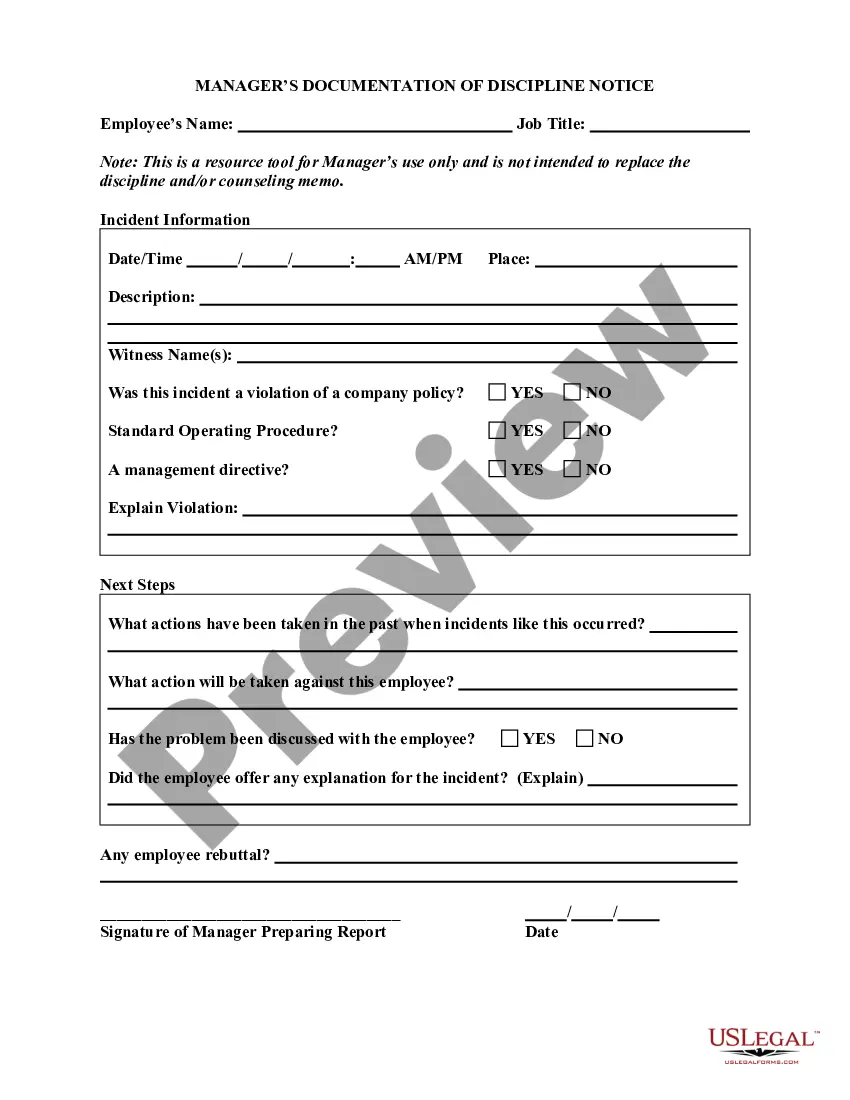
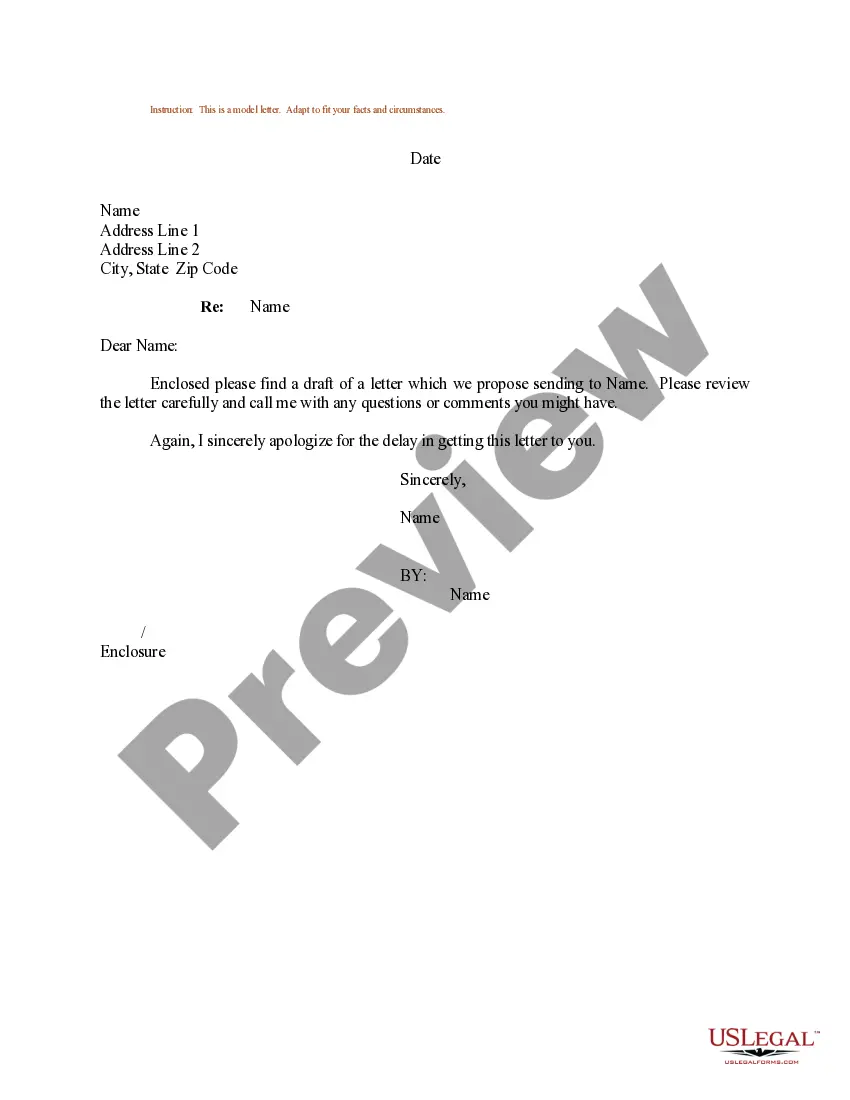
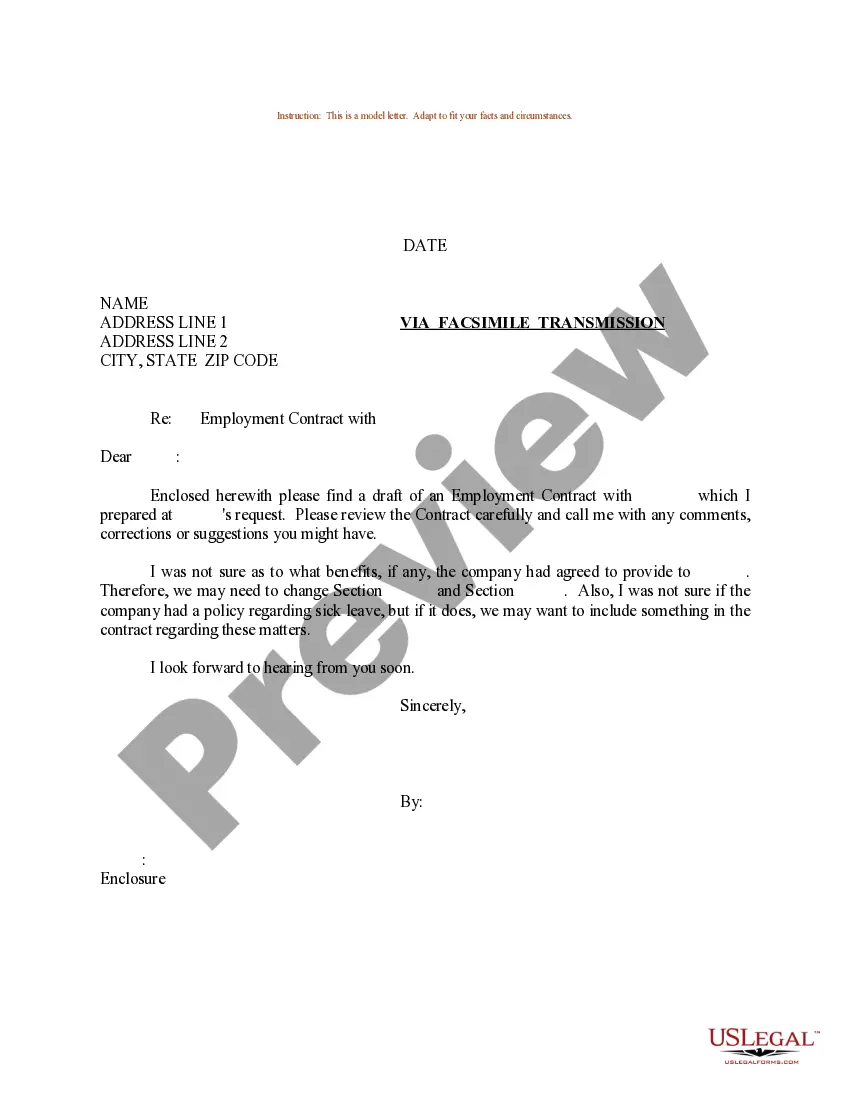
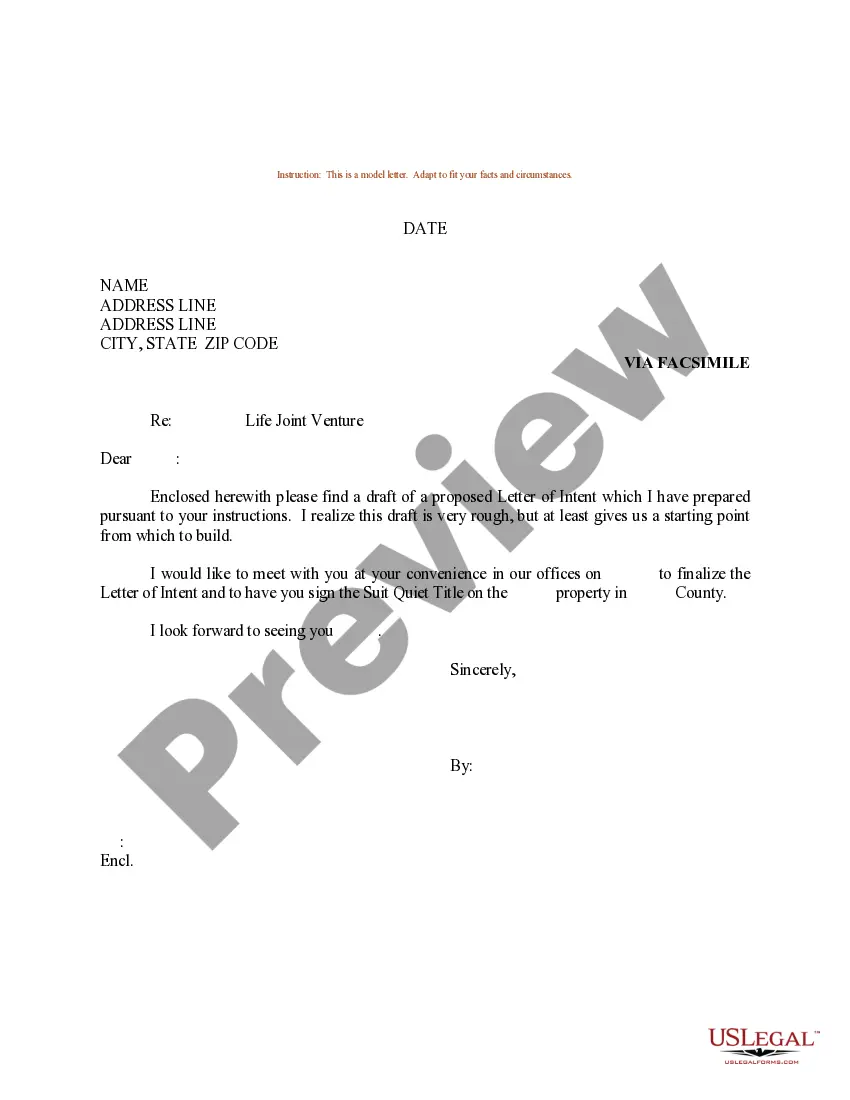
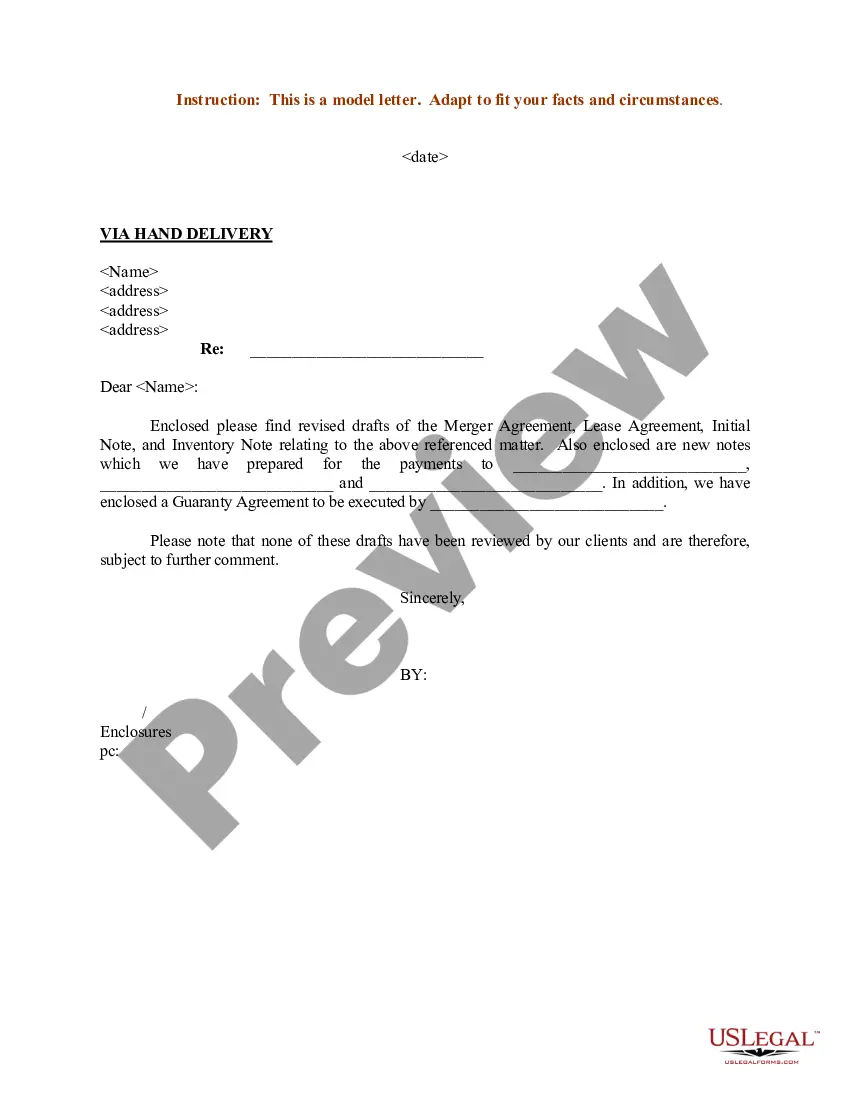
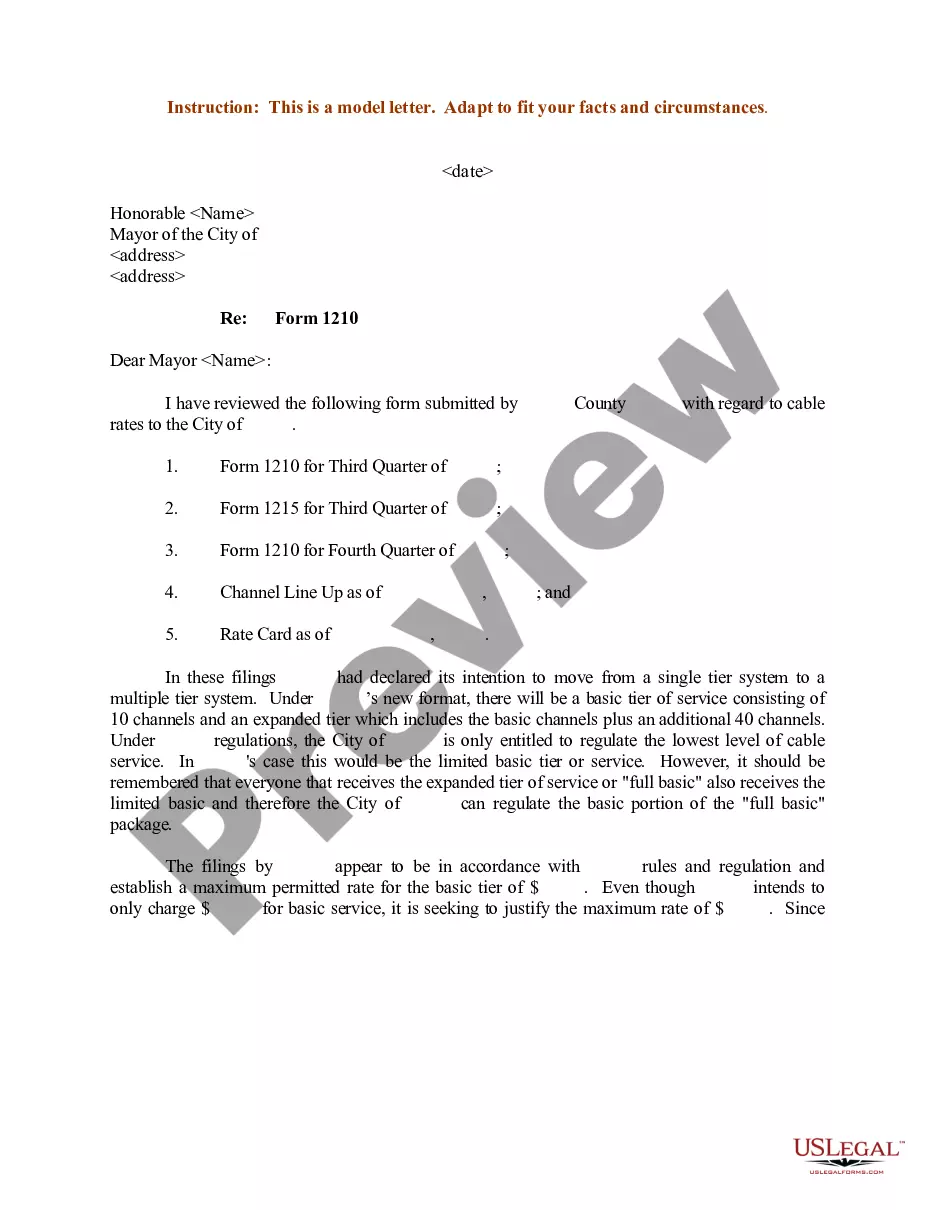
District of Columbia Sample Letter for Review of Draft
Description
Get your form ready online
Our built-in tools help you complete, sign, share, and store your documents in one place.
Make edits, fill in missing information, and update formatting in US Legal Forms—just like you would in MS Word.
Download a copy, print it, send it by email, or mail it via USPS—whatever works best for your next step.
Sign and collect signatures with our SignNow integration. Send to multiple recipients, set reminders, and more. Go Premium to unlock E-Sign.
If this form requires notarization, complete it online through a secure video call—no need to meet a notary in person or wait for an appointment.
We protect your documents and personal data by following strict security and privacy standards.
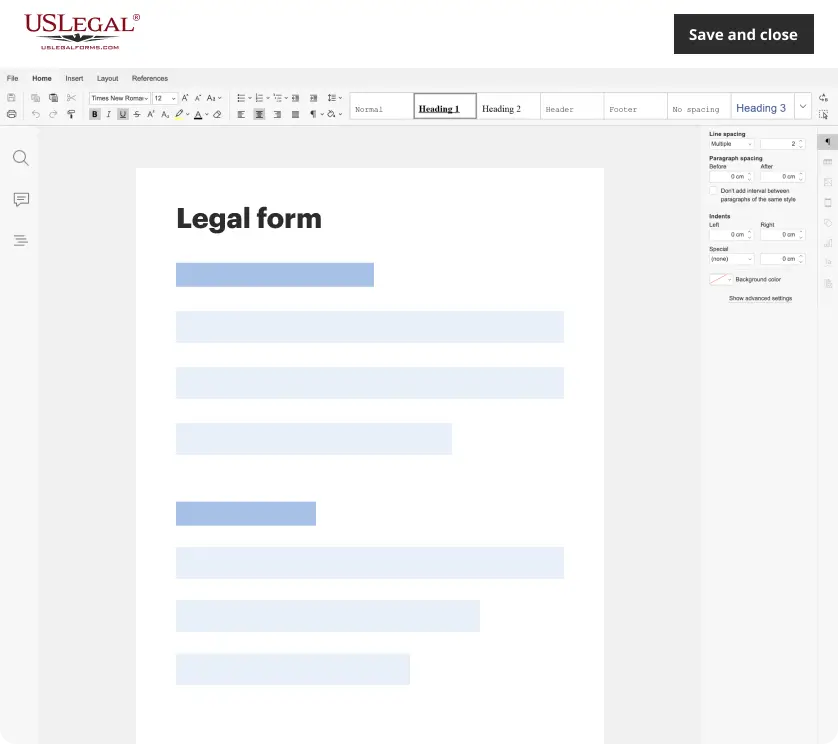
Make edits, fill in missing information, and update formatting in US Legal Forms—just like you would in MS Word.
Download a copy, print it, send it by email, or mail it via USPS—whatever works best for your next step.
Sign and collect signatures with our SignNow integration. Send to multiple recipients, set reminders, and more. Go Premium to unlock E-Sign.
If this form requires notarization, complete it online through a secure video call—no need to meet a notary in person or wait for an appointment.
We protect your documents and personal data by following strict security and privacy standards.
Looking for another form?






How to fill out Sample Letter For Review Of Draft?
US Legal Forms - among the largest libraries of legal forms in the USA - provides an array of legal document themes you can down load or produce. While using site, you can find a large number of forms for enterprise and individual reasons, categorized by categories, claims, or search phrases.You can find the latest types of forms such as the District of Columbia Sample Letter for Review of Draft within minutes.
If you already have a monthly subscription, log in and down load District of Columbia Sample Letter for Review of Draft in the US Legal Forms local library. The Acquire switch can look on each and every develop you perspective. You have accessibility to all formerly saved forms in the My Forms tab of your respective bank account.
If you wish to use US Legal Forms for the first time, listed below are straightforward directions to help you get started out:
- Ensure you have picked out the correct develop for your personal city/county. Go through the Preview switch to examine the form`s content material. Look at the develop description to actually have selected the appropriate develop.
- If the develop does not match your needs, make use of the Research industry towards the top of the screen to discover the one that does.
- In case you are pleased with the shape, affirm your decision by clicking on the Get now switch. Then, pick the prices program you favor and offer your references to sign up for an bank account.
- Approach the deal. Utilize your Visa or Mastercard or PayPal bank account to finish the deal.
- Choose the structure and down load the shape in your system.
- Make alterations. Fill up, modify and produce and signal the saved District of Columbia Sample Letter for Review of Draft.
Each and every web template you put into your account lacks an expiry day which is your own eternally. So, if you want to down load or produce another duplicate, just proceed to the My Forms section and then click about the develop you require.
Gain access to the District of Columbia Sample Letter for Review of Draft with US Legal Forms, by far the most substantial local library of legal document themes. Use a large number of expert and state-particular themes that meet up with your company or individual needs and needs.
Form popularity
FAQ
Put Washington as the city and D.C. as the state. When addressing mail, ?state? also refers to territories such as D.C., Puerto Rico, the U.S. Virgin Islands, etc.
District of Columbia (D.C.) Law.
DC: Not an acceptable single/first reference for Washington, DC. (See Washington, DC, District and city). DC.Gov: Use when referring to the District of Columbia government website or the DC portal. DC portal: Do not capitalize portal.
The correct way to write this is ?Washington, D.C.? ? with a comma after ?Washington? and periods after the initials. You could also write it out as ?Washington, District of Columbia,? but most people just go with ?Washington, D.C.?
The correct way to write this is ?Washington, D.C.? ? with a comma after ?Washington? and periods after the initials. You could also write it out as ?Washington, District of Columbia,? but most people just go with ?Washington, D.C.?
Requests for presentation by the Mayor or a representative at an event should be submitted through or by calling (202) 727-6263.