District of Columbia Making a Sales Presentation Effective
Description
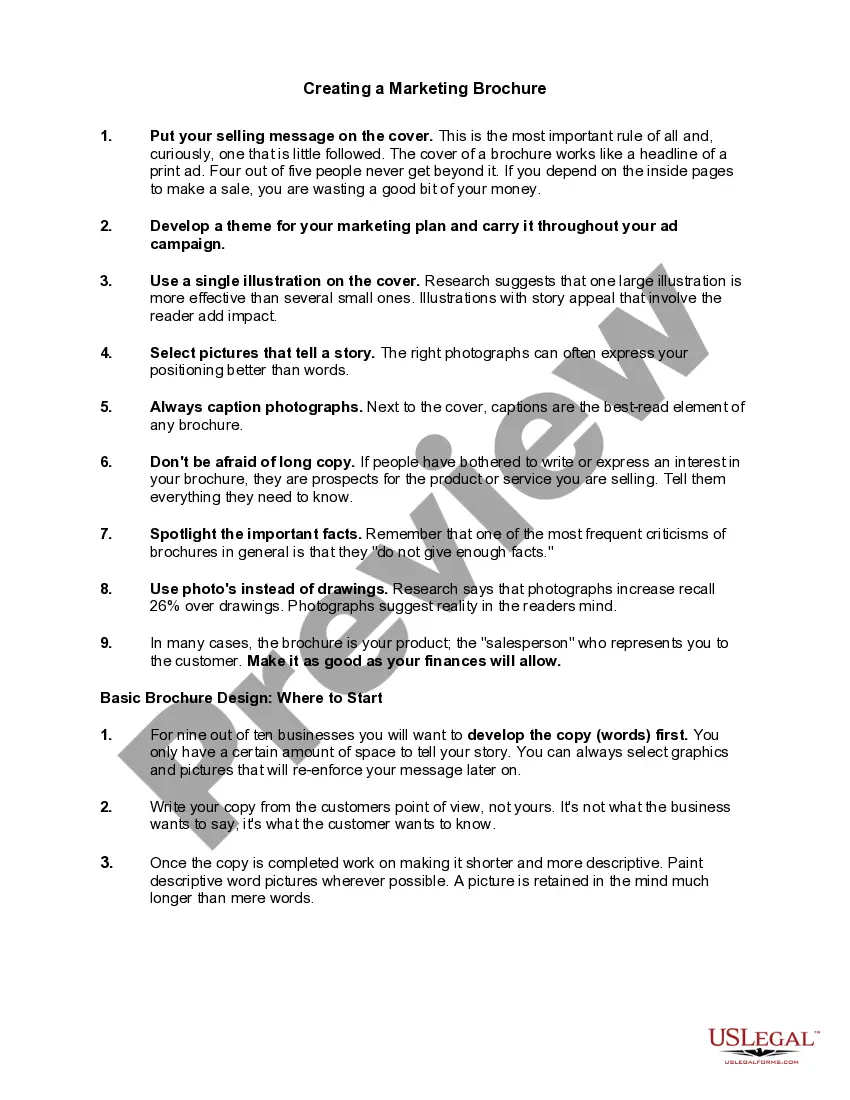
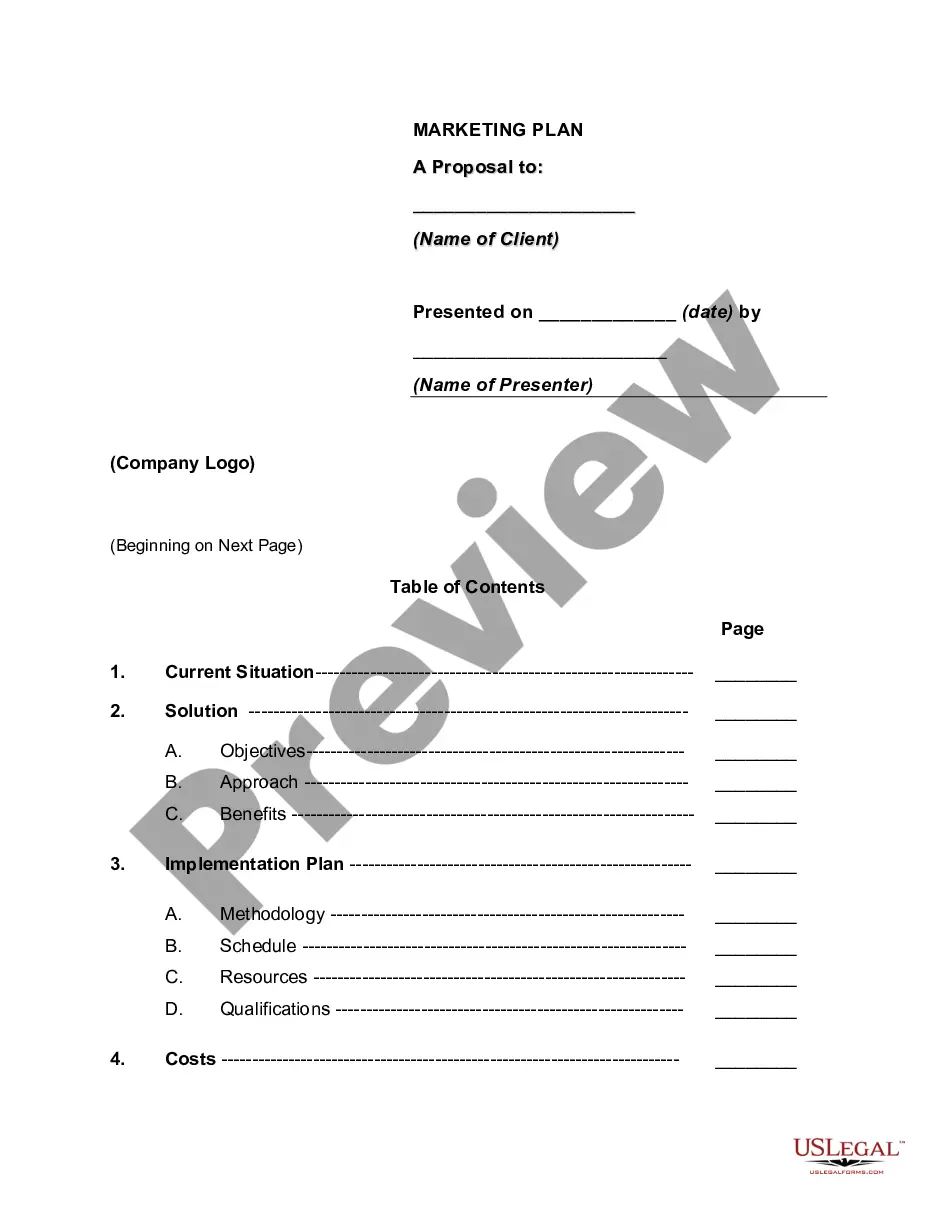
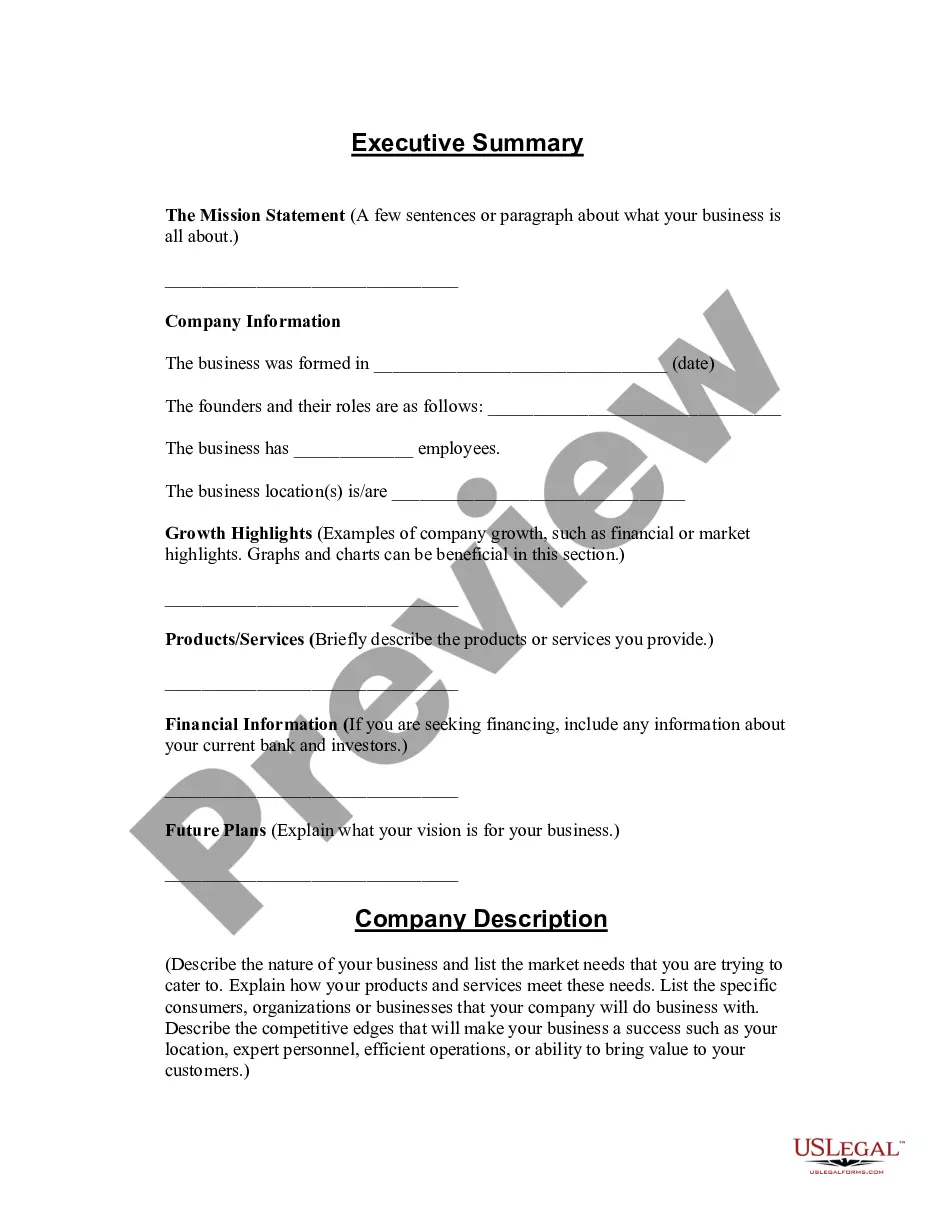
Get your form ready online
Our built-in tools help you complete, sign, share, and store your documents in one place.
Make edits, fill in missing information, and update formatting in US Legal Forms—just like you would in MS Word.
Download a copy, print it, send it by email, or mail it via USPS—whatever works best for your next step.
Sign and collect signatures with our SignNow integration. Send to multiple recipients, set reminders, and more. Go Premium to unlock E-Sign.
If this form requires notarization, complete it online through a secure video call—no need to meet a notary in person or wait for an appointment.
We protect your documents and personal data by following strict security and privacy standards.

Make edits, fill in missing information, and update formatting in US Legal Forms—just like you would in MS Word.

Download a copy, print it, send it by email, or mail it via USPS—whatever works best for your next step.

Sign and collect signatures with our SignNow integration. Send to multiple recipients, set reminders, and more. Go Premium to unlock E-Sign.

If this form requires notarization, complete it online through a secure video call—no need to meet a notary in person or wait for an appointment.

We protect your documents and personal data by following strict security and privacy standards.
Looking for another form?
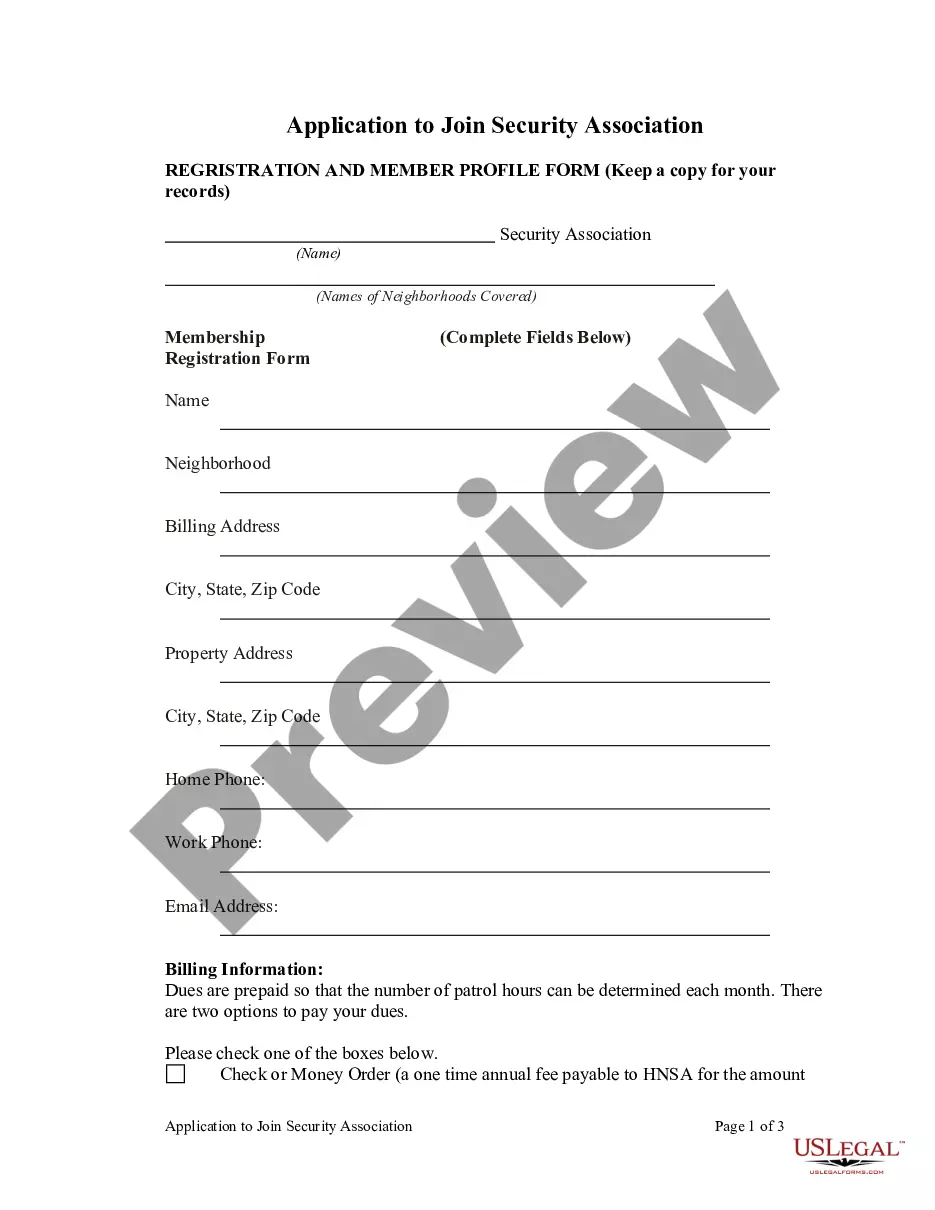

How to fill out Making A Sales Presentation Effective?
Have you ever been in a location where you need paperwork for either business or personal purposes almost every day? There are numerous valid document templates accessible online, but finding reliable ones is not simple.
US Legal Forms offers a vast array of template options, including the District of Columbia Making a Sales Presentation Effective, which are designed to comply with state and federal standards.
If you are already familiar with the US Legal Forms site and have an account, simply Log In. After that, you can download the District of Columbia Making a Sales Presentation Effective template.
- Identify the template you need and ensure it is for the correct city/region.
- Use the Review button to assess the document.
- Check the description to confirm you have selected the right template.
- If the template does not meet your needs, use the Lookup field to find the suitable document that matches your requirements.
- When you locate the correct template, click Get now.
- Choose the pricing plan you prefer, fill in the necessary details to create your account, and complete the payment via PayPal or Visa or Mastercard.
- Select a convenient file format and download your copy.
Form popularity
FAQ
7 Tips on how to start an effective sales presentationUse and icebreaker.Introduce yourself.Work on your presentation design.Set your presentation agenda.Add an inspiring quote.Engage with your audience.Use storytelling techniques.
The main purpose of presentation is to give information, to persuade the audience to act and to create goodwill. A good presentation should have a good subject matter, should match with the objective, should best fit the audience, and should be well organized.
An effective sales presentation tells a compelling story, highlights your value proposition, and aligns with your audience's needs and desires. It ends with a strong call-to-action and leads prospects to your differentiators instead of leading with them.
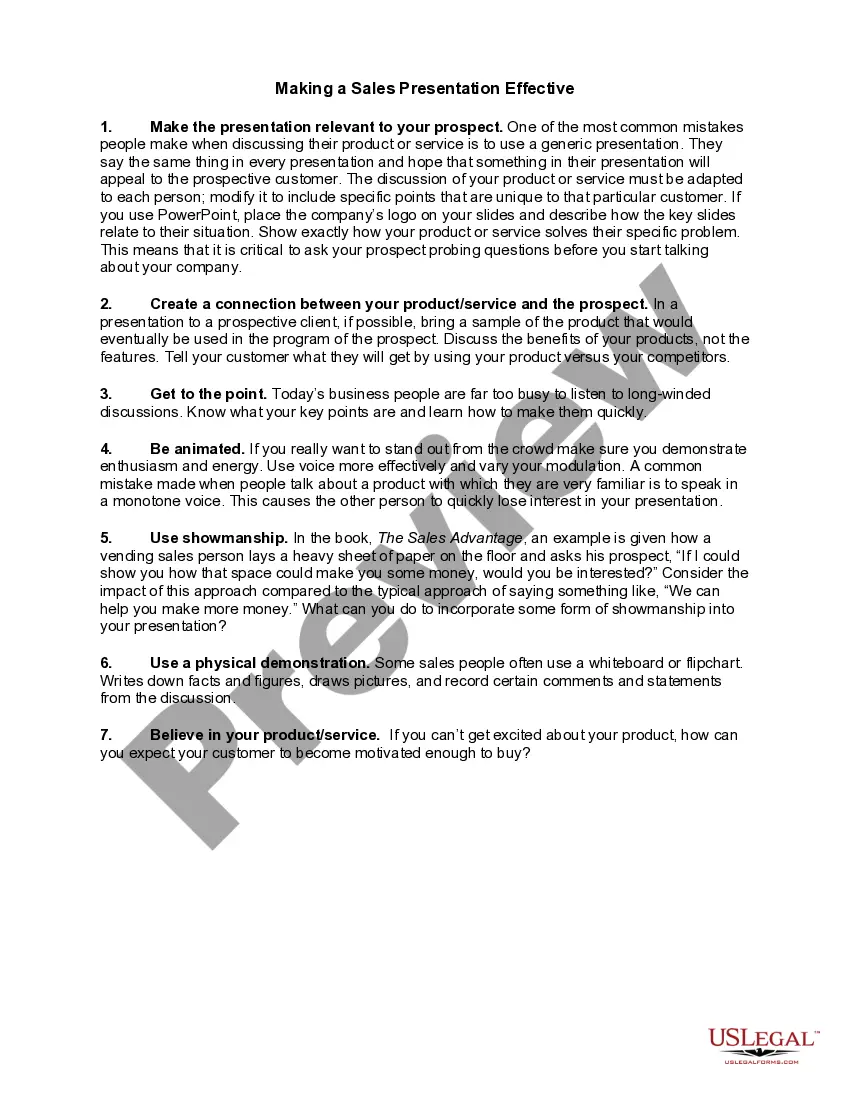
Here are seven strategies that will help you create a presentation that will differentiate you from your competition.Make the presentation relevant to your prospect.Create a connection between your product/service and the prospect.Get to the point.Be animated.Use showmanship.Use a physical demonstration.More items...?
The 6-step guide to a sales presentation outlineIntroduce yourself. Keep your introductory (also called title) slide clean and simple.Present the problem.Present the solution.Back it up with data.Summarize (drive home your pitch)Start with a solid foundation.Speak to a pain point.Unique is memorable.More items...?
The 6-step guide to a sales presentation outlineIntroduce yourself. Keep your introductory (also called title) slide clean and simple.Present the problem.Present the solution.Back it up with data.Summarize (drive home your pitch)Open the floor to questions.
Getting feedback from your prospect during the actual presentation is the best sales presentation technique of all. This allows you to change your focus in the moment, rather than spending your presentation talking about challenges and solutions that might be unimportant to your prospect.
The four categories, namely memorized(structured), persuasive selling(semi-structured), need-satisfaction(unstructured), and problem-solution(centralized), are presented in a zig-zag fashion to make ample space for the additional details.