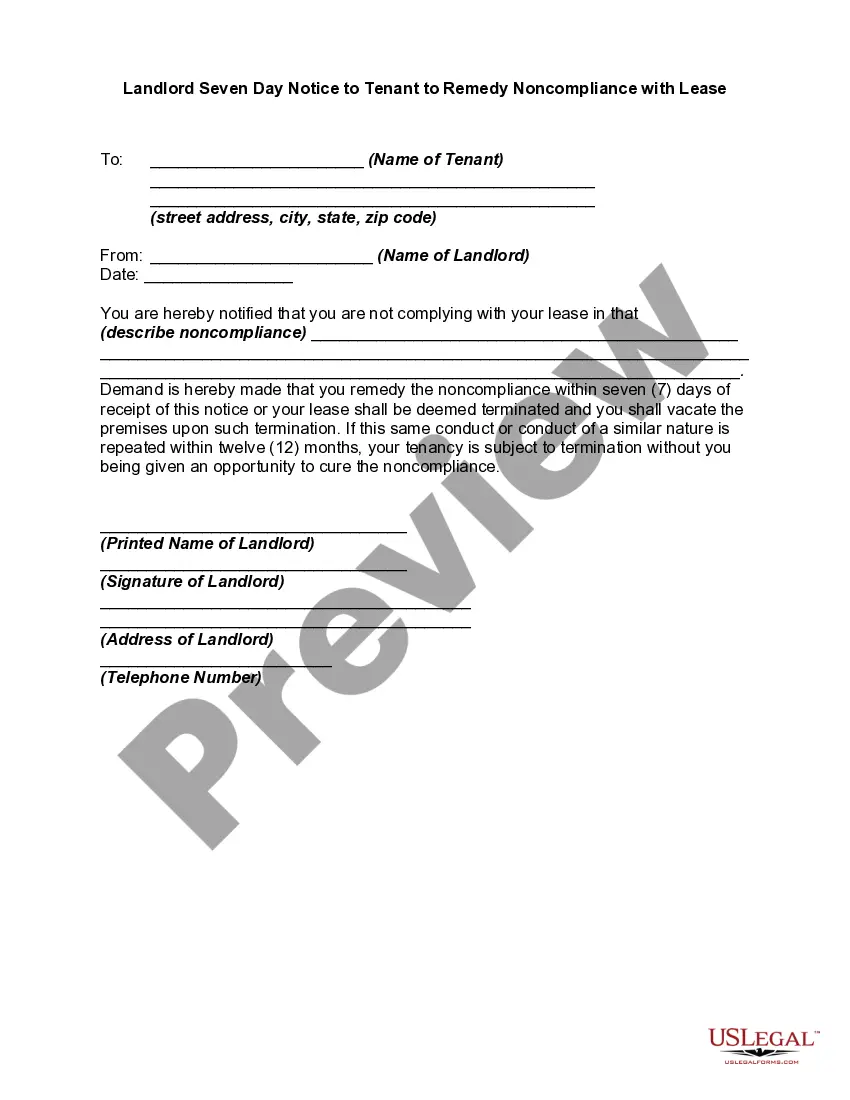
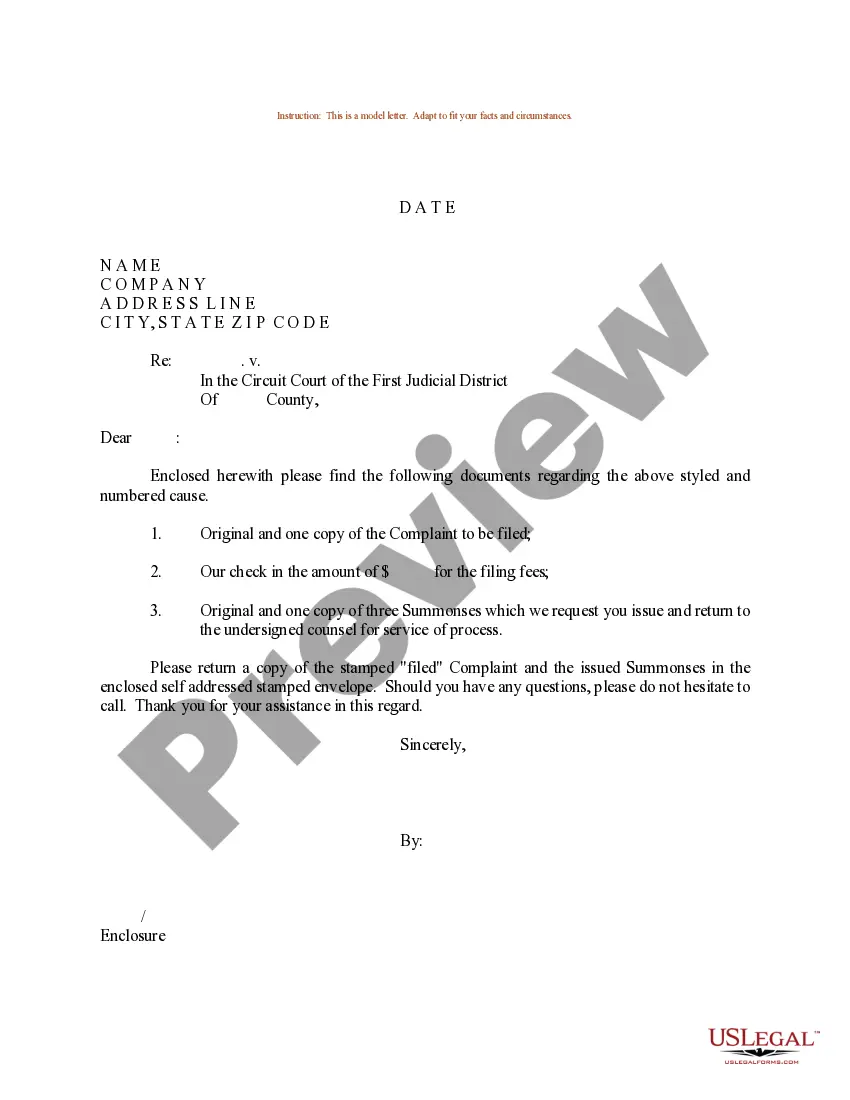
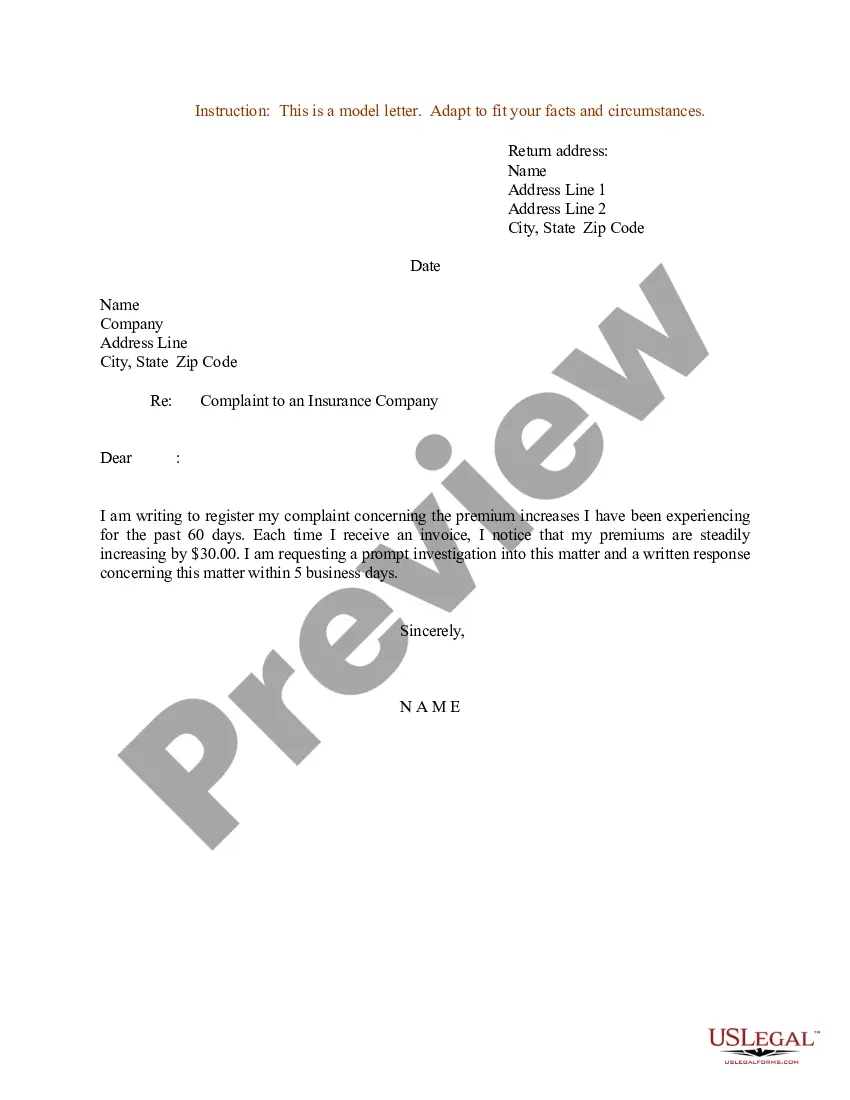
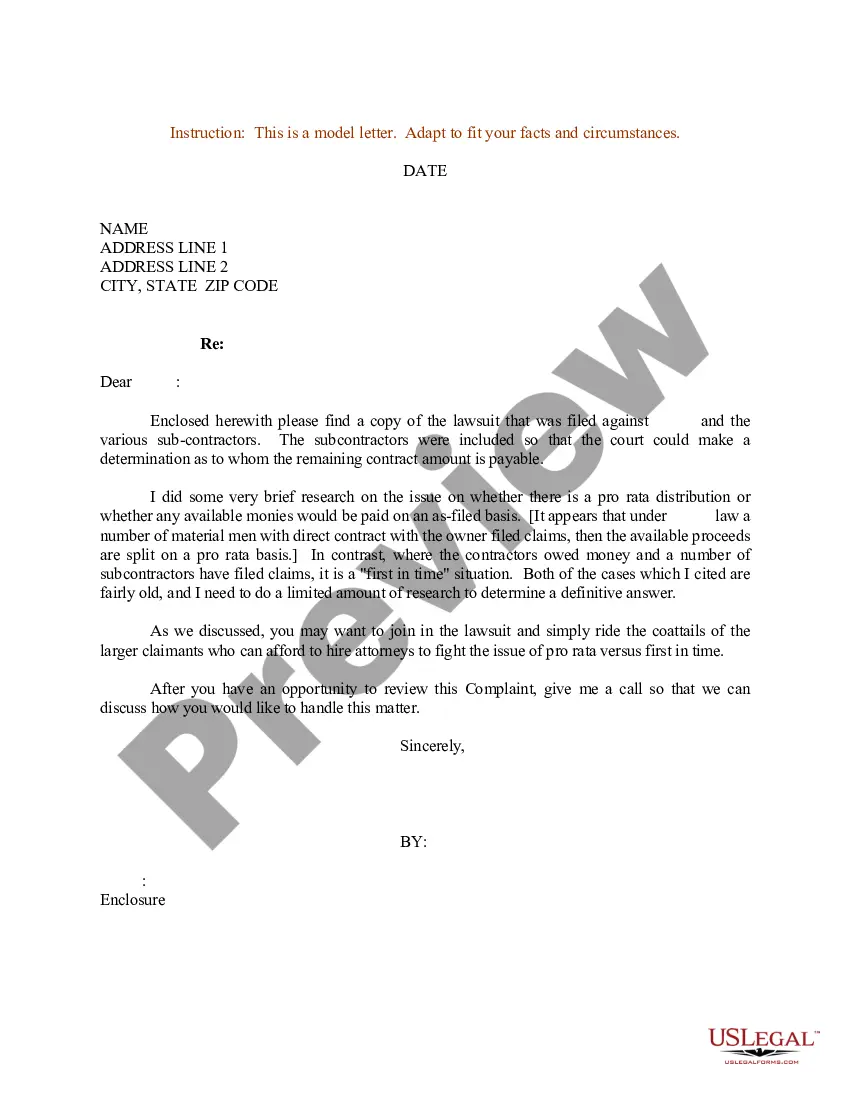
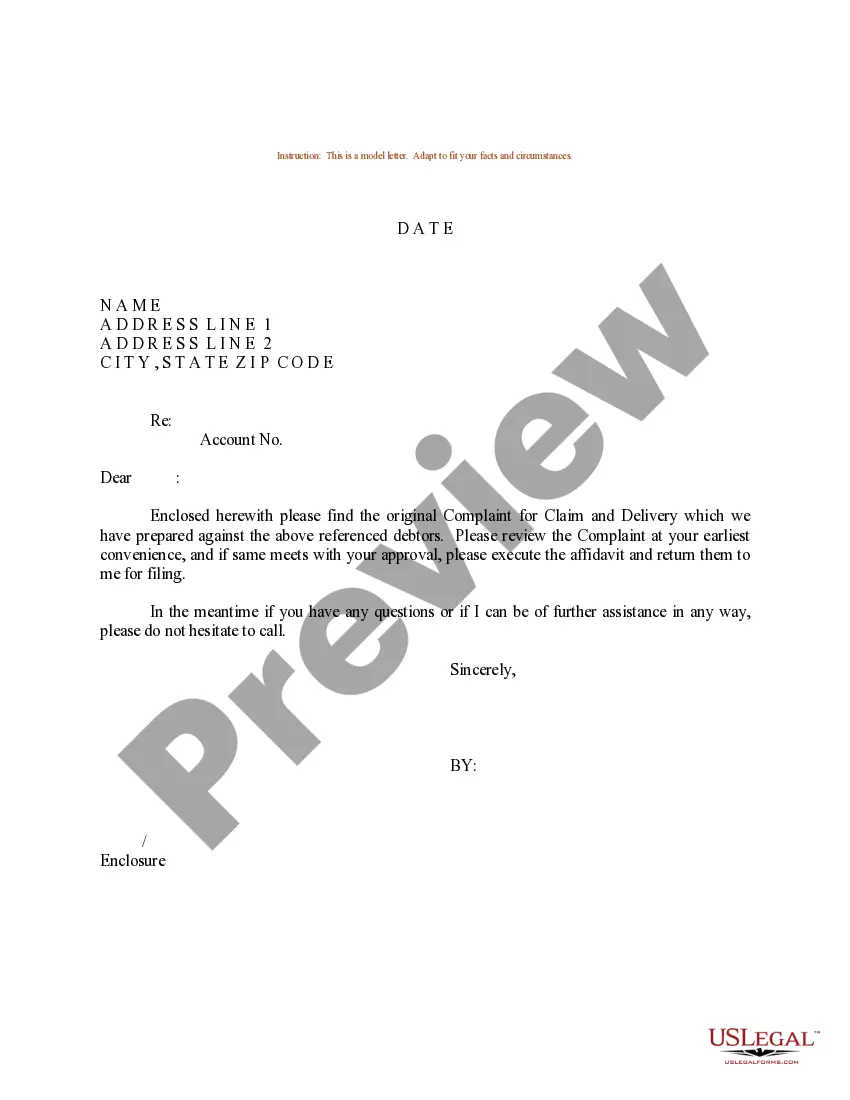
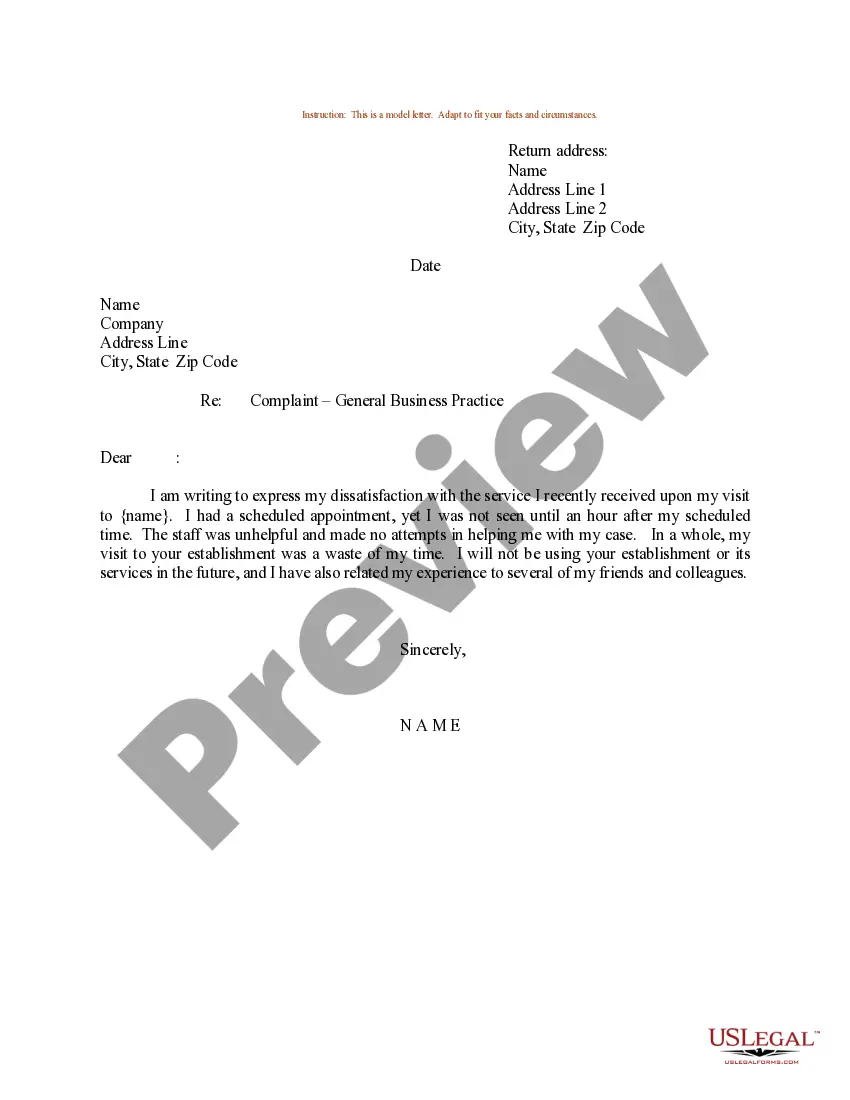
District of Columbia Sample Letter for Complaint
Description
Get your form ready online
Our built-in tools help you complete, sign, share, and store your documents in one place.
Make edits, fill in missing information, and update formatting in US Legal Forms—just like you would in MS Word.
Download a copy, print it, send it by email, or mail it via USPS—whatever works best for your next step.
Sign and collect signatures with our SignNow integration. Send to multiple recipients, set reminders, and more. Go Premium to unlock E-Sign.
If this form requires notarization, complete it online through a secure video call—no need to meet a notary in person or wait for an appointment.
We protect your documents and personal data by following strict security and privacy standards.

Make edits, fill in missing information, and update formatting in US Legal Forms—just like you would in MS Word.

Download a copy, print it, send it by email, or mail it via USPS—whatever works best for your next step.

Sign and collect signatures with our SignNow integration. Send to multiple recipients, set reminders, and more. Go Premium to unlock E-Sign.

If this form requires notarization, complete it online through a secure video call—no need to meet a notary in person or wait for an appointment.

We protect your documents and personal data by following strict security and privacy standards.
Looking for another form?







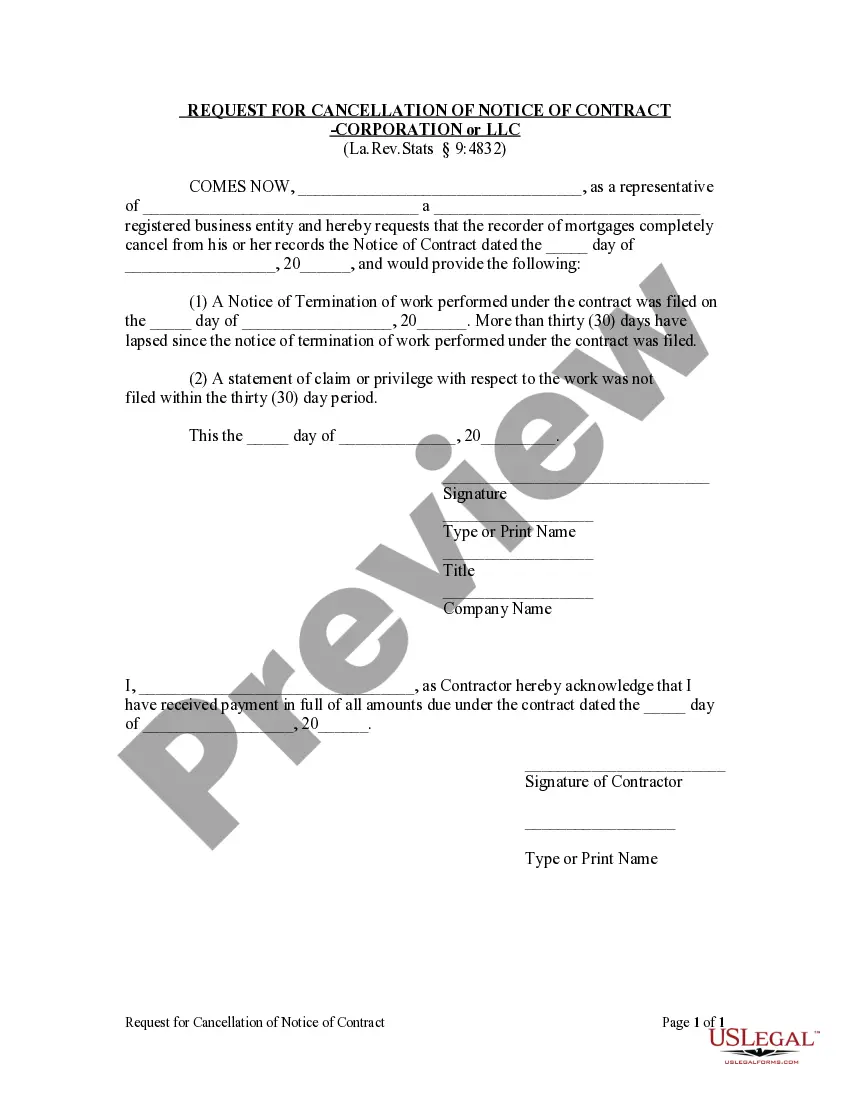
How to fill out Sample Letter For Complaint?
It is possible to invest several hours on the web trying to find the lawful file template that fits the federal and state demands you want. US Legal Forms gives a large number of lawful kinds which are evaluated by specialists. You can easily acquire or print the District of Columbia Sample Letter for Complaint from your support.
If you have a US Legal Forms account, you can log in and click the Obtain option. Next, you can full, change, print, or indicator the District of Columbia Sample Letter for Complaint. Each and every lawful file template you acquire is your own for a long time. To obtain an additional duplicate associated with a obtained kind, visit the My Forms tab and click the corresponding option.
If you use the US Legal Forms site the very first time, adhere to the straightforward recommendations listed below:
- Initially, make sure that you have chosen the right file template to the area/town that you pick. Browse the kind outline to make sure you have selected the correct kind. If available, make use of the Preview option to appear throughout the file template as well.
- If you want to discover an additional version of your kind, make use of the Look for area to get the template that fits your needs and demands.
- When you have found the template you want, click on Get now to carry on.
- Pick the rates strategy you want, type in your qualifications, and register for a merchant account on US Legal Forms.
- Total the purchase. You should use your bank card or PayPal account to fund the lawful kind.
- Pick the formatting of your file and acquire it in your gadget.
- Make changes in your file if necessary. It is possible to full, change and indicator and print District of Columbia Sample Letter for Complaint.
Obtain and print a large number of file themes using the US Legal Forms website, which provides the biggest selection of lawful kinds. Use professional and express-distinct themes to deal with your company or individual demands.
Form popularity
FAQ
If you need assistance submitting your consumer complaint, please contact the Consumer Complaint Hotline at 202-442-9828 or email consumer.protection@dc.gov.
You may choose to fill out forms online or using the print version; both may be submitted online by emailing them to OHR.Intake@DC.Gov. Please note, that sending an email without a complaint form will not be accepted.
You may file a complaint in a number of ways: In person at the IAD or any MPD facility. Mail a letter detailing your complaint to the IAD or any police facility. Report your complaint over the telephone.
What is 311? 311 provides a one-stop service experience for constituents, residents, and visitors searching for DC government services, numbers, and information. The Office of Unified Communications (OUC) oversees the designated call center for all 311 calls and for all District 911 calls.
Visit dcdmv.scoutcms.com/submitcomplaint to file a report with the DC DMV's Office of Service Integrity. Once received and reviewed DC DMV's Office of Service Integrity may reach back out to you if more information is needed. Please be as thorough as possible with details and descriptions.
If you need assistance submitting your consumer complaint, please contact the Consumer Complaint Hotline at 202-442-9828 or email consumer.protection@dc.gov.
Leave a voice mail on our noise complaint hotline at 877-209-3200.
By Phone: 916-322-3360. Toll-Free Phone Number: 1-800-952-5225.