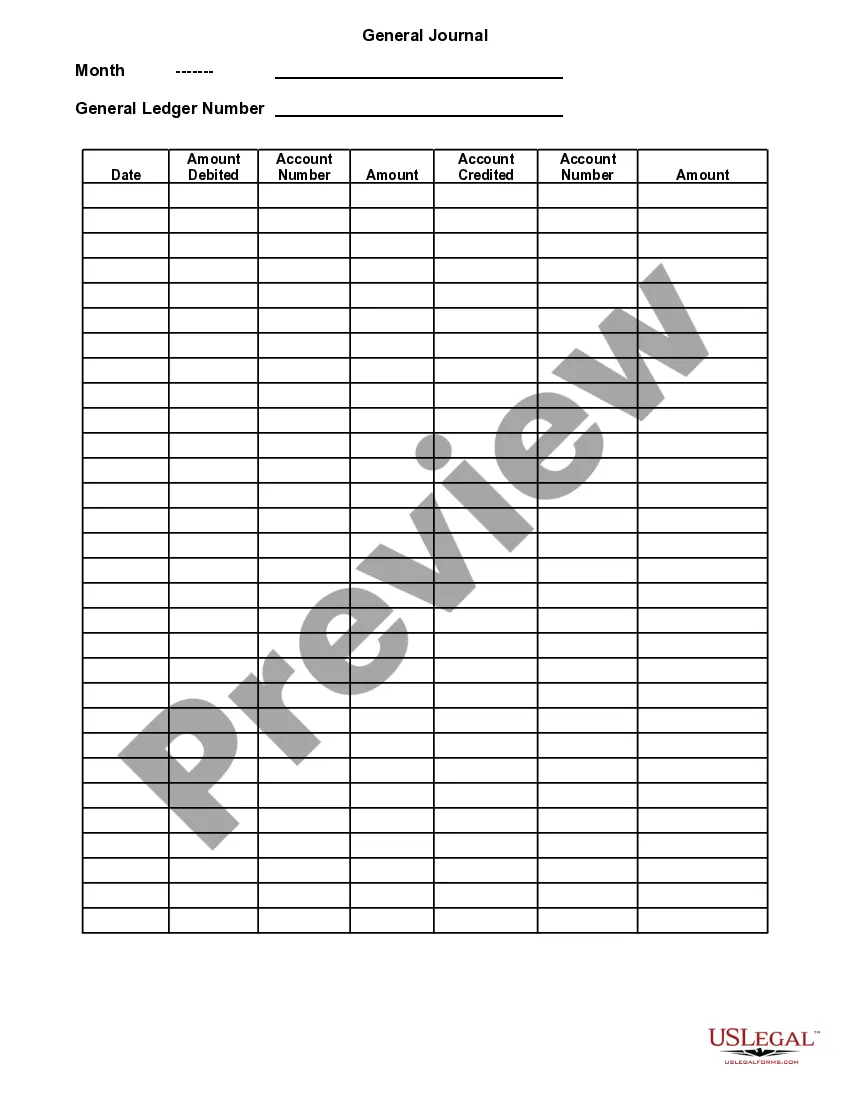
District of Columbia General Journal
Description

Get your form ready online
Our built-in tools help you complete, sign, share, and store your documents in one place.
Make edits, fill in missing information, and update formatting in US Legal Forms—just like you would in MS Word.
Download a copy, print it, send it by email, or mail it via USPS—whatever works best for your next step.
Sign and collect signatures with our SignNow integration. Send to multiple recipients, set reminders, and more. Go Premium to unlock E-Sign.
If this form requires notarization, complete it online through a secure video call—no need to meet a notary in person or wait for an appointment.
We protect your documents and personal data by following strict security and privacy standards.

Make edits, fill in missing information, and update formatting in US Legal Forms—just like you would in MS Word.

Download a copy, print it, send it by email, or mail it via USPS—whatever works best for your next step.

Sign and collect signatures with our SignNow integration. Send to multiple recipients, set reminders, and more. Go Premium to unlock E-Sign.

If this form requires notarization, complete it online through a secure video call—no need to meet a notary in person or wait for an appointment.

We protect your documents and personal data by following strict security and privacy standards.
Looking for another form?



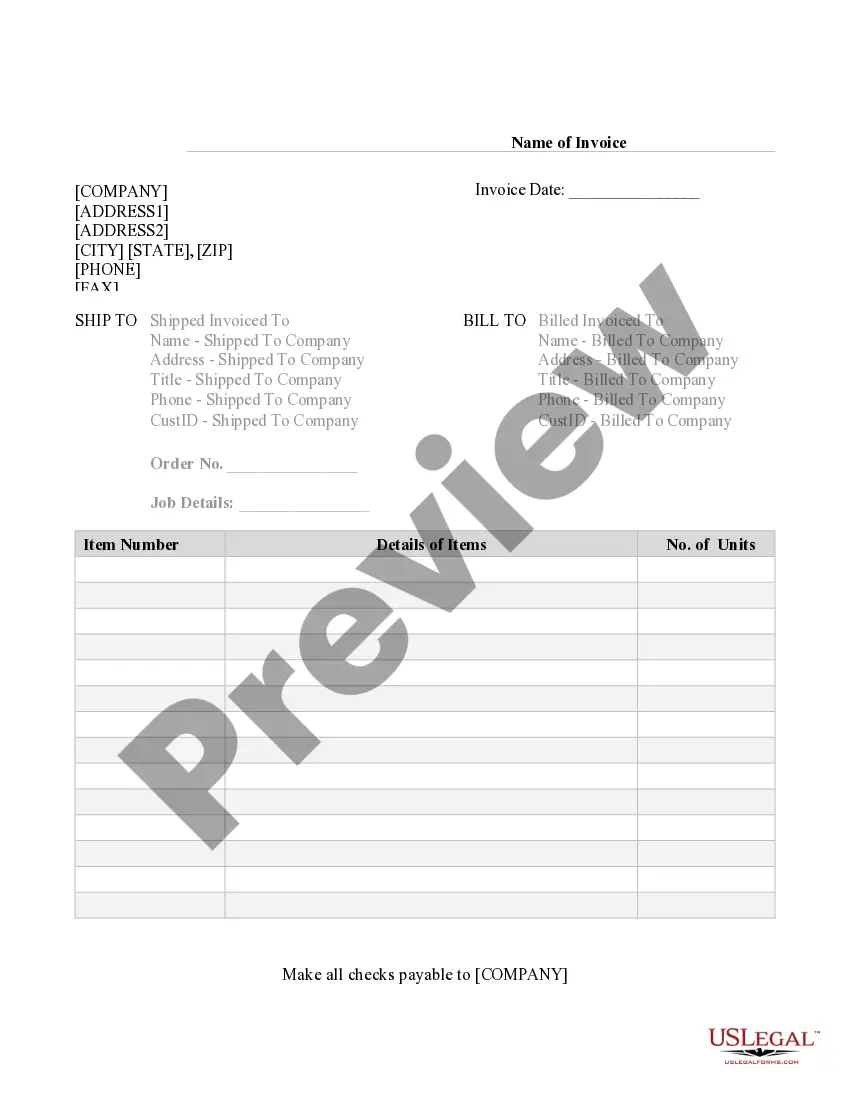
How to fill out General Journal?
It is feasible to devote numerous hours online searching for the authentic document template that complies with the federal and state requirements you need.
US Legal Forms offers thousands of authentic variations that have been examined by experts.
You are able to acquire or print the District of Columbia General Journal from our service.
You may download and print thousands of document templates using the US Legal Forms Website, which provides the largest collection of legal forms. Utilize professional and state-specific templates to address your business or personal needs.
- If you possess a US Legal Forms account, you can Log In and click the Download button.
- After that, you can complete, edit, print, or sign the District of Columbia General Journal.
- Every authentic document template you obtain is yours permanently.
- To get an additional copy of any downloaded form, visit the My documents section and click the corresponding button.
- If you are visiting the US Legal Forms website for the first time, follow the simple instructions below.
- First, ensure that you have selected the correct document template for the state/region of your choice. Check the form description to verify that you have chosen the right form.
Form popularity
FAQ
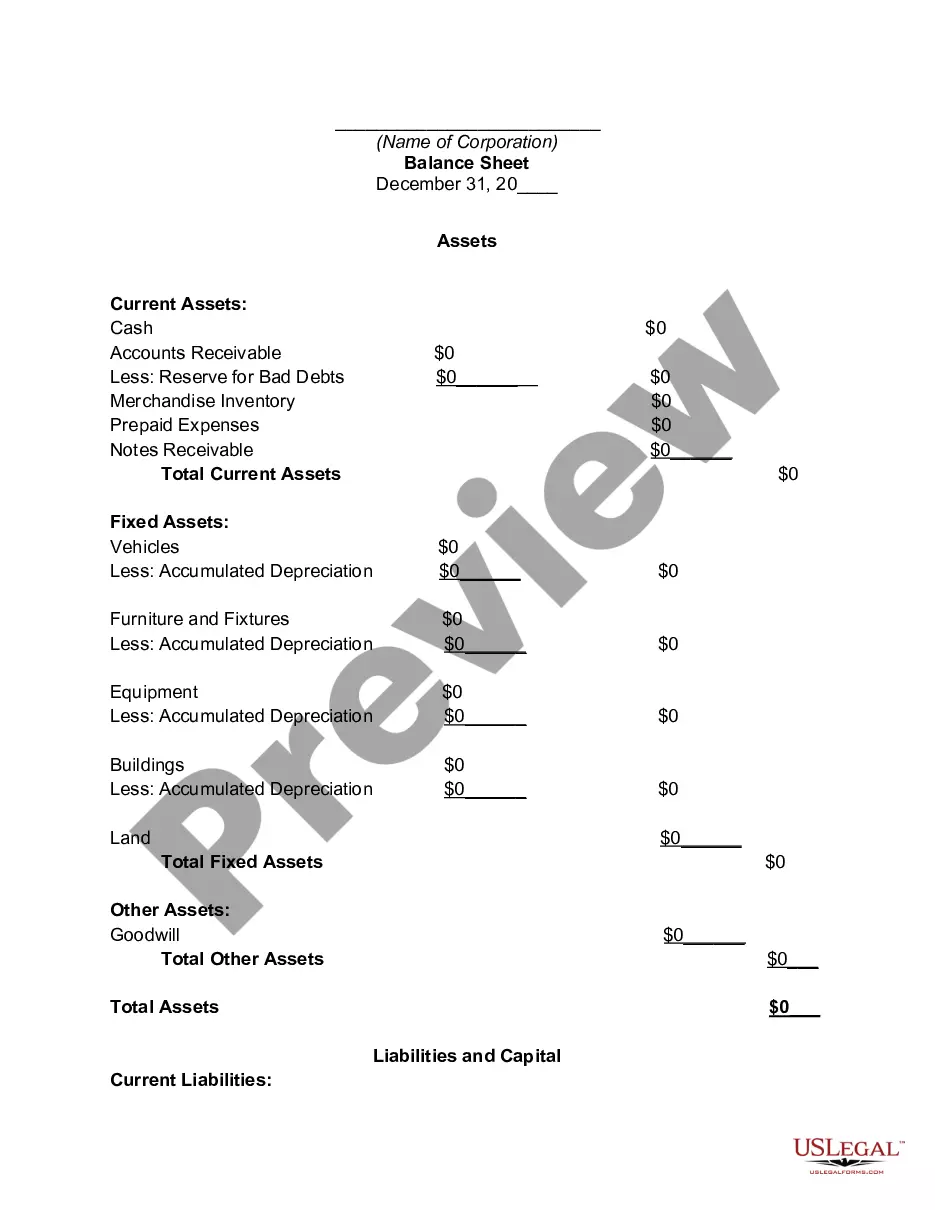
Creating a District of Columbia General Journal in D365 software starts by navigating to the journal section in the application. Here, select 'New Journal' and specify the type. Input the transaction details including dates, account codes, and amounts, then save your entries. D365 offers helpful features that streamline the process, making it easier to manage and track your financial transactions.
To perform a general journal entry in the District of Columbia, begin by identifying the accounts that need adjustment. Write down the date of the transaction, followed by the debit and credit entries, ensuring total amounts balance out. Incorporate a brief explanation of the transaction for clarity. Consistently following this format will enhance the integrity of your financial reporting.
Writing up a District of Columbia General Journal involves first gathering all financial transaction details for a specific period. Record these transactions in a structured format that includes the date, accounts impacted, amounts, and description. Once these details are in place, review for accuracy before finalizing. This process ensures your records are organized and audit-ready.
To create a District of Columbia General Journal, you start by selecting a suitable format, typically a ledger. Next, ensure your entries are dated and organized chronologically. You should include the relevant accounts being debited and credited, along with their amounts. Always remember to narrate the transactions clearly for easier understanding.
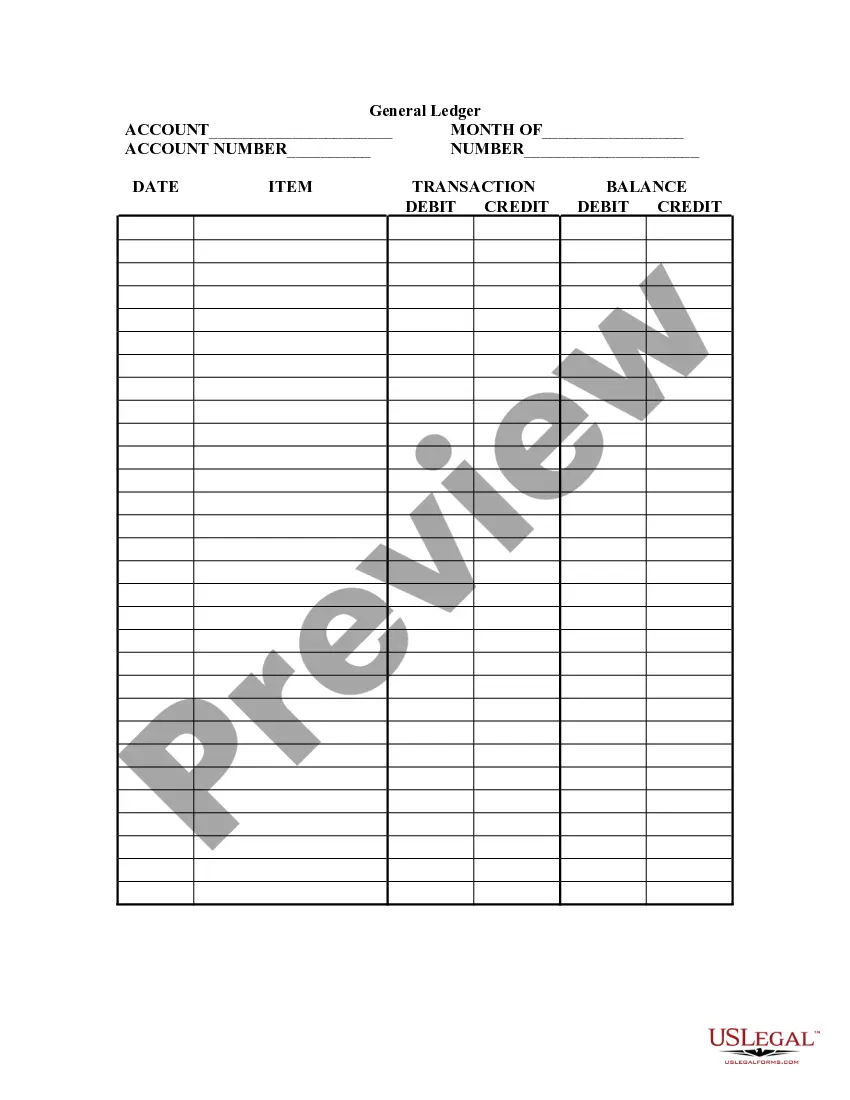
The format of the District of Columbia General Journal typically includes columns for the date, account titles, debits, credits, and a description of the transaction. Each entry is made chronologically, providing a straightforward way to track financial activities. Following this structure ensures consistency and facilitates easier reporting.
The District of Columbia General Journal captures various entries like revenues, expenses, asset purchases, and equity transactions. Each entry provides a complete picture of the financial activity influencing the organization. Accurate documentation of these entries is essential for preparing financial statements.
Entering a general journal in the District of Columbia General Journal involves organizing the transaction data clearly and sequentially. Begin with the date of the transaction, followed by the accounts affected, the amounts, and a description. This systematic approach not only simplifies recording but also enhances clarity for future reference.
To record a general journal entry in the District of Columbia General Journal, start by identifying the transaction and determining the accounts involved. Next, debit one account and credit the other, ensuring the total debits equal the total credits. Finally, provide a brief description of the transaction to maintain clear records.
In the District of Columbia General Journal, common entries include sales revenue, expense payments, asset purchases, liability settlements, and equity contributions. For example, if a business sells a product for $1,000, it records a sale entry. Another entry could involve paying $500 for office supplies, which the business needs to document an expense.
No, the District of Columbia is not included in the 50 states. It is a distinct federal district created for the seat of the U.S. government, which affords it unique regulations and taxes. Understanding this distinction is crucial for managing your District of Columbia General Journal accurately.