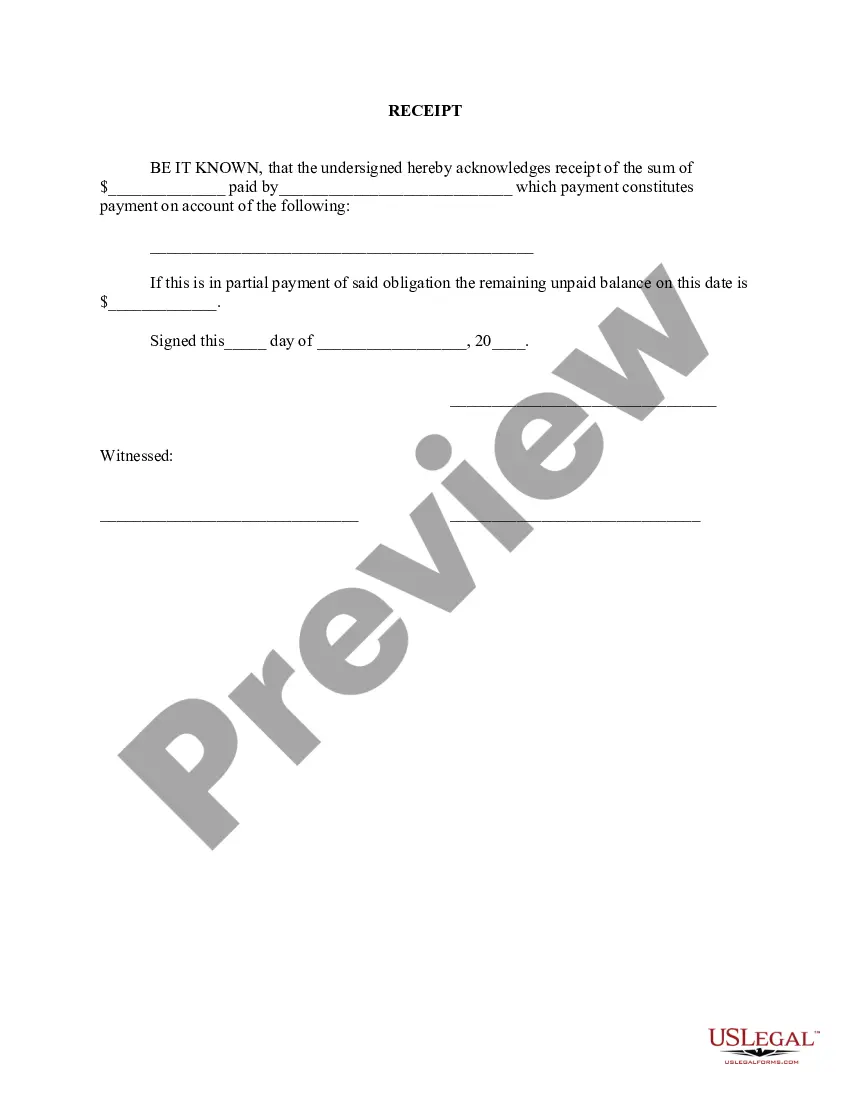
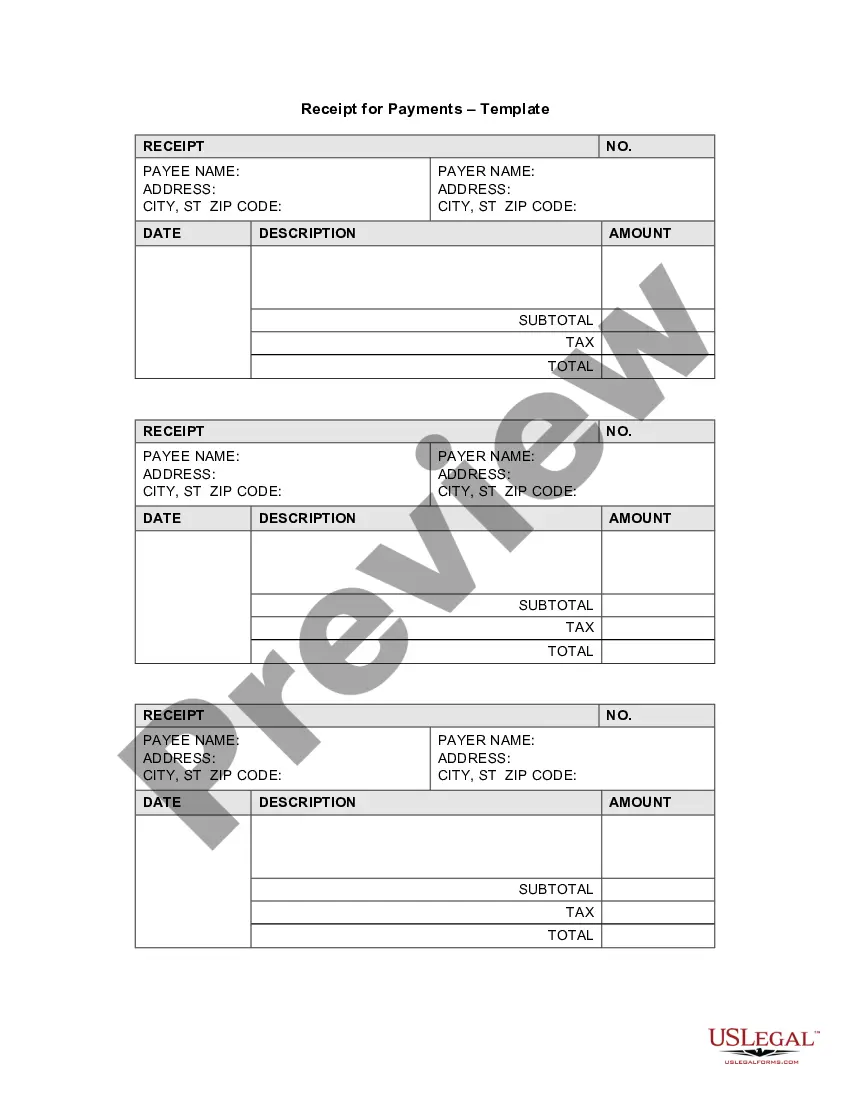
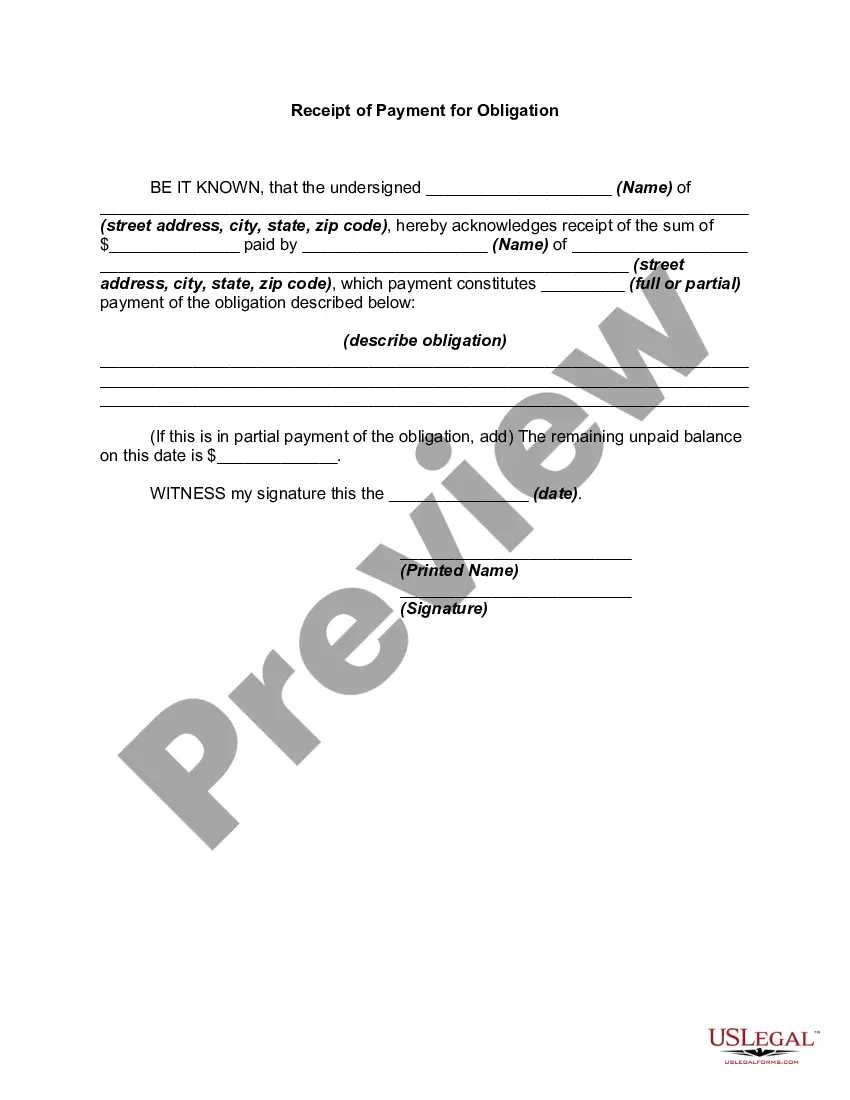
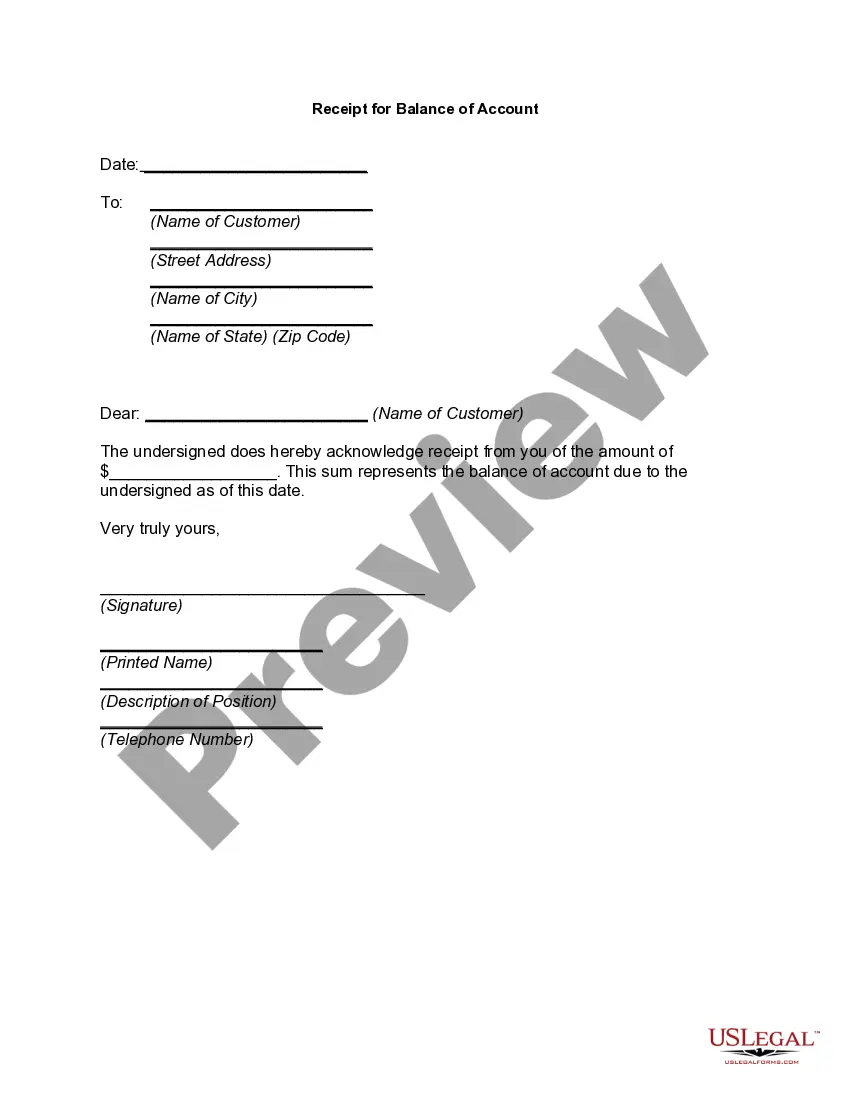
This form is a Receipt. The form provides that the undersigned acknowledges the receipt of a certain sum of money which constitutes payment on the account named in the receipt. The receipt also lists the balance remaining on the account, if applicable.
District of Columbia Receipt for Payment of Account
State:
Multi-State
Category:
Control #:
US-01792
Format:
Word;
Rich Text
71 downloads
Description
Get your form ready online
Our built-in tools help you complete, sign, share, and store your documents in one place.
Built-in online Word editor
Make edits, fill in missing information, and update formatting in US Legal Forms—just like you would in MS Word.
Export easily
Download a copy, print it, send it by email, or mail it via USPS—whatever works best for your next step.
E-sign your document
Sign and collect signatures with our SignNow integration. Send to multiple recipients, set reminders, and more. Go Premium to unlock E-Sign.
Notarize online 24/7
If this form requires notarization, complete it online through a secure video call—no need to meet a notary in person or wait for an appointment.
Store your document securely
We protect your documents and personal data by following strict security and privacy standards.

Make edits, fill in missing information, and update formatting in US Legal Forms—just like you would in MS Word.

Download a copy, print it, send it by email, or mail it via USPS—whatever works best for your next step.

Sign and collect signatures with our SignNow integration. Send to multiple recipients, set reminders, and more. Go Premium to unlock E-Sign.

If this form requires notarization, complete it online through a secure video call—no need to meet a notary in person or wait for an appointment.

We protect your documents and personal data by following strict security and privacy standards.
Looking for another form?
How to fill out Receipt For Payment Of Account?
If you need to finish, download, or print sanctioned file templates, utilize US Legal Forms, the largest collection of legal documents available online.
Employ the site’s straightforward and user-friendly search feature to find the documents you need.
A range of templates for business and personal purposes are organized by categories and states, or keywords.
Step 4. Once you have found the form you need, click the Purchase now button. Choose the pricing plan you prefer and enter your credentials to register for the account.
Step 5. Complete the transaction. You can use your credit card or PayPal account to finalize the transaction.
- Use US Legal Forms to locate the District of Columbia Receipt for Payment of Account in just a few clicks.
- If you are already a US Legal Forms user, Log In to your account and click on the Download button to find the District of Columbia Receipt for Payment of Account.
- You can also access forms you previously downloaded from the My documents section of your account.
- If you are using US Legal Forms for the first time, follow the instructions below.
- Step 1. Ensure you have selected the form for your correct city/state.
- Step 2. Use the Review option to review the form’s content. Remember to read the description.
- Step 3. If you are not satisfied with the form, use the Search box at the top of the screen to find alternative versions of the legal form format.
Form popularity
FAQ
Contact Us For assistance with MyTax.DC.gov or account-related questions, please contact our e-Services Unit at (202) 759-1946 or email e-services.otr@dc.gov, am to pm, Monday through Friday.
Every new employee who resides in DC and is required to have DC income taxes withheld, must fill out Form D-4 and file it with his/her employer.
Tax Payments To remit payment, please log in to your MyTax.DC.gov account, which allows you to pay directly from your bank account without any fees. To remit payment, please log in to your MyTax.DC.gov account. You will be charged a fee that is paid directly to the District's credit card service provider.
Withholding Tax Account Number If you cannot locate this document or account number, please call the District of Columbia Office of Tax and Revenue at (202) 727-4829 to request it. Register with the DC Office of Tax and Revenue by completing Form FR-500 online. The online registration process can take 1-2 days.
FP-31 Tax Return The FP-31 tax return is essential for individuals who use property for business purposes in D.C. This includes rental property owners, freelancers, contractors, and 1099-NEC employees.
If you are a new business, register online with the DC Office of Tax and Revenue. If you already have a DC Withholding Account Number, you can look this up online or on on correspondence from the DC Office of Tax and Revenue. If you're unsure, contact the agency at 202-727-4829.
MyTax.DC.gov Visit the District's new online tax portal to view and pay your taxes.
If you are a resident of DC, MD or VA, you must file a state withholding form to notify Payroll Services of the correct amount of state tax to withhold from your compensation.