Courts will closely examine covenants not to compete signed by individuals in order to make sure that they are not unreasonable as to time or geographical area. This form is a generic example that may be referred to when preparing such a form for your particular state. It is for illustrative purposes only. Local laws should be consulted to determine any specific requirements for such a form in a particular jurisdiction.
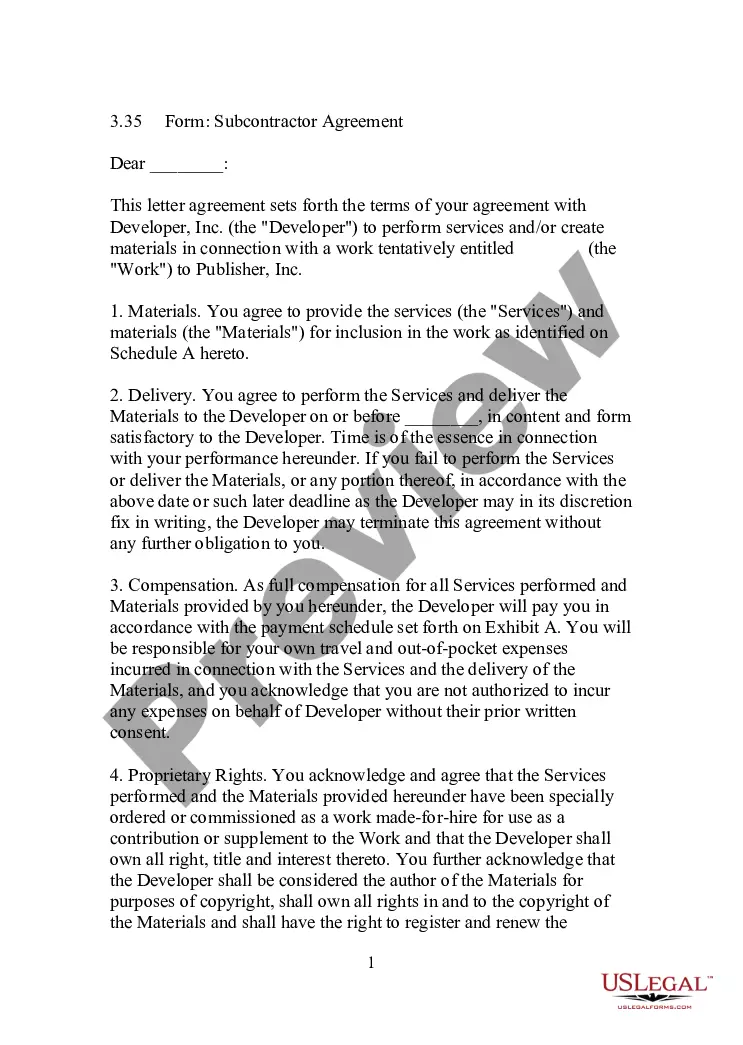
District of Columbia Subcontractor's Agreement between Two Companies in Printing Business including Covenant by Subcontractor not to Solicit Contractor's Customer
Category:
State:
Multi-State
Control #:
US-01660BG
Format:
Word;
Rich Text
Instant download
Description
Free preview
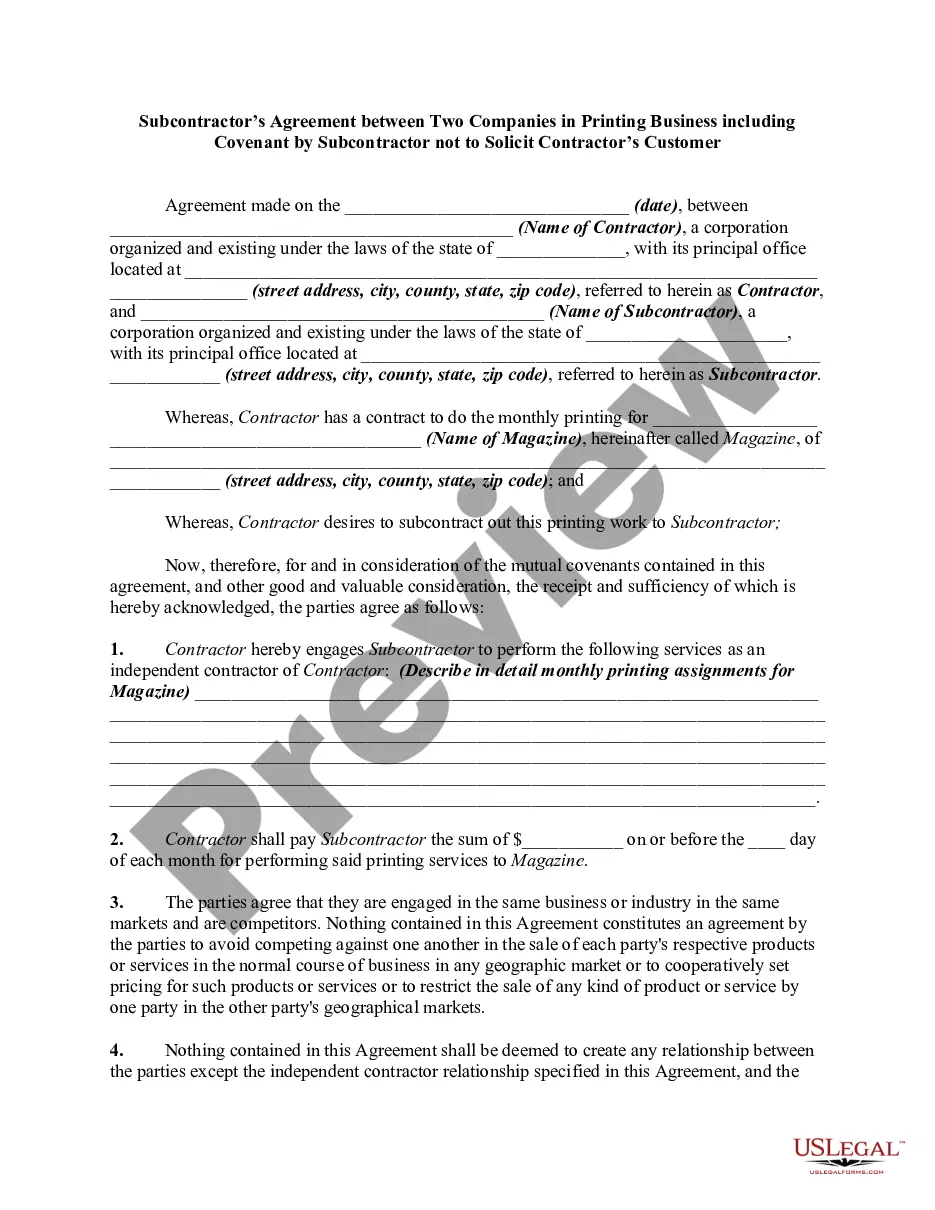
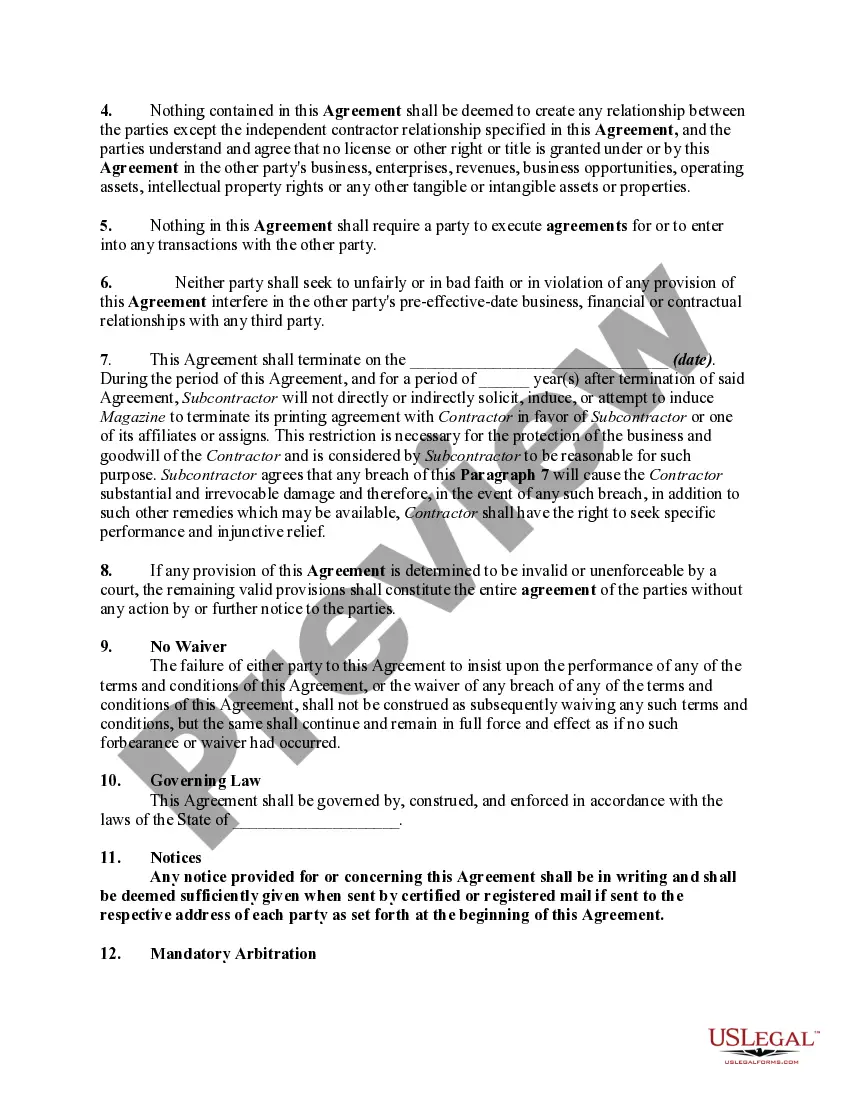
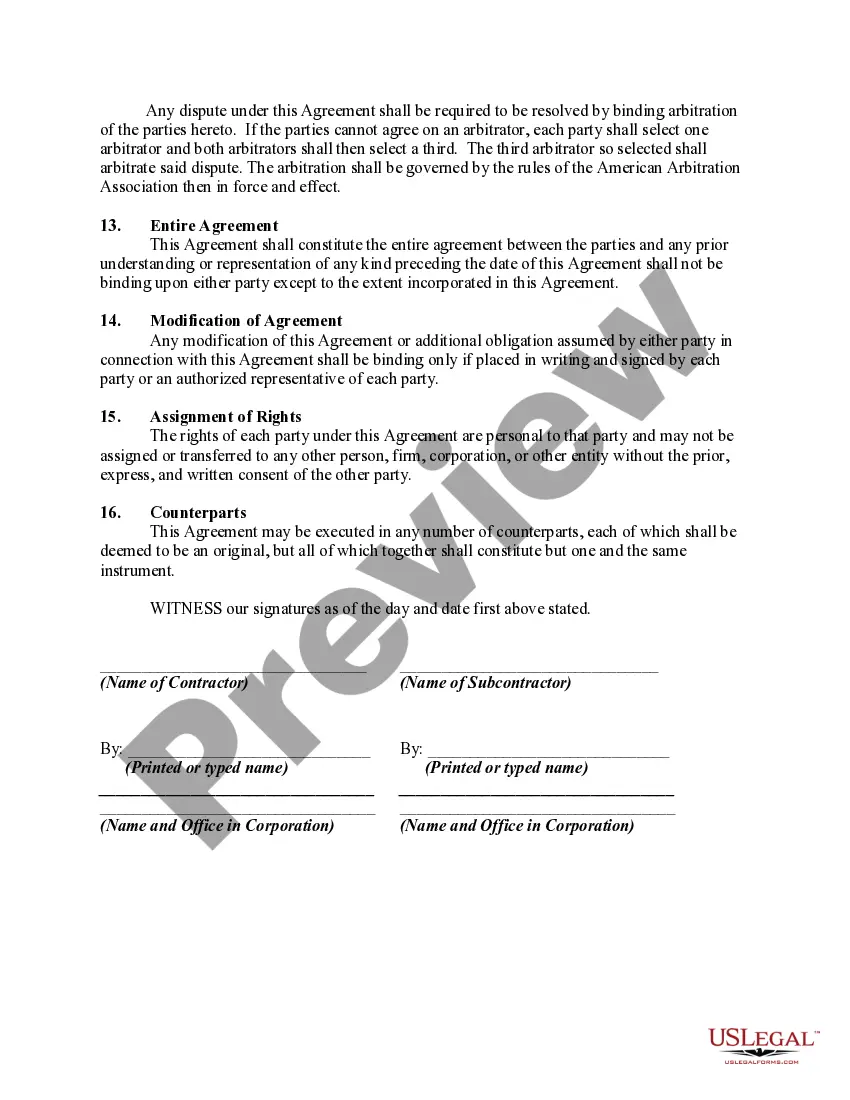
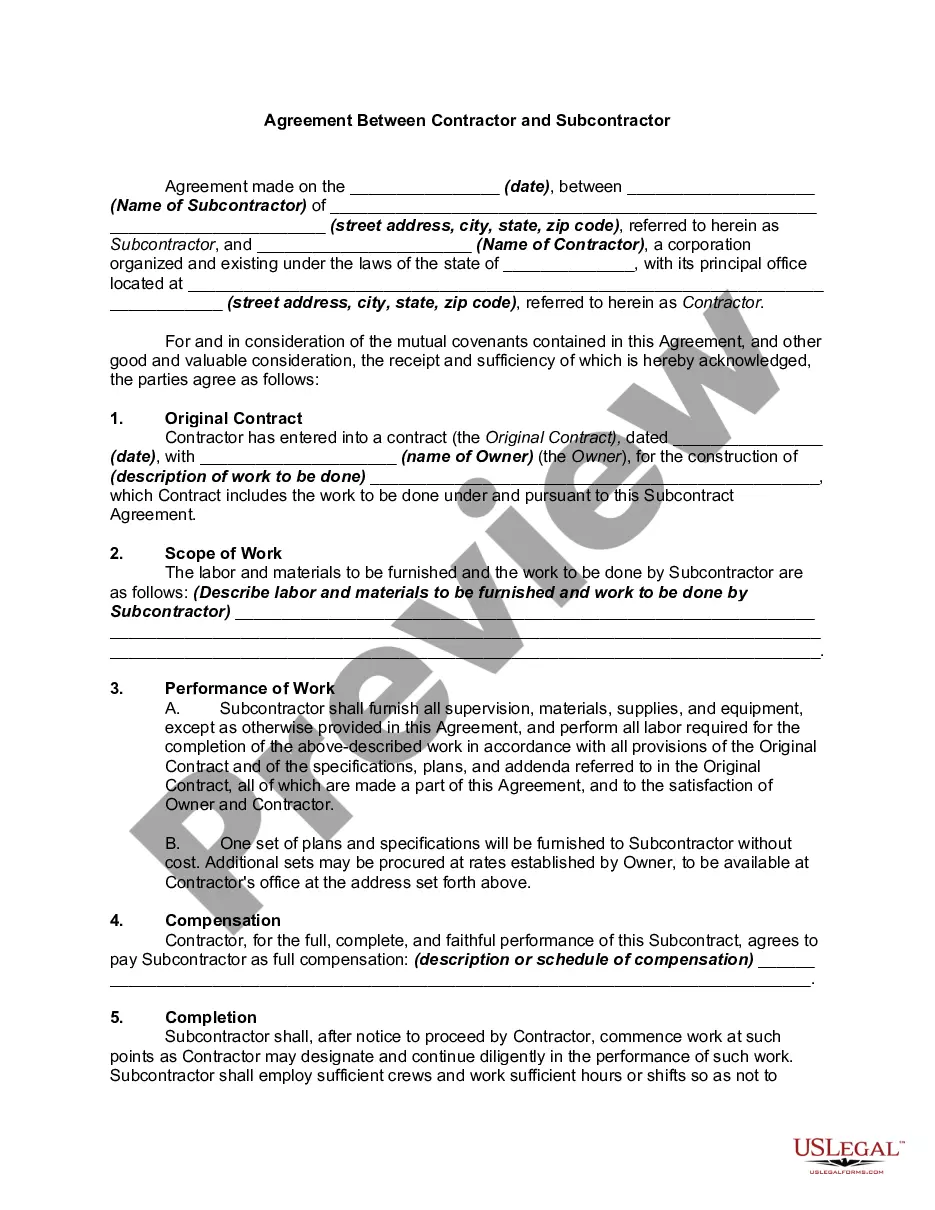
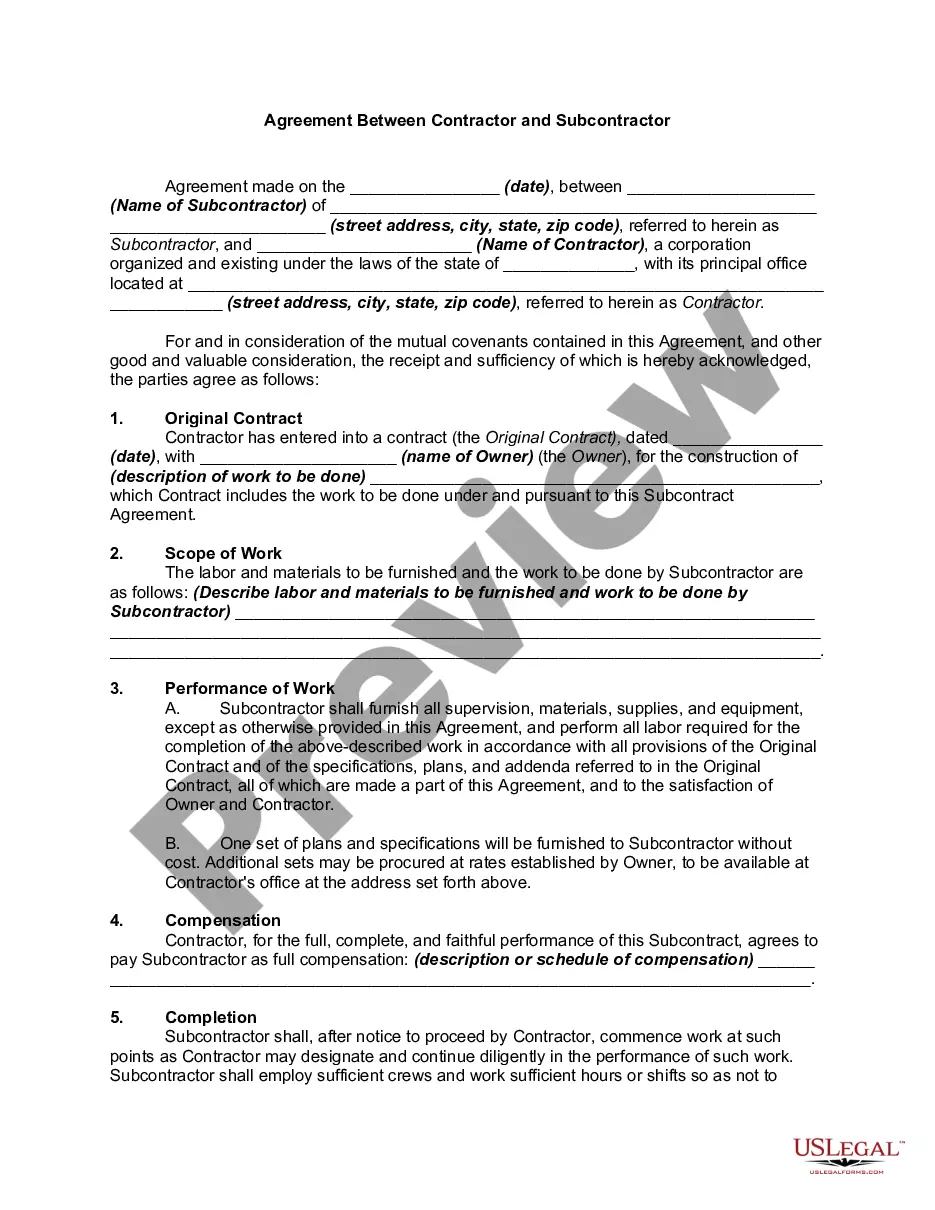
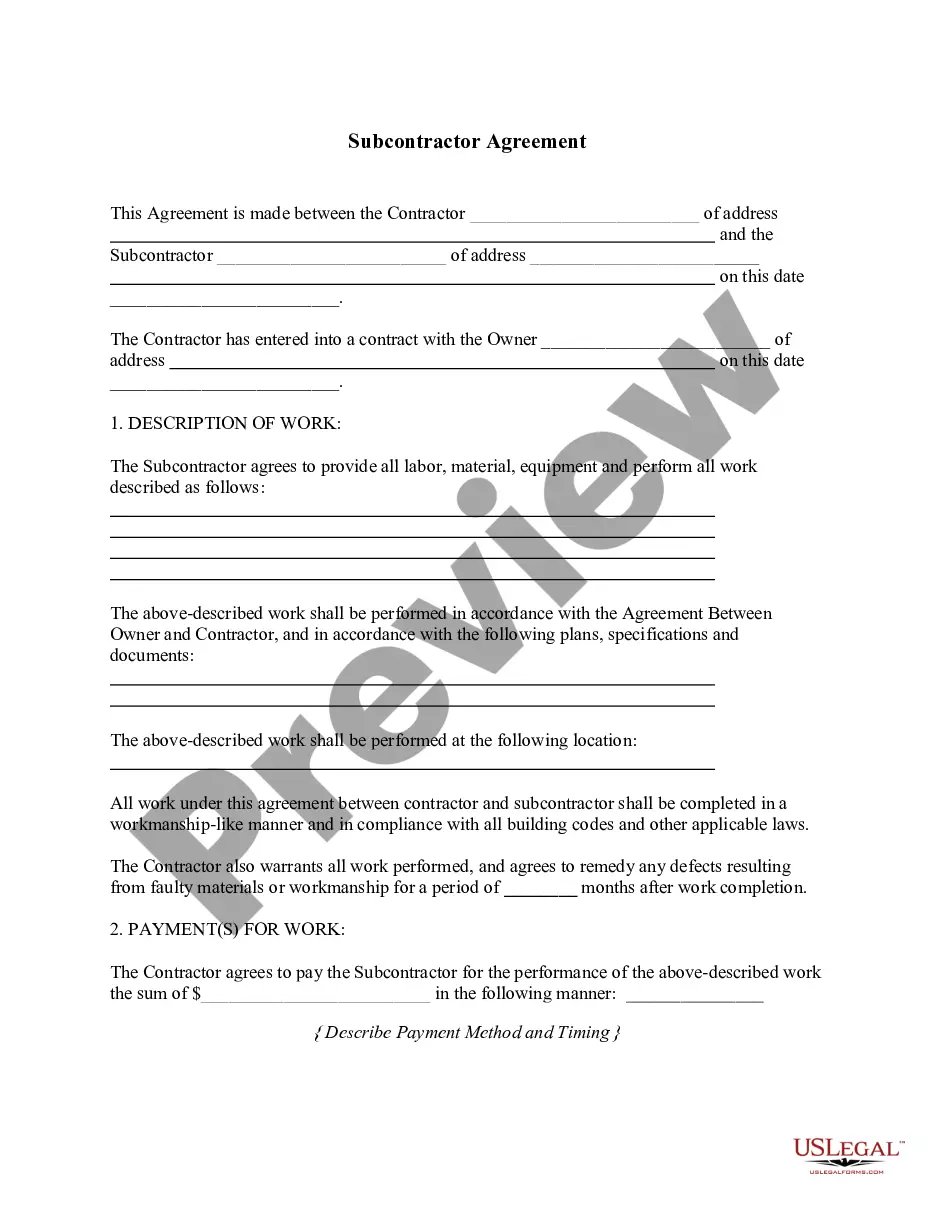
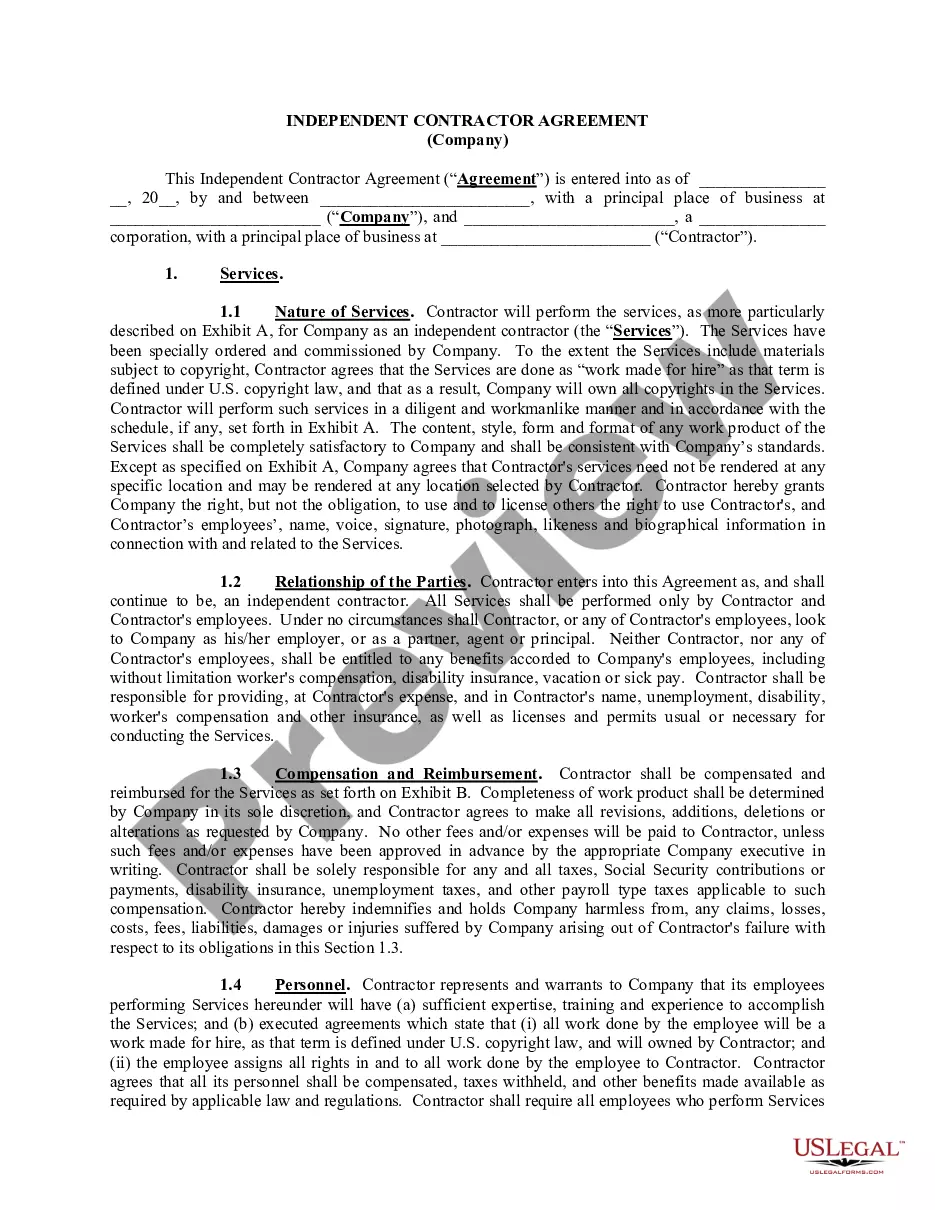
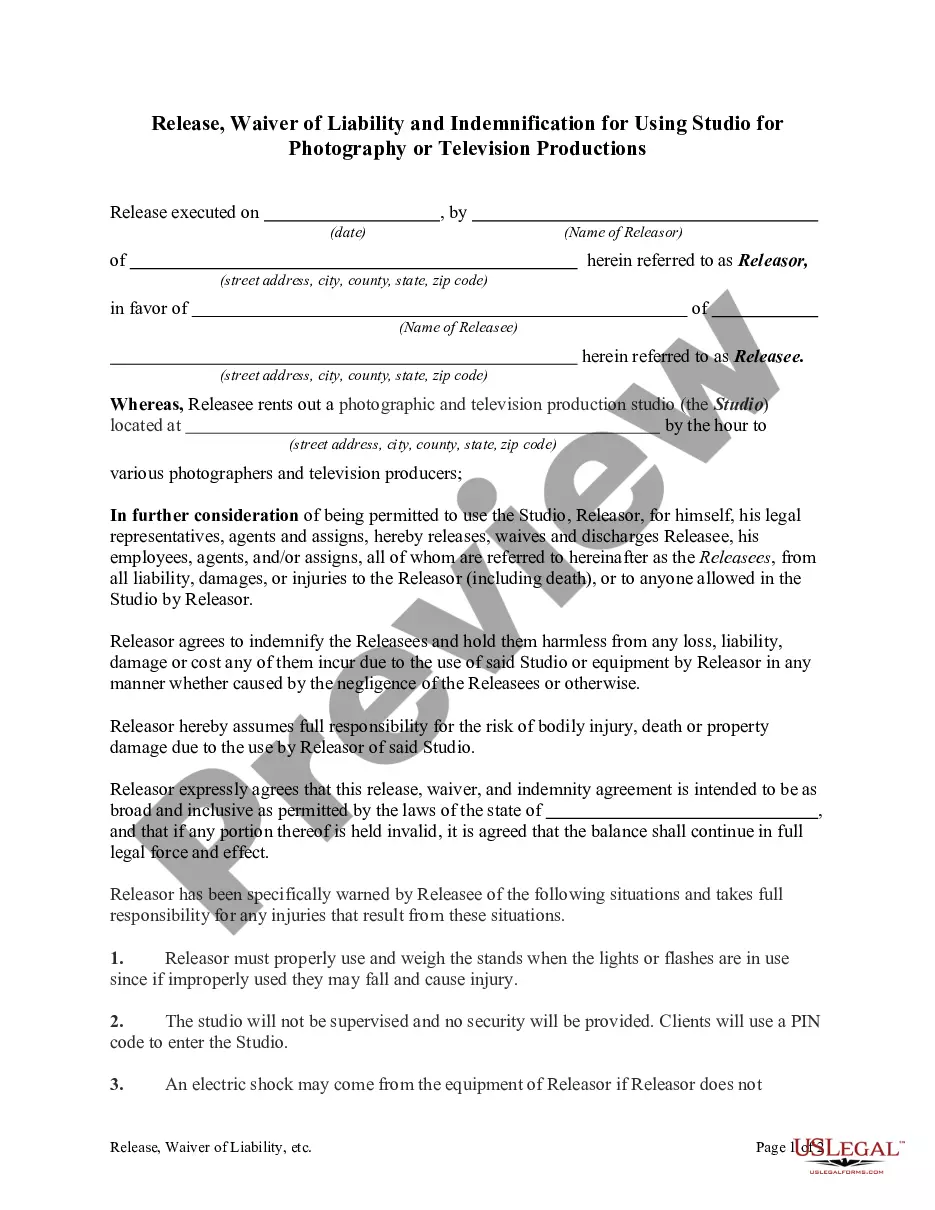

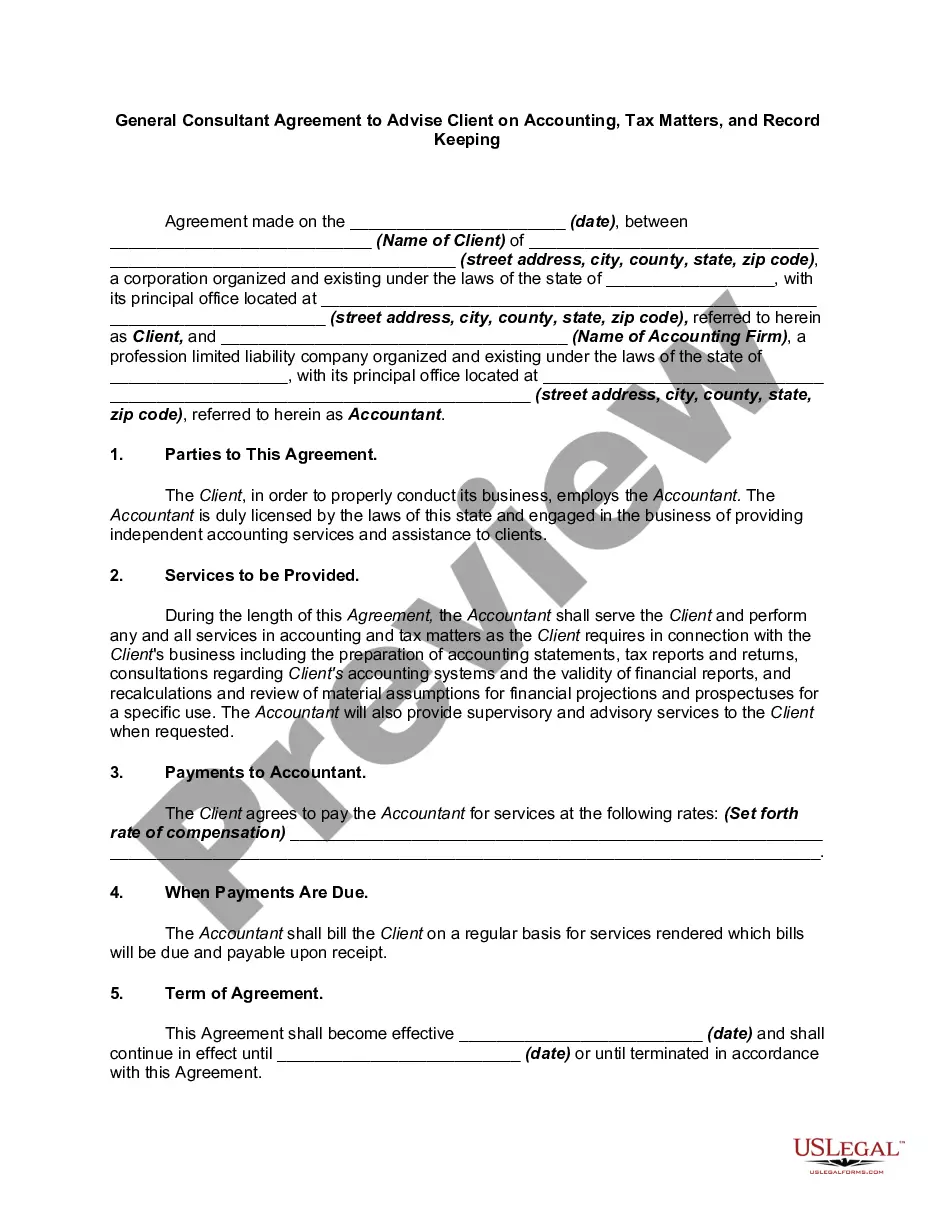
How to fill out Subcontractor's Agreement Between Two Companies In Printing Business Including Covenant By Subcontractor Not To Solicit Contractor's Customer?
US Legal Forms - one of the largest collections of authentic templates in the United States - offers a range of legal document formats that you can download or print. By utilizing the website, you can discover thousands of forms for both business and personal use, organized by categories, states, or keywords.
You will find the most recent editions of forms such as the District of Columbia Subcontractor's Agreement between Two Companies in the Printing Industry with a Covenant by Subcontractor not to Solicit Contractor's Customer in just a few minutes.
If you possess a subscription, Log In and download the District of Columbia Subcontractor's Agreement between Two Companies in the Printing Industry with a Covenant by Subcontractor not to Solicit Contractor's Customer from the US Legal Forms database. The Download button will appear on each form you view. You have access to all previously downloaded forms in the My documents section of your account.
Choose the format and download the form to your device.
Make modifications. Complete, edit, print, and sign the downloaded District of Columbia Subcontractor's Agreement between Two Companies in the Printing Industry with a Covenant by Subcontractor not to Solicit Contractor's Customer. Every design you add to your account does not have an expiration date and is yours permanently. Therefore, if you wish to download or print another copy, simply go to the My documents section and click on the form you need. Access the District of Columbia Subcontractor's Agreement between Two Companies in the Printing Industry with a Covenant by Subcontractor not to Solicit Contractor's Customer with US Legal Forms, the most extensive database of legal document formats. Utilize thousands of professional and state-specific templates that fulfill your business or personal needs.
- If you wish to use US Legal Forms for the first time, here are simple instructions to get started.
- Ensure you have selected the correct form for the area/region.
- Click the Review button to examine the form's contents. Verify the form summary to ensure you have chosen the correct form.
- If the form does not meet your requirements, utilize the Search box located at the top of the screen to find one that does.
- Once you are content with the form, confirm your selection by clicking the Buy now button. Next, select the payment plan you prefer and provide your information to register for an account.
- Process the transaction. Use your credit card or PayPal account to complete the transaction.
Form popularity
FAQ
The main issues that should be in a subcontractor agreement are licensing, job and payment, timing, and defense and indemnification.Licensing.Scope of Work and Payment.Timing.Defense and Indemnification.
By way of this Short Form Subcontract, Subcontractor agrees to. furnish all labor, materials, equipment, subcontracted services and. supervision required to promptly and efficiently complete (the. Subcontract Work"), in strict accordance with this Contract and the. Contract Documents.
The contract should state who pays which expenses. The contractor is usually responsible for all expenses including mileage, vehicle maintenance, and other business travel costs; work supplies and tools; licenses, fees, and permits; phone and internet expenses; and payments to employees or subcontractors.
Typically, a contractor works under a contractual agreement to provide services, labor or materials to complete a project. Subcontractors are businesses or individuals that carry out work for a contractor as part of the larger contracted project.
A subcontractor is a worker who is not your employee. You give a Form 1099 to a subcontractor showing the amounts you paid him. The subcontractor is responsible for keeping his or her own records and paying his or her own income and self-employment taxes.
Define the needs of the project.Finalize the provisions of the agreement, such as the due dates.Clarify the terms for payment.Write a draft of the contract and send it to the subcontractor for her review.Decide on a method to handle disputes, should one arise between you and the subcontractor.More items...
The subcontractor takes full responsibility for the works under the subcontract until interim completion (Cl. 8.1). Interim completion is the state of completion where the subcontract works, or a section thereof, are substantially complete as certified by the contractor.
Subcontractor vs Independent contractor is a difference in an employment relationship with a laborer. Independent contractors are employed and paid directly by the employer while subcontractors are employed by an independent contractor and are paid by them.
A Subcontractor Agreement is a contract used to set out the terms of an agreement between one independent contractor who hires another independent contractor (known as the subcontractor).
A subcontractor agreement is a legal document that a general contractor uses on a construction project to hire a subcontractor. This contract is a legally binding agreement that defines the terms of a smaller job within the main project to be completed by an entity that is not the GC.