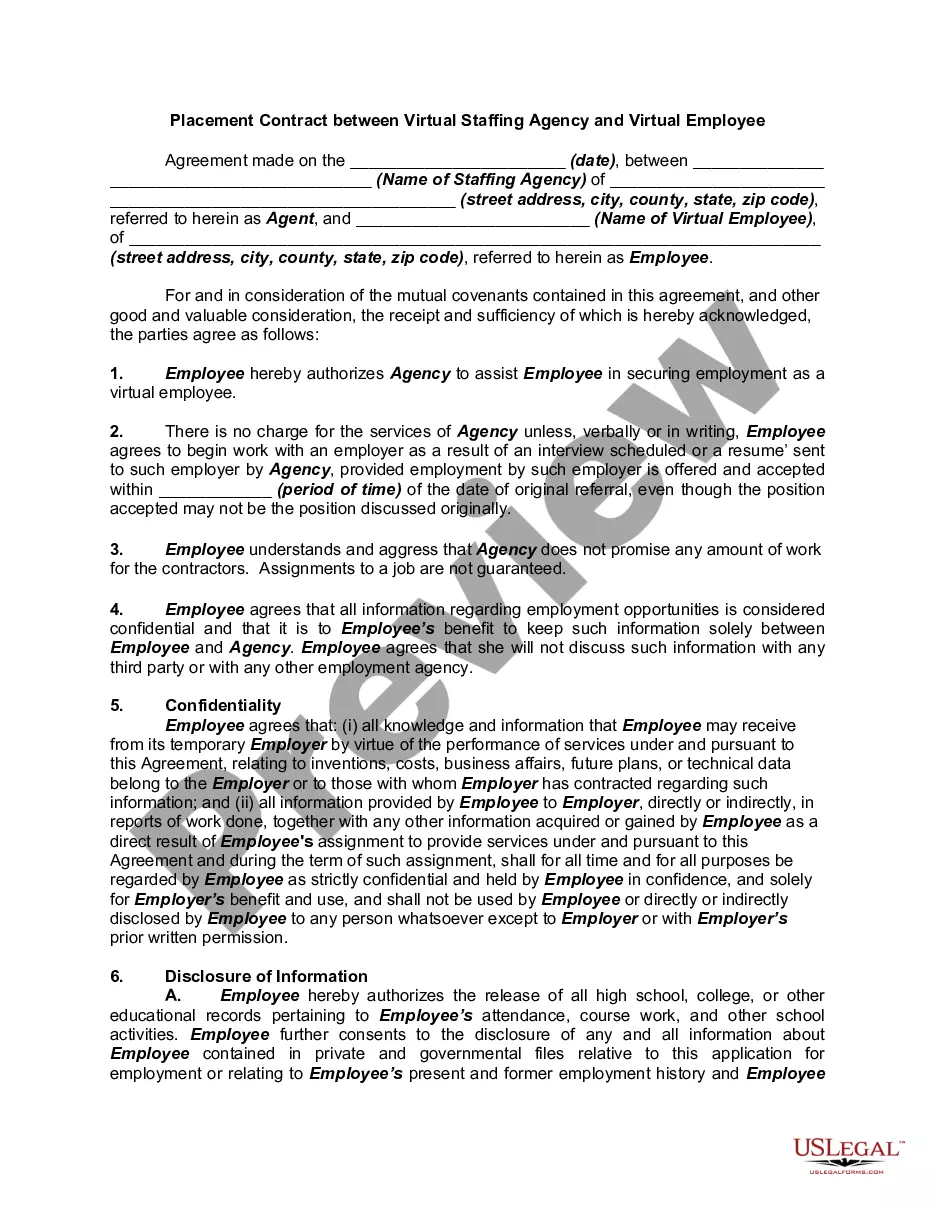
District of Columbia Deferred Compensation Agreement - Short Form
Description



Get your form ready online
Our built-in tools help you complete, sign, share, and store your documents in one place.
Make edits, fill in missing information, and update formatting in US Legal Forms—just like you would in MS Word.
Download a copy, print it, send it by email, or mail it via USPS—whatever works best for your next step.
Sign and collect signatures with our SignNow integration. Send to multiple recipients, set reminders, and more. Go Premium to unlock E-Sign.
If this form requires notarization, complete it online through a secure video call—no need to meet a notary in person or wait for an appointment.
We protect your documents and personal data by following strict security and privacy standards.

Make edits, fill in missing information, and update formatting in US Legal Forms—just like you would in MS Word.

Download a copy, print it, send it by email, or mail it via USPS—whatever works best for your next step.

Sign and collect signatures with our SignNow integration. Send to multiple recipients, set reminders, and more. Go Premium to unlock E-Sign.

If this form requires notarization, complete it online through a secure video call—no need to meet a notary in person or wait for an appointment.

We protect your documents and personal data by following strict security and privacy standards.
Looking for another form?





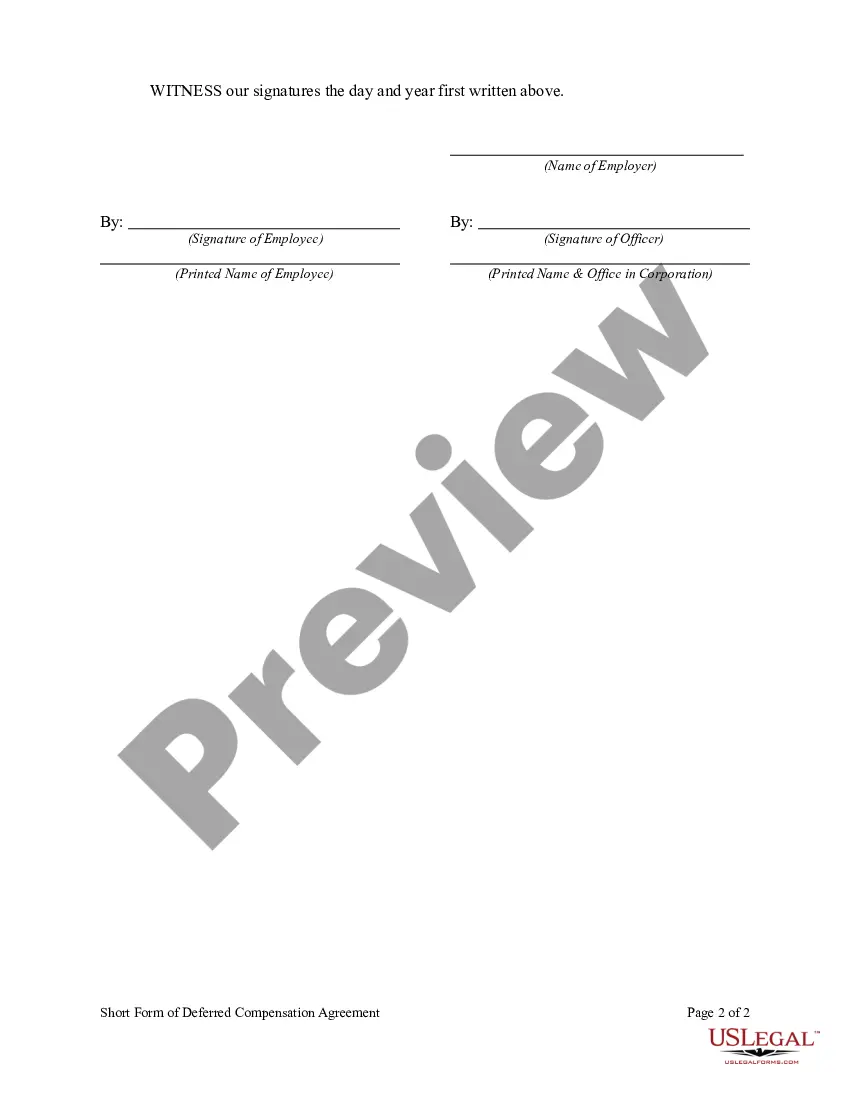
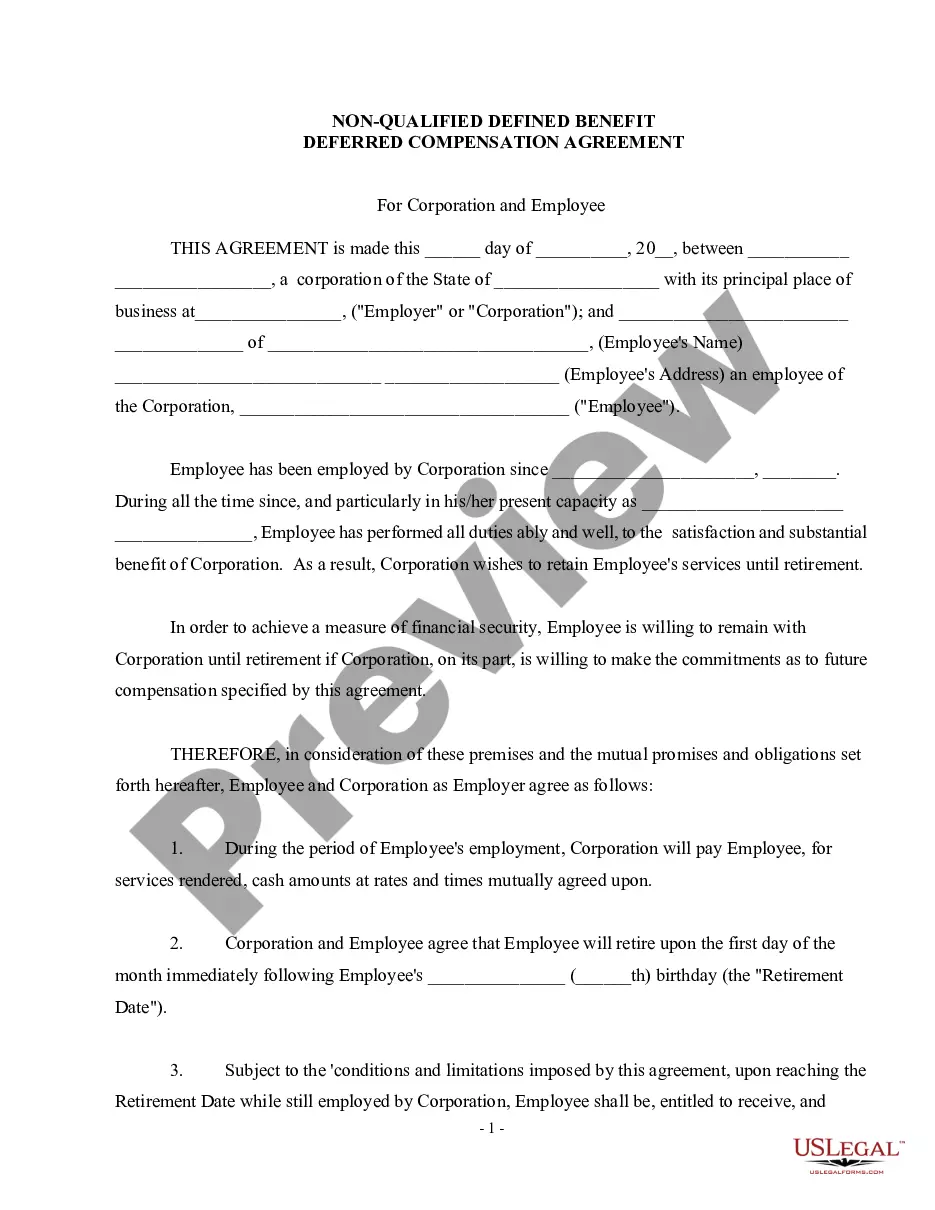
How to fill out Deferred Compensation Agreement - Short Form?
US Legal Forms - one of the largest collections of legal documents in the United States - offers a vast selection of legal form templates that you can download or create.
By using the website, you can access thousands of forms for business and personal use, organized by categories, states, or keywords. You can find the latest versions of forms like the District of Columbia Deferred Compensation Agreement - Short Form in just seconds.
If you have a monthly subscription, Log In to download the District of Columbia Deferred Compensation Agreement - Short Form from the US Legal Forms library. The Download button will be displayed on each form you view. You can access all your previously acquired forms in the My documents section of your account.
Make modifications. Complete, edit, print, and sign the downloaded District of Columbia Deferred Compensation Agreement - Short Form.
Each template you add to your account does not have an expiration date and is yours indefinitely. Therefore, if you want to download or print another copy, simply navigate to the My documents section and click on the form you need.
- If you are using US Legal Forms for the first time, here are simple instructions to get you started.
- Ensure you have selected the correct form for your city/state. Click the Review button to check the form's content. Read the form description to confirm that you have chosen the appropriate form.
- If the form does not meet your needs, utilize the Search area at the top of the page to locate one that does.
- If you are satisfied with the form, confirm your selection by clicking the Get now button. Then select your preferred pricing plan and provide your information to register for an account.
- Process the transaction. Complete the transaction using your credit card or PayPal account.
- Choose the format and download the form to your device.
Form popularity
FAQ
If your deferred compensation comes as a lump sum, one way to mitigate the tax impact is to "bunch" other tax deductions in the year you receive the money. "Taxpayers often have some flexibility on when they can pay certain deductible expenses, such as charitable contributions or real estate taxes," Walters says.
For tax years beginning in 2020 or later, the deferrals are reported on Form 1099-MISC, box 12. At this time, the reporting of deferrals is optional. In the year paid, employers report NQDC on Form 1099-NEC, box 1.
The Part-time, Seasonal, and Temporary (PST) Employees Retirement Program is a mandatory retirement savings program created by federal law for State employees and California State University employees who are not covered by a retirement system or Social Security.
For tax years beginning in 2020 or later, the deferrals are reported on Form 1099-MISC, box 12.
Record the journal entry upon disbursement of cash to the employee. In 2020, the deferred compensation plan matures and the employee is paid. The journal entry is simple. Debit Deferred Compensation Liability for $100,000 (this will zero out the account balance), and credit Cash for $100,000.
A deferred compensation plan allows employees to place income into a retirement account where it sits untaxed until they withdraw the funds. After withdrawal, the funds become subject to taxes, although this is usually much less if payment is deferred until retirement.
1. Wait for the W-2 sent by your employer's deferred compensation plan administrator. The W-2 has several boxes. Box 1 lists the compensation paid to you from the deferred compensation plan. Boxes 2, 3 and 4 list the amount of federal, Social Security wages and Social Security taxes withheld from the compensation.
On the company balance sheet, the accounting for deferred compensation appears on the left or assets side as salaries expense, and on the right or liabilities side as salaries payable.
Deferred compensation is typically not considered earned, taxable income until you receive the deferred payment in a future tax year.
There is no need to record the deferred compensation when it is contributed into the deferred account, only when it is distributed.Wait for the W-2 sent by your employer's deferred compensation plan administrator.Add the W-2 income from your deferred compensation with any other W-2 income you have.More items...