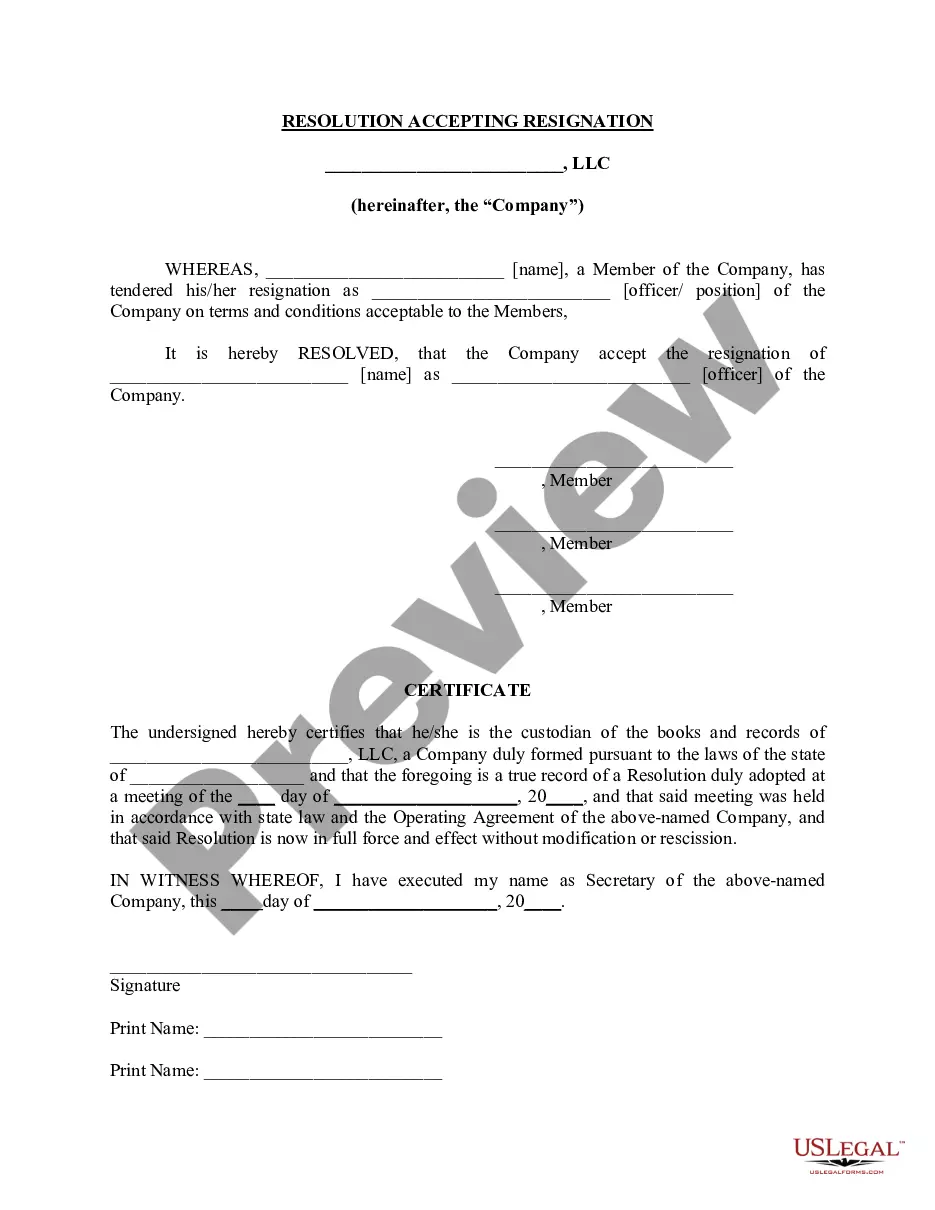
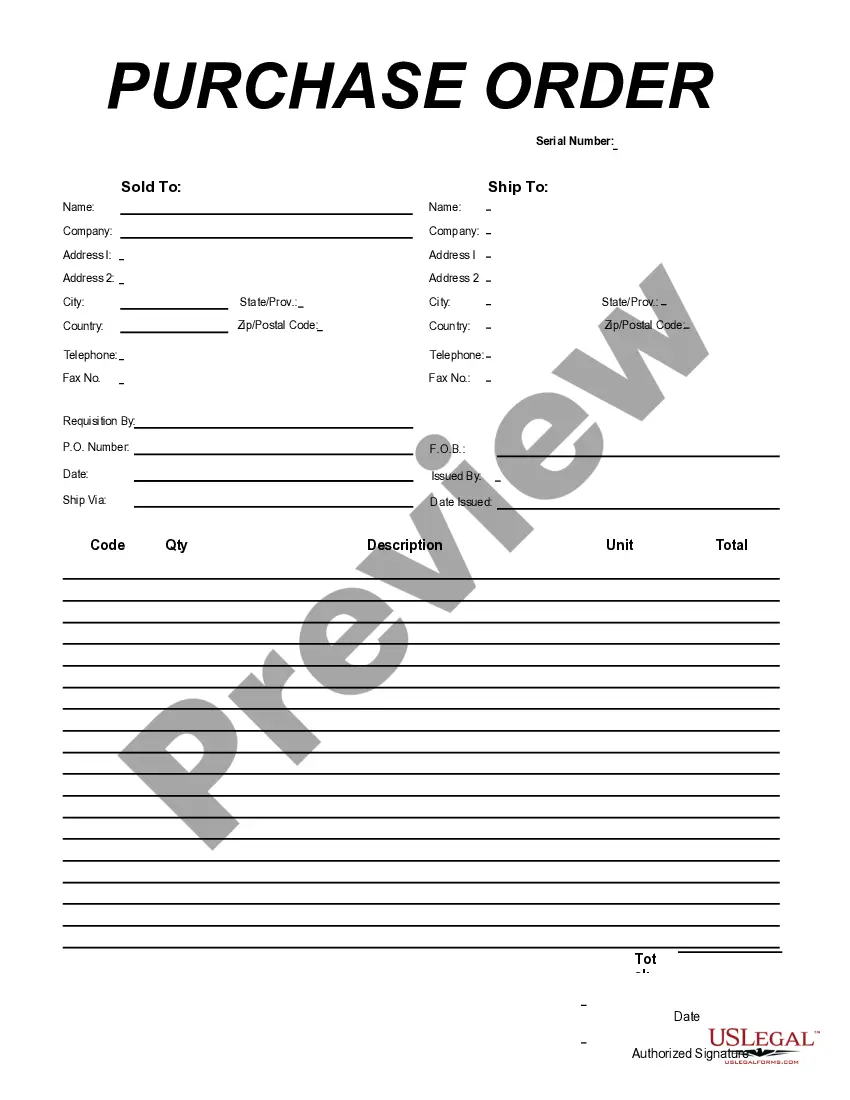
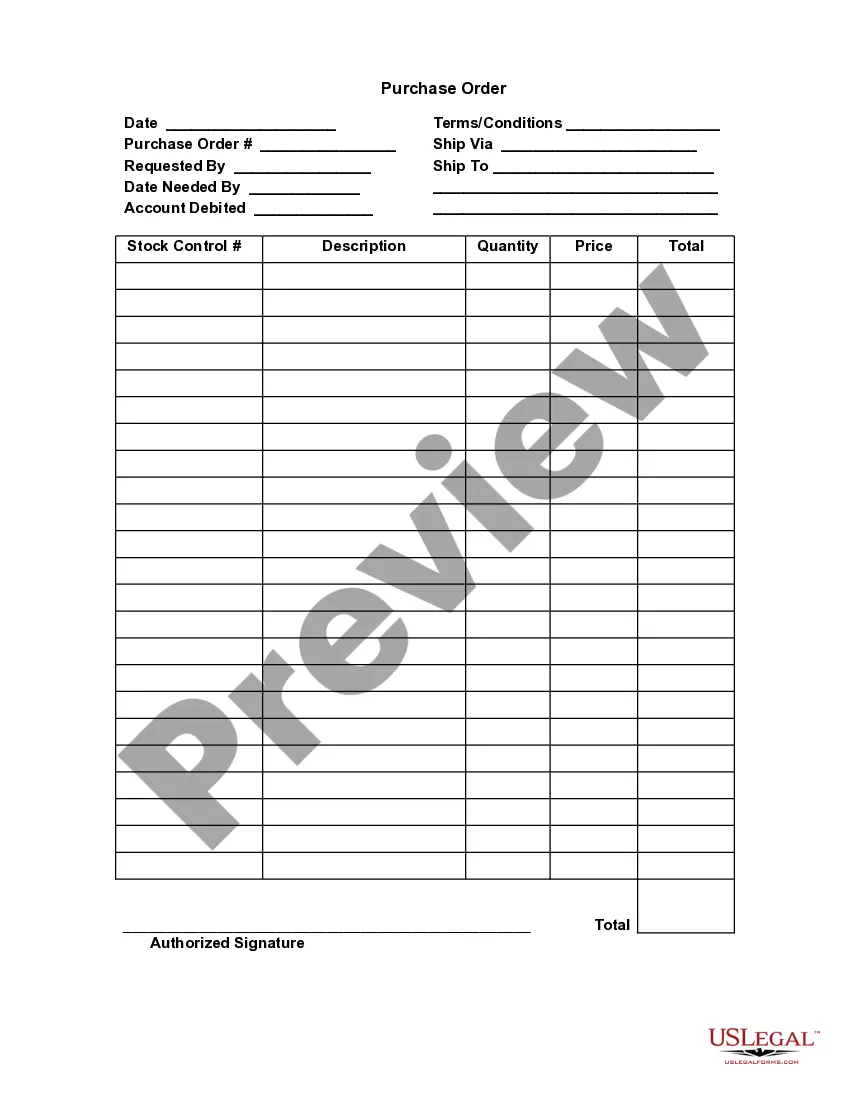
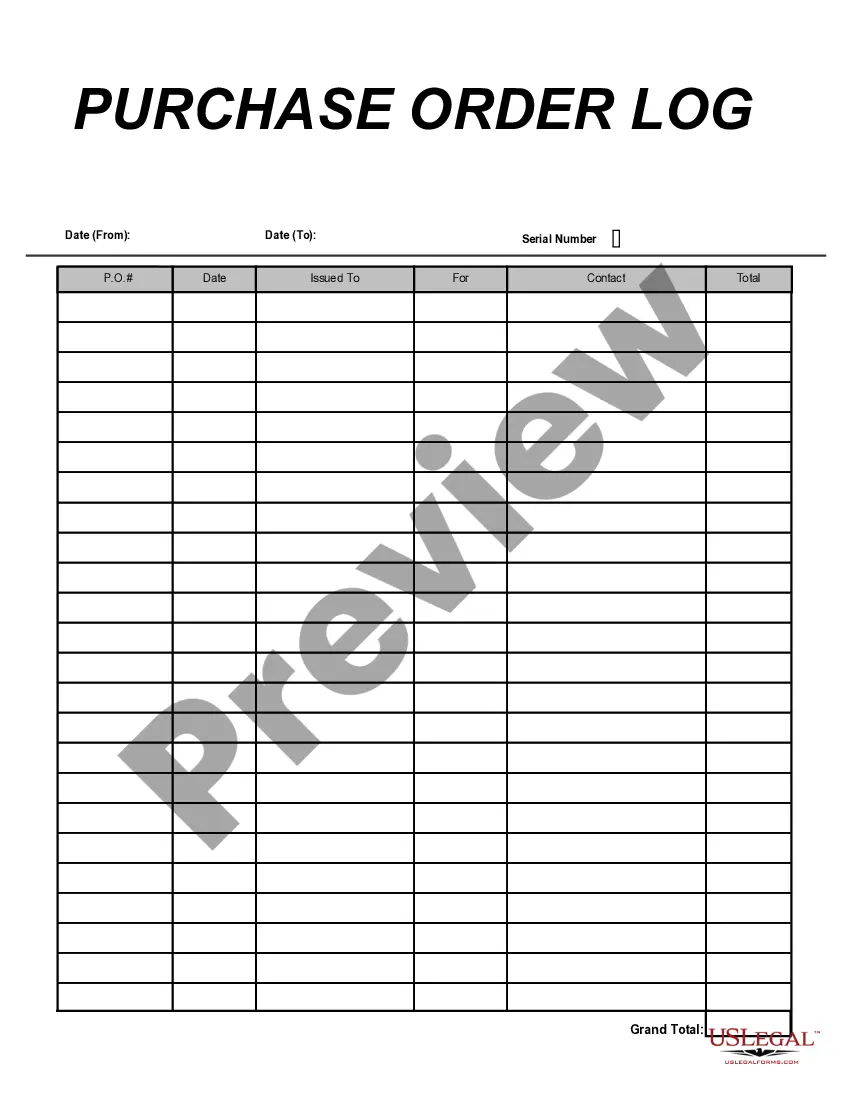
Connecticut Purchase Order for Employee
Description



Get your form ready online
Our built-in tools help you complete, sign, share, and store your documents in one place.
Make edits, fill in missing information, and update formatting in US Legal Forms—just like you would in MS Word.
Download a copy, print it, send it by email, or mail it via USPS—whatever works best for your next step.
Sign and collect signatures with our SignNow integration. Send to multiple recipients, set reminders, and more. Go Premium to unlock E-Sign.
If this form requires notarization, complete it online through a secure video call—no need to meet a notary in person or wait for an appointment.
We protect your documents and personal data by following strict security and privacy standards.

Make edits, fill in missing information, and update formatting in US Legal Forms—just like you would in MS Word.

Download a copy, print it, send it by email, or mail it via USPS—whatever works best for your next step.

Sign and collect signatures with our SignNow integration. Send to multiple recipients, set reminders, and more. Go Premium to unlock E-Sign.

If this form requires notarization, complete it online through a secure video call—no need to meet a notary in person or wait for an appointment.

We protect your documents and personal data by following strict security and privacy standards.
Looking for another form?








How to fill out Purchase Order For Employee?
US Legal Forms - one of the largest collections of legal documents in the United States - offers a variety of legal document templates that you can download or print.
Through the site, you can access thousands of forms for business and personal use, organized by categories, states, or keywords. You can find the latest versions of forms such as the Connecticut Purchase Order for Employee within moments.
If you already have a monthly subscription, Log In and download the Connecticut Purchase Order for Employee from the US Legal Forms catalog. The Download button will appear on every form you view. You can access all previously downloaded forms in the My documents tab of your account.
Make edits. Complete, modify, and print or sign the downloaded Connecticut Purchase Order for Employee.
Every template you add to your account has no expiration date and belongs to you permanently. So, if you wish to download or print another copy, just visit the My documents section and click on the form you desire.
- If you wish to use US Legal Forms for the first time, here are simple instructions to get you started.
- Ensure you have selected the correct form for your city/state. Click on the Review button to examine the form's details. Review the form information to ensure you have selected the right form.
- If the form doesn't meet your needs, use the Search field at the top of the screen to find the one that does.
- When you are satisfied with the form, confirm your choice by clicking on the Buy now button. Then, select the pricing plan you prefer and provide your details to register for an account.
- Process the payment. Use your credit card or PayPal account to complete the transaction.
- Select the format and download the form to your device.
Form popularity
FAQ
An example of a Connecticut Purchase Order for Employee could be an order for office supplies. For instance, your company may decide to purchase 10 boxes of printer paper and 5 ink cartridges. The PO would include all details like item descriptions, quantities, and costs, allowing vendors to understand your needs clearly. Using a reliable source like US Legal Forms can help you find the right format for your specific purchasing scenario.
Creating your own Connecticut Purchase Order for Employee is straightforward. Start by collecting the necessary details such as the vendor's information, your company's details, and the list of items required. Next, use a PO template, like those available on US Legal Forms, to ensure you include all essential elements such as quantities and prices. Finally, review the order for accuracy, and then send it to the vendor for fulfillment.
Generating a Purchase Order (PO) is a straightforward process. Start by outlining the items or services you need, along with their quantities and prices. Once you've gathered this information, you can create your Connecticut Purchase Order for Employee using templates available on uslegalforms. This platform provides user-friendly tools and examples, making it easier for you to generate accurate and legally binding purchase orders.
To obtain government contracts in Connecticut, you must first register your business with the state’s procurement office. After registration, review available contracts on the state's online bidding platform. You may also find it beneficial to utilize resources such as the Connecticut Purchase Order for Employee forms on uslegalforms, which simplify the application process. This preparation will enhance your chances of successfully securing government contracts.
Yes, you can create your own Purchase Order (PO) number. Many businesses prefer to establish a unique numbering system for better organization and tracking. When developing your Connecticut Purchase Order for Employee, ensure that the PO number is easy to reference and follow your company’s internal guidelines. This approach streamlines your record-keeping processes and improves communication with vendors.
A purchase commitment is typically documented in the form of a purchase order, on which is stated a specific number of units that a supplier is authorized to ship, along with the price the buyer is authorized to pay, and the date by which the buyer expects delivery.
Manual Purchase Order (PO) creationGo to the 'Purchase Order' UI screen and click the Create ( ) button.Populate all of the applicable fields. Table 1.Click Save.After the PO header is created, users can now add the items that are included in this PO.Click the Create (
Here are the most common purchase order process steps:Create a purchase order.Send out multiple requests for quotation(RFQ)Analyze and select a vendor.Negotiate contract and send PO.Receive goods/services.Receive and check invoice (3-Way Matching)Authorize invoice and pay the vendor.Record keeping.More items...
Before you get started, it's important to know the basics; here are our four steps explaining the procurement process:1 Identifying need. The procurement process always starts with the same component need.2 Supplier evaluation and selection.3 Purchase order.4 Delivery.
A purchase agreement is a legal document that is signed by both the buyer and the seller. Once it is signed by both parties, it is a legally binding contract. The seller can only accept the offer by signing the document, not by just providing the goods.