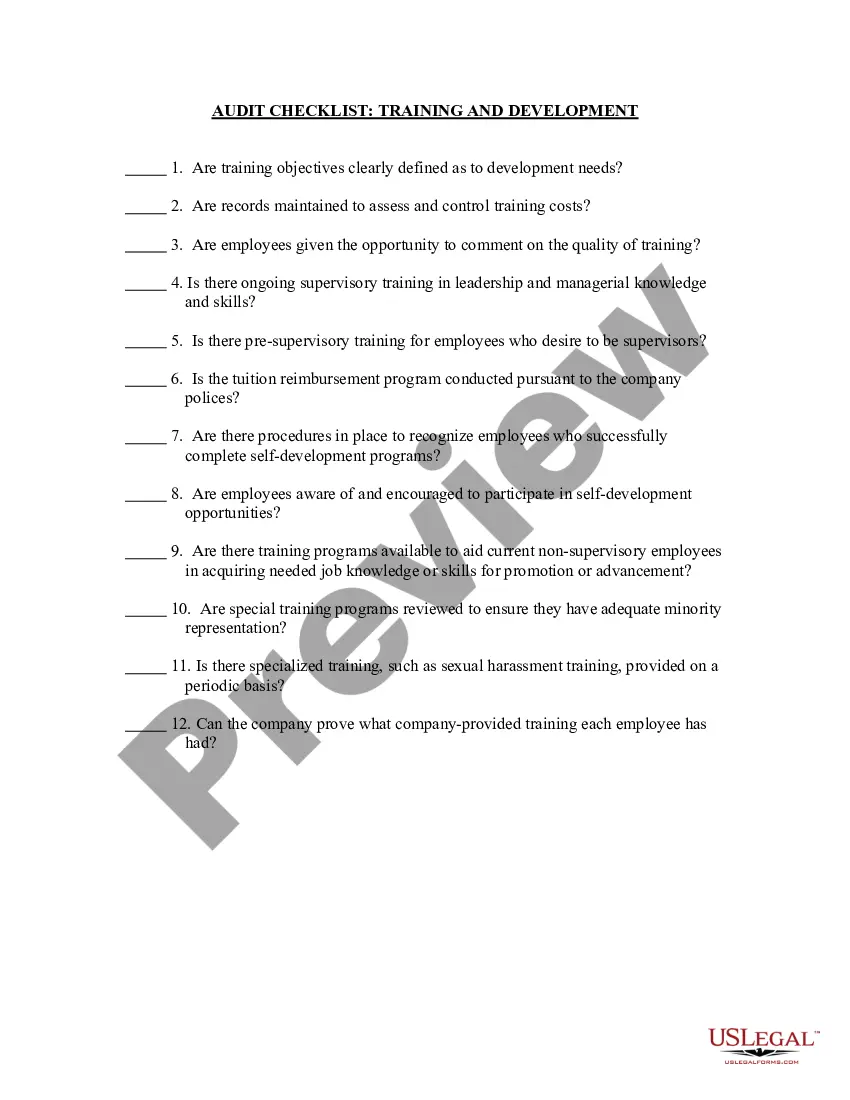
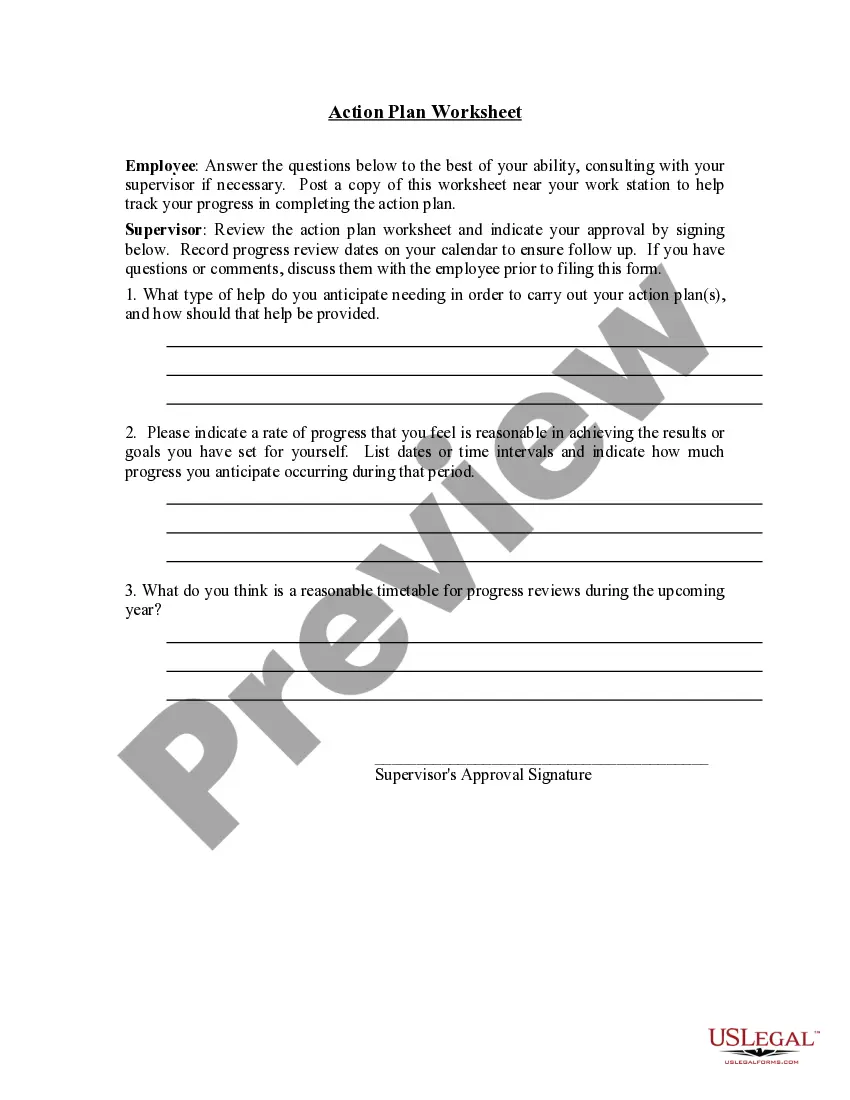
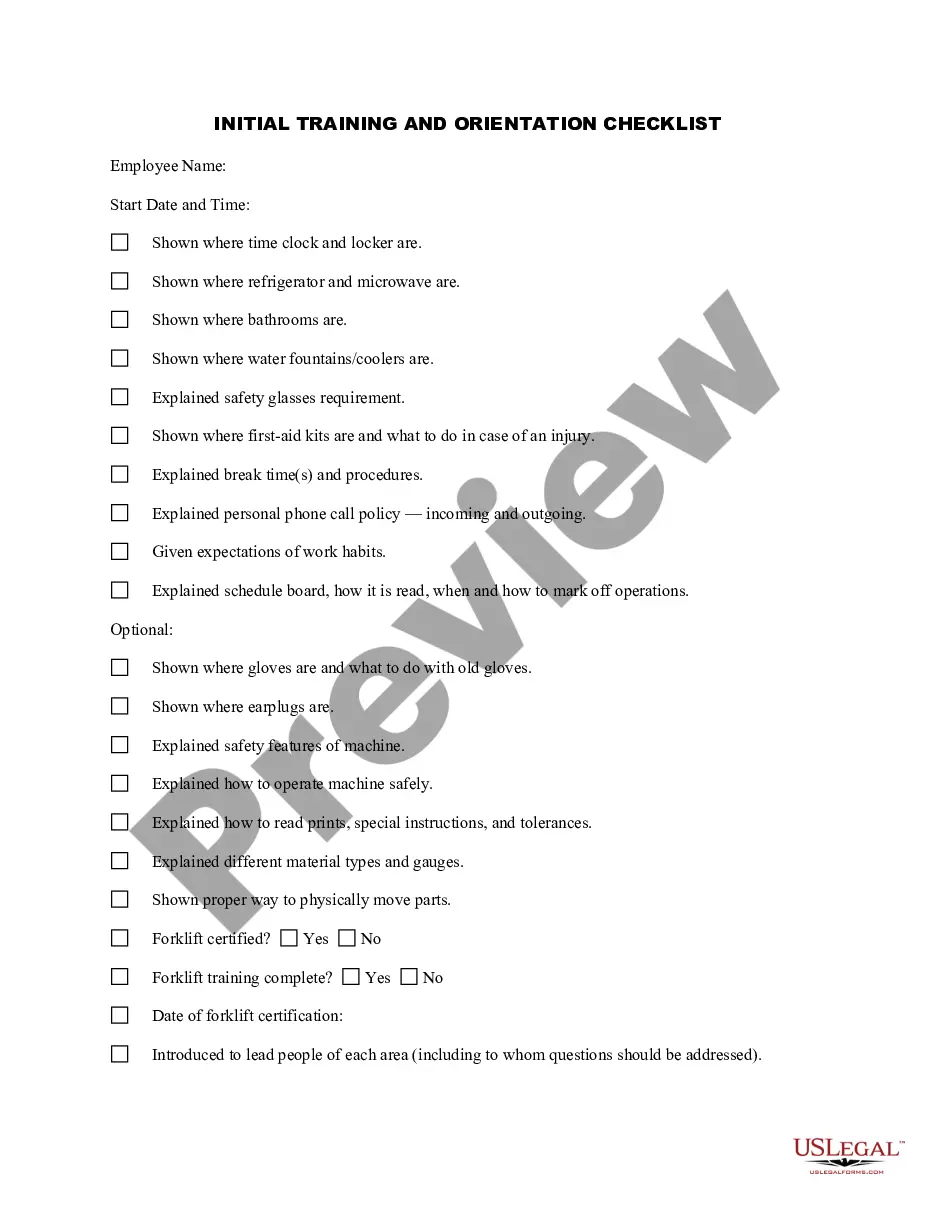
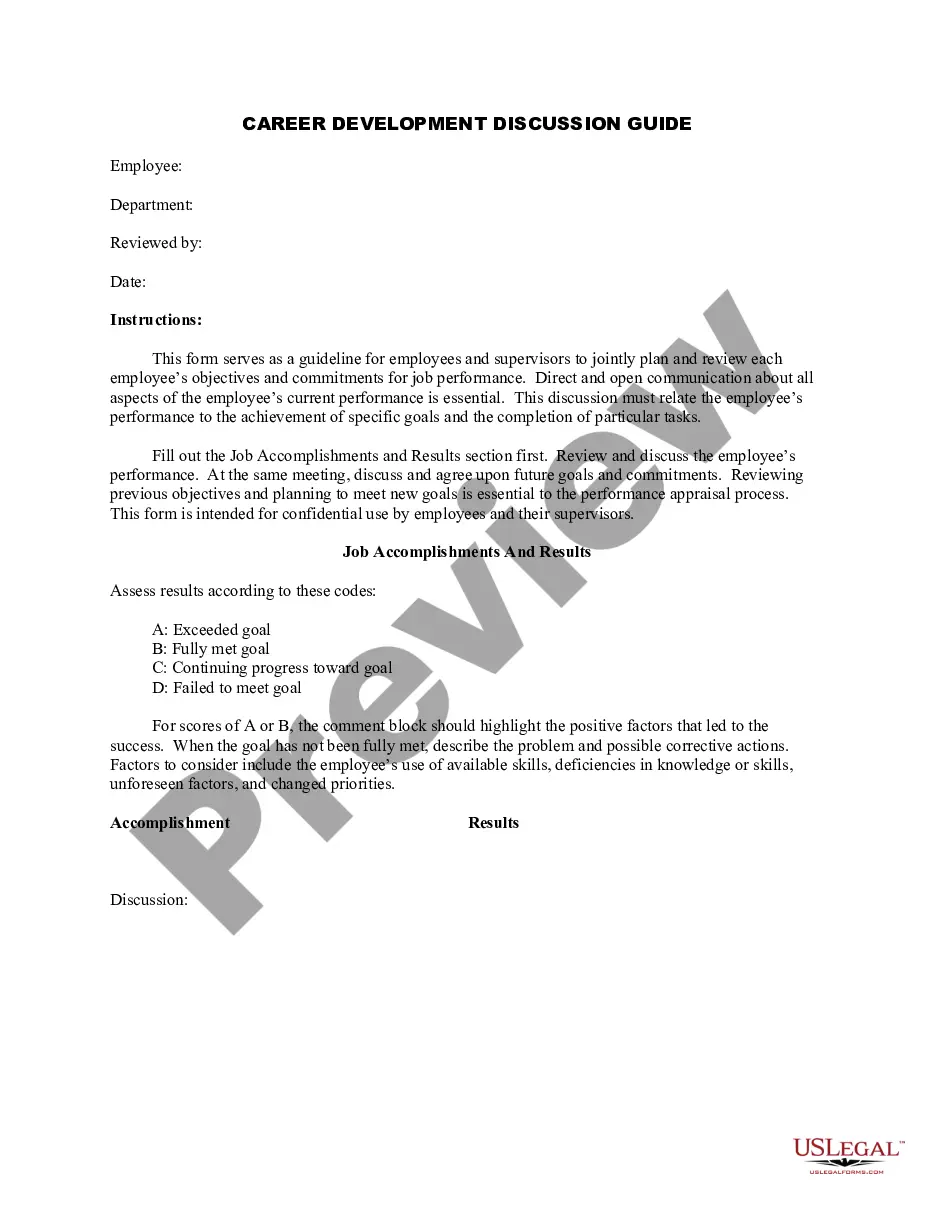
Connecticut Training and Development Checklist
Description
Get your form ready online
Our built-in tools help you complete, sign, share, and store your documents in one place.
Make edits, fill in missing information, and update formatting in US Legal Forms—just like you would in MS Word.
Download a copy, print it, send it by email, or mail it via USPS—whatever works best for your next step.
Sign and collect signatures with our SignNow integration. Send to multiple recipients, set reminders, and more. Go Premium to unlock E-Sign.
If this form requires notarization, complete it online through a secure video call—no need to meet a notary in person or wait for an appointment.
We protect your documents and personal data by following strict security and privacy standards.

Make edits, fill in missing information, and update formatting in US Legal Forms—just like you would in MS Word.

Download a copy, print it, send it by email, or mail it via USPS—whatever works best for your next step.

Sign and collect signatures with our SignNow integration. Send to multiple recipients, set reminders, and more. Go Premium to unlock E-Sign.

If this form requires notarization, complete it online through a secure video call—no need to meet a notary in person or wait for an appointment.

We protect your documents and personal data by following strict security and privacy standards.
Looking for another form?

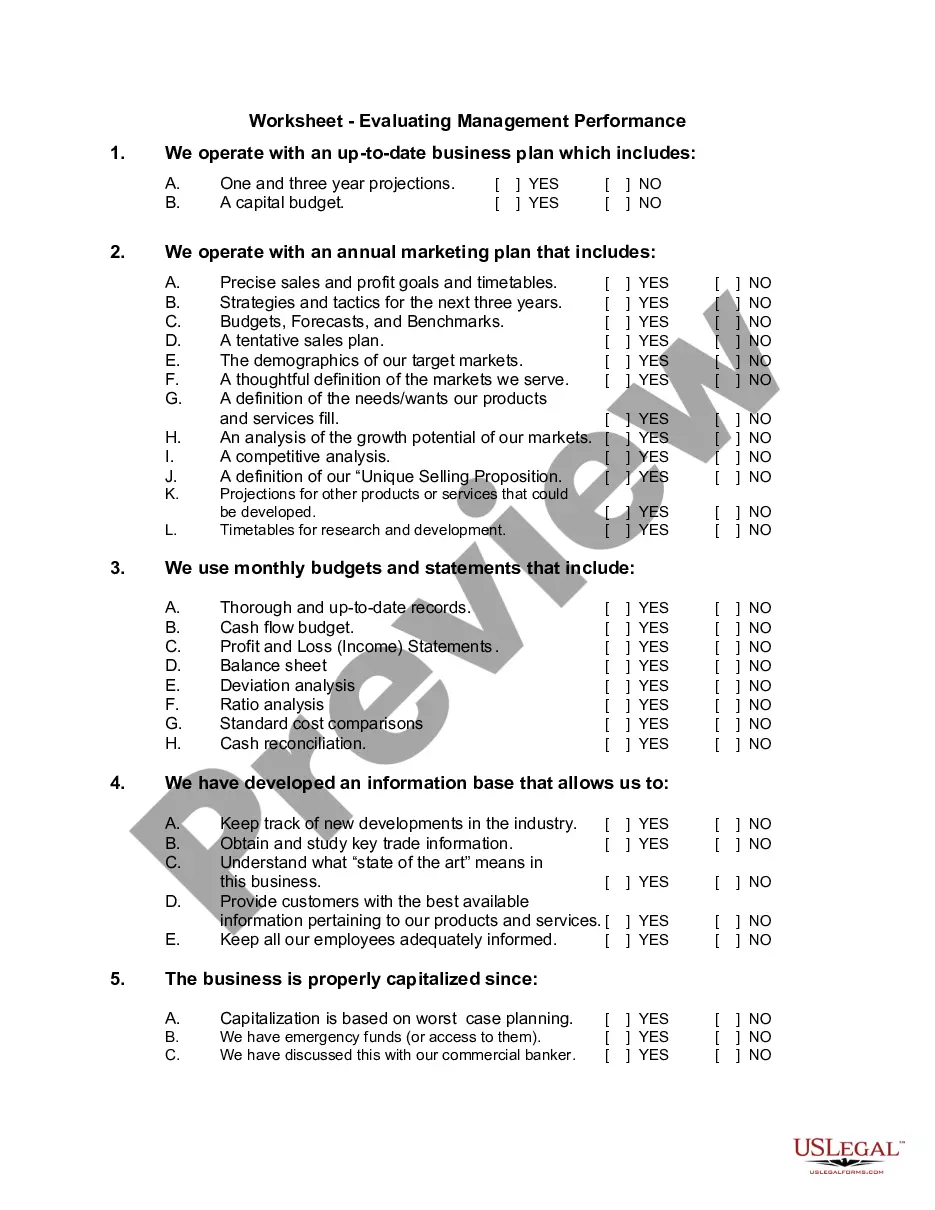


How to fill out Training And Development Checklist?
Finding the appropriate authentic document template can be quite challenging. Clearly, there are numerous designs accessible online, but how do you locate the authentic version you need.
Use the US Legal Forms website. The service offers thousands of templates, including the Connecticut Training and Development Checklist, which can be utilized for business and personal requirements. All documents are reviewed by professionals and comply with federal and state regulations.
If you are already registered, Log In to your account and click the Download button to acquire the Connecticut Training and Development Checklist. Use your account to browse through the legal documents you have previously purchased. Check the My documents section of your account and retrieve another copy of the document you need.
Choose the document format and download the legal document template to your device. Complete, edit, print, and sign the downloaded Connecticut Training and Development Checklist. US Legal Forms is the largest collection of legal forms where you can find a variety of document templates. Use the service to download professionally crafted documents that comply with state requirements.
- First, ensure you have selected the correct form for your area/county.
- You may preview the form using the Review option and read the form description to confirm that it is suitable for you.
- If the form does not meet your requirements, use the Search field to find the correct form.
- Once you are confident the form is appropriate, click the Download Now button to obtain the form.
- Select the payment plan you prefer and enter the required information.
- Create your account and process the payment using your PayPal account or credit card.
Form popularity
FAQ
A training curriculum is a comprehensive set of learning objectives, content, materials, and methods for evaluating participant attainment of the training goals. Training materials are items used during the training, and can comprise or accompany various features of a training.
Determine the Organizational Objectives.Assess Training Needs.Finalize the Training Objectives and Budget.Select Trainers.Select the Training Method(s)Develop and Administer the Training Programs.Evaluate the Training.
The CT ELDS cover 8 domains of growth and development:Cognition.Social and emotional development.Physical development and health.Language and literacy.Creative arts.Mathematics.Science.Social studies.
The term 'strands' is used to indicate: (a) the disciplines within a learning area, e.g. history, geography, economics and civics under 'social studies', each with its own associated goals for learning; (b) domains that group the related general and specific learning outcomes or achievement aims and objectives within a
The Connecticut Early Learning and Development Standards (CT ELDS) are statements about what young children from birth to age five should know and be able to do. They provide the basis for planning learning environments and experiences, supporting individual children, and communicating around common goals.
The Connecticut Documentation & observation for teaching system (Ct Dots) is a framework to guide early care and education providers in a process of monitoring children's progress on the skills, abilities and behaviors in the Connecticut early Learning and Development standards (Ct eLDs).
How to Create a Successful Training Course or Program: 10 StepsAssess your needs and develop goals and success metrics.Determine the type of employee training plan.Keep adult learning principles in mind.Develop learning objectives/outline.Finalize your training plan.Design and develop training materials.More items...
The major domains of development are physical, cognitive, language, and social-emotional.
Examples of Physical Development Milestones Infants and ToddlersHolds head up when on tummy.Makes smoother movements with arms and legs.Relaxes hands from fists for short periods.Grasps adult finger.Kicks legs and wave arms while on back.Primitive reflexes present, including the rooting and sucking reflex.