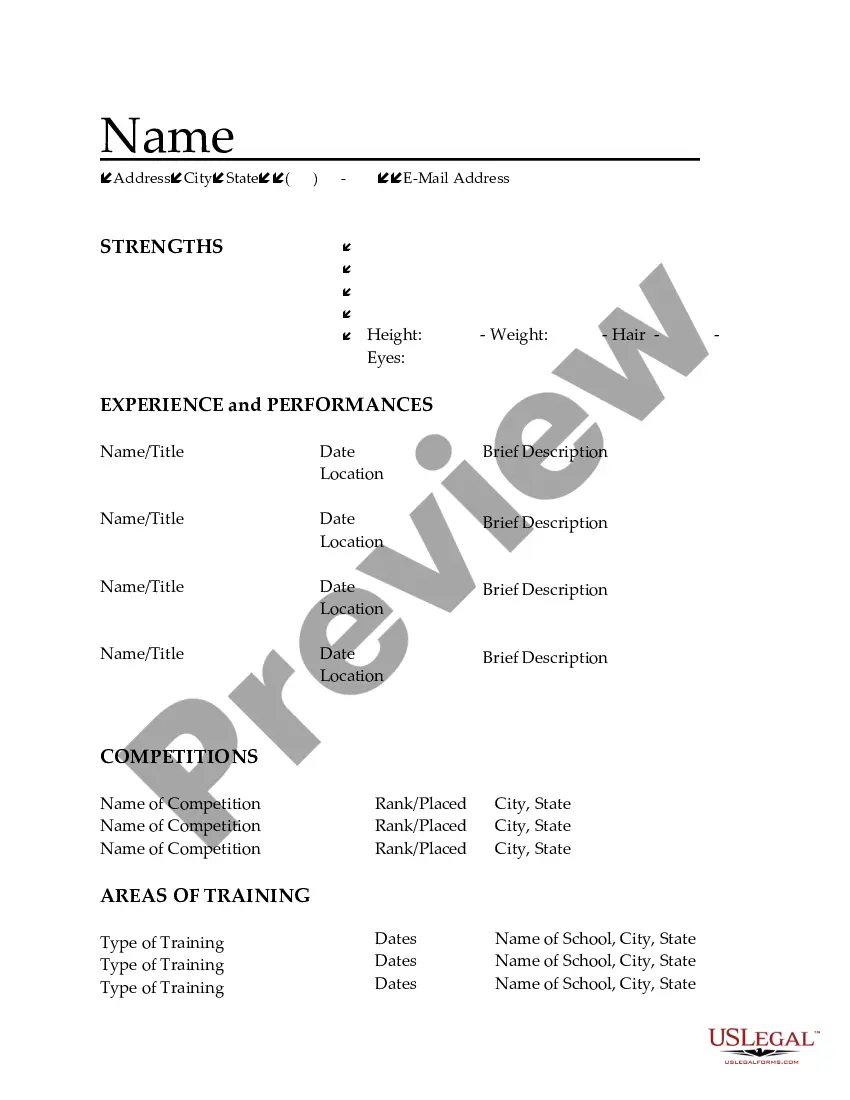
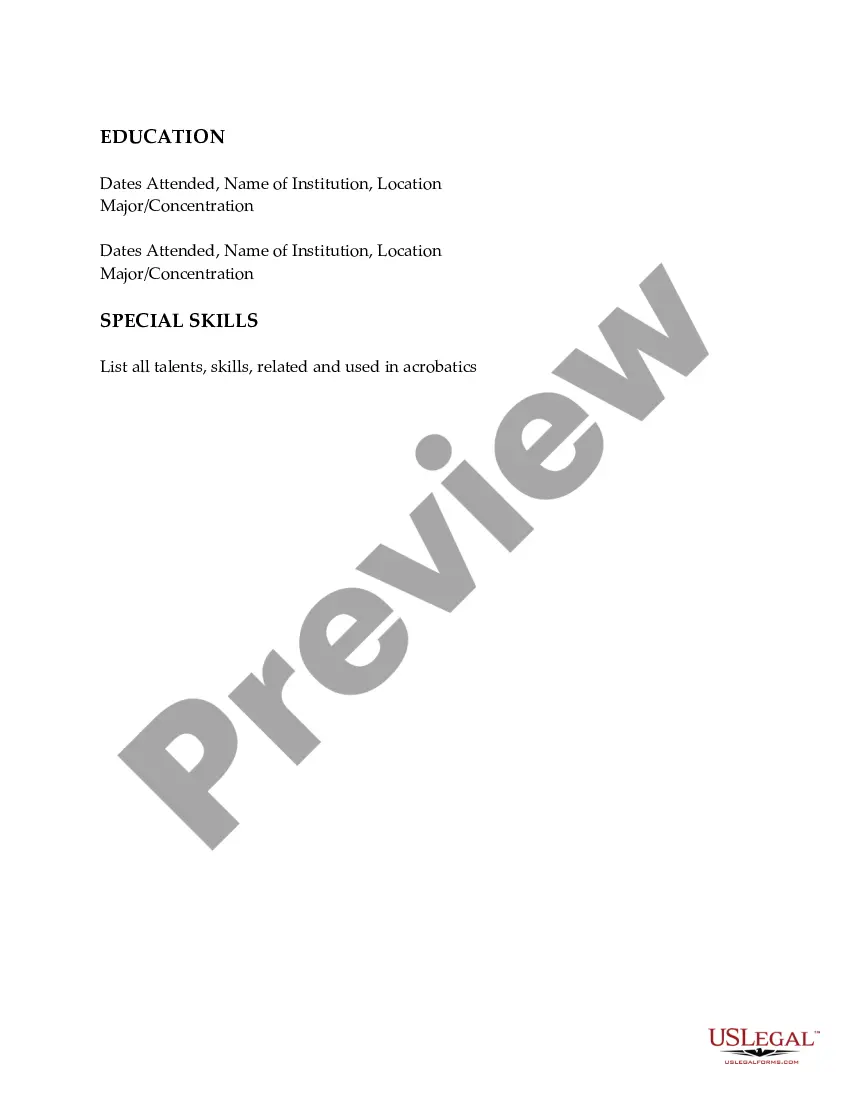
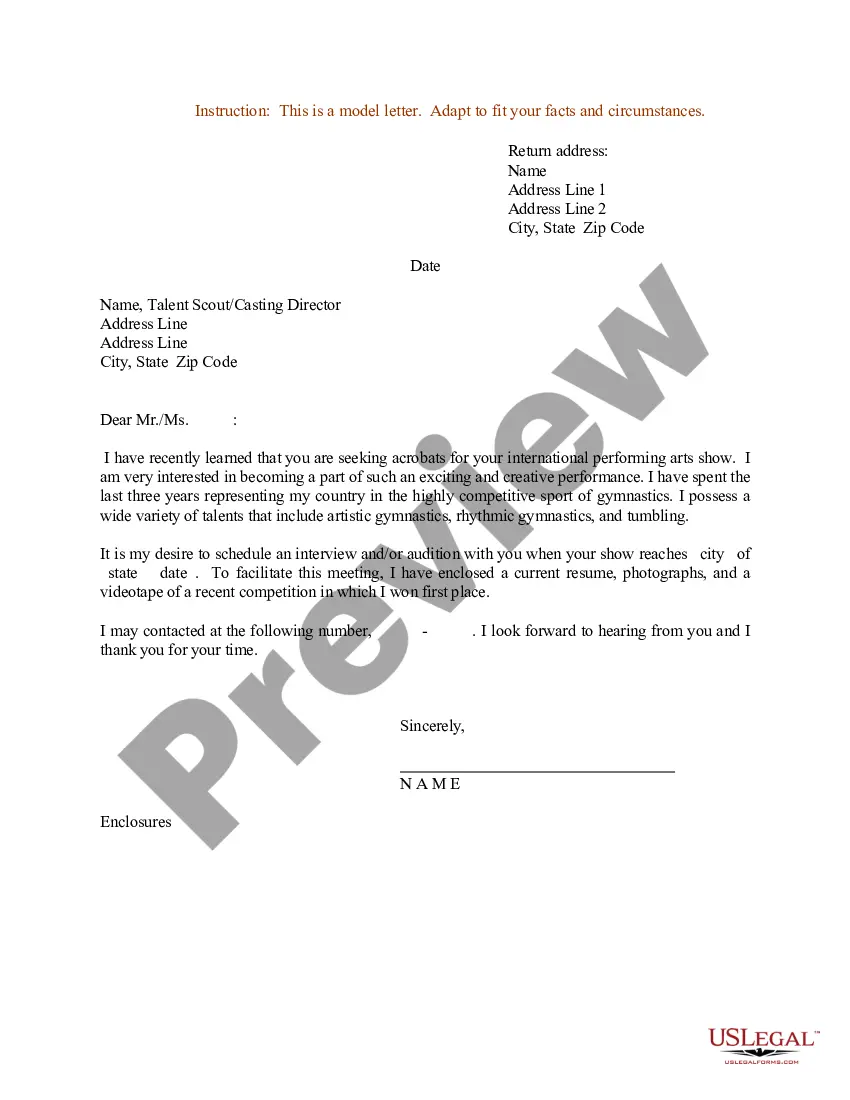
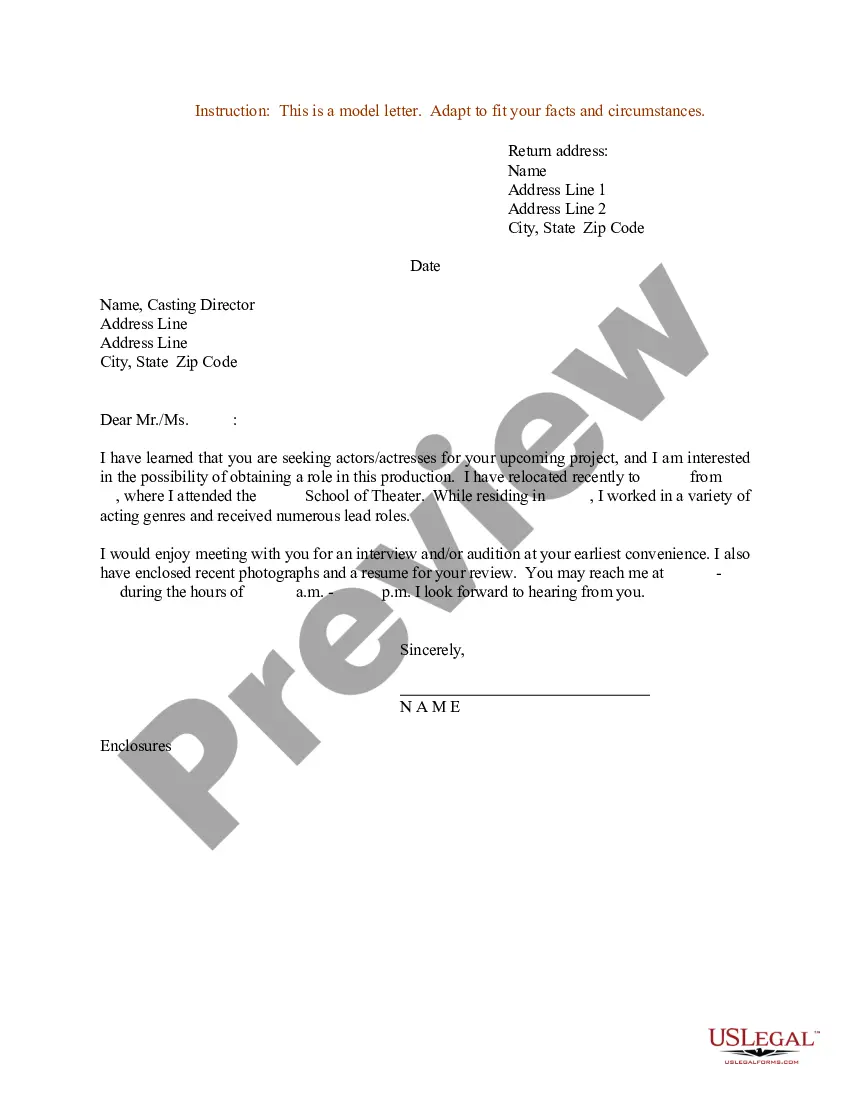
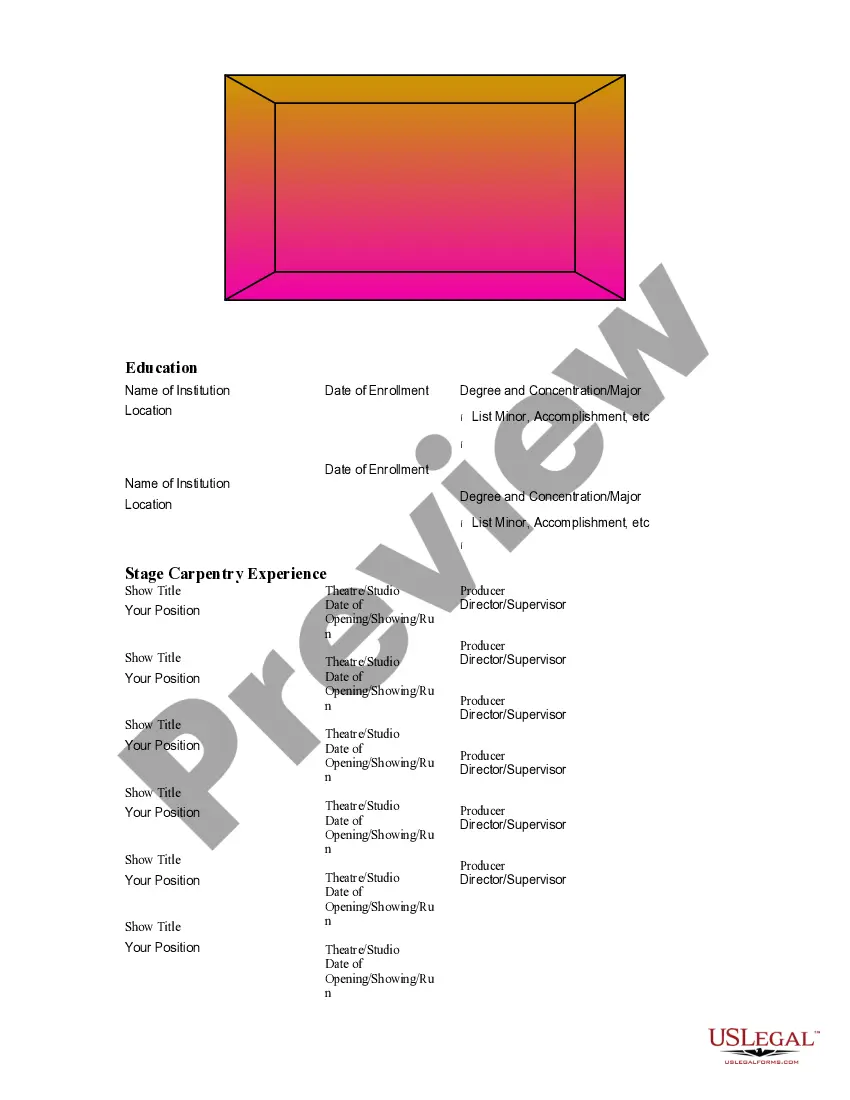
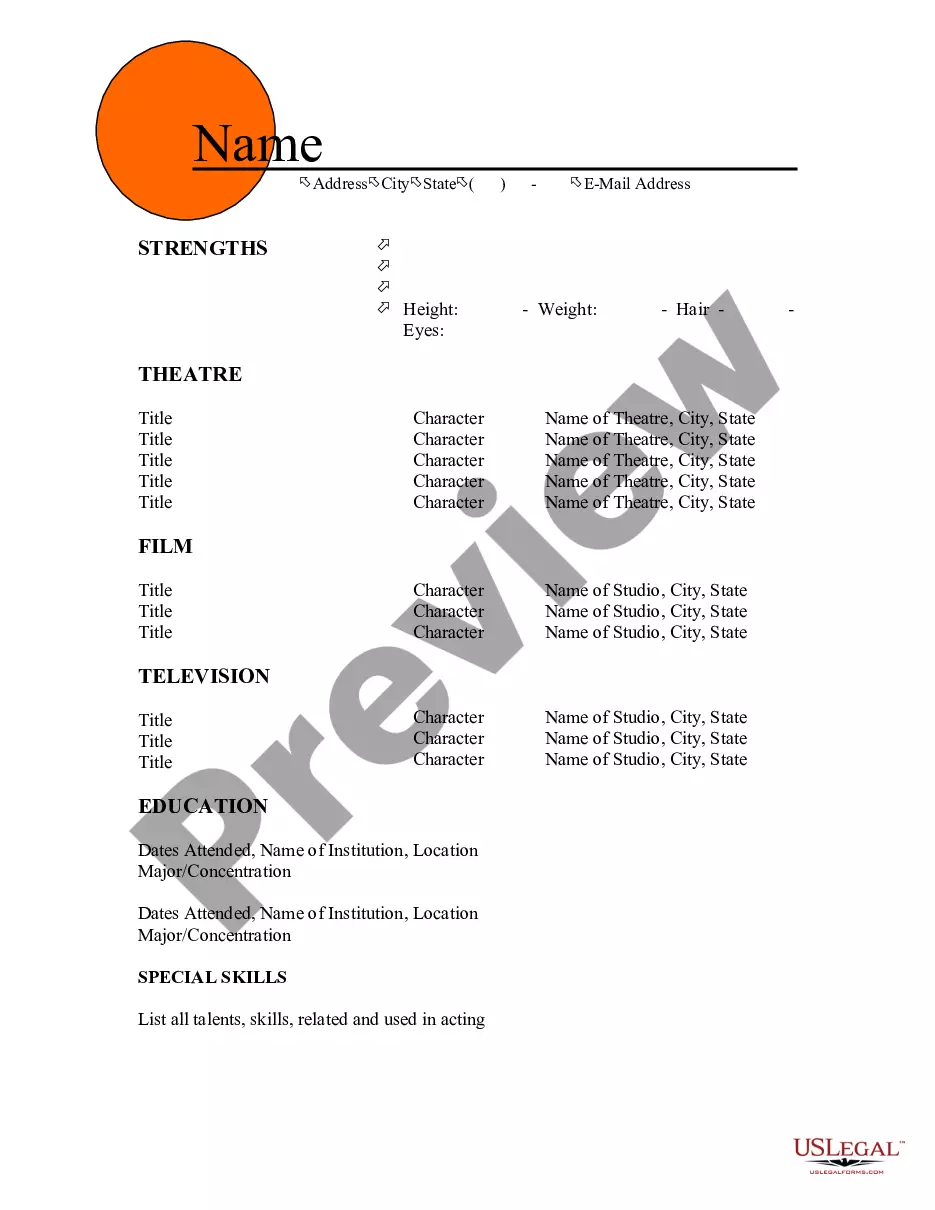
Colorado Resume for Acrobats
Description
Get your form ready online
Our built-in tools help you complete, sign, share, and store your documents in one place.
Make edits, fill in missing information, and update formatting in US Legal Forms—just like you would in MS Word.
Download a copy, print it, send it by email, or mail it via USPS—whatever works best for your next step.
Sign and collect signatures with our SignNow integration. Send to multiple recipients, set reminders, and more. Go Premium to unlock E-Sign.
If this form requires notarization, complete it online through a secure video call—no need to meet a notary in person or wait for an appointment.
We protect your documents and personal data by following strict security and privacy standards.

Make edits, fill in missing information, and update formatting in US Legal Forms—just like you would in MS Word.

Download a copy, print it, send it by email, or mail it via USPS—whatever works best for your next step.

Sign and collect signatures with our SignNow integration. Send to multiple recipients, set reminders, and more. Go Premium to unlock E-Sign.

If this form requires notarization, complete it online through a secure video call—no need to meet a notary in person or wait for an appointment.

We protect your documents and personal data by following strict security and privacy standards.
Looking for another form?



How to fill out Resume For Acrobats?
Finding the appropriate legal document template can be quite challenging. Obviously, there are numerous templates accessible online, but how can you obtain the legal form you require? Utilize the US Legal Forms platform. The service offers a vast array of templates, including the Colorado Resume for Acrobats, which you can use for business and personal purposes. All of the forms are reviewed by experts and adhere to state and federal regulations.
If you are already registered, Log In to your account and click the Download button to obtain the Colorado Resume for Acrobats. Use your account to browse the legal forms you have previously purchased. Visit the My documents tab in your account and download another copy of the document you need.
If you are a new user of US Legal Forms, here are simple instructions for you to follow: First, ensure you have selected the correct form for your region/area. You can review the form using the Review button and examine the form description to confirm this is the right one for you. If the form does not meet your expectations, utilize the Search field to find the appropriate form. When you are sure that the form is suitable, click the Buy now button to acquire the form. Choose the pricing plan you prefer and enter the required information. Create your account and pay for the order using your PayPal account or credit card. Select the file format and download the legal document template to your device. Fill out, modify, print, and sign the received Colorado Resume for Acrobats.
US Legal Forms is the largest collection of legal forms where you can find numerous document templates. Utilize the service to download professionally-crafted documents that meet state requirements.
- Finding the appropriate legal document template can be quite challenging.
- Utilize the US Legal Forms platform.
- If you are already registered, Log In to your account.
- Use your account to browse the legal forms you have previously purchased.
- If you are a new user of US Legal Forms, here are simple instructions for you to follow.
- Fill out, modify, print, and sign the received Colorado Resume for Acrobats.
Form popularity
FAQ
The 3 C's of a resume are clarity, consistency, and customization, essential for a Colorado Resume for Acrobats. Clarity ensures your resume is easy to read and understand, helping employers quickly grasp your qualifications. Consistency involves maintaining the same format and style throughout your document, which enhances professionalism. Customization means tailoring your resume for each job application, emphasizing experiences and skills relevant to the specific acrobatics position. By focusing on these principles, you can create a standout resume that captures attention.
Creating an effective Colorado Resume for Acrobats involves seven essential steps. First, gather your personal information, including contact details and a professional summary. Next, list your work experience, highlighting relevant roles in the acrobatics field. Following that, detail your education, certifications, and skills tailored to acrobatics. Don’t forget to include any awards or achievements that showcase your talents. After that, format your resume for clarity and readability. Finally, proofread for any errors and ensure it aligns with the job you are targeting.
The 5 P's of a resume are Precision, Presentation, Professionalism, Personalization, and Proof. These components ensure your resume is clear, visually appealing, and tailored to the job. When crafting a Colorado Resume for Acrobats, focusing on these P's can help you create a standout document that effectively conveys your skills and experiences.
If you have no experience, focus on your skills, training, and any workshops or classes you have attended. Highlight your passion for dance and any related activities that demonstrate your dedication. A Colorado Resume for Acrobats can emphasize your willingness to learn and grow in the field, even if you are just starting out.
To effectively list performances on your resume, create a 'Performances' section where you include the title of the show, your role, the venue, and the date. Be sure to focus on your most impressive experiences. A Colorado Resume for Acrobats can greatly benefit from clear and organized performance listings that showcase your talents.
The 5 P's of professional growth are Purpose, Passion, Persistence, Practice, and Progress. These elements work together to help you develop your career. For acrobats, focusing on these principles can lead to a stronger Colorado Resume for Acrobats that reflects your dedication and journey in the performance arts.
When mentioning sports activities on your resume, list them under a dedicated 'Activities' or 'Interests' section. Specify your role and any achievements you earned during your participation. This approach can enhance your Colorado Resume for Acrobats by demonstrating teamwork, discipline, and physical fitness.
structured resume typically includes five key parts: contact information, a summary statement, work experience, education, and skills. Each section serves a specific purpose in showcasing your qualifications. For those in the acrobatics field, a Colorado Resume for Acrobats should highlight unique skills and experiences relevant to performances.
To create a beginner's resume with no experience, start by organizing your education and any relevant activities. In your Colorado Resume for Acrobats, be sure to include skills that pertain to the acrobatic field, such as physical fitness and performance arts. You can also mention any volunteer work or personal projects that demonstrate your dedication and enthusiasm. Consider using USLegalForms for professional templates that can simplify this process.
If you have no work experience, consider including your education, skills, and any extracurricular activities. Your Colorado Resume for Acrobats should highlight any relevant projects, community service, or training that demonstrates your commitment to the field. Focus on transferable skills like leadership and creativity. USLegalForms offers resources and templates that can help you structure your resume effectively.