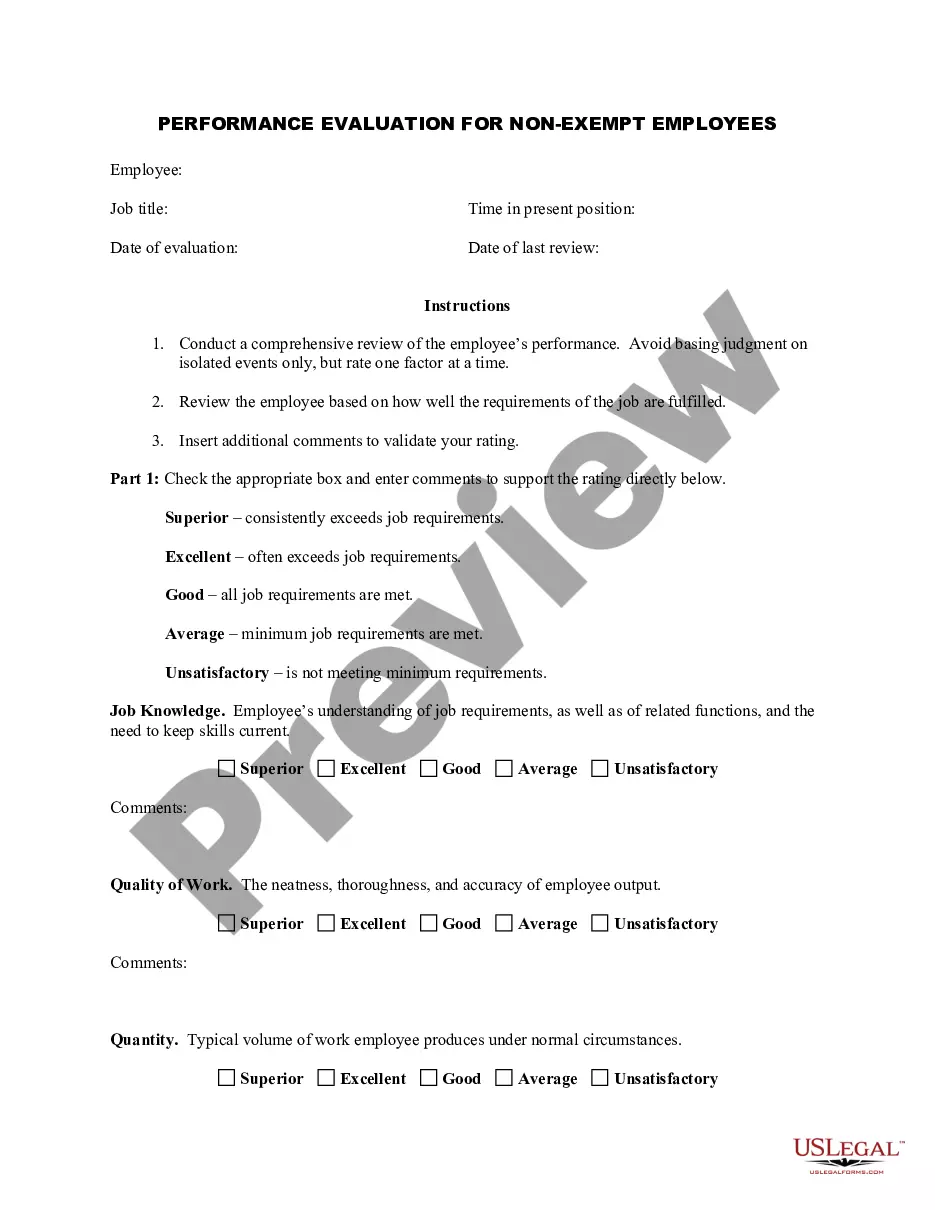
Appraisal of exempt salaried employee for job progress & goals.
Colorado Salary - Exempt Employee Review and Evaluation Form
Instant download
Description
Free preview
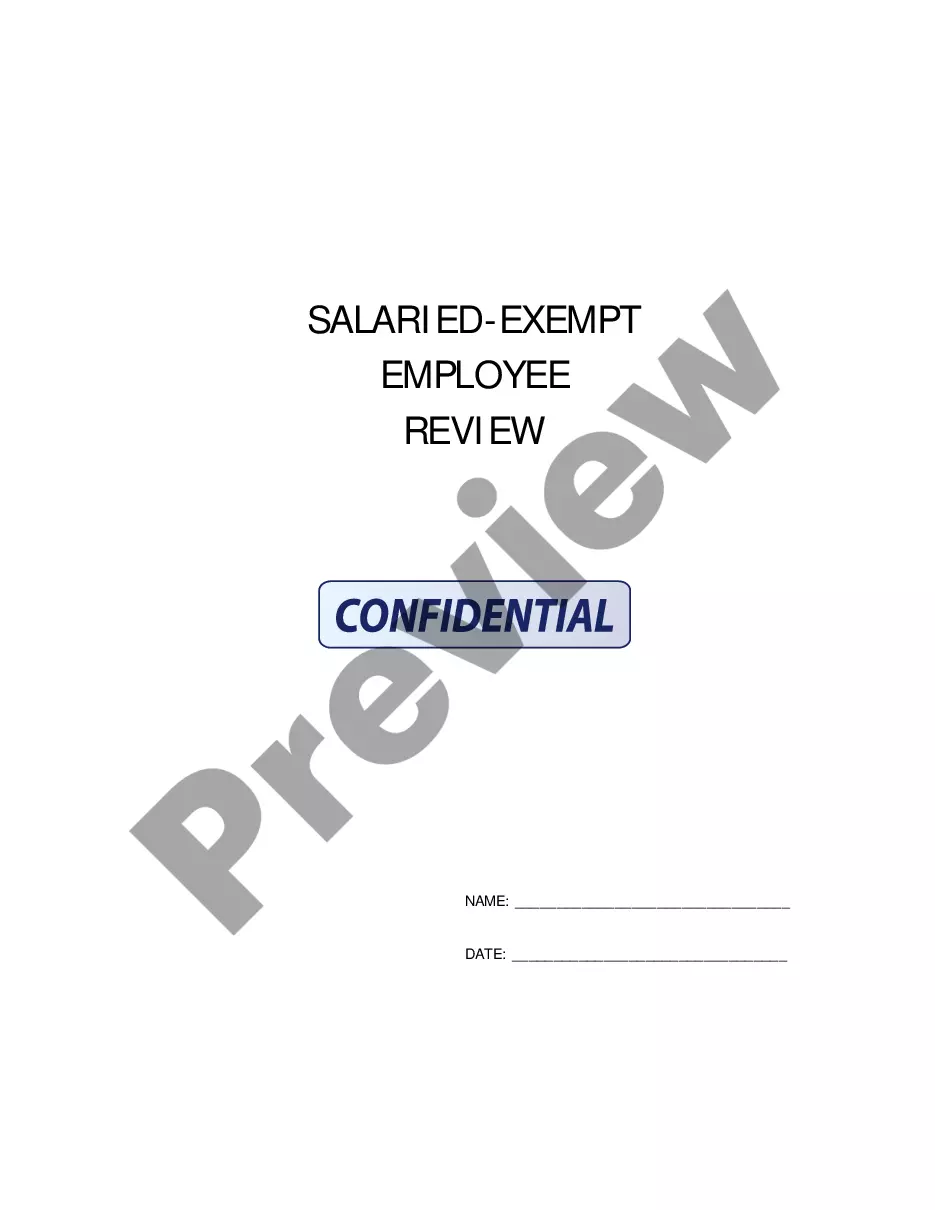
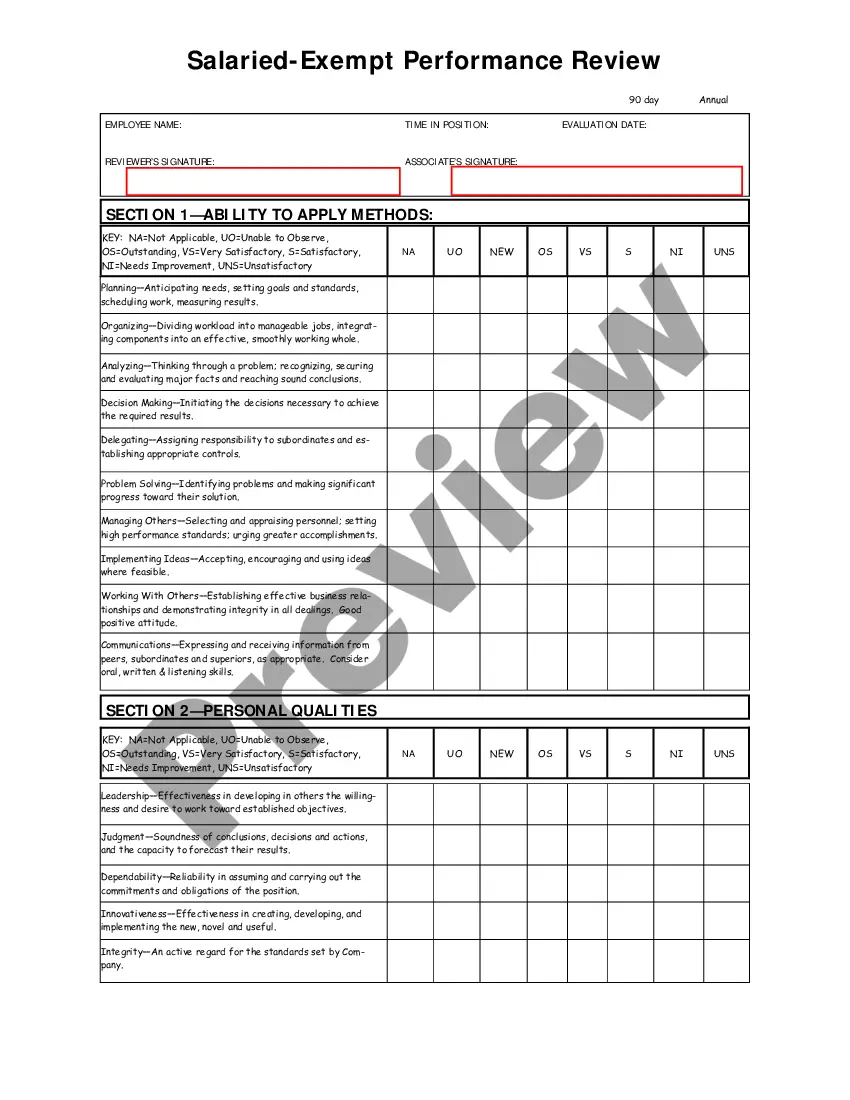
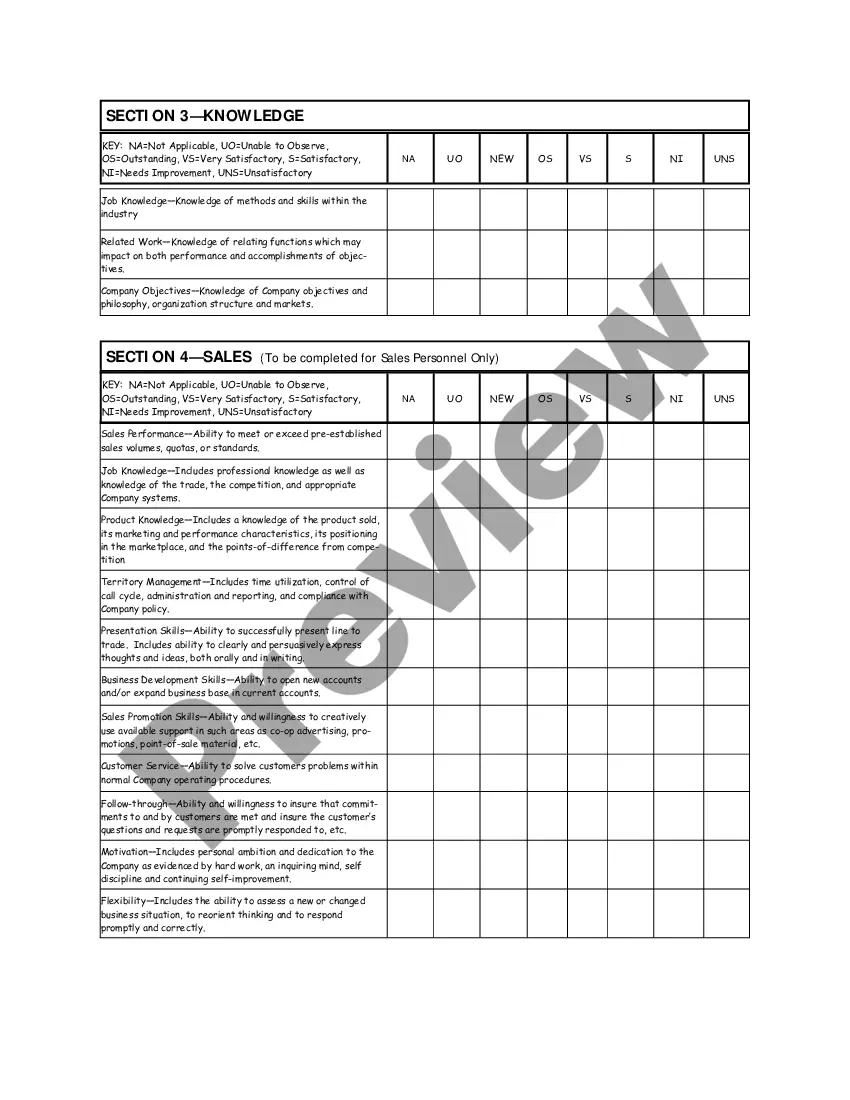



How to fill out Salary - Exempt Employee Review And Evaluation Form?
If you desire to complete, acquire, or print out legal document templates, utilize US Legal Forms, the largest collection of legal forms, that is accessible online.
Utilize the site's simple and convenient search to find the documents you require.
Various templates for commercial and personal purposes are organized by categories and states, or keywords.
Step 4. Once you have found the form you need, click on the Purchase now button. Choose the pricing plan you prefer and enter your details to create an account.
Step 5. Complete the transaction. You can use your credit card or PayPal account to finalize the purchase.
- Utilize US Legal Forms to locate the Colorado Salary - Exempt Employee Review and Assessment Form in just a few clicks.
- If you are already a US Legal Forms user, Log In to your account and click the Download button to retrieve the Colorado Salary - Exempt Employee Review and Assessment Form.
- You can also access forms you previously downloaded in the My documents tab of your account.
- If this is your first time using US Legal Forms, follow the steps below.
- Step 1. Ensure you have selected the form for the correct city/state.
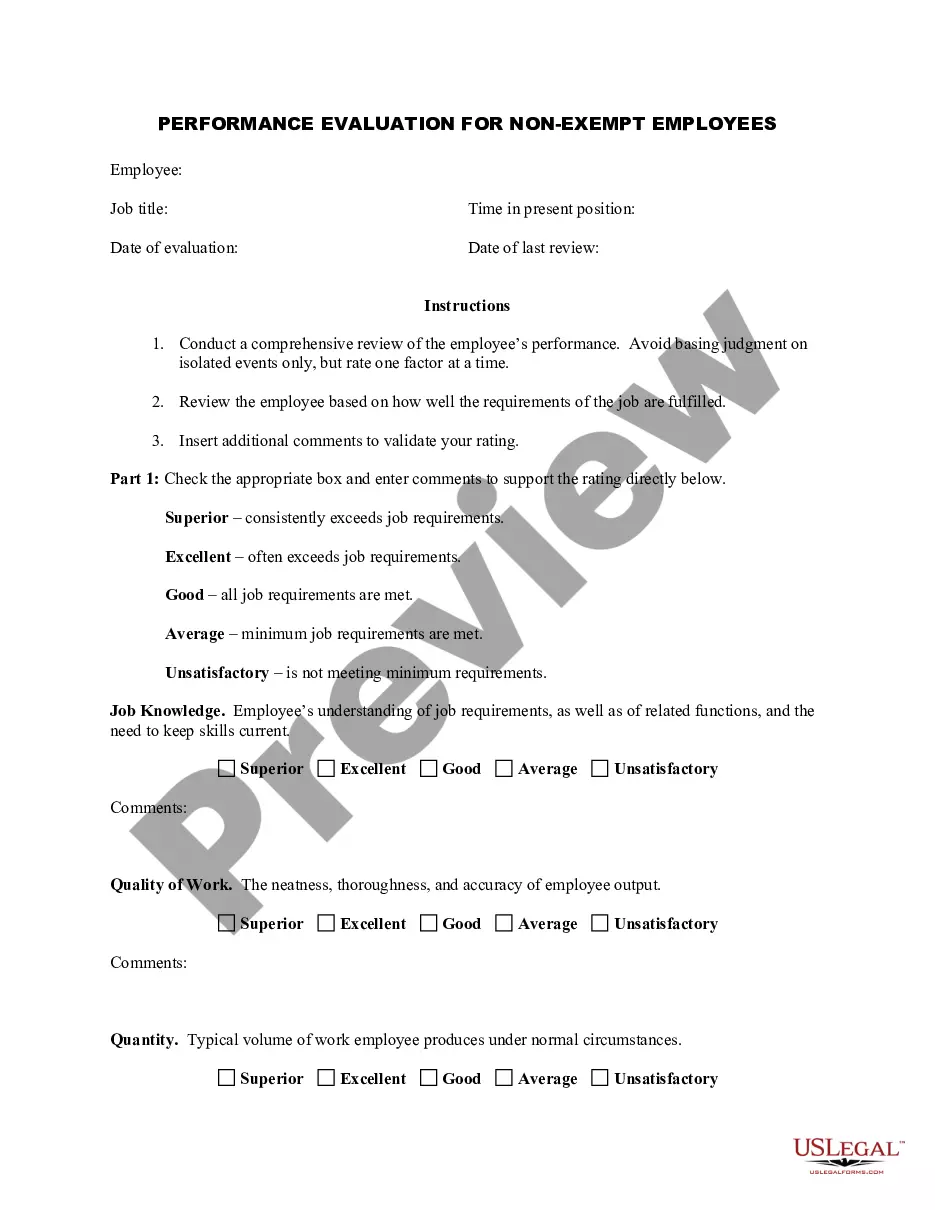
- Step 2. Use the Preview feature to review the content of the form. Remember to read the information carefully.
- Step 3. If you are not satisfied with the document, use the Search field at the top of the screen to find other types of legal document templates.
Form popularity
FAQ
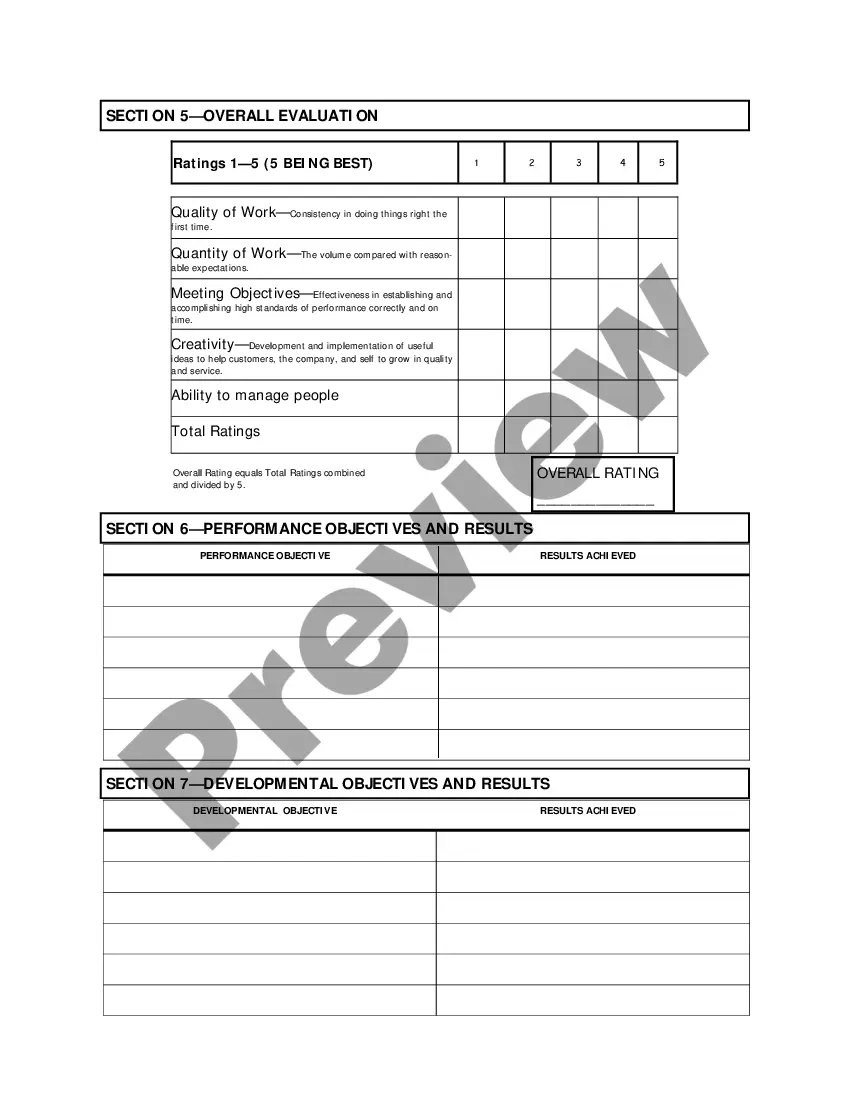
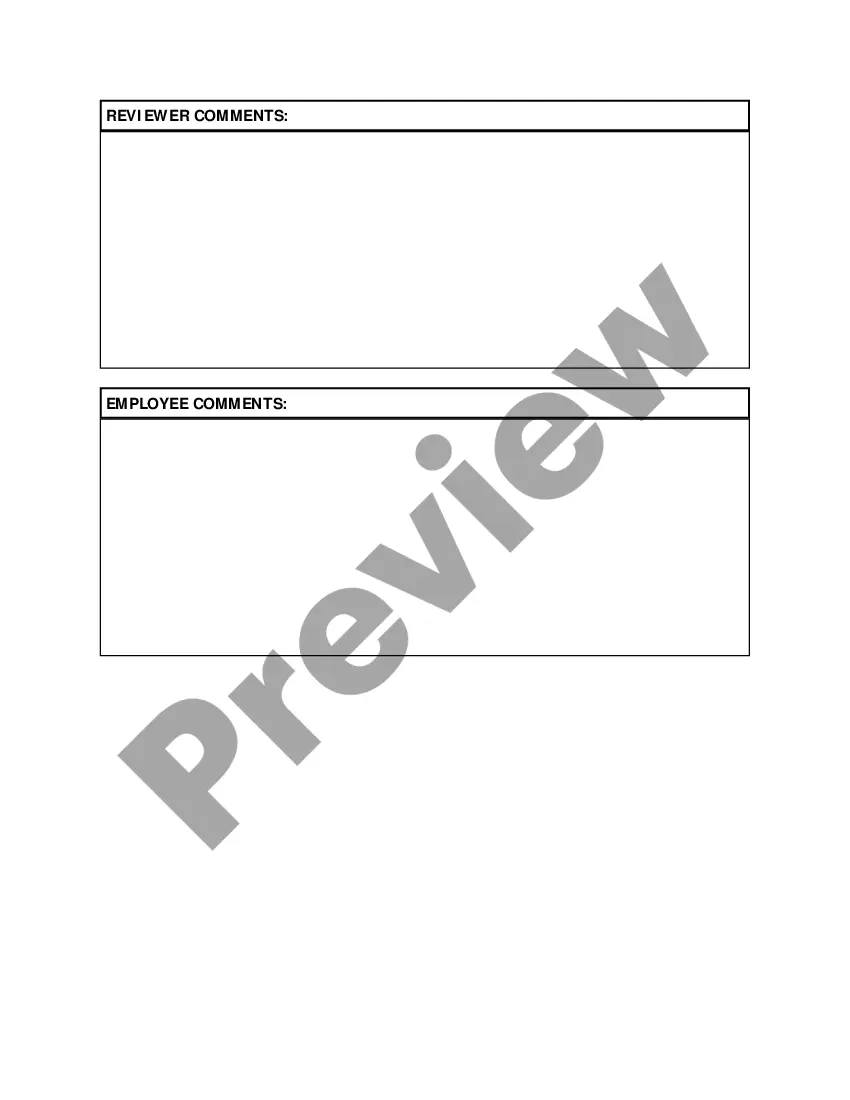
When writing an employee evaluation form, focus on clarity and specificity. Use straightforward language to describe performance criteria and provide space for feedback and comments. The Colorado Salary - Exempt Employee Review and Evaluation Form can be an effective guide, helping you ensure that important evaluation elements are considered thoroughly.
Creating an evaluation form involves several steps, starting with identifying the purpose of the evaluation process. Outline the categories you want to evaluate, such as skills, achievements, and areas for development. The Colorado Salary - Exempt Employee Review and Evaluation Form offers a structured approach that can simplify this process and enhance accuracy in evaluations.
To create an employee evaluation form, begin by defining the key performance indicators you want to assess. Next, organize these indicators into sections such as teamwork, attendance, and productivity. You can use the Colorado Salary - Exempt Employee Review and Evaluation Form as a foundation, tailoring it to fit your organization's specific needs and values.
A good employee evaluation includes clear, constructive feedback, specific examples of contributions, and areas for improvement. It should also set measurable goals for the future. The Colorado Salary - Exempt Employee Review and Evaluation Form can serve as an excellent model, ensuring all critical aspects are addressed uniformly across different evaluations.
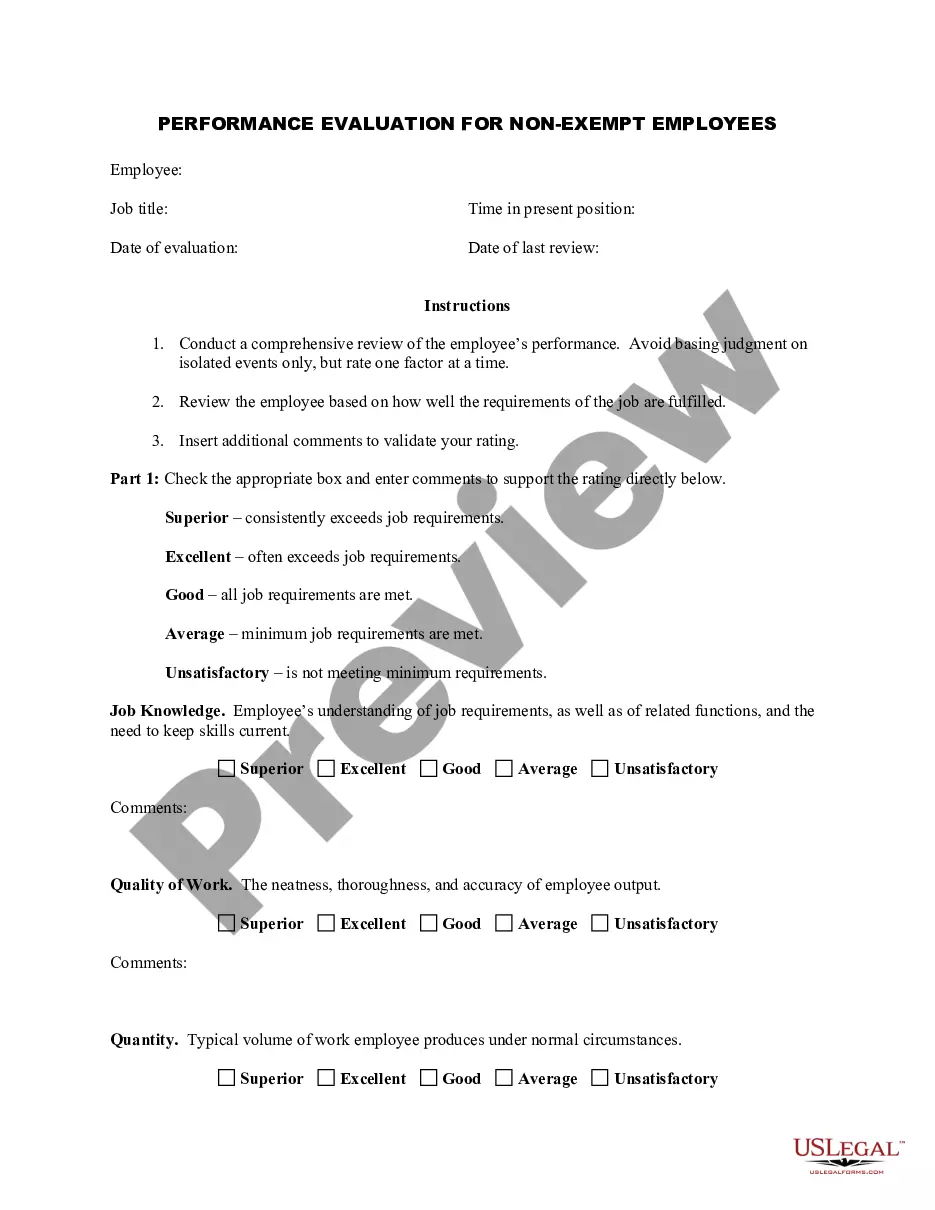
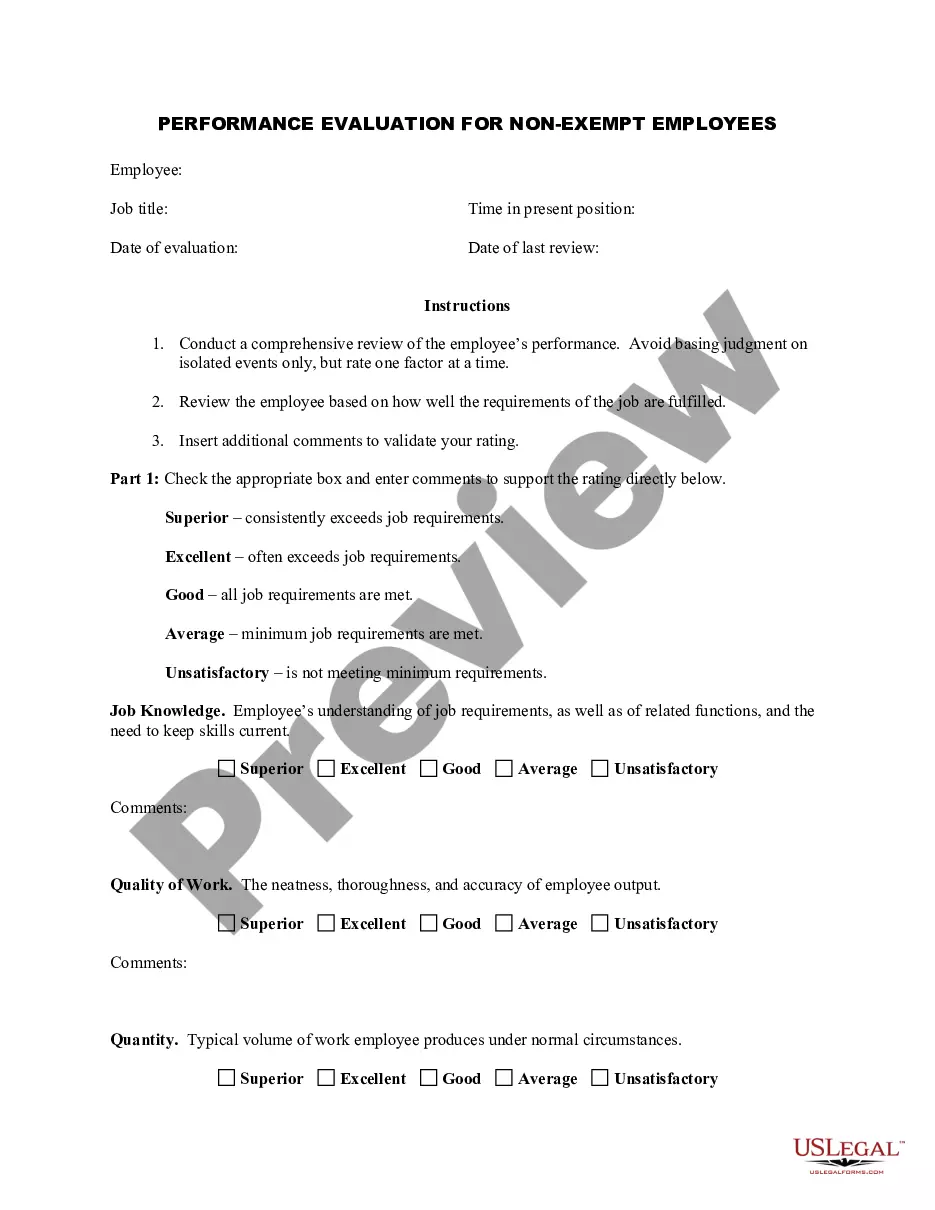
An employee performance evaluation form is a tool used to assess an employee's work performance over a specific period. This form typically includes feedback on various competencies and behaviors relevant to their role. Implementing the Colorado Salary - Exempt Employee Review and Evaluation Form can help streamline this process by providing a structured way to gather and record evaluations.
To create an evaluation form in Word, begin by opening a new document. You can use tables or text boxes to organize your layout effectively. It's essential to include sections for areas like employee strengths, weaknesses, goals, and overall performance. Using the Colorado Salary - Exempt Employee Review and Evaluation Form as a reference can guide you in structuring your document.
To fill an employee performance evaluation form effectively, begin by reviewing the employee's job description and past performance. Use the Colorado Salary - Exempt Employee Review and Evaluation Form to organize your insights into categories such as competencies, achievements, and future objectives. This structured approach leads to a more meaningful evaluation process, benefiting both the employee and the organization.
In an employee performance evaluation, it’s important to provide balanced feedback. Start with positive achievements and then address any performance issues constructively. Referencing the Colorado Salary - Exempt Employee Review and Evaluation Form can help ensure you cover all necessary aspects of performance, paving the way for a productive discussion.
Writing performance goals begins with identifying key areas for growth. For example, goals could include enhancing communication skills, improving project management efficiency, or increasing customer satisfaction metrics. Each goal in your Colorado Salary - Exempt Employee Review and Evaluation Form should be specific, measurable, achievable, relevant, and time-bound to provide clarity and direction.
When filling out an employee self-evaluation form, reflection is key. Take time to assess your accomplishments, challenges, and growth over the review period. Use the Colorado Salary - Exempt Employee Review and Evaluation Form to articulate your thoughts clearly, making sure to connect your personal goals with those of the organization.