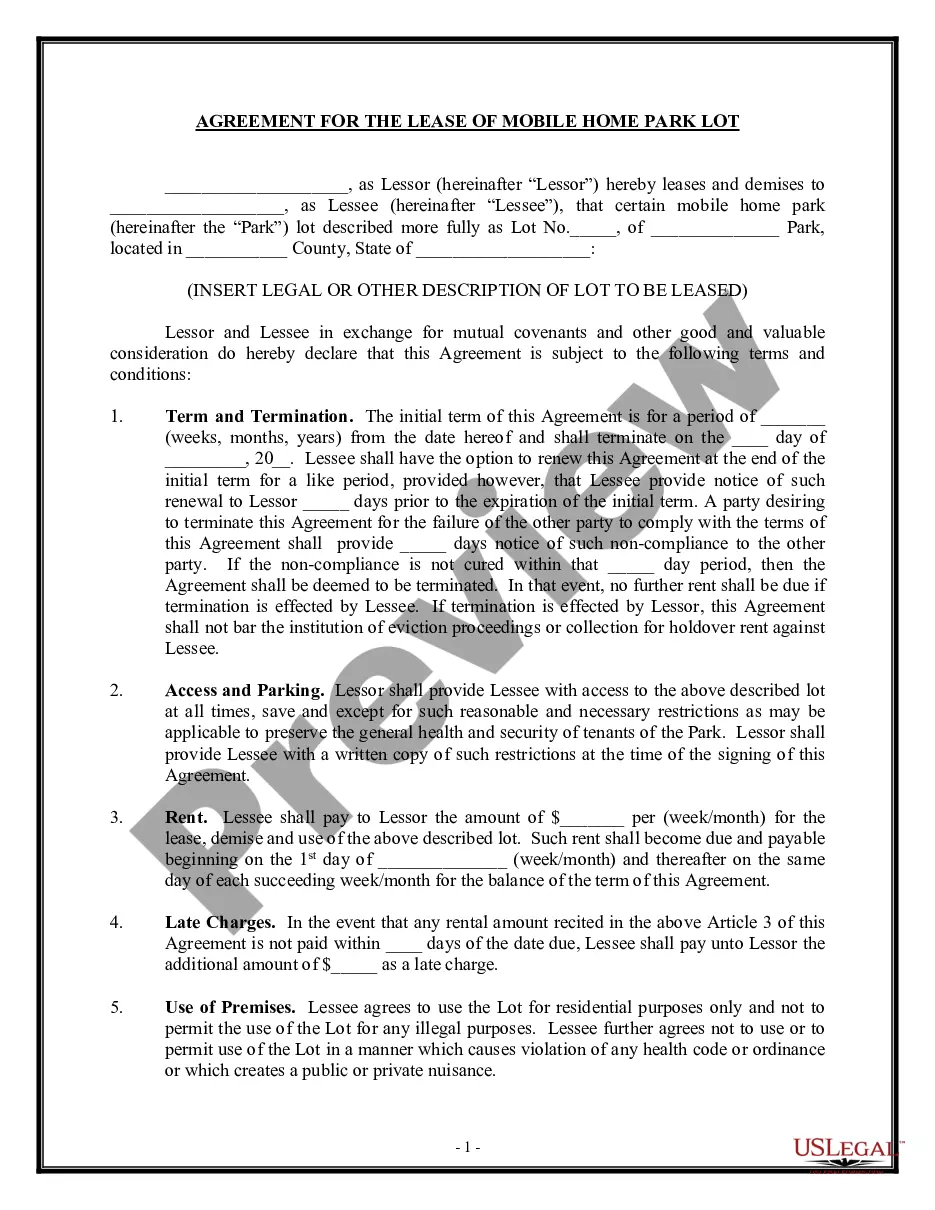
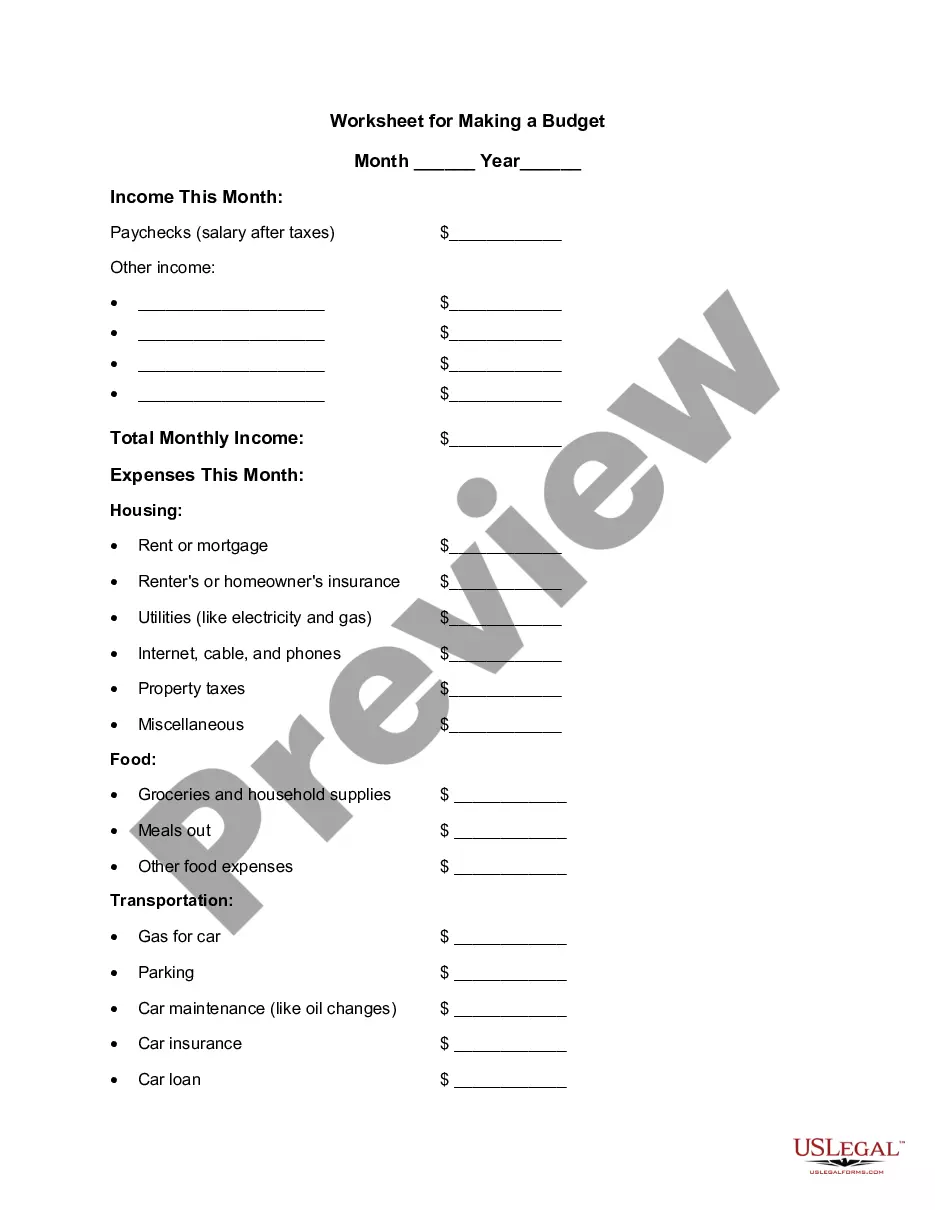
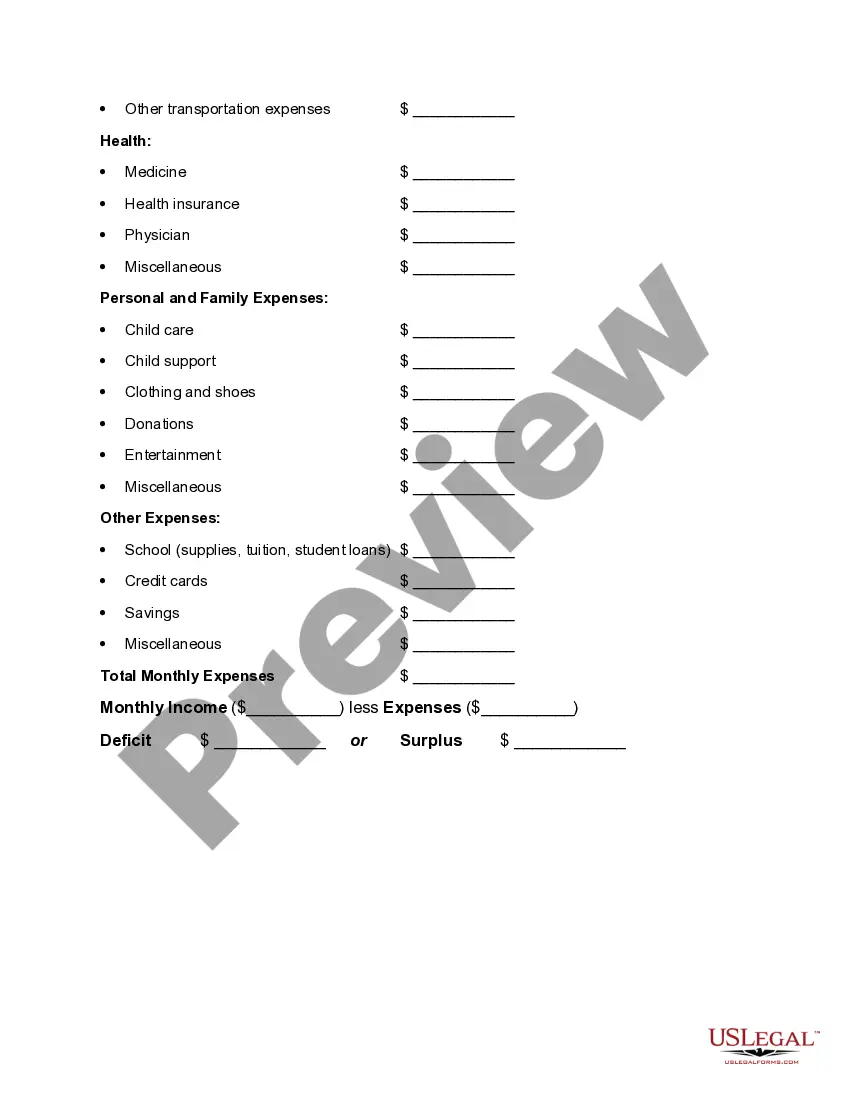
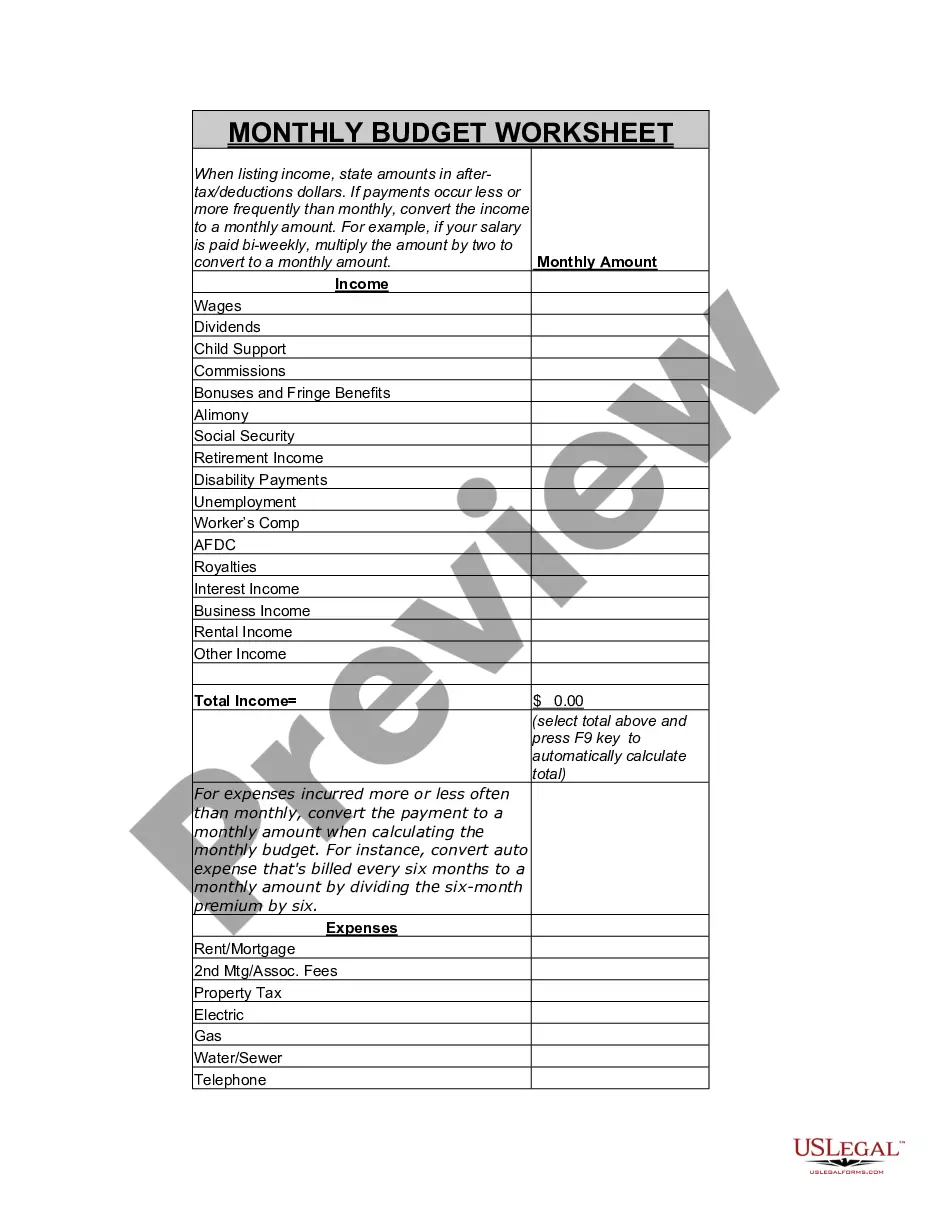
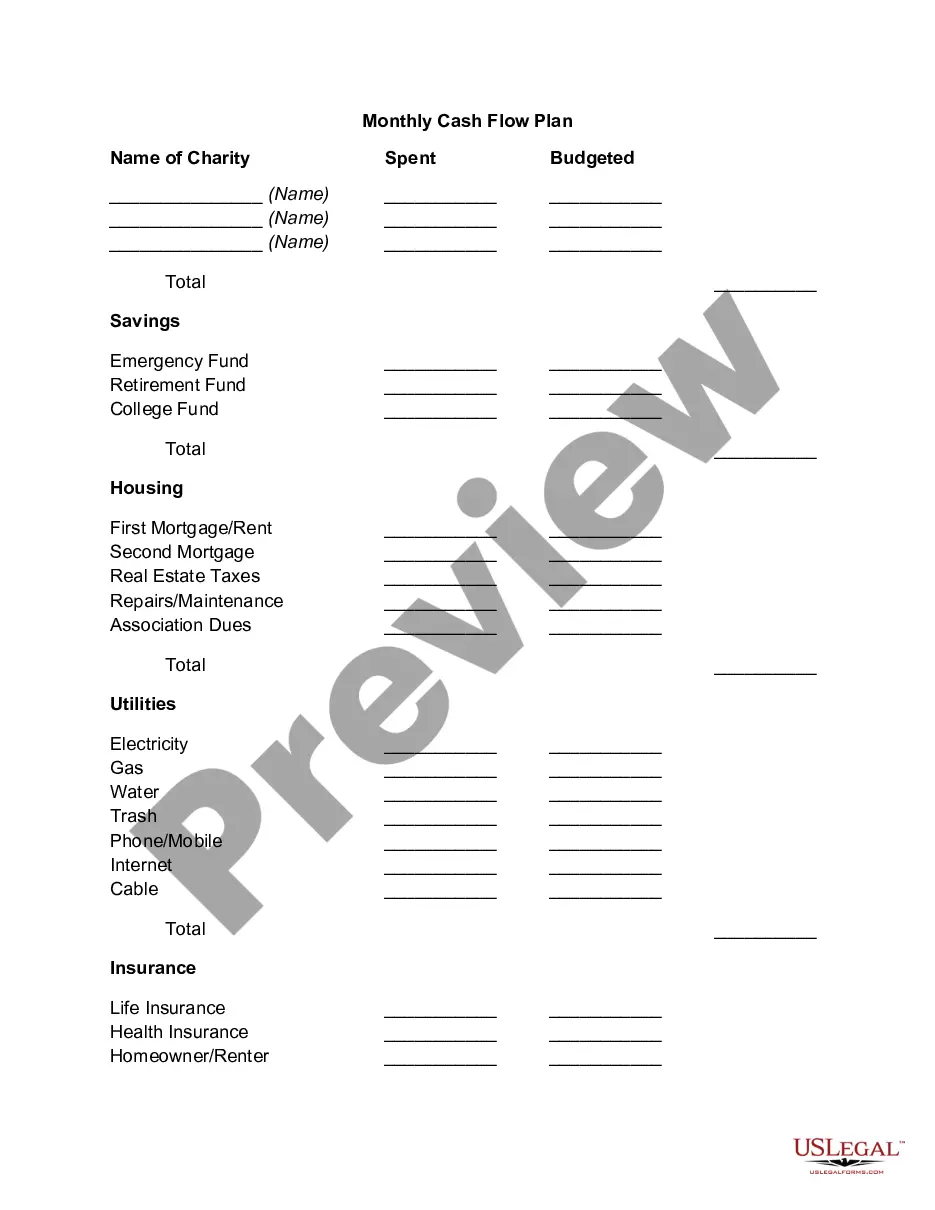
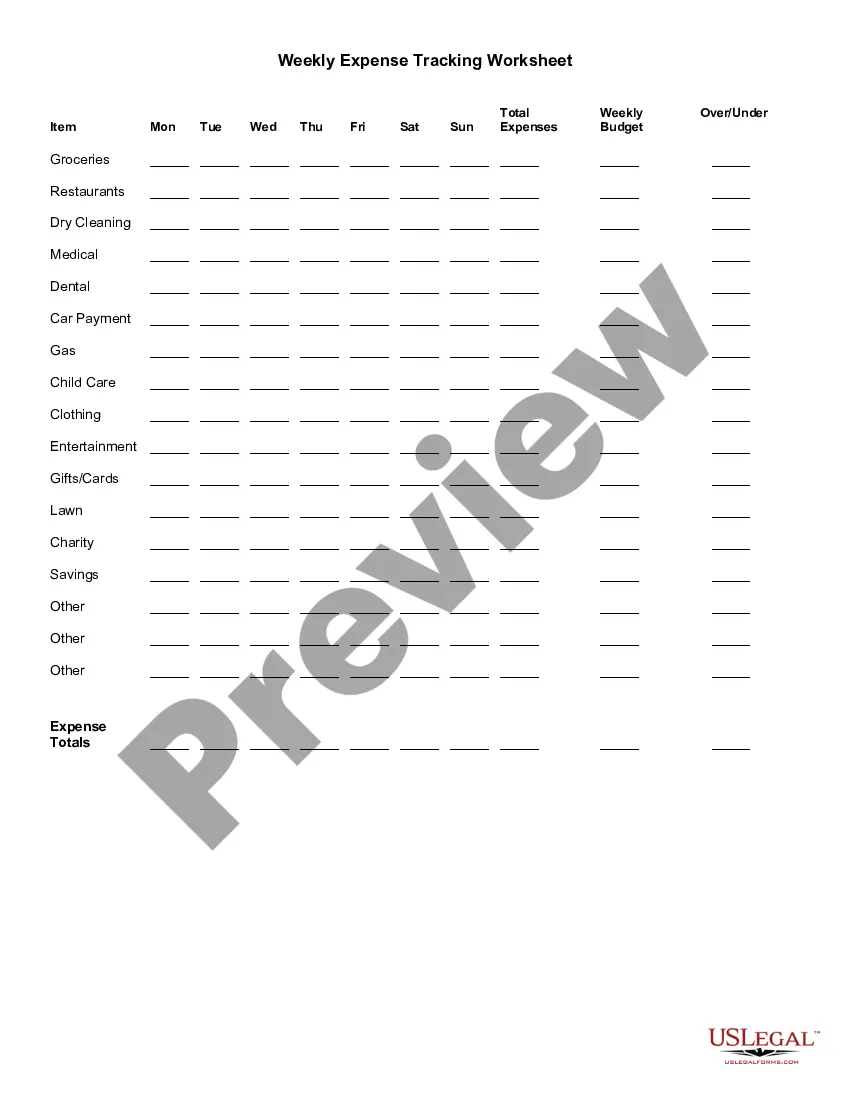
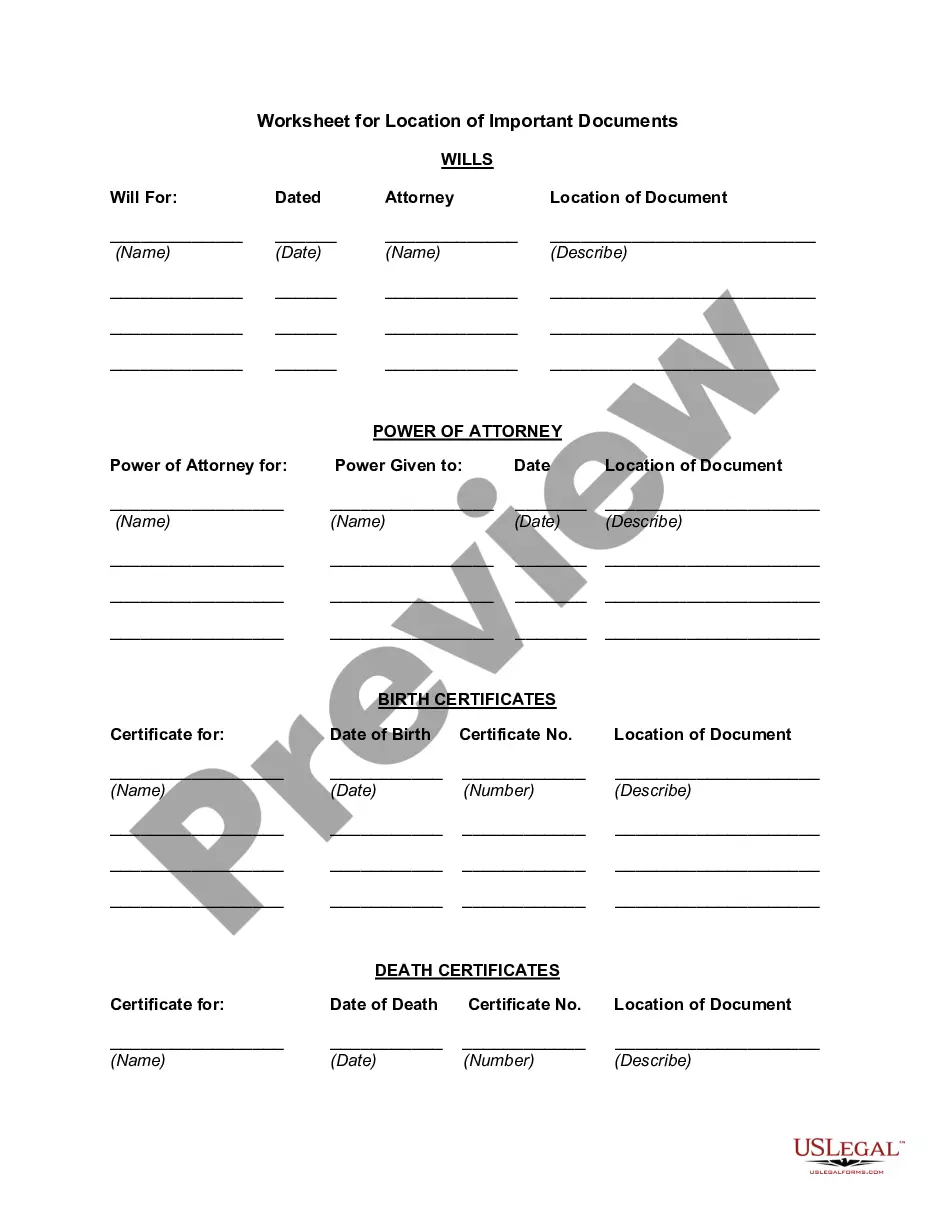
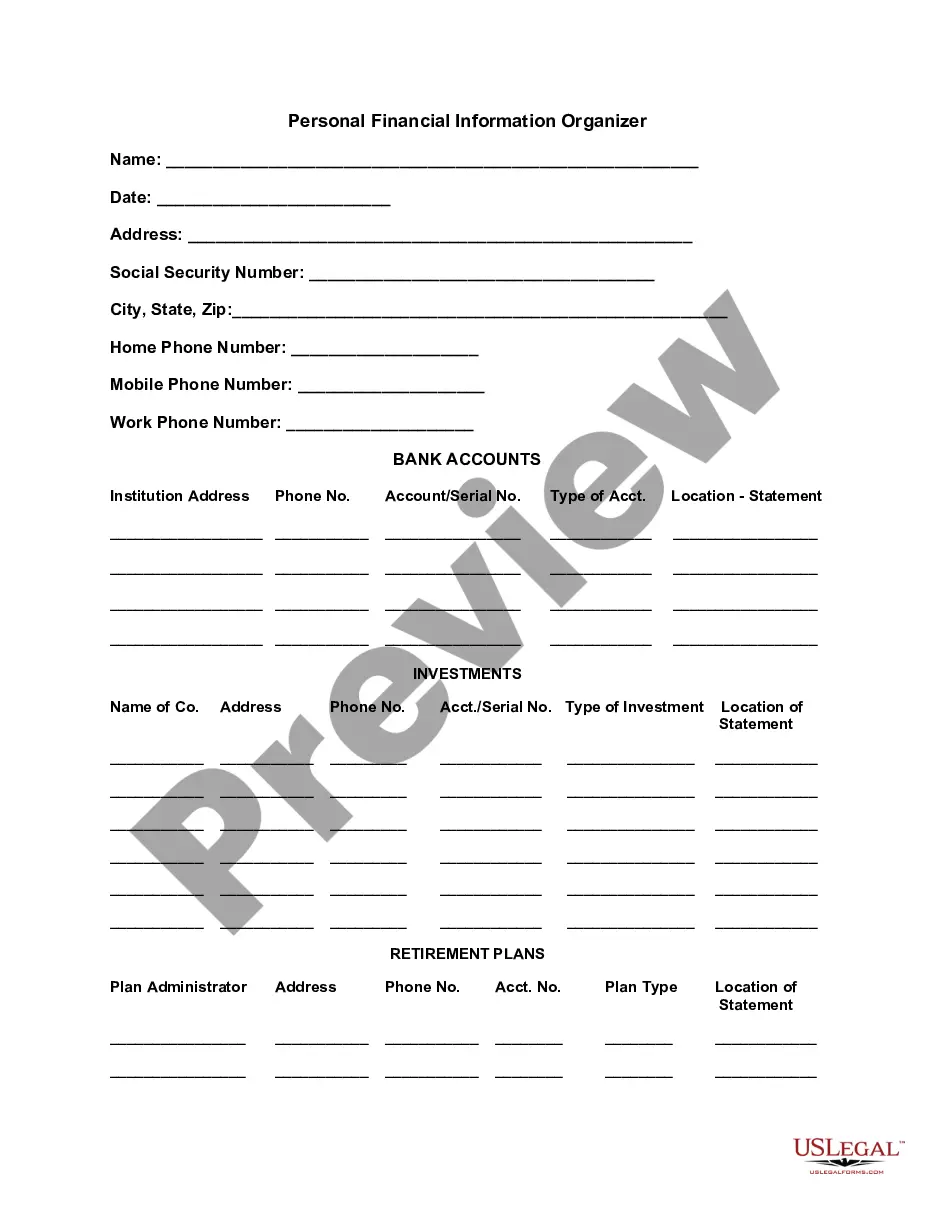
Colorado Worksheet for Making a Budget
Description
Get your form ready online
Our built-in tools help you complete, sign, share, and store your documents in one place.
Make edits, fill in missing information, and update formatting in US Legal Forms—just like you would in MS Word.
Download a copy, print it, send it by email, or mail it via USPS—whatever works best for your next step.
Sign and collect signatures with our SignNow integration. Send to multiple recipients, set reminders, and more. Go Premium to unlock E-Sign.
If this form requires notarization, complete it online through a secure video call—no need to meet a notary in person or wait for an appointment.
We protect your documents and personal data by following strict security and privacy standards.

Make edits, fill in missing information, and update formatting in US Legal Forms—just like you would in MS Word.

Download a copy, print it, send it by email, or mail it via USPS—whatever works best for your next step.

Sign and collect signatures with our SignNow integration. Send to multiple recipients, set reminders, and more. Go Premium to unlock E-Sign.

If this form requires notarization, complete it online through a secure video call—no need to meet a notary in person or wait for an appointment.

We protect your documents and personal data by following strict security and privacy standards.
Looking for another form?




How to fill out Worksheet For Making A Budget?
If you require to obtain, acquire, or print authentic document templates, utilize US Legal Forms, the largest collection of legal forms available online.
Utilize the site's straightforward and user-friendly search to locate the documents you need. Various templates for business and personal applications are categorized by type and state, or keywords.
Use US Legal Forms to find the Colorado Budgeting Worksheet with just a few clicks.
Each legal document template you purchase is yours forever. You will have access to every form you downloaded in your account. Navigate to the My documents section and choose a form to print or download again.
Be proactive and acquire, and print the Colorado Budgeting Worksheet with US Legal Forms. There are millions of professional and state-specific forms you can utilize for your business or personal needs.
- If you are already a US Legal Forms customer, sign in to your account and click the Purchase button to obtain the Colorado Budgeting Worksheet.
- You can also access forms you have previously downloaded from the My documents tab in your account.
- If you are using US Legal Forms for the first time, consult the instructions below.
- Step 1. Ensure you have selected the form for the appropriate city/state.
- Step 2. Utilize the View option to review the form's details. Be sure to read the description.
- Step 3. If you're not satisfied with the form, use the Search field at the top of the screen to find other variations of the legal form template.
- Step 4. Once you've identified the form you need, click the Buy Now button. Choose the payment plan you prefer and provide your information to register an account.
- Step 5. Process the payment. You can use your credit card or PayPal account to complete the transaction.
- Step 6. Choose the format of the legal form and download it to your device.
- Step 7. Complete, modify, and print or sign the Colorado Budgeting Worksheet.
Form popularity
FAQ
The Easy (and Free) Way to Make a Budget SpreadsheetStep 1: Pick Your Program. First, select an application that can create and edit spreadsheet files.Step 2: Select a Template.Step 3: Enter Your Own Numbers.Step 4: Check Your Results.Step 5: Keep Going or Move Up to a Specialized App.
Six steps to budgetingAssess your financial resources. The first step is to calculate how much money you have coming in each month.Determine your expenses. Next you need to determine how you spend your money by reviewing your financial records.Set goals.Create a plan.Pay yourself first.Track your progress.
The Easy (and Free) Way to Make a Budget SpreadsheetStep 1: Pick Your Program. First, select an application that can create and edit spreadsheet files.Step 2: Select a Template.Step 3: Enter Your Own Numbers.Step 4: Check Your Results.Step 5: Keep Going or Move Up to a Specialized App.
Your needs about 50% of your after-tax income should include:Groceries.Housing.Basic utilities.Transportation.Insurance.Minimum loan payments. Anything beyond the minimum goes into the savings and debt repayment category.Child care or other expenses you need so you can work.
What is the 50/30/20 rule? The 50/30/20 rule is an easy budgeting method that can help you to manage your money effectively, simply and sustainably. The basic rule of thumb is to divide your monthly after-tax income into three spending categories: 50% for needs, 30% for wants and 20% for savings or paying off debt.
5 Steps to Creating a BudgetDetermine how much money you make every single month. Write this amount at the top of your paper.Calculate how much money you spend every single month. List out all the things you pay for each month.Examine your spending.Develop a plan.Record your spending and track your progress.
5 Steps to Creating a BudgetStep 1: Determine Your Income. This amount should be your monthly take-home pay after taxes and other deductions.Step 2: Determine Your Expenses.Step 3: Choose Your Budget Plan.Step 4: Adjust Your Habits.Step 5: Live the Plan.
Senator Elizabeth Warren popularized the so-called "50/20/30 budget rule" (sometimes labeled "50-30-20") in her book, All Your Worth: The Ultimate Lifetime Money Plan. The basic rule is to divide up after-tax income and allocate it to spend: 50% on needs, 30% on wants, and socking away 20% to savings.
Our 50/30/20 calculator divides your take-home income into suggested spending in three categories: 50% of net pay for needs, 30% for wants and 20% for savings and debt repayment.