At one time all ?ˆ?clergy?ˆ were considered self-employed; however, in the mid 1980?ˆ™s the IRS decided to declare such ministers ?ˆ?employees?ˆ of the church . Most pastors should be considered employees. They typically have a governing council they work with or for to determine to work to be performed (which is one of the criteria the IRS uses to determine the status of a person). Exceptions to this would be supply pastors or missionaries who travel from church to church filling in or working for short periods
Misclassification of workers is a big issue with churches and the IRS, so be very certain you have properly classified your clergy and other workers such as musicians, nursery workers, and, custodians. A member of the clergy is considered an employee for federal income tax purposes and self-employed for Social Security and Medicare purposes.
See Topic 417 - Earnings for Clergy at https://www.irs.gov/taxtopics/tc417.html
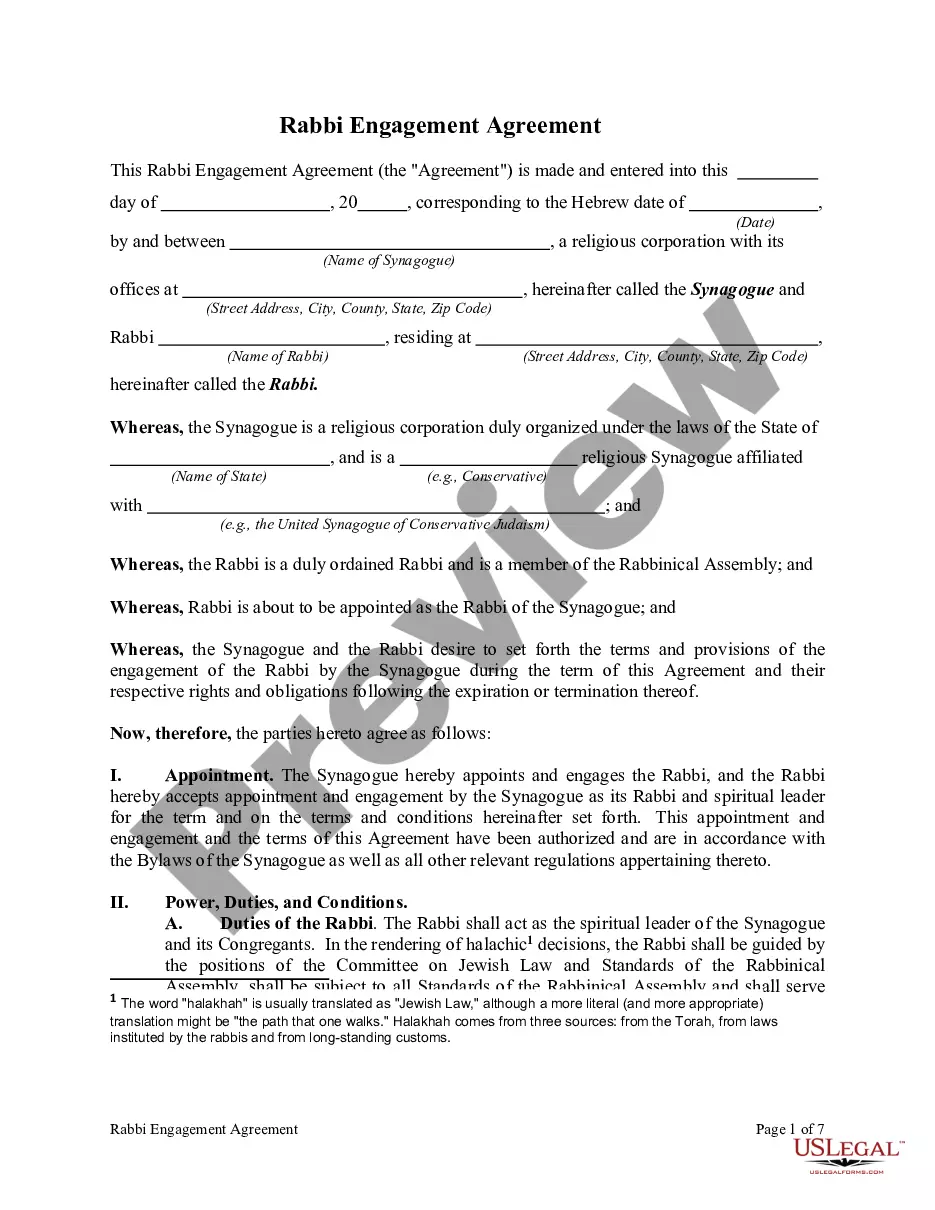
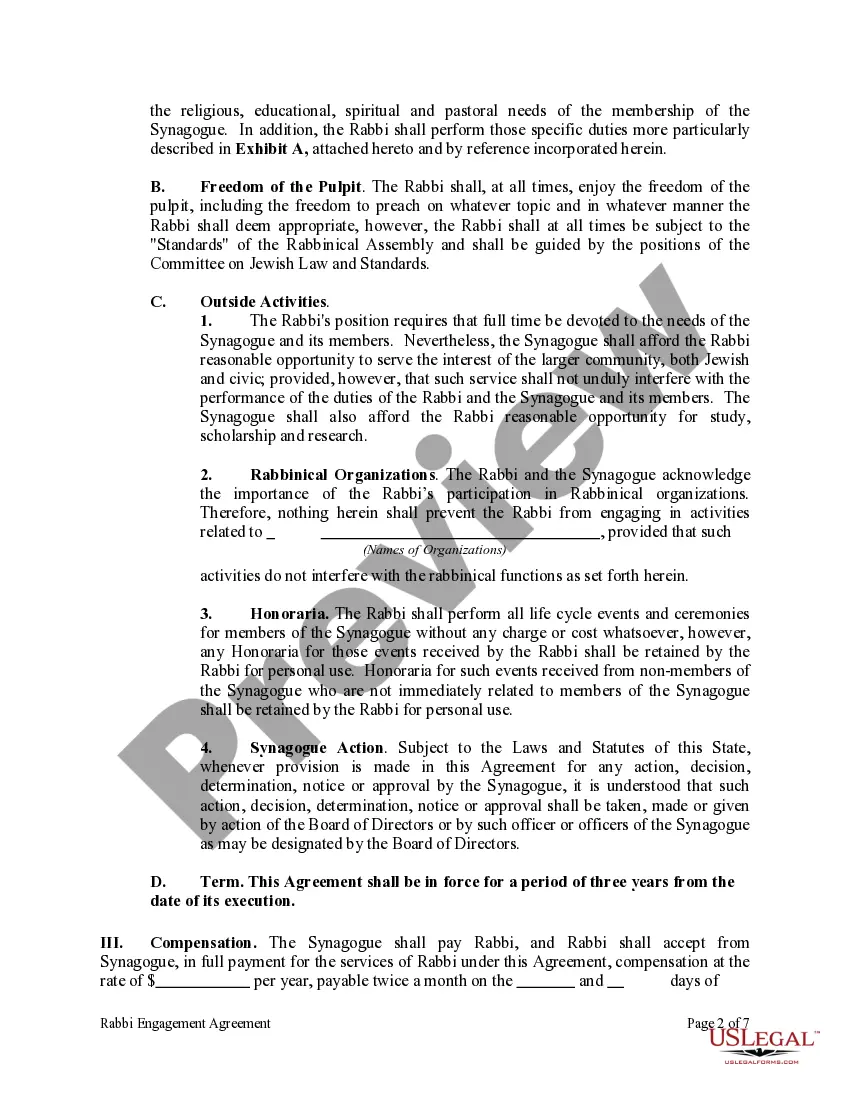
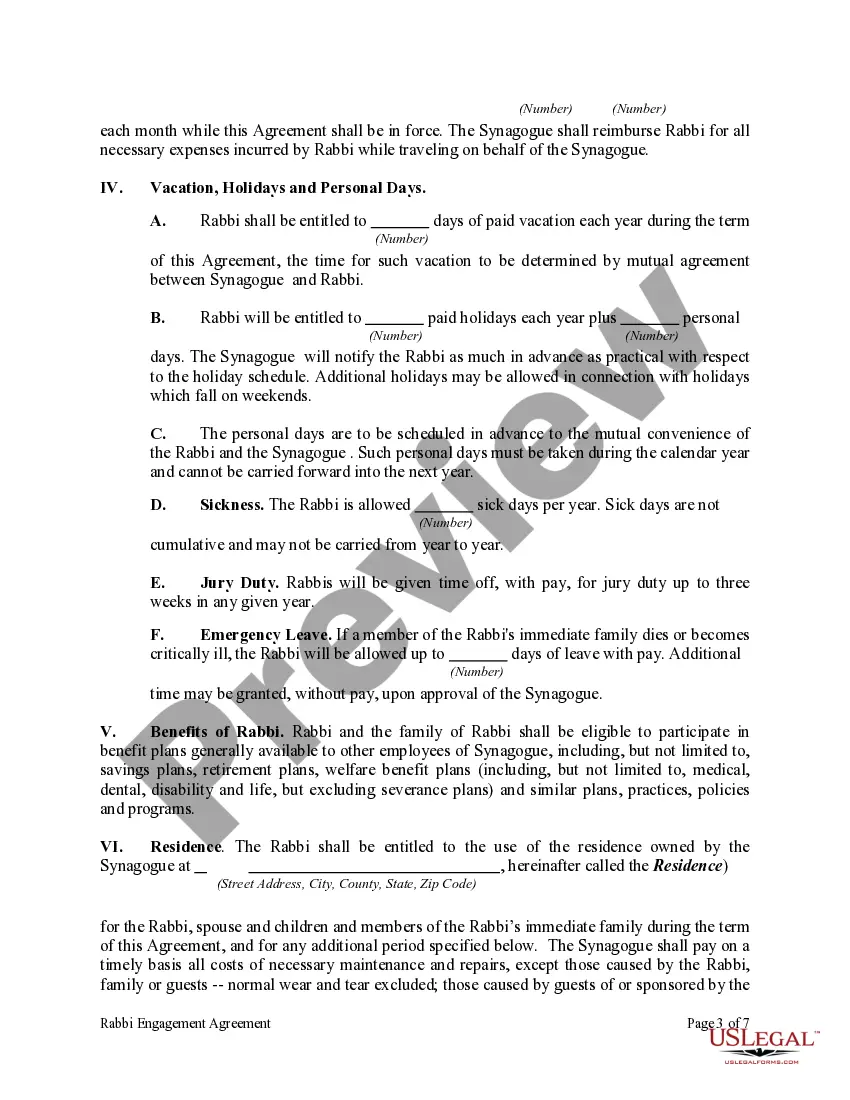
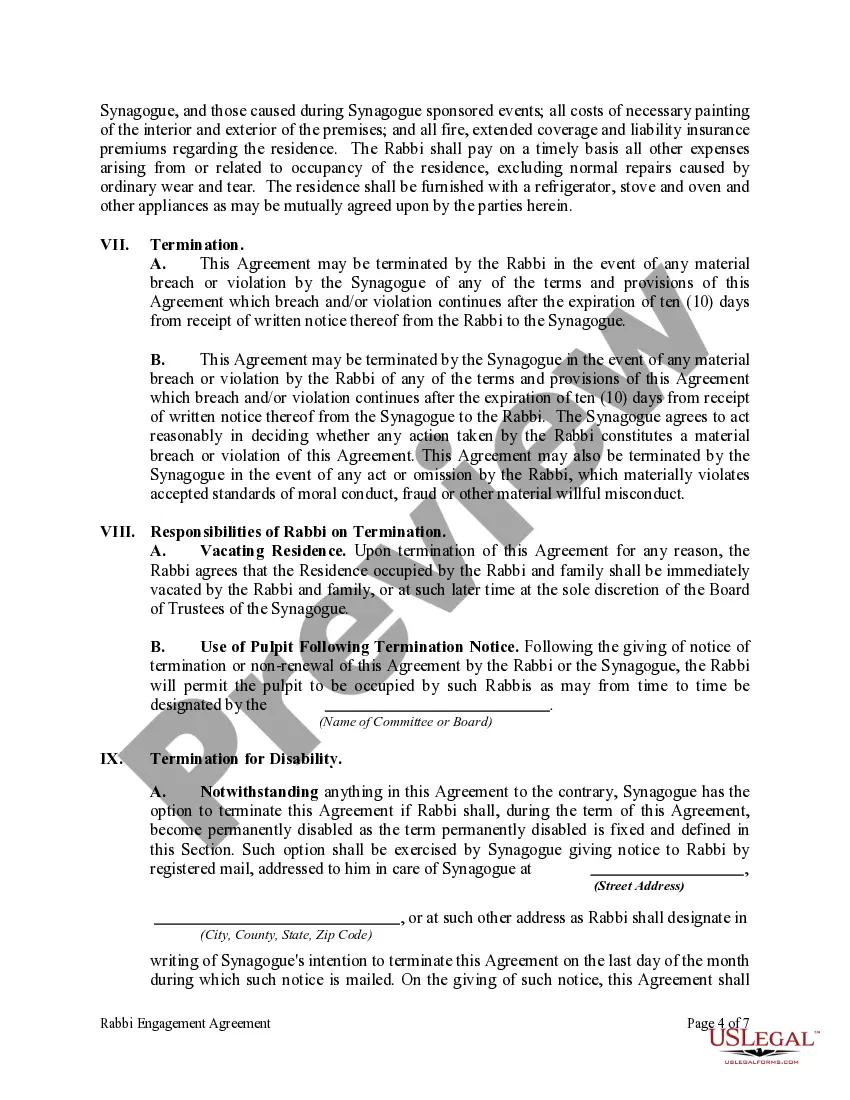
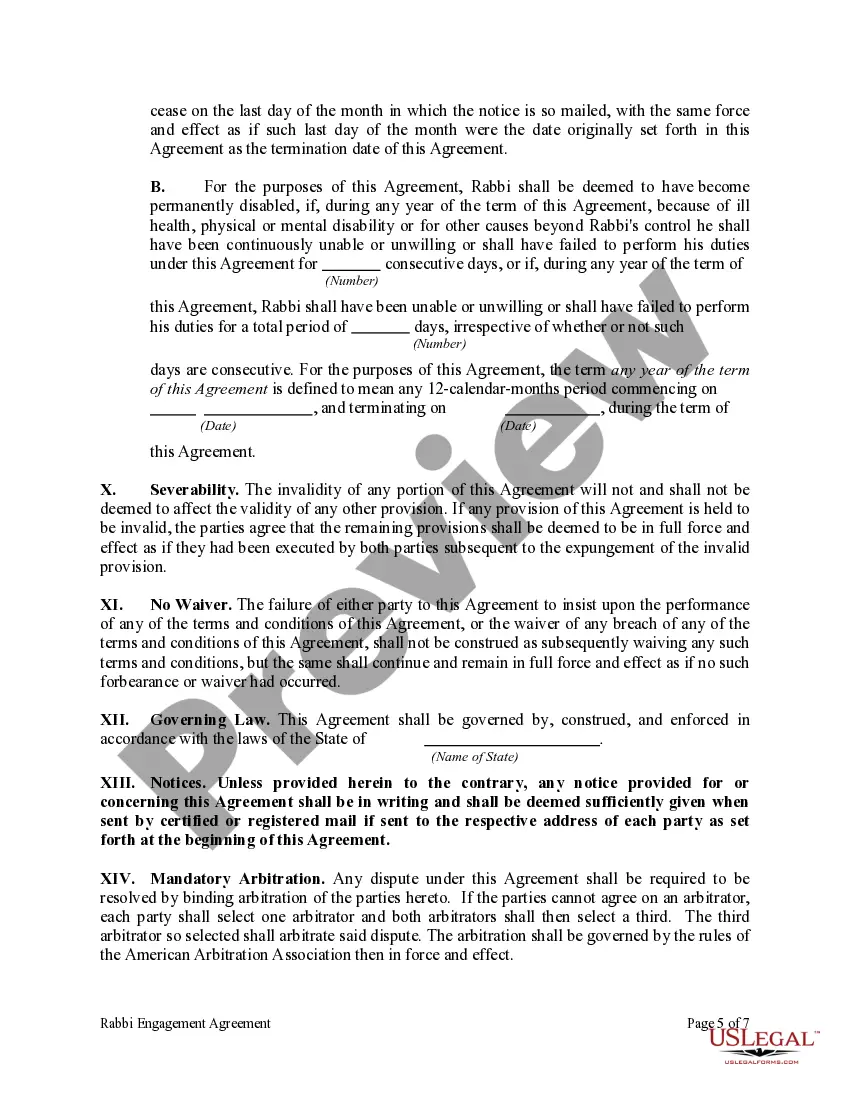
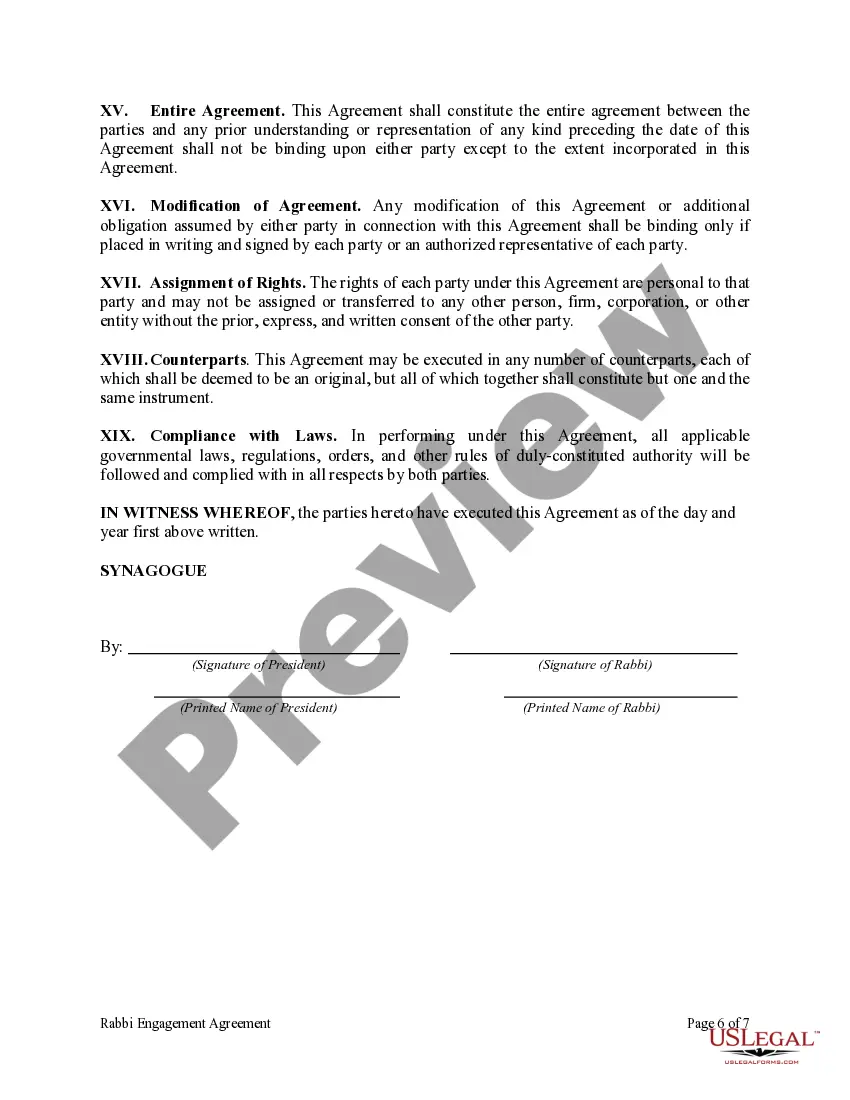
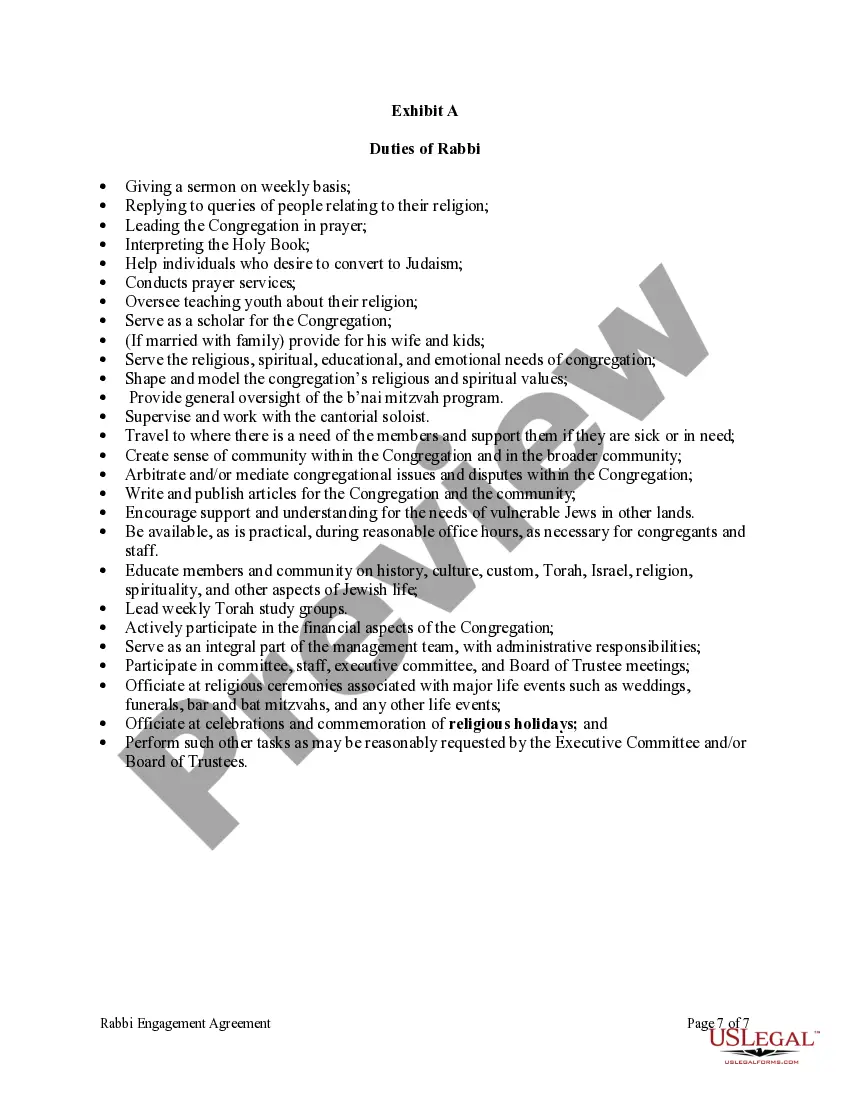
Colorado Rabbi Engagement Agreement
Description

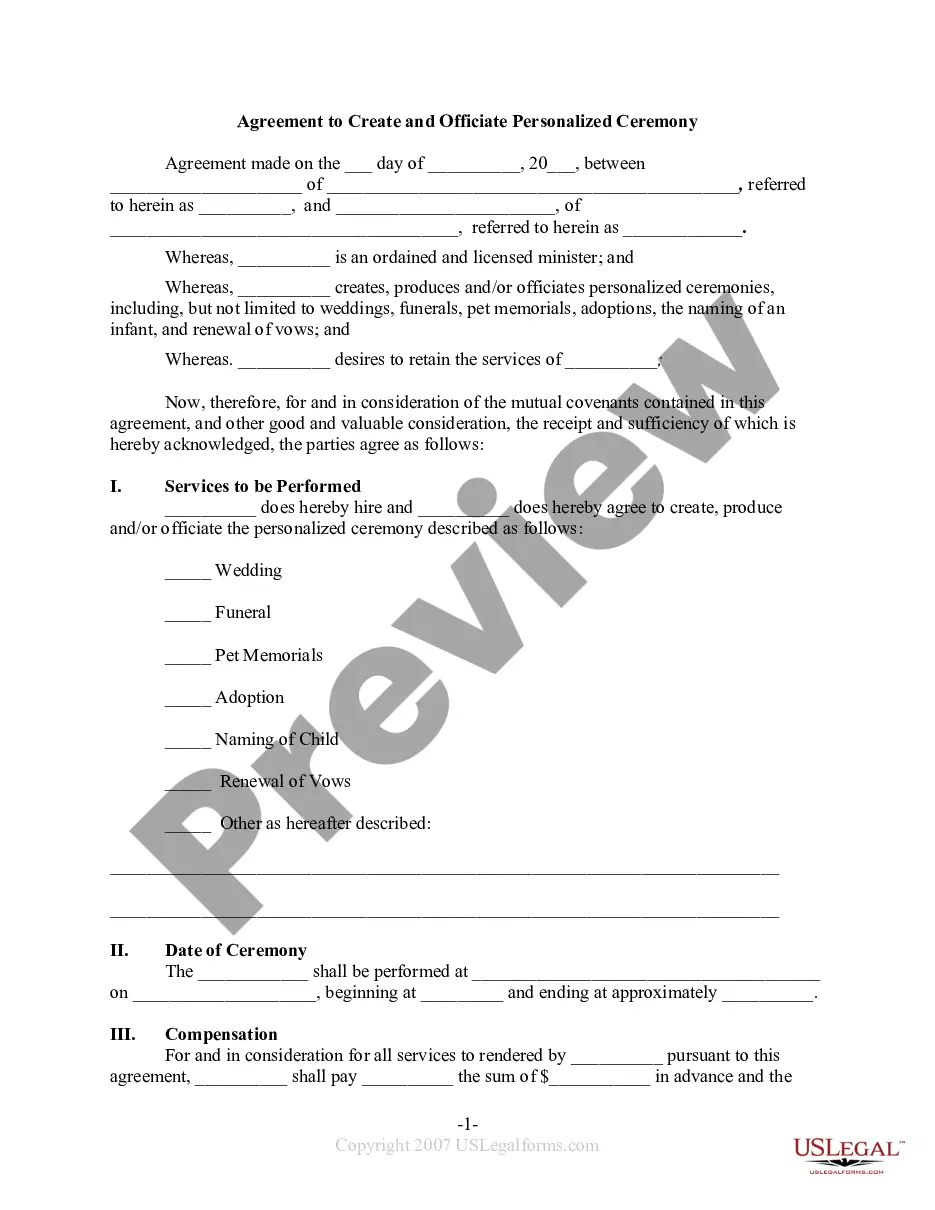
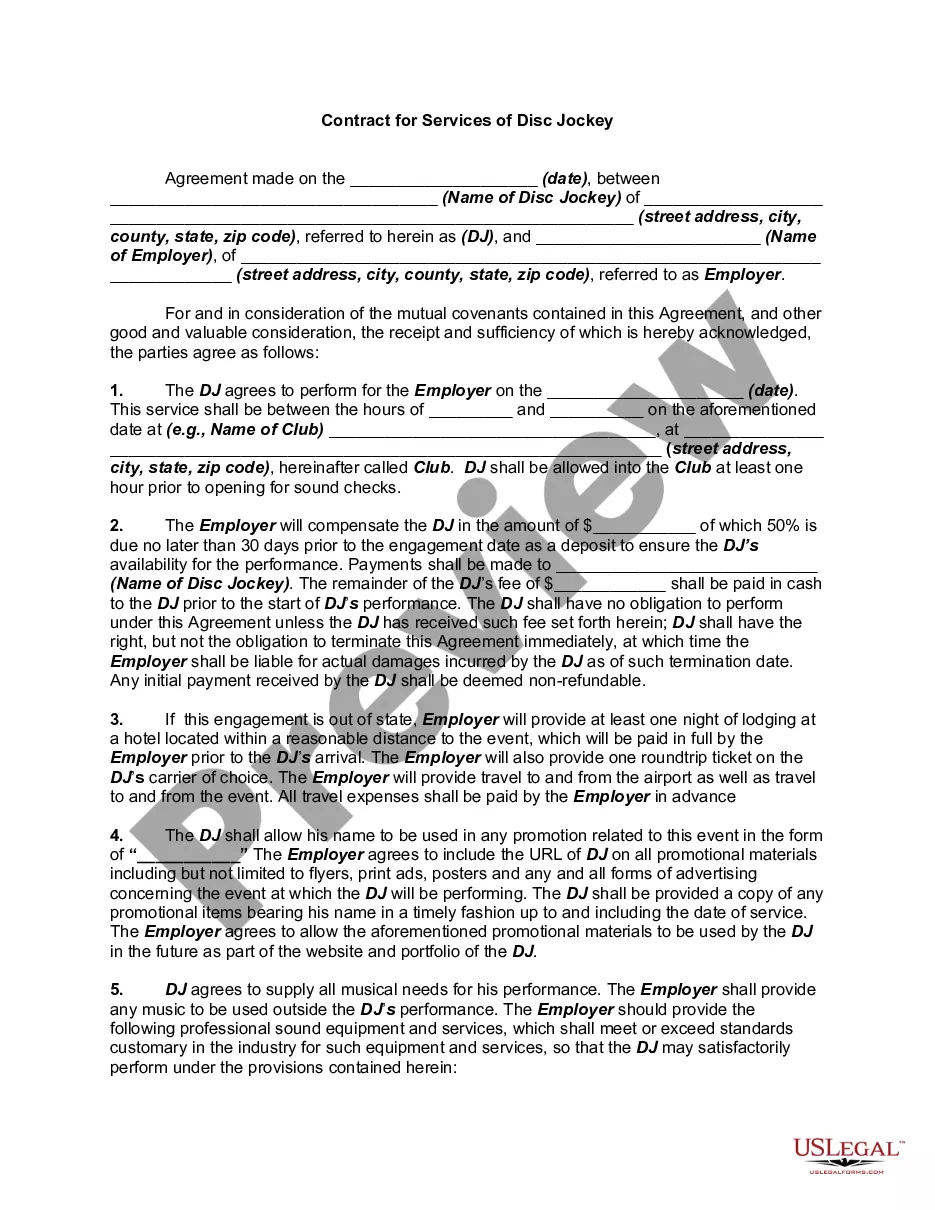
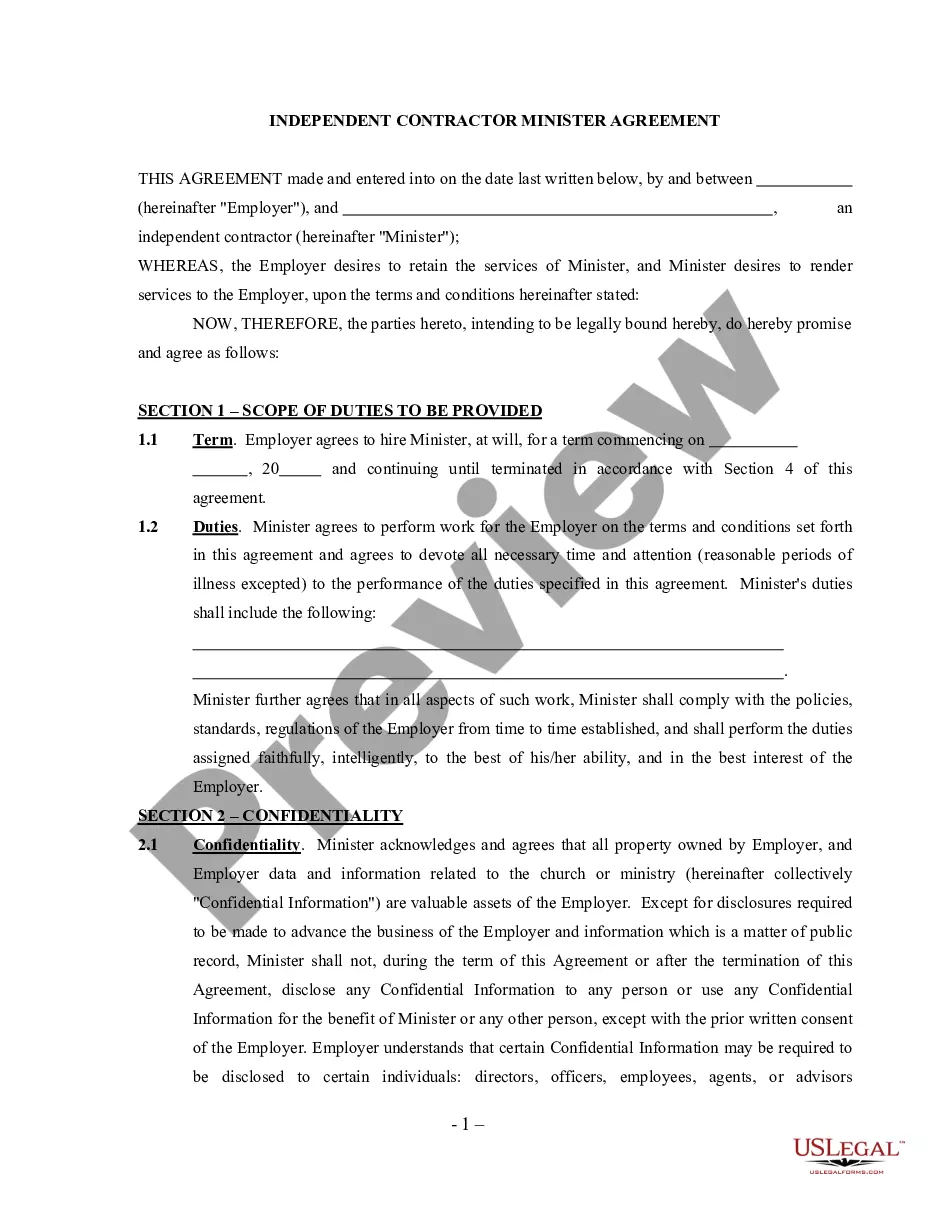
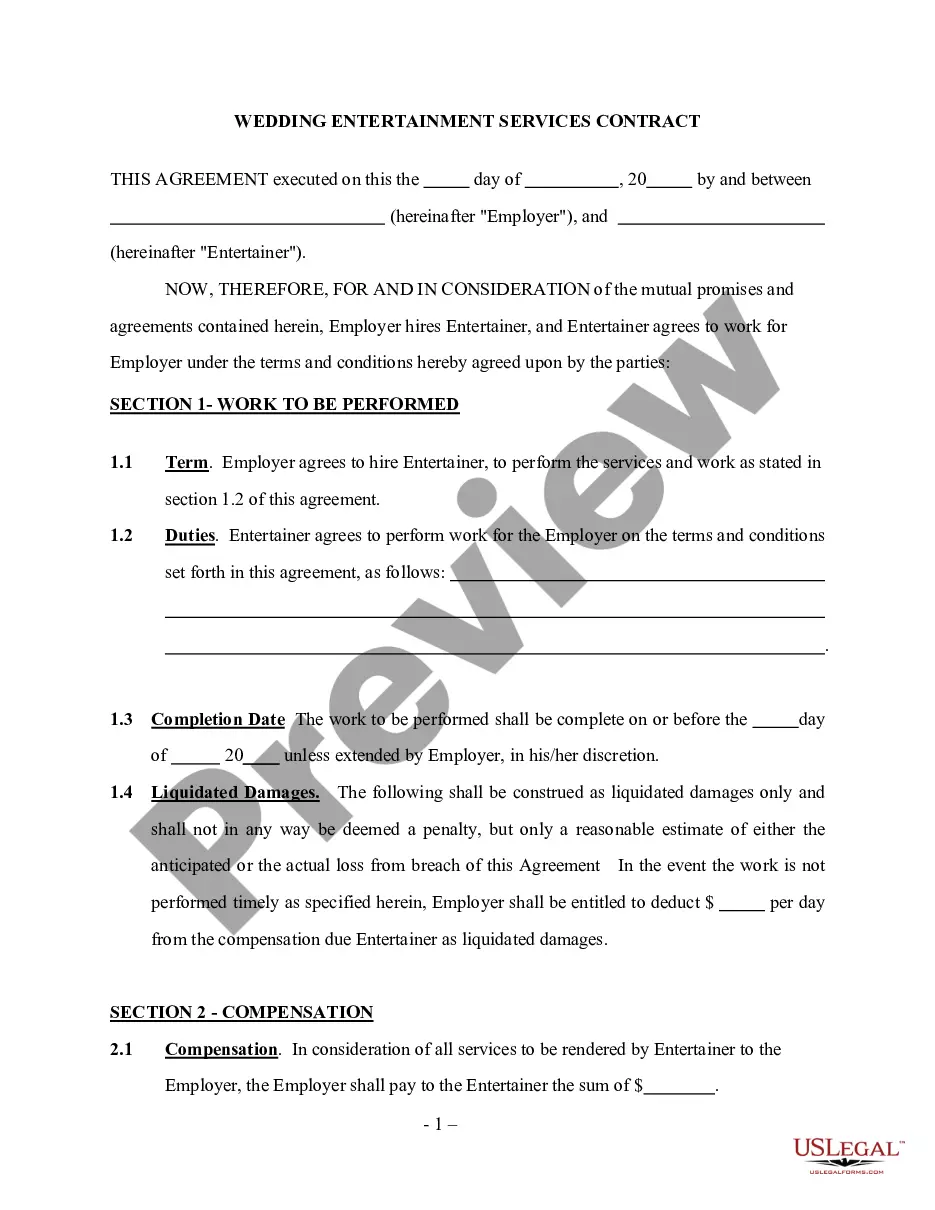
Get your form ready online
Our built-in tools help you complete, sign, share, and store your documents in one place.
Make edits, fill in missing information, and update formatting in US Legal Forms—just like you would in MS Word.
Download a copy, print it, send it by email, or mail it via USPS—whatever works best for your next step.
Sign and collect signatures with our SignNow integration. Send to multiple recipients, set reminders, and more. Go Premium to unlock E-Sign.
If this form requires notarization, complete it online through a secure video call—no need to meet a notary in person or wait for an appointment.
We protect your documents and personal data by following strict security and privacy standards.

Make edits, fill in missing information, and update formatting in US Legal Forms—just like you would in MS Word.

Download a copy, print it, send it by email, or mail it via USPS—whatever works best for your next step.

Sign and collect signatures with our SignNow integration. Send to multiple recipients, set reminders, and more. Go Premium to unlock E-Sign.

If this form requires notarization, complete it online through a secure video call—no need to meet a notary in person or wait for an appointment.

We protect your documents and personal data by following strict security and privacy standards.
Looking for another form?
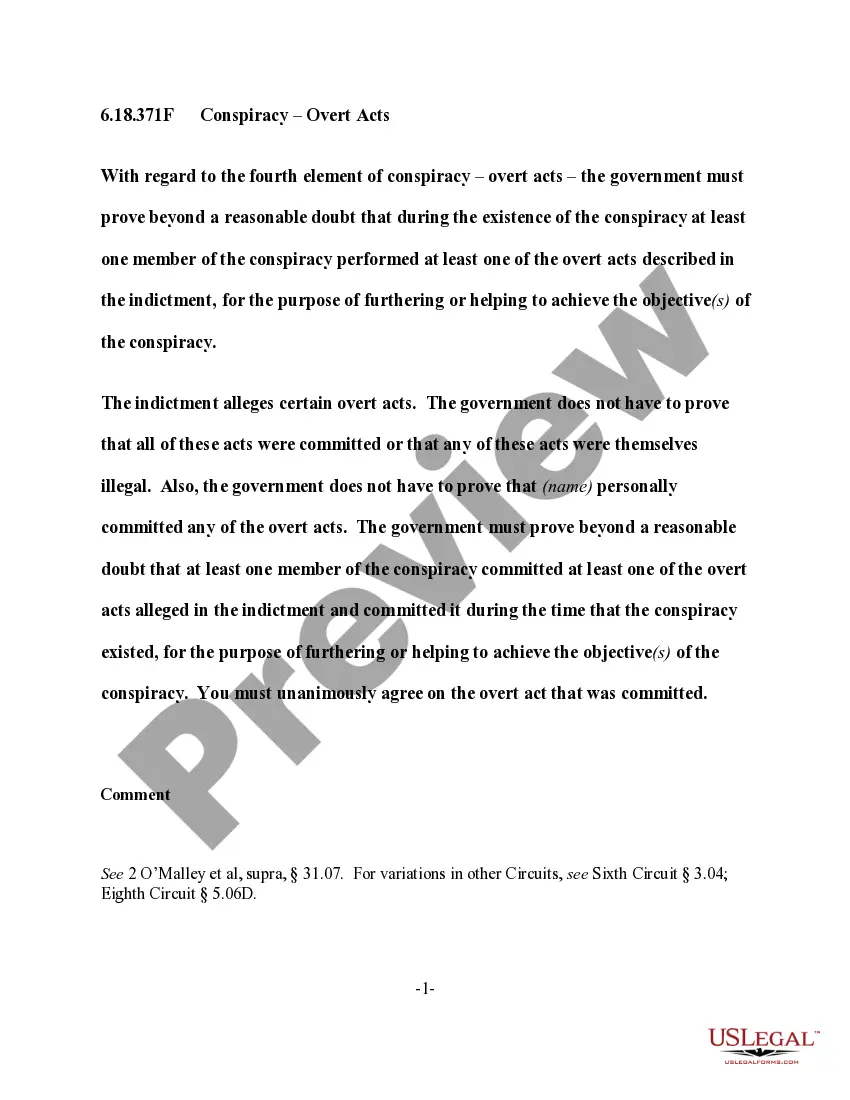
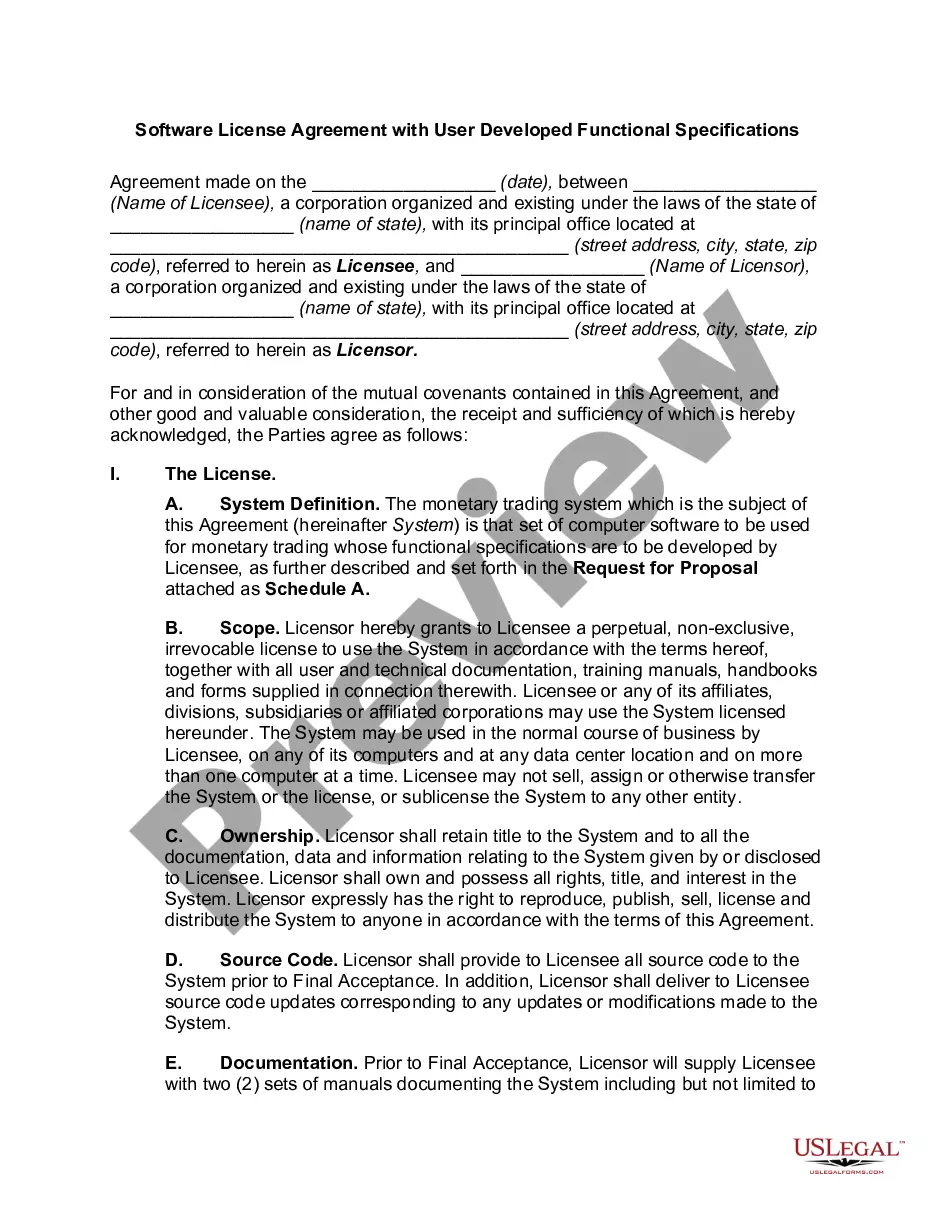
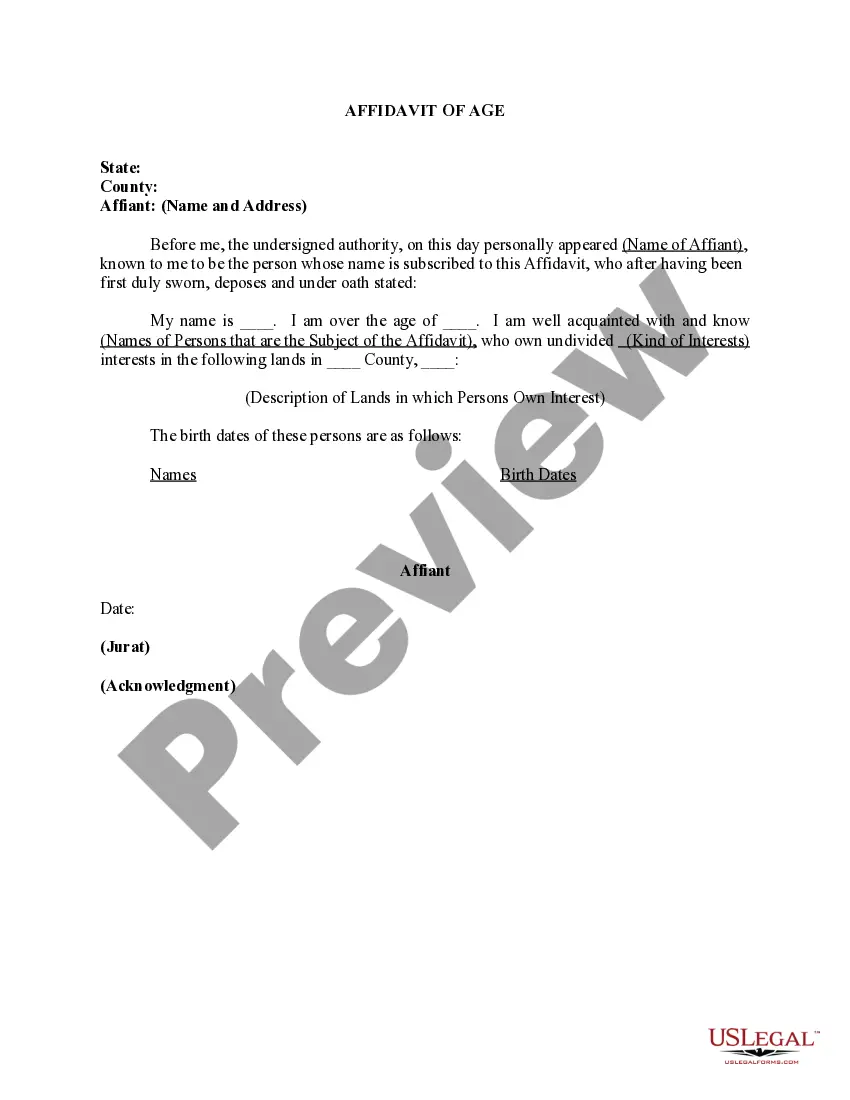
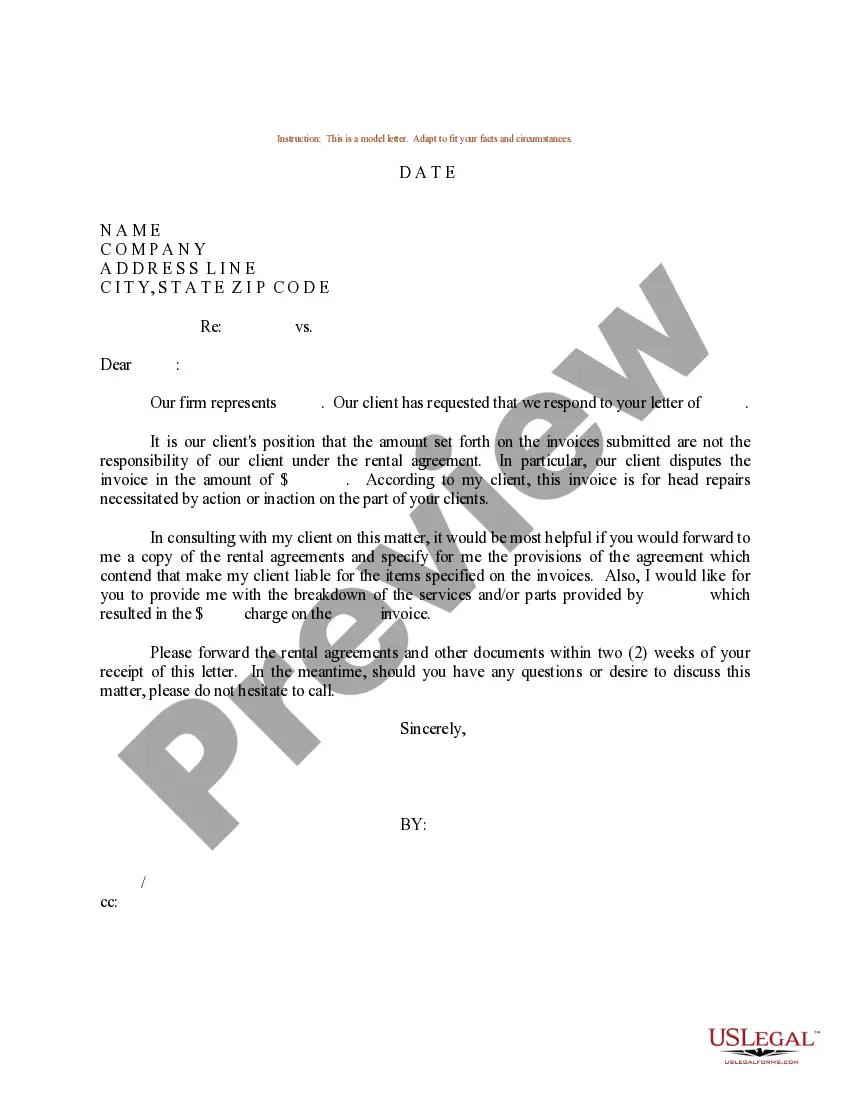
How to fill out Rabbi Engagement Agreement?
You can invest hours online looking for the valid document template that meets the state and federal requirements you need.
US Legal Forms offers a vast array of valid forms that can be reviewed by professionals.
You can easily obtain or print the Colorado Rabbi Engagement Agreement from the service.
- If you already have a US Legal Forms account, you can Log In and select the Obtain button.
- Then, you can fill out, modify, print, or sign the Colorado Rabbi Engagement Agreement.
- Each valid document template you purchase is yours to keep forever.
- To get another copy of any purchased form, navigate to the My documents section and click on the associated option.
- If you are visiting the US Legal Forms site for the first time, follow the straightforward instructions below.
- First, make sure you've selected the correct document template for the county/area of your choice.
- Review the form description to confirm you've chosen the right one.
- If available, utilize the Preview option to view the document template too.
- If you wish to find another version of the form, use the Search field to locate the template that suits your needs and criteria.
- Once you've found the template you require, click Purchase now to proceed.